Freelancers using Midjourney in San Mateo
Sign Up
Post a job
Sign Up
Log In
Filters
2
Projects
People
Nikol Hayes
pro
San Francisco, USA
AI Campaign Assets + Agents for DTC Growth
$50k+
Earned
19x
Hired
5.0
Rating
212
Followers
Top
Partner
+1
Follow
Message
AI Campaign Assets + Agents for DTC Growth

2
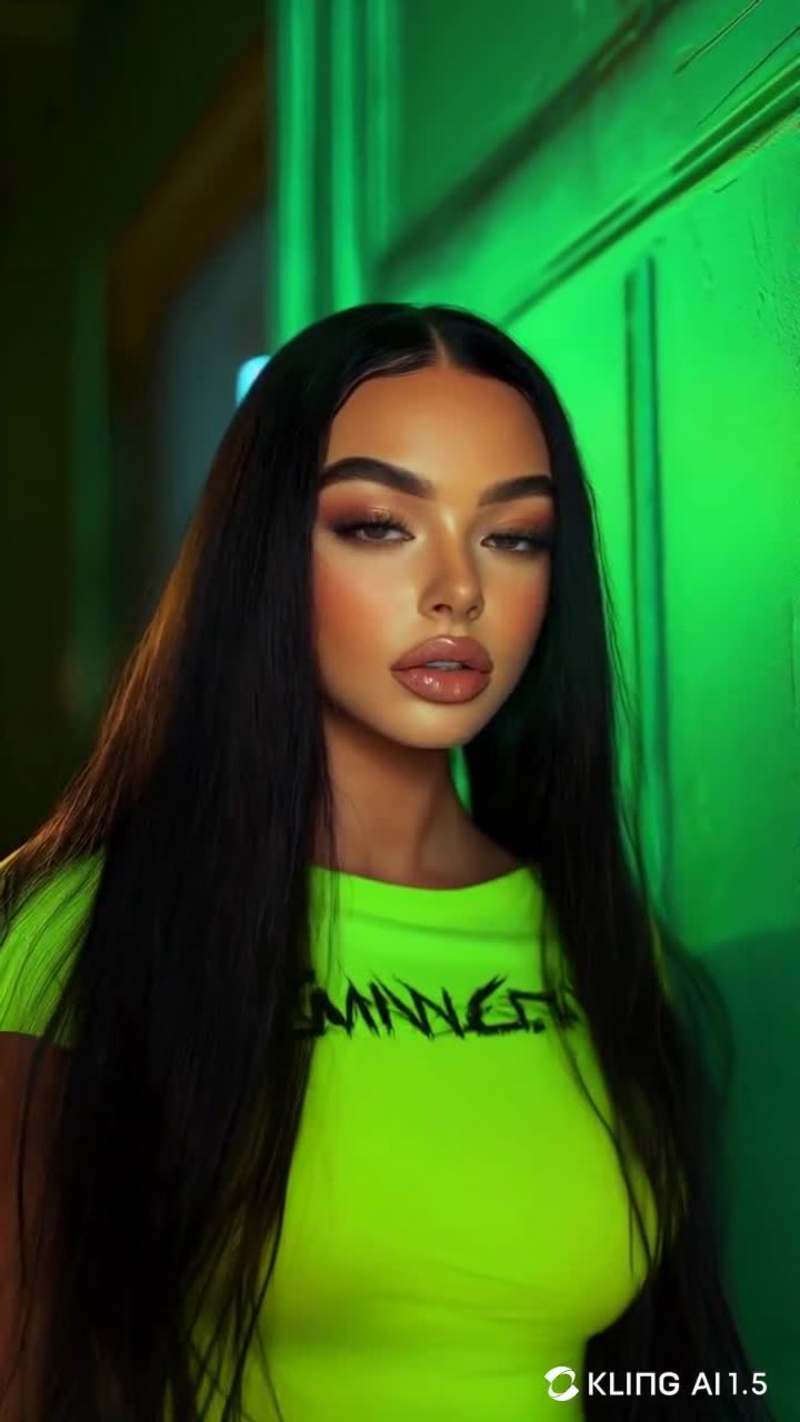
Zoryana: AI-Generated Influencer for Brand Campaigns
2
68
3
Skye 0.0 - Holographic AI Assistant
3
170
1
ZK Records - AI-Generated Album & Music Label
1
73
0
Midjourney Ai Art
0
74
Midjourney
(5)
Follow
Message
Yulia Litvinova
pro
San Francisco, USA
Save $10K+ on shoots with AI visuals
$1k+
Earned
1x
Hired
6
Followers
Follow
Message
Save $10K+ on shoots with AI visuals
1
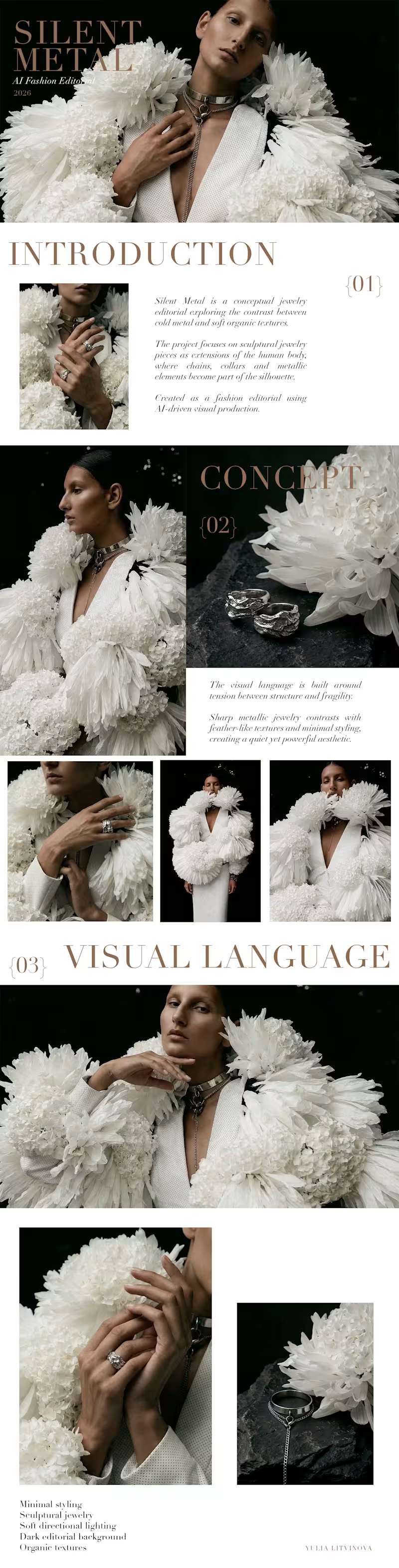
SILENT METAL - AI Jewelry Editorial
1
7
1
AI Photography - Marketplace CTR Growth
1
5
0
works for marketplace
0
17
2
some of my favorite work is the work that never actually gets published
2
83
Midjourney
(38)
Follow
Message
Noushin Pourmirza
pro
San Francisco, USA
Interactive & Motion Designer
1x
Hired
14
Followers
expert
Follow
Message
Interactive & Motion Designer
0
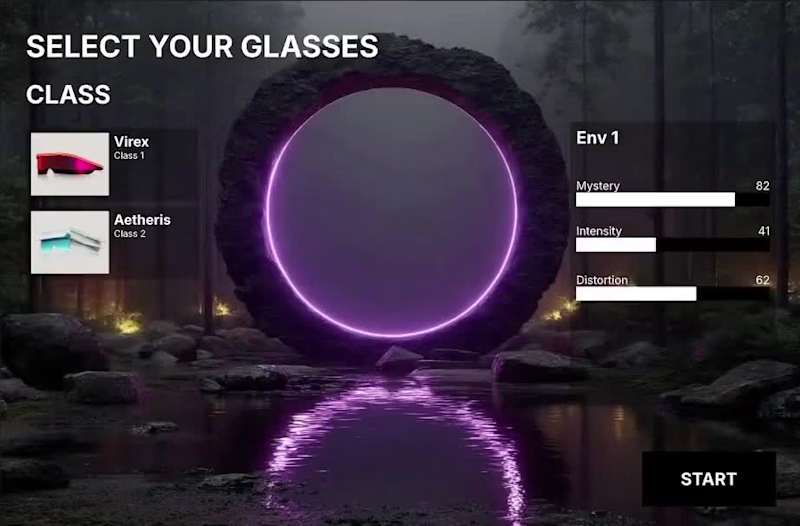
Interactive Environment Selection Menu
0
6
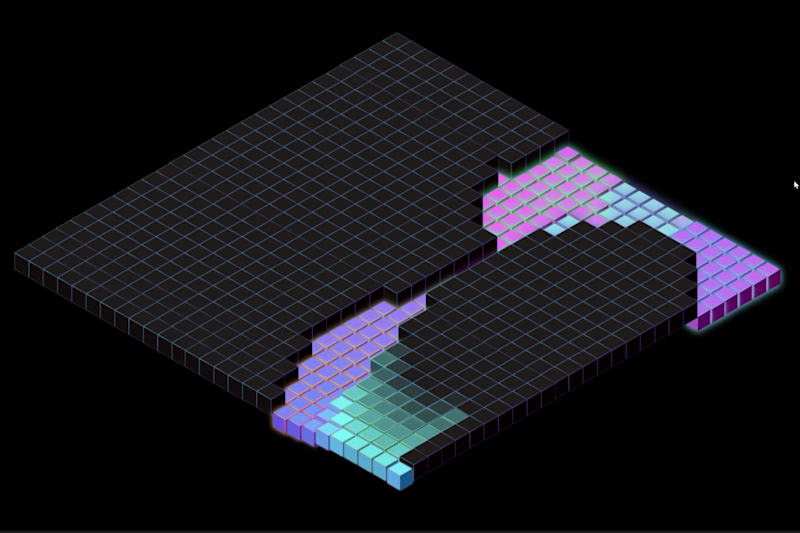
16
Interactive Grid built in @Rive Move your cursor across the grid and watch it come to life. ⭐ Interactive version available on Rive Marketplace: https://rive.app/marketplace/28199-53265-reactive-grid/ #rive (https://www.linkedin.com/search/results/all/?keywords=%23rive&origin=HASH_TAG_FROM_FEED) #UIdesign (https://www.linkedin.com/search/results/all/?keywords=%23uidesign&origin=HASH_TAG_FROM_FEED) #interactivedesign (https://www.linkedin.com/search/results/all/?keywords=%23interactivedesign&origin=HASH_TAG_FROM_FEED) #motiondesign (https://www.linkedin.com/search/results/all/?keywords=%23motiondesign&origin=HASH_TAG_FROM_FEED) #grid (https://www.linkedin.com/search/results/all/?keywords=%23grid&origin=HASH_TAG_FROM_FEED)
8
16
677
6
This is my submission for the Interactive Character Challenge. Flick is a streaming character inspired by the nostalgia of old floppy disks, where movie recommendations feel like little discoveries waiting to be found. Flick reacts to different movie genres with different moods and behaviors. Clicking the search icon sends it off to look for a recommendation and return with a floppy disk. The idea is that the character can also reflect the tone of a film visually, so even before reading the details, you already get a sense of whether something is horror, comedy, sci-fi, or something else. X post: https://x.com/noushinpourmir1/status/2072758899862909372?s=46&t=RIgxyhU9rZ_2cgmwdpwHHw LinkedIn post: https://www.linkedin.com/posts/noushinpourmirza_rive-characteranimation-interactivedesign-ugcPost-7478523189896052736-7CXs/?utm_source=share&utm_medium=member_desktop&rcm=ACoAABcuzKAB2RwD1MbBkhOmbqhzu6ll2McIYx8 Interactive version on Rive Marketplace: https://rive.app/marketplace/28146-53155-flick-streaming-character/
6
565
1
A simple football loop built in @Rive #MotionDesign #Football #Soccer #WorldCup2026 #FIFA #Animation #Rive
1
262
Midjourney
(1)
Follow
Message
Samrat Sharma
San Francisco, USA
User-centric designer for web, product, & graphics

Follow
Message
User-centric designer for web, product, & graphics
0
Balanced Body Social Media Graphics
0
10
0
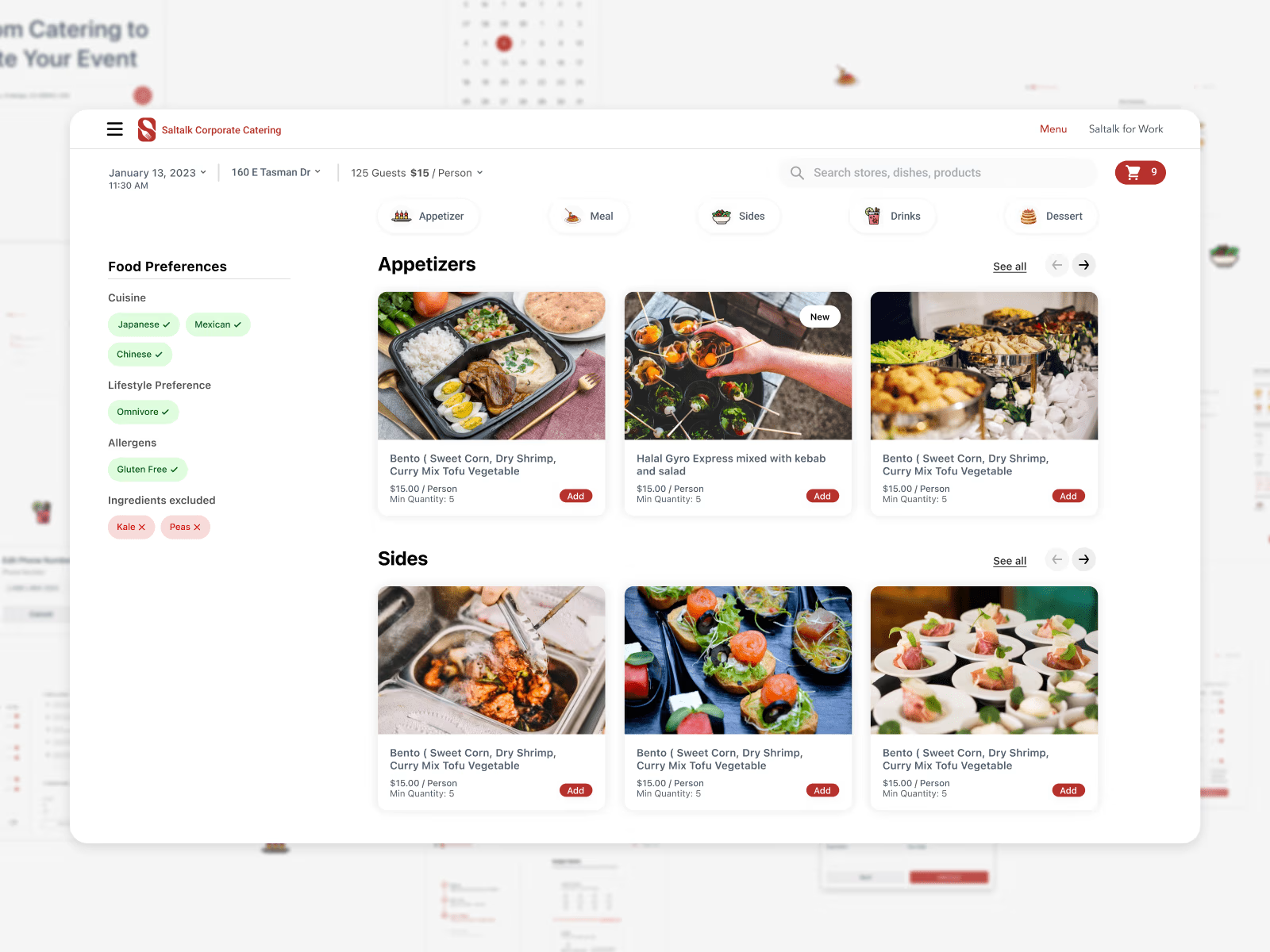
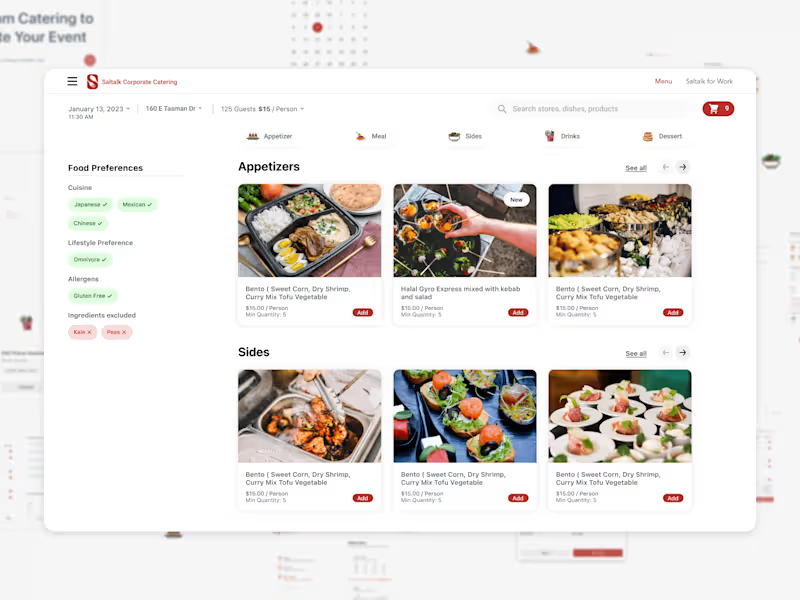
(Saltalk) AI-Cater: Personalized Catering, Simplified
0
13
0
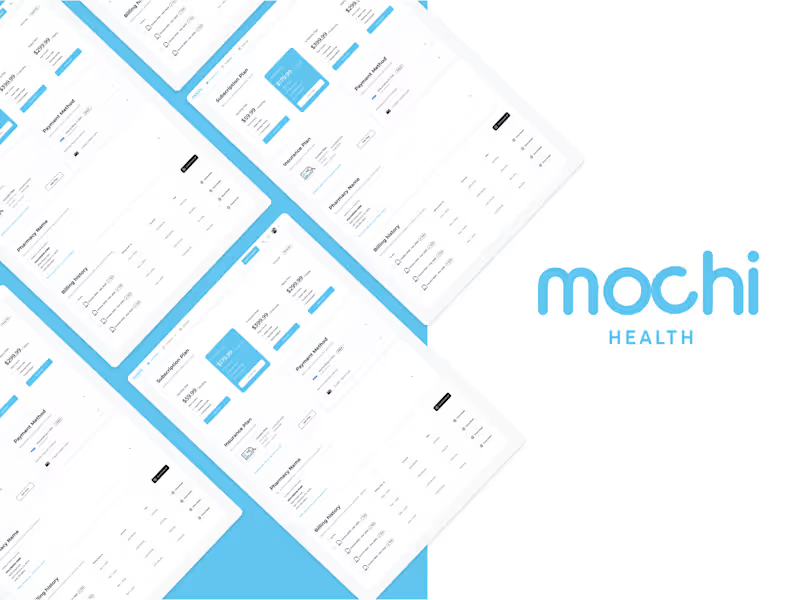
Mochi Health - Patient Billing Page
0
102
View more →
Midjourney
(1)
Follow
Message
David Akanbi
San Francisco, USA
Product & Interaction Designer
$1k+
Earned
6x
Hired
4.9
Rating
91
Followers
expert
expert
Follow
Message
Product & Interaction Designer
4
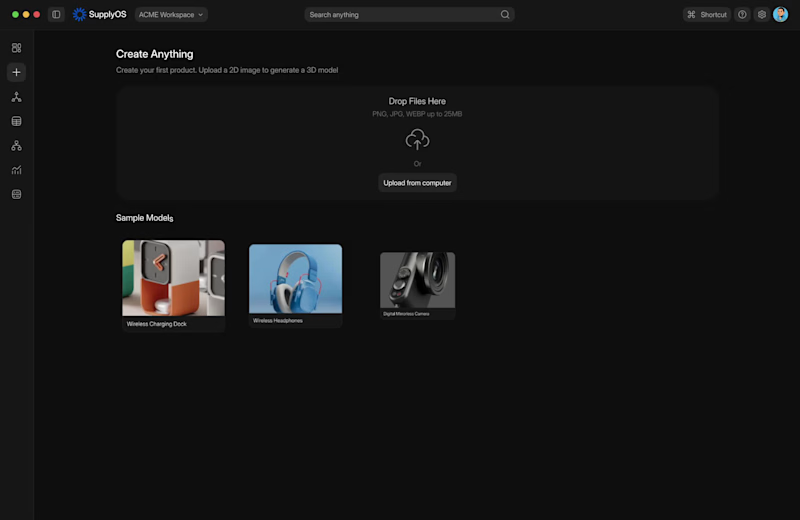
Working on an AI Image-to-3D creation workflow for a hardware manufacturing platform. This walkthrough covers: • Drag-and-drop image upload • Image review and prompt refinement • AI generation states • Interactive 3D model output A lot of the design effort went into reducing uncertainty during generation and making the transition from a flat image to a usable 3D asset feel seamless. Would love to hear your thoughts.
1
4
246
1
AI-Assisted Design Workflow Exploration
1
3
1
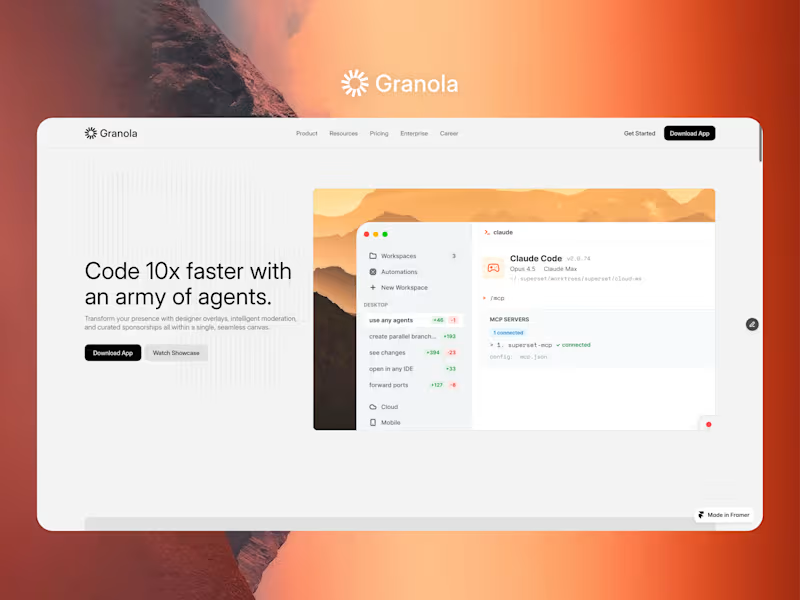
Granola Website Design & Framer Development
1
17
3
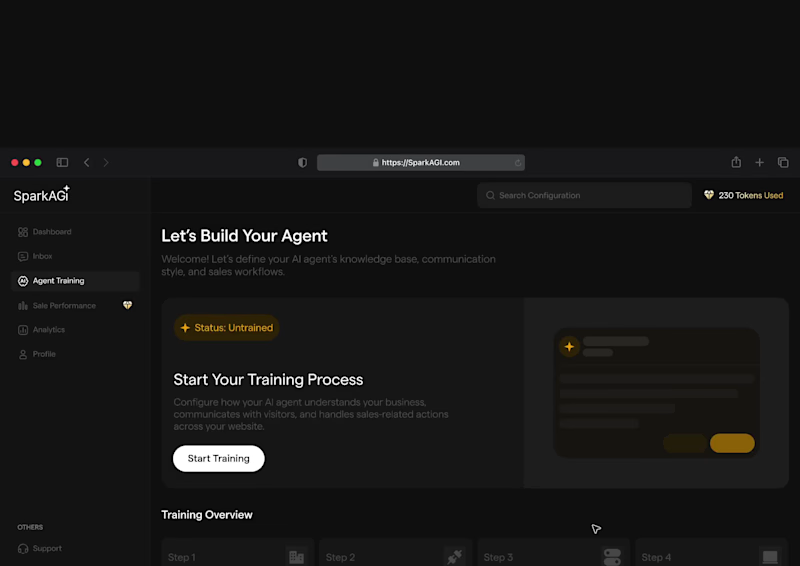
AI Sales Agent Platform - SparkAGI
3
24
Midjourney
(1)
Follow
Message
Molly Mittal
San Mateo, USA
Product & Visual Designer · Brand Identity · UI/UX
2x
Hired
5.0
Rating
58
Followers
Follow
Message
Product & Visual Designer · Brand Identity · UI/UX
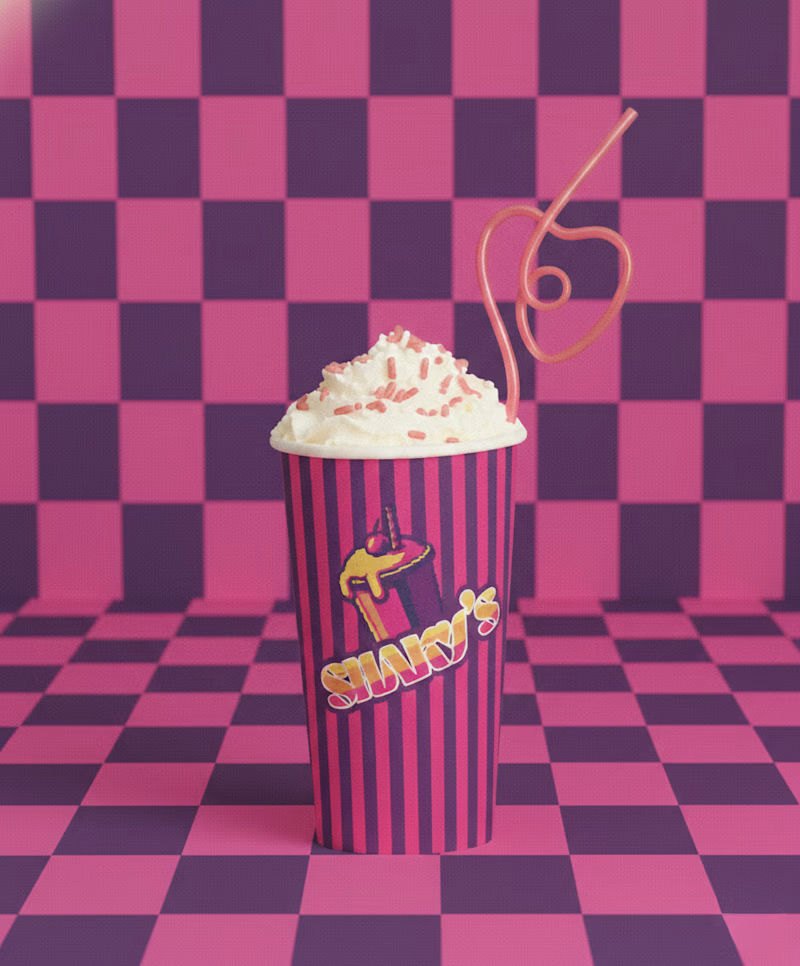
2
Logo and Menu Card Design
2
321
44
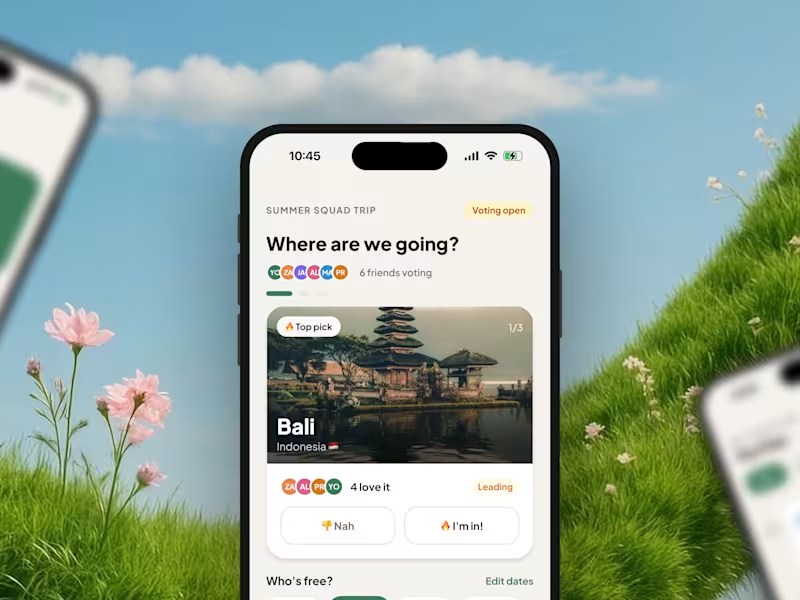
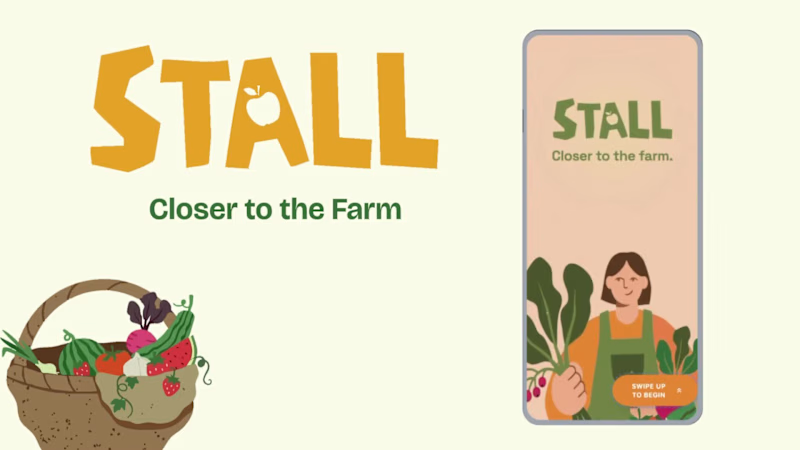
Project title STALL — Your farmers market, alive. A swipe-to-shop farmers market companion that connects local vendors with regulars before Saturday ever arrives. The problem Every Saturday, the same thing happens. You show up to the farmers market at 10am. The ramp vendor you wanted is sold out by 9. You forgot cash. You walk past a honey stall three times because you can't remember if you already bought some. And that new mushroom farm you heard about? Gone before you spotted them. On the vendor side, it's just as frustrating. Small farmers wake up at 4am, load the truck, drive an hour, and have no lightweight way to tell their regulars — the people who actually want what they grow — "I have asparagus this Saturday. Come find me." STALL fixes both sides of that problem. What STALL does STALL is a two-sided farmers market app built around one weekly ritual: Saturday morning. For shoppers: Follow vendors at your local market Swipe through a weekly produce deck — right to add to your list, left to skip — exactly like Bumble, but for ramps and sourdough Get a Friday evening digest: what your vendors have this week, your auto-built shopping list, and where each stall is on the map Pre-reserve high-demand seasonal items before you leave the house Discover first-of-season arrivals with a "what's new this week" spotlight For vendors: Post a weekly inventory update in 3 taps — what you're bringing, quantities, price Reach your regulars directly before market day Manage pre-reservations without a complicated system The app celebrates the seasonal nature of farmers markets — ramps in April, strawberries in June, squash in October. Every week feels like something worth showing up for. How I built this with Google Stitch STALL was designed and prototyped entirely using Google Stitch as the primary build tool, with Figma used only for initial wireframing. The workflow: Day 1 — Brand and wireframes I started by defining the brand: the name, palette (Pumpkin Spice Forest — a warm amber, fern green, mauve, and cream system), and illustration direction. I wireframed the three core flows — swipe deck, Friday digest, and vendor post — before touching Stitch. Day 2 — Into Stitch I imported my Figma file directly into Stitch using the .fig import feature. From there I used streaming generation to build each screen live on the canvas — watching the splash screen, onboarding flow, and homepage assemble in real time was genuinely remarkable. The HTML-native canvas meant every animation I added — card tilt on swipe, drawer slide-up, bento tile stagger — rendered exactly as it would in production. Key Stitch prompts used: "Add a swipe gesture to the produce card stack — right swipe shows a green Added overlay with 5° card tilt, left swipe shows a mauve Skipped overlay with -5° tilt" "Make the shopping list items stream in one by one with 120ms stagger on page load" "Add a bottom drawer that slides up from the vendor card with spring easing — show the farm bio, full inventory list, and two action buttons" "Build the Friday digest screen — vendor items animate in sequentially, the seasonal spotlight card pulses gently" "Export web assets and deploy to Netlify" In-place edits I used: Swapped the swipe overlay color from red to mauve to match brand Adjusted the bento grid gap from 8px to 6px after seeing it render on canvas Changed the CTA button from outlined to filled after in-place visual comparison Rewrote the seasonal spotlight copy directly on the canvas without regenerating What Stitch made possible that nothing else could: The swipe gesture interaction, the drawer spring animation, and the staggered list streaming — all three of these would have taken days to hand-code. In Stitch, they were prompt-driven and live on the canvas within minutes. The gap between "designed" and "interactive prototype" collapsed entirely. Screens delivered Splash screen — farmer illustration, full-bleed cream background Onboarding screen 1 — market basket illustration, "Your market, every Saturday" Onboarding screen 2 — swipe mechanic explainer with card UI Onboarding screen 3 — Friday digest bento preview Homepage — bento grid with market header, seasonal spotlight, list, map preview, swipe deck, streak tracker Swipe deck — card front, vendor expand drawer, swipe right (added), swipe left (skipped) Friday digest — streaming vendor list, seasonal spotlight, auto-built shopping list Market day map — vendor stall grid, spot numbers, live confirmation states Vendor post flow — 3-tap inventory update screen Design decisions worth noting The swipe mechanic — Borrowing the Bumble swipe pattern for produce discovery was the conceptual breakthrough. It transforms a passive browse into an active, satisfying decision. Every right swipe builds your list. Every left swipe still shows you where the vendor is on the market map — skipping is never permanent. The Friday digest as the hero feature — Most apps make you come to them. The Friday evening push notification with a personalised market brief is the one moment where STALL comes to you. It changes Saturday morning from reactive to intentional. Bento homepage — Instead of a scrolling feed, the homepage gives you everything at a glance: your market, your list, the seasonal moment, your vendors. Seven tiles, seven pieces of information, zero scrolling. The color system — Pumpkin (#E8872A), Fern (#728040), Mauve (#B07090), Cream (#FDFAF6), and Moss (#4A5228). Every color has one job. Pumpkin is interactive. Fern is seasonal and confirmed. Mauve is reserved and streaks. Cream is every surface. Nothing competes. What I learned Stitch genuinely changes the prototyping workflow. The moment I stopped thinking of it as a design tool and started thinking of it as a build tool — one where the canvas is the product, not a picture of the product — everything accelerated. The in-place edit feature is the one I'll keep coming back to: being able to change a color, rewrite copy, or swap a component without regenerating the whole screen is the difference between iteration and rework. STALL started as a hackathon idea. After building it in Stitch, it feels like something real. Live Prototype: https://stitch.withgoogle.com/preview/8229547464152593644?node-id=e53124995cda49808685283be978dc8c
50
44
836
0
Boatsetter Email Marketing System
0
11
3
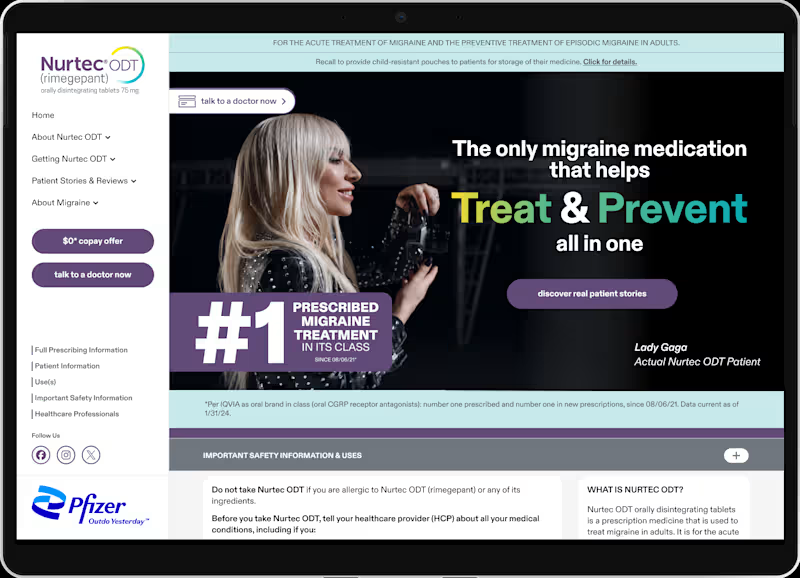
Pfizer Nurtec x Lady Gaga Campaign
3
16
Midjourney
(1)
Follow
Message
Mitch Greer
Berkeley, USA
Bold design & art across print, code, and concept worlds
Follow
Message
Bold design & art across print, code, and concept worlds
0
Liberator
0
4
0
Empty Cup Holds the Soul of a Dream
0
4
0
Kairos Timer
0
5
0
Wyndy the Cat: Character Explorations
0
3
Midjourney
(2)
Follow
Message
Tamas Kalman
San Francisco, USA
Scalable backend & architecture expert for high-load systems
Follow
Message
Scalable backend & architecture expert for high-load systems
0
Squidcode LLC
0
5
0
RaidRunner
0
8
0
HAL 8580 - AI-Powered Twitch Companion
0
5
View more →
Midjourney
(1)
Follow
Message
Explore people