Freelancers using Firebase in Islamabad
Sign Up
Post a job
Sign Up
Log In
Filters
2
Projects
People
Hamza Imran
pro
Islamabad, Pakistan
Quality-focused Flutter Engineer
$1k+
Earned
1x
Hired
30
Followers
Follow
Message
Quality-focused Flutter Engineer
0
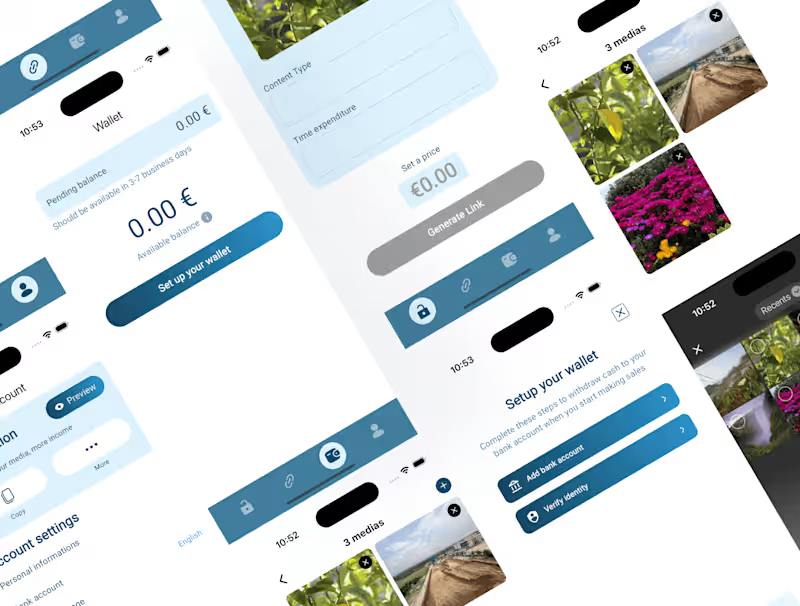
Paylock - Media Selling
0
59
0
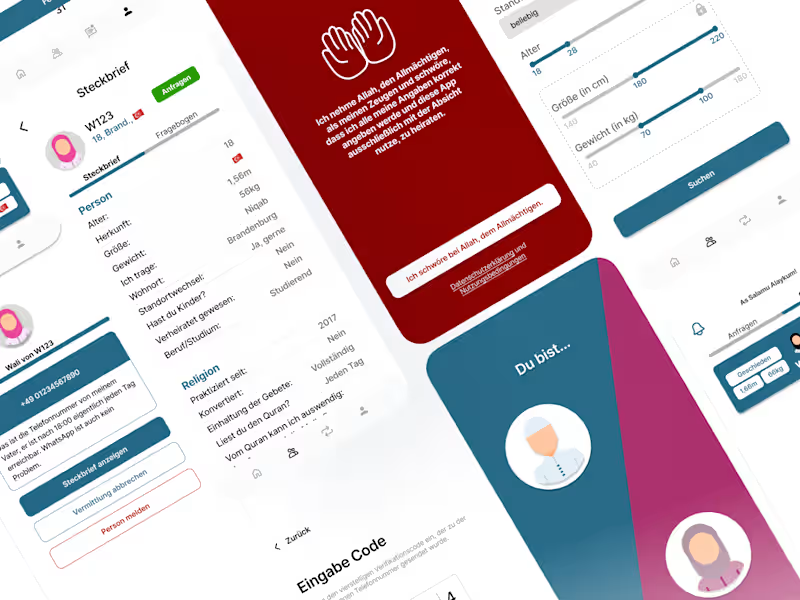
Babulwali - Mariage App
0
124
1
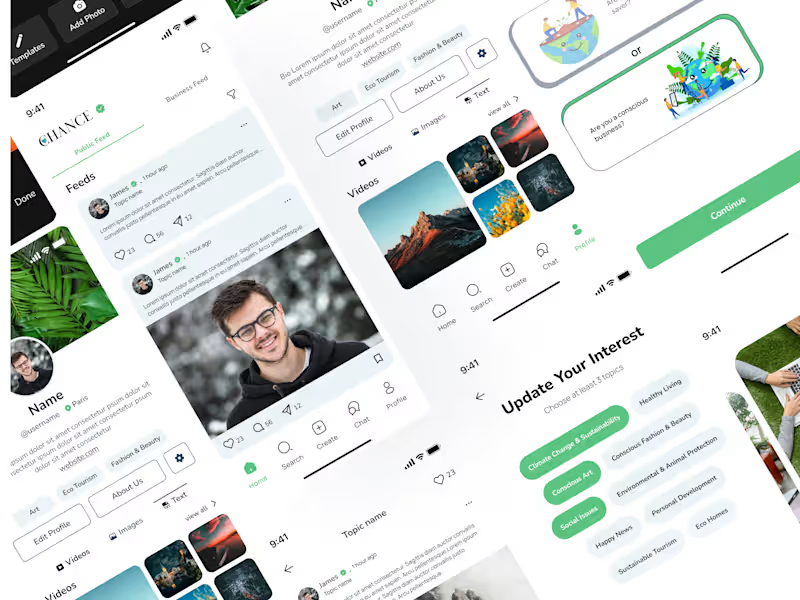
Chance - Social Media App
1
76
1
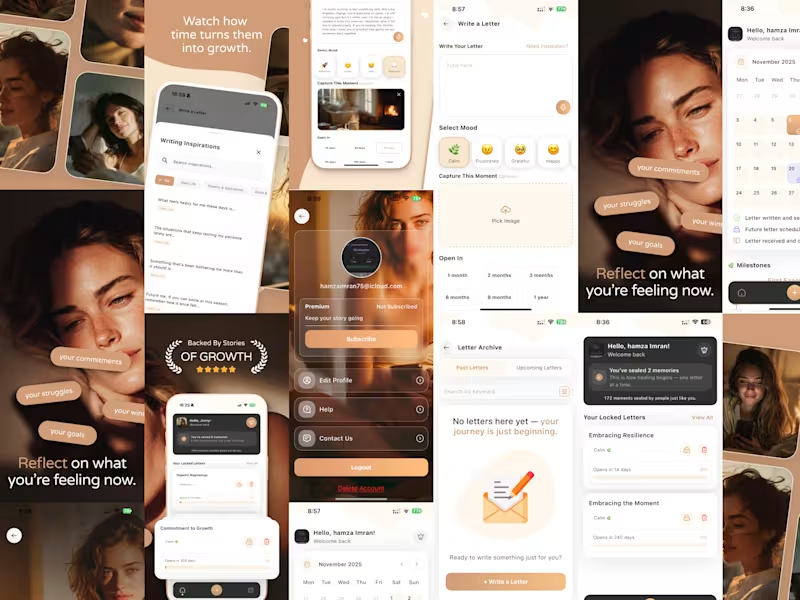
FutureNote App Development
1
6
Firebase
(3)
Follow
Message
Abdul Qadeer
Islamabad, Pakistan
Full-Stack Developer & AI Engineer | Next.js, Flutter
5.0
Rating
20
Followers
Follow
Message
Full-Stack Developer & AI Engineer | Next.js, Flutter
0
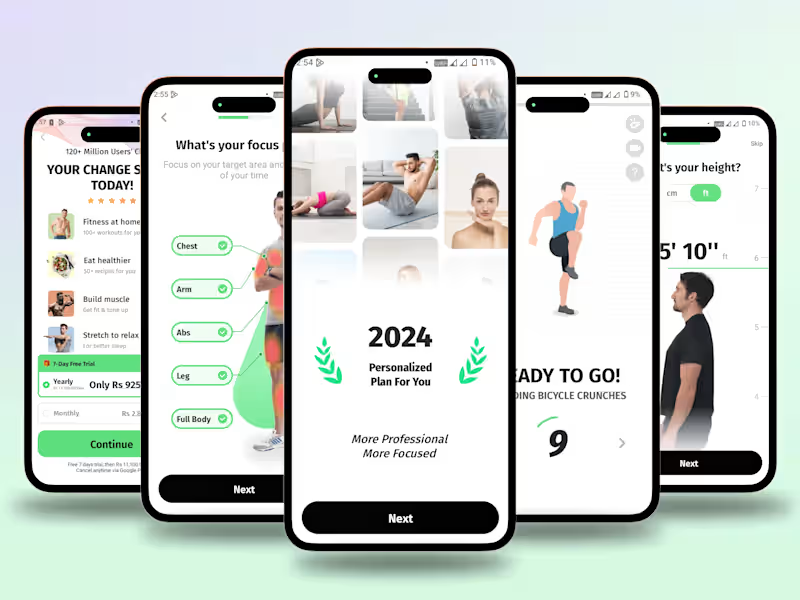
Personalized Fitness App Full Case Study
0
6
0
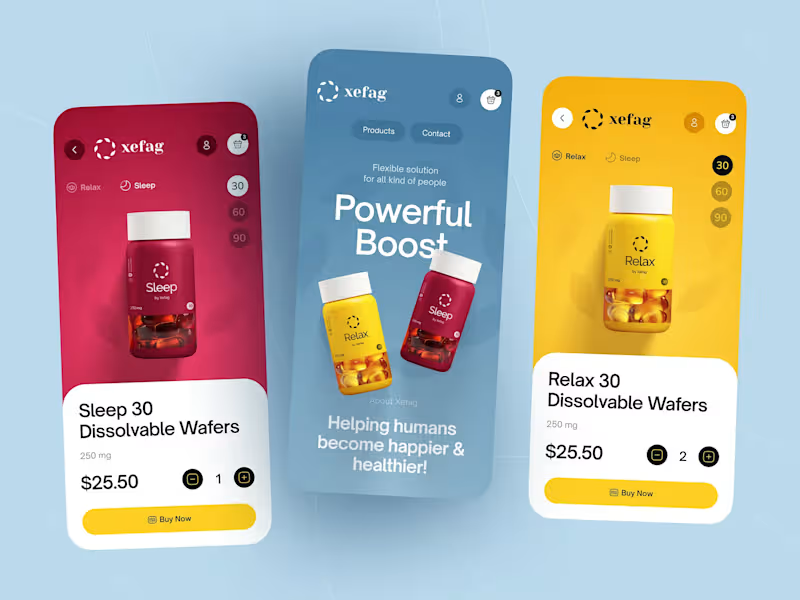
Health Product Store Mobile App Case Study
0
4
0
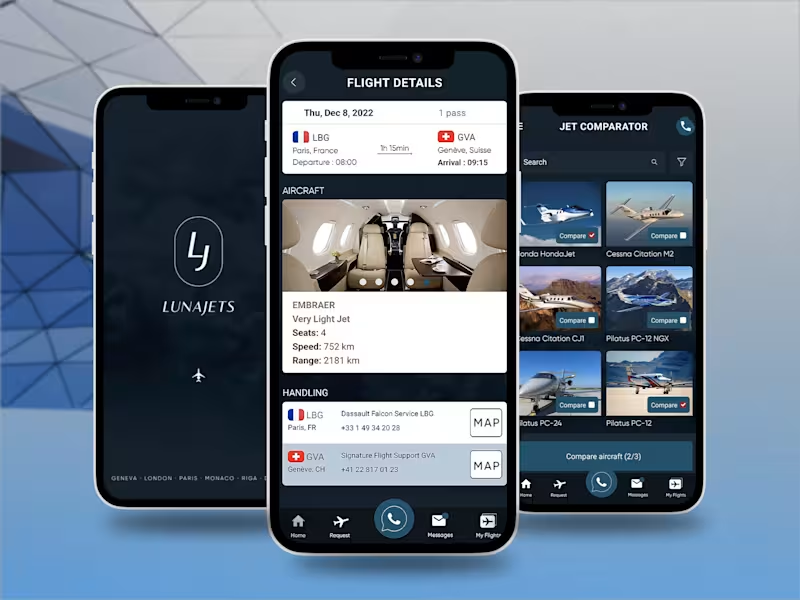
Private Jets Charter Mobile App Case Study
0
8
0
Somnox IoT Sleep Robot Companion Case Study
0
9
Firebase
(4)
Follow
Message
Muhammad Haseeb Shaukat
Rawalpindi, Pakistan
Graphic Designer & Fullstack Developer | 5+ Years
Follow
Message
Graphic Designer & Fullstack Developer | 5+ Years
0
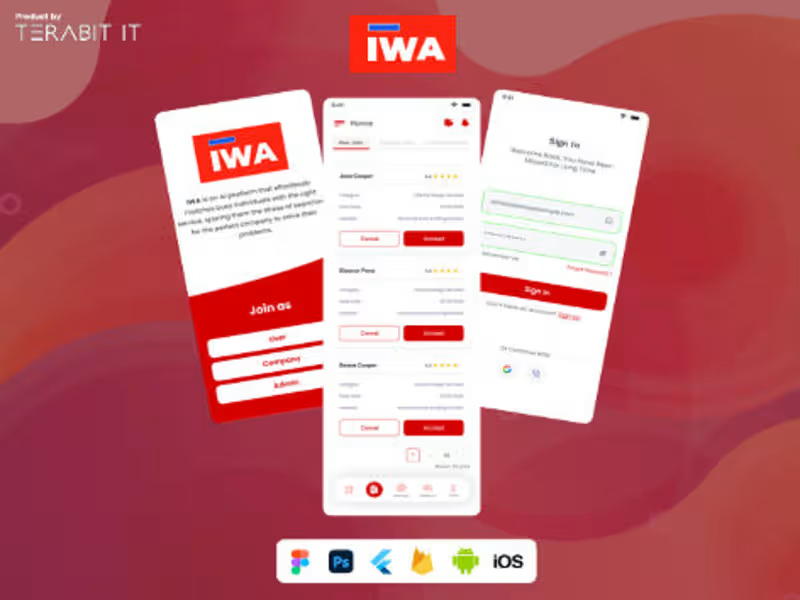
IWA App
0
5
0
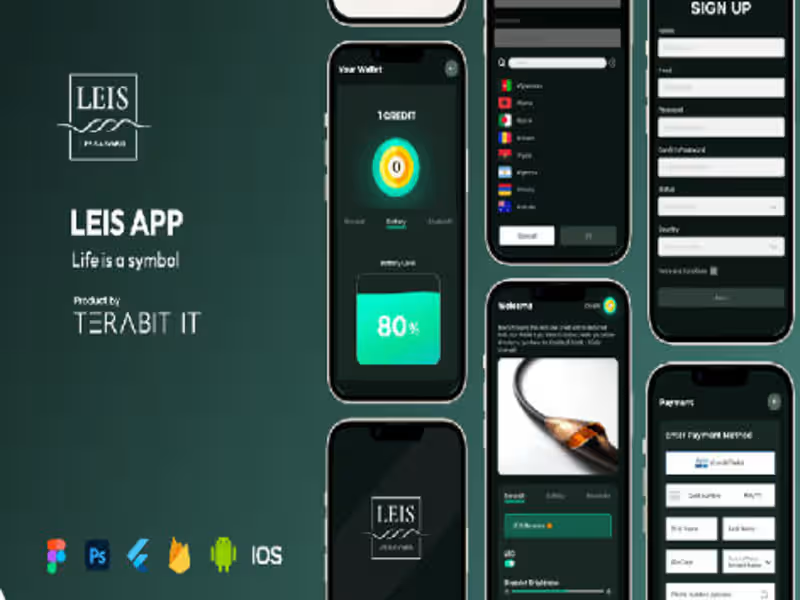
LEIS App
0
4
0
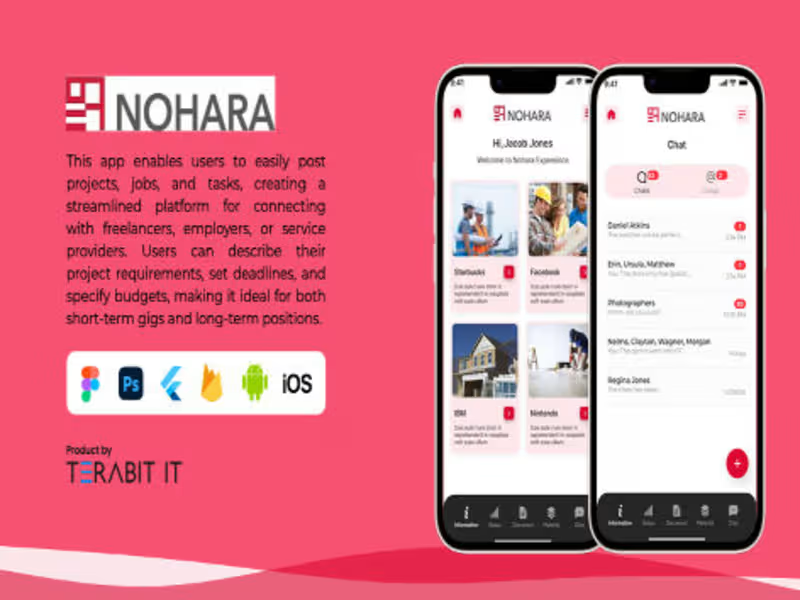
Nohara App
0
6
0
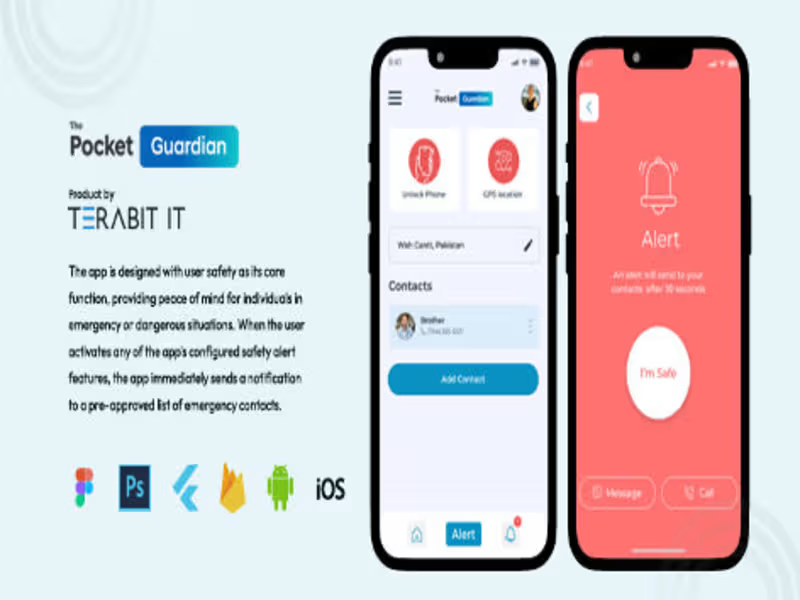
Pocket Guardian
0
4
Firebase
(19)
Follow
Message
Haris Rana
Rawalpindi, Pakistan
A dedicated and passionate Flutter Application Developer
Follow
Message
A dedicated and passionate Flutter Application Developer
0
RSS Feed – Global News at Your Fingertips
0
4
0
PMD KISSAN APP
0
4
0
Chat Application
0
2
View more →
Firebase
(3)
Follow
Message
talha masood
Rawalpindi, Pakistan
Flutter and FlutterFlow Expert
Follow
Message
Flutter and FlutterFlow Expert
0
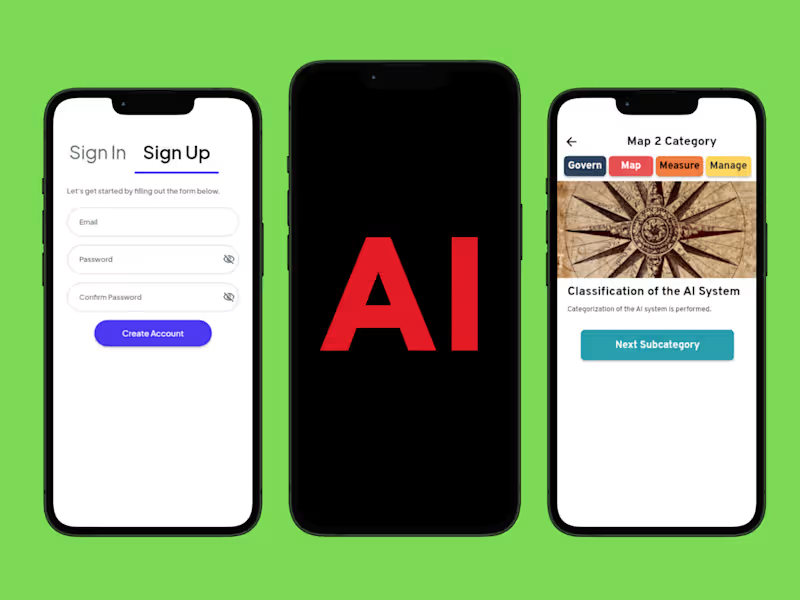
AI RMF FlutterFlow App Development
0
5
0
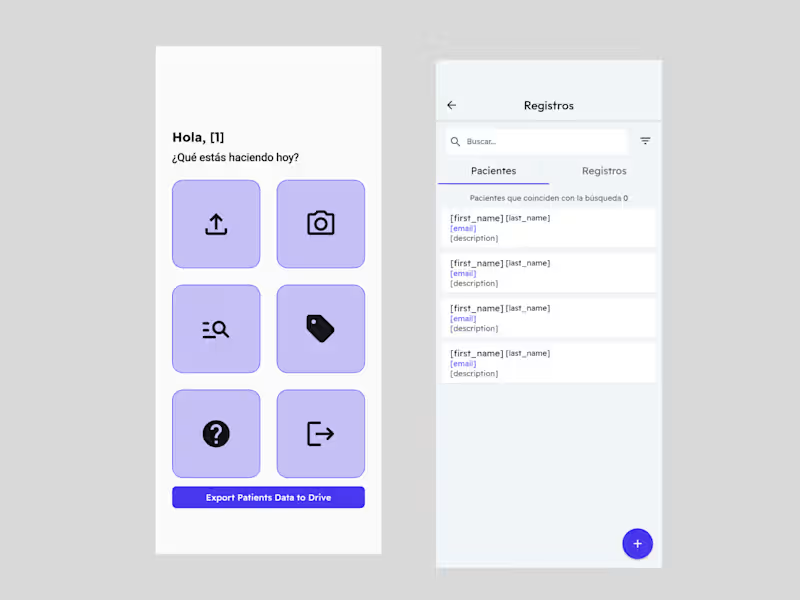
Patient Management & Data Export FlutterFlow App
0
3
1
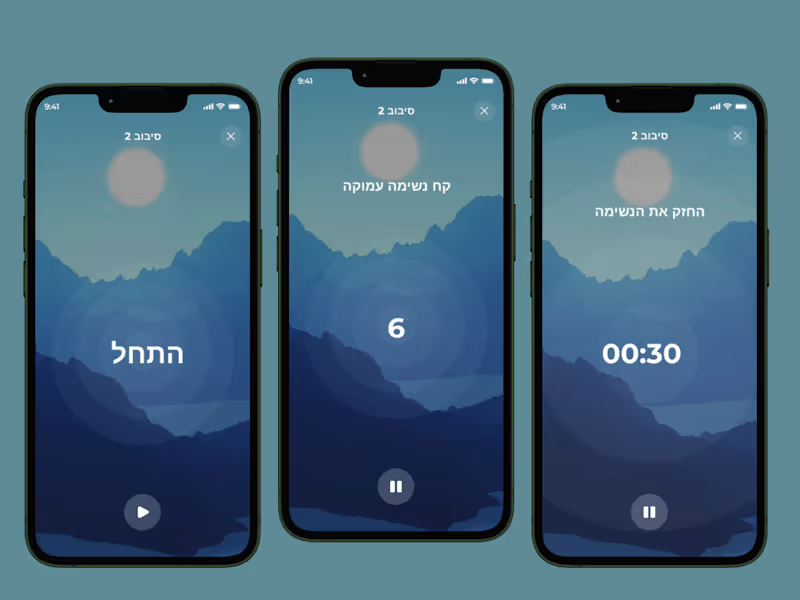
FlutterFlow Breathing and Mindfulness App Development
1
6
1
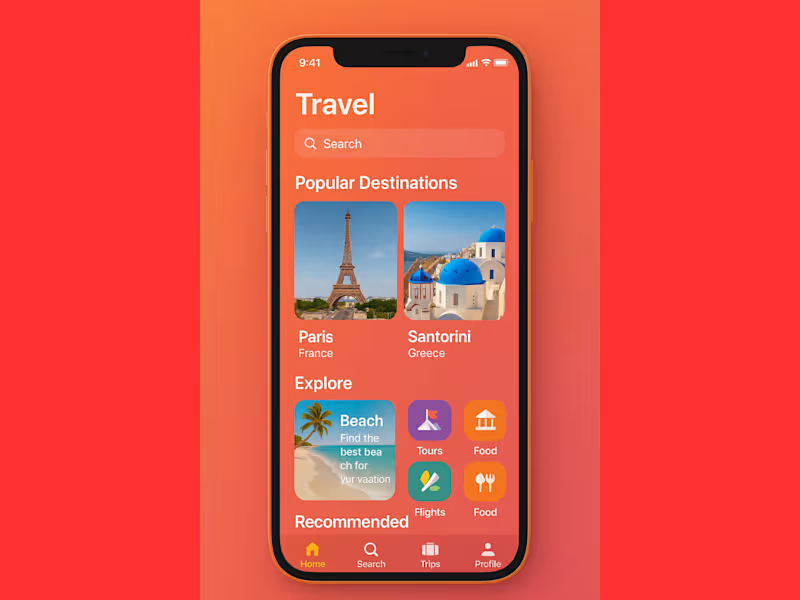
Travel App Development with FlutterFlow and Firebase
1
6
Firebase
(5)
Follow
Message
Muhammad Usama
pro
Islamabad, Pakistan
Full-Stack Mobile & AI App Developer
$1k+
Earned
5.0
Rating
25
Followers
Partner
Follow
Message
Full-Stack Mobile & AI App Developer
0
Mobile Engineering: 10+ Production Apps Shipped
0
11
2
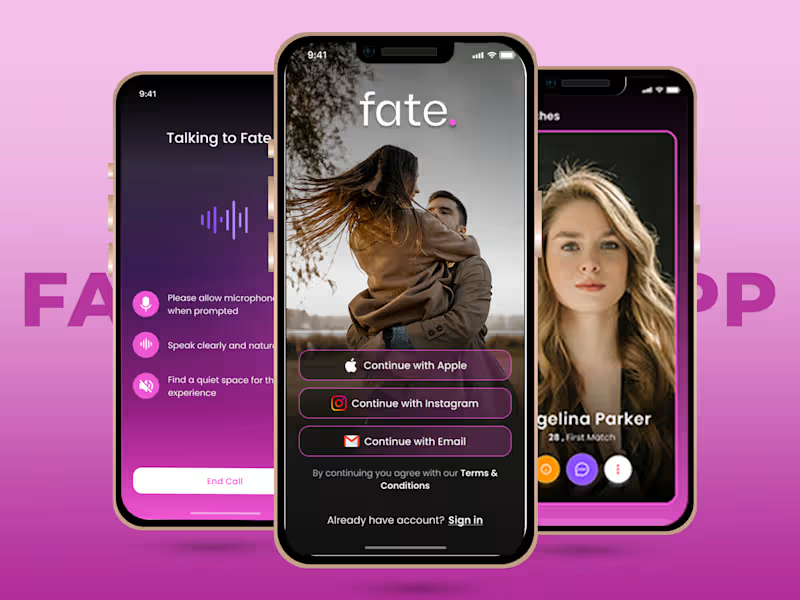
AI Dating App (Voice-First + WebRTC)
2
18
1
Fate Dating App — AI-Powered Matchmaking
1
1
21
1
Chatbox AI: Multi-Model AI Platform (Web + Mobile)
1
18
Firebase
(2)
Follow
Message
Muhammad Saifullah
Islamabad, Pakistan
Web Developer | UI/UX| 3D Product Animation |
8
Followers
Follow
Message
Web Developer | UI/UX| 3D Product Animation |
0
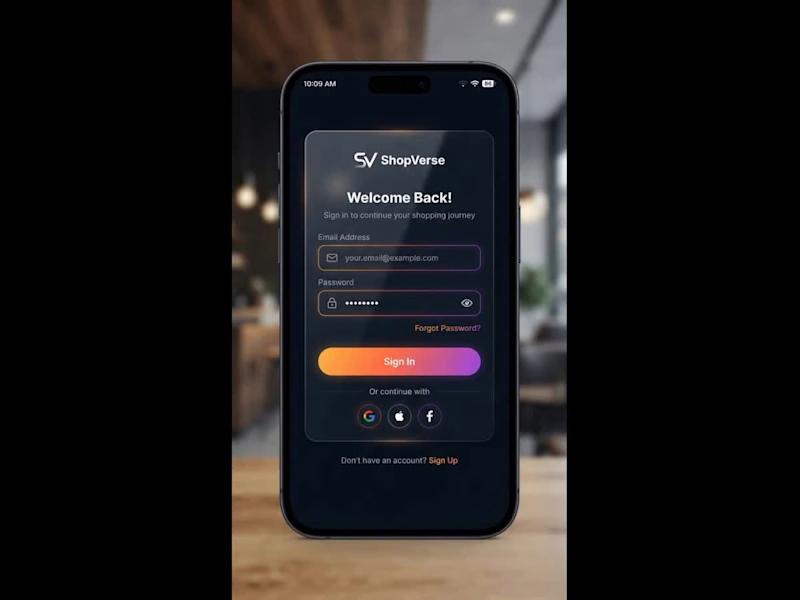
ShopVerse is a modern, high-performance iOS e-commerce application built using Swift (SwiftUI) and powered by Firebase as its backend infrastructure. 🏛️ System Architecture: MVVM Pattern The application is structured around the Model-View-ViewModel (MVVM) architecture to guarantee clean separation of concerns, high maintainability, and testability across both customer and administrator workflows. 1. The Model Layer The Model layer consists of lightweight, immutable data structures conforming to Swift's Codable and Identifiable protocols. Product Model: Stores product details such as unique IDs, titles, descriptions, pricing, stock levels, rating summaries, and array paths for high-resolution images stored in the cloud. Order Model: Captures transaction details including item snapshots, delivery addresses, customer identification, pricing breakdowns, and status states (Pending, Packed, Shipped, Delivered, or Cancelled). User & Cart Models: Manage profile attributes, assigned roles (Customer or Admin), saved shipping addresses, and live active shopping cart items. 2. The View Layer Built declaratively using SwiftUI, the View layer handles everything rendered on the screen. Views remain strictly focused on layout rendering, animations, and capturing user interactions (e.g., button taps, pull-to-refresh gestures, and navigation transitions). Views do not contain business logic or direct database call implementations; instead, they observe state changes exposed by their corresponding ViewModels. 3. The ViewModel Layer ViewModels act as the reactive middleware between the data layer and UI screens. Utilizing @MainActor and @Published properties, ViewModels manage screen-specific states (e.g., loading spinners, active product filters, and checkout step validations). They process user input, execute asynchronous data operations via async/await, and automatically trigger UI redraws whenever data updates. 4. The Service Layer Encapsulated as injected singletons or protocols, services manage external network interactions. Handles low-level Firebase authentication triggers, Cloud Firestore read/write streams, image uploads to Firebase Storage, and payment gateway SDK integrations (e.g., Stripe or Apple Pay). 🔥 Firebase Backend Mechanics & Data Management Firebase serves as the serverless engine driving ShopVerse, enabling real-time database syncing, secure authentication, and scalable media storage. 1. Authentication & Role-Based Access Control (RBAC) Security and session management are handled through Firebase Authentication. Multi-Provider Auth: Supports native Email/Password credentials alongside one-tap sign-ins via Apple ID and Google accounts. Session Persistence: Authenticated tokens are stored securely in the iOS Keychain, allowing users to remain logged in across app restarts. Role Verification: Upon successful authentication, the system queries the user's Firestore profile document to check their role attribute. If designated as admin, the app routes the user to the store management dashboard; otherwise, it presents the primary shopping portal. 2. Cloud Firestore Database Structure Firestore operates as a real-time, NoSQL document-oriented database structured into clean top-level collections. 3. Offline Persistence & Caching Firestore's local disk caching mechanism is enabled during app launch. Uninterrupted Browsing: Product listings and cart states are cached locally on the device disk. If the device loses internet connection, users can still view products and manipulate their cart without app crashes or blank screens. Background Sync: Any state changes made offline are queued locally and automatically committed to the cloud database once connectivity is restored. 4. Real-Time Data Synchronization via Snapshot Listeners Instead of relying on traditional HTTP polling or manual screen pulls, ShopVerse utilizes Firestore addSnapshotListener connections. Live Order Tracking: When an administrator updates an order status in the admin portal (e.g., changing an order from Processing to Shipped), a persistent WebSocket listener pushes the updated state directly to the customer's device in real time, updating the UI timeline instantly. 📱 Advanced SwiftUI Concepts & Interactive UX Patterns To deliver a refined, native iOS user experience, ShopVerse incorporates several specialized SwiftUI and iOS framework capabilities. 1. Skeleton Loading Shimmer Effect Rather than displaying a generic activity indicator (ProgressView), ShopVerse uses a custom shimmer modifier during initial data fetches. Visual Continuity: Placeholder wireframe cards matching the dimensions of actual product cards are rendered instantly. Linear Gradient Wave: An animated gradient mask sweeps horizontally across the placeholder shapes, signaling active loading while maintaining visual context. 2. Tactile Feedback & Haptic Engine Integration To make digital interactions feel physical, ShopVerse leverages the device's Taptic Engine via UIImpactFeedbackGenerator. Action Reinforcement: Tapping the Add to Cart button, toggling a wishlist heart icon, or confirming a checkout step triggers precise physical haptic ticks, increasing user confidence during interactions. 3. Query Debouncing using the Combine Framework Unrestrained search fields can send dozens of unnecessary database queries while a user types, causing performance lag and inflated database read costs. The Debounce Pattern: Utilizing Combine's .debounce(for: .milliseconds(300)) operator, search queries are held in a reactive pipeline. Cost Optimization: Database search requests are only fired after the user pauses typing for at least 300 milliseconds, dropping all intermediate keystroke queries. 4. Administrative Data Visualization via Swift Charts The integrated Admin Portal transforms raw Firestore sales data into actionable visual insights using Apple's native Charts framework. Real-time Metrics: Aggregated sales figures, daily order totals, and revenue metrics are compiled into interactive bar charts and line graphs, allowing store managers to assess revenue trends dynamically.
0
126
0
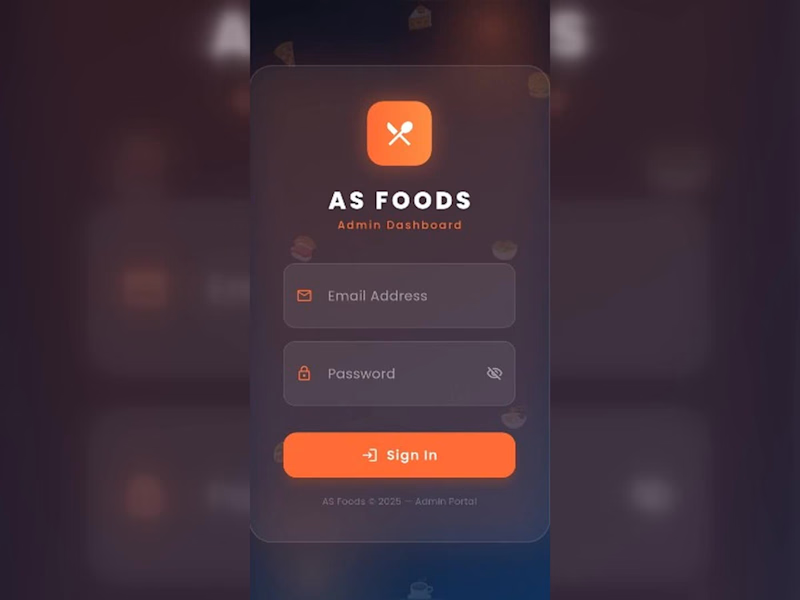
I made an AS FOOD ORDERING MOBILE APP using Reactive Native and Firebase. Bellow is Complete Guide😊 🛠️ Architecture & Tech Stack Frontend Framework: React Native (via Expo or React Native CLI) UI & Styling: NativeWind (Tailwind CSS) or React Native StyleSheet with custom dark/light theme tokens. Icons & Components: react-native-vector-icons (Lucide / Ionicons) & React Native Paper or custom components. Database & Auth: Firebase Firebase Authentication, Cloud Firestore (NoSQL Database), and Firebase Storage (for uploading food/category images). Navigation: @react-navigation/native with Bottom Tab Navigator (@react-navigation/bottom-tabs) and Stack Navigator. 🔐 1. Login Screen (Admin Authentication) Features & UI Components Fields: Email address and Password input fields with visibility toggle (eye icon). CTA: Gradient / Orange styled Sign In button. Footer: Copyright and portal title ("AS Foods © 2025 – Admin Portal"). Technical Implementation & Firebase Setup Firebase Auth Integration: Use signInWithEmailAndPassword(auth, email, password). Role-Based Security: Store admin UID/roles in a users collection in Firestore. Verify if role === 'admin' before allowing dashboard entry. State & Validation: React Hook Form or useState with validation (e.g., standard email regex and non-empty password checks). 📊 2. Dashboard Screen Features & UI Components Header Bar: Admin welcome banner ("Good Morning, Admin! 👋"), Live clock/timer badge, and Sign Out action button. Analytics Cards: Total Revenue (e.g., Rs 20171) Total Orders Count (12 Orders) Total Registered Users (4 Users) Total Food Menu Items (26 Foods) Visual Data: Weekly Orders Bar Chart showing day-by-day order trends (Mon–Sun). Technical Implementation & Firebase Setup Real-time Analytics Listener: Set up onSnapshot listeners on Firestore collections: orders collection: Sum up total price of completed/confirmed status orders for Revenue and total order counts. users collection: Read total count of registered clients. foods collection: Read total menu item count. Chart Integration: Use react-native-chart-kit or victory-native to render the weekly order dynamic bar graph linked to real-time order timestamps. 🍕 3. Foods Screen (Menu Management) Features & UI Components Search Bar & Quick Filters: Search food by name; filter tabs for All, Available, and Unavailable items. Action Header: Quick stats counters (Total, Active, Hidden) and an + Add button to create new menu items. Food Cards Grid: Image, title, price (PKR Rs 500.0), discount status, and quick action buttons (+ Add, - Remove, or toggle availability). Technical Implementation & Firebase Setup Firestore Data Structure (foods collection): JSON Image Storage: Firebase Cloud Storage via ref(storage, 'foods/image.jpg') and uploadBytes() / getDownloadURL(). Search & Filter: Local client-side array filter on fetched foods array using .filter(item => item.name (http://item.name).toLowerCase().includes(query)). 🏷️ 4. Categories Screen Features & UI Components Category Grid: Cards for categories like Appetizers, Chicken, Rice & Biryani, Wraps, Sides, and Beverages. Status Badges & Controls: Quick count of active vs inactive categories, toggle switches, and deletion/edit modal actions. Technical Implementation & Firebase Setup Firestore Data Structure (categories collection): JSON Category-Food Mapping: Link category IDs directly into the foods collection documents for relational querying. 📦 5. Orders Screen Features & UI Components Order Filter Pills: Filter by All, Pending, Confirmed, Delivered, or Cancelled. Order List Cards: Order Hash ID, Customer/Delivery info address, total order amount, timestamp, and colored status pill badges (Yellow = Pending, Green = Confirmed, Red = Cancelled). Sign Out Confirmation Dialog: Modal overlay asking to confirm user logout. Technical Implementation & Firebase Setup Firestore Data Structure (orders collection): JSON Status Updates: Admin tap actions update order state using updateDoc(doc(db, "orders", orderId), { status: "Confirmed" }). Real-time Push Notifications: Firebase Cloud Messaging (FCM) trigger to notify delivery partners or users when an order status changes. 🚀 Step-by-Step Development Roadmap Project Setup: Initialize React Native project with Expo/CLI & install dependencies (react-navigation, @react-native-firebase/app, @react-native-firebase/auth, @react-native-firebase/firestore). Firebase Config: Initialize Firebase SDK in firebaseConfig.js with your Web/Android/iOS API keys. Navigation & Theme: Configure BottomTabNavigator with custom icons and dark mode styling matched to the dark orange interface theme. Auth Flow: Build sign-in screen and wrap main tab screens in an onAuthStateChanged auth gate listener. Firestore Realtime Hooks: Connect screens with real-time listeners (onSnapshot) to reflect live orders and menu management instantly.
0
110
0
🚨 Big reveal on the skyline! 🚨 I build custom, animated, and fully responsive portfolio websites — no templates, no shortcuts, 100% built from scratch. ✅ Custom design tailored to you ✅ Fully responsive (Mobile / Tablet / PC) ✅ Modern UI/UX with smooth animations Ready to unveil your own standout portfolio? Let's work together 👇 https://fiverr.com/createdbysaif
0
39
0
🖤 Velaro — Technical Architecture 🔗 Live Website https://saif-velaro-clothing-brand.netlify.app 📌 Overview Velaro is a single-page application (SPA) for a fashion/clothing brand, built with React + TypeScript, bundled by Vite, and styled with Tailwind CSS. The entire UI renders on one HTML page and updates dynamically as the user scrolls, searches, or interacts with the cart — no full page reloads. The architecture follows a standard modern frontend pattern: a single entry point boots the app, a root App component composes independent section components, and a global context manages shared state (the shopping cart) across all of them. ⚙️ Build & Tooling Layer These files configure how the project compiles, lints, and runs — they aren't part of the visible website, but control everything behind it. vite.config.ts — Configures Vite, the build tool/dev server. Defines how .tsx/.ts files are compiled, how the dev server runs (npm run dev), and how the production bundle is generated (npm run build). tsconfig.json — Root TypeScript config — points to the two more specific configs below via project references. tsconfig.app (http://tsconfig.app).json — TypeScript rules specifically for the application code in src/ (JSX handling, module resolution, strictness, the @/ path alias). tsconfig.node.json — TypeScript rules for Node-context files (like vite.config.ts itself), since those run outside the browser. tailwind.config.js — Configures Tailwind CSS — defines the design system (colors, spacing, fonts) and which files Tailwind scans to generate only the CSS classes actually used. postcss.config.js — Configures PostCSS, the tool that processes Tailwind's output and applies vendor prefixing/optimization during build. eslint.config.js — Defines linting rules — catches code-quality issues, unused variables, and React/TypeScript best-practice violations during development. package.json — Lists all dependencies (React, Vite, Tailwind, etc.) and defines the npm scripts (dev, build, preview). package-lock.json — Locks exact dependency versions so the build is reproducible across machines. .gitignore — Tells Git which files/folders to exclude from version control (e.g. node_modules, dist). index.html — The single real HTML file. Contains a root <div> that React mounts into — everything else is injected by JavaScript. dist/ — Auto-generated production build output (plain HTML/CSS/JS) created by npm run build. This is the folder actually deployed to Netlify. node_modules/ — Auto-generated folder holding all installed dependencies (created by npm install, never edited manually). 🚪 Application Entry & Root src/main.tsx — The true entry point of the app. Imports React, imports App.tsx, and mounts it into the <div> inside index.html. This is the first application code that runs. src/App.tsx — The root component. Doesn't contain page content itself — instead it imports and arranges every section component (Navbar, Hero, About, etc.) in order, and wraps everything in the CartProvider so cart state is available app-wide. src/index.css — Global stylesheet — imports Tailwind's base/utility layers, applied once at the root so every component can use Tailwind classes. src/vite-env.d.ts — TypeScript type declarations for Vite-specific features (like importing images/CSS as modules) — lets TypeScript understand syntax that isn't standard JavaScript. 🛒 State Management src/cart.tsx — Implements the CartProvider, a React Context that holds global cart state (items, quantities, totals) and exposes functions to add/remove items. Any component wrapped inside it (via App.tsx) can read or update the cart without prop-drilling. src/data.ts — Static data module — likely product listings, collection info, or other content consumed by components like FeaturedCollection and Showcase, kept separate from UI logic. 🧱 Component Layer (src/components/) Each file is a self-contained, single-responsibility UI section. App.tsx stacks them vertically to form the full page. Navbar.tsx — Persistent top navigation — branding, menu links, and likely triggers for search/cart. Hero.tsx — The primary landing banner — headline, tagline, and call-to-action (e.g. "Shop Collection"). HeroCanvas.tsx — A visual/animated layer paired with Hero.tsx — likely a canvas-based or decorative background effect behind the hero text. FeaturedCollection.tsx — Renders a curated set of products, pulling structured data from data.ts. About.tsx — Brand-story section — static content describing the label's identity. Lookbook.tsx — A style/editorial gallery — visually presents outfits or campaign imagery. Showcase.tsx — An additional highlight section, likely for a specific collection, drop, or promotional content. Testimonials.tsx — Displays customer reviews/social proof. Newsletter.tsx — Email capture form/section for marketing signups. SearchOverlay.tsx — A modal/overlay component for in-site product search, toggled from the Navbar. CartDrawer.tsx — A slide-out panel UI that reads from the CartProvider (cart.tsx) to display current cart items and totals. Footer.tsx — Bottom-of-page section — links, contact details, social icons. 🔄 How It All Connects (Data Flow) The browser loads index.html, which pulls in the compiled JS bundle. main.tsx runs first and mounts App.tsx into the page. App.tsx wraps all sections in CartProvider, so cart state is shared without passing props down manually through every component. Each section component renders independently — some are purely static/presentational (About, Footer), while others are interactive and tied into shared state (CartDrawer, SearchOverlay). Tailwind classes used throughout every component are compiled once into index.css based on what's scanned via tailwind.config.js. On npm run build, Vite compiles and bundles all of this into optimized static files inside dist/ — which is what gets deployed to Netlify and served to visitors. 🧠 Why This Structure Works Separation of concerns — each component owns one visual section; layout composition happens only in App.tsx. Centralized state — cart logic lives in one file (cart.tsx) instead of being duplicated across components. Data/UI separation — data.ts keeps content separate from rendering logic, making it easy to update products without touching component code. Type safety — TypeScript configs enforce consistent typing across the whole src/ folder, catching errors before runtime. Optimized output — the dev-only tooling (Vite, Tailwind, ESLint, TS configs) never ships to production; only the final compiled dist/ bundle is deployed.
0
55
Firebase
(2)
Follow
Message
Abdullah Qureshi
Islamabad, Pakistan
Product/UX Designer | React Native Developer
5.0
Rating
expert
Follow
Message
Product/UX Designer | React Native Developer
0
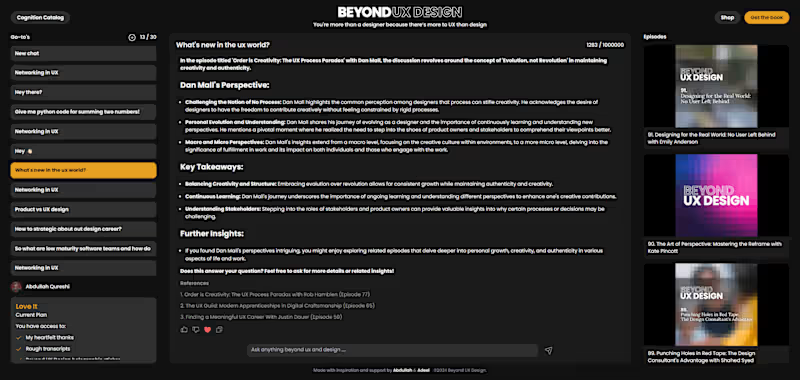
AI Conversational Bot - Podcast
0
9
0
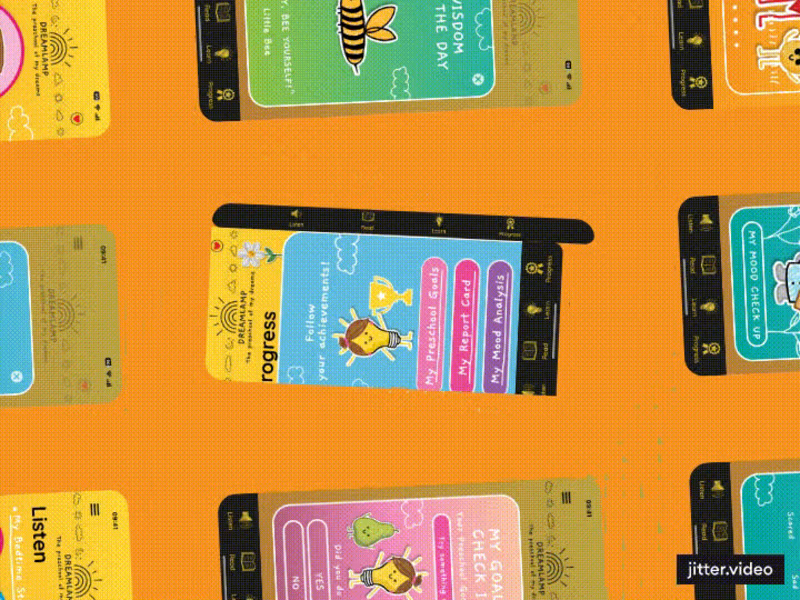
Dreamlamp - App🏫
0
72
0
Mutable AI's Landing - Redesigned 🔮
0
47
0
CINIMAX - UX Case Study 📽
0
54
Firebase
(1)
Follow
Message
Explore people