


























How do I define the scope of my presentation design project?
Start by writing down what you want the presentation to achieve. Think about who will see it and what main points you want to share. List all the slides you need and any special graphics or animations you want. This helps your designer know what to make.
What should I include in a presentation design brief?
A good brief has all the information your designer needs. Include your goals, audience, brand guidelines, and the key messages. Let them know about any slides or graphics you already like. This makes sure your designer knows exactly what you're looking for.
How do I choose the right presentation design style?
Think about the mood you want for your presentation. Do you want it to be fun, serious, or colorful? Look at examples of different styles to get ideas. Share these ideas with your designer so they know what style matches your vision.
How can I ensure the presentation aligns with my brand?
Make sure to provide your designer with your brand colors, fonts, and logo. Tell them about the overall feel of your brand, like if it's playful or professional. This helps them create a presentation that looks like it belongs to your brand.
What should I specify about the deadlines?
Be clear about when you need the first draft and the final version. Think about giving extra time for revisions. Sharing this schedule with your designer helps them plan their work and keeps the project on track.
How do I communicate my feedback effectively?
Be specific about what you like or want to change. Use examples or suggest different ideas. Regular check-ins and open communication keep the project moving smoothly and help your designer know they're on the right path.
What tools should I use to collaborate with a presentation designer?
There are lots of online tools that make sharing ideas easy. You can use cloud storage for files, chat apps for quick questions, and video calls for meetings. Agree with your designer on which tools work best for both of you to stay connected.
How can I review the draft presentation effectively?
Take time to go through every slide carefully. Check if all the key points are there and if the design matches your brand and style. Make notes of what you like and what you think needs changes. This helps create a final presentation that meets your expectations.
Should I request a portfolio from my presentation designer?
Yes, looking at a designer's past work can tell you a lot. It shows you their style and what they're good at. Make sure their portfolio has designs similar to what you need. This helps you know if they're the right match for your presentation project.
How can I make sure the delivered files are usable for my needs?
Discuss with your designer what file formats you need, like PDF or PowerPoint. Make sure you have editable files in case you need to make changes later. This ensures you can use the presentation smoothly in any setting or platform.
Who is Contra for?
Contra is designed for both freelancers (referred to as "independents") and clients. Freelancers can showcase their work, connect with clients, and manage projects commission-free. Clients can discover and hire top freelance talent for their projects.
What is the vision of Contra?
Contra aims to revolutionize the world of work by providing an all-in-one platform that empowers freelancers and clients to connect and collaborate seamlessly, eliminating traditional barriers and commission fees.
People also hire









Explore Digital Marketing projects by Presentation Designers on Contra







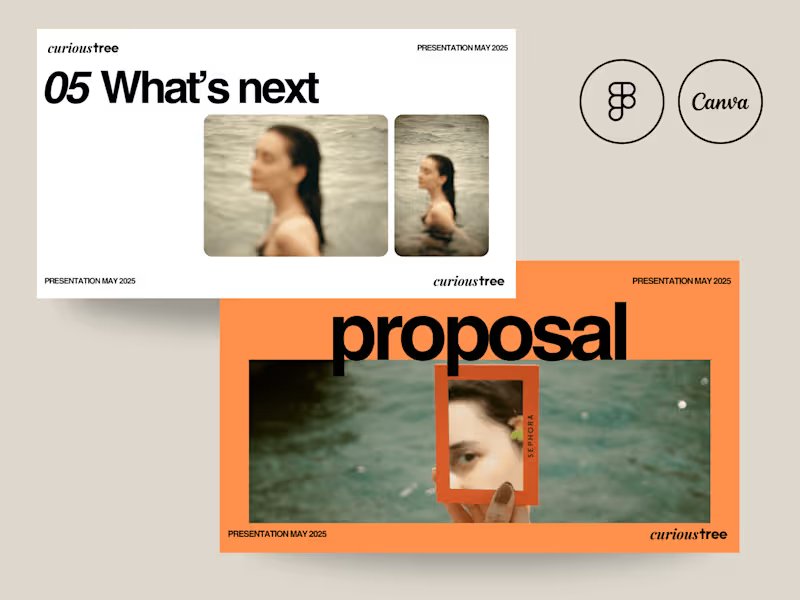
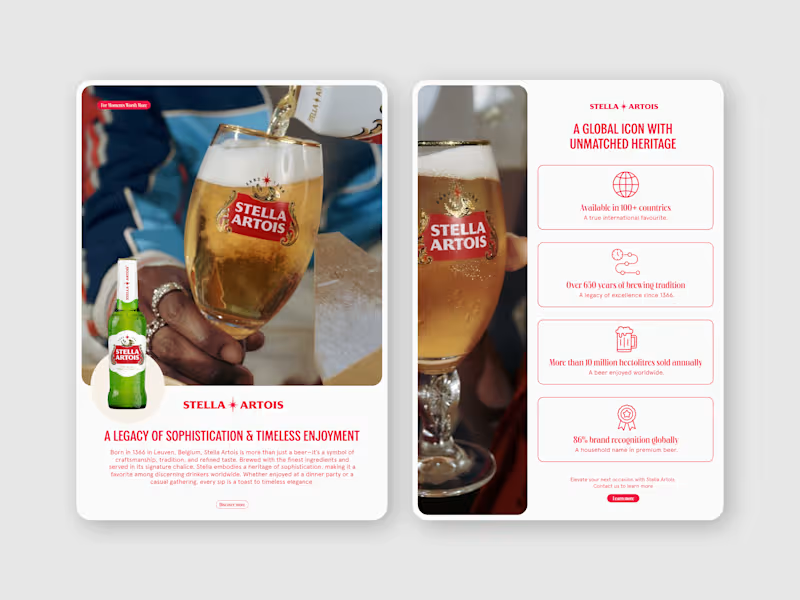

Top services from Presentation Designers on Contra

Adobe Illustrator
Graphic Designer
Editorial Designer
+4
Presentation Design | Engage, Inform and Drive Sales
$100/hr
Adobe Illustrator
Infographic Designer
Graphic Designer
+4
Investment Decks | Captivating Pitch Designs
$100/hr
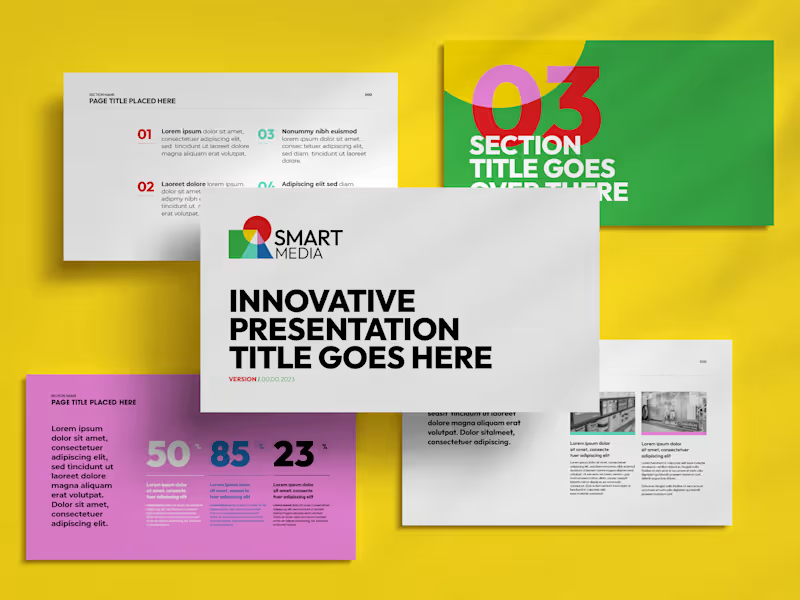
Google Docs
Presentation Designer
Google Slides
Unique Presentation Template Design
$60/hr