What should I check in a PowerPoint expert's portfolio?
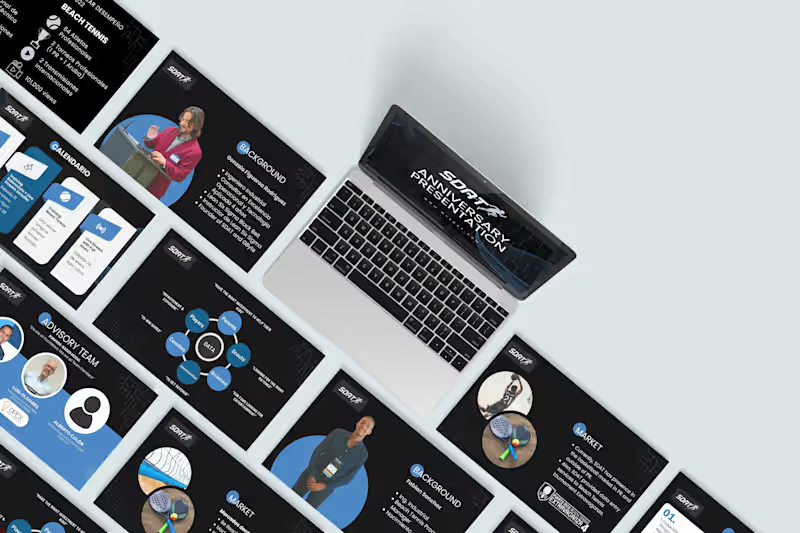
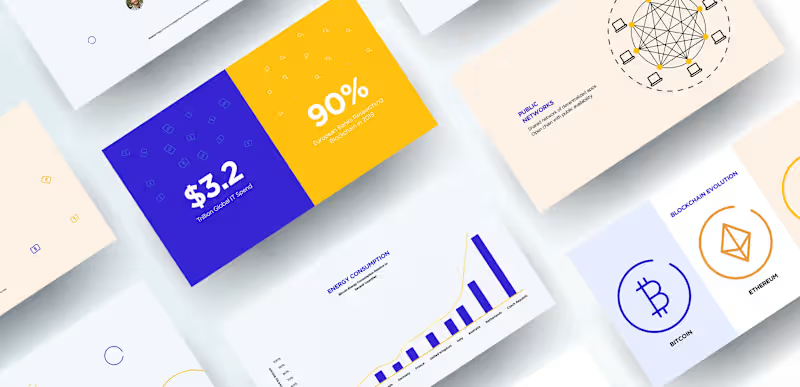
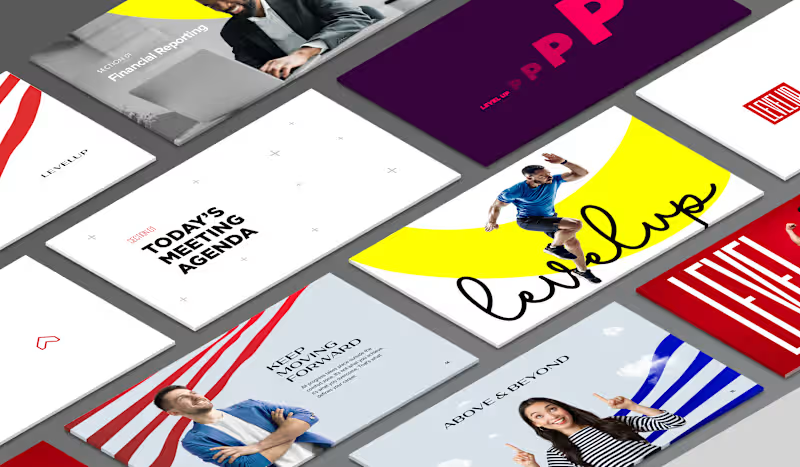
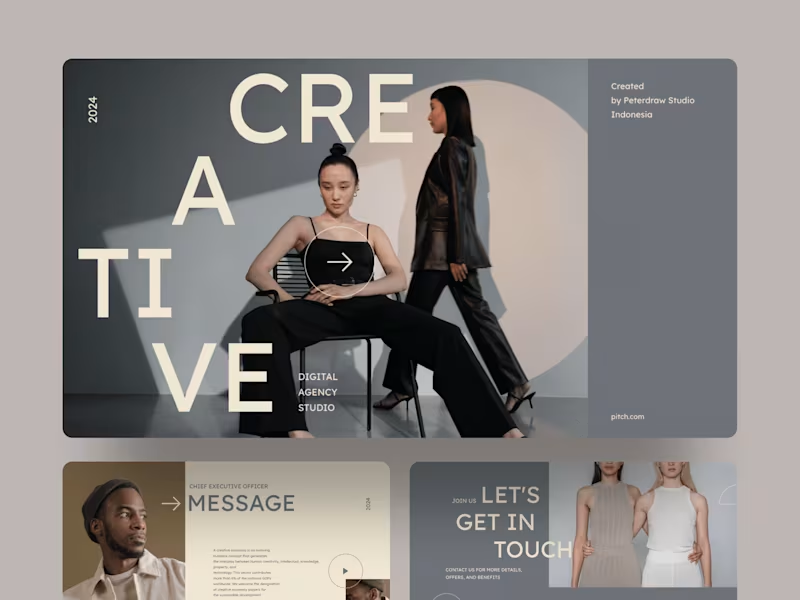
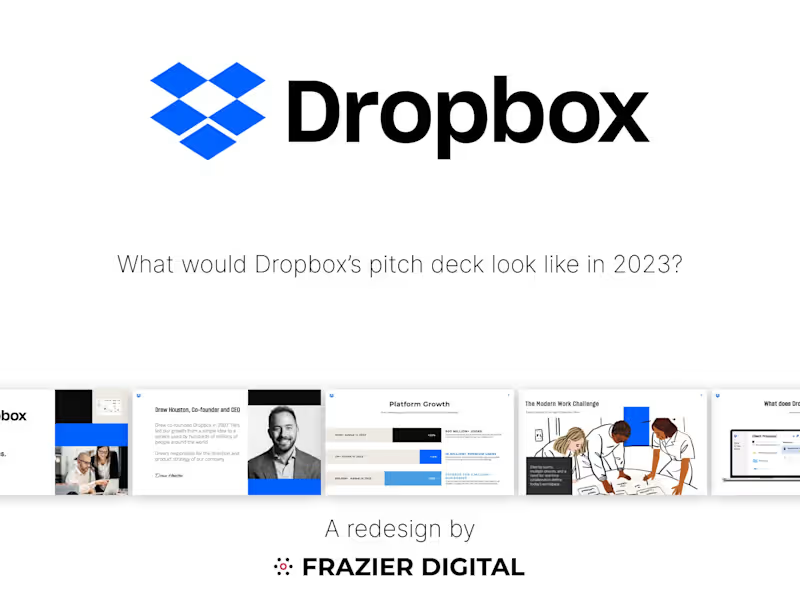
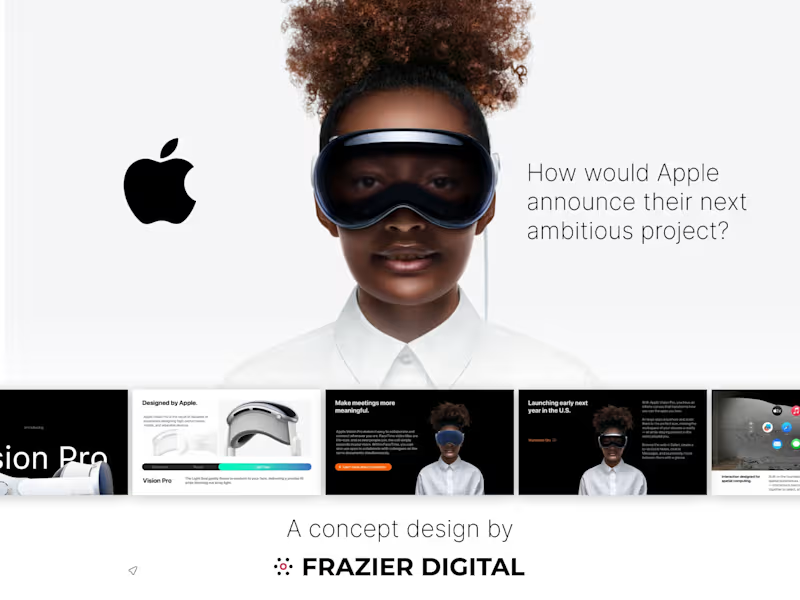
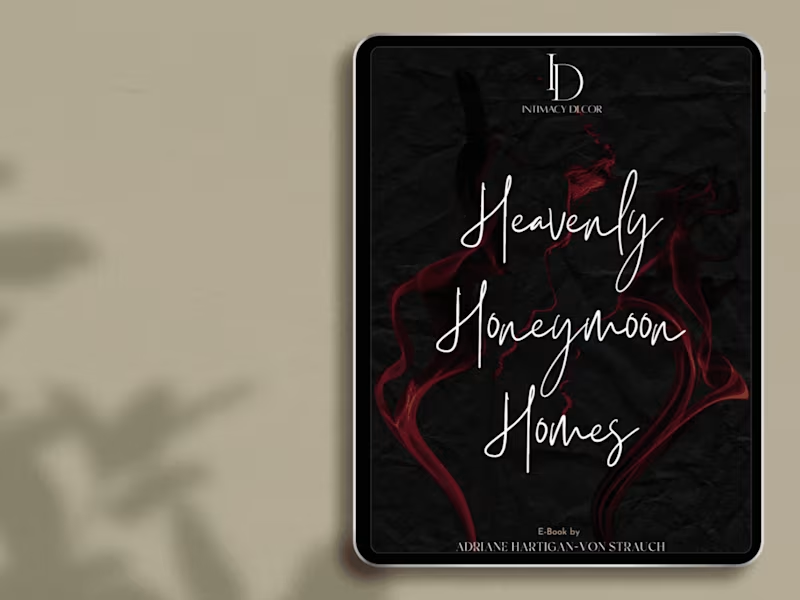
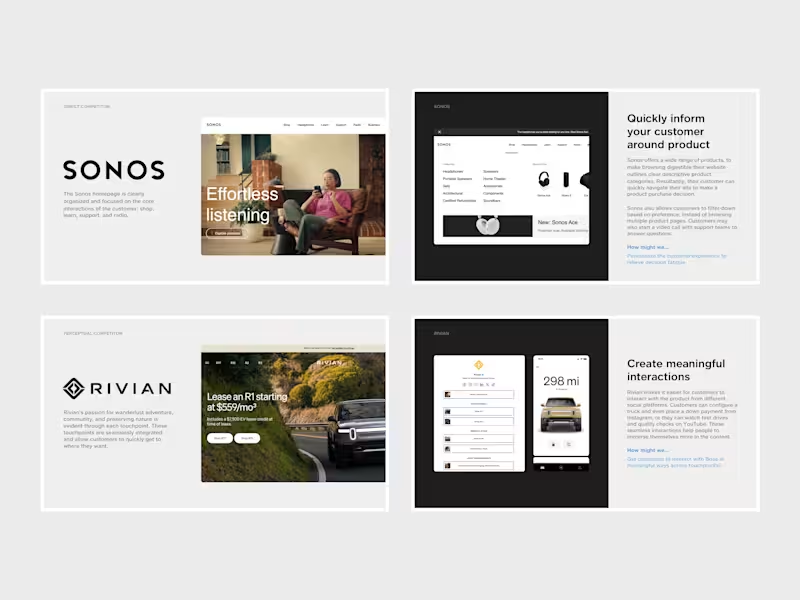
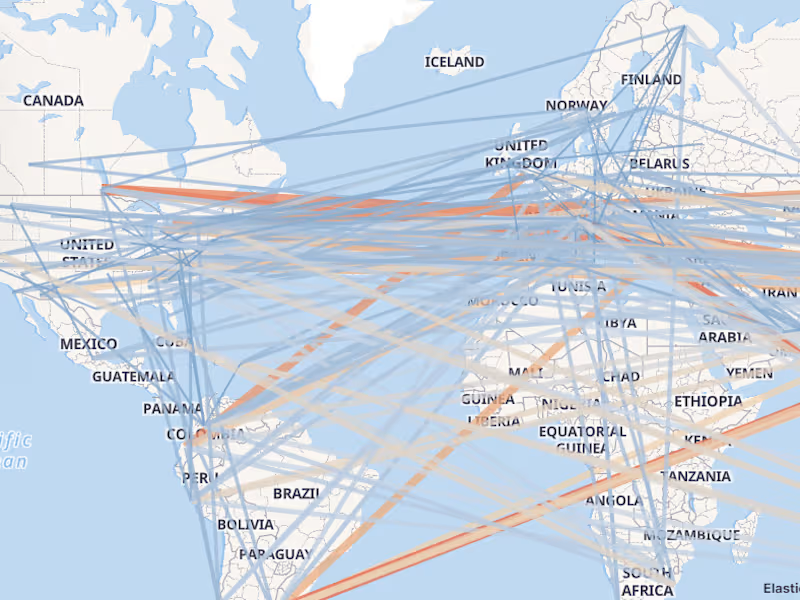
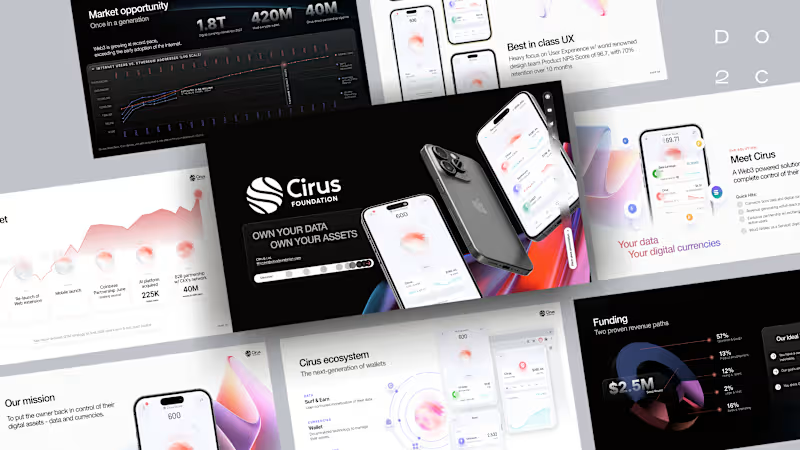
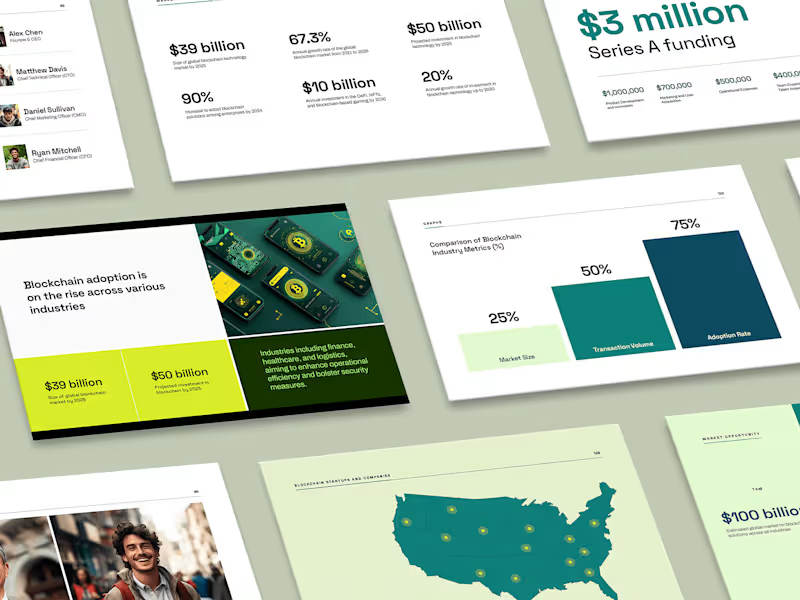
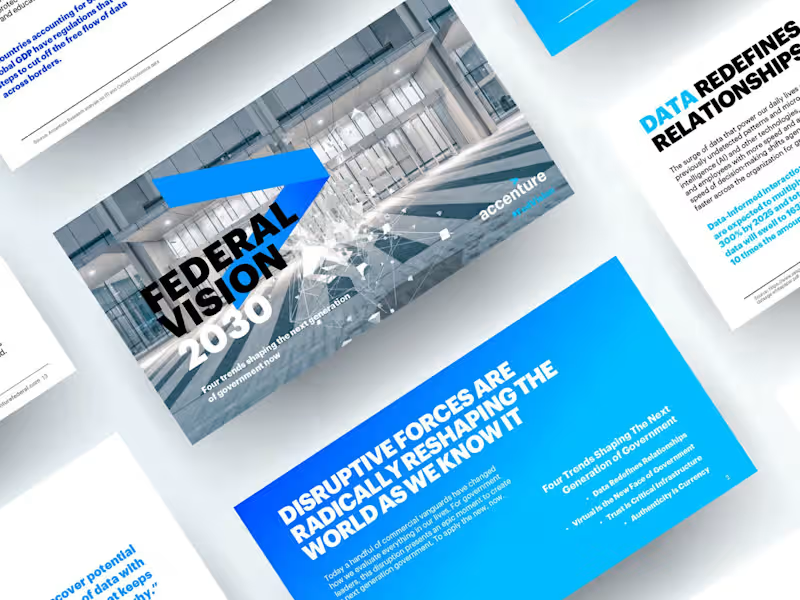
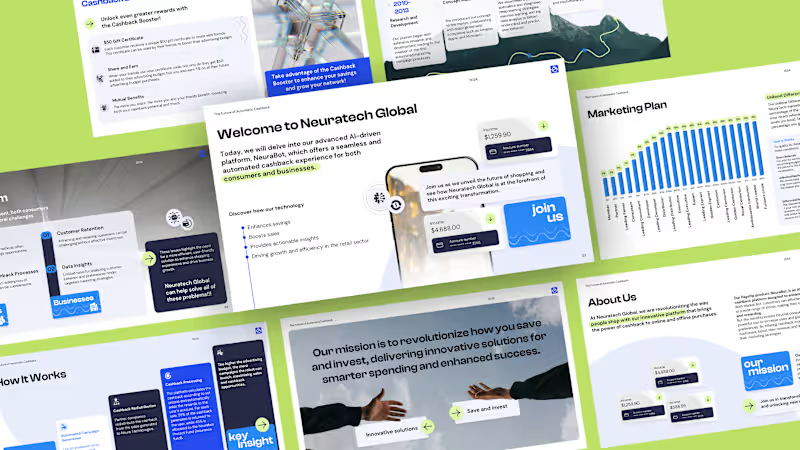
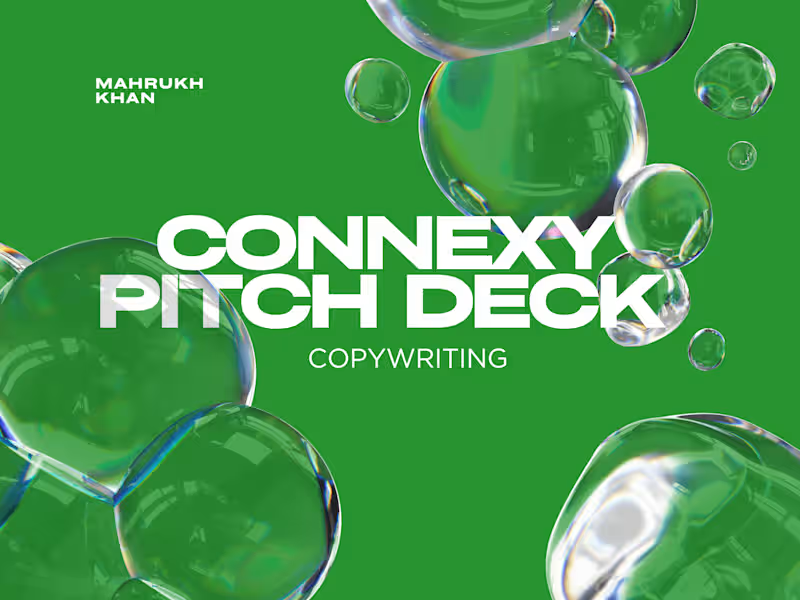
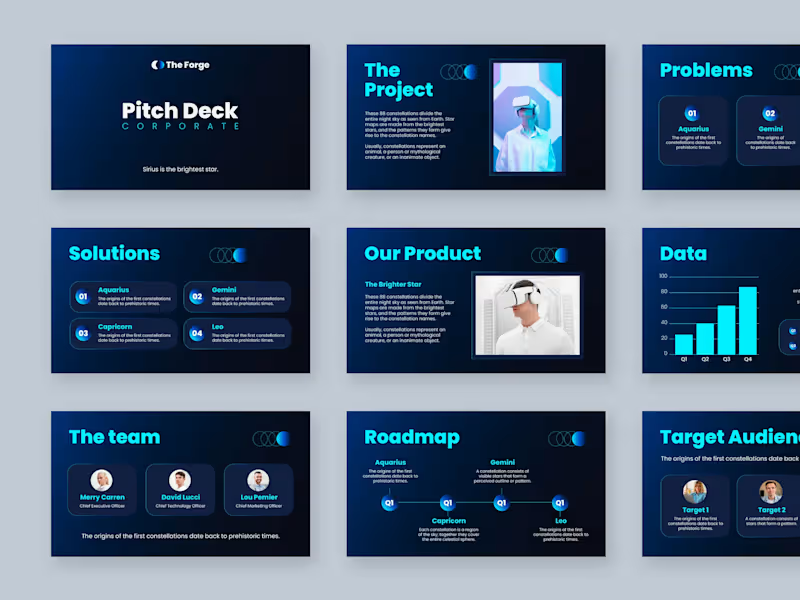
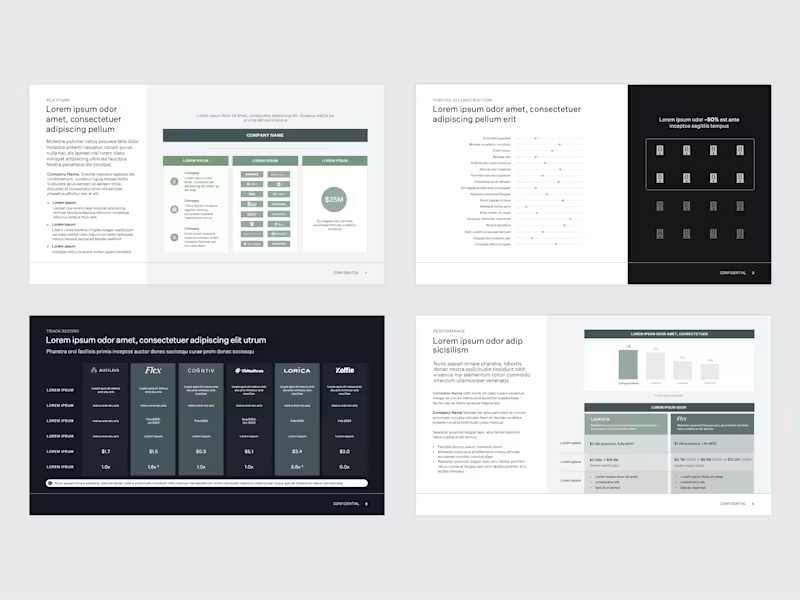
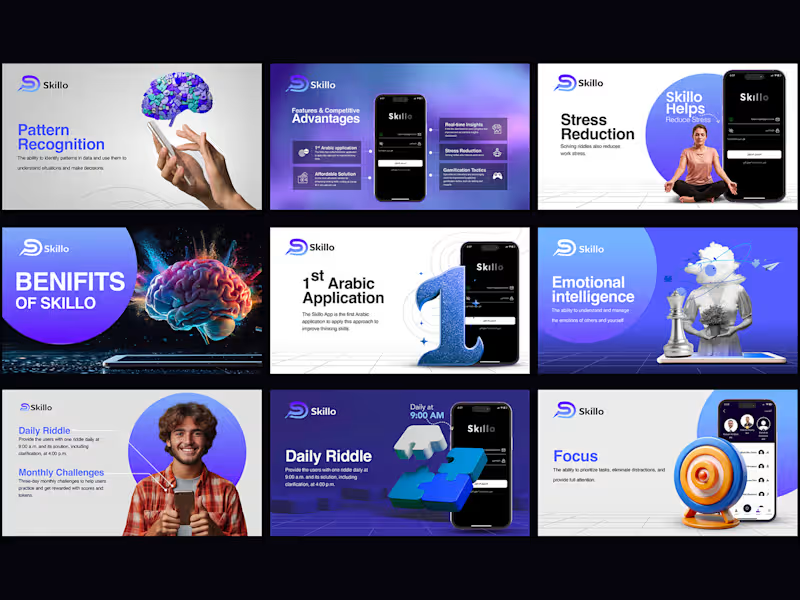
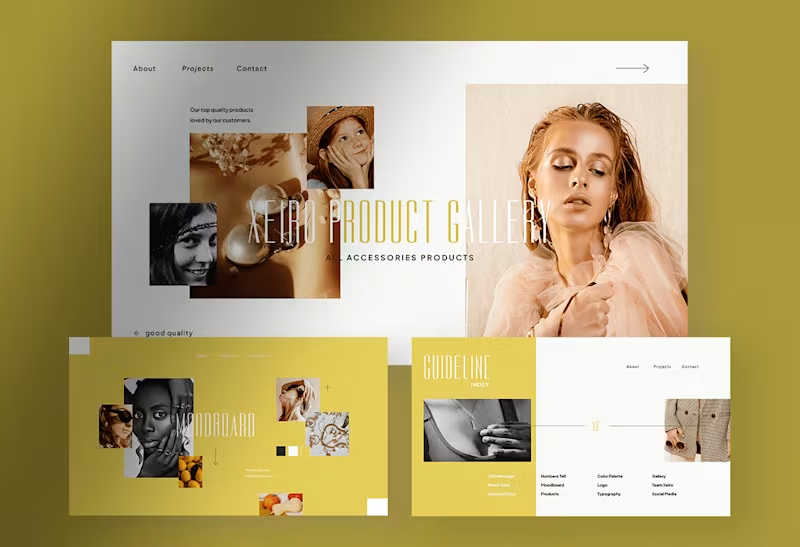
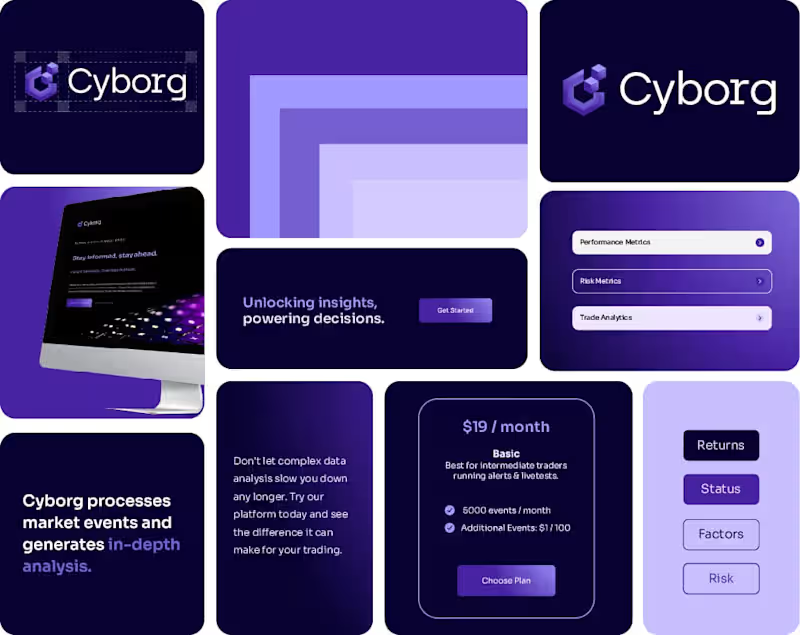
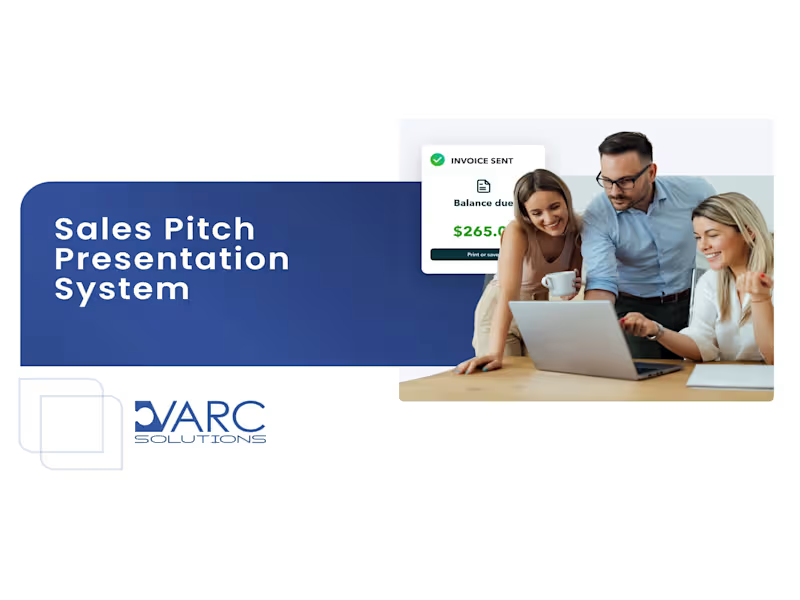
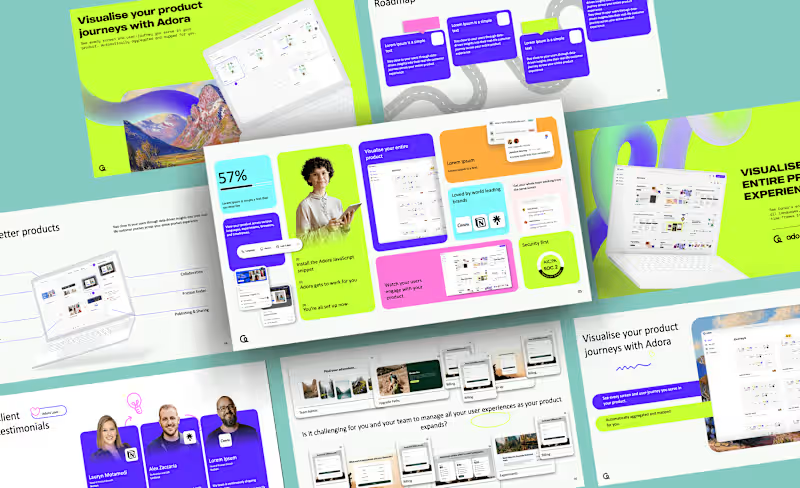
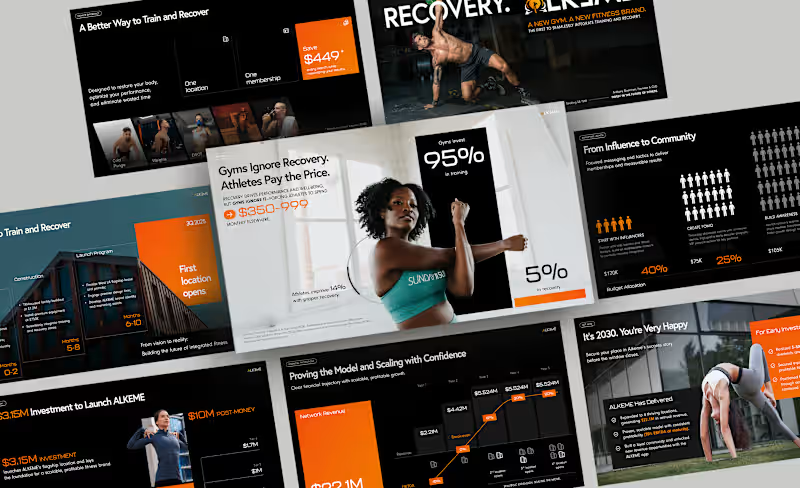
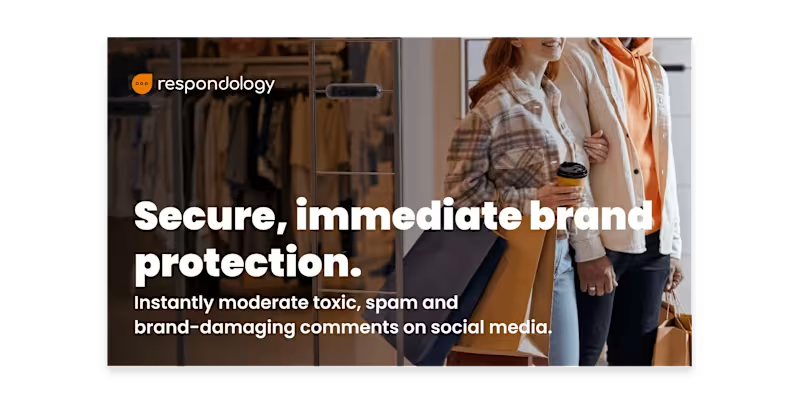
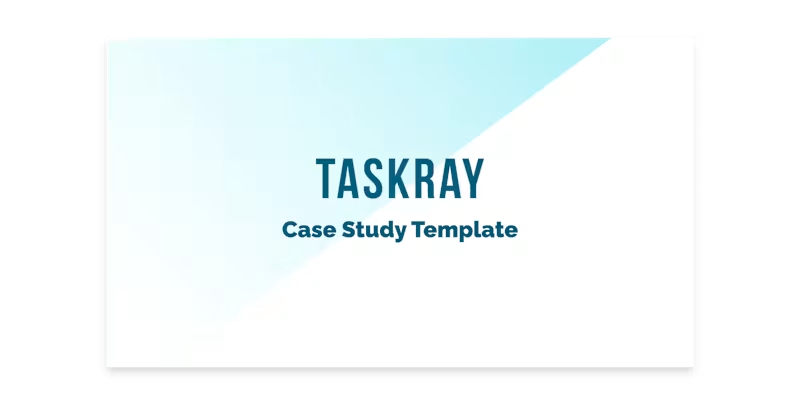
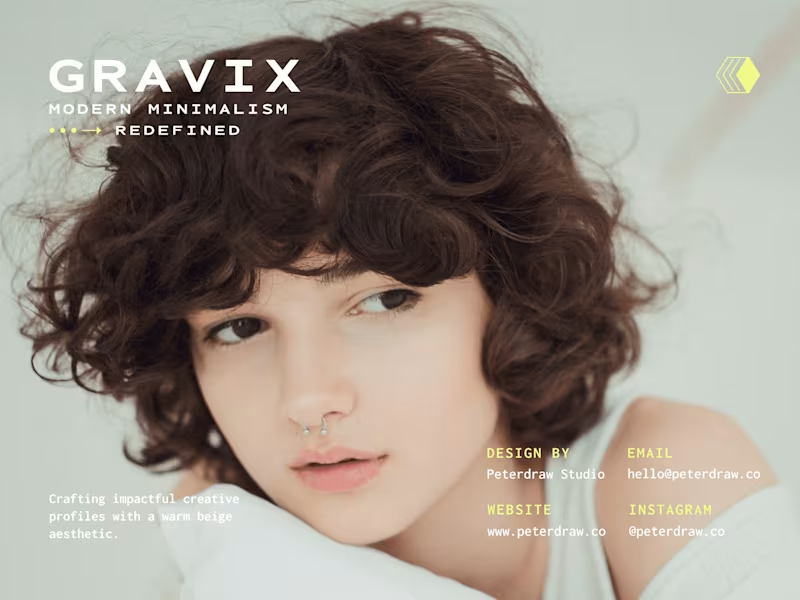
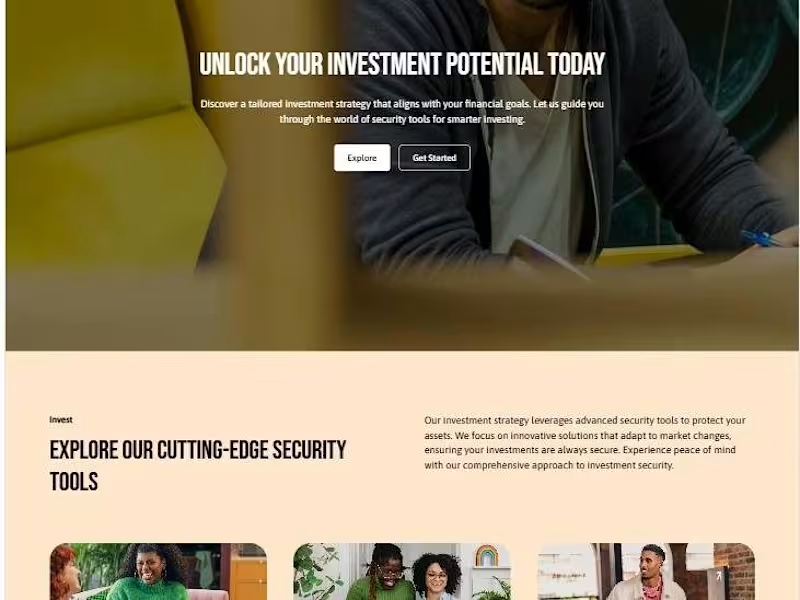
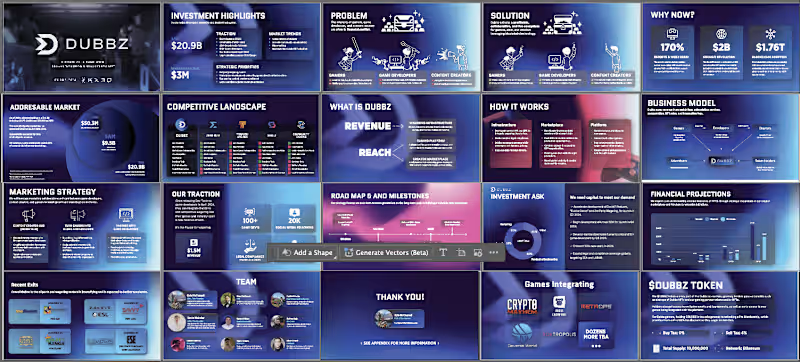
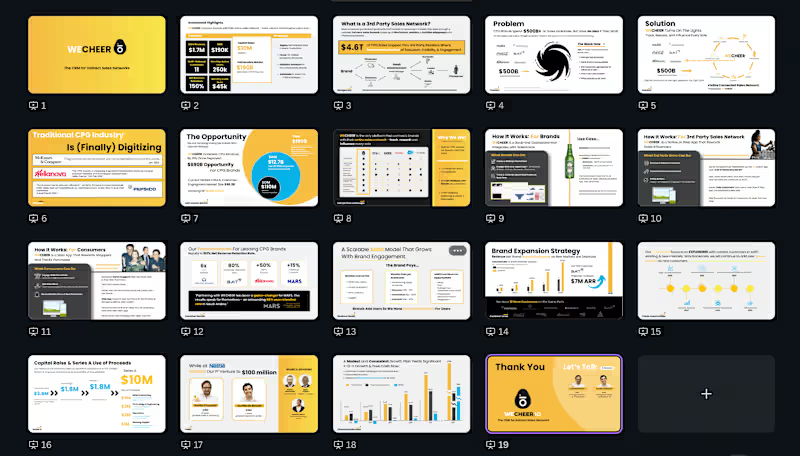
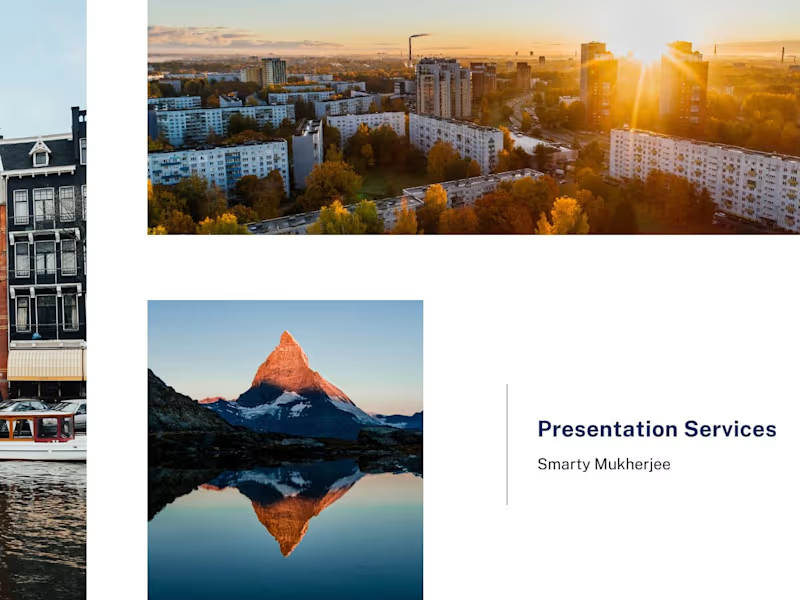
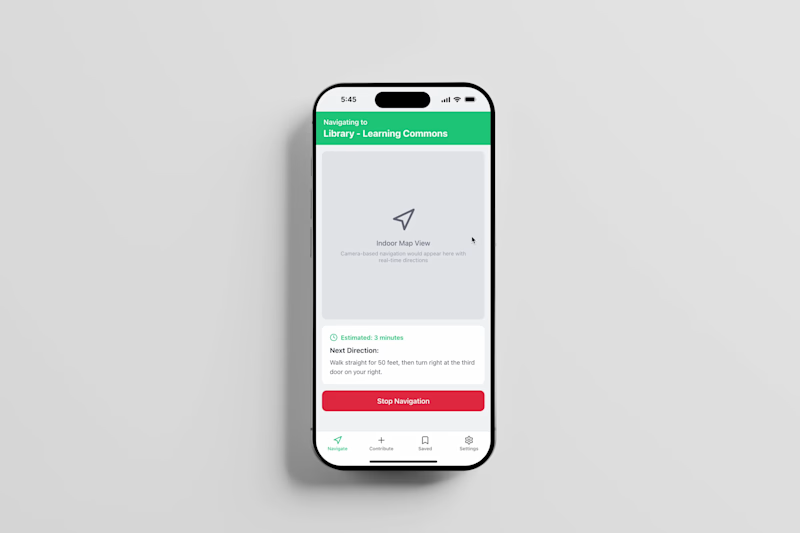
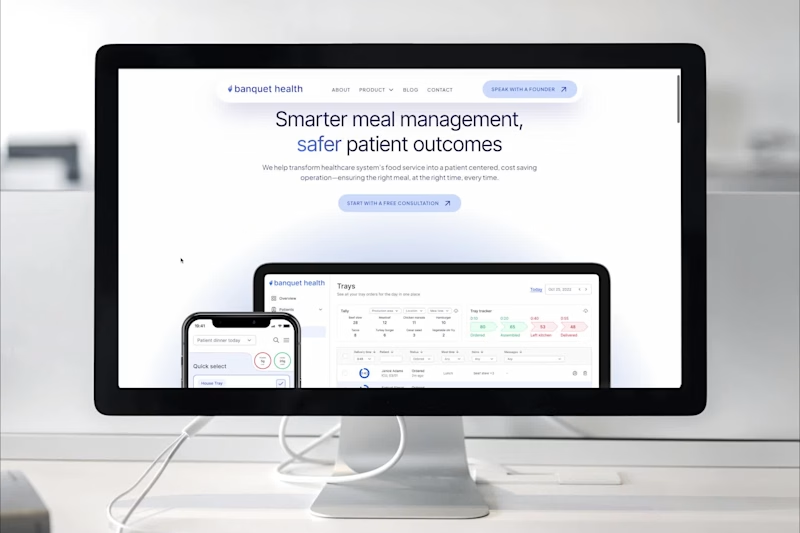
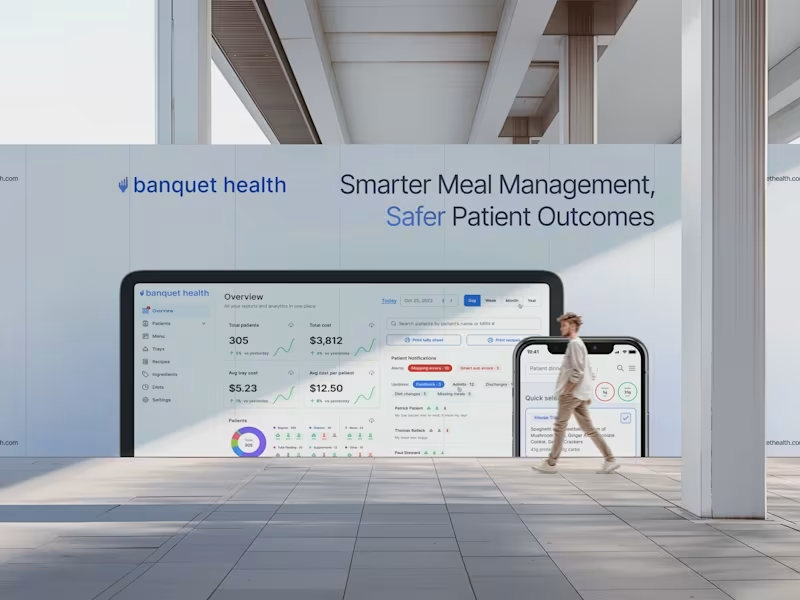
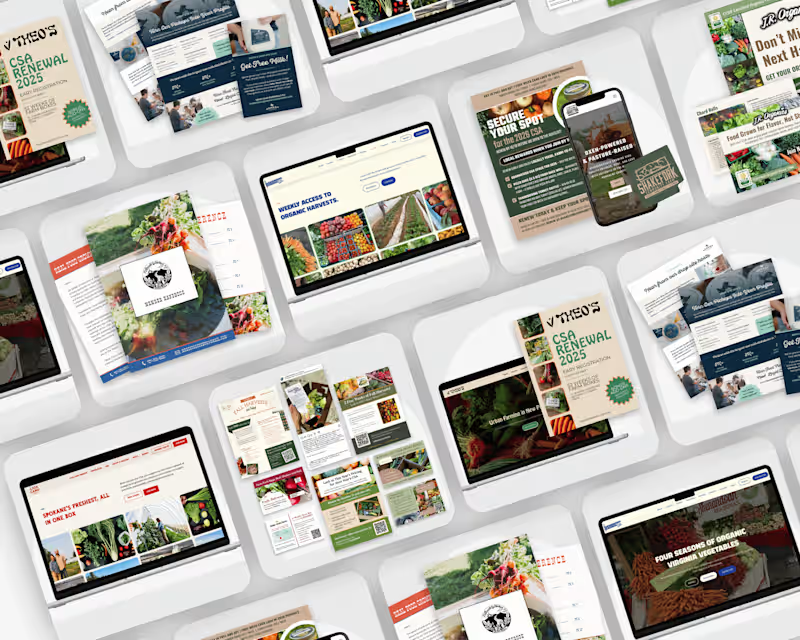
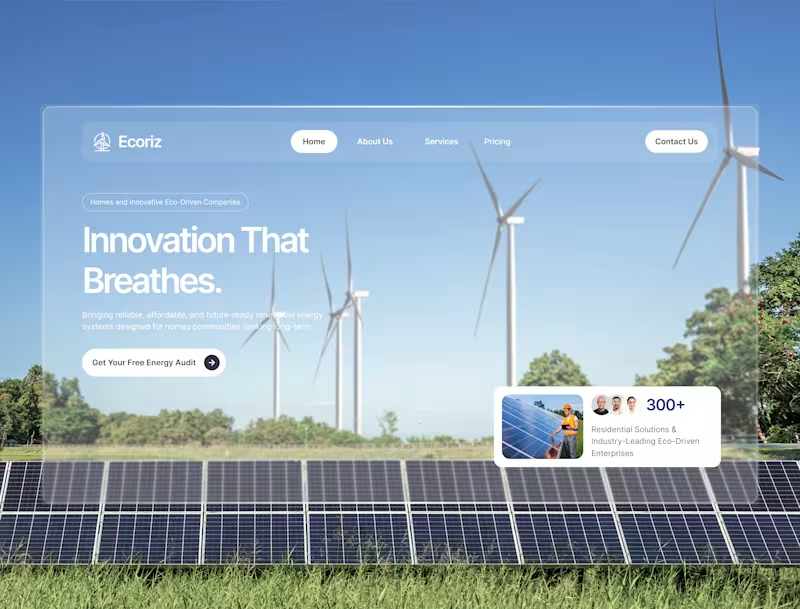
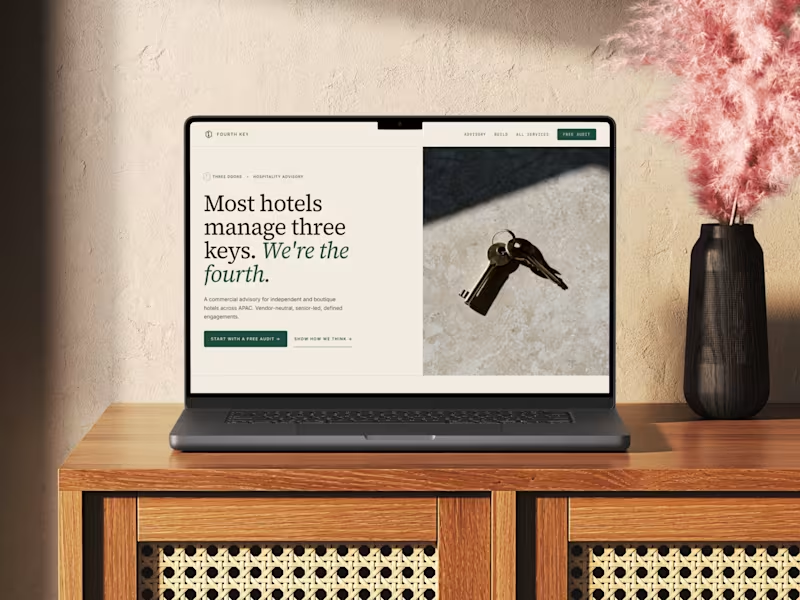
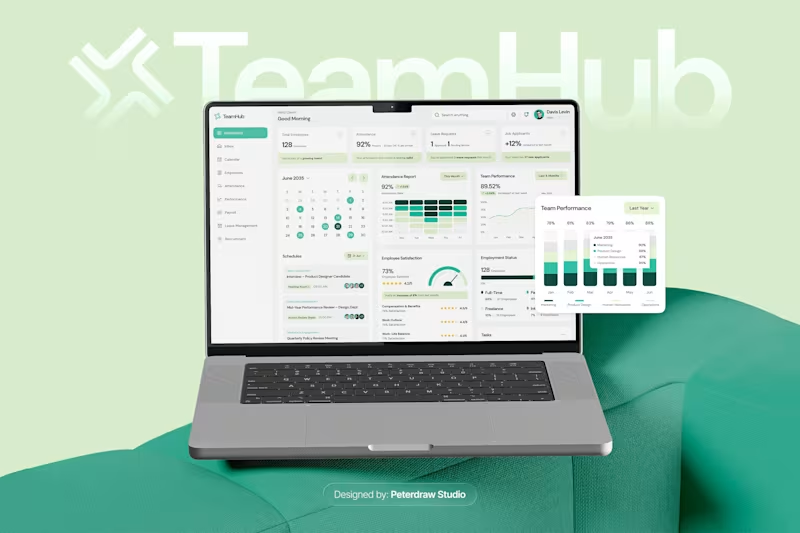
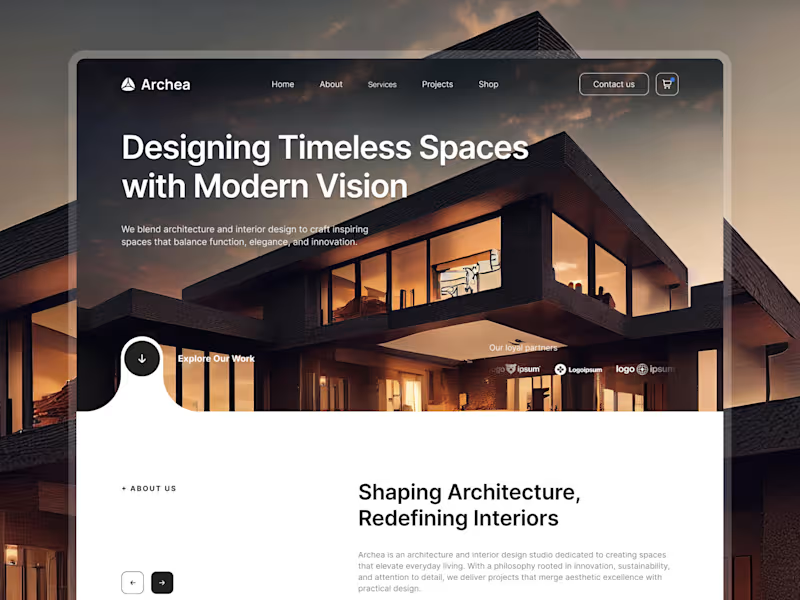
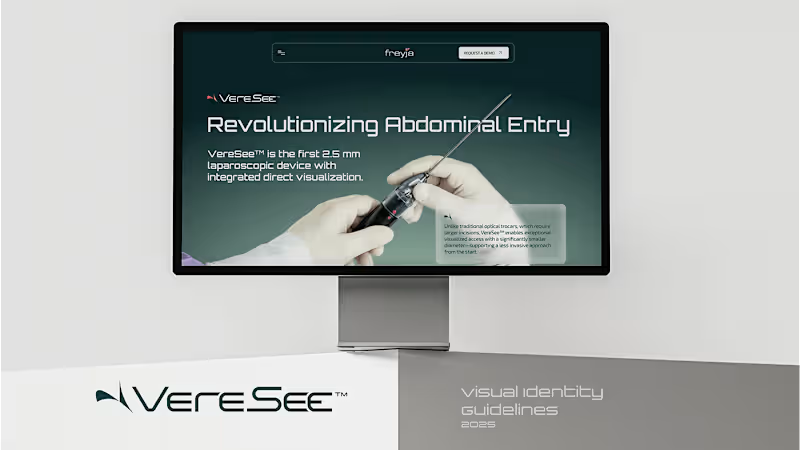
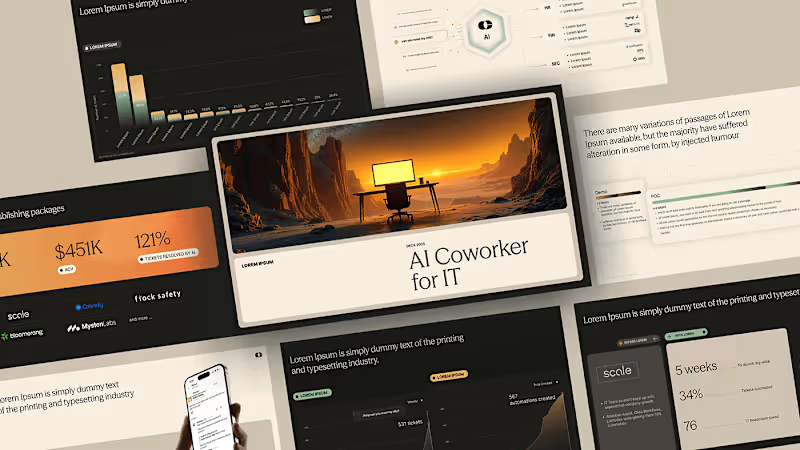
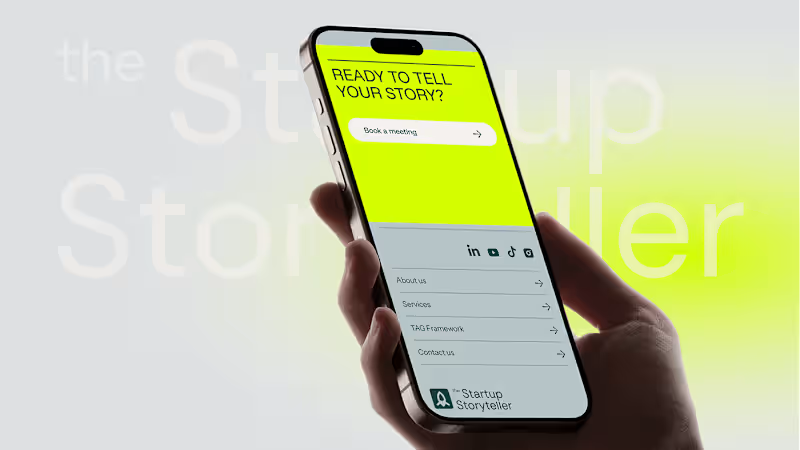
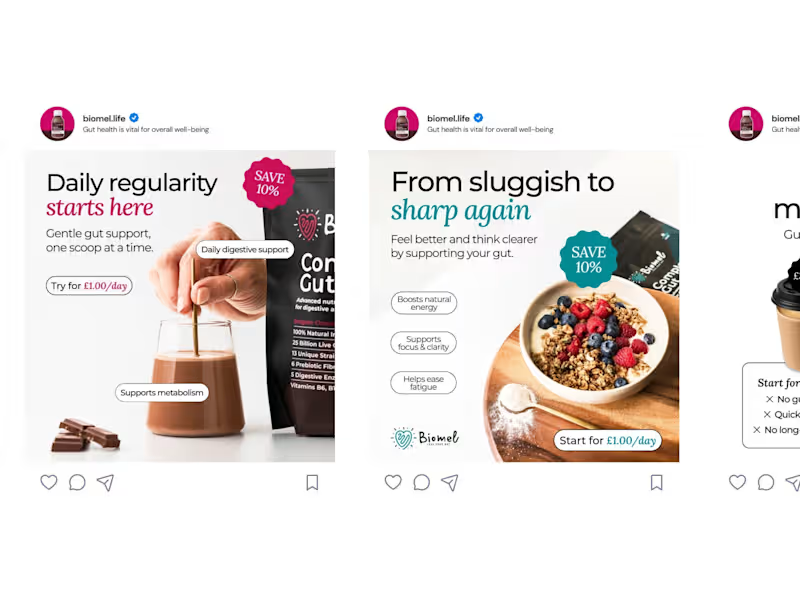
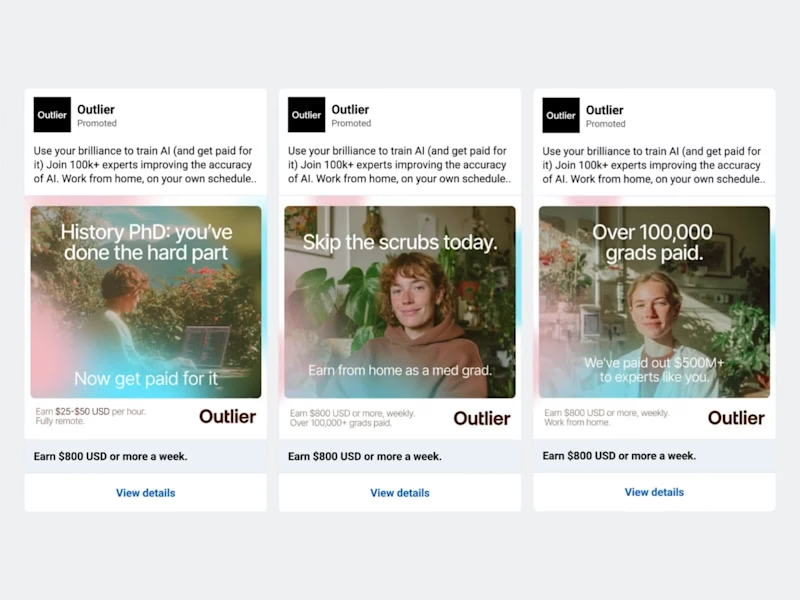
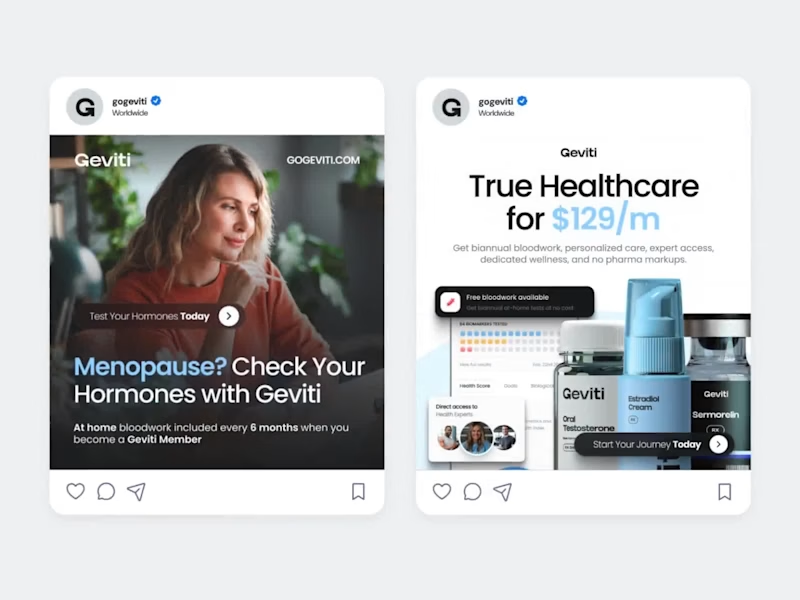
Look for samples of their previous work. See if they have made slideshows similar to what you need. Check if their designs are creative and easy to understand.
How can I ensure the PowerPoint freelancer understands my vision?
Share your ideas and goals clearly. Have a chat or call to discuss your project. Make sure they ask questions to clarify what you want.
What should I include in a project brief for a PowerPoint expert?
Write down what the presentation is for. Include any specific colors or styles you like. Share examples of slides you admire if possible.
How should I decide on the timeline for the PowerPoint project?
Think about when you need the presentation ready. Talk with the freelancer to agree on a timeline. Make sure there is enough time for revisions.
What details are important for a PowerPoint project agreement?
Agree on how many slides you need. Decide how many times changes can be made. Confirm what kind of graphics and animations are needed.
How do I check the Microsoft PowerPoint expert's communication skills?
Check if they reply to your messages quickly. See if their emails or chats are clear and polite. Good communication means they can keep you updated on the project's progress.
Why is it important to ask the freelancer about their PowerPoint software version?
Different versions might have different features. Make sure they use a version that supports the elements you want. This ensures no surprises in what they can deliver.
What should I consider when discussing confidentiality with the freelancer?
Share any concerns about keeping your information private. Decide if you need them to sign any agreements. Ensure they understand your privacy needs.
How can I assess the PowerPoint expert's attention to detail?
Check their previous work for any errors. See if their slides have consistent fonts and styles. Attention to detail means a neat and polished presentation.
Why is follow-up after the project start important?
Stay in touch to see how things are going. Ask for updates to ensure the project is on track. This helps catch any issues early.
Who is Contra for?
Contra is designed for both freelancers (referred to as "independents") and clients. Freelancers can showcase their work, connect with clients, and manage projects commission-free. Clients can discover and hire top freelance talent for their projects.
What is the vision of Contra?
Contra aims to revolutionize the world of work by providing an all-in-one platform that empowers freelancers and clients to connect and collaborate seamlessly, eliminating traditional barriers and commission fees.