3D Product Designer: Your ideas one step closer to reality
3D Product Designer: Your ideas one step closer to reality


Brands, Websites and Product design

Brands, Websites and Product design

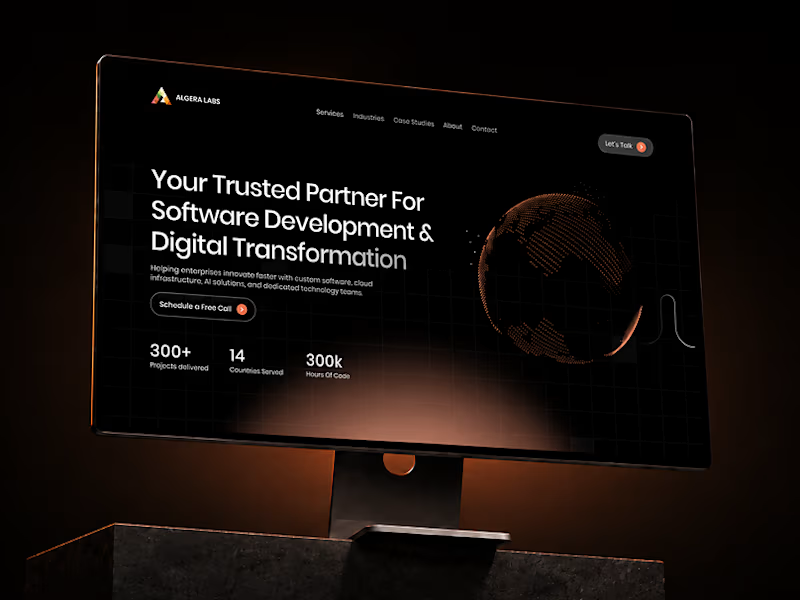

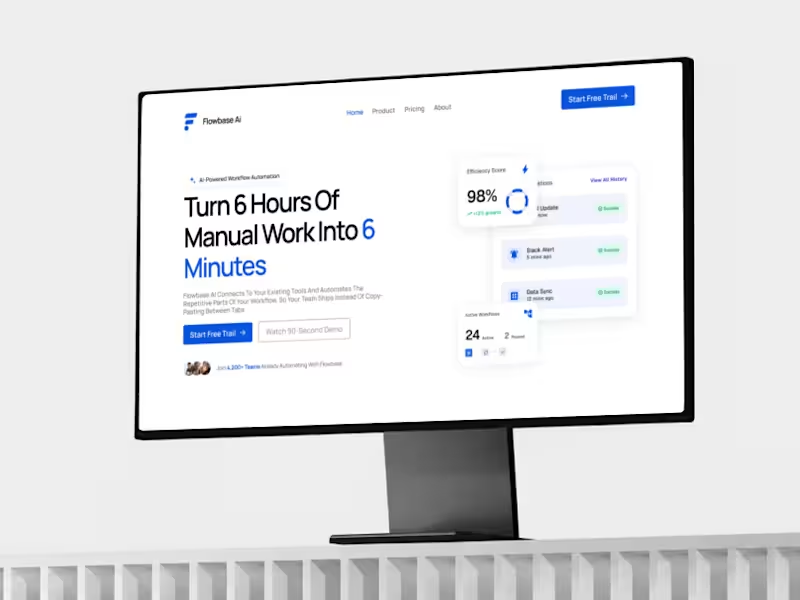

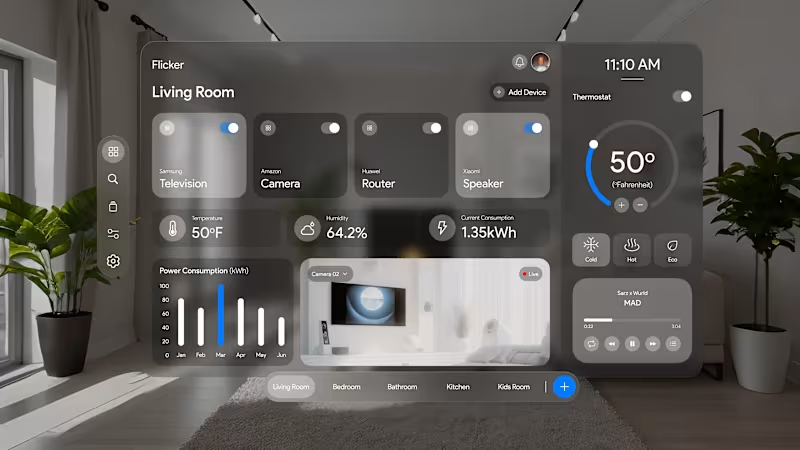
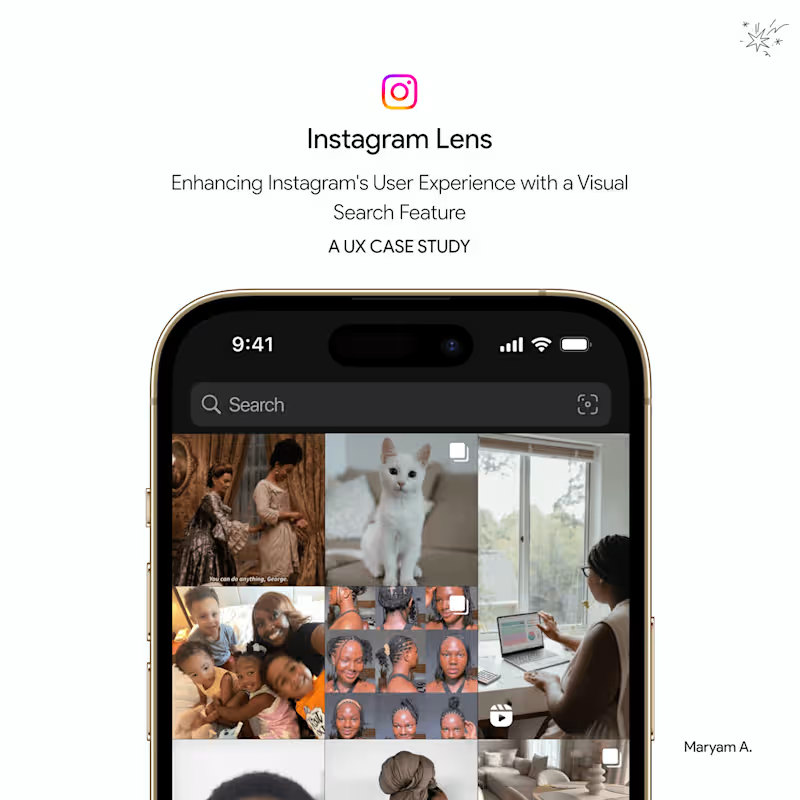
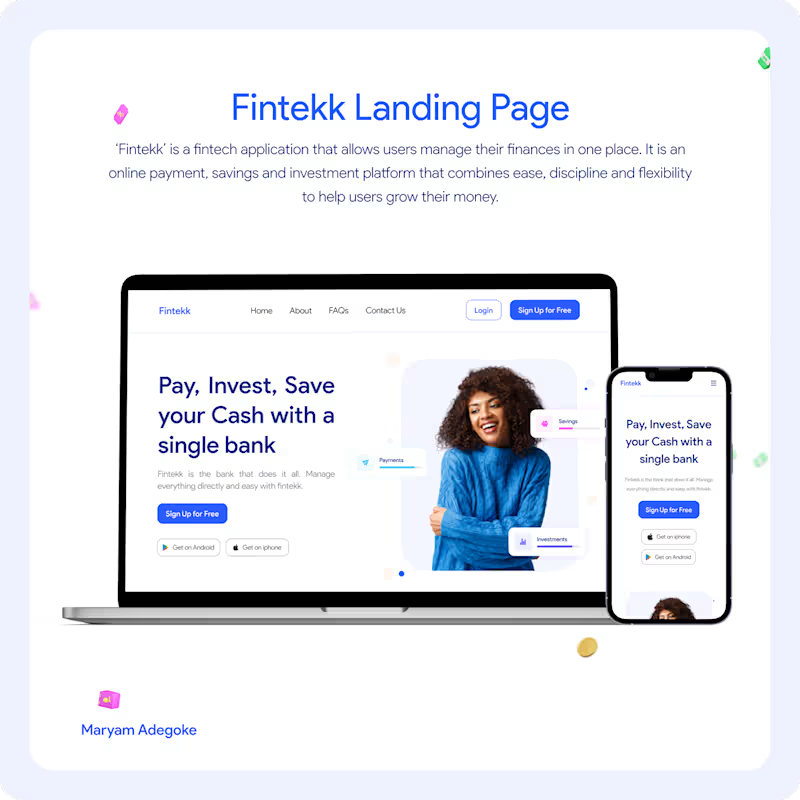
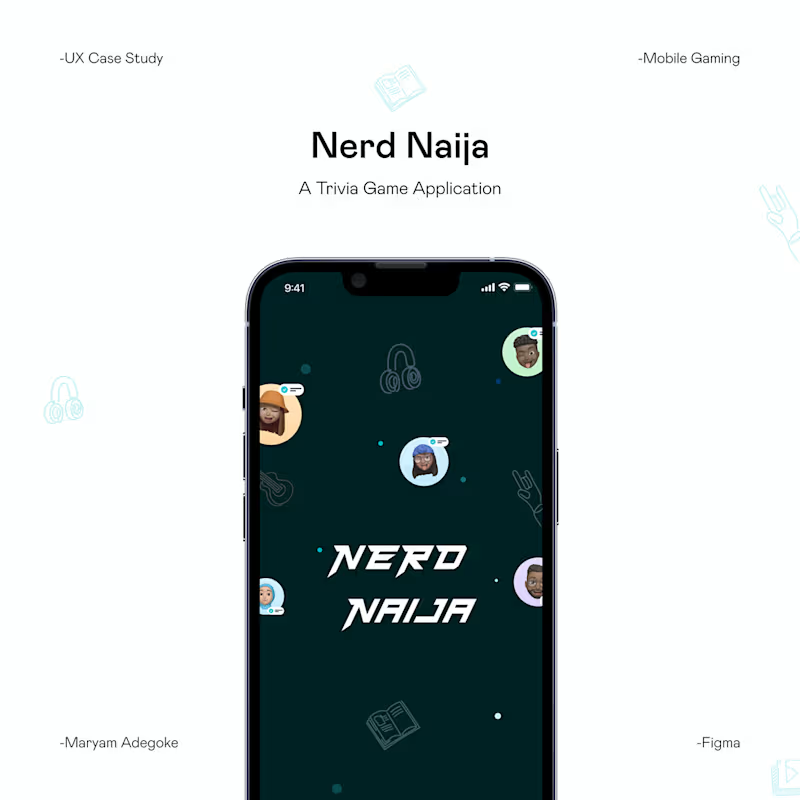
UI/UX Designer crafting intuitive, modern digital experience
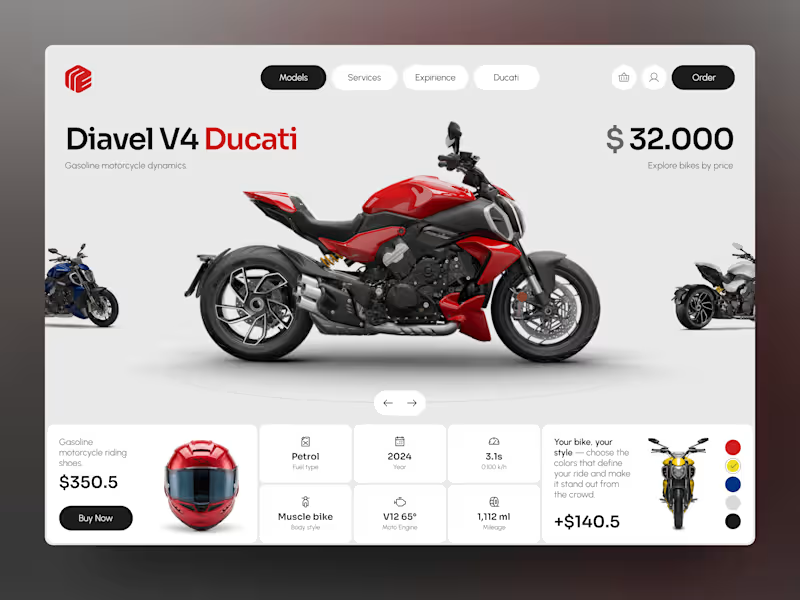
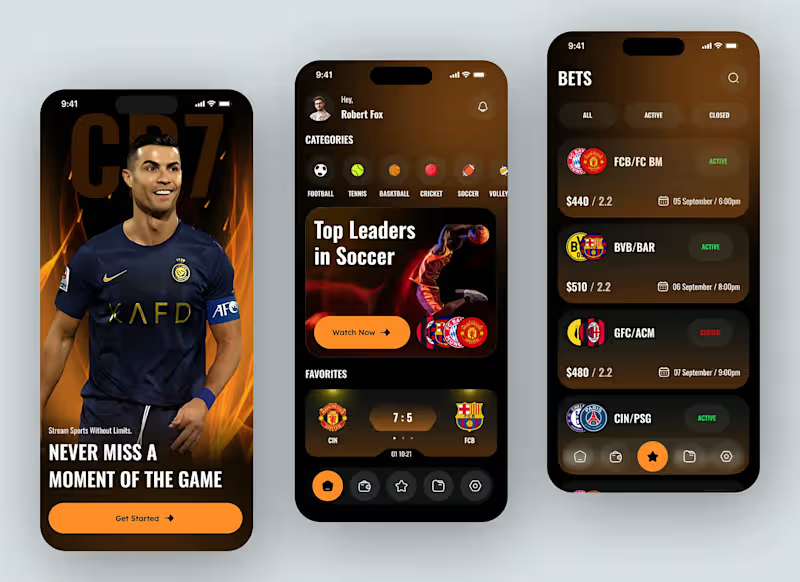
We design MVP apps that help startups move fast, validate ideas, and launch with confidence. Our focus is on building only what matters—clear user flows, essential features, and a product experience that’s easy to understand and test.
0
70
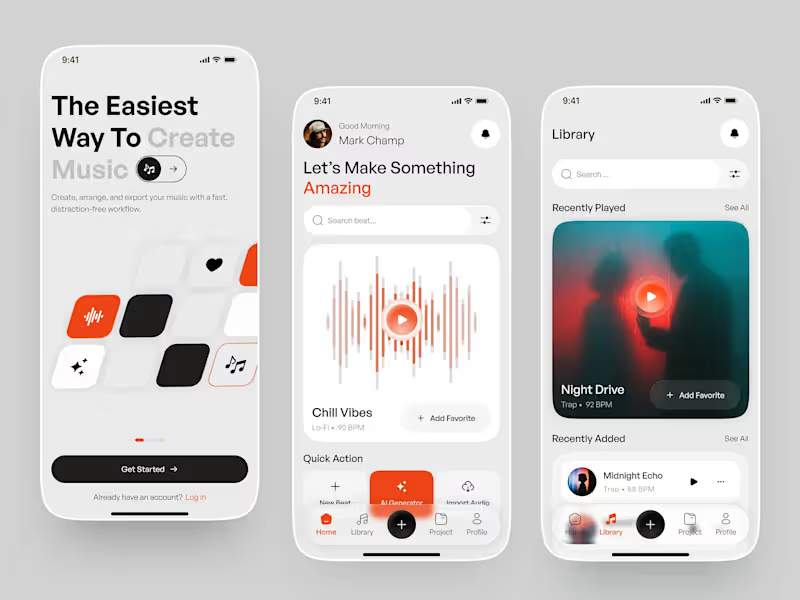
Music creation experience designed to make producing music feel simple, fast, and distraction-free.
The concept explores a smooth workflow for creating beats, generating music with AI, discovering sounds, and managing projects—all within a minimal and intuitive interface.
The visual direction combines soft neutrals, bold orange accents, rounded cards, and spacious layouts to create a friendly yet premium music-production experience.
Designed with a focus on simplicity, discoverability, and effortless music creation.
0
80
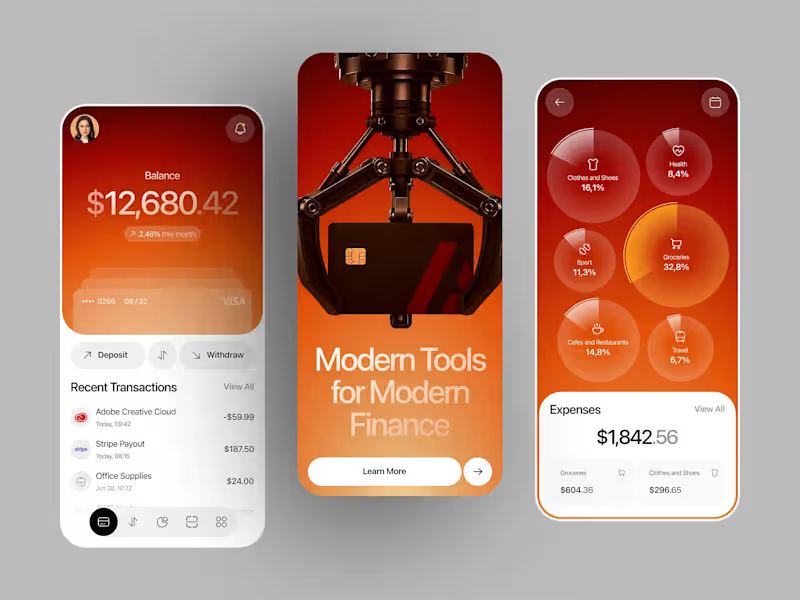
A modern personal finance mobile app designed to give users a clear view of their money in one place. The experience combines account balances, cards, recent transactions, deposits and withdrawals with visual expense tracking across categories like groceries, travel, health, and shopping.
Bold gradients and data-driven visuals bring a distinctive identity to an otherwise practical everyday banking experience.
0
71

Ex Meta + Mural Designer: Crafting Creative Experiences
Ex Meta + Mural Designer: Crafting Creative Experiences


View more →


Business Development & Client Strategy | Specie Designer



Full-Stack Developer | SaaS, AI & Web Apps
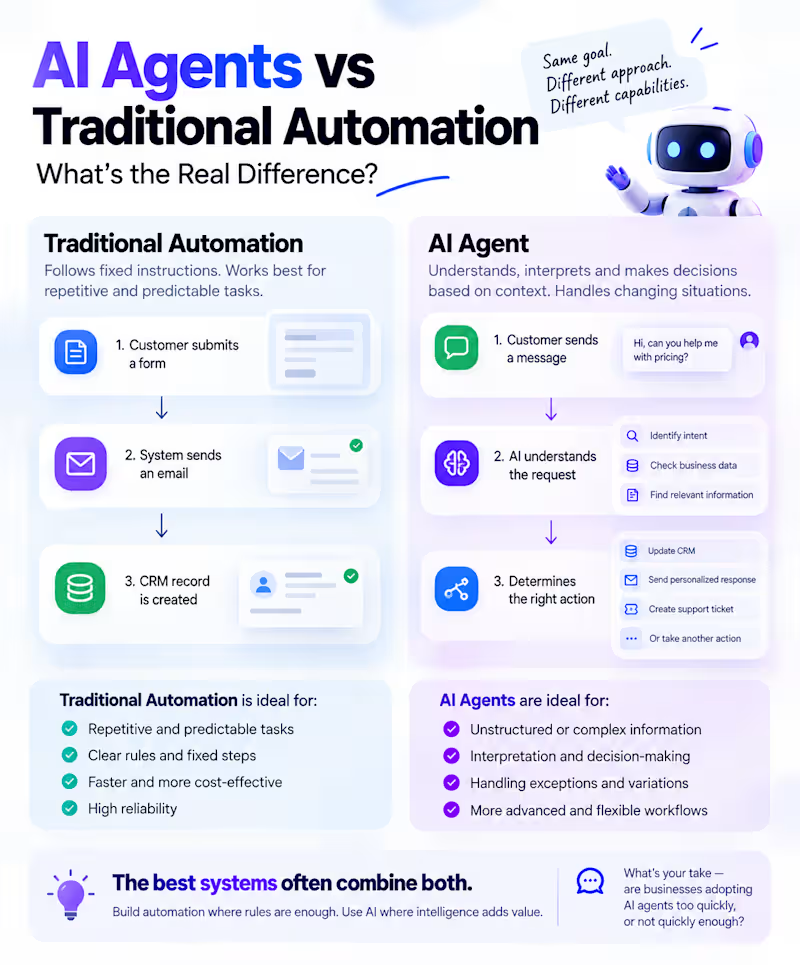
AI Agents vs Traditional Automation: What's the Real Difference? 🤖
Traditional automation follows instructions.
AI agents can interpret information, make decisions within defined boundaries, and choose the next step based on context.
Here's a simple example:
⚙️ Traditional Automation: A customer submits a form → the system sends an email → a CRM record is created.
🧠 AI Agent: A customer sends a message → AI understands the request → checks relevant business data → determines the appropriate action → updates the CRM or prepares a response.
Both are useful. The difference is how they handle changing situations.
And here's something important: not every workflow needs an AI agent.
For predictable, repetitive tasks, traditional automation is often faster, cheaper, and more reliable.
AI agents make more sense when workflows involve unstructured information, interpretation, and decisions that cannot easily be covered by fixed rules.
The best systems often combine both.
Build automation where rules are enough. Use AI where intelligence adds value.
What's your take — are businesses adopting AI agents too quickly, or not quickly enough?
#Automation #WorkflowAutomation
0
56
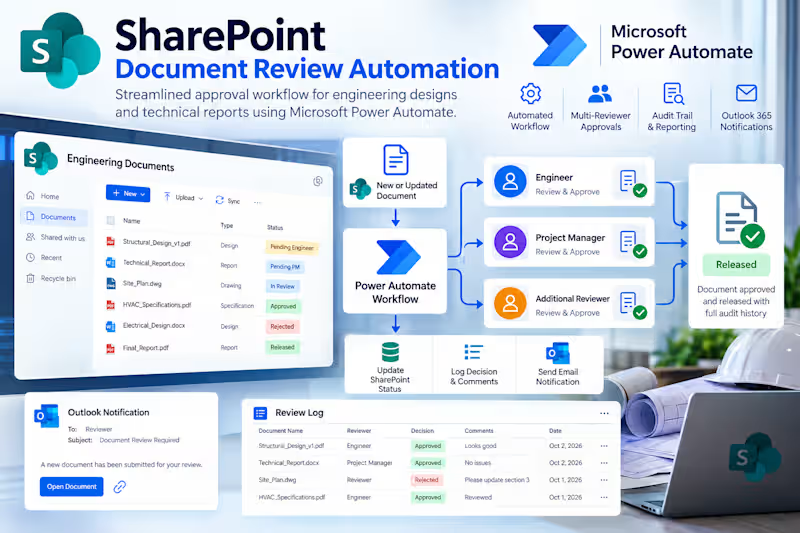
Developed a complete SharePoint Online document review workflow using Microsoft Power Automate for engineering designs and technical reports.
The automation triggers when documents are uploaded or updated, captures metadata, assigns multiple reviewers, tracks approvals and rejections, updates document statuses, and records reviewer decisions and comments in a dedicated Review Log.
Integrated Outlook 365 notifications provide reviewers with direct document links, while SharePoint version history remains intact throughout the review process.
The solution provides a clear, maintainable and auditable approval workflow within Microsoft 365.
2
0
226
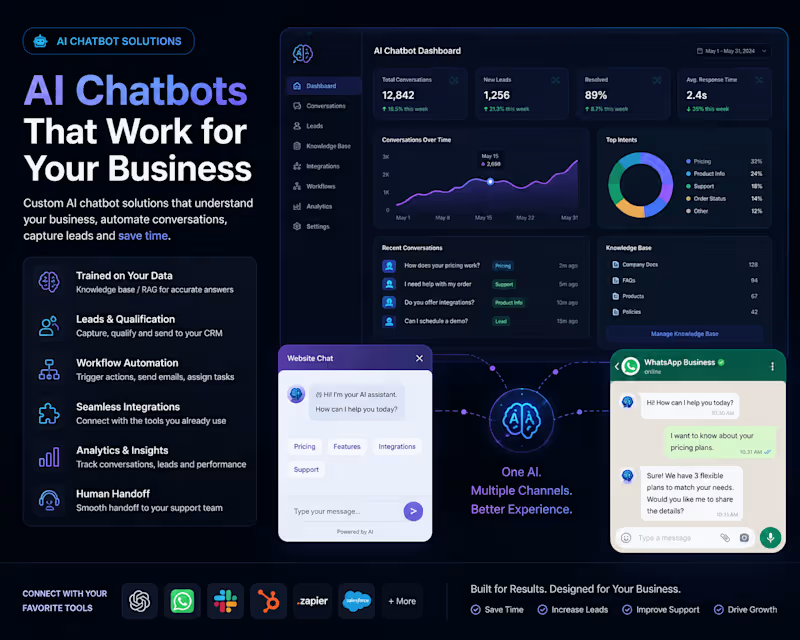
AI Chatbots Should Do More Than Just Answer Questions 🤖
I’ve been building AI chatbot solutions that go beyond basic Q&A.
A useful business chatbot should be able to understand your company’s knowledge, answer customer questions accurately, capture and qualify leads, trigger workflows, and connect with the tools your team already uses.
Recent solutions I’ve worked on include:
→ Custom knowledge-base / RAG chatbots
→ OpenAI & LLM integrations
→ Website AI assistants
→ WhatsApp & messaging integrations
→ Lead capture and qualification
→ CRM & API integrations
→ Human handoff workflows
→ Conversation history & analytics
→ Custom admin dashboards
The goal is simple: turn AI into a practical business tool—not just another chat window.
If your business has repetitive customer questions, manual lead handling, or information scattered across documents and systems, a custom AI assistant can automate a significant part of that workflow.
6
3
426

Customer & Product Support Specialist | Billing Ops & CRM
Customer & Product Support Specialist | Billing Ops & CRM



Product Designer | UI/UX Designer
Product Designer | UI/UX Designer