Freelancers in Palo Alto
Sign Up
Post a job
Sign Up
Log In
Filters
2
Projects
People
Great.co Studio
max
Palo Alto, USA
A Global Brand Designer Studio for AI Startups
$250k+
Earned
22x
Hired
5.0
Rating
742
Followers
Top
expert
+2
Follow
Message
A Global Brand Designer Studio for AI Startups
0
Humans in the Loop - AI Conference Brand Identity Design
0
7
7
Avvoka — Legal Tech That Stopped Wearing a Suit
7
114
12
Stickier — A Brand Built to Scale Everywhere
12
565
4
Lapis Labs — Redesigning How AI Sees Your Brand
1
4
122
Follow
Message
Ulvin Omarov
pro
Santa Clara, USA
Framer Pro Expert & No-Code Dev | UX/UI & Product Design
$25k+
Earned
28x
Hired
5.0
Rating
281
Followers
expert
expert
+3
Follow
Message
Framer Pro Expert & No-Code Dev | UX/UI & Product Design
11
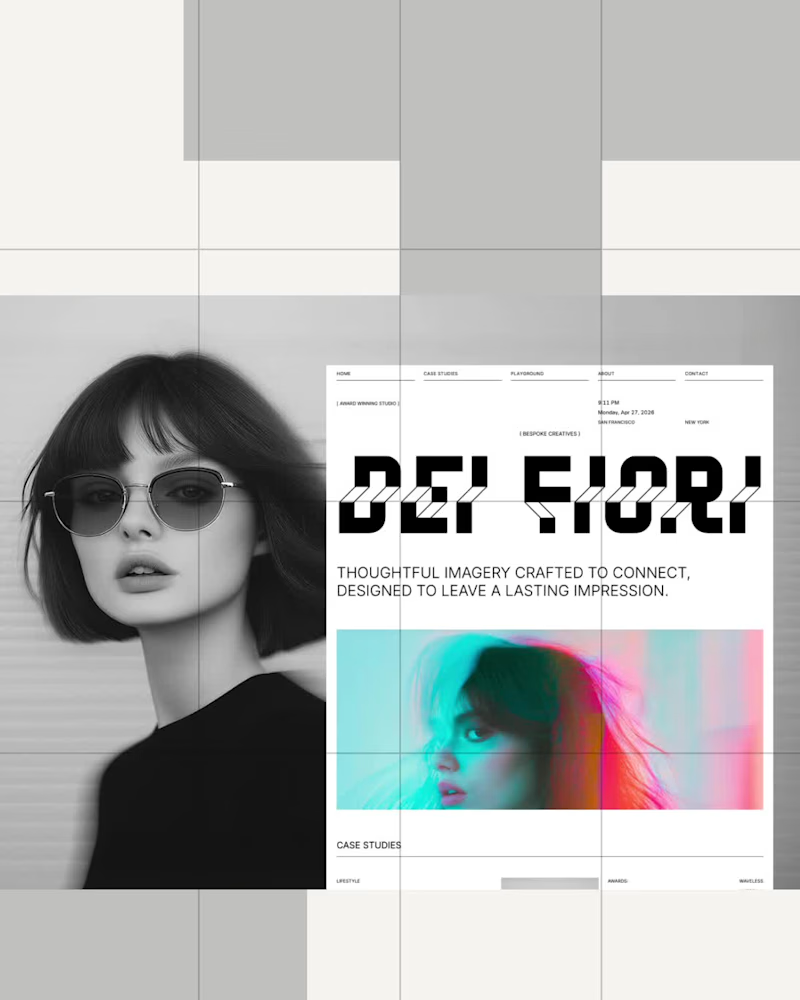
😍 Dei Fiori - Creative & Photo Studio Template is now live and FREE on the @Framer marketplace 🎉 https://www.framer.com/marketplace/templates/dei-fiori/
13
11
603
10
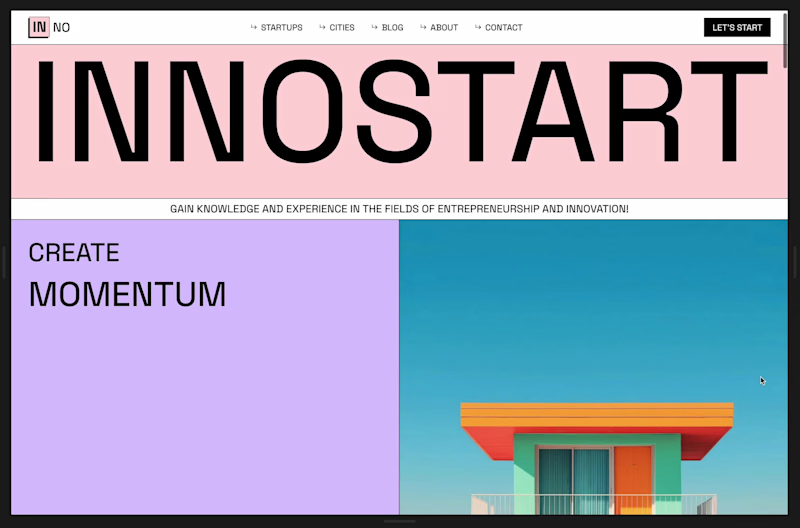
Innostart — Startup and Innovation Template
10
248
101
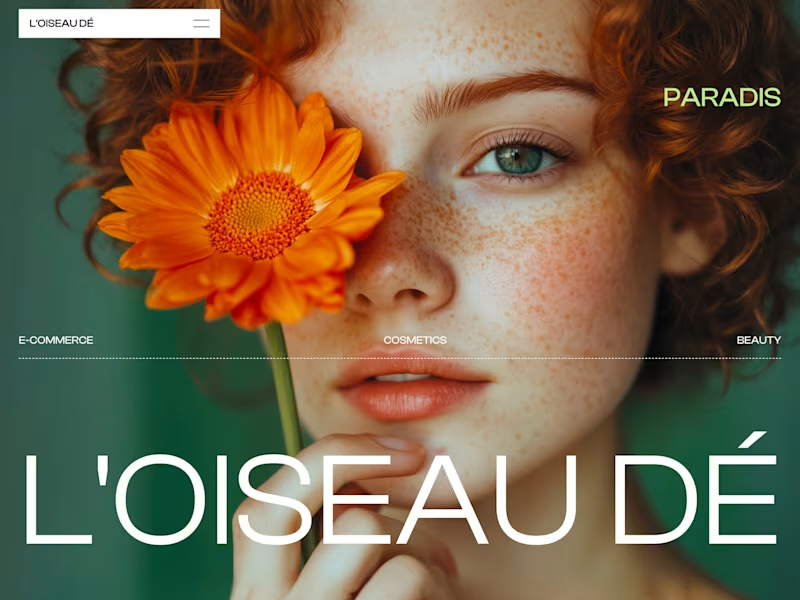
😍 My 7th template, L'OISEAU DÉ is now live in the @Framer marketplace 🎉 Preview: https://www.framer.com/marketplace/templates/loiseau-de/
67
101
3.5K
12
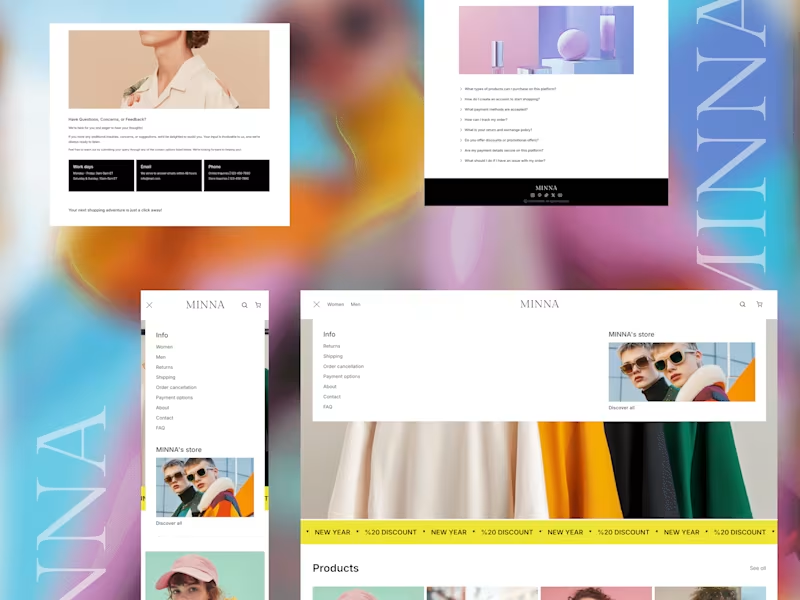
MINNA - E-commerce in Framer with Shopify
12
353
Follow
Message
Aayush Palai
pro
San Jose, USA
making web & mobile apps that scale
$10k+
Earned
64x
Hired
5.0
Rating
21
Followers
Expert
Follow
Message
making web & mobile apps that scale
0
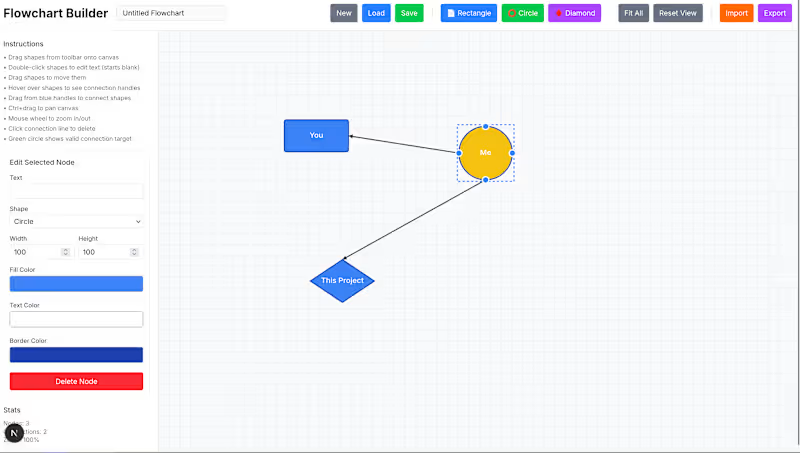
Flowchart (Idea Organizer)
0
15
1
TastyComms / Tracker
1
86
1
AR Glasses with ChatGPT / Video integration.
1
167
3
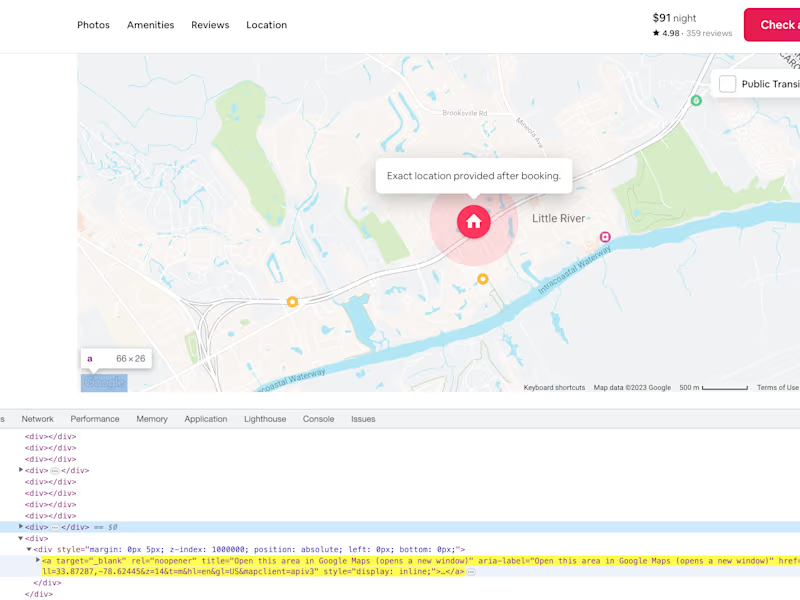
Airbnb Coordinates Scraper Development
3
80
Follow
Message
Shantanu Roy
pro
Oakland, USA
Product Designer crafting intuitive and human interfaces.
$5k+
Earned
3x
Hired
5.0
Rating
19
Followers
expert
Follow
Message
Product Designer crafting intuitive and human interfaces.
1
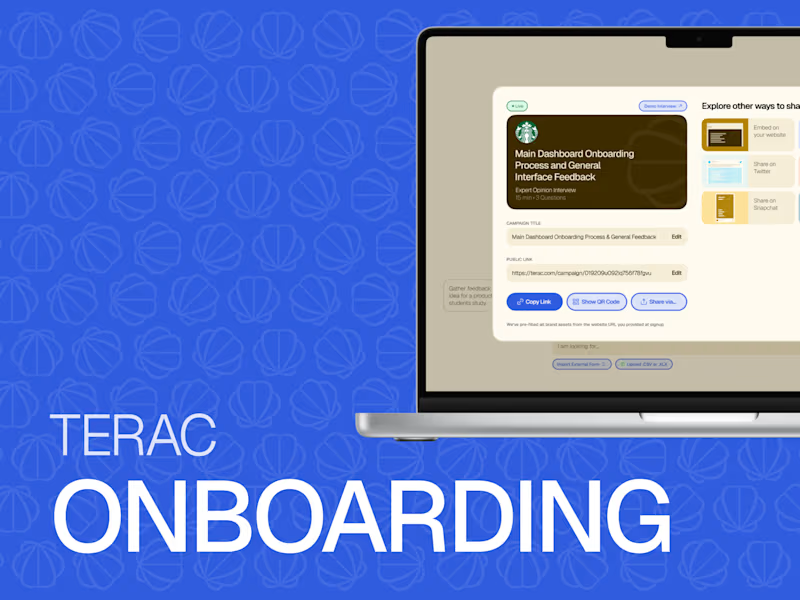
Terac Onboarding Redesign
1
34
3
Terac Brand Design
3
66
0
Quasi - AI WebApp Product Design
0
22
4
Fiction - Mobile App Design
4
79
Follow
Message
Molly Mittal
max
San Mateo, USA
Product & Visual Designer · Brand Identity · UI/UX
2x
Hired
5.0
Rating
50
Followers
Follow
Message
Product & Visual Designer · Brand Identity · UI/UX
42
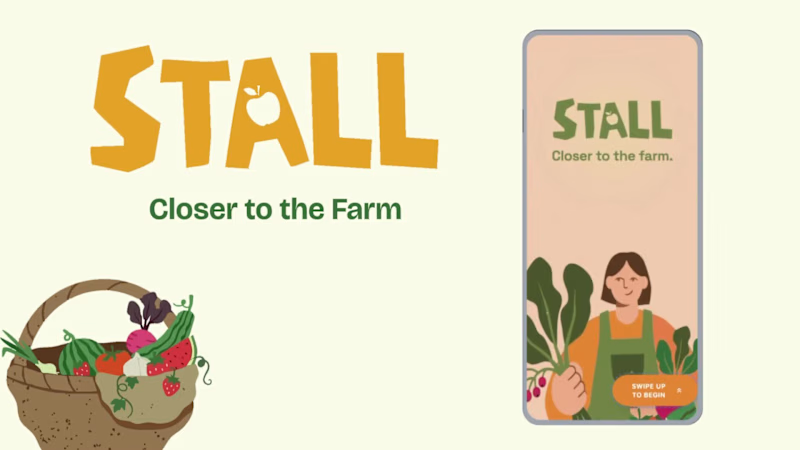
Project title STALL — Your farmers market, alive. A swipe-to-shop farmers market companion that connects local vendors with regulars before Saturday ever arrives. The problem Every Saturday, the same thing happens. You show up to the farmers market at 10am. The ramp vendor you wanted is sold out by 9. You forgot cash. You walk past a honey stall three times because you can't remember if you already bought some. And that new mushroom farm you heard about? Gone before you spotted them. On the vendor side, it's just as frustrating. Small farmers wake up at 4am, load the truck, drive an hour, and have no lightweight way to tell their regulars — the people who actually want what they grow — "I have asparagus this Saturday. Come find me." STALL fixes both sides of that problem. What STALL does STALL is a two-sided farmers market app built around one weekly ritual: Saturday morning. For shoppers: Follow vendors at your local market Swipe through a weekly produce deck — right to add to your list, left to skip — exactly like Bumble, but for ramps and sourdough Get a Friday evening digest: what your vendors have this week, your auto-built shopping list, and where each stall is on the map Pre-reserve high-demand seasonal items before you leave the house Discover first-of-season arrivals with a "what's new this week" spotlight For vendors: Post a weekly inventory update in 3 taps — what you're bringing, quantities, price Reach your regulars directly before market day Manage pre-reservations without a complicated system The app celebrates the seasonal nature of farmers markets — ramps in April, strawberries in June, squash in October. Every week feels like something worth showing up for. How I built this with Google Stitch STALL was designed and prototyped entirely using Google Stitch as the primary build tool, with Figma used only for initial wireframing. The workflow: Day 1 — Brand and wireframes I started by defining the brand: the name, palette (Pumpkin Spice Forest — a warm amber, fern green, mauve, and cream system), and illustration direction. I wireframed the three core flows — swipe deck, Friday digest, and vendor post — before touching Stitch. Day 2 — Into Stitch I imported my Figma file directly into Stitch using the .fig import feature. From there I used streaming generation to build each screen live on the canvas — watching the splash screen, onboarding flow, and homepage assemble in real time was genuinely remarkable. The HTML-native canvas meant every animation I added — card tilt on swipe, drawer slide-up, bento tile stagger — rendered exactly as it would in production. Key Stitch prompts used: "Add a swipe gesture to the produce card stack — right swipe shows a green Added overlay with 5° card tilt, left swipe shows a mauve Skipped overlay with -5° tilt" "Make the shopping list items stream in one by one with 120ms stagger on page load" "Add a bottom drawer that slides up from the vendor card with spring easing — show the farm bio, full inventory list, and two action buttons" "Build the Friday digest screen — vendor items animate in sequentially, the seasonal spotlight card pulses gently" "Export web assets and deploy to Netlify" In-place edits I used: Swapped the swipe overlay color from red to mauve to match brand Adjusted the bento grid gap from 8px to 6px after seeing it render on canvas Changed the CTA button from outlined to filled after in-place visual comparison Rewrote the seasonal spotlight copy directly on the canvas without regenerating What Stitch made possible that nothing else could: The swipe gesture interaction, the drawer spring animation, and the staggered list streaming — all three of these would have taken days to hand-code. In Stitch, they were prompt-driven and live on the canvas within minutes. The gap between "designed" and "interactive prototype" collapsed entirely. Screens delivered Splash screen — farmer illustration, full-bleed cream background Onboarding screen 1 — market basket illustration, "Your market, every Saturday" Onboarding screen 2 — swipe mechanic explainer with card UI Onboarding screen 3 — Friday digest bento preview Homepage — bento grid with market header, seasonal spotlight, list, map preview, swipe deck, streak tracker Swipe deck — card front, vendor expand drawer, swipe right (added), swipe left (skipped) Friday digest — streaming vendor list, seasonal spotlight, auto-built shopping list Market day map — vendor stall grid, spot numbers, live confirmation states Vendor post flow — 3-tap inventory update screen Design decisions worth noting The swipe mechanic — Borrowing the Bumble swipe pattern for produce discovery was the conceptual breakthrough. It transforms a passive browse into an active, satisfying decision. Every right swipe builds your list. Every left swipe still shows you where the vendor is on the market map — skipping is never permanent. The Friday digest as the hero feature — Most apps make you come to them. The Friday evening push notification with a personalised market brief is the one moment where STALL comes to you. It changes Saturday morning from reactive to intentional. Bento homepage — Instead of a scrolling feed, the homepage gives you everything at a glance: your market, your list, the seasonal moment, your vendors. Seven tiles, seven pieces of information, zero scrolling. The color system — Pumpkin (#E8872A), Fern (#728040), Mauve (#B07090), Cream (#FDFAF6), and Moss (#4A5228). Every color has one job. Pumpkin is interactive. Fern is seasonal and confirmed. Mauve is reserved and streaks. Cream is every surface. Nothing competes. What I learned Stitch genuinely changes the prototyping workflow. The moment I stopped thinking of it as a design tool and started thinking of it as a build tool — one where the canvas is the product, not a picture of the product — everything accelerated. The in-place edit feature is the one I'll keep coming back to: being able to change a color, rewrite copy, or swap a component without regenerating the whole screen is the difference between iteration and rework. STALL started as a hackathon idea. After building it in Stitch, it feels like something real. Live Prototype: https://stitch.withgoogle.com/preview/8229547464152593644?node-id=e53124995cda49808685283be978dc8c
50
42
804
0
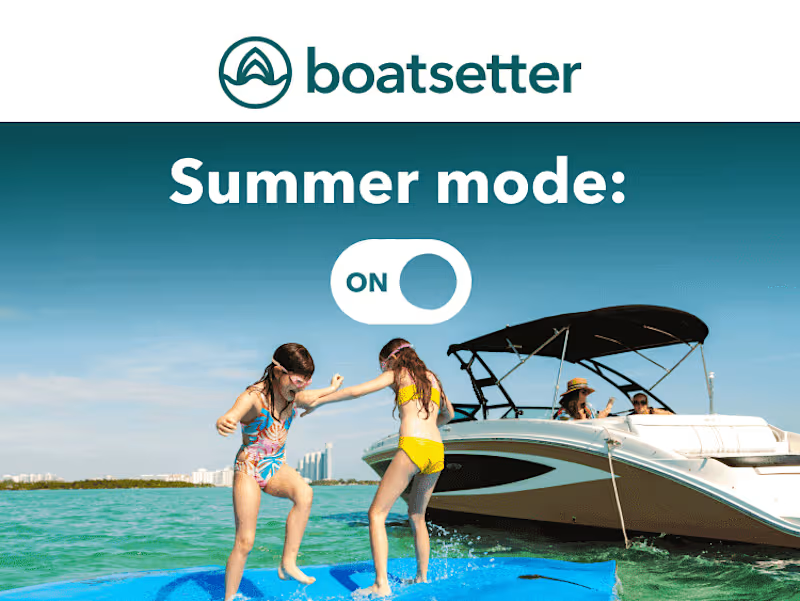
Boatsetter Email Marketing System
0
3
3
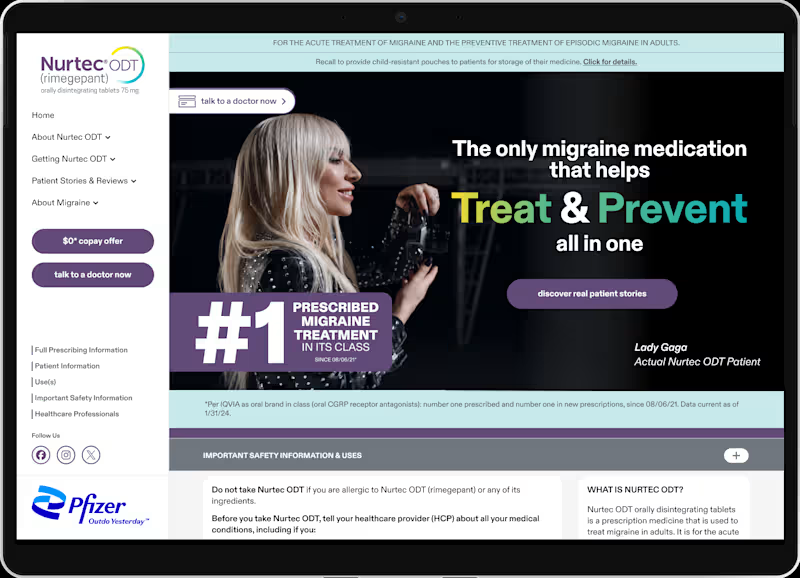
Pfizer Nurtec x Lady Gaga Campaign
3
10
1
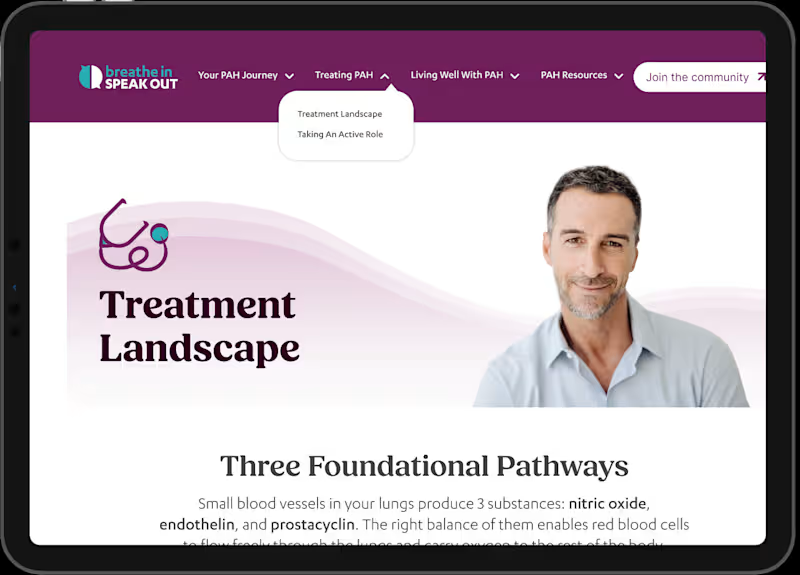
Johnson & Johnson - BISO (Breathe In Speak Out Website)
1
8
Follow
Message
Abdus Salam
pro
Fremont, USA
Product Design Partner, No-Code Developer
$1k+
Earned
1x
Hired
5.0
Rating
13
Followers
Follow
Message
Product Design Partner, No-Code Developer
0
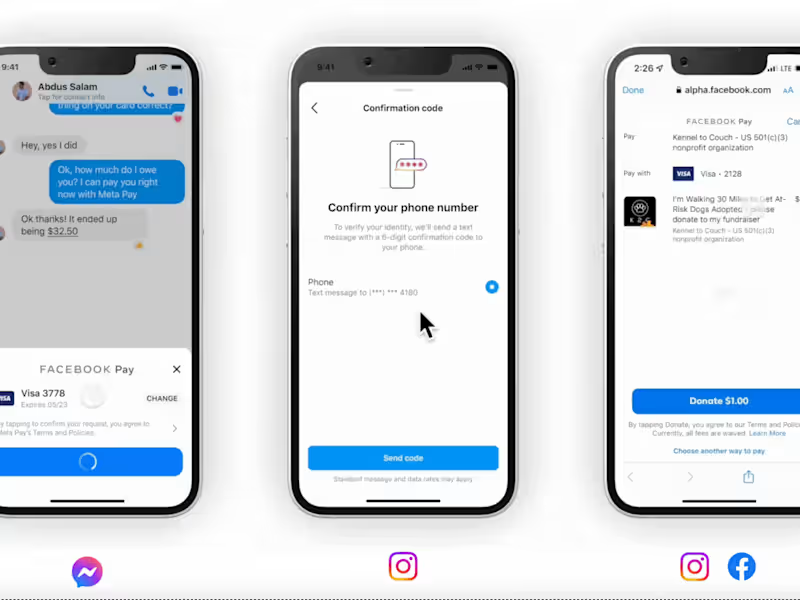
Driving Engagement and Payment Readiness Across Meta's Apps
0
22
0
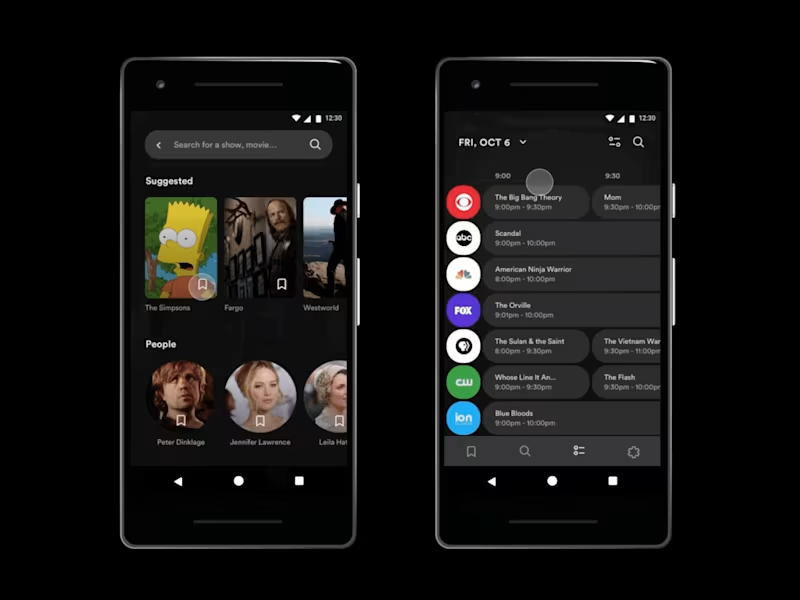
Redesigning TV Discovery In a Fragmented Landscape
0
12
2
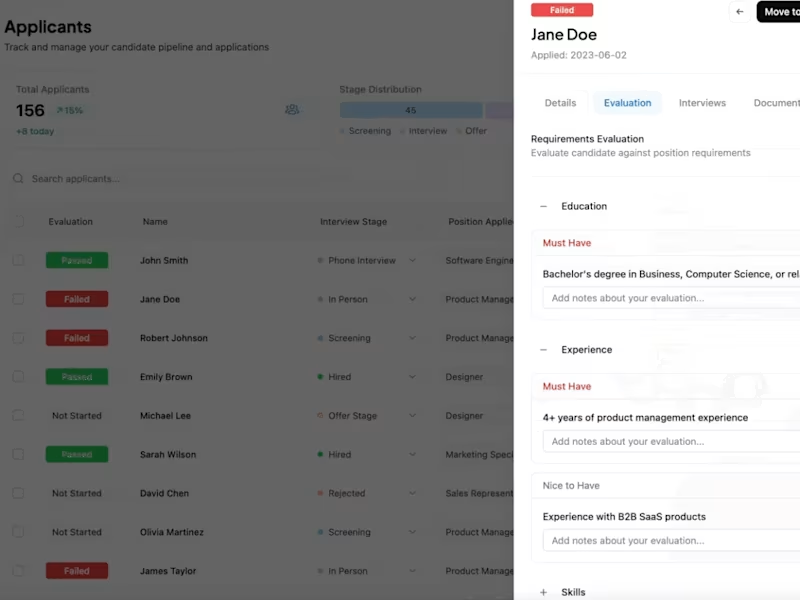
Modernizing Recruitment Using Data-Driven Insights
2
24
0
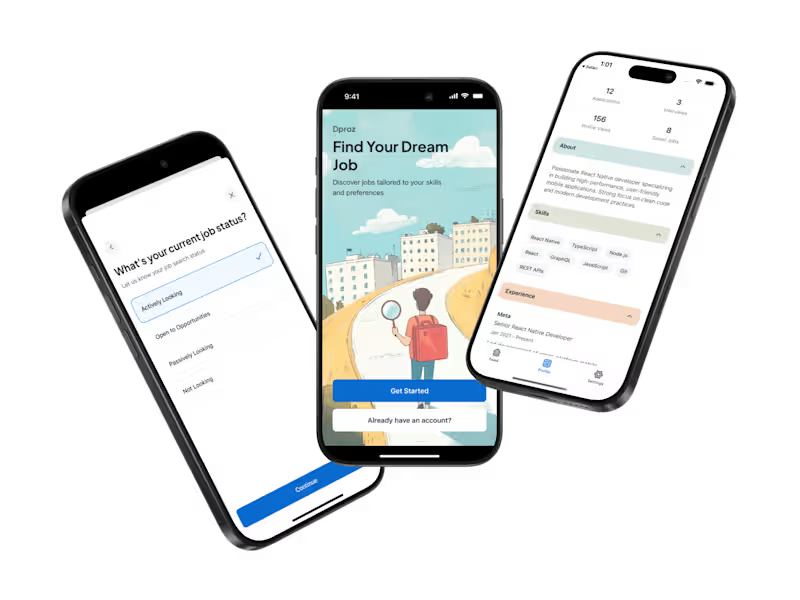
East African Job Discovery: 4-Week MVP to Market-Ready App
0
13
Follow
Message
Andrew Gray
Palo Alto, USA
Silicon Valley Staff Software Engineer
$10k+
Earned
1x
Hired
5.0
Rating
14
Followers
Follow
Message
Silicon Valley Staff Software Engineer
2
Just Enough Prep - AI powered Education Platform
2
49
0
SmartNews - News Aggregator Mobile App
0
23
0
Software engineering and machine learning coach
0
35
0
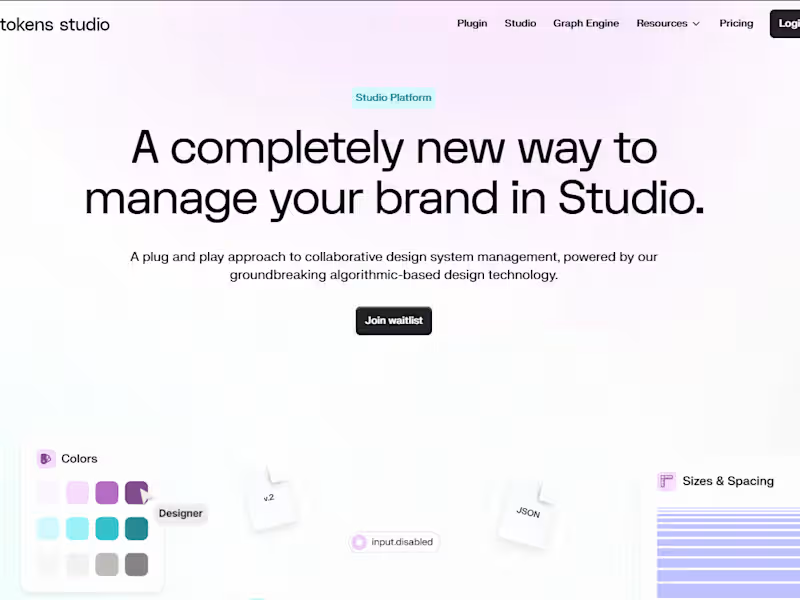
Figma Token Studio - Figma Plugin
0
17
Follow
Message
Summer Chang
pro
Oakland, USA
Websites + PWAs | Mobile-First Product Design
35
Followers
Expert
Follow
Message
Websites + PWAs | Mobile-First Product Design
5
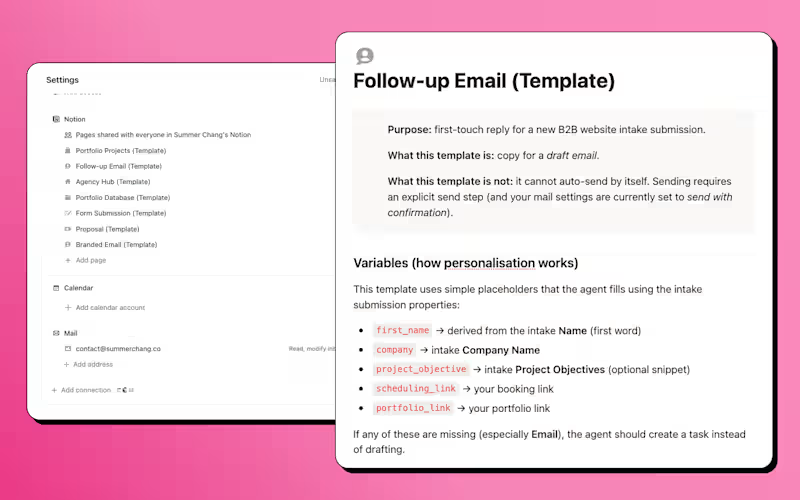
The problem it solves Every freelance designer knows the feeling — someone fills out your intake form, and suddenly you're the bottleneck. Writing follow-ups, sending confirmations, drafting reminders, chasing proposals. The work before the work. I built the Client Intake Agent to handle all of it. What it does A 9-step automated pipeline that runs from the moment a lead submits an inquiry to the moment they receive a proposal — with the right things automated and the right things kept as drafts for human review. → New intake submission → agent drafts a branded Gmail follow-up with portfolio examples matched to the client's service request → Lead books a call → confirmation email auto-sends instantly → Day before the meeting → reminder auto-sends at 7am → After the call → agent drafts the proposal, contract, and deposit invoice when you're ready Why it's reusable The agent is built as a template — not tied to one person's data. Anyone can duplicate it, swap in their booking link, populate their portfolio database, and run the same workflow in under an hour. The instructions include a full constants block, defined status values, and copy-paste prompts to get started immediately. Judging criteria — how this entry maps — Clarity of use case: Freelance designer, client intake, first inquiry to signed proposal — Quality of instructions: Step-by-step pipeline, named triggers, send rules, guardrails, status definitions, and fallback logic — Reliability and safety: Human review on every client-facing email except confirmations and reminders — where timing matters and content never changes — Impact: Eliminates the highest-friction part of freelance ops — the first 72 hours after a lead reaches out — Craft: Branded emails, STAR-format portfolio database, placeholder links for DocuSign and QuickBooks, and a clean setup guide anyone can follow Links — Custom Agent: https://www.notion.so/agent/3352d5cd-4ef4-80a1-a3d6-009263fd916f (https://www.notion.so/agent/3352d5cd-4ef4-80a1-a3d6-009263fd916f)— Marketplace listing: https://www.notion.so/marketplace/custom-agents/client-intake-agent (in review)
1
5
134
12
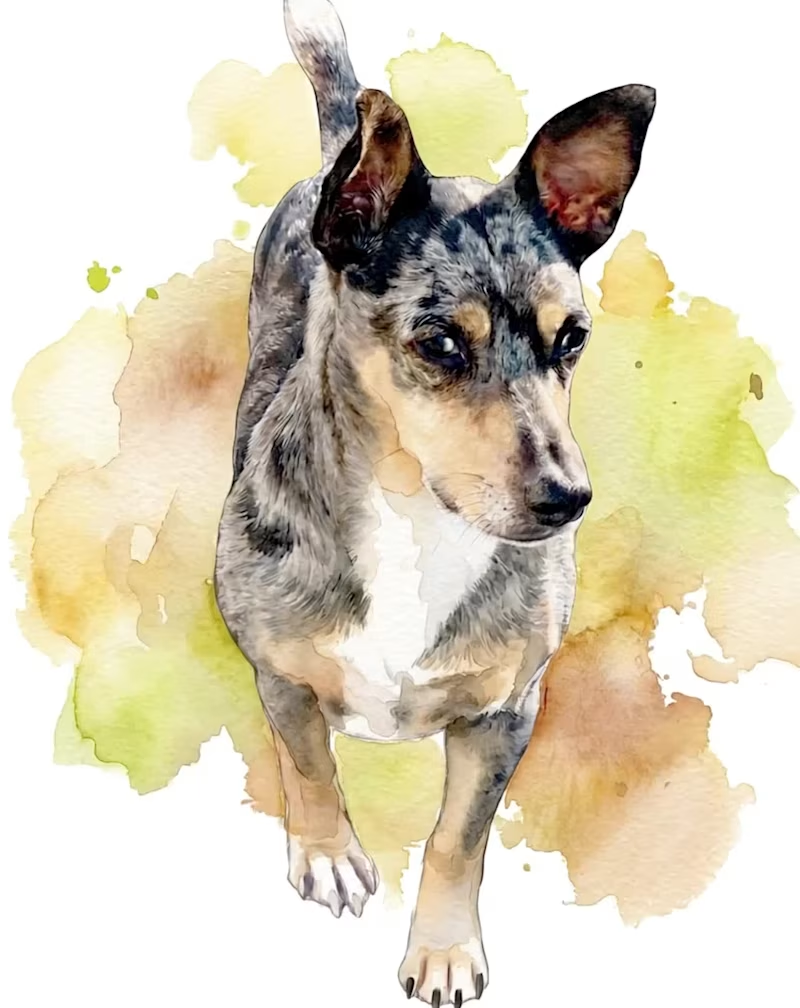
This project turns my dog of 15 years into the face of an occasion-based apparel brand. The video moves through a series of storefront-style window displays, revealing new looks for weddings, holidays, and celebrations. Inspired by his loyalty and personality, the concept presents dog apparel as a polished brand story, not just costume wear.
3
12
275
3
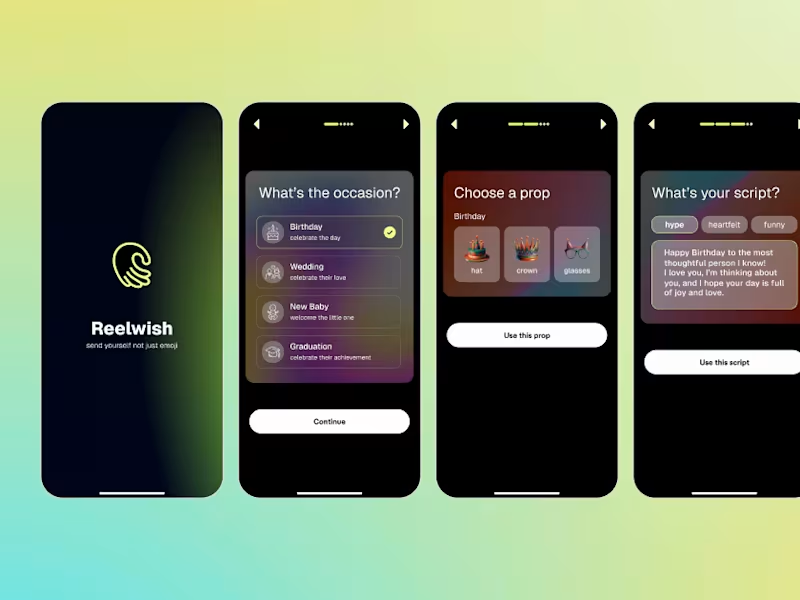
Excited to share what I built for the Figma Makeathon Reelwish (https://<https://reelwish.figma.site/app>) lets you record a 15-second video wish with real-time face-tracked props and gesture reactions baked right into the video. What I built in Figma Make: → Real-time face tracking using TensorFlow BlazeFace — props follow your face on camera → Hand gesture detection — thumbs up triggers confetti, peace sign triggers hearts, OK sign triggers fireworks → Teleprompter with scripts by occasion and vibe — Hype, Heartfelt, or Funny → Full video recording and sharing pipeline → Beautiful receive page for the person you're celebrating Link to the project: https://reelwish.figma.site/app Built for the #FigmaMakeathon — incredibly proud of how far this came in 48 hours.
3
3
105
3
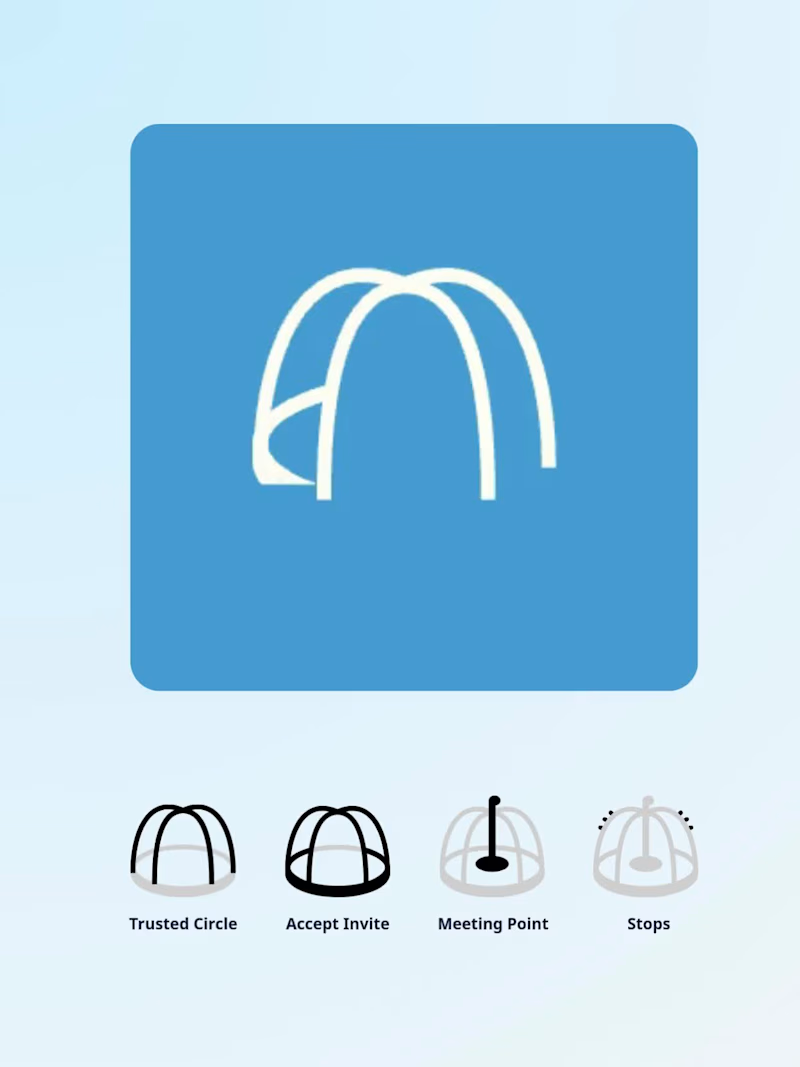
Building the PlayDate app (multi-stop family itineraries) and just finished a first pass of the logo animation—sharing here.
2
3
100
Follow
Message
Explore people