
Philip Wallage

I find and fix what's confusing your customers.



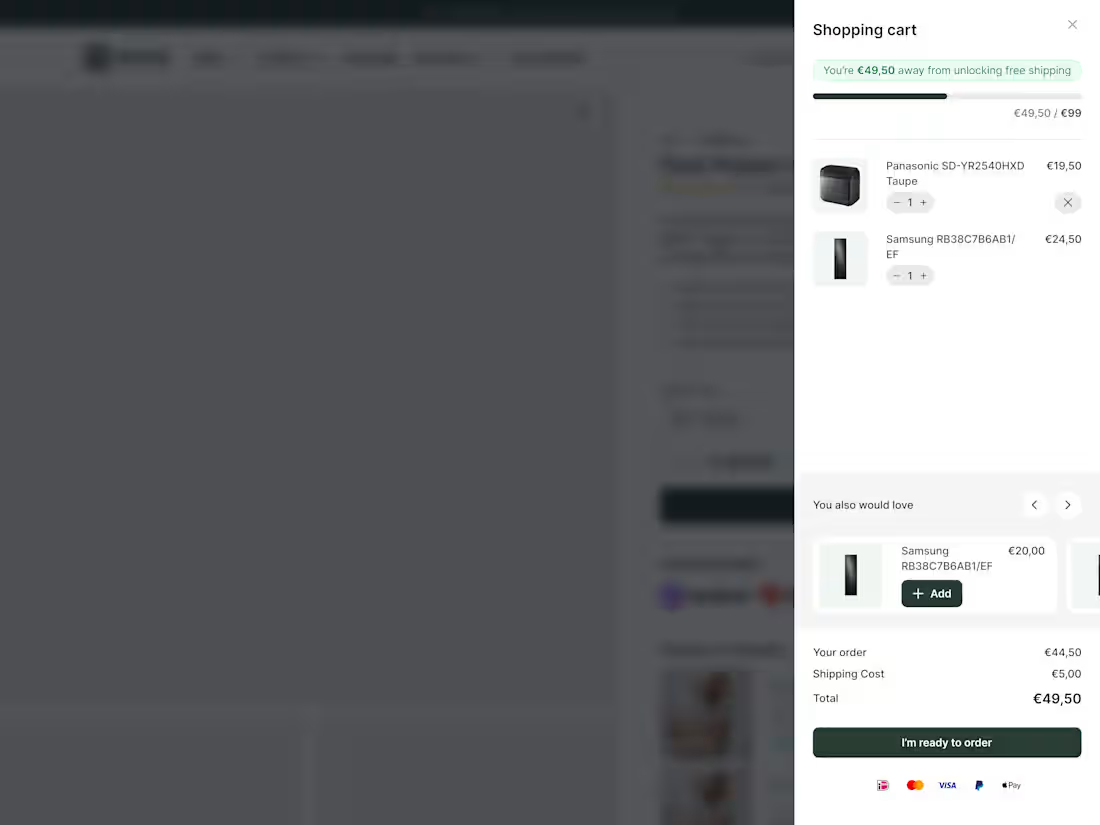
Most e-commerce stores leave money in the cart.
Not because their products are wrong.
Because their cart experience is lazy.
New research from Baymard Institute:
52% of shoppers will actively hunt for more items if they see they're close to free shipping.
Half your customers want to spend more.
They just need to see how close they are.
That's what a cart drawer with a dynamic progress bar does.
Takes about 2 hours to implement. Results show within days. Here's what it looks like.
The bar moves as they add items.
Shows exactly how much more to hit the threshold.
No guessing. No math. Just visual motivation.
23% will checkout anyway. Fine.
But 52% will add more to their order.
If your average order is €80...
Can push 52% of customers to add one more item at €20?
26
476
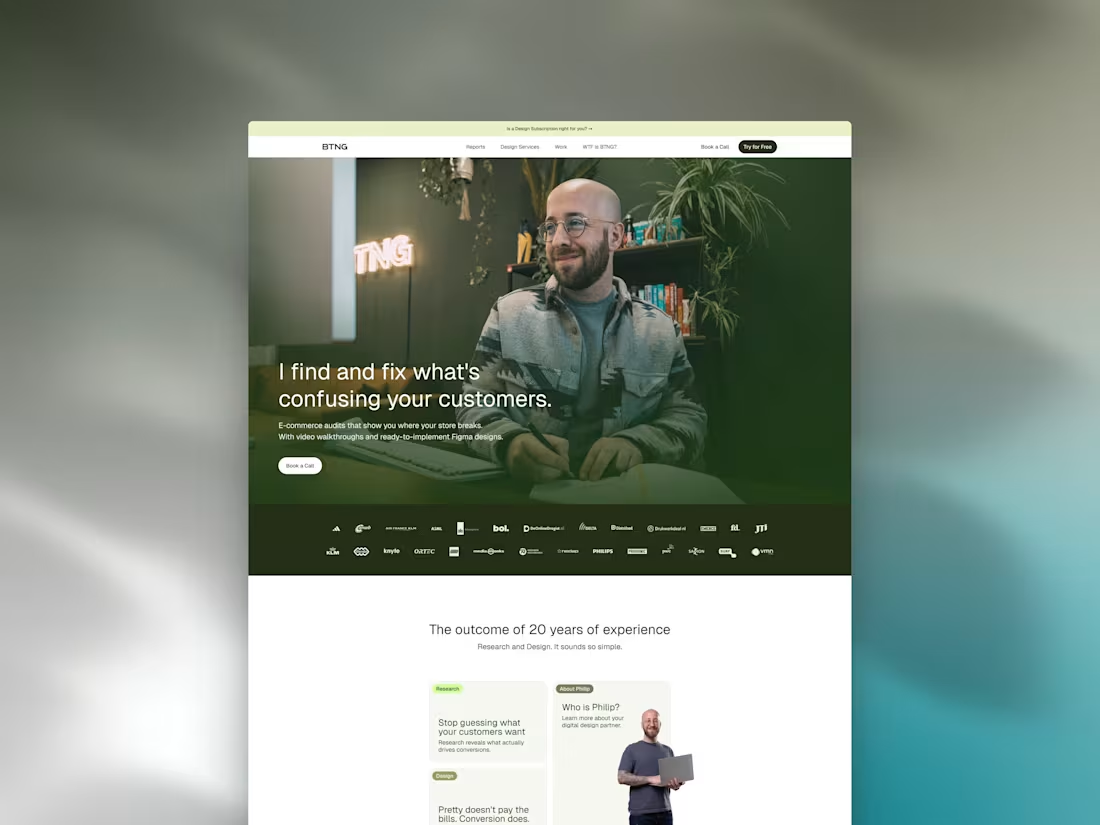
I guess you know all about the terrors of working on your own website right?
Well, last week I locked myself up. Outside the office. Away from home. To do what needed to be done.
And man, am I happy how it turned out!
3
25
524
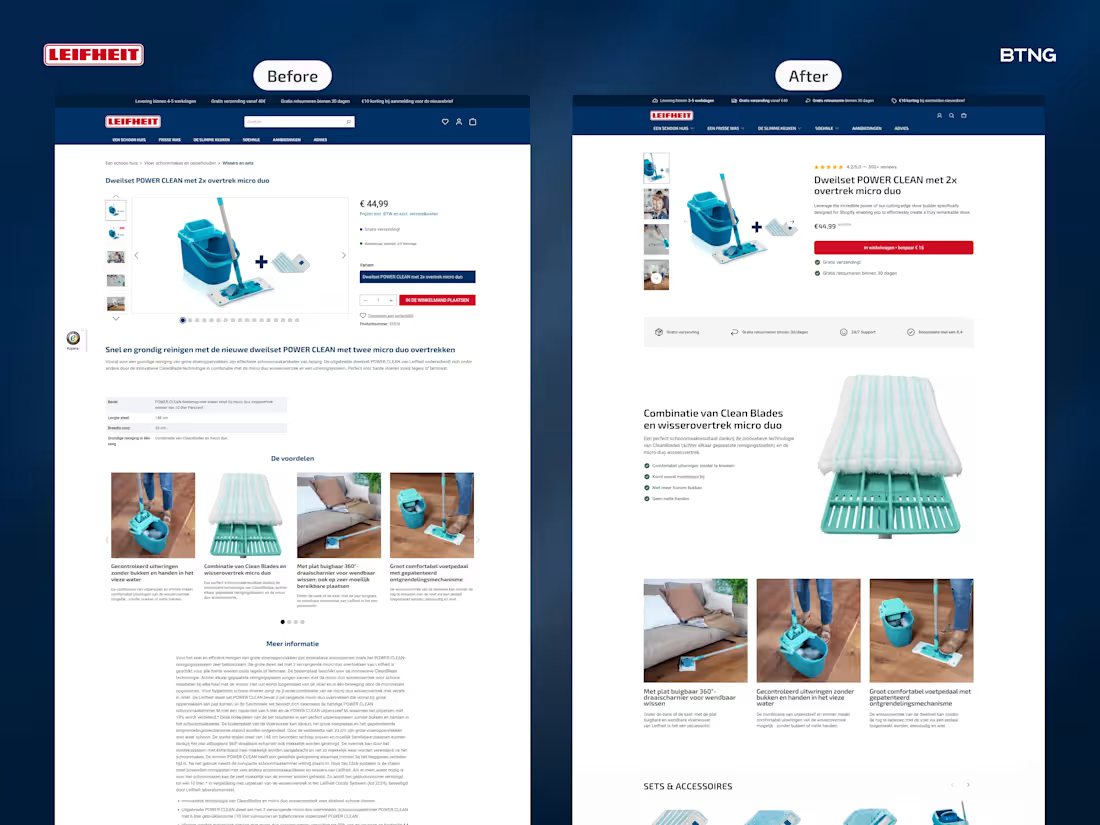
Leifheit Product Page Redesign
1
22
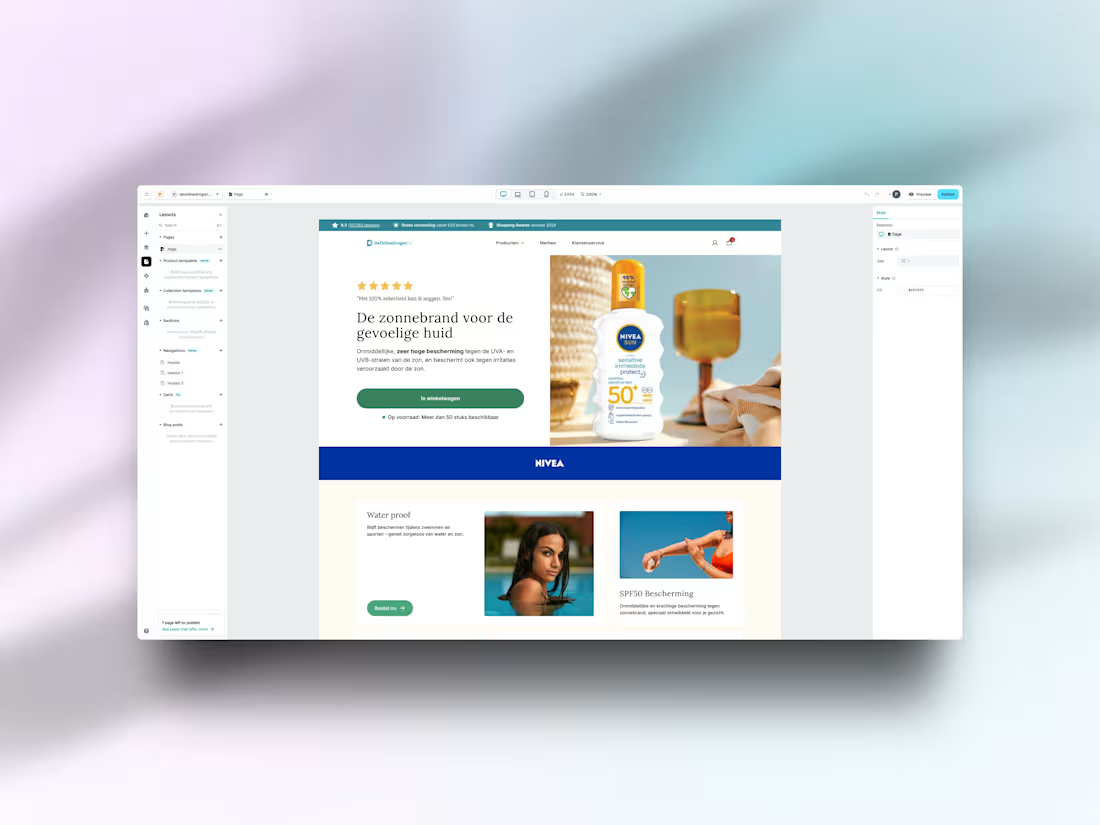
I just wrapped up my first project using Instant.so (http://Instant.so) and I'm genuinely impressed. As someone who's been designing high-converting landing pages without wrestling with code, this was exactly what I needed.
What blew me away:
The editor is incredibly intuitive. Everything is customizable – and I mean everything. From the quantity selector to every single typography element, I had complete control over the design. No fighting with templates or settling for "close enough."
The best part? It felt natural. The kind of editor where you're building, not learning how to build.
If you're looking for a way to create beautiful, conversion-focused pages without the typical headaches, give Instant.so (http://Instant.so) a shot.
23
487