
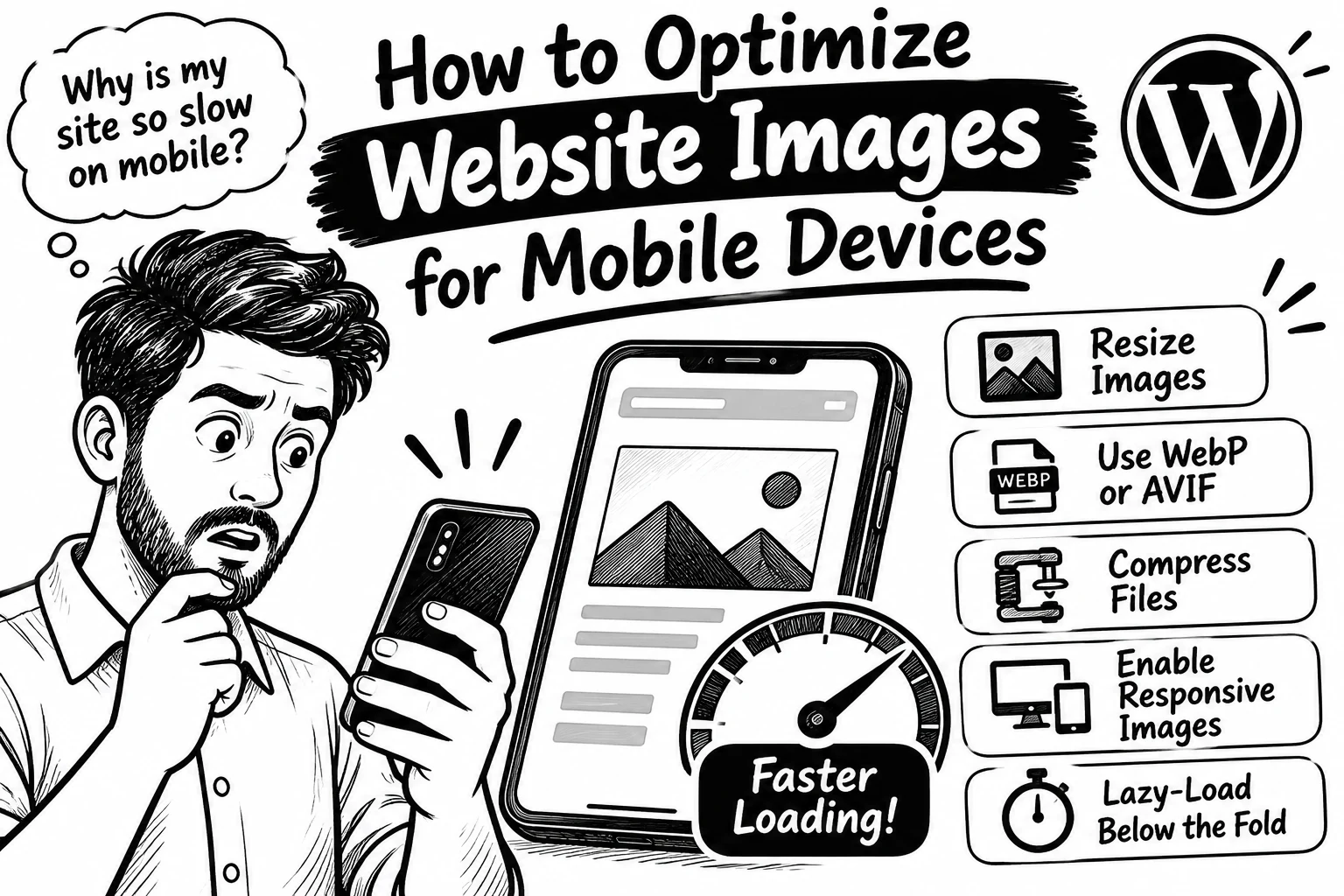
How to Optimize Website Images for Mobile Devices
Your website may look beautiful on a laptop, but what happens when someone opens it on a phone with a slow connection?
Large, unoptimised images can make mobile pages heavier and slower. Simply shrinking an image with CSS doesn't guarantee the phone downloads a smaller file
Here’s how to fix that on WordPress
Resize images for their display size. Don’t upload a 3000px photo when the page needs a much smaller version.
Use modern formats. WebP and AVIF can deliver good quality at smaller file sizes than JPEG or PNG in many cases.
Compress before uploading. Tools like ShortPixel, Imagify or Smush can reduce file size without making images visibly blurry.
Serve responsive images. Let the browser choose a suitable image size for each screen.
Lazy-load images below the fold, but don’t lazy-load the main image visitors see first. Important images may need priority.
Also set image dimensions to help prevent content from jumping as images load.
Don’t guess whether images are slowing your site. Test your pages with Google PageSpeed Insights.
What’s your biggest image challenge: file size, image quality, or loading speed?
0 likes · 0 views · Nov 10, 2026
How to Optimize Website Images for Mobile Devices Your website may look beautiful on a laptop, but what happens when someone opens it on a phone with a slow ...

