
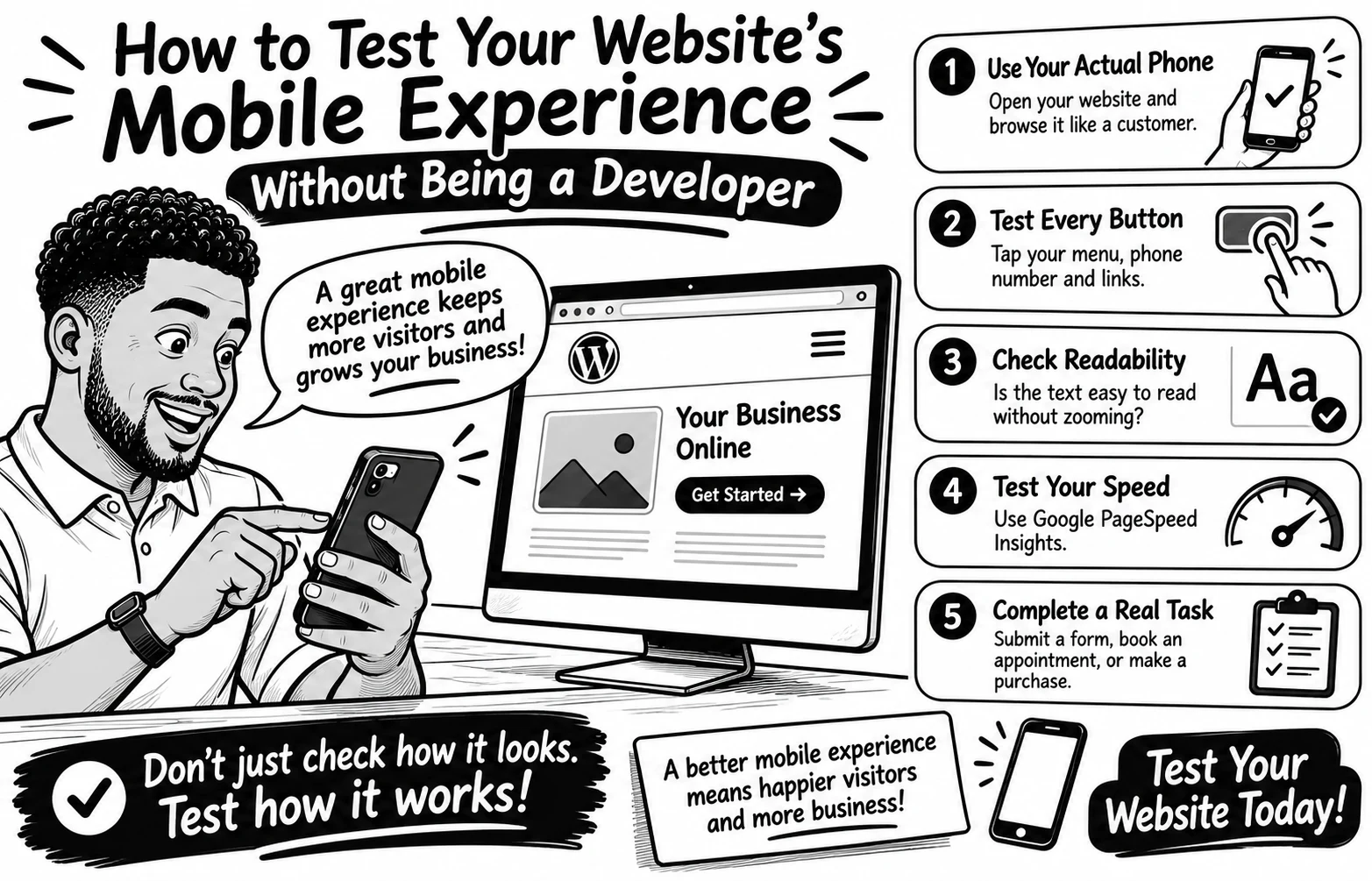
How to Test Your Website's Mobile Experience Without Being a Developer
Your website may look perfect on a laptop but become frustrating on a phone Tiny buttons, unreadable text, and complicated forms can make simple tasks harder than they should be
The good news? You don't need coding skills to test your mobile experience.
Try these 5 simple checks
Use your actual phone. Open your website and browse it like a customer. Can you find important information quickly?
Test every button. Tap your menu, phone number, contact button, and links. Are they easy to press without accidentally clicking something else?
Check readability. Is the text comfortable to read without zooming? Does anything extend beyond the screen?
Test your speed. Enter your page URL at Google PageSpeed Insights (pagespeed.web.dev) and review its mobile performance report.
Complete a real task. Try submitting a contact form, booking an appointment, or completing a test purchase. Don't stop at the homepage!
Remember, a good mobile experience isn't just about fitting a smaller screen. It's about helping visitors accomplish what they came to do.
Your turn: When did you last test your entire website on your phone? Try it today and tell me what you discover
0 likes · 0 views · Nov 3, 2026
How to Test Your Website's Mobile Experience Without Being a Developer Your website may look perfect on a laptop but become frustrating on a phone Tiny butto...


