
doris james
WordPress & WooCommerce Website Developer
- 9
- Followers


Custom WordPress Design vs. Pre-Built Themes: Which Is Better?
Should you invest in a custom WordPress website or start with a pre-built theme? The right choice depends on your business goals, budget, and how unique your website needs to be
Here’s the difference
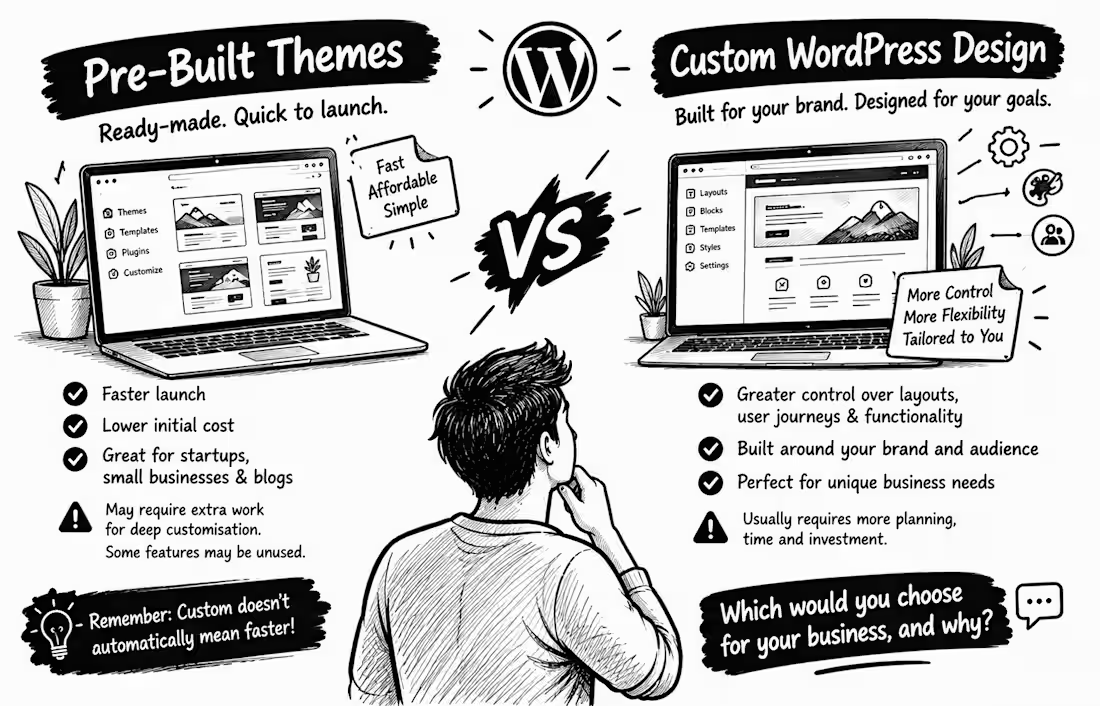
Pre-Built Themes: These come with ready-made layouts, helping you launch faster and often at a lower initial cost. They can be excellent for startups, small businesses, and blogs. However, extensive customisation may require extra work, and some themes include features you may never use.
Custom WordPress Design: This is built around your brand, audience, and business processes. It gives you greater control over layouts, user journeys, and functionality but usually requires more planning, time, and investment.
Here’s what many business owners overlook: A custom design isn't automatically faster, and a pre-built theme isn't automatically slow. Performance depends on how the site is built, its assets, hosting, and other factors.
WordPress also supports modern block themes, which let you customise layouts, templates, colours, and typography without building everything from scratch.
My advice: Choose a pre-built theme if it meets your needs without major compromises. Consider custom design when your brand, customer journey, or functionality demands more flexibility.
If you were building your business website today, would you choose a ready-made theme or a custom design and why?
Let’s discuss in the comments!
0
5
How Much Does a WordPress Website Cost in 2026?
WordPress is free. So why can a website cost hundreds or even thousands of dollars?
Here’s the breakdown:
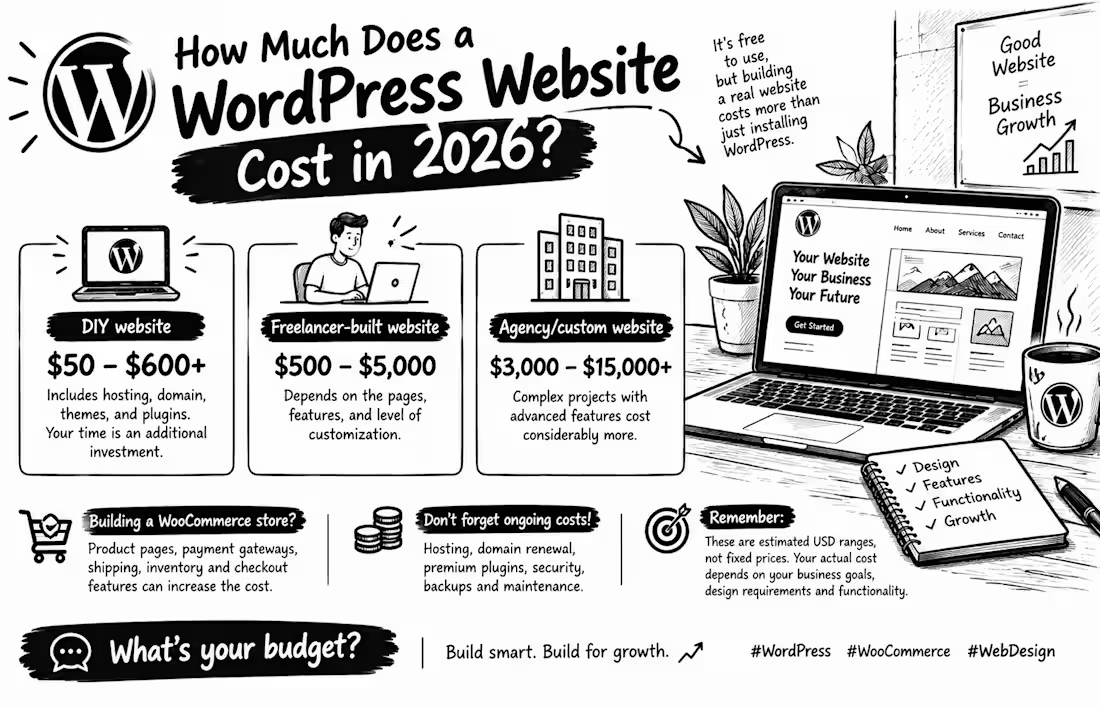
DIY website: $50–$600+
Freelancer-built website: $500–$5,000
Agency/custom website: $3,000–$15,000+
Need a WooCommerce store? Product pages, payment gateways, shipping, and inventory features can increase the cost.
Don't forget hosting, domain renewals, premium plugins, security, and maintenance.
These are estimated USD ranges, not fixed prices. Your actual cost depends on your business goals, design requirements, and functionality.
My advice as a WordPress & WooCommerce designer? Don't just look for the cheapest website. Look for one that serves your customers and supports your business growth.
👇 Let's talk! What's your website budget in 2026?
A) Under $500
B) $500–$2,000
C) Above $2,000
Reply with A, B, or C!
#WordPress #WooCommerce #WebDesign
3
39
How to Design a Homepage That Communicates Your Value in Seconds
Imagine a potential customer visits your website but still can't figure out what you offer. What happens next? They may leave without exploring your services.
According to Nielsen Norman Group's homepage design research, visitors should quickly understand who you are, what you do, and why it matters to them.
Here are 5 ways to make your homepage clearer:
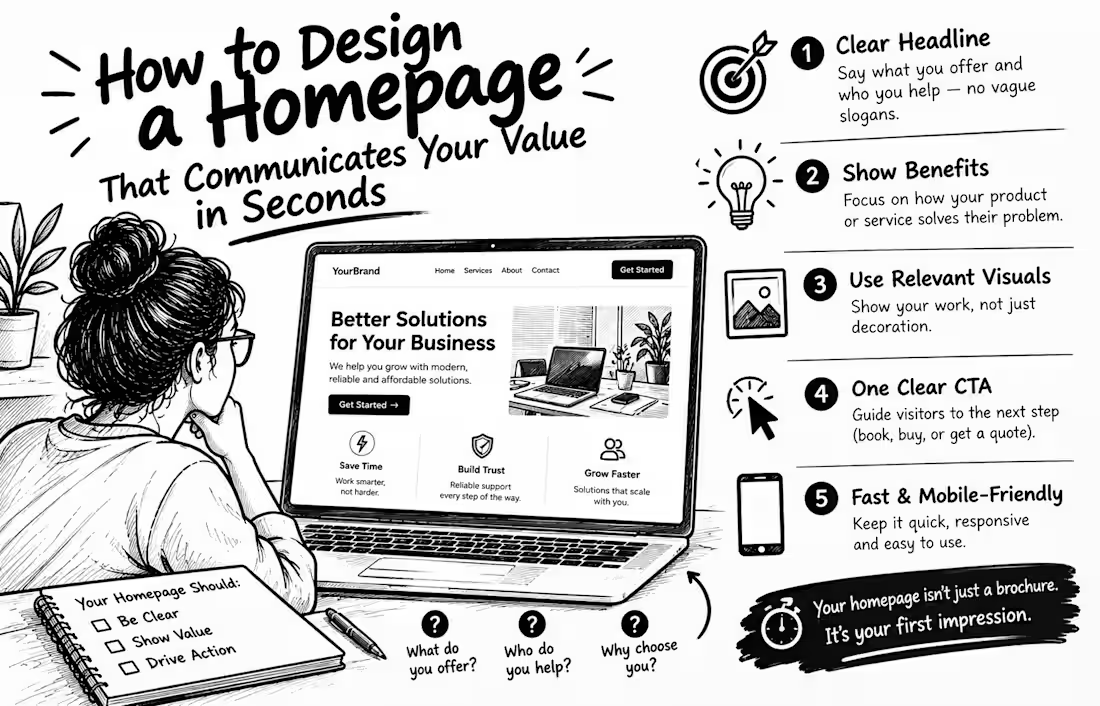
1. Write a clear headline. Explain what you offer and who you help. Avoid vague slogans that sound impressive but say nothing.
2. Lead with benefits. Show visitors how your product or service solves their problem.
3. Use relevant visuals. Choose images that demonstrate your work instead of adding decoration without purpose.
4. Add one clear call-to-action. Guide visitors toward the next step: book a call, request a quote, or shop now.
5. Make it fast and mobile-friendly. Your message means little if visitors struggle to read or use your website.
Remember, your homepage isn't just a digital brochure. It's your opportunity to show the right people why they should care.
💬 Quick challenge: Can a stranger understand what your business offers within 5 seconds of visiting your homepage? Be honest in the comments!
1
34
7 Website Design Mistakes That Can Make Your Business Look Unprofessional 🚨
Your website might be the first interaction a potential customer has with your business. Does it inspire confidence or make visitors hesitate?
A professional website isn't just about looking beautiful. Research on website credibility and Google's Core Web Vitals guidance highlight the importance of trust, usability, and performance. Here are 7 mistakes to avoid
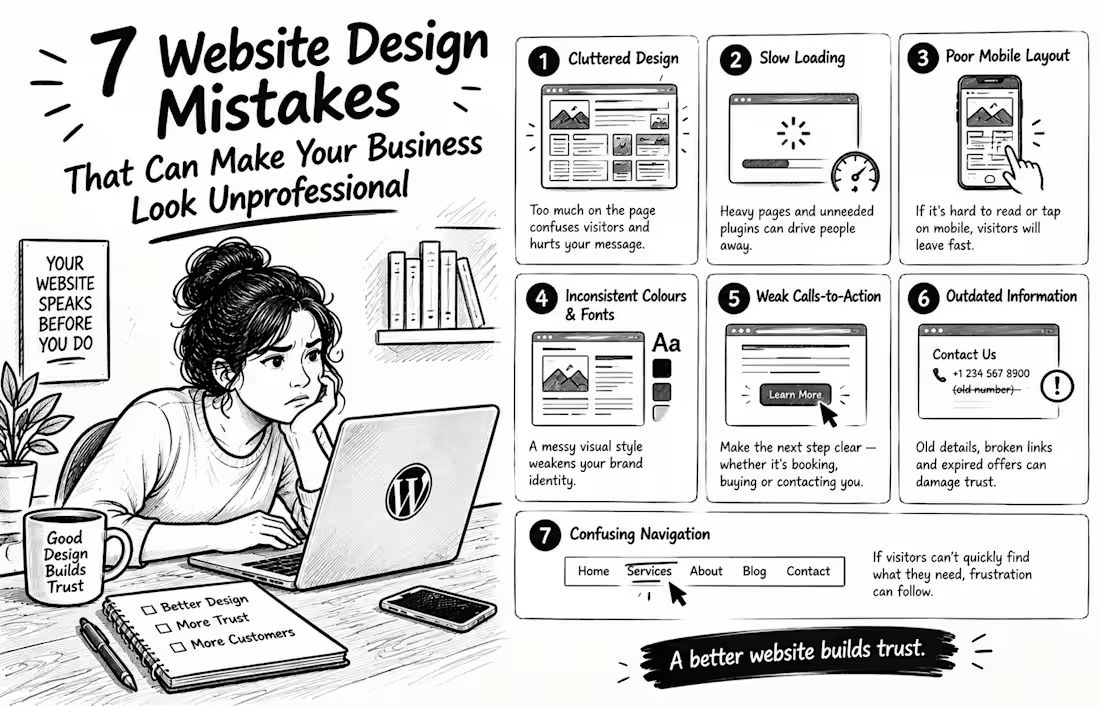
❌ 1. Cluttered layouts: Too many elements compete for attention and confuse visitors.
❌ 2. Inconsistent fonts and colours: A disorganised visual style weakens your brand identity.
❌ 3. Slow-loading pages: Heavy images and unnecessary plugins can hurt performance.
❌ 4. Poor mobile design: Visitors shouldn't have to zoom in or struggle to tap buttons.
❌ 5. Weak or missing calls-to-action: Make the next step clear—whether it's booking, buying, or contacting you.
❌ 6. Outdated information: Old contact details, broken links, and expired offers can damage trust.
❌ 7. Difficult navigation: If visitors can't quickly find your services, products, or contact details, frustration can follow.
💡 The lesson? Your website should make your business look credible and make life easier for your customers.
As a WordPress and WooCommerce designer, I believe every design decision should serve a purpose not just fill space.
💬 Be honest which of these mistakes have you noticed on business websites recently? Share your thoughts below!
2
63