Freelance Interaction Designers in New York
Sign Up
Post a job
Sign Up
Log In
Filters
2
Projects
People
Jeury Santos
New York, USA
UX Interaction Designer | Product Designer

Follow
Message
UX Interaction Designer | Product Designer
0
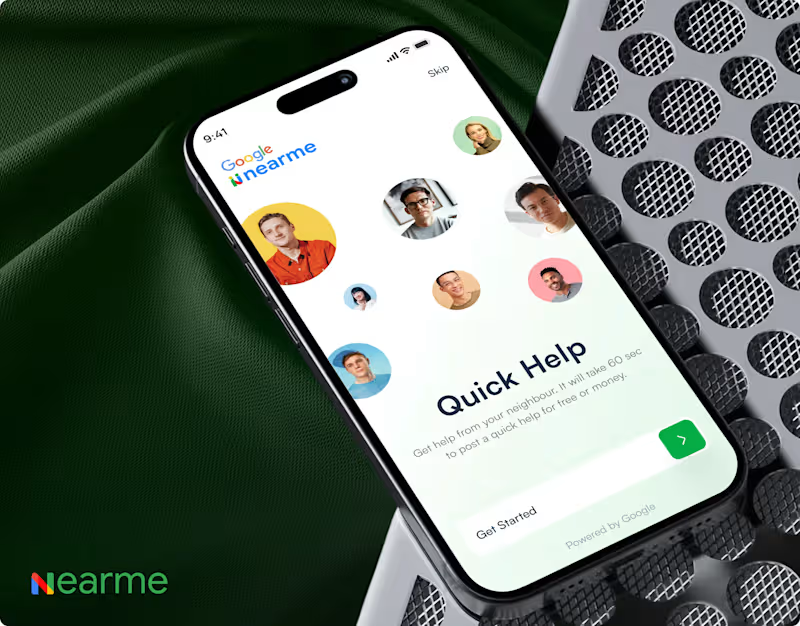
Currently an Interaction Designer at Google
0
5
0
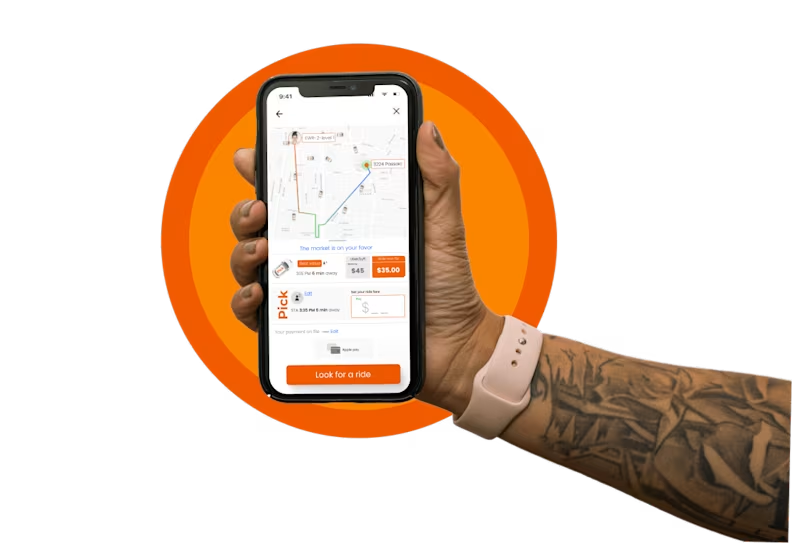
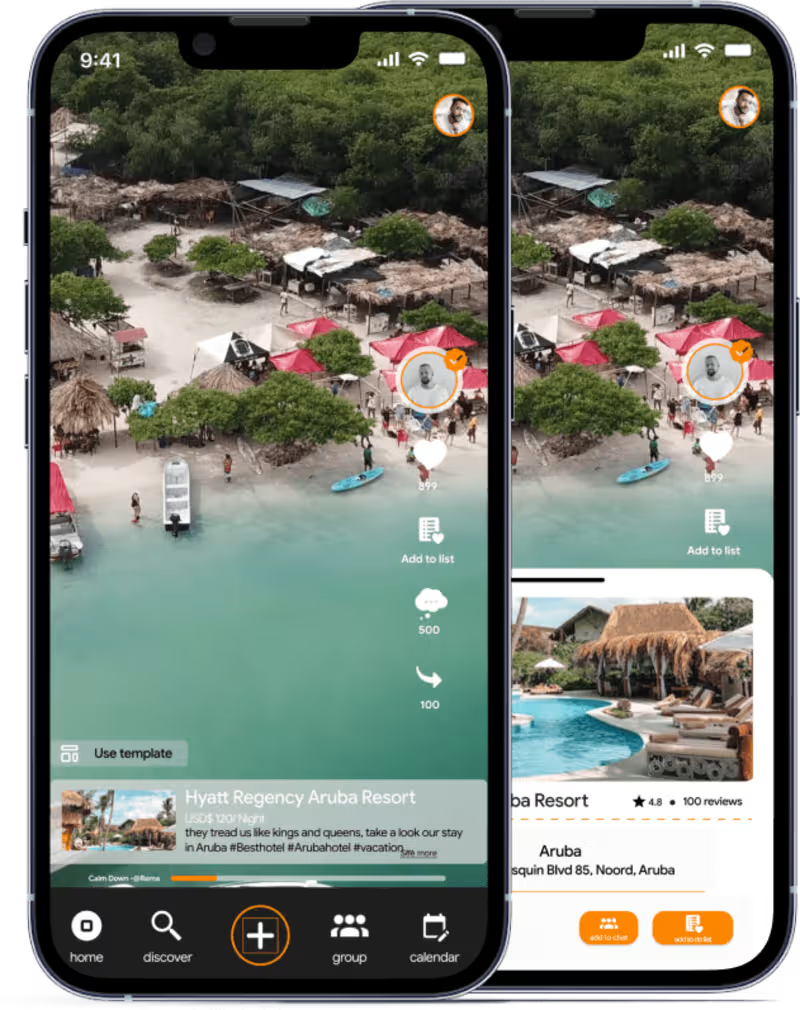
Pick- Your Next Ride-Sharing App
0
22
0
Juntos-Mobile App User Interface Design
0
28
View more →
Interaction Designer
(3)
Follow
Message
Aarushi Shah
New York, USA
🌟Crafting user-centric digital experiences
Follow
Message
🌟Crafting user-centric digital experiences
0
ALL THINGS FOOD
0
4
0
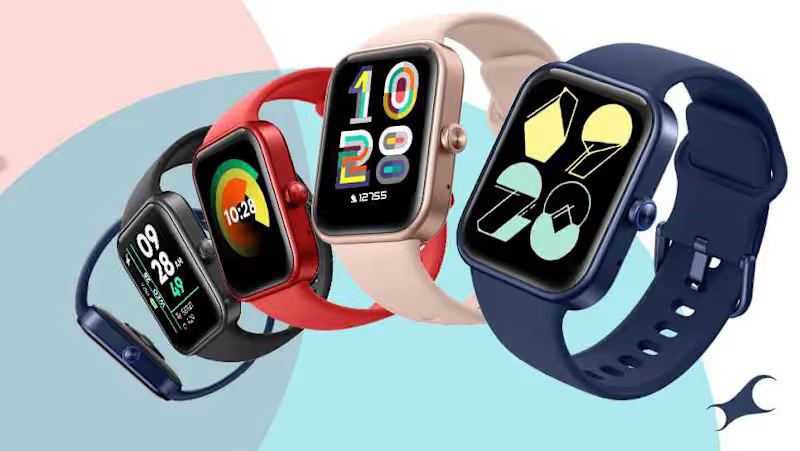
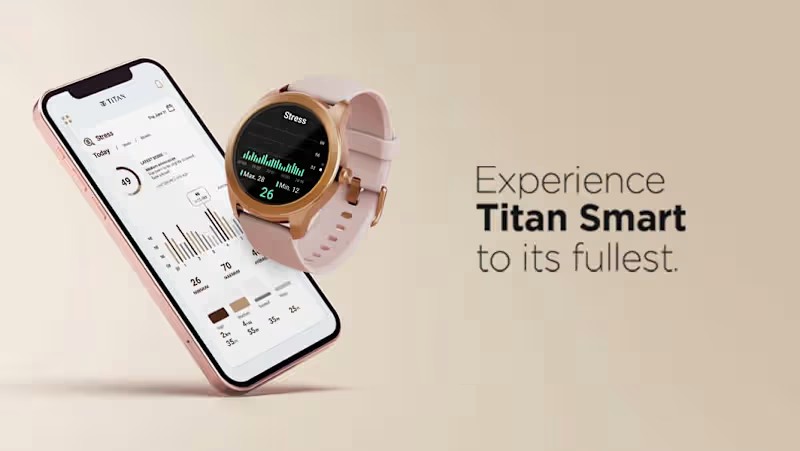
TITAN SMART PLATFORM
0
5
0
TITAN REFLEX: sports 2022
0
2
0
WHIRLPOOL : Creating a HMI simulator desktop application
0
4
Interaction Designer
(3)
Follow
Message
Samrudhi Kokate
New York, USA
Multidisciplinary Designer
Follow
Message
Multidisciplinary Designer
0
Museum of Raw Thoughts :: Behance
0
2
0
Healthsphere CONNECT :: Behance
0
4
0
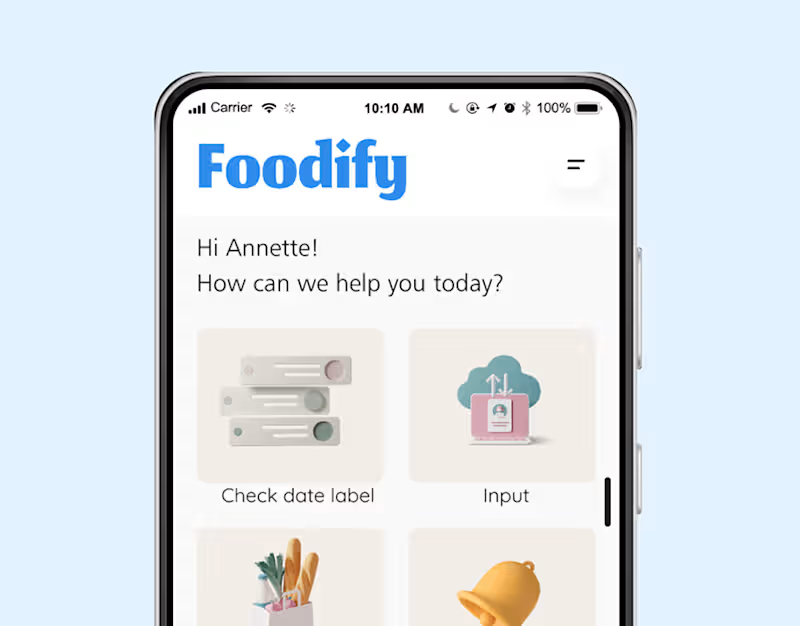
Foodify :: Behance
0
1
0
Swift Robotics :: Behance
0
4
Interaction Designer
(3)
Follow
Message
Tanner Notch
max
New York, USA
Motion Design, 3D & AI-Video Specialist
$10k+
Earned
7x
Hired
4.8
Rating
358
Followers
Top
Club
Follow
Message
Motion Design, 3D & AI-Video Specialist
0
Outlier AI - UI Animation Explorations
0
1
3
FIFA 2026 "Ticket Draw" Promotional Videos
3
15
7
SHRED - AI Sizzle Reel #3
7
200
2
Tanner Notch 2024 Motion Reel
2
50
Interaction Designer
(1)
Follow
Message
Victoria Lishchuk
pro
New York, USA
Staff Product Designer • Pro Framer expert
$5k+
Earned
2x
Hired
5.0
Rating
269
Followers
expert
Club
Follow
Message
Staff Product Designer • Pro Framer expert
87
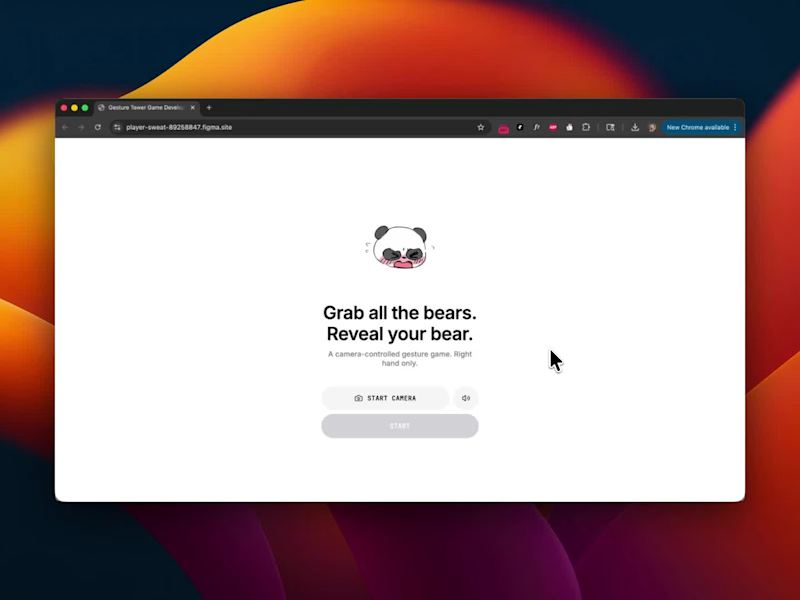
Grab the Bears - A Camera-Based Gesture Interaction A few years ago, gesture interaction required a full engineering team and months of development. For the Figma Makeathon, I built a working camera-controlled gesture game on my own - entirely in Figma Make. Grab the Bears reimagines tap and swipe as physical gestures. Players use their right hand to grab floating bears in real time. • Camera-driven embodied interaction • Real-time gesture detection • Animated UI + sound micro-interactions • Dynamic result generation with shareable export? Live project: https://player-sweat-89258847.figma.site/ (https://player-sweat-89258847.figma.site/)https://www.linkedin.com/posts/vika-lishchuk_figmamakeathon-ugcPost-7434486033406324736-_4jB?utm_source=share&utm_medium=member_desktop&rcm=ACoAAB0y4dIBOGLXHL91hsWI8UH8YdZYSYbwkjw
58
87
5.1K
118
Some cute animation in Framer
59
118
2.1K
16
I really love to experiment with some animations in Framer — it always makes the design feel alive!
16
895
17
And here’s another one — a clean, modern concept exploring spaces, light, and form. Could work beautifully for real estate or interior design.
2
17
841
Interaction Designer
(6)
Follow
Message
Kahohn Jackson
pro
New York, USA
Motion Graphics, 3D Renders & Photography Expert
2x
Hired
24
Followers
Follow
Message
Motion Graphics, 3D Renders & Photography Expert
4
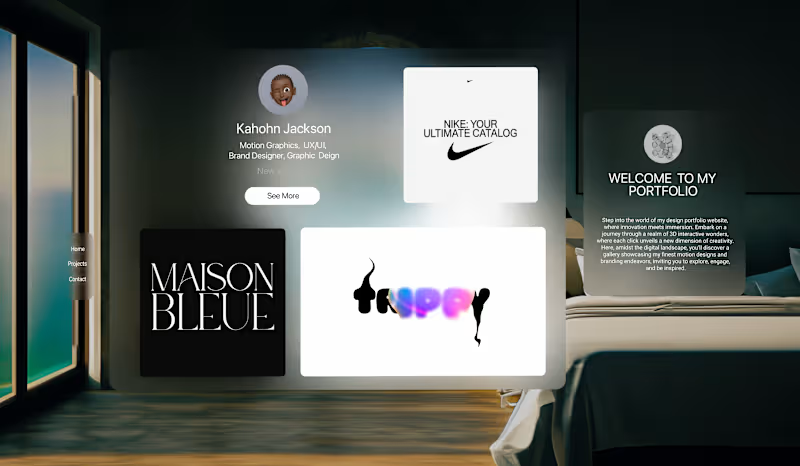
🌐Apple Vision Portfolio | Interactive Spline Design🌐
4
37
1
💎✨ Maison Bleue | Luxury Fashion Brand Identity Design ✨💎
1
33
0
🍹 Trippy Soda | Vibrant 3D Brand Visualization 🍹
0
54
0
✨🎭 Drag Queen Dawn | 3D Logo Reimagined🌟🎬
0
19
Interaction Designer
(1)
Follow
Message
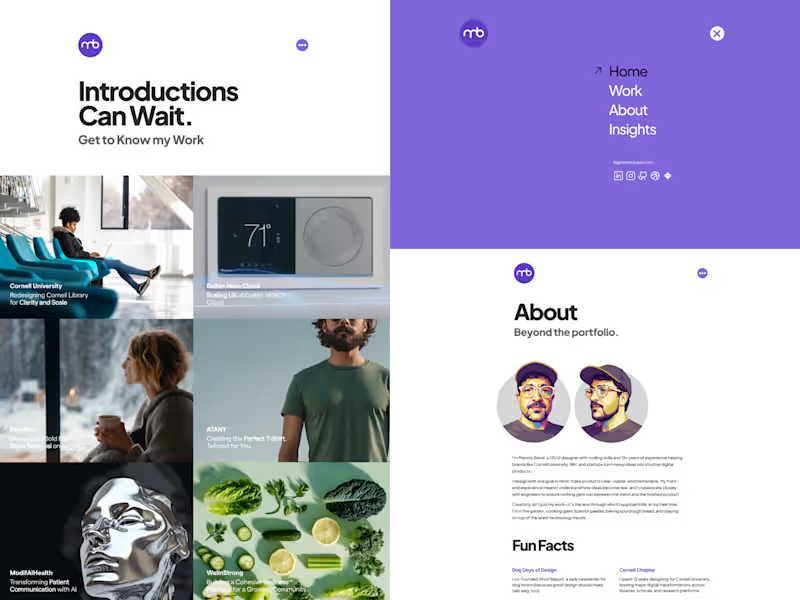
Manolo Bevia
pro
New York, USA
Product designer & Framer developer
2x
Hired
5.0
Rating
77
Followers
Follow
Message
Product designer & Framer developer

5
Personal Portfolio Website made in Framer/Figma
5
22
3
AI-Powered Patient Education Platform – Modifai Health
3
16
5
3D-Inspired Product Intro Animation (2D Assets Only)
5
16
4
Visual Identity Samples
4
10
Interaction Designer
(1)
Follow
Message
Shekh Al Raihan
pro
New York, USA
Product Designer with 15+ experience
18
Followers
Follow
Message
Product Designer with 15+ experience
2
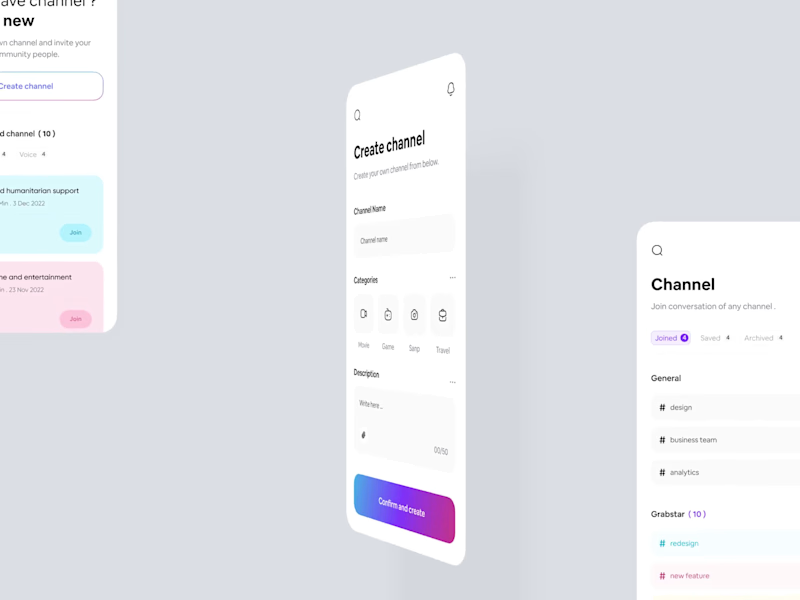
Social App UI Design Channel Creation & Management This UI design focuses on streamlining the creation and management of communication channels, offering users an intuitive platform to create new channels, join recommended ones, and manage their community. The design centers around simplicity and ease of navigation, ensuring a clean user experience. The core strength lies in its exceptional visual hierarchy and clean, modern layout. It utilizes soft gradients on action buttons for a welcoming yet professional feel, complemented by bold, concise typography. The overall aesthetic ensures effortless UX for quick channel creation and smooth navigation between joined, saved, and archived channels.
2
2
172
0
Task Management Dashboard SaaS UI This UI concept focuses on a high-efficiency Task Management Dashboard for creative teams. The design showcases the "Board" view of a project, where complex tasks like design system implementation and video production are broken down into a structured Kanban interface. It is built to bridge the gap between high-level project tracking and granular task execution. What Makes This Design Special: Contextual Information Density: The layout manages to show assignees, deadlines, file attachments, and real-time meeting links without feeling crowded. Soft Minimalism: A neutral color palette with gentle shadows creates a professional "workspace" feel that reduces eye strain during long hours of use. Integrated Communication: Smart UI cues like the "Join Now" button for meetings and comment counts directly on task cards foster a collaborative environment. Key Design Features: Multi-State Kanban Columns: Clearly defined workflow stages (To Do, In Progress, Done, Need Review) help teams visualize project velocity at a glance. Media-Rich Task Cards: Support for embedded video previews and file links (like .fig or .mp4) ensures all project assets are centralized. Advanced Breadcrumb Navigation: A clean hierarchy (Projects / Zendoor / Design / Websites) ensures users can jump between different project segments effortlessly. Reporting & Analytics Access: Dedicated sections for "Portfolio" and "Goals" in the sidebar turn a simple task list into a full-scale workforce management tool.
0
42
7
Post Master – AI Social Media SaaS Landing Page UI Post Master is an AI-driven SaaS platform built to simplify content creation, scheduling, and multi-platform publishing. The design embraces a dark cosmic theme with soft purple gradients, floating 3D planets, and subtle glow effects — symbolizing creativity, intelligence, and limitless reach. Every section guides the user from curiosity to conversion, from a bold hero statement to a transparent "3-step workflow" and a clean feature breakdown. Key Design Features: AI-powered content generation interface preview Intuitive dashboard layout with sidebar navigation Step-by-step onboarding flow ("Manage in 3 steps") Integrated post scheduling and preview system Modular sections for scalability and future features Conversion-optimized CTA placements for trial signup Focus on solving content creation fatigue and workflow inefficiency for social media teams
4
7
194
3
Smart Home App UI - IoT Control Dashboard The Smart Home Eco concept is a high-fidelity mobile dashboard designed to simplify the complexity of IoT ecosystems. It focuses on the intersection of sustainability and lifestyle, providing users with a visual narrative of their energy consumption alongside seamless hardware control. The design uses a "Soft-Glass" aesthetic to ensure the interface feels lightweight and premium. What Makes This Design Special: Intuitive Device Hub — Quick-access tiles let users toggle devices instantly without digging through menus. Smart Energy Analytics — Visual charts, bar graphs, and wave lines make energy tracking engaging rather than technical. Premium Visual Hierarchy — Gentle gradients, soft shadows, and clean typography guide the eye naturally. Gesture-Ready Controls — Circular temperature dials and slider-based light controls feel tactile and real. Conversion-Focused UX — Every action (Add device, Set schedule, Toggle On/Off) is one tap away. Unified Design Language — Consistent iconography, color palette, and spacing across 10+ screens. Problem Solved & Solution: Problem: Most smart home apps are either too technical for average users or too simplistic to offer real utility, often burying energy data deep in sub-menus. Solution: This UI brings transparency to the forefront. By integrating energy-saving metrics directly into the control screens, users are nudged toward eco-friendly behavior without sacrificing the convenience of a centralized smart hub.
1
3
113
Interaction Designer
(1)
Follow
Message
Explore people