

Creative partner in your brand’s success


Creative partner in your brand’s success




Mobile Apps for Businesses & SaaS | UX/UI + Flutter
- $5k+
- Earned
- 4x
- Hired
- 5.0
- Rating
- 146
- Followers
Mobile Apps for Businesses & SaaS | UX/UI + Flutter
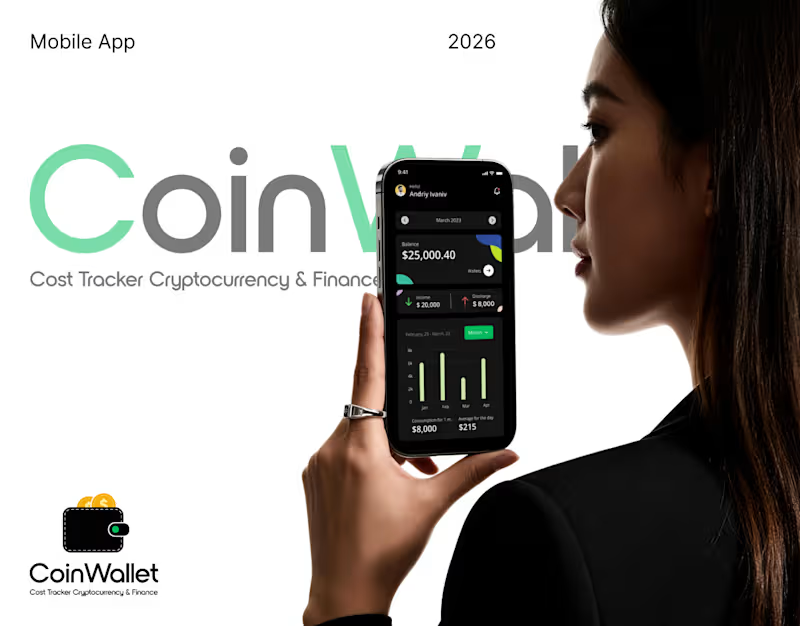
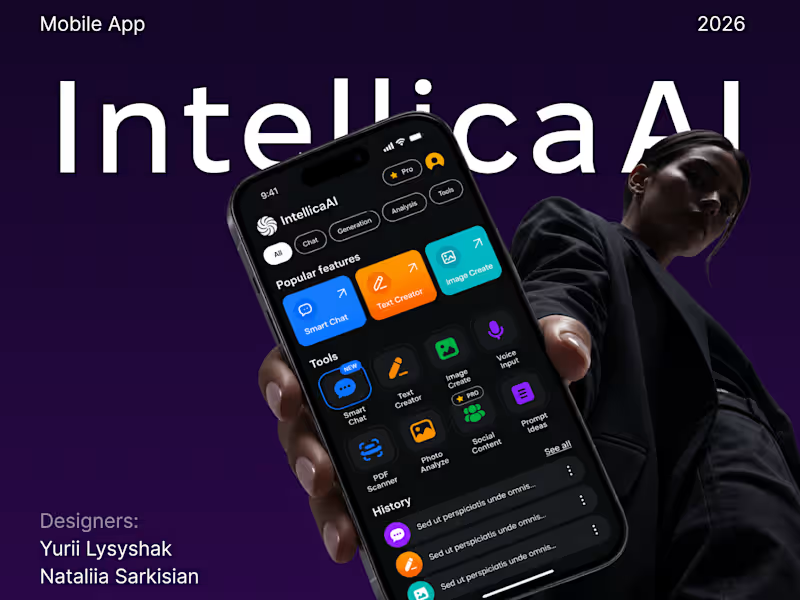
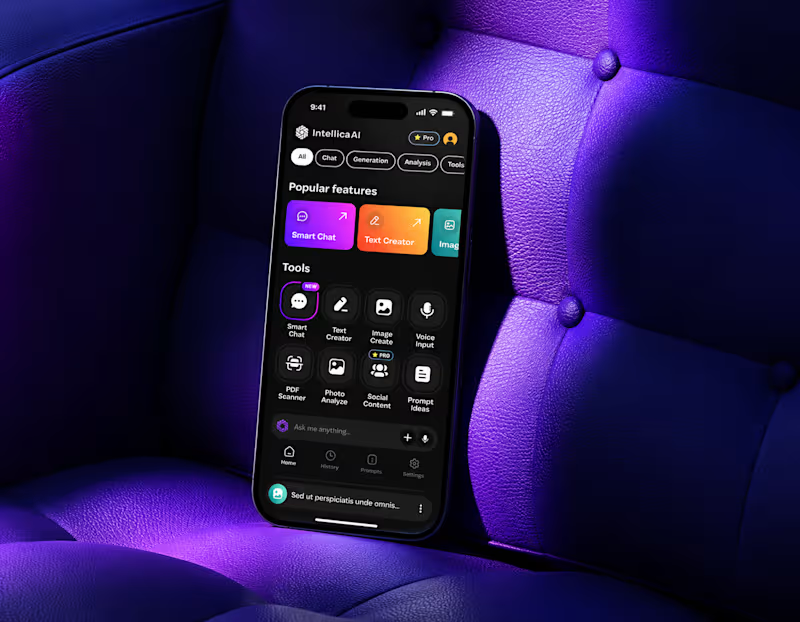
Intellica AI, a mobile AI workspace.
Chat, generation and document analysis behind one input field, with a prompt library so nobody starts from a blank screen.
Full case study:
https://www.behance.net/gallery/256482387/Intellica-AI-AI-Assistant-App-Chat-UXUI-Mobile
Check it out (https://contra.com/p/O3sUvcmR-intellica-ai-ai-assistant-app-or-chat-create-and-analyze)
2
5
363

Design Engineer · Product Designer
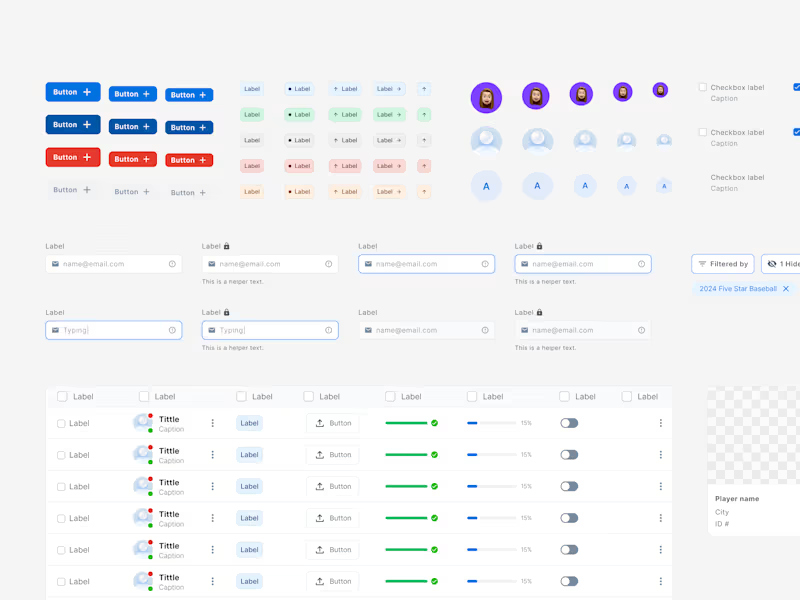
A small detail from the Wise design system I rebuilt from scratch for teaching at Memorisely. This navigation item is designed across every interaction state, from default and hover to focus, pressed and selected, and like the rest of the system it runs entirely on semantic tokens, so switching from light to dark is a single mode change in Figma rather than a redesign. The full system covers iOS and web, from primitive tokens through to components, and the same structure translates straight into code.
1
305
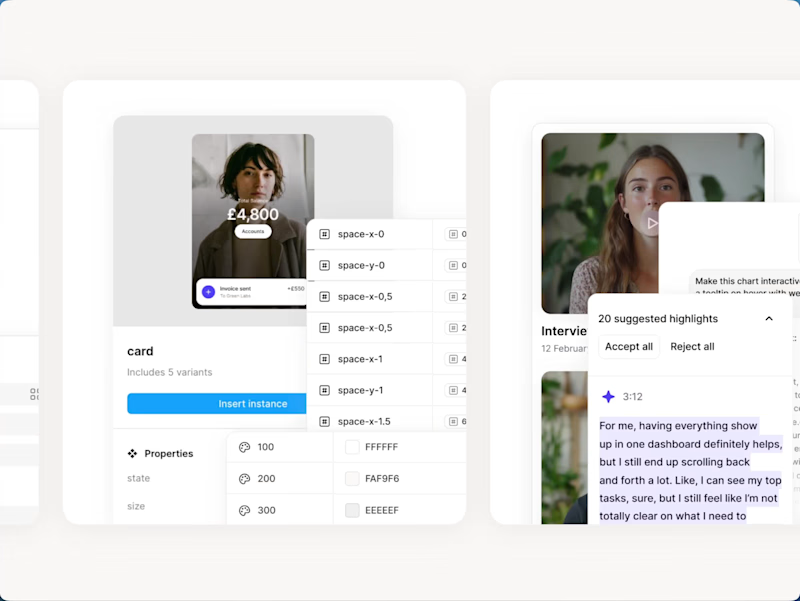
I designed the thumbnail system for Memorisely's bootcamps and live workshops. Each one needed to feel like part of the same family while making it obvious what the course was about, so I built a reusable template with consistent badges, dates and layout, then art directed real UI from each course into the frame. The result is a set that stays recognisable across the site and social, and can be extended easily as new workshops launch.
0
265
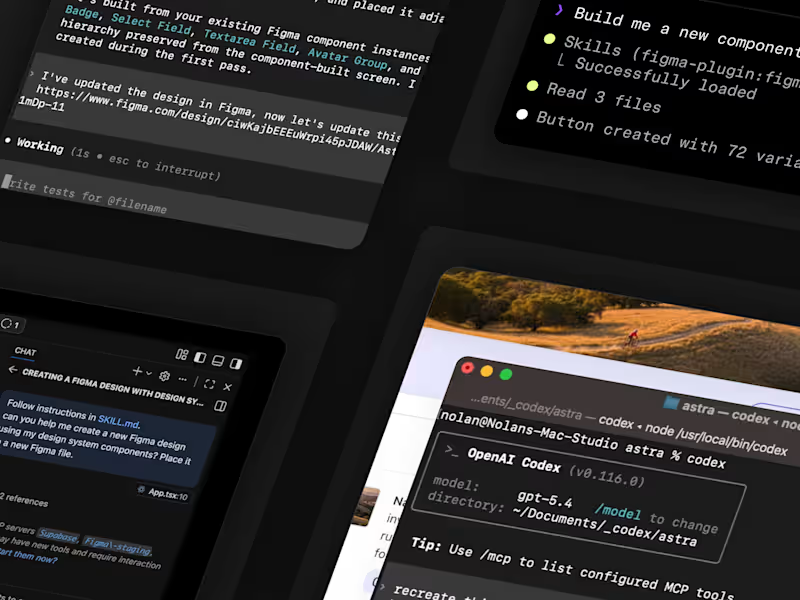
A live workshop I co-hosted on using AI agents inside Figma. We connected Claude Code to a real design system and had it build production-ready components and screens directly from the tokens, live, in front of hundreds of designers. The part people always find wild is that the quality of what the agent produces depends almost entirely on how well the system is structured, which is the thing I care about most in my own work.
0
245
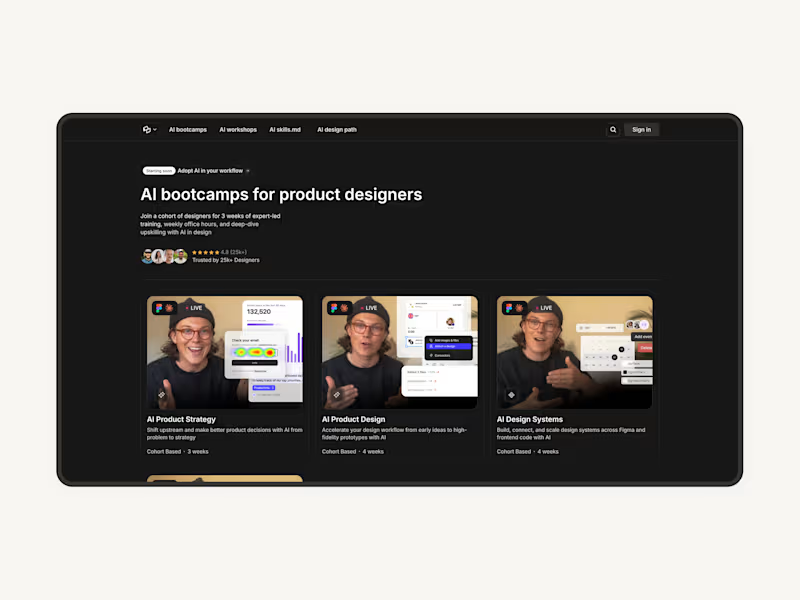

Figma Expert & Design System Manager
Figma Expert & Design System Manager


Top 1% Strategic Branding & UI Design for Impactful Results
Top 1% Strategic Branding & UI Design for Impactful Results


Motion & Design Partner for B2B Tech | Duvo Studio
- $•••••
- Earned
- 6x
- Hired
- 5.0
- Rating
- 174
- Followers
Motion & Design Partner for B2B Tech | Duvo Studio




Sr Product Designer

𝐖𝐡𝐲 𝐔𝐈 𝐬𝐭𝐢𝐥𝐥 𝐦𝐚𝐭𝐭𝐞𝐫𝐬? #2
Notifications are everywhere, but poorly designed ones turn
into noise instead of help. In this example, the UI makes
the difference:
- Clear hierarchy (requests, mentions, updates).
- Quick actions in place (accept, decline, open file).
- Subtle visuals that guide without distracting.
Good UI in notifications isn’t just about looks — it saves time, reduces friction, and keeps people in the flow.
22
307


Product Designer & Webflow Specialist


