Freelancers using Pixelmator Pro in Denver
Sign Up
Post a job
Sign Up
Log In
Filters
2
Projects
People
Results that are similar to your search
Similar results
Ily Ameur
Tunis, Tunisia
Design engineer
$1k+
Earned
1x
Hired
5.0
Rating
4
Followers
Follow
Message
Design engineer
0
MyFridays : Building the Future of Recurring Donations in the UK
0
94
0
Reedz : Audio book and podcast streaming app design
0
51
0
Empowering users: Redesigning UBCI Banking App for a Modern era
0
97
0
Jewelry Chichkhane : Luxury retail webiste Redesign
0
162
Pixelmator Pro
(6)
Follow
Message
Victor Anferov
Berlin, Germany
Web Designer & Fullstack Developer from parnii.de | Wix+Velo
33
Followers
Follow
Message
Web Designer & Fullstack Developer from parnii.de | Wix+Velo
1
A Starter Site for a Composer and Music Producer
1
10
1
AIT Logo Redesign
1
9
1
Realty Investment Website Template for Wix Studio
1
10
0
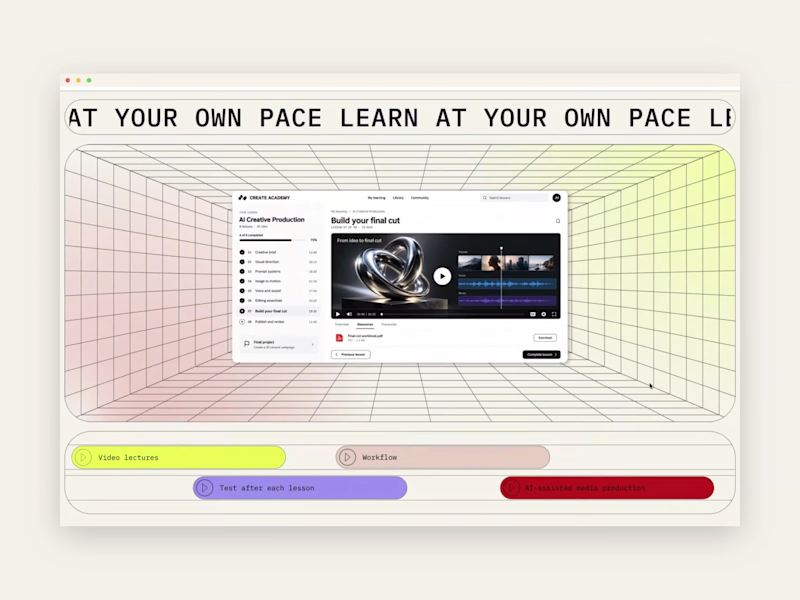
What if a landing page let you experience a little of the product before you signed up? AI makes interactions easier to create. The human touch gives them a story, a purpose and a metaphor that feels alive. At parnii.de (https://www.parnii.de), we love building miniature versions of a product experience into its website. They can introduce visitors to the atmosphere of a service through something they can actually explore. Our approach starts with a core benefit or characteristic. We find a visual idea that expresses it, then develop the interaction so the message and the mechanics work together. This section, built in Wix Studio, is an example. The landing page introduces an online course in AI tools for content creators. Video editing is part of the curriculum, so we turned the section into a miniature editing interface. Scrolling forwards and backwards moves visitors through the sequence at their own pace. Several ideas come together in that one gesture: • The editing interface previews the creative environment students will work in. • A familiar scroll makes the experience easy to explore, supporting the course’s approachable feel. • Controlling the sequence makes “learn at your own pace” something visitors can experience directly. This is where storytelling and scrollytelling meet: the interaction carries part of the story. For us, the human touch lives in those connections. Choosing the right metaphor, giving it a meaningful role and making the details feel natural. We love this part of web design: finding an idea that brings a product to life, then letting people discover it through their own actions.
0
111
Pixelmator Pro
(3)
Follow
Message
Greta Fernanda
London, UK
I transform raw footage into scroll-stopping viral videos.
Follow
Message
I transform raw footage into scroll-stopping viral videos.
0
How smart creators are growing fast & making millions in 2024/2…
0
17
0
I Blew Up This Artist’s 1st Song with Facebook Ads (Client)
0
26
0
YouTube Documentary on RAYE (100k+ views)
0
29
View more →
Pixelmator Pro
(3)
Follow
Message
Edit Moose
Los Angeles, USA
Comedy Content and Editor
New to Contra
Follow
Message
Comedy Content and Editor
0
Grisly's Cosmic for July 4th
0
4
0
Social Media Content: Behind the Scenes at Grisly's
0
2
0
Investor Outreach Video — Black Yeti Beverage
0
5
0
Smashitol — Pharmaceutical Ad Parody
0
4
Pixelmator Pro
(10)
Follow
Message
Massimo Cocco
Palermo, Italy
Brand & Experience Designer | From small ideas to a systems

New to Contra
Follow
Message
Brand & Experience Designer | From small ideas to a systems
0
Museo delle Città del Mondo Diffuso: Citywide Museum
0
1
0
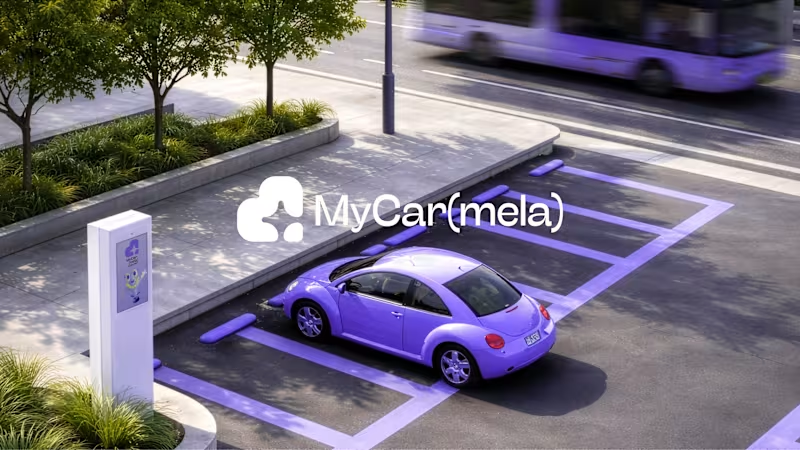
MyCar(mela) – Giving Time Back to People
0
4
0
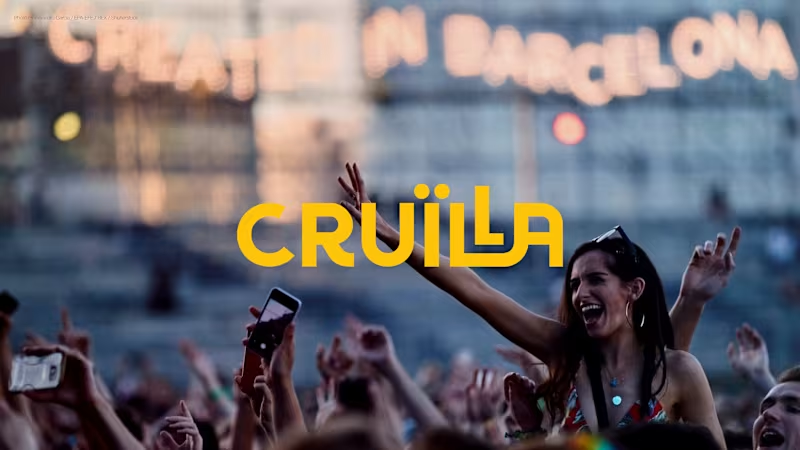
Cruïlla Festival Barcelona - Rebranding Project
0
4
0
MyCar(mela) – An Integrated Smart Parking Service
0
1
Pixelmator Pro
(10)
Follow
Message
Max Ritz
Cape Town, South Africa
Supafast Brand & Web Design Director with 10+ years of exp
Follow
Message
Supafast Brand & Web Design Director with 10+ years of exp
0
LeadSeeds: Branding & Web Design
0
8
0
Motobarn: Branding & Web Design
0
10
0
Chispo: Branding & Web Design
0
14
0
EARNY: Branding, Web Design & UX/UI
0
7
Pixelmator Pro
(4)
Follow
Message
Vira Pogromska
Málaga, Spain
Rive Animator | 2D Character Creator | UI/UX Designer
5.0
Rating
34
Followers
expert
Follow
Message
Rive Animator | 2D Character Creator | UI/UX Designer
0
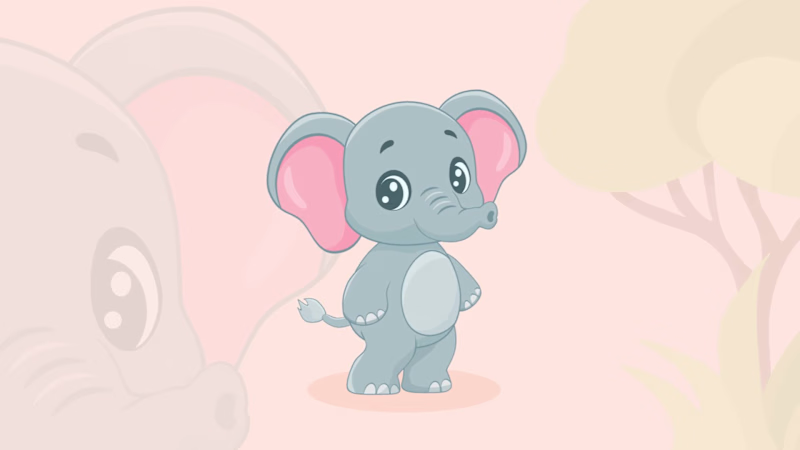
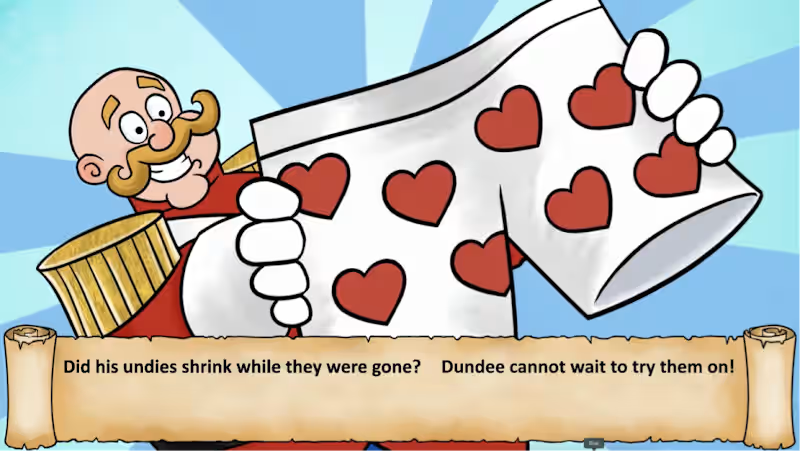
Animated film "Dundee's undies" (Rive) | Children book (YouTube)
0
16
0
Animation starts with imagination, not keyframes | Rive
0
5
0
Less color. More impact. Rive animation for Hero section.
0
5
0
Crab with Mission: Making Professional Conference playful | Rive
0
14
Pixelmator Pro
(1)
Follow
Message
IURII VETROV
Aydın, Türkiye
AI Video Director | Commercials, Music Videos & Branded Film
$1k+
Earned
3x
Hired
5.0
Rating
10
Followers
Follow
Message
AI Video Director | Commercials, Music Videos & Branded Film
1
Doctor Who: “Marco Polo” | AI-Assisted Film Restoration
1
10
1
Cropping a horizontal video into 9:16 is easy. Preserving the original composition, animation, and visual effects is the hard part. I recently completed a new animated project for Ash & Erie, and while adapting it for vertical delivery, I refined a workflow that solves this problem far better than a standard crop or blurred background. Instead of reframing the shot or sacrificing important parts of the composition, I use AI-assisted video outpainting to reconstruct the missing space above and below the original frame-while preserving the existing animation in the center. For me, this has become the most effective way to adapt horizontal AI-generated animation into a native-feeling vertical format. My workflow looks like this: Start with the horizontal scene inside a vertical 9:16 project. This immediately shows which parts of the frame are missing above and below. Isolate the clip that needs adaptation. I export only the required shot as a vertical clip with the black top and bottom areas still present. Extract the first frame of that clip as a PNG. That still frame becomes the visual foundation for reconstruction. Outpaint the frame in an image model. I use ChatGPT to extend the image upward and downward while keeping the original central composition unchanged. The goal is not to redesign the scene, but to restore what should exist outside the original frame. Reconstruct the animation in Kling 3.0 Omni. I feed Kling the original vertical clip with black bars as the motion source, and the newly extended image as the reconstruction reference. This allows the model to preserve the original timing, character motion, effects, and camera behavior, while filling in the missing top and bottom areas. Review and refine. If needed, I rerun the shot with tighter constraints to protect the central frame, preserve effects, or keep the reconstructed areas more faithful to the image reference. Why I like this method: it preserves the original animation instead of rebuilding it from scratch it avoids aggressive cropping it keeps the shot readable in a vertical format it works especially well for stylized AI animation, cinematic scenes, and composited sequences A simple crop can destroy staging, remove character details, or break visual storytelling. Reconstructing the missing frame space gives much more control and usually produces a more intentional final result. Below I’m sharing the general prompt structure I use for this process. IMAGE OUTPAINT PROMPT TEMPLATE Use this image as the exact central composition reference. Extend the frame vertically by reconstructing the missing space above and below the original image. Preserve the original central composition exactly. Do not change character scale, camera distance, pose, expression, costume, environment, lighting, or perspective. Do not zoom out or reframe. Do not redesign the scene. Reconstruct only the missing upper and lower areas so the final frame feels like a natural full vertical composition. The new upper area must continue the architecture / sky / ceiling / background elements that are logically present above the original frame. The new lower area must continue the ground / floor / furniture / clothing / environmental elements that are logically present below the original frame. The transition between the original image and the reconstructed areas must be seamless, with matching texture, style, lighting, color, and perspective. No composition change, no character redesign, no camera shift, no extra characters, no duplicated objects, no unrelated props, no visible seams. VIDEO RECONSTRUCTION PROMPT TEMPLATE Use @Video 1 as the sole and exact source for the original animation, motion, timing, effects, and central non-black picture. Use @Image 1 only to reconstruct the missing content inside the solid black areas above and below. MANDATORY REGION LOCK: The original non-black central rectangle from @Video 1 is a protected, immutable layer. Preserve it exactly frame by frame. Do not regenerate, repaint, reinterpret, blend over, enhance, or modify any pixel inside this central rectangle. Do not change architecture, characters, faces, costumes, positions, proportions, objects, lighting, textures, reflections, motion, transformations, or timing inside the original animated area. Remove only the black upper and lower areas and replace them with the corresponding missing content from @Image 1. The first reconstructed frame must match @Image 1 exactly in layout, perspective, color, lighting, texture, and design for the missing upper and lower regions. At the boundary, connect the generated extensions seamlessly to the protected central rectangle without covering, shifting, or altering its edge pixels. Keep the central rectangle at the exact original size and position. No crop, zoom, stretch, shift, rescaling, or reframing. Preserve all original animation and effects from @Video 1 exactly as rendered. The added areas should only follow the existing scene motion naturally for continuity. Do not invent extra action. Do not add new characters, new props, new effects, new architecture, or new camera movement. No black bars, blurred fill, mirrored fill, stretched pixels, duplicated scenery, repeated textures, redesign, flicker, warping, or visible seams. Final result: the exact original central animation from @Video 1, unchanged, with only the black upper and lower areas seamlessly reconstructed from @Image 1. I’ll probably keep refining this workflow, but right now it’s the cleanest method I’ve found for adapting horizontal AI animation to vertical without losing the original shot design.:
1
184
0
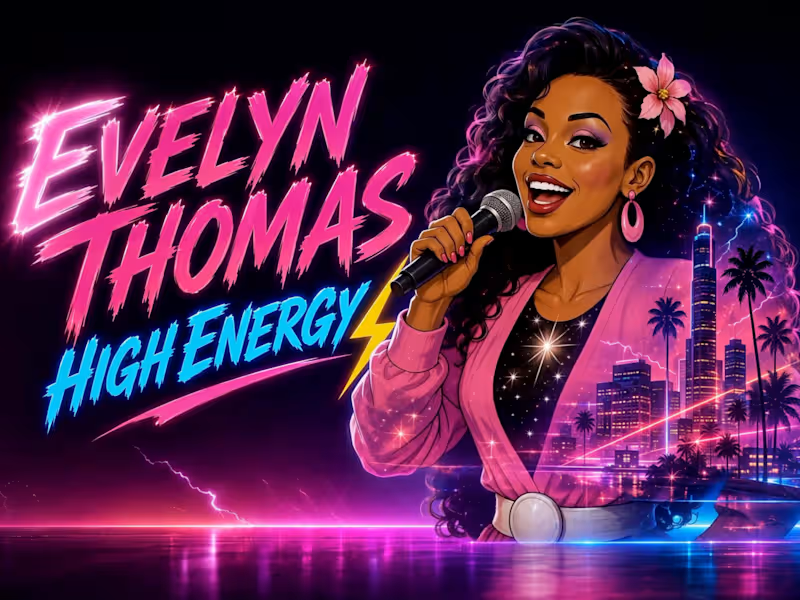
High Energy AI Animated Music Video
0
13
1
Cinematic AI Commercial – Virtual Twins “Everyone’s a Realtor”
1
24
Pixelmator Pro
(1)
Follow
Message
Explore people