Gmail Account Setup - Step-by-Step Tutorial by Aishwarya KGmail Account Setup - Step-by-Step Tutorial by Aishwarya K

Gmail Account Setup - Step-by-Step Tutorial

Aishwarya K

Aishwarya K

Tool: Articulate Storyline 360 
Type: Interactive Practice / Try Mode Simulation 
Audience: Digital literacy program participants, new employees during onboarding, students needing validated practice before real-world execution
The Problem
Watching a demonstration creates familiarity, but it doesn't build competency. Learners can watch a tutorial perfectly and still fail when attempting the task independently. Passive observation doesn't create muscle memory or decision-making skills. This module bridges that gap by putting learners in a safe, simulated environment where they must successfully complete each step before moving forward.
Learning Objectives
• Perform the Gmail account creation process independently, not just recognize it
• Identify correct clickable elements on the Gmail interface without guidance
• Demonstrate task completion through successful interaction validation
• Apply learned procedures in a simulated environment before real-world execution
My Design Decisions
• Why Try Mode over another demonstration? 
Active practice builds procedural memory in a way passive watching never can. Physically clicking the correct elements creates muscle memory - learners don't just know the process, they can perform it.
• Why forced mastery before progression? 
Learners cannot advance without clicking correctly. This guarantees skill acquisition rather than just completion. If you can't get it right here, you're not ready for the next step.
• Why corrective rather than punitive feedback? 
Incorrect clicks don't penalize - they educate. A supportive "Please click the highlighted area to continue" teaches without creating anxiety, keeping learners focused on improvement rather than failure.
• How was a key technical challenge solved? 
Click buttons were disappearing after cursor animations, blocking progression entirely. The solution - modifying triggers to use button states with conditional logic - was discovered and implemented independently, demonstrating advanced problem-solving under real constraints.
Technical Highlights
• Invisible hotspot buttons positioned over correct click areas maintaining interface realism
• Two feedback layers per slide: Correct (green) and Incorrect (red)
• Forced mastery logic - incorrect clicks restart the slide, correct clicks advance
• Button state conditional trigger logic - The fix came from experimenting with button states and conditional triggers until the interaction behaved correctly.
• Semi-transparent overlays keeping interface visible behind feedback
What I Learned
This project - paired with the demonstration module - completes a full learning arc: see it, then do it. The biggest lesson was that mistakes during practice are not failures, they are the actual mechanism of learning. Designing feedback that teaches rather than punishes fundamentally changed how I think about assessment. Solving the cursor visibility bug independently through button state logic also showed me that creative troubleshooting is as important a skill as knowing the tool itself.
Like this project

Posted Oct 18, 2026

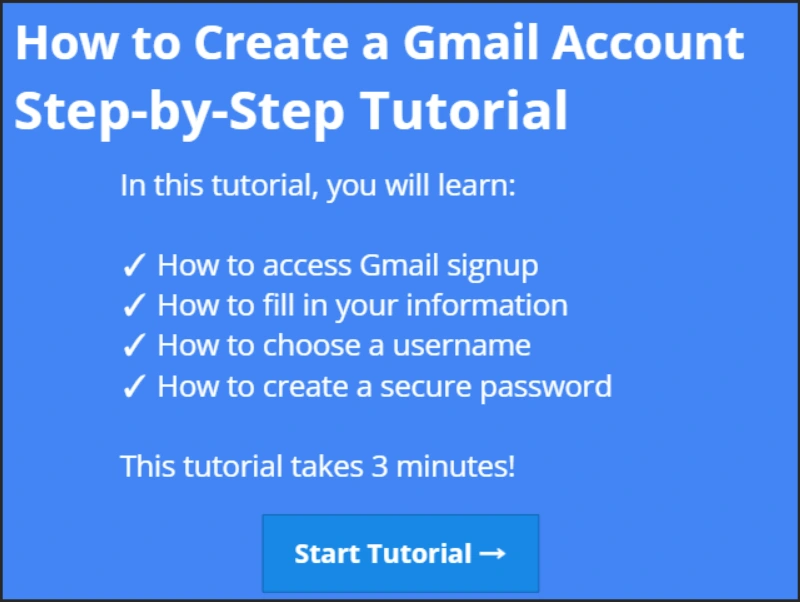
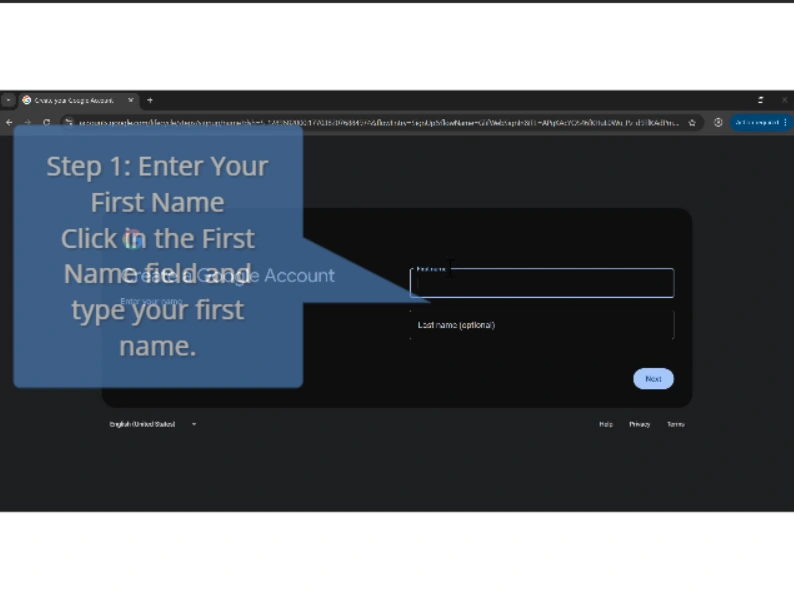
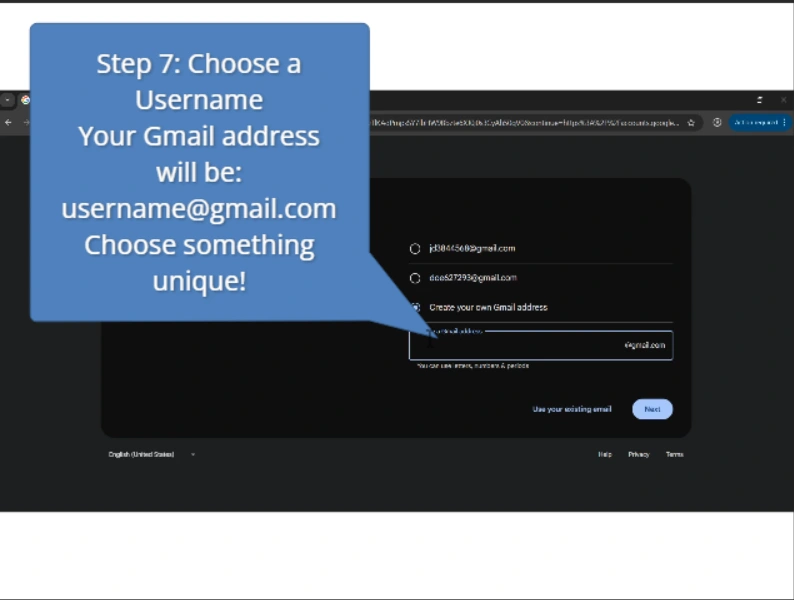
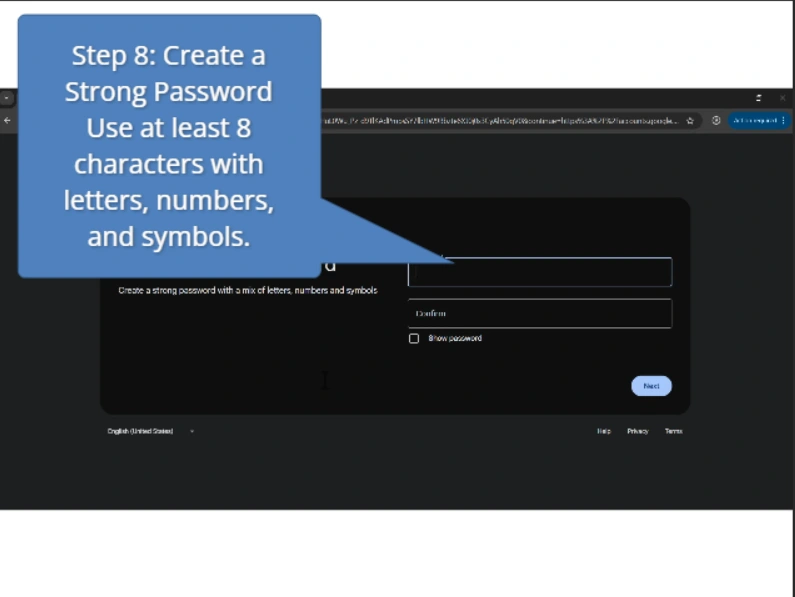
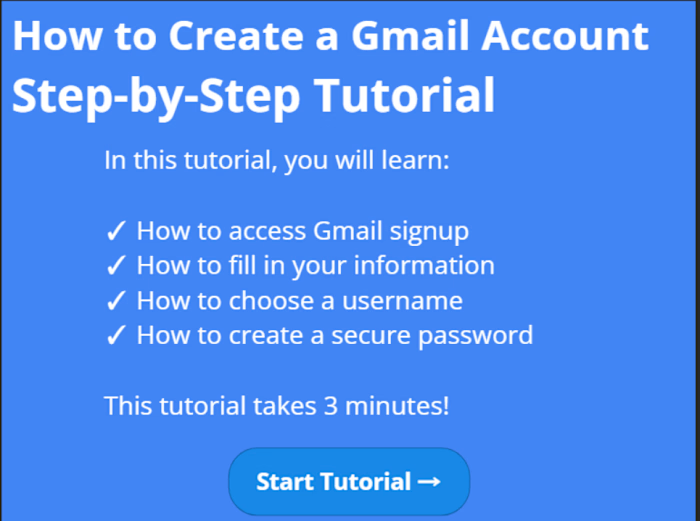
Gmail Account Setup is a step-by-step software simulation tutorial designed to guide learners through the process of creating a Gmail account using real-time screen recordings. Each stage of the setup process is presented through recorded walkthroughs with visual highlights that indicate where to click and what to enter. The module uses auto-advancing slides to create a smooth and guided learning experience, helping users follow instructions with clarity and confidence. FEATURES: -Real screen capture recording -Step-by-step slide progression -Visual highlight indicators -Auto-advancing timeline slides -Welcome and completion screens STEPS COVERED: Accessing Gmail signup page Entering personal information Choosing a username Creating a secure password Completing account setup SKILLS DEMONSTRATED: Screen recording and capture Software simulation design Step-by-step tutorial structure Visual highlight implementation Timeline-based progression Software training development