Gmail Account Setup - Interactive Try Mode

Aishwarya K


Posted Oct 18, 2026
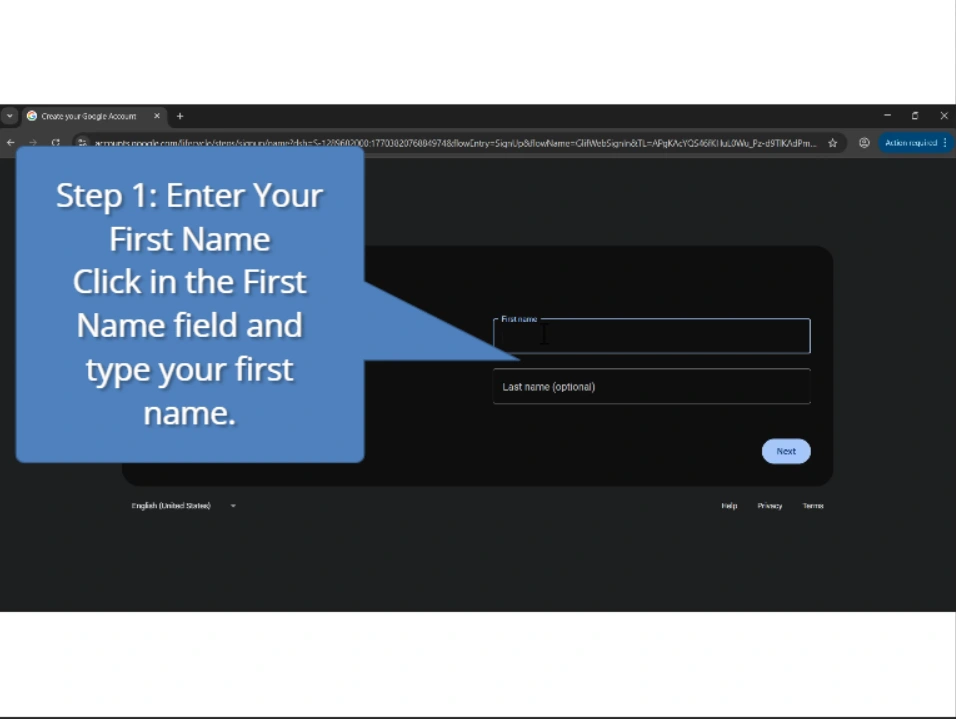
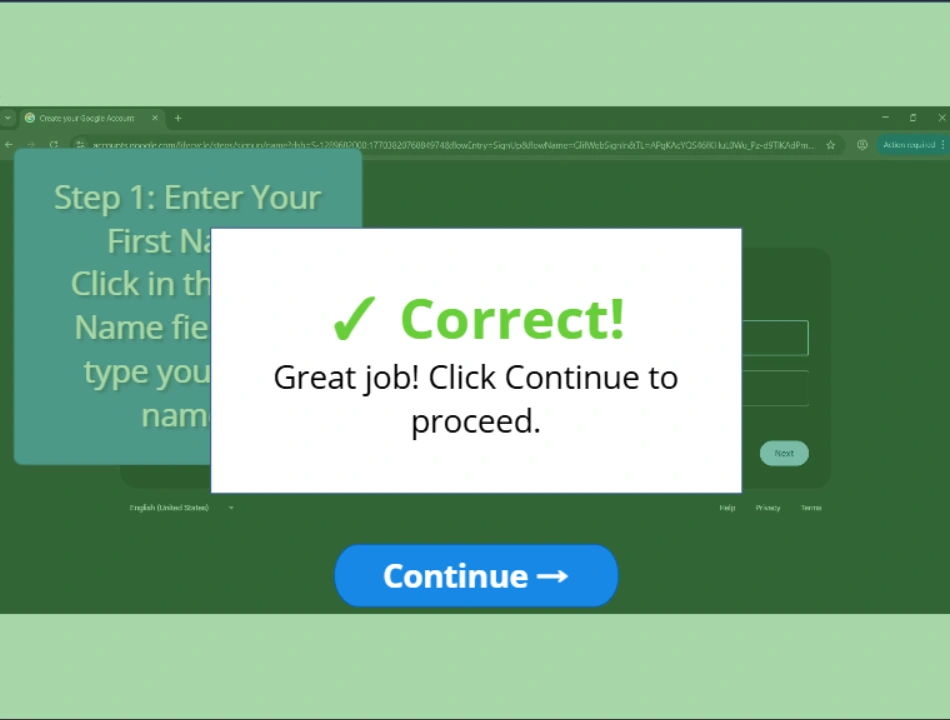
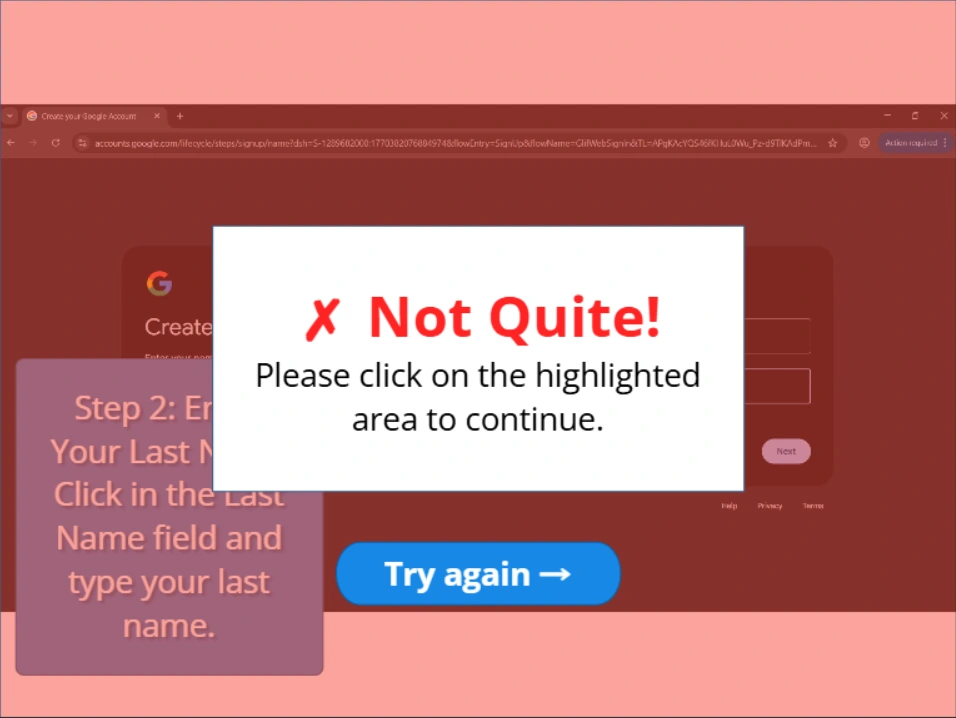
Gmail Account Setup – Interactive Try Mode is a practice-based software simulation that allows learners to actively complete each step of creating a Gmail account by interacting with on-screen elements. Unlike guided tutorials, this module requires users to click the correct areas within recorded screens to progress. Correct selections move the lesson forward, while incorrect actions trigger immediate feedback for guided learning. This interaction-driven approach helps learners build confidence by practicing each step in a simulated environment before performing the task independently. FEATURES: -Interactive click validation -Correct/incorrect feedback layers -Practice-based progression -Real screen capture -Visual highlights STEPS COVERED: Accessing signup page Entering information Choosing a username Creating password Completing setup SKILLS DEMONSTRATED: Try Mode interaction Feedback layers Click validation Screen recording Practice-based learning Software simulation