Gaming Laptop Features - Interactive E-Learning Module

Aishwarya K

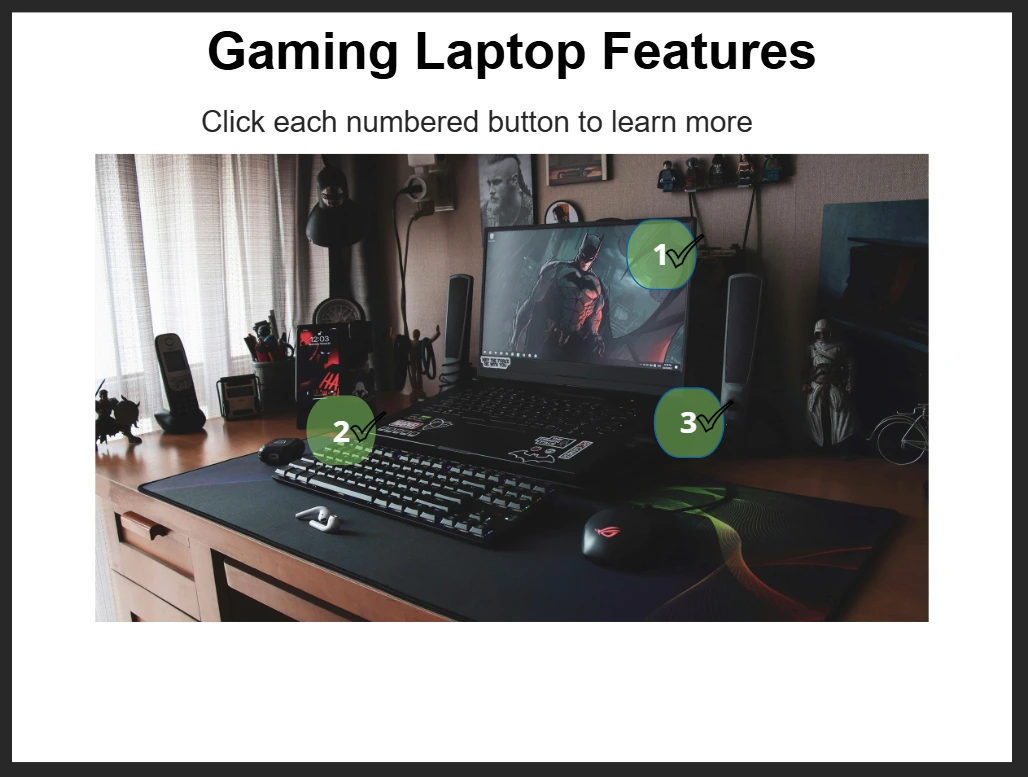
Tool: Articulate Storyline 360
Type: Hotspot-based Exploratory Interaction
Audience: Potential gaming laptop buyers, tech enthusiasts, sales teams needing product training materials
The Problem
Product marketing teams struggle to engage customers with static spec sheets. Dense technical descriptions create high bounce rates because users don't engage with walls of text. Customers need to explore features interactively and on their own terms - discovering information when they want it, not all at once.
Learning Objectives
• Identify the three key hardware features of the gaming laptop
• Explain the benefit of each feature - Display, Keyboard, and Cooling
• Make informed purchase decisions based on technical specifications
My Design Decisions
• Why hotspot-based exploration over linear slides?
Hotspots mimic natural product discovery behavior - people click on what interests them. Learner autonomy over the order of exploration respects different learning preferences and reduces cognitive load by revealing information on demand.
• Why benefits-focused language over raw specifications?
"Perfect for fast-paced gaming" communicates value instantly. A spec number alone means nothing to most buyers without context explaining why it matters to them.
• Why visited states instead of a variable?
Storyline's visited states change automatically when a hotspot is clicked - no triggers or variables needed. This was an early discovery that shaped how I think about using built-in tool intelligence before reaching for custom logic.
• Why semi-transparent overlays instead of new slides?
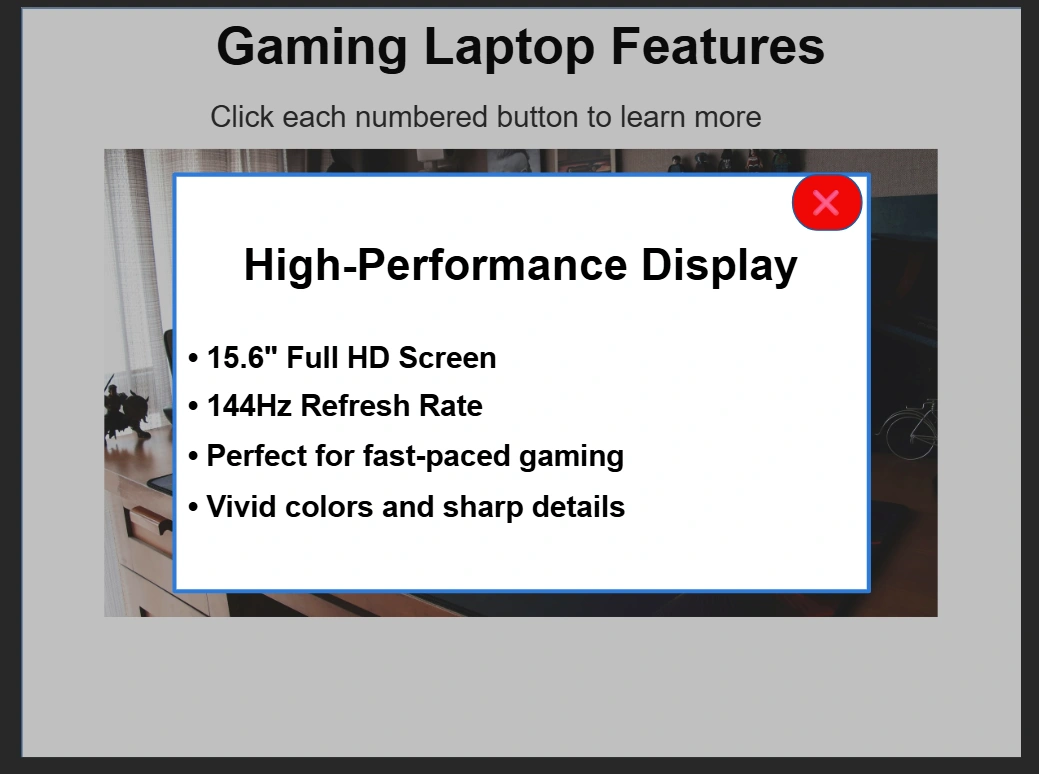
Overlays keep the laptop image visible behind the information layer, maintaining the visual context that connects each feature to its physical location on the device.
Technical Highlights
• 3 information layers - Display, Keyboard, and Cooling - triggered by hotspot clicks
• Visited states on hotspot buttons providing automatic progress tracking without variables
• Real gaming laptop image as base creating product authenticity
• Show/hide layer triggers with close buttons for intuitive navigation
• No variables required - states handle all interaction logic natively
What I Learned
This established the foundation I bring to every project since: start with the learning goal, then choose the interaction that best achieves it. It introduced me to layers, states, and the principle that less text always outperforms more. Discovering that visited states work automatically - without any triggers - was my first glimpse of how powerful Storyline's built-in intelligence can be when you know how to use it.
Like this project
Posted Oct 18, 2026
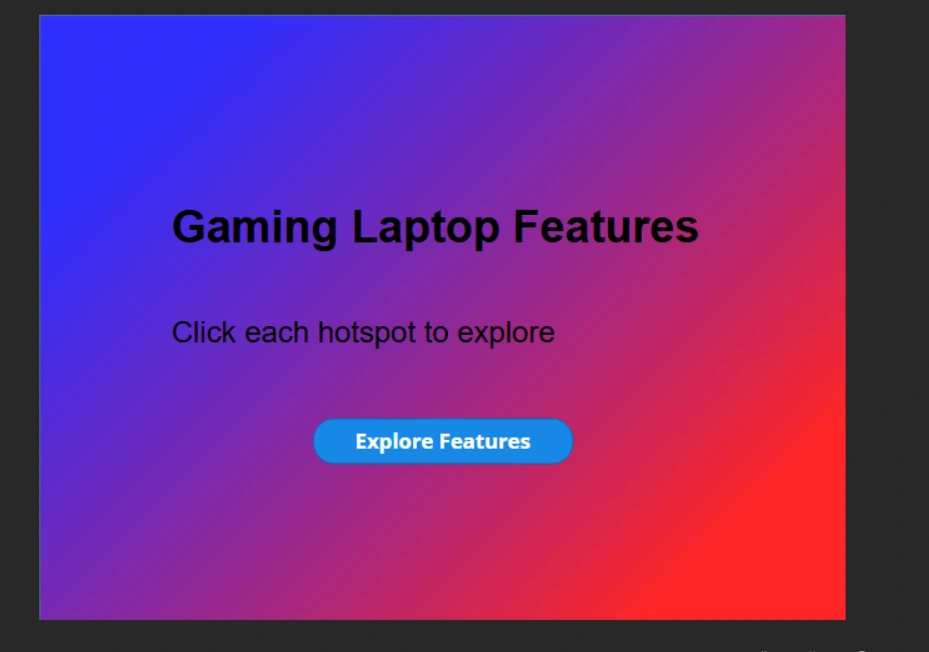
GAMING LAPTOP FEATURES Interactive Product Showcase An interactive e-learning module demonstrating product feature exploration through click-to-reveal hotspots. FEATURES: - Click-to-reveal layer interactions - Dynamic button states (visited/hover) - Professional UI design - Responsive feedback system TOOLS USED: Articulate Storyline 360 SKILLS DEMONSTRATED: - Layer architecture - Trigger-based interactions - State management - User experience design OUTCOME: Users can explore laptop features at their own pace through intuitive hotspot interactions. DURATION: 2-3 minutes TARGET AUDIENCE: Gaming enthusiasts, product shoppers