
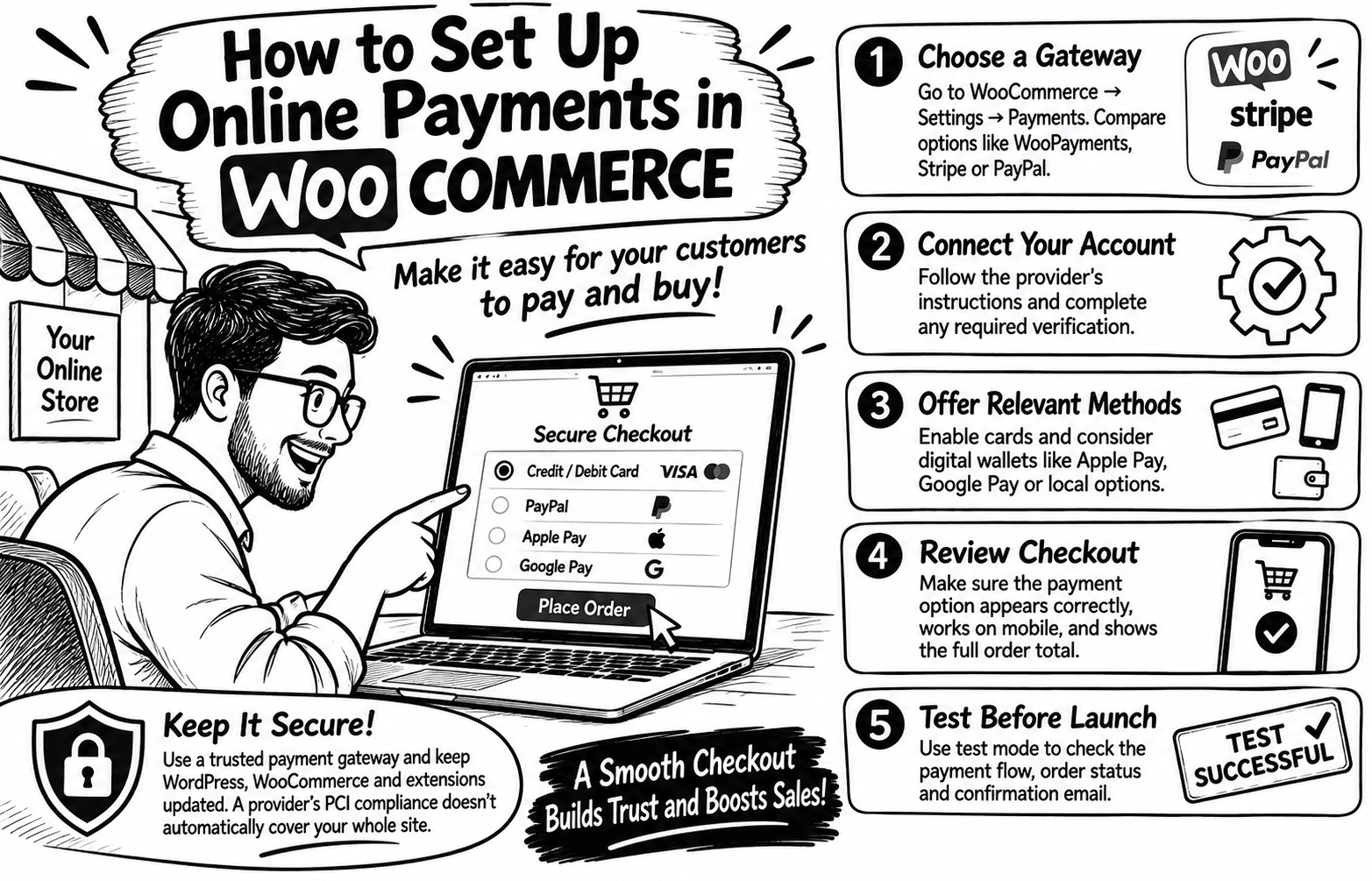
How to Set Up Online Payments in WooCommerce
Great products mean little if customers struggle to pay. A confusing checkout or unfamiliar payment option can make buyers hesitate.
Use this setup checklist
1️⃣ Choose a gateway. Go to WooCommerce → Settings → Payments. Compare providers available in your country, such as WooPayments, Stripe or PayPal.
2️⃣ Connect your account. Follow the provider’s instructions and complete any required verification.
3️⃣ Offer relevant methods. Enable cards and consider digital wallets or local options your customers use. Availability varies by country.
4️⃣ Review checkout. Confirm the payment option appears, works on mobile, and shows the full order total.
5️⃣ Test before launch. Use test mode to check the payment flow, order status and confirmation email before accepting real payments.
Security matters. Use a reputable gateway and keep WordPress, WooCommerce and payment extensions updated.
A provider’s PCI compliance does not automatically make your entire website compliant.
💬 Which do your customers prefer: cards, PayPal or mobile wallets?
0 likes · 0 views · Nov 16, 2026
How to Set Up Online Payments in WooCommerce Great products mean little if customers struggle to pay. A confusing checkout or unfamiliar payment option can ...

