Limn Web App - Automated Logo Grid Generation

Austyn McFadden


Eliminating 30-60 minutes of manual work with pixel-perfect automation
Role: Founder, Product Designer, Brand Designer
Timeline: 2 weeks (Concept to MVP Launch)
Tools: Figma, Lovable (AI-assisted development), Adobe Illustrator
Link: Limn Web App
Every brand designer knows the pain: you've finished a logo, and now you need to create professional grid documentation for the brand guidelines. What should take 5 minutes becomes 30-60 minutes of tedious manual work in Illustrator — drawing alignment grids, measuring anchor points, creating construction lines, and ensuring pixel-perfect accuracy. And if you need to revise the logo? Start over.
Limn automatically generates professional logo grids in 10 seconds.
The Problem: Grid Documentation Is Tedious
Traditional logo grid creation requires:
30-60 minutes of manual work per logo in Illustrator
Drawing horizontal and vertical alignment grids by hand
Measuring and marking every anchor point
Creating construction lines showing geometric relationships
Setting up professional clearspace zones
Ensuring everything is pixel-perfect (one wrong measurement ruins the whole grid)
And if the client requests revisions? Start the entire process over.
Existing solutions like Grid.it ($149 Illustrator plugin) help, but they're:
Desktop-only (no web access)
Still require significant manual setup
Single-workspace limitation (can't compare multiple logos)
Not instant
The industry needed a web-based solution that combines speed + accuracy + professional output.
The Solution: Automated Grid Generation
Upload any SVG logo, and Limn instantly analyzes the vector paths to produce:
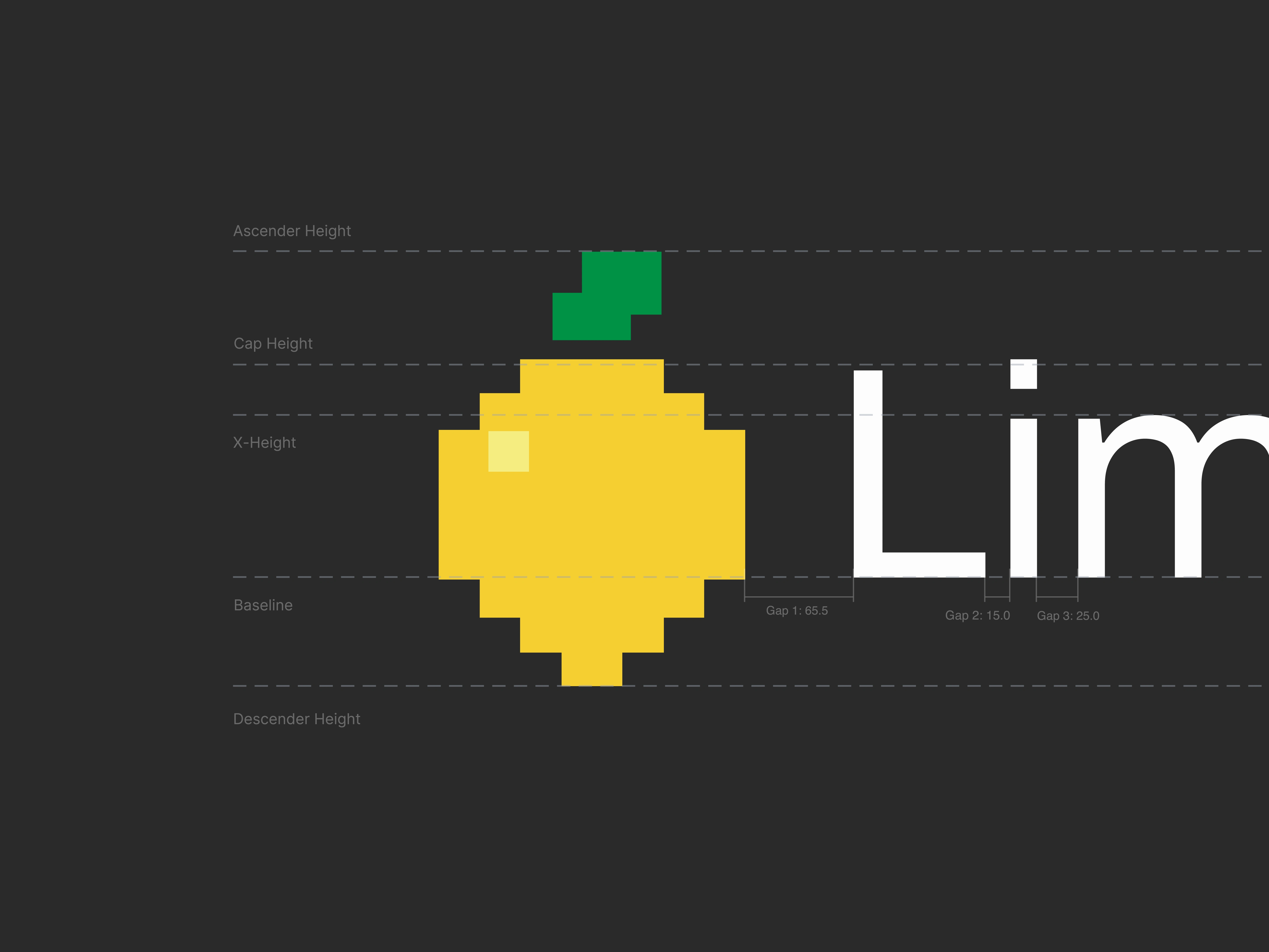
Typography Mode
Perfect for text-based logos. Automatically detects cap height, x-height, baseline, ascenders, and descenders.
Vector Mode
Analyzes any logo shape. Extracts anchor points, bezier handles, generates alignment grids from unique X/Y coordinates, and shows construction lines revealing geometric relationships.
Construction Mode
Overlays geometric construction grids for logos built on circles, squares, and golden ratio principles.
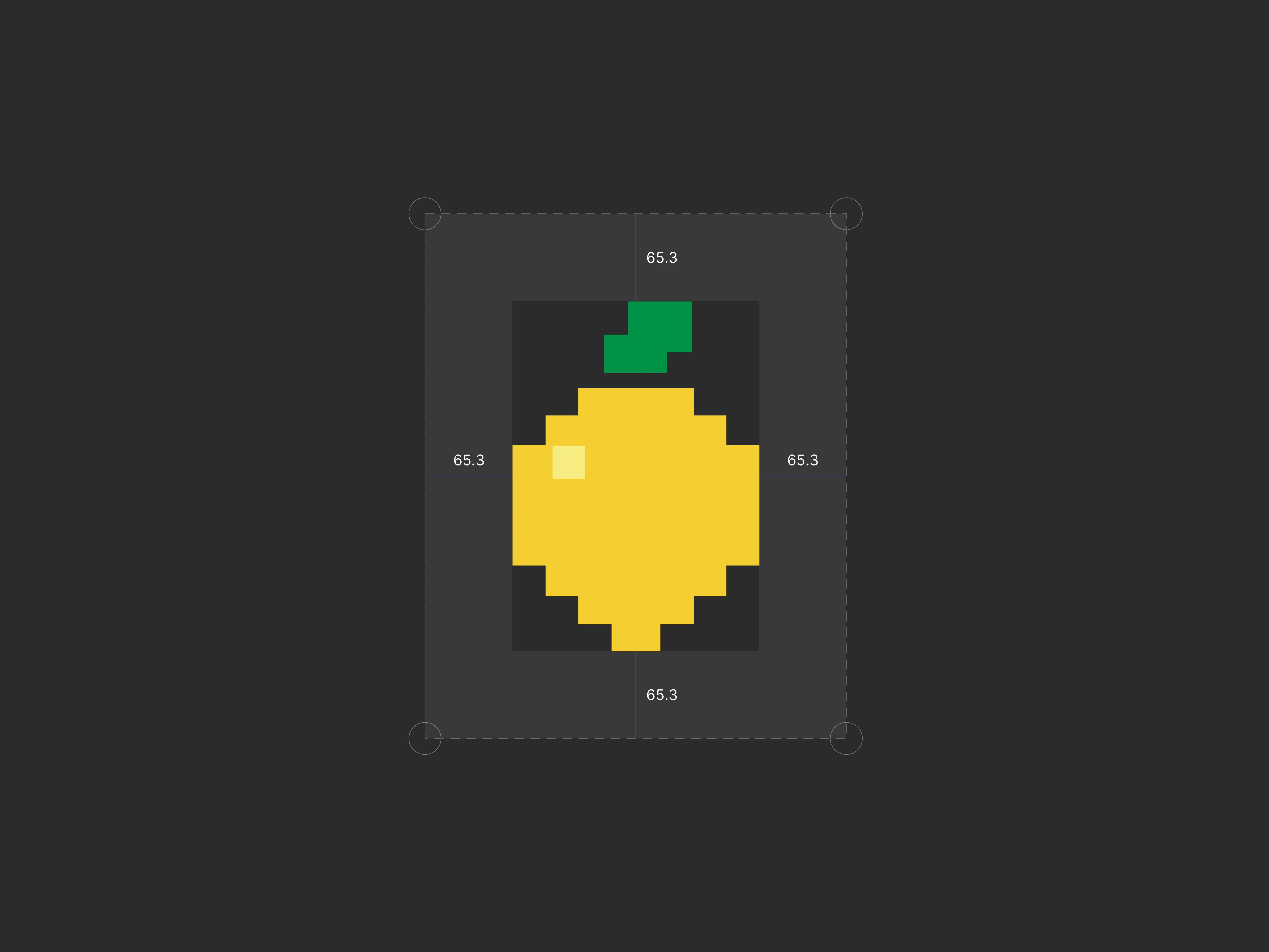
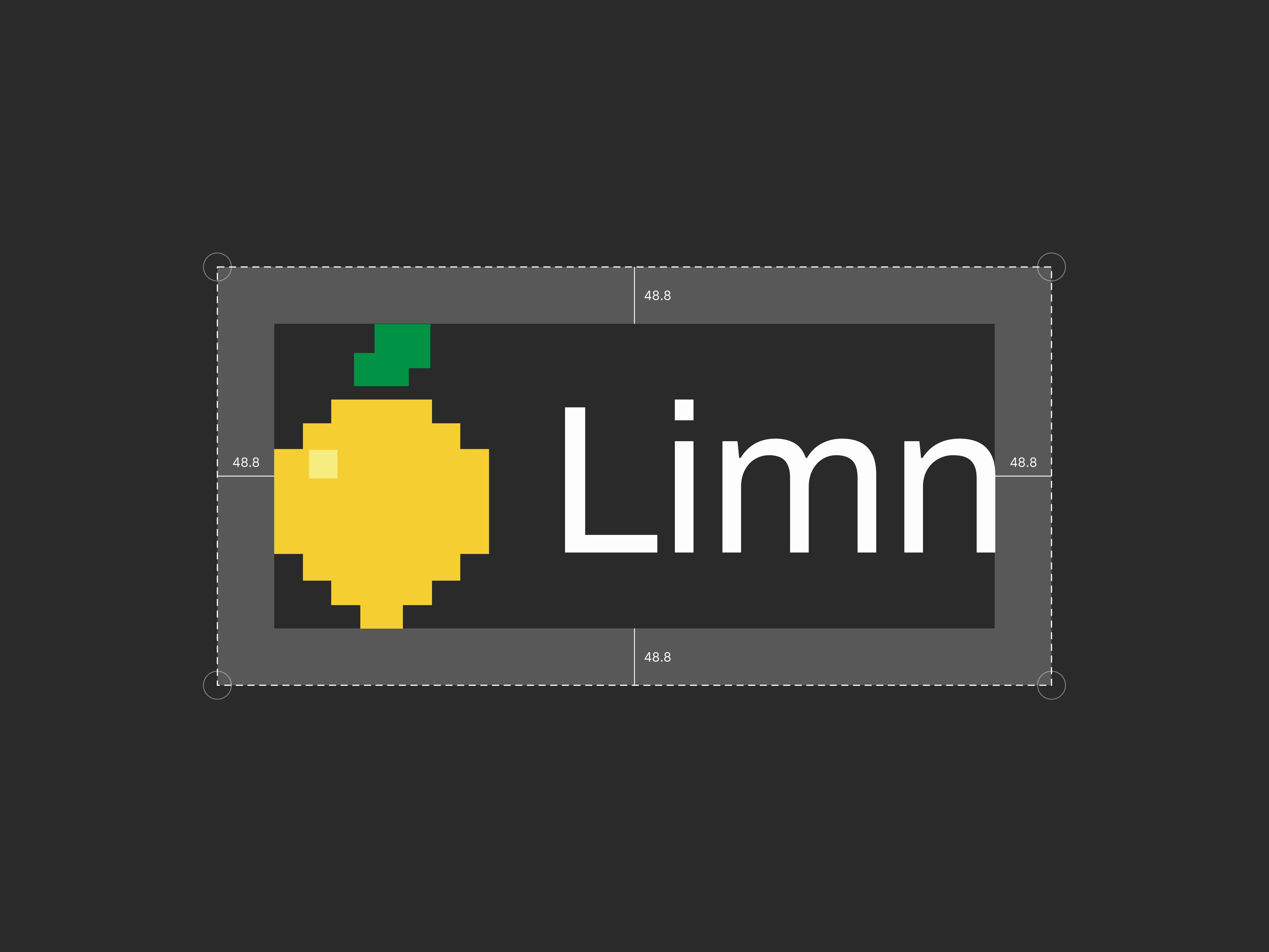
Clearspace Mode
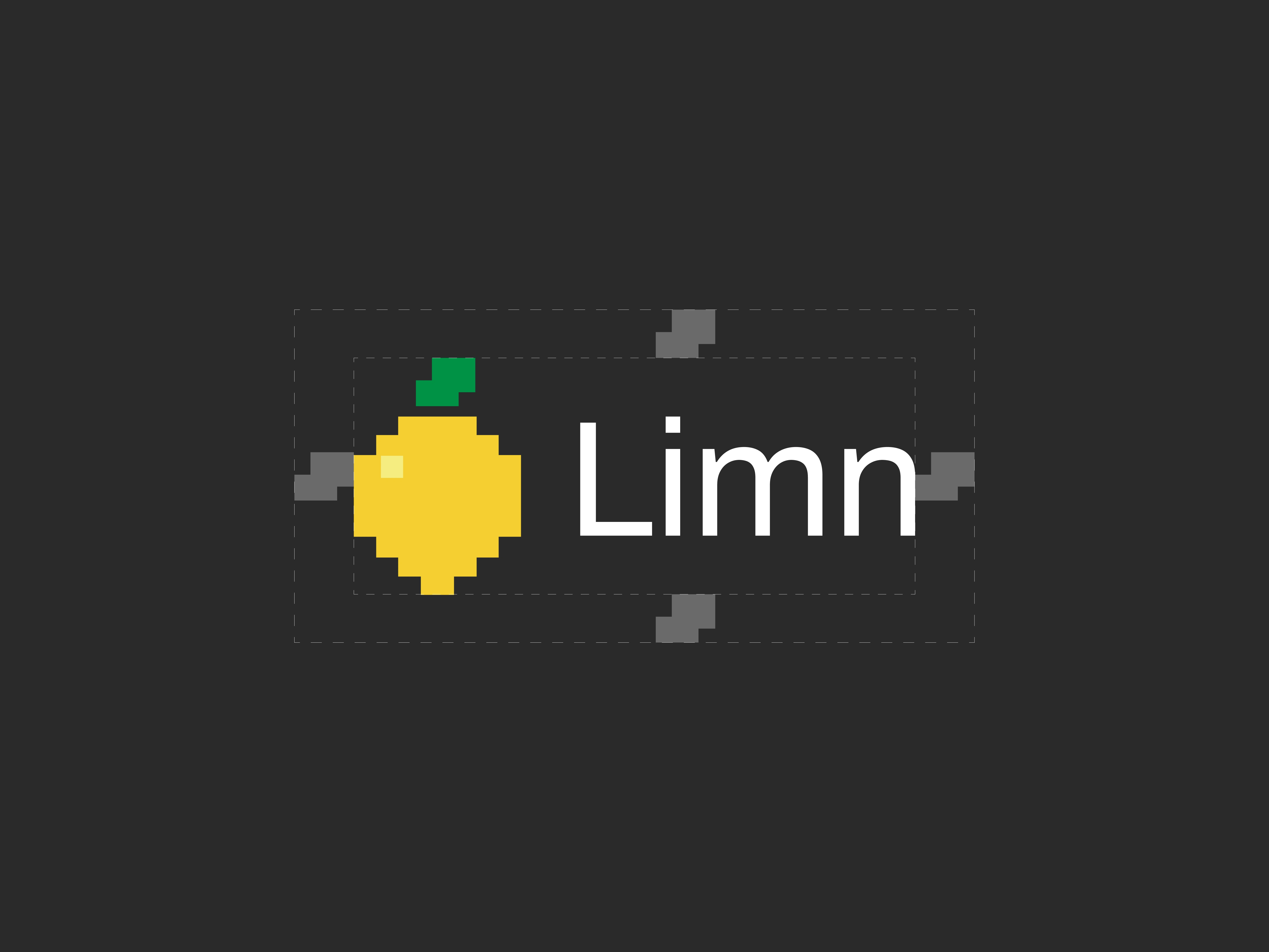
Professional brand guideline styling with dashed boundaries, corner circles, and semi-transparent overlays showing minimum safe distances.
Result: Professional logo grids in 10 seconds that would take 30-60 minutes manually.
The 8-Bit Lemon: When Wordplay Becomes Identity
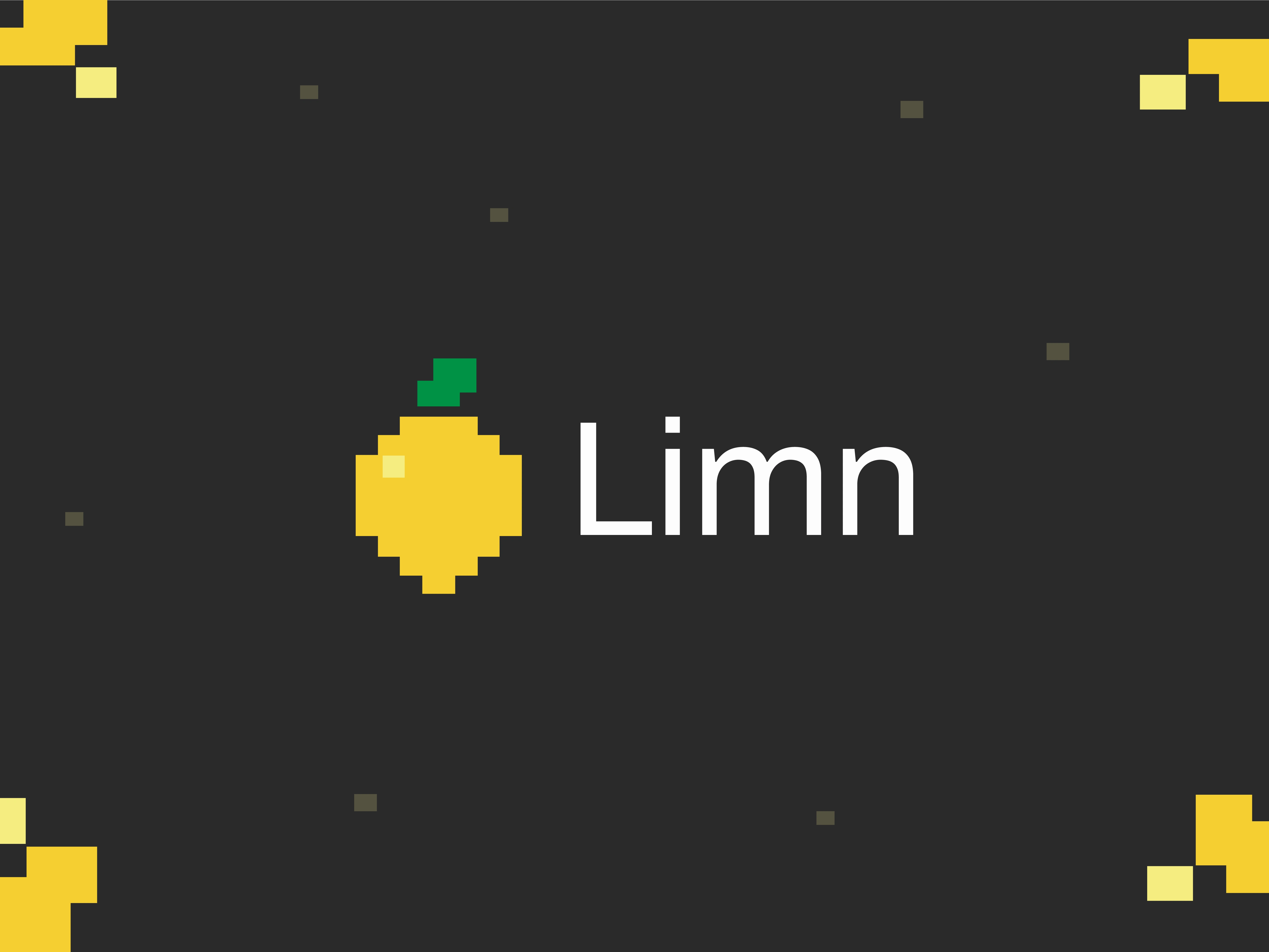
The name "Limn" (pronounced /lim/) means "to draw or paint" — but it looks like "Lemon."
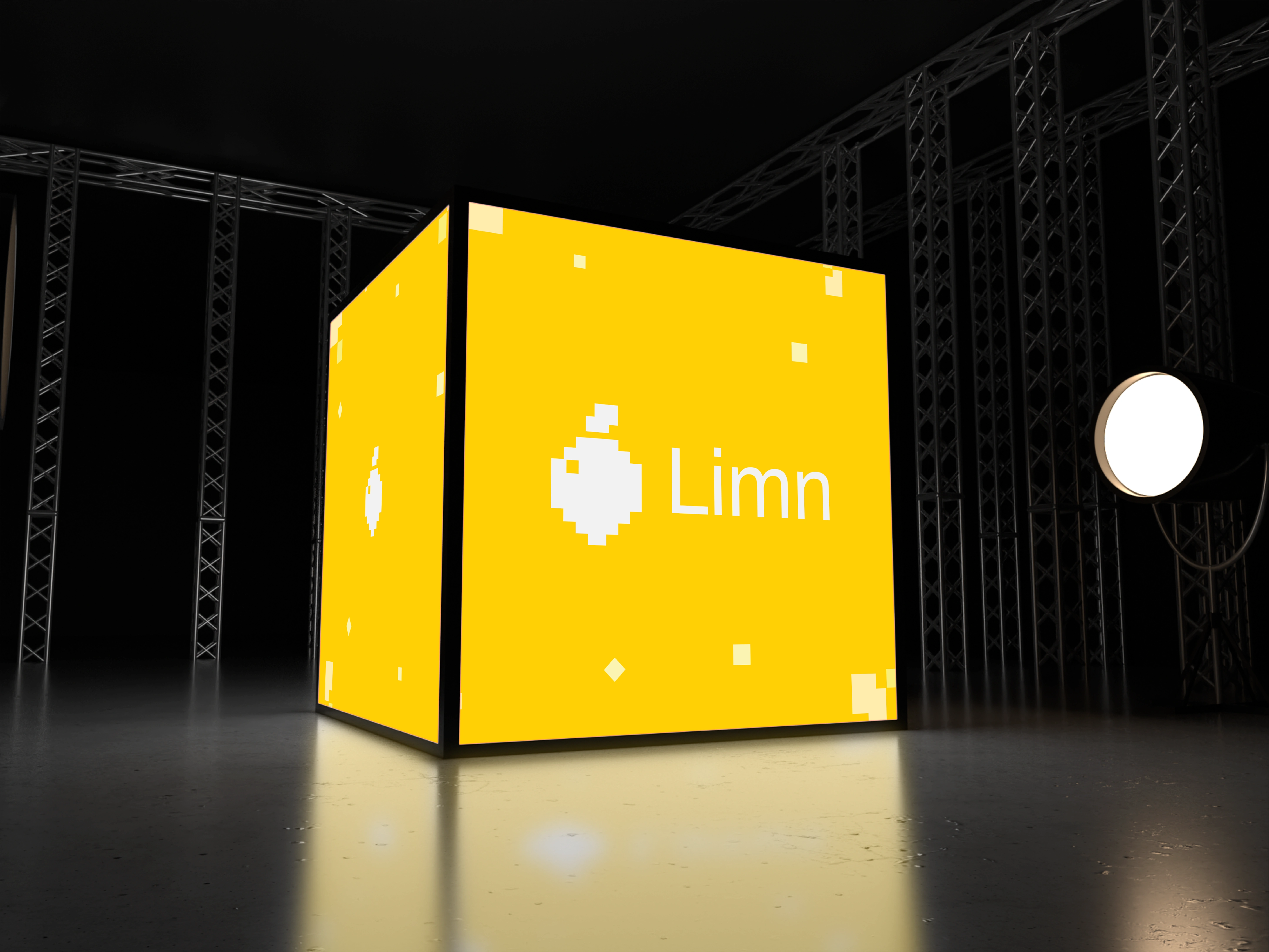
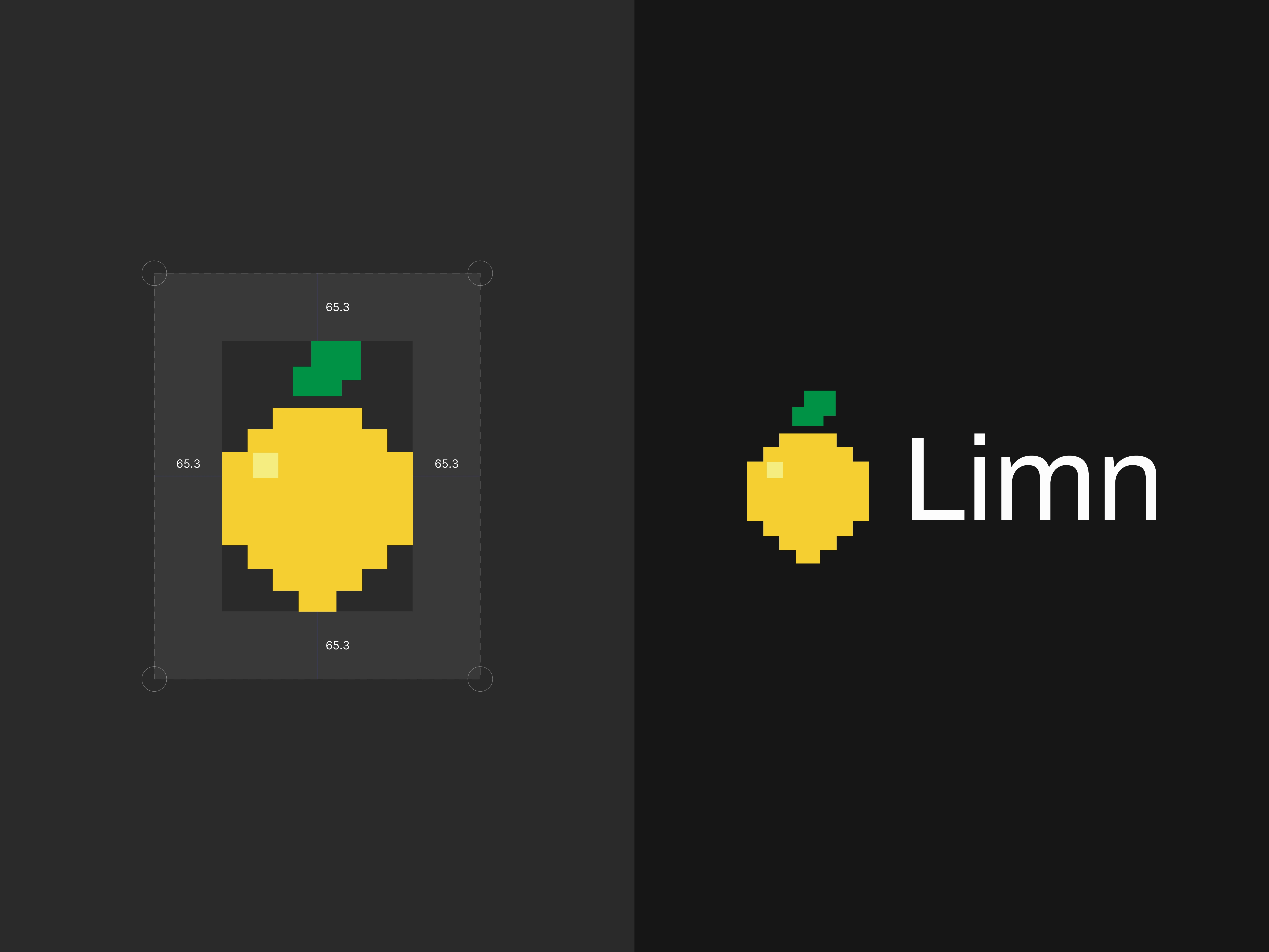
So naturally, the logo became an 8-bit lemon. Created in under an hour when the idea struck, because sometimes the best logos come quickly.
Why 8-Bit?
Precision in simplicity — Just like Limn reduces complex grid work to simple automation, 8-bit art reduces images to their essential pixels.
Grid-native aesthetic — Pixel art is literally built on grids, perfectly reflecting what Limn does.
Playful yet professional — The retro style adds personality while maintaining technical credibility for a design tool.
The wordplay:
"Limn" → "Lemon" 🍋
Technical tool → Playful visual
Grid precision → Pixel art
The logo itself demonstrates what Limn does: taking something complex (a lemon) and reducing it to its perfect grid structure.
Meta? Absolutely.
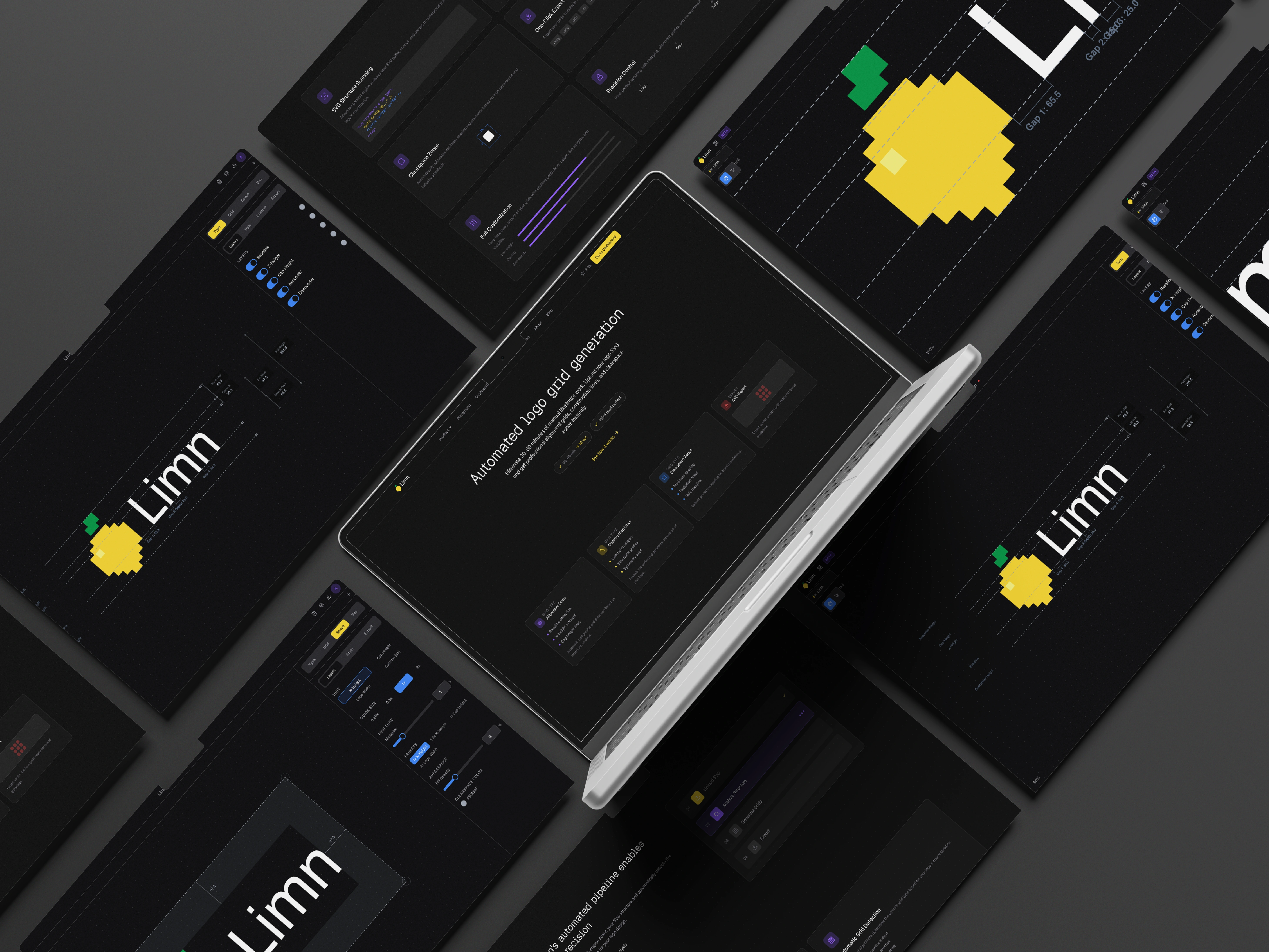
The Application: Multi-Workspace Power
Figma-Style Workspace Tabs
Rather than forcing users to work on one logo at a time, Limn adopted Figma's workspace tab pattern. Horizontal tabs across the top, each workspace completely isolated, settings persist per workspace, instant switching with cached analysis results, keyboard shortcuts for power users (Cmd+T, Cmd+W, Cmd+Tab).
Use cases:
Compare multiple logo variations
Work on different client projects simultaneously
Before/after redesign comparisons
Maintain different grid configurations for the same logo
6-Layer SVG Overlay System
Each layer individually toggleable with instant updates:
Horizontal gridlines (from unique Y coordinates)
Vertical gridlines (from unique X coordinates)
Construction lines (dashed, showing geometric relationships)
Bezier handles (green circles at control points)
Anchor points (white circles at path endpoints)
Bounding box (blue rectangle with measurements)
Customizable Line Styles Per Mode
Typography mode uses thinner lines (0.5px, subtle dashes).
Clearspace mode uses thicker lines (1px, prominent dashes).
Vector mode adjusts based on logo complexity.
Separate controls let each mode shine without compromise.
Mode-Aware Export
Export exactly what you see. Typography mode exports only typography layers. Vector mode exports only vector layers. Disabled layers never export. No bloat, just clean SVGs ready for brand guidelines.
Under The Hood: SVG Path Analysis
The Magic of Automatic Grid Detection
Traditional approach: Designer manually measures and draws gridlines at each alignment point (30-60 minutes).
Limn's approach (10 seconds):
Parse SVG paths to extract every anchor point from M, L, C, S, Q, A, Z commands
Collect unique X coordinates → vertical gridlines
Collect unique Y coordinates → horizontal gridlines
Deduplicate and round to 2 decimal places
Render with pixel-perfect accuracy
Performance Benchmarks:
Typical logo (100-200 points): <10ms analysis
• Complex logo (1000+ points): <50ms analysis
• Zero re-analysis on layer toggles
• Instant tab switching (cached results)
NaN-Safe Rendering:
Every coordinate validated with isValidNum() utility (checks typeof number, !isNaN, isFinite)
• All arrays filtered before rendering
• Safe fallbacks prevent broken SVG output
• Early returns skip rendering if critical data is invalid
Why Cache Analysis Results?
Re-analyzing SVGs on every tab switch would create lag. By caching analysis in workspace state (stored in localStorage), switching between 10 workspaces is instant — crucial for comparing multiple logo variations in real client workflows.
Design & Development: Austyn McFadden
Agency: Vaughn
Email: austyndmcfadden@gmail.com
Available Now: Try Limn for Free
Like this project
Posted Feb 10, 2026
Developed Limn, a web app that automates logo grid generation, cutting manual work from 30–60 minutes to seconds and streamlining design workflows.
Likes
1
Views
9
Clients
Vaughn