PDFSimpli Chrome Extension: from a brief to 20,000 users

Luis Román

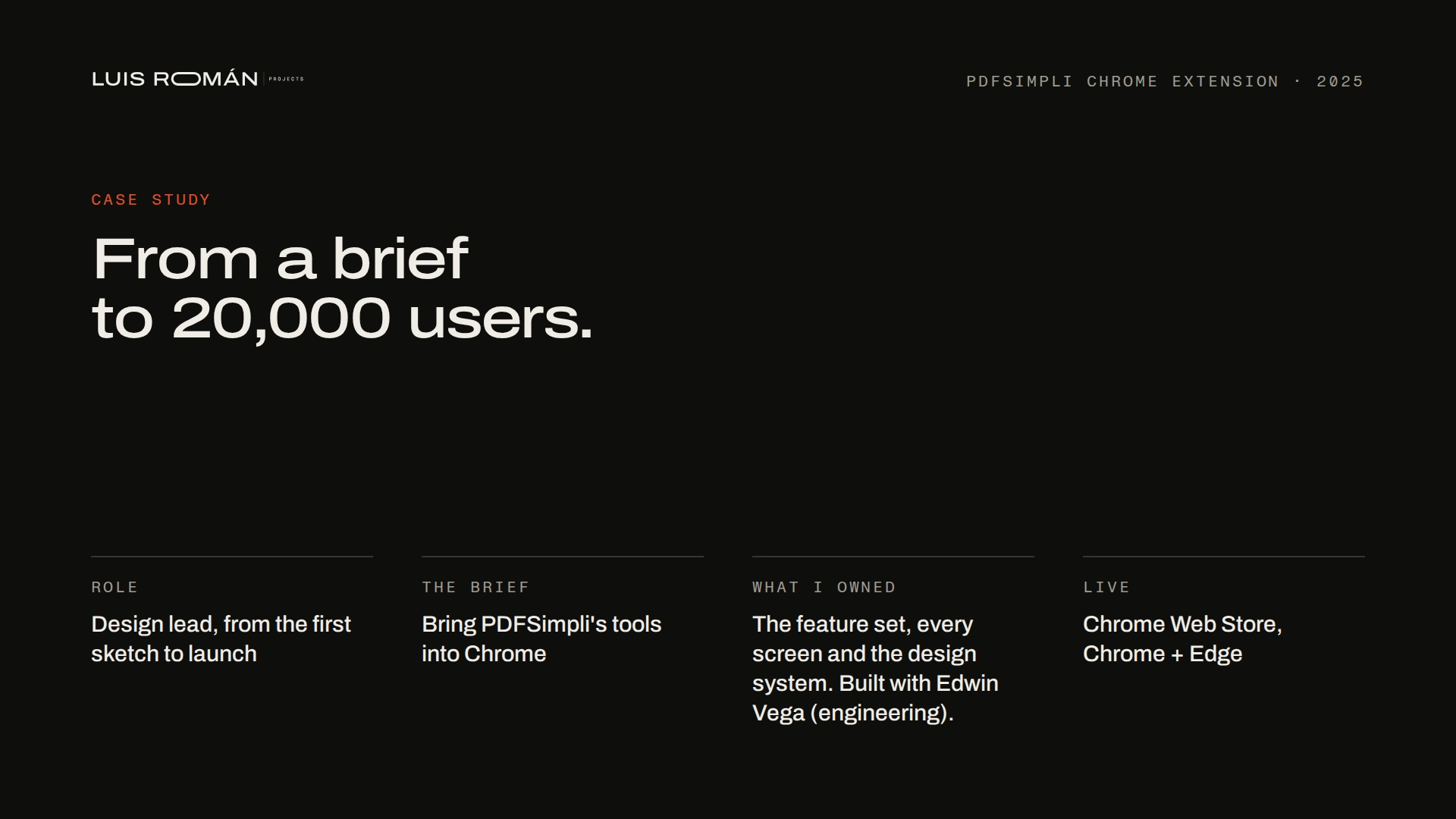
Overview: design lead from the brief to launch, built with Edwin Vega (engineering).
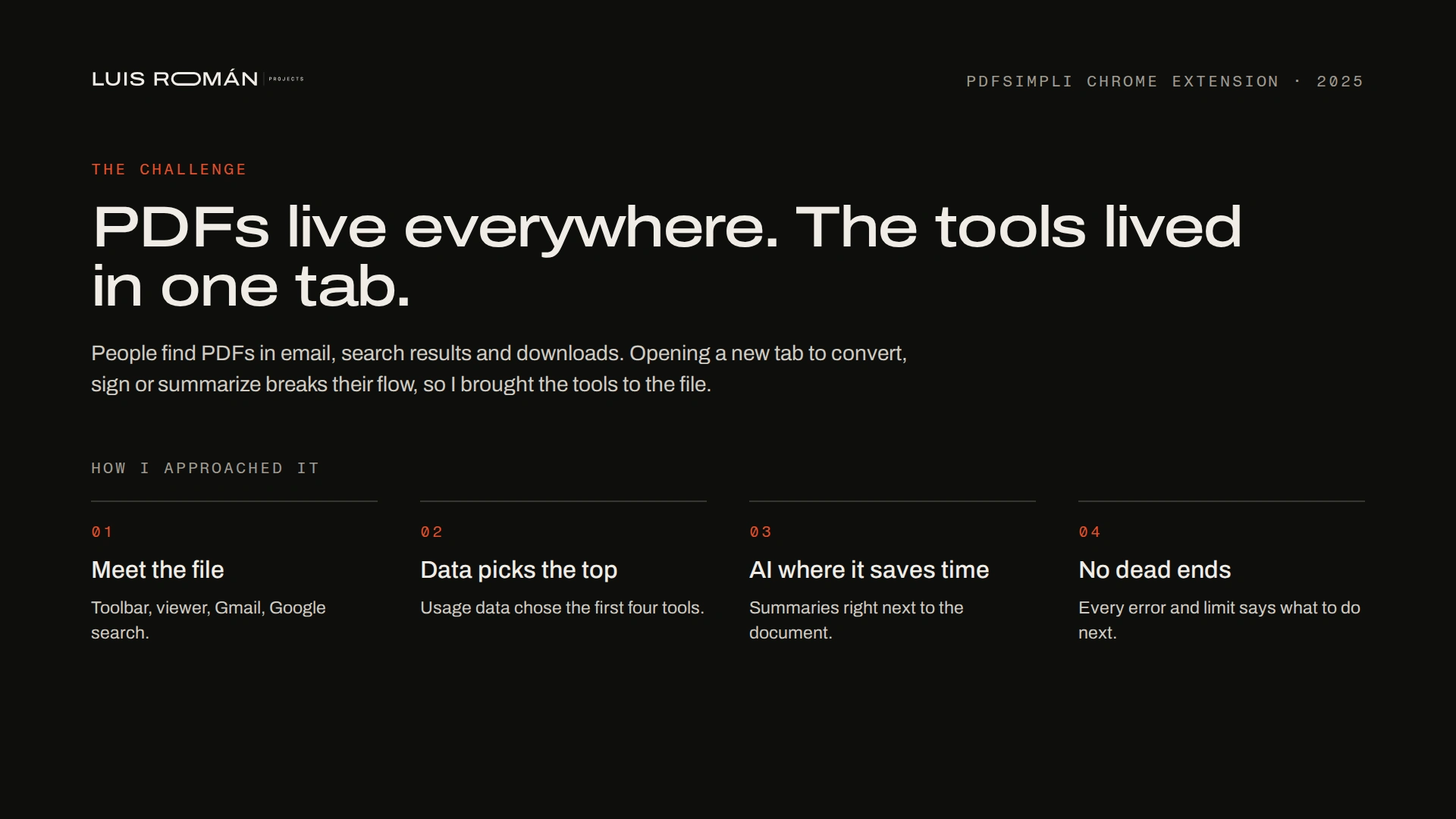
The challenge: PDFs live everywhere, so I brought the tools to the file. Four rules guided every screen.
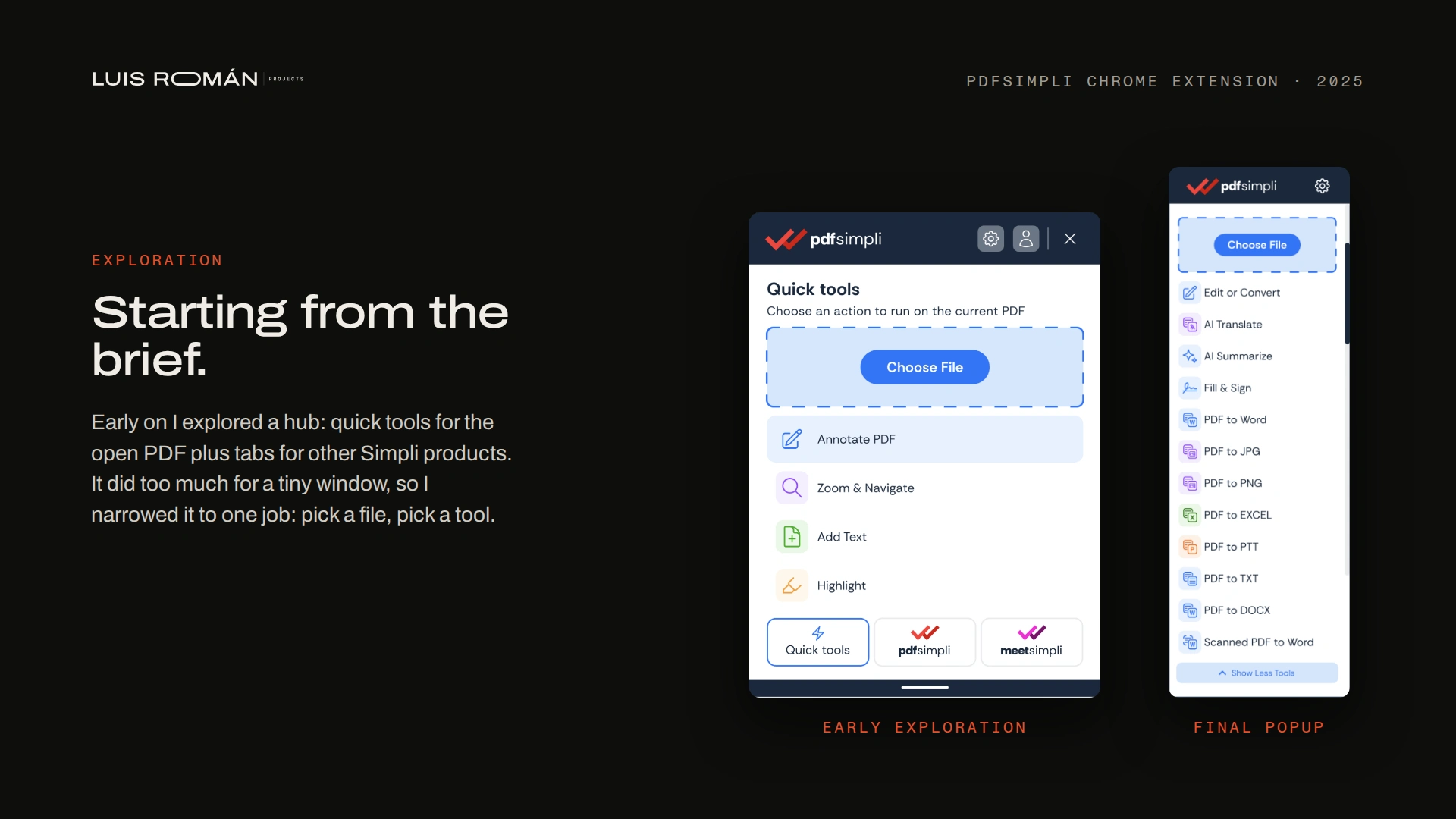
Exploration: an early "hub" idea, narrowed down to one job: pick a file, pick a tool.
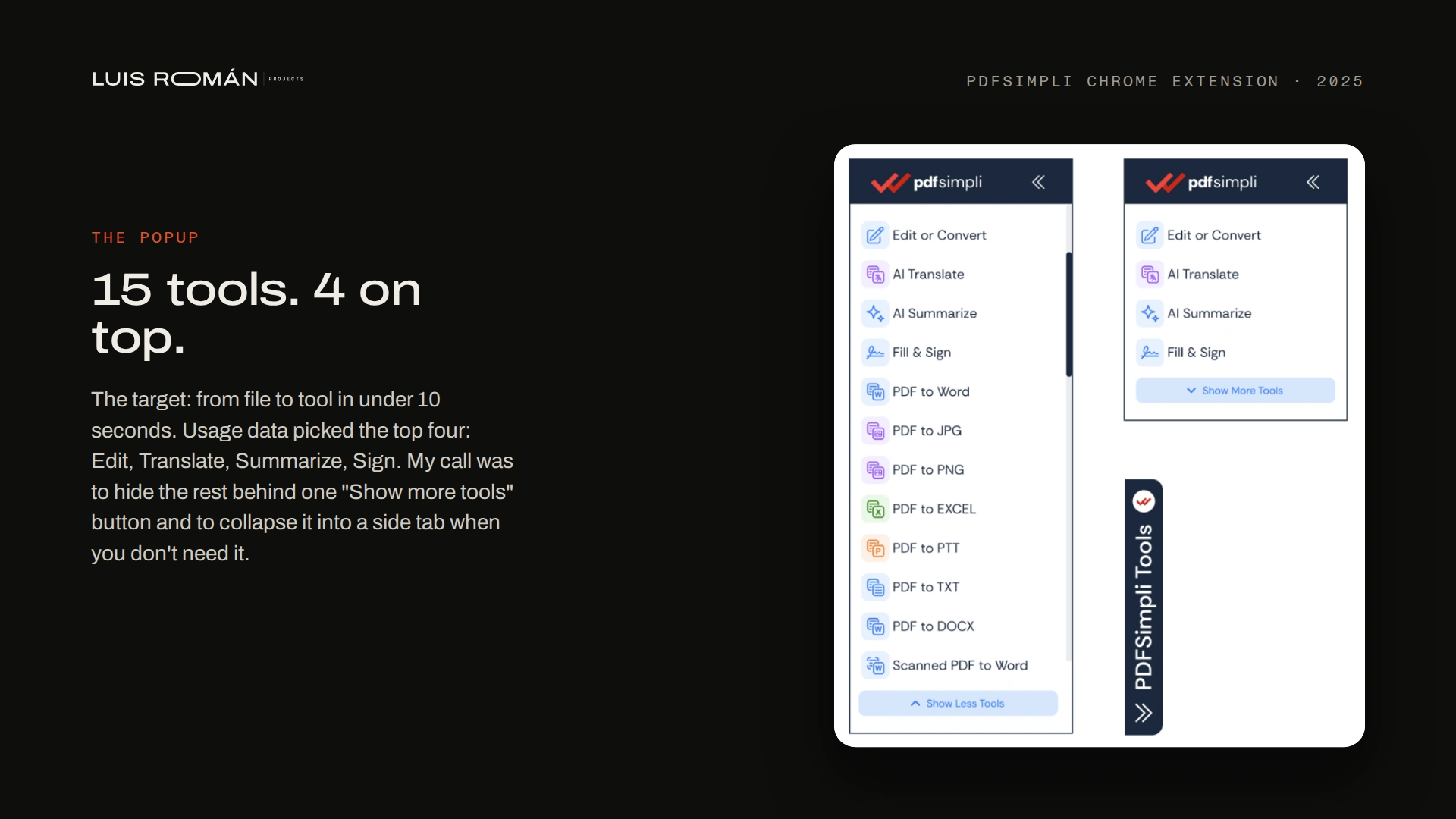
The popup: file to tool in under 10 seconds. Usage data picked the top four; my call was "Show more tools" and a side tab.
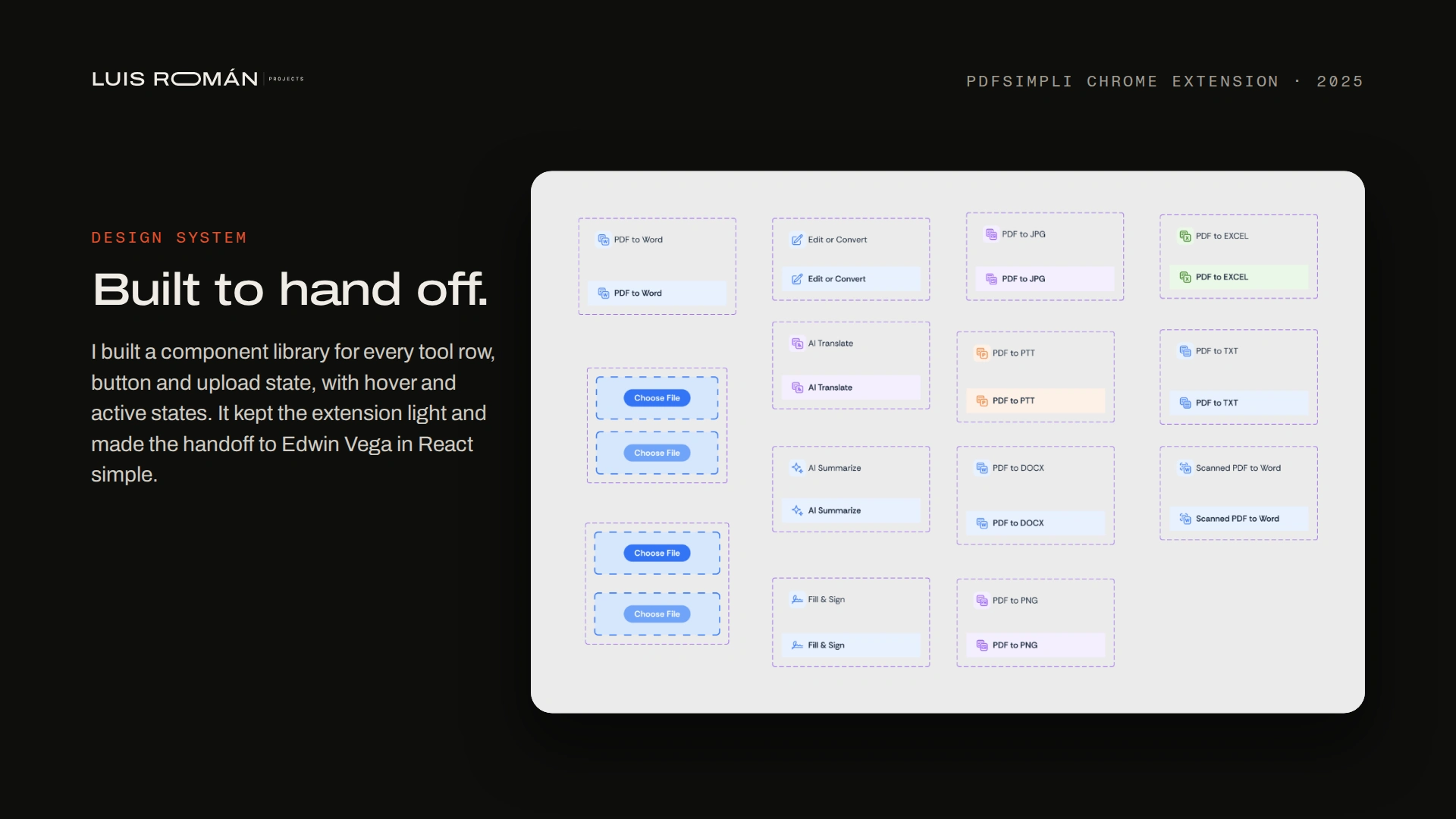
Design system: a component library for every tool row, button and upload state, handed off in React.
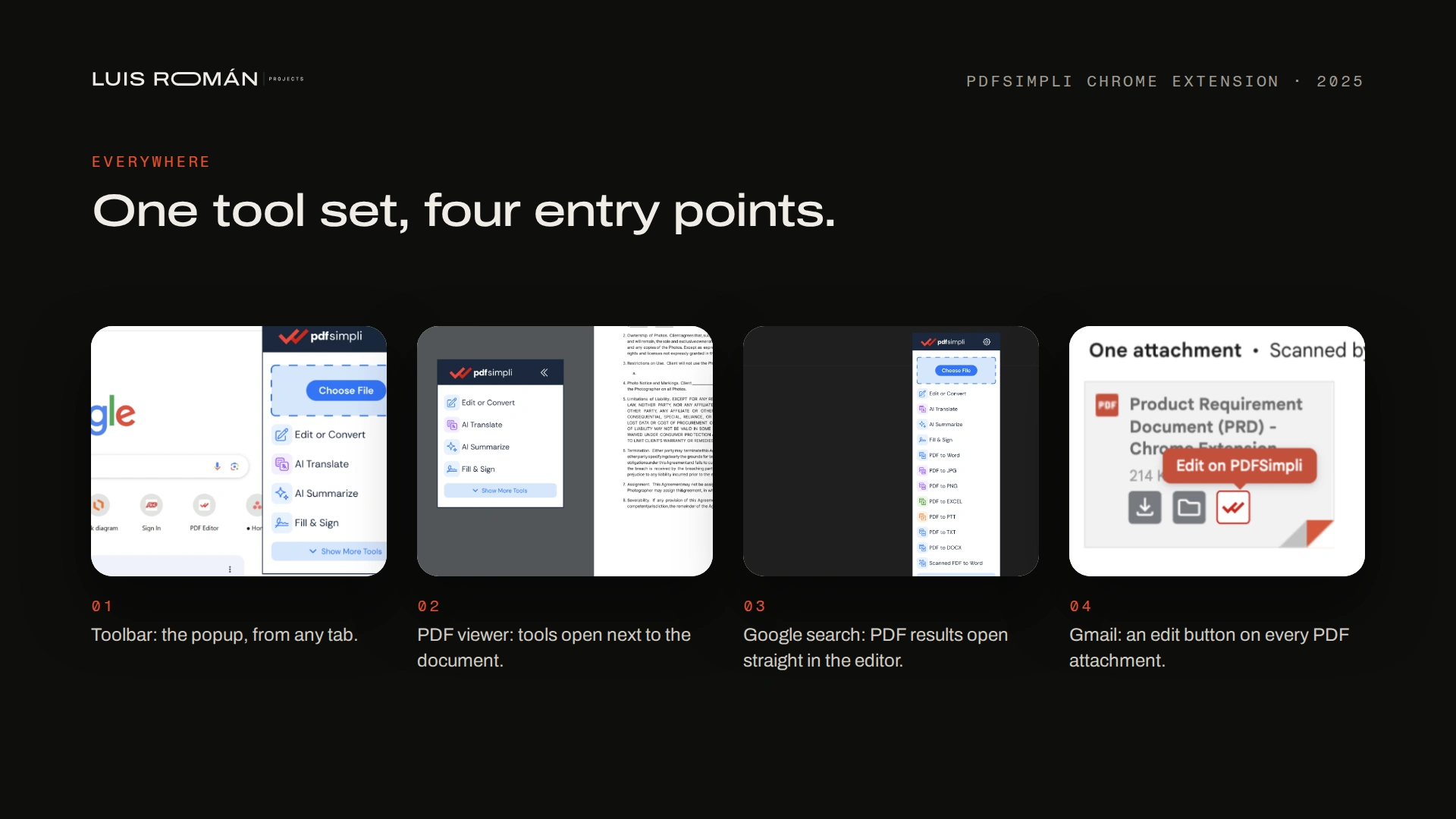
One tool set, four entry points: the toolbar, the PDF viewer, Google search and Gmail.
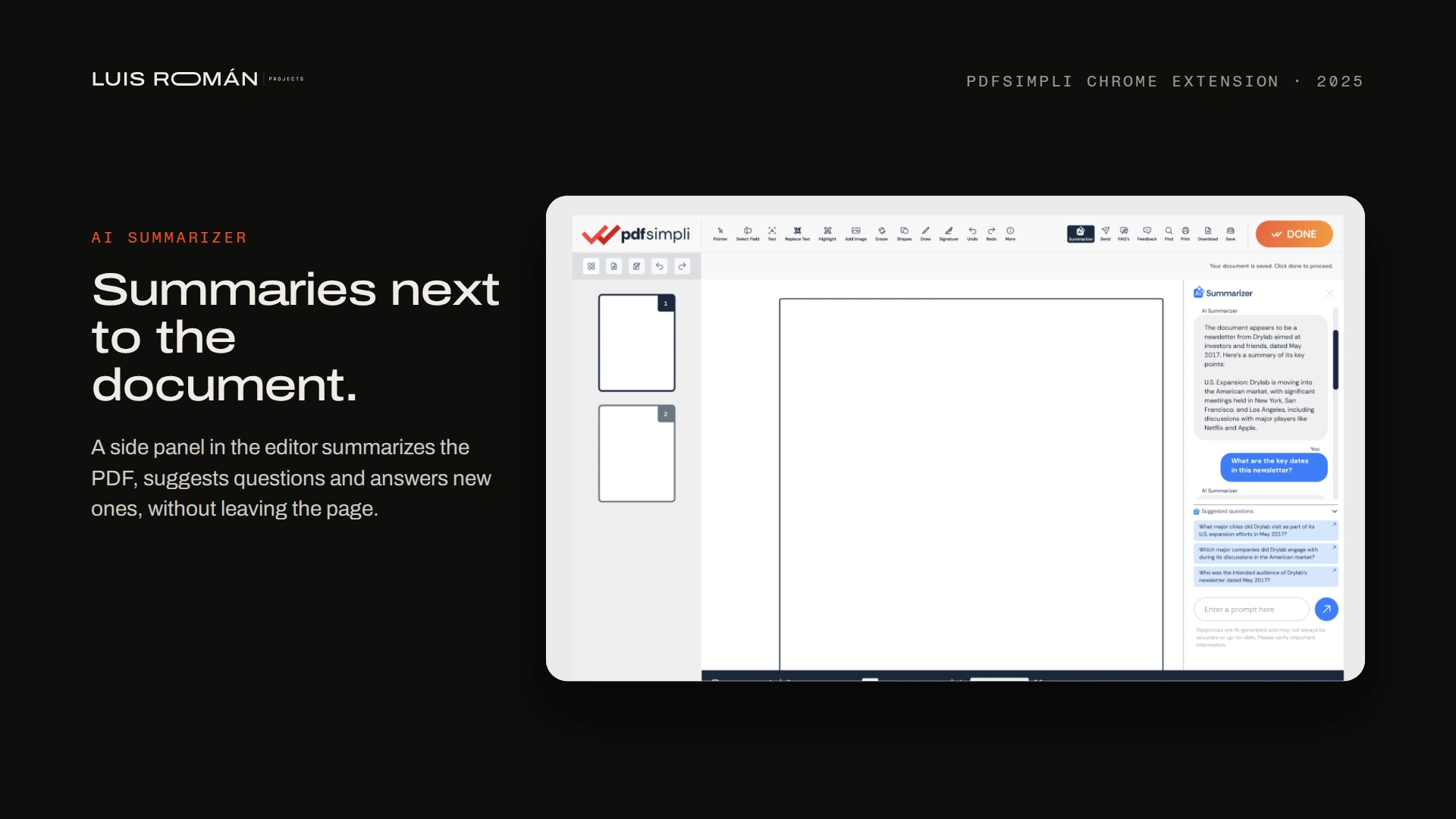
AI Summarizer: a side panel that summarizes the PDF and answers questions, right next to the document.
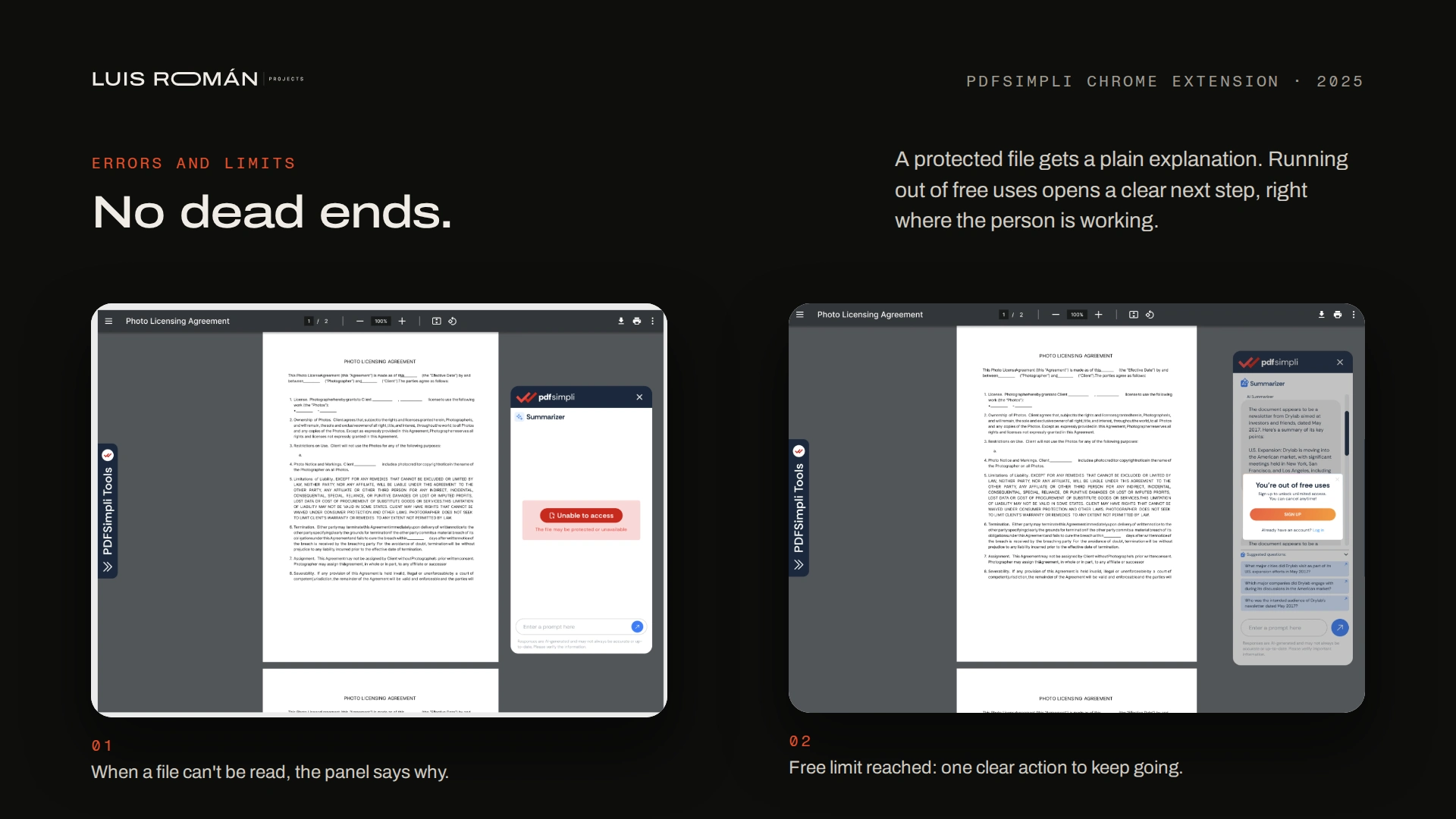
No dead ends: a plain explanation when a file can't be read, and one clear next step when free uses run out.
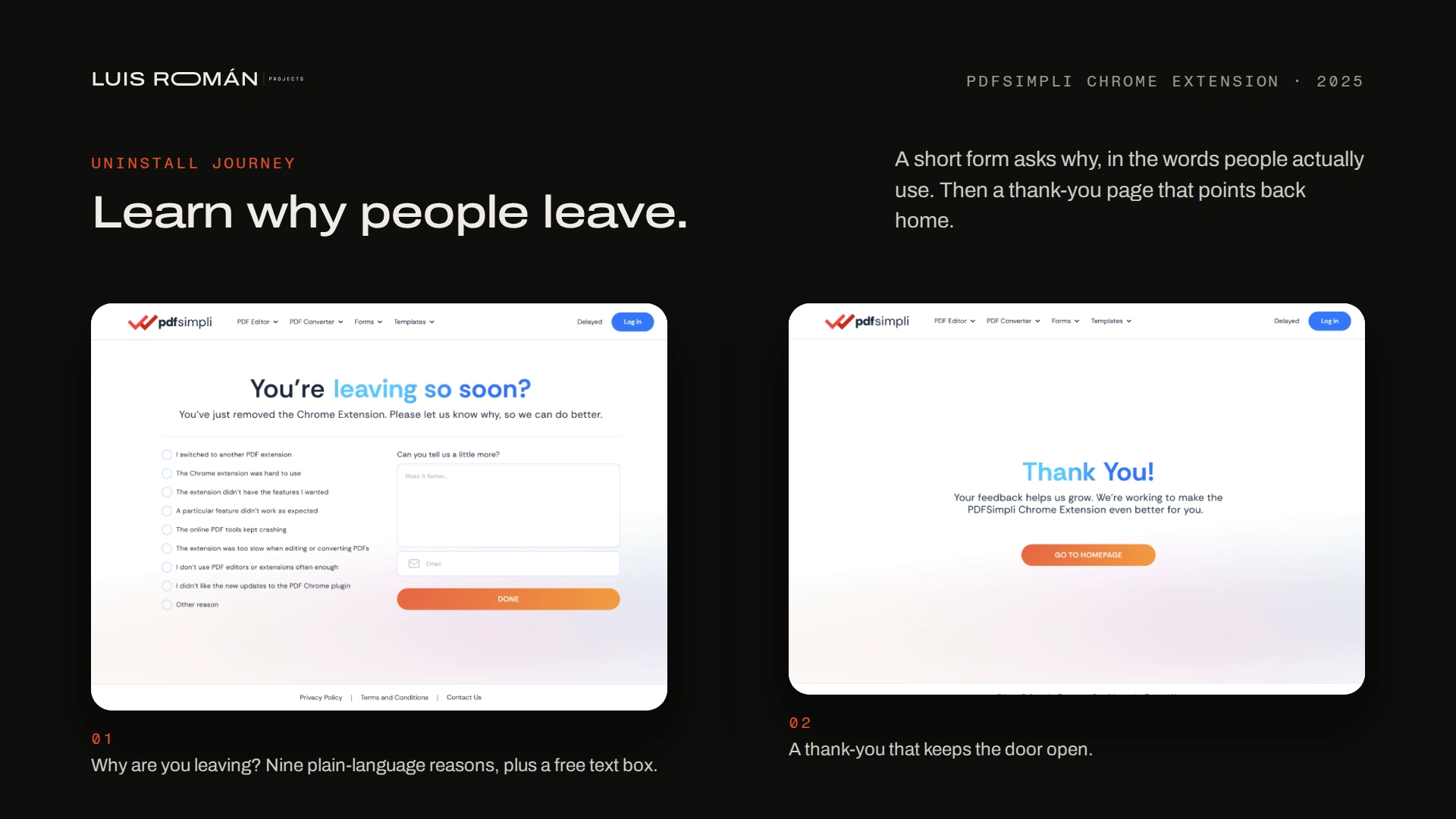
Uninstall journey: a short "why are you leaving?" form in plain words, then a thank-you page.
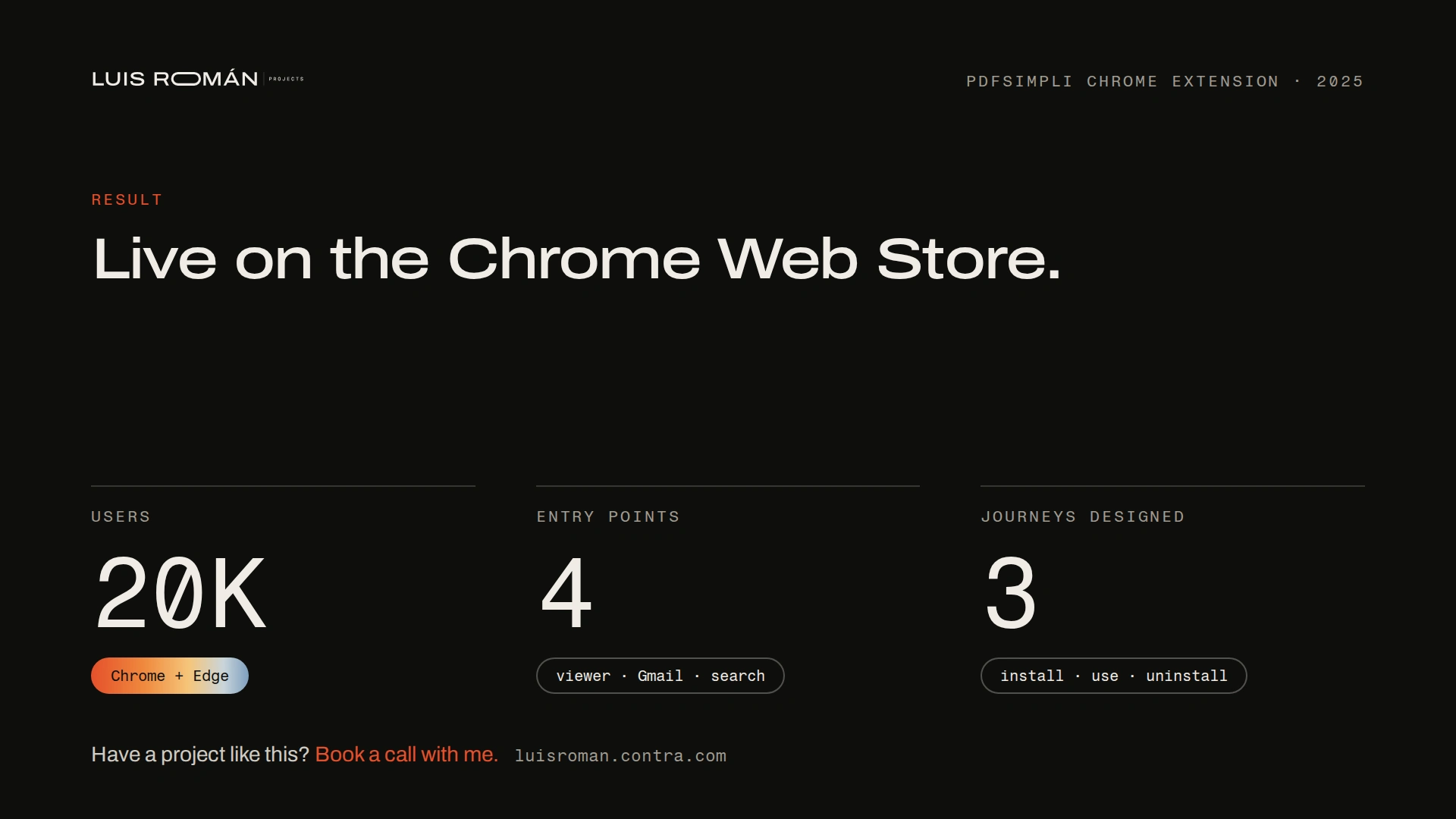
Result: live on the Chrome Web Store, 20,000 users, 4 entry points, 3 journeys designed.
Like this project
Posted Jan 25, 2026
Design lead from brief to launch: I shaped the features, designed every screen and built the design system for PDFSimpli's browser extension. 20,000 users.