























How do I check if a freelancer is truly skilled in Visual Studio Code?
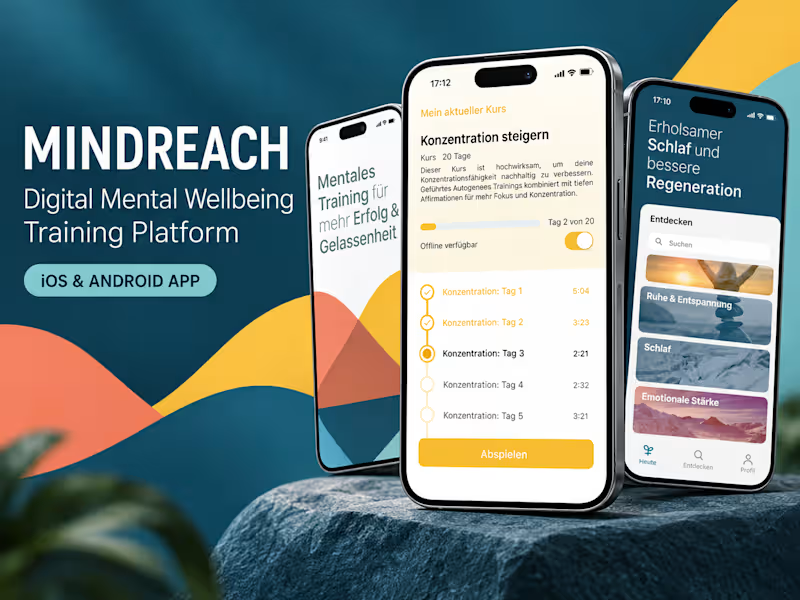
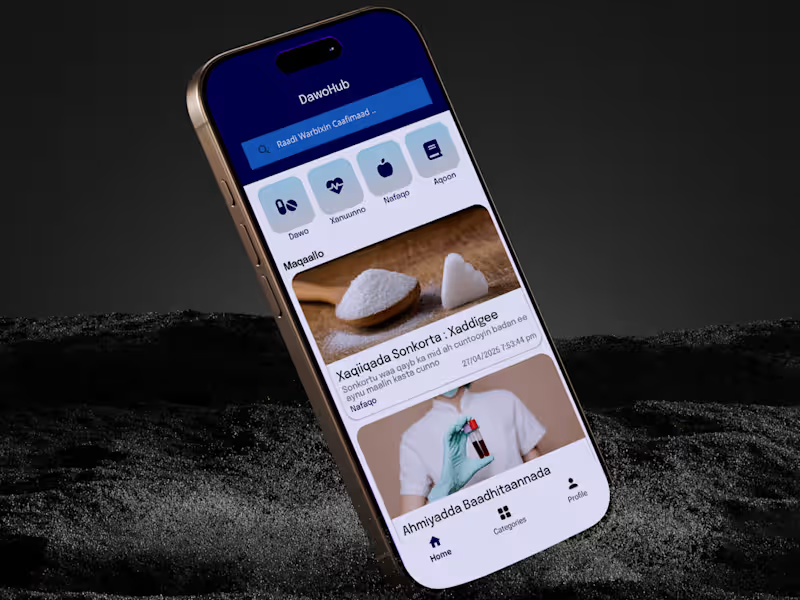
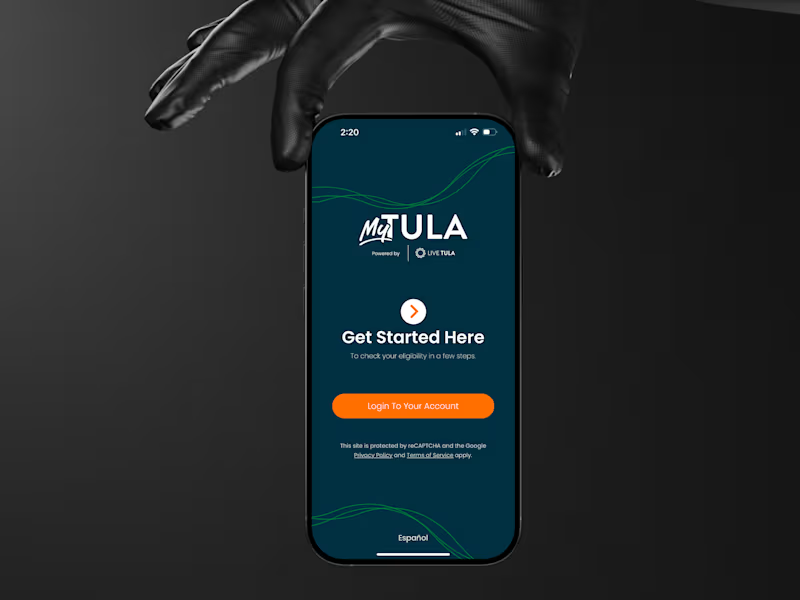
You can ask for samples of past projects where they have used Visual Studio Code. Look for specific tasks like debugging, code editing, or extensions they have built. Checking their portfolio can also give a good idea of their practical experience and skills.
What deliverables should I expect from a Visual Studio Code expert?
When hiring a Visual Studio Code expert, clearly define the project goals and what you want them to achieve. Deliverables can include clean and efficient code, proper debugging, and seamless integration of tools. Make sure to discuss this upfront with the freelancer to match your expectations.
What should I know about setting up a project with a Visual Studio Code expert?
Before starting, ensure you have shared all necessary details, such as project goals, timelines, and any specific extensions or tools you want to use. Discuss the workflow and communication methods you prefer. This helps in aligning the project setup from the start.
How can I verify a freelancer's ability to work remotely using Visual Studio Code?
Ask them about their experience with remote work situations. Check if they know how to use remote collaboration tools available in Visual Studio Code. Their comfort with time management and communication while using these tools is crucial for the success of the project.
What makes a Visual Studio Code expert a good collaborator on a project?
A good collaborator should be open to feedback, communicate clearly, and respect deadlines. Their knowledge of Git for version control and teamwork tools integrated into Visual Studio Code is also important. Collaboration skills ensure everyone stays on the same page throughout the project.
Why is communication important when working with a Visual Studio Code expert?
Regular communication helps ensure the project is on track. It allows for discussing any issues or changes needed in real-time. This can include meetings, updates, and using any chat functions available within the platform or Visual Studio Code itself.
What role do extensions play in a Visual Studio Code project?
Extensions in Visual Studio Code can enhance productivity and support specific project needs. A freelancer may suggest or use extensions that are beneficial for coding, debugging, or other tasks. Understanding the role of these tools is important for achieving desired results.
How can I make sure that the project kickoff is smooth when working with a Visual Studio Code expert?
Provide clear guidelines and any necessary access to resources before starting. Agree on a communication plan and make introductions if they need to work with your team. This setup helps establish a smooth workflow from the beginning.
What criteria should I consider for a successful project outcome with a freelancer?
Define success in terms of code quality, meeting agreed timelines, and achieving project goals. Regular check-ins can help ensure alignment. Make sure the freelancer understands what a successful project looks like from your perspective.
Who is Contra for?
Contra is designed for both freelancers (referred to as "independents") and clients. Freelancers can showcase their work, connect with clients, and manage projects commission-free. Clients can discover and hire top freelance talent for their projects.
What is the vision of Contra?
Contra aims to revolutionize the world of work by providing an all-in-one platform that empowers freelancers and clients to connect and collaborate seamlessly, eliminating traditional barriers and commission fees.