Freelancers using Google Gemini in San Leandro
Sign Up
Post a job
Sign Up
Log In
Filters
2
Projects
People
Nikol Hayes
pro
San Francisco, USA
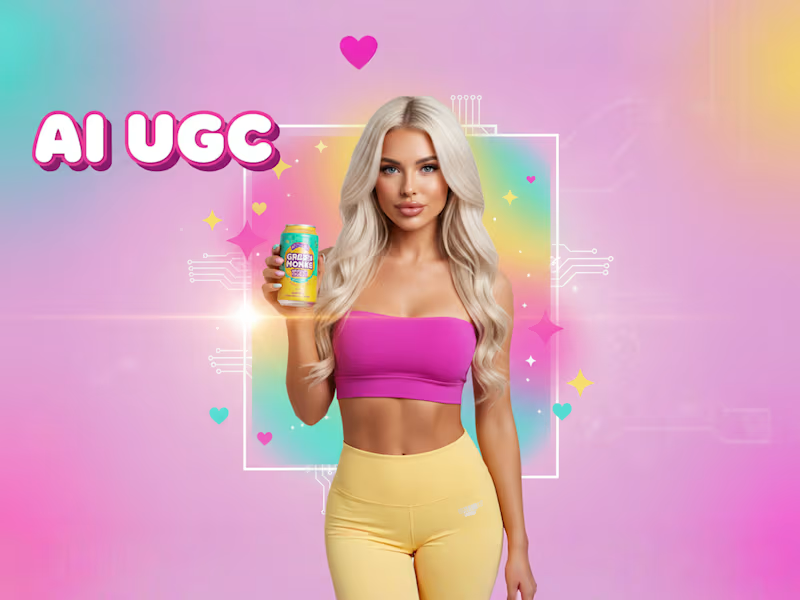
AI Campaign Assets + Agents for DTC Growth
$50k+
Earned
19x
Hired
5.0
Rating
189
Followers
Top
Partner
+1
Follow
Message
AI Campaign Assets + Agents for DTC Growth
5
Recess Spec Product Photography Campaign
5
112
3
Cinematic Storytelling for Liquor Brands
3
165
0
How I Made AI Hold Real Products — And Sell Them
0
56
3
Luxury AI Product Visuals for Cannabis Brands
3
41
Google Gemini
(6)
Follow
Message
Ved Vaidya
pro
San Francisco, USA
Designer & Builder
28
Followers
Follow
Message
Designer & Builder
0
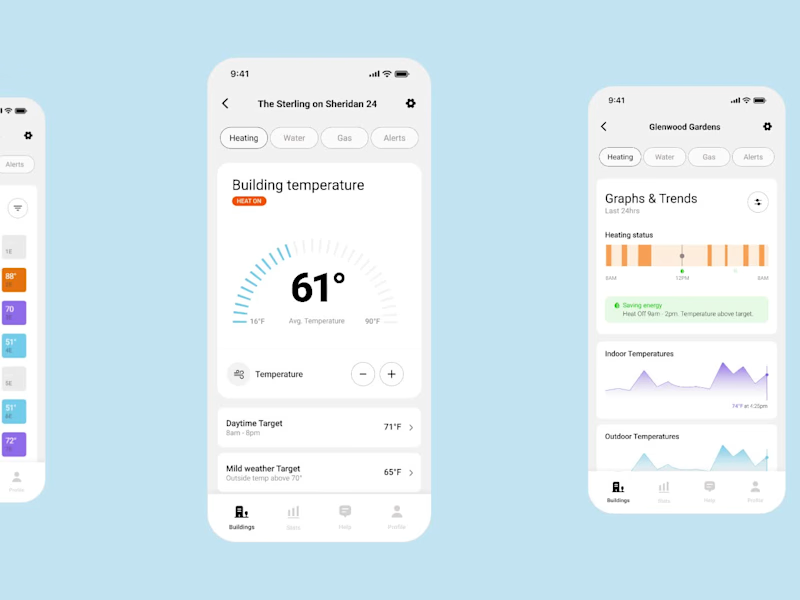
Mobile app for Runwise AI. Building managers control temperature across multiple properties from one place. Before this, they had no central dashboard, just scattered systems. Now they can catch problems fast and cut electricity waste.
0
113
1
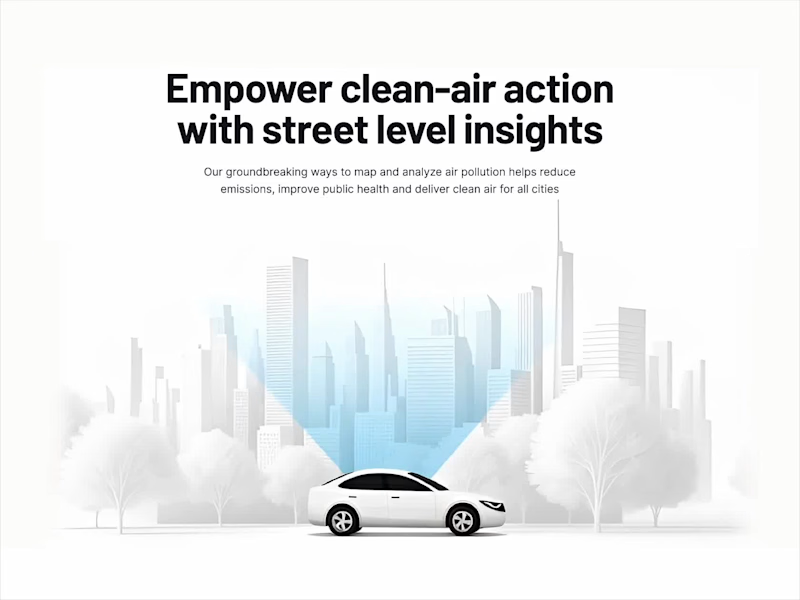
Aclima Platform Redesign for Clarity
1
4
1
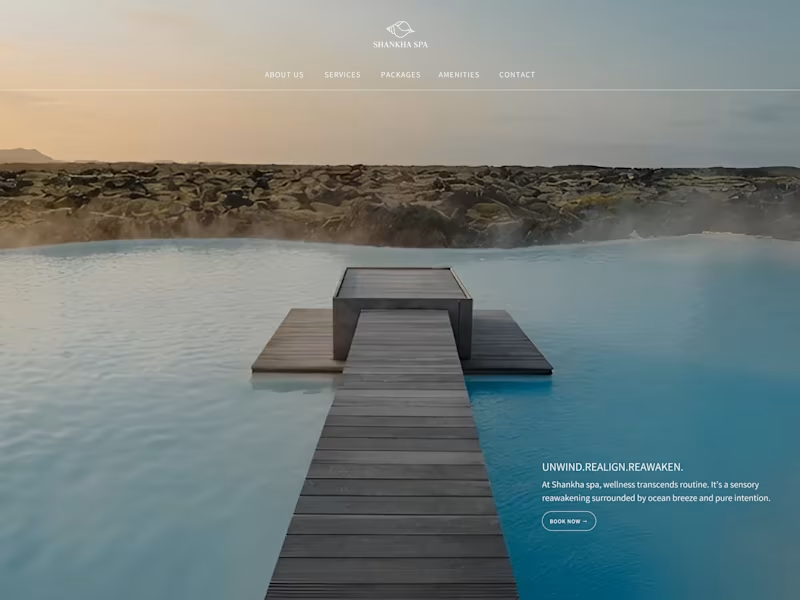
Online Booking Experience Redesign for Shankha Spa
1
2
3
Airhealth helps people monitor indoor air quality and control their purifier. The redesign shifts from control-first to status-first making air quality legible at a glance.
3
423
Google Gemini
(3)
Follow
Message
Sohail Aslam
pro
San Francisco, USA
AI-First Full Stack Developer | SaaS, PropTech & Health Tech

13
Followers
Follow
Message
AI-First Full Stack Developer | SaaS, PropTech & Health Tech
19
💡 Did you know that most startups fail not because of bad ideas, but because of weak tech execution? In the past few years, I’ve helped founders in HealthTech, Real Estate Tech, and EdTech turn their early concepts into stable, scalable products that users love. Here’s what I’ve learned: 1️⃣ Simplicity beats complexity, especially in MVPs. 2️⃣ UX matters as much as backend logic. 3️⃣ Clear communication between devs and non-tech founders is game-changing. Curious to know, what’s the biggest challenge you’ve faced while turning an idea into a working product? #StartupTips #ProductDevelopment #FullStackDev #HealthTech #RealEstateTech #EdTech
19
182
0
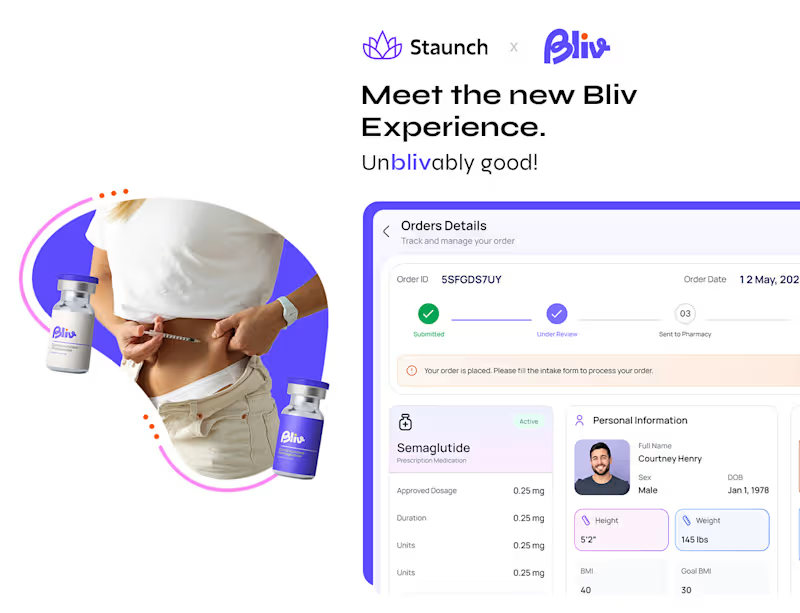
Bliv - Reimagined Telemedicine Solution
0
2
0
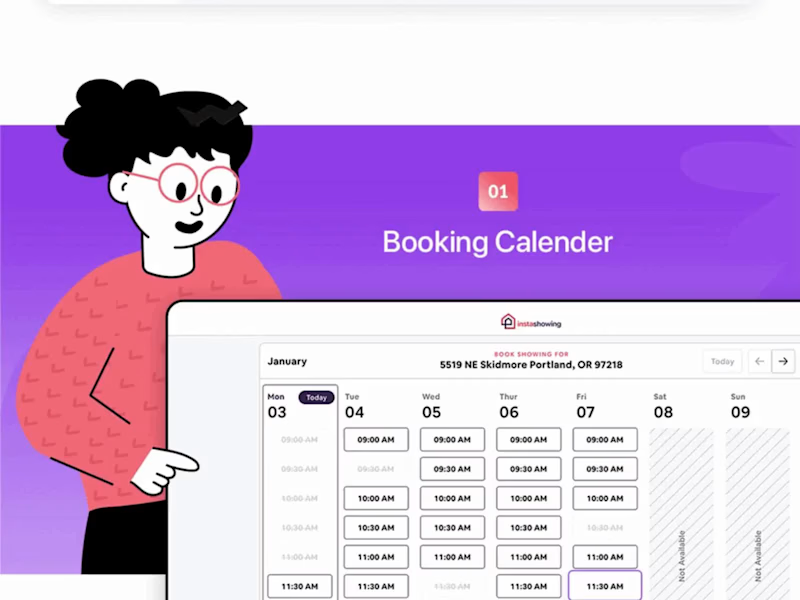
Instashowing - Showing Bookings & Offers Platform | React + ROR
0
12
0
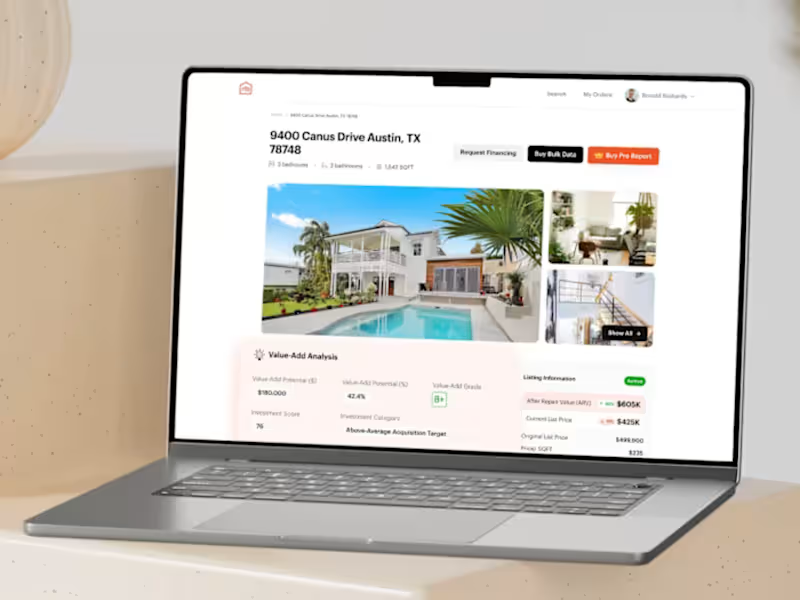
HomeBldr - Investment & Renovation Solutions
0
2
Google Gemini
(1)
Follow
Message
Molly Mittal
max
San Mateo, USA
Product & Visual Designer · Brand Identity · UI/UX

2x
Hired
5.0
Rating
38
Followers
Follow
Message
Product & Visual Designer · Brand Identity · UI/UX
2
Packaging and Branding
2
239
11
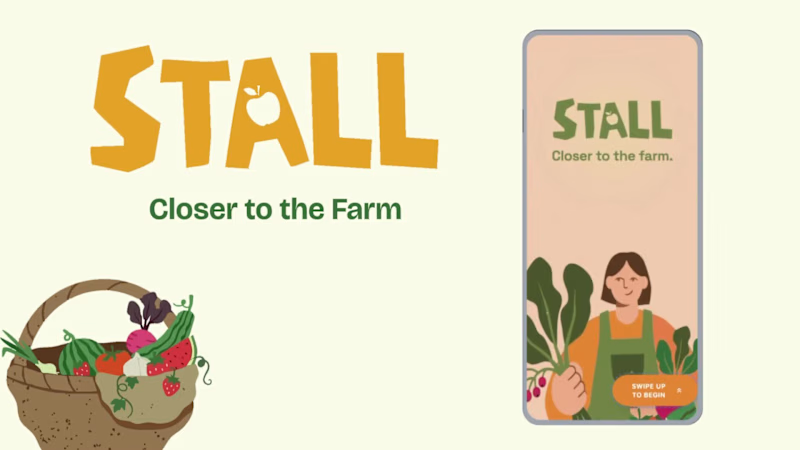
Project title STALL — Your farmers market, alive. A swipe-to-shop farmers market companion that connects local vendors with regulars before Saturday ever arrives. The problem Every Saturday, the same thing happens. You show up to the farmers market at 10am. The ramp vendor you wanted is sold out by 9. You forgot cash. You walk past a honey stall three times because you can't remember if you already bought some. And that new mushroom farm you heard about? Gone before you spotted them. On the vendor side, it's just as frustrating. Small farmers wake up at 4am, load the truck, drive an hour, and have no lightweight way to tell their regulars — the people who actually want what they grow — "I have asparagus this Saturday. Come find me." STALL fixes both sides of that problem. What STALL does STALL is a two-sided farmers market app built around one weekly ritual: Saturday morning. For shoppers: Follow vendors at your local market Swipe through a weekly produce deck — right to add to your list, left to skip — exactly like Bumble, but for ramps and sourdough Get a Friday evening digest: what your vendors have this week, your auto-built shopping list, and where each stall is on the map Pre-reserve high-demand seasonal items before you leave the house Discover first-of-season arrivals with a "what's new this week" spotlight For vendors: Post a weekly inventory update in 3 taps — what you're bringing, quantities, price Reach your regulars directly before market day Manage pre-reservations without a complicated system The app celebrates the seasonal nature of farmers markets — ramps in April, strawberries in June, squash in October. Every week feels like something worth showing up for. How I built this with Google Stitch STALL was designed and prototyped entirely using Google Stitch as the primary build tool, with Figma used only for initial wireframing. The workflow: Day 1 — Brand and wireframes I started by defining the brand: the name, palette (Pumpkin Spice Forest — a warm amber, fern green, mauve, and cream system), and illustration direction. I wireframed the three core flows — swipe deck, Friday digest, and vendor post — before touching Stitch. Day 2 — Into Stitch I imported my Figma file directly into Stitch using the .fig import feature. From there I used streaming generation to build each screen live on the canvas — watching the splash screen, onboarding flow, and homepage assemble in real time was genuinely remarkable. The HTML-native canvas meant every animation I added — card tilt on swipe, drawer slide-up, bento tile stagger — rendered exactly as it would in production. Key Stitch prompts used: "Add a swipe gesture to the produce card stack — right swipe shows a green Added overlay with 5° card tilt, left swipe shows a mauve Skipped overlay with -5° tilt" "Make the shopping list items stream in one by one with 120ms stagger on page load" "Add a bottom drawer that slides up from the vendor card with spring easing — show the farm bio, full inventory list, and two action buttons" "Build the Friday digest screen — vendor items animate in sequentially, the seasonal spotlight card pulses gently" "Export web assets and deploy to Netlify" In-place edits I used: Swapped the swipe overlay color from red to mauve to match brand Adjusted the bento grid gap from 8px to 6px after seeing it render on canvas Changed the CTA button from outlined to filled after in-place visual comparison Rewrote the seasonal spotlight copy directly on the canvas without regenerating What Stitch made possible that nothing else could: The swipe gesture interaction, the drawer spring animation, and the staggered list streaming — all three of these would have taken days to hand-code. In Stitch, they were prompt-driven and live on the canvas within minutes. The gap between "designed" and "interactive prototype" collapsed entirely. Screens delivered Splash screen — farmer illustration, full-bleed cream background Onboarding screen 1 — market basket illustration, "Your market, every Saturday" Onboarding screen 2 — swipe mechanic explainer with card UI Onboarding screen 3 — Friday digest bento preview Homepage — bento grid with market header, seasonal spotlight, list, map preview, swipe deck, streak tracker Swipe deck — card front, vendor expand drawer, swipe right (added), swipe left (skipped) Friday digest — streaming vendor list, seasonal spotlight, auto-built shopping list Market day map — vendor stall grid, spot numbers, live confirmation states Vendor post flow — 3-tap inventory update screen Design decisions worth noting The swipe mechanic — Borrowing the Bumble swipe pattern for produce discovery was the conceptual breakthrough. It transforms a passive browse into an active, satisfying decision. Every right swipe builds your list. Every left swipe still shows you where the vendor is on the market map — skipping is never permanent. The Friday digest as the hero feature — Most apps make you come to them. The Friday evening push notification with a personalised market brief is the one moment where STALL comes to you. It changes Saturday morning from reactive to intentional. Bento homepage — Instead of a scrolling feed, the homepage gives you everything at a glance: your market, your list, the seasonal moment, your vendors. Seven tiles, seven pieces of information, zero scrolling. The color system — Pumpkin (#E8872A), Fern (#728040), Mauve (#B07090), Cream (#FDFAF6), and Moss (#4A5228). Every color has one job. Pumpkin is interactive. Fern is seasonal and confirmed. Mauve is reserved and streaks. Cream is every surface. Nothing competes. What I learned Stitch genuinely changes the prototyping workflow. The moment I stopped thinking of it as a design tool and started thinking of it as a build tool — one where the canvas is the product, not a picture of the product — everything accelerated. The in-place edit feature is the one I'll keep coming back to: being able to change a color, rewrite copy, or swap a component without regenerating the whole screen is the difference between iteration and rework. STALL started as a hackathon idea. After building it in Stitch, it feels like something real. Live Prototype: https://stitch.withgoogle.com/preview/8229547464152593644?node-id=e53124995cda49808685283be978dc8c
15
11
108
0
Boatsetter Email Marketing System
0
2
2
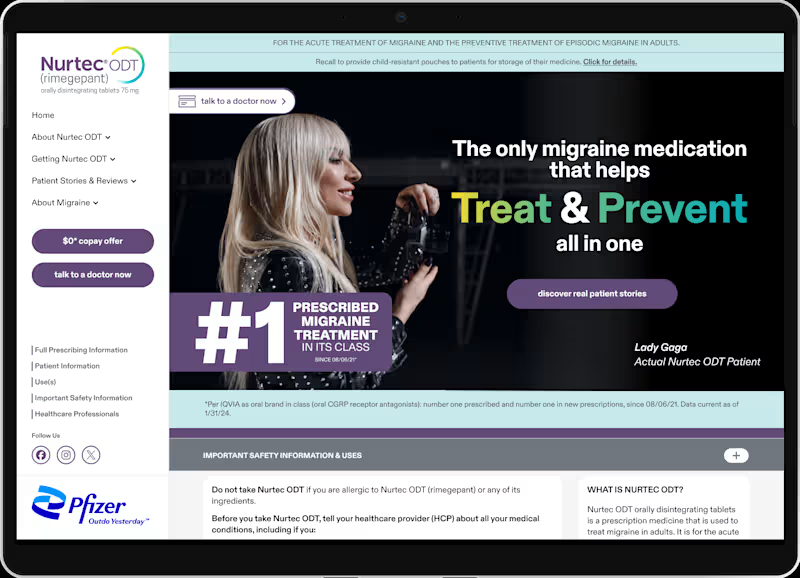
Pfizer Nurtec x Lady Gaga Campaign
2
9
Google Gemini
(1)
Follow
Message
Grace Ge
San Francisco, USA
Designer loves design
19
Followers
Follow
Message
Designer loves design
1
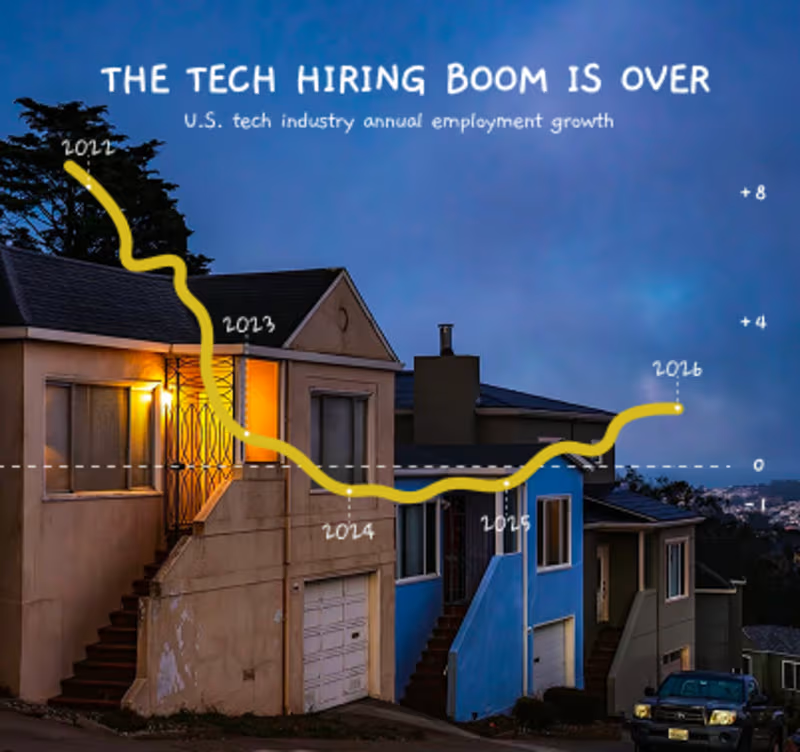
SF 3D; Day&Night
1
142
1
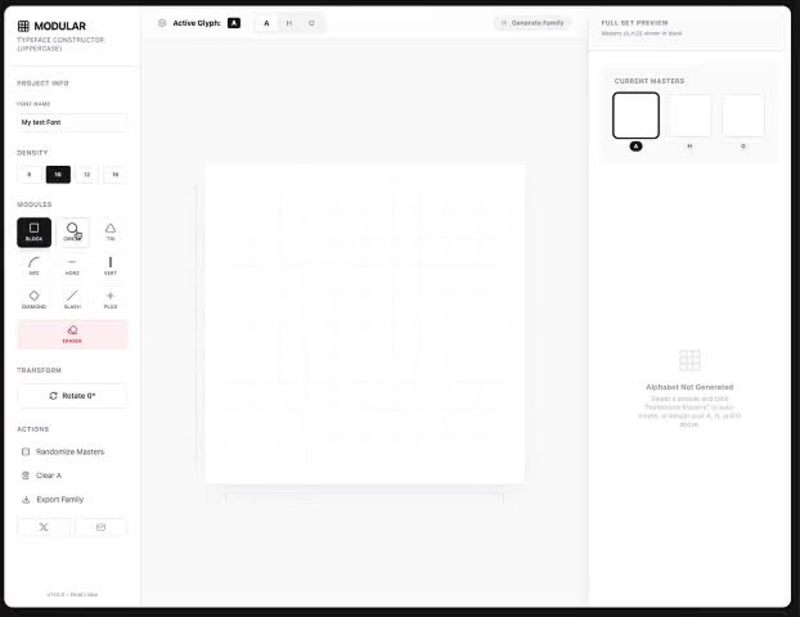
Spent some time exploring Gemini 3 capabilities and ended up building a type design playground. It’s called Modular. You can create custom font styles based on a modular grid and export them for your designs. Give it a spin and let me know what you think
1
122
1
Built Design Extractor. Now it can export Design.md (http://Design.md). 100% open source: https://github.com/gracege17/uidesignsystem.git Music by Suno
1
167
1
Built a small browser plugin for myself. Extract any page → paste into a vibe-coding tool Get accurate UI Now supports Design.md (http://Design.md) export
1
73
Google Gemini
(2)
Follow
Message
Explore people