Interactive Educational Mobile App UI Design

Akil Ashraful


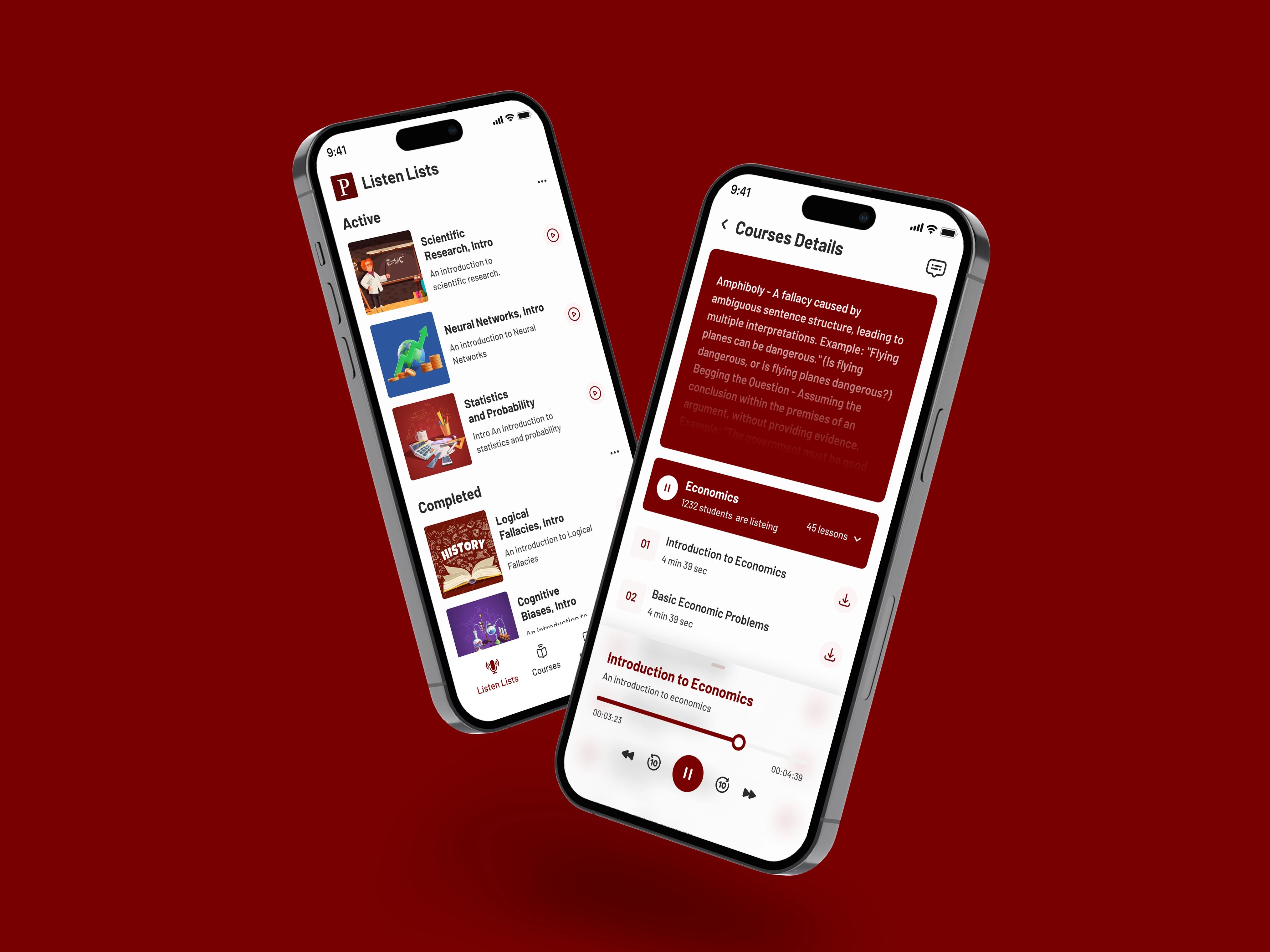
Audio-Based Course Learning App Interface
The design prioritizes simplicity and cognitive ease to support user retention and engagement. A clean white background paired with a bold burgundy logo ensures instant brand recognition while maintaining visual calm. The typographic hierarchy clearly separates primary messaging from supportive text, helping first-time users quickly grasp the app’s purpose. The welcome interface is designed to reduce decision fatigue by offering a limited, focused set of actions—"Sign Up" or "Sign In"—each styled with high contrast for accessibility and visibility.
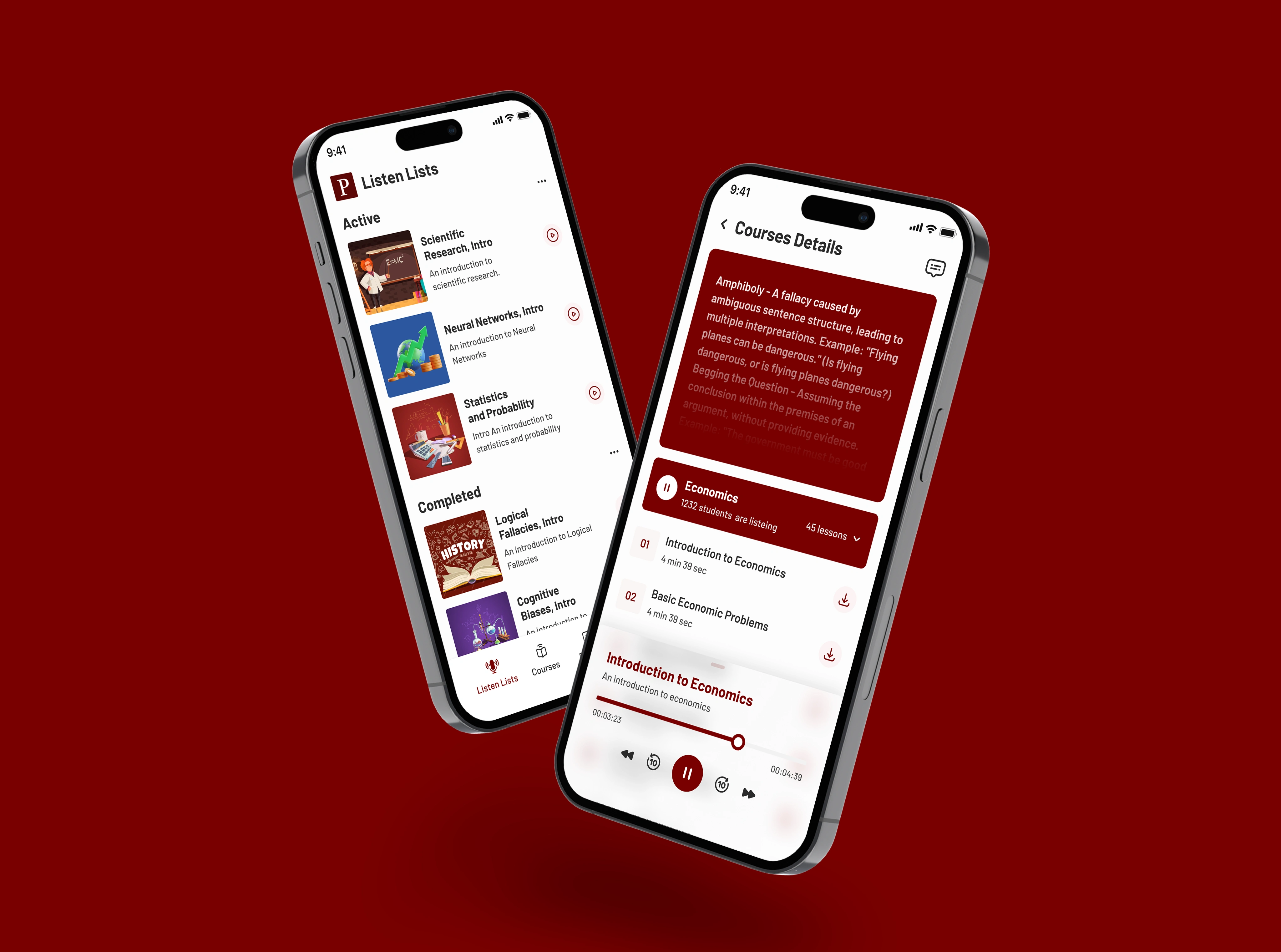
The learning interface organizes content visually and contextually, using familiar educational imagery to aid course recognition. Subject icons like chalkboards, graphs, and lab equipment are not just decorative—they provide intuitive visual anchors that help users browse and select topics quickly. The "+ add" interaction encourages customization while maintaining a consistent red accent color across all actionable elements, creating a unified and engaging user experience. Modular content blocks are spaced for scannability and touch interaction, enhancing mobile usability.
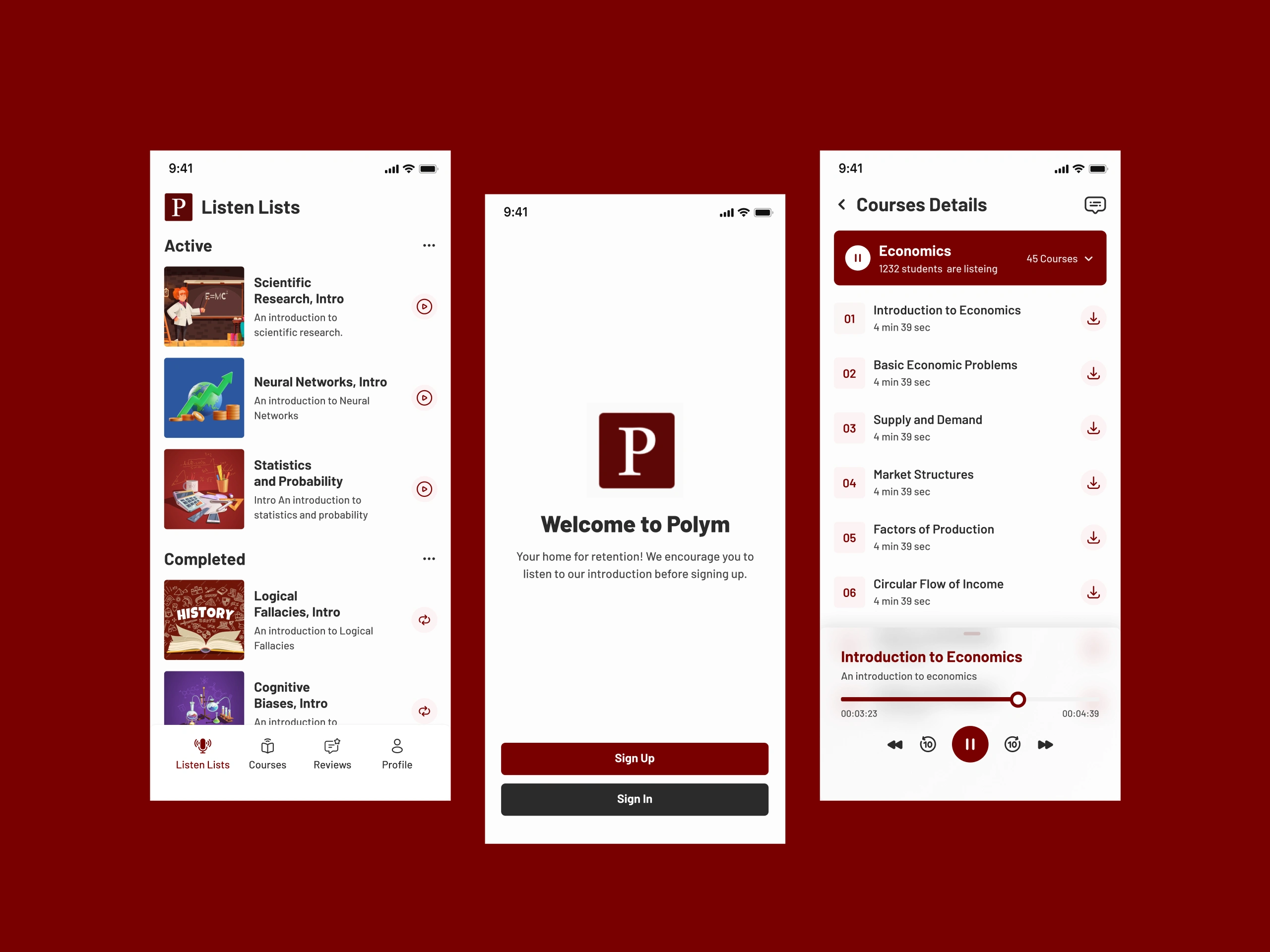
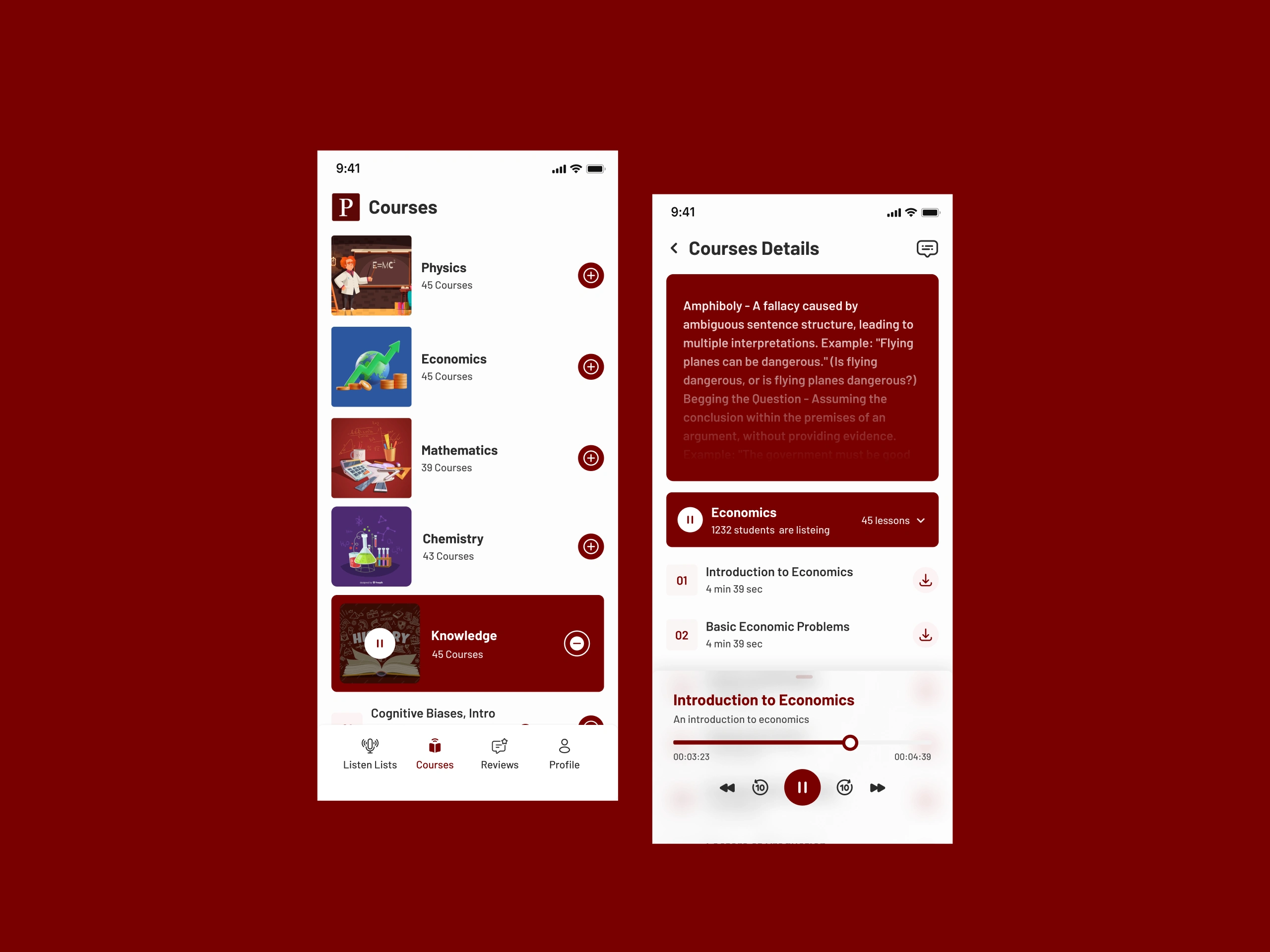

The playback and course progression areas are designed with user control and clarity in mind. Red playback buttons and sliders are easily tappable, and consistent timing details reinforce expectations around course length. The use of a dark background in certain areas boosts focus during audio interaction. This cohesive design approach ensures an intuitive, distraction-free learning experience for all users.

Audio Learning App UI Design
Education App UI Design
Interactive Learning App UI
User Interface Design for Learning App
Educational Mobile App Design
Study App Interface Design
Online Course Platform App Design
Interactive Course App Design
Like this project