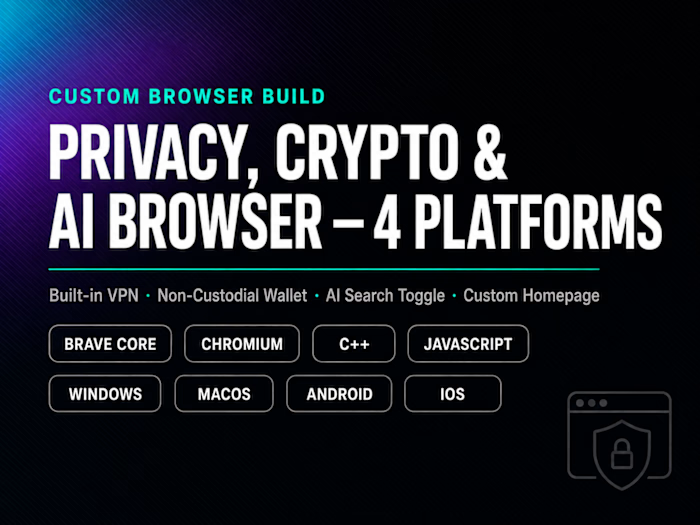
Chromium Browser Development for Enterprise Company

Umar Abdullah
Verified


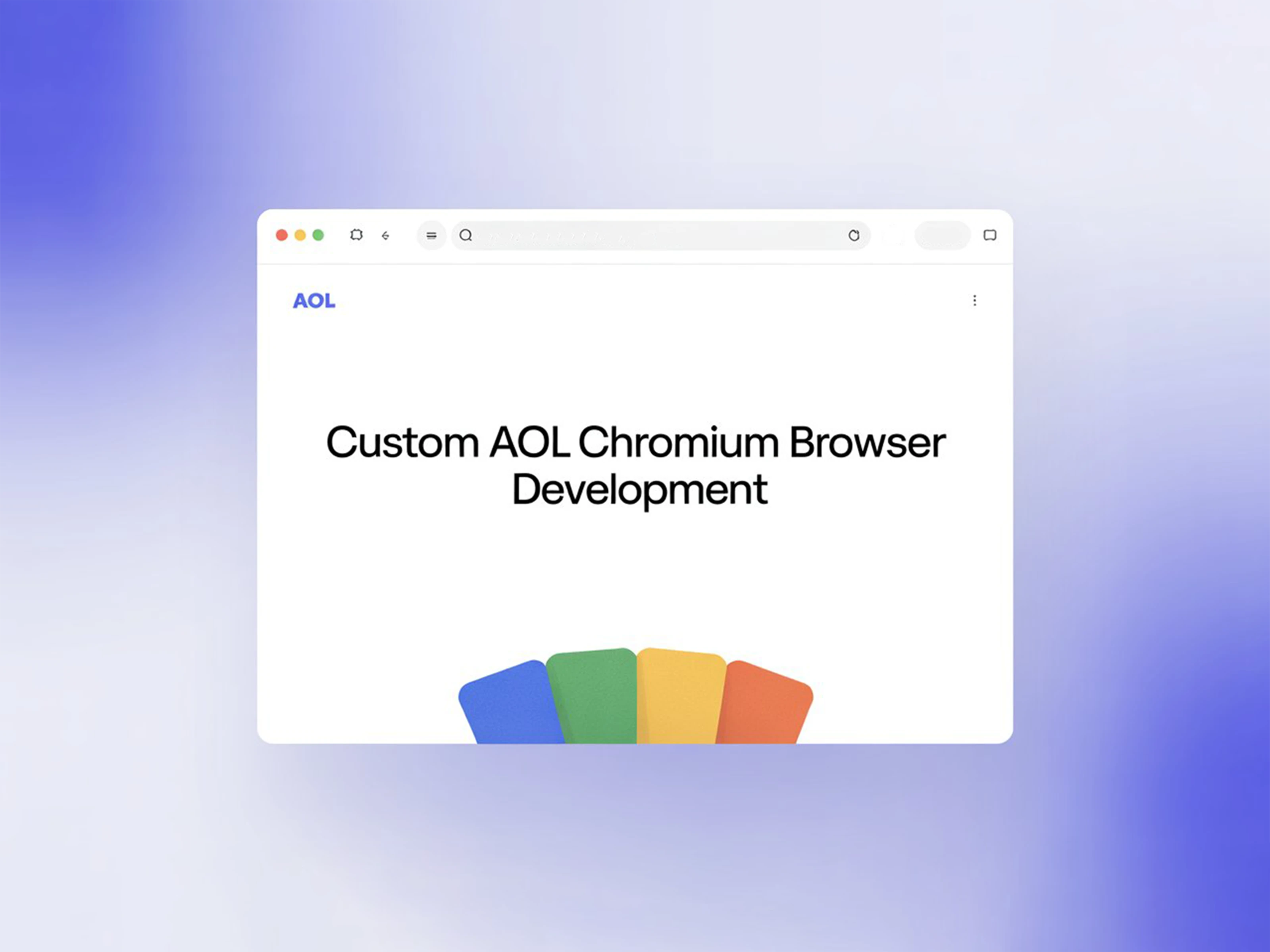
Custom AOL Chromium Browser Development
Overview
AOL wanted its own modern browser built on Chromium. It had to look and feel like AOL, run fast on everyday machines, and meet enterprise standards for security and privacy. We handled the work end to end, from core engine changes to UI, performance tuning and release support.
The Challenge
Building on Chromium gives you a strong base, but it's also one of the largest and most complex codebases in the world. AOL needed a browser that:
Felt clearly branded, not just "Chrome with a new logo"
Started quickly and stayed light on memory, even on older hardware
Gave users and admins stronger privacy and security controls
Stayed stable and recovered cleanly from crashes
Could keep up with Chromium's fast upstream release cycle without breaking custom work
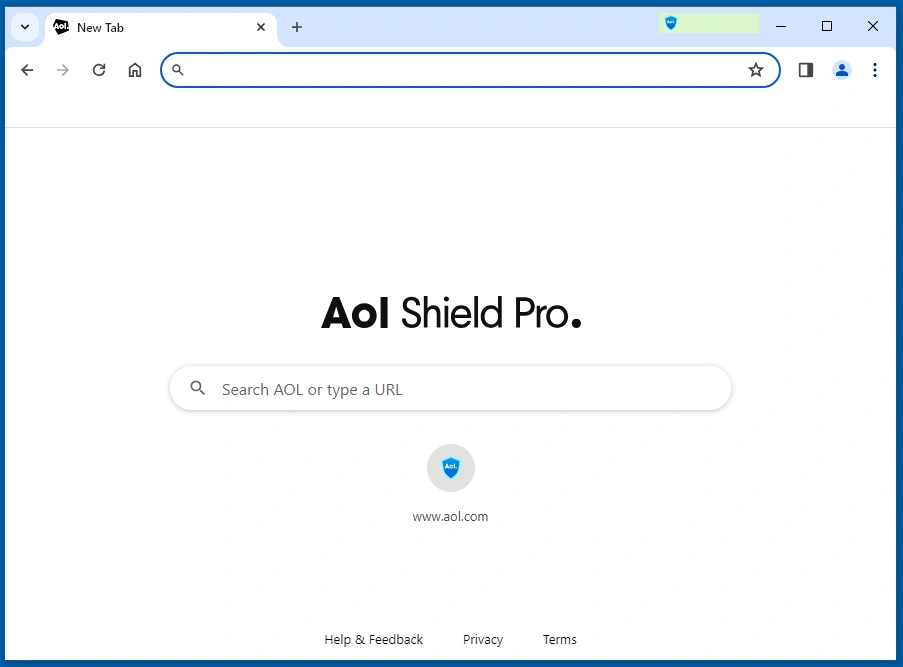
NTP Develop
Our Approach
Core customization
We worked directly inside core Chromium components to add AOL-specific behavior while keeping changes clean and isolated. This made it much easier to merge new upstream Chromium versions without rewriting custom code each time.
Modern UI and theming
We redesigned key parts of the browser interface to match AOL's visual identity. This included full dark and light themes, refined layouts and smoother interactions, so the browser feels modern and consistent across every screen.
Performance optimization
We profiled startup and runtime behavior to find where time and memory were being wasted. By trimming unnecessary work at launch and tuning how resources are loaded and managed, we brought startup time down by around 40% and made the browser feel more responsive day to day.
Security and privacy
We built a dedicated security layer into the browser to protect users from phishing, keyloggers, screen-capture malware, form grabbing and ransomware. These protections run quietly in the background, so users stay safe without changing how they browse, and organizations get the protection they expect from an enterprise-ready product.
Stability and crash resilience
We improved how the browser handles failures, so one bad tab or process doesn't take down the whole session. Crash handling and recovery were tuned so users can pick up right where they left off.
Release and QA support
We set up a release flow that fits Chromium's update cadence. Each build went through internal QA with tracked UX and performance metrics before shipping to the stable channel.
Key Security Features
On top of the Chromium base, the browser ships with a set of built-in protections designed to keep users safe from online threats:
PhishLock protection – warns users and blocks access when they try to open known scam or phishing sites
Blocklist protection – confirmed phishing sites are added to a blocklist and visitors are redirected to an alert page
Anti-keylogging – real-time keystroke scrambling so hackers can't capture what users type
Screen grab protection – stops malware from taking screenshots of sensitive information
Form grabbing protection – keeps form data safe from being stolen before it's sent
Ransomware protection (Cryptosafe) – detects and blocks unauthorized file encryption attempts
Malware site and download protection – blocks known malicious websites and harmful downloads
Branded AOL experience – custom AOL new tab page, built-in search and quick access to AOL services
Free and Pro tiers – a free version for everyday browsing, with advanced protection unlocked in the Pro version
Tech Stack
C++, JavaScript, Node.js, Chromium build tooling, performance profiling and automated testing tools.
Results
Around 40% faster load and startup times
Fully branded browser with a clean, modern UI aligned with AOL's identity
Enterprise-ready privacy and security controls
Better crash resilience and overall stability
Every stable release shipped with improved UX and performance metrics, verified by internal QA
The Outcome
AOL now has a browser that's fast, secure and truly its own. It's built on a solid Chromium base, but shaped around AOL's brand, its users and its enterprise needs, with a codebase set up to keep improving release after release.
Like this project
Posted Oct 13, 2025
Developed a modern Chromium-based browser for AOL focused on performance, security, and design. Enhanced startup speed, UI polish, and system stability!
Likes
7
Views
83
Timeline
Sep 24, 2025 - Ongoing
Clients
SentryBay