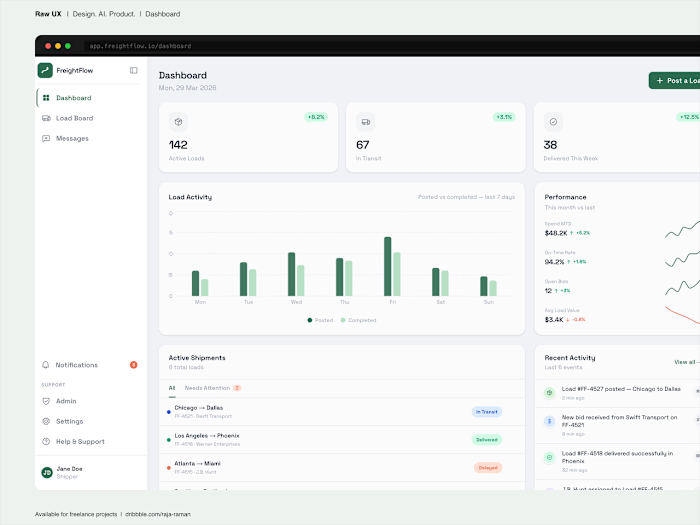
FreightFlow, admin panel - design.

Rajaraman Arumugam
Business Owner
Web Developer
Operations Manager
Data Analyst
Data Visualizer
Business Development Specialist
Operations Lead
Fullstack Engineer
UX Designer
UI Designer
Web Designer
Product Designer

GitHub Enterprise

Apache Cordova

Process Street

Google Analytics

D3.js

RB2B

ShipStation

Cargo

Dash Plotly

UXPin

Zeplin

Adobe Dreamweaver

Sketch

UXPressia

Material UI
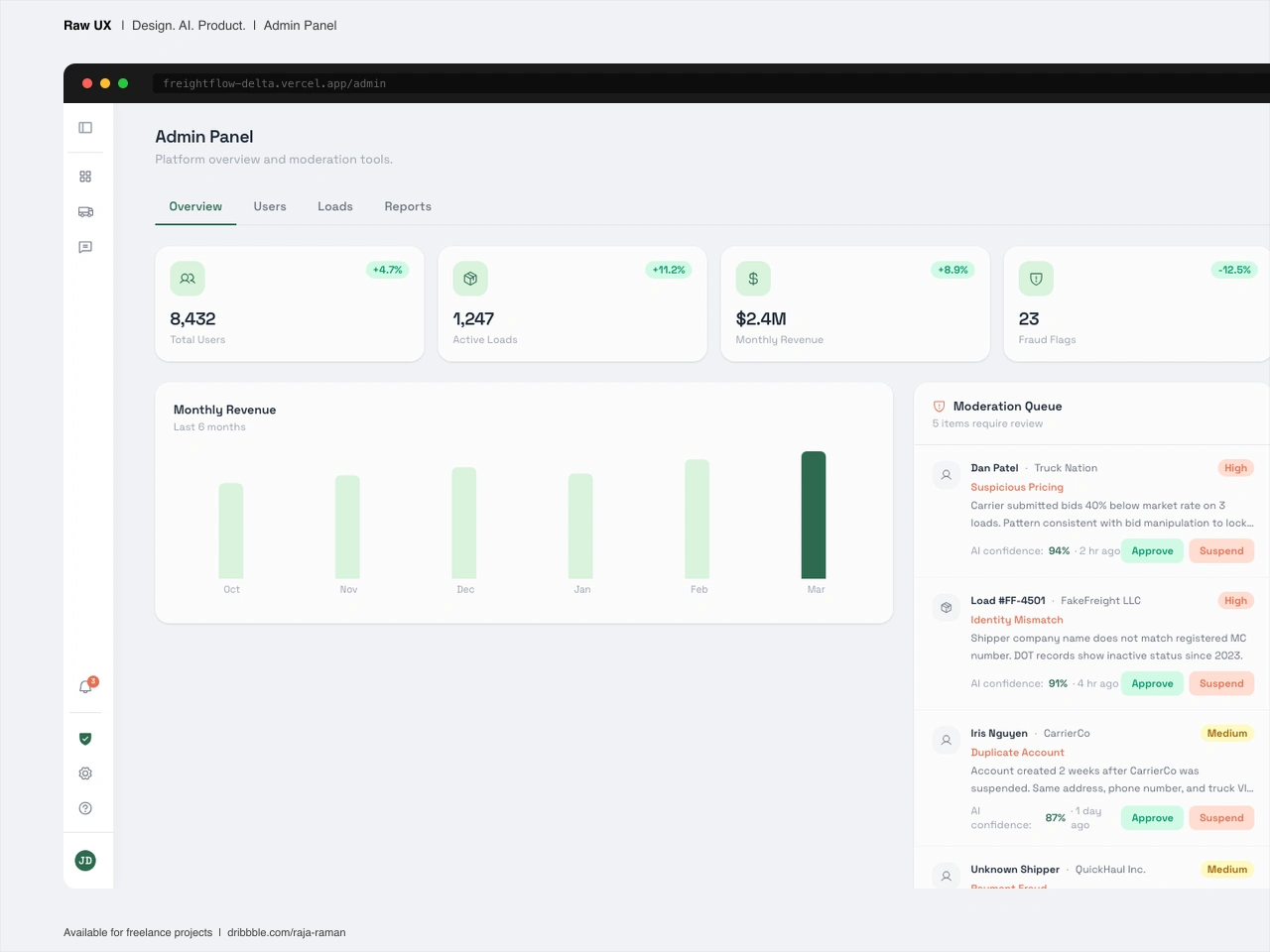
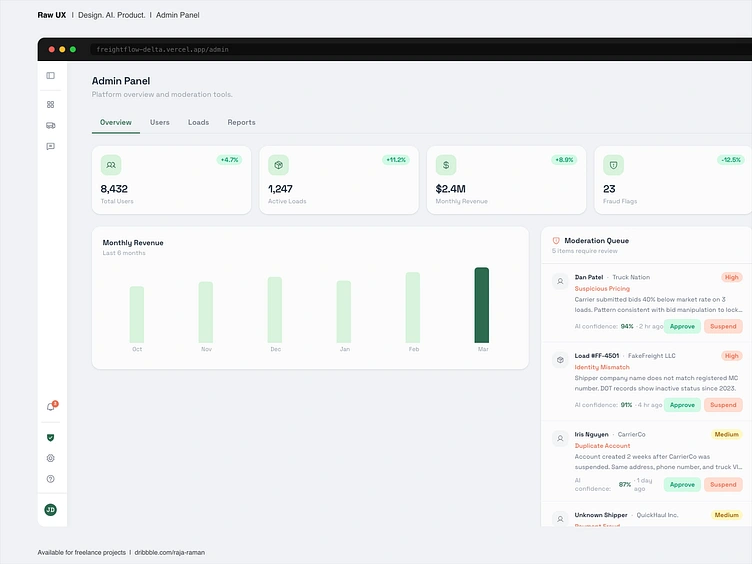
Platform health, user status, and load activity. One panel for the people running it.


Posted Sep 26, 2026
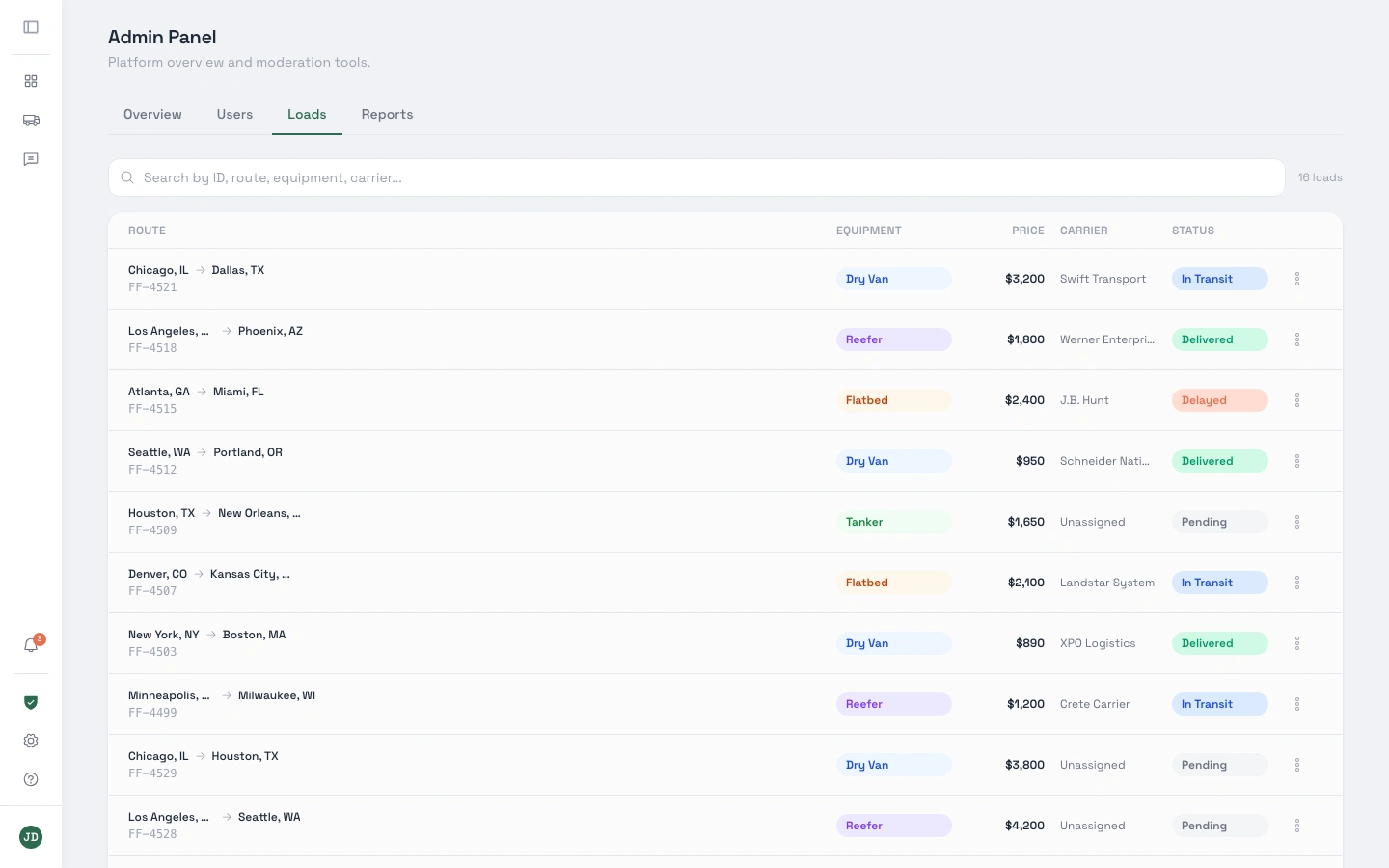
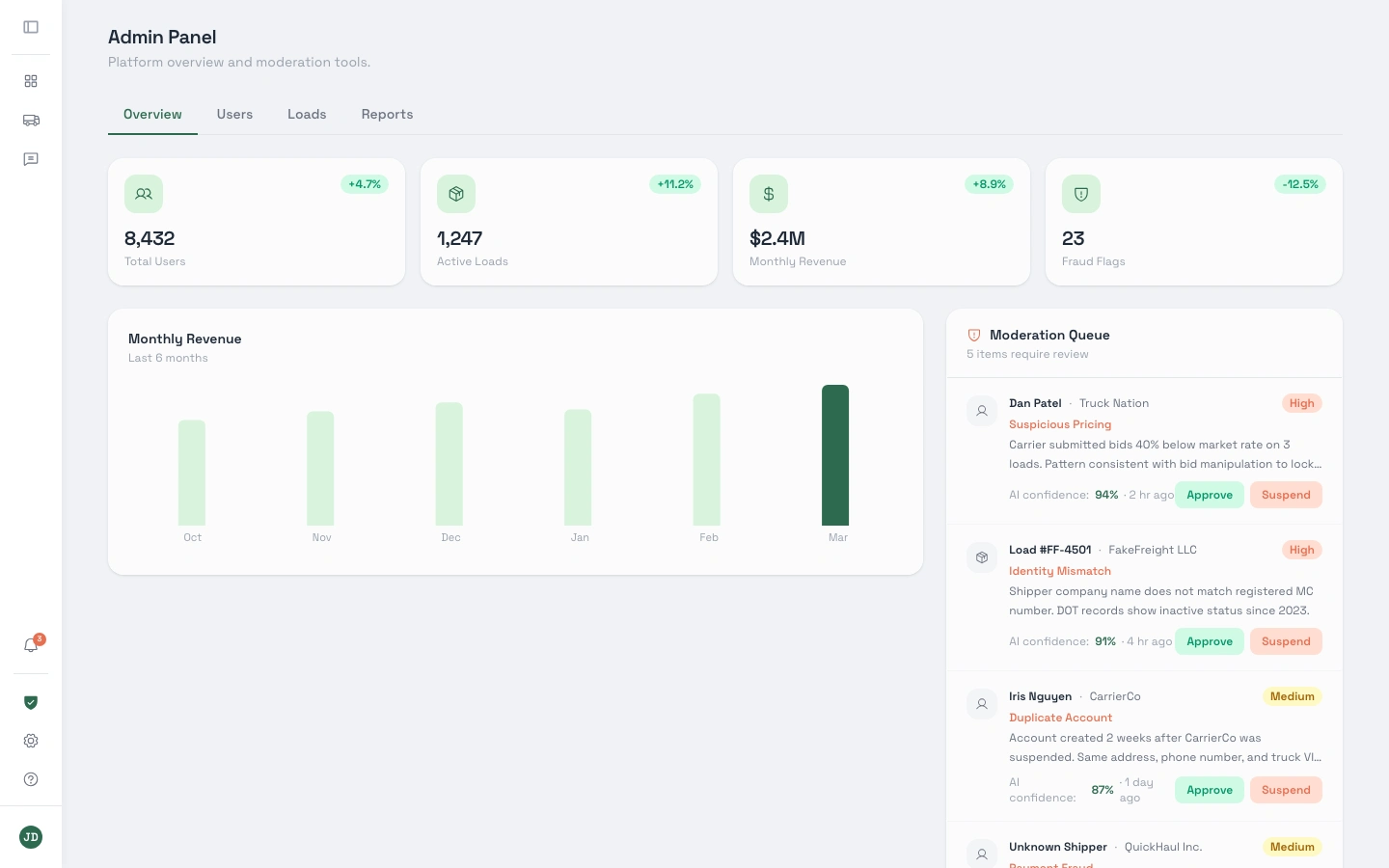
Platform health, user status, and load activity. One panel for the people running it. The FreightFlow admin panel gives platform operators a full view of what is moving. Active loads, registered users, revenue metrics, and a moderation queue. Tabs across the top split the panel into focused sections: Overview, Users, Loads, Reports, Settings. Each tab carries exactly what it says.
0
6
Business Owner
Web Developer
Operations Manager
Data Analyst
Data Visualizer
Business Development Specialist
Operations Lead
Fullstack Engineer
UX Designer
UI Designer
Web Designer
Product Designer
GitHub Enterprise
Apache Cordova
Process Street
Google Analytics
D3.js
RB2B
ShipStation
Cargo
Dash Plotly
UXPin
Zeplin
Adobe Dreamweaver
Sketch
UXPressia
Material UI