Event Booking & Payment Mobile App Design by Ömer KuzuEvent Booking & Payment Mobile App Design by Ömer Kuzu

Event Booking & Payment Mobile App Design

Ömer  Kuzu

Ömer Kuzu

This is a three-screen mobile app built around one question: How do you get someone from discovering an event to buying a ticket with a friend in the fewest steps possible?
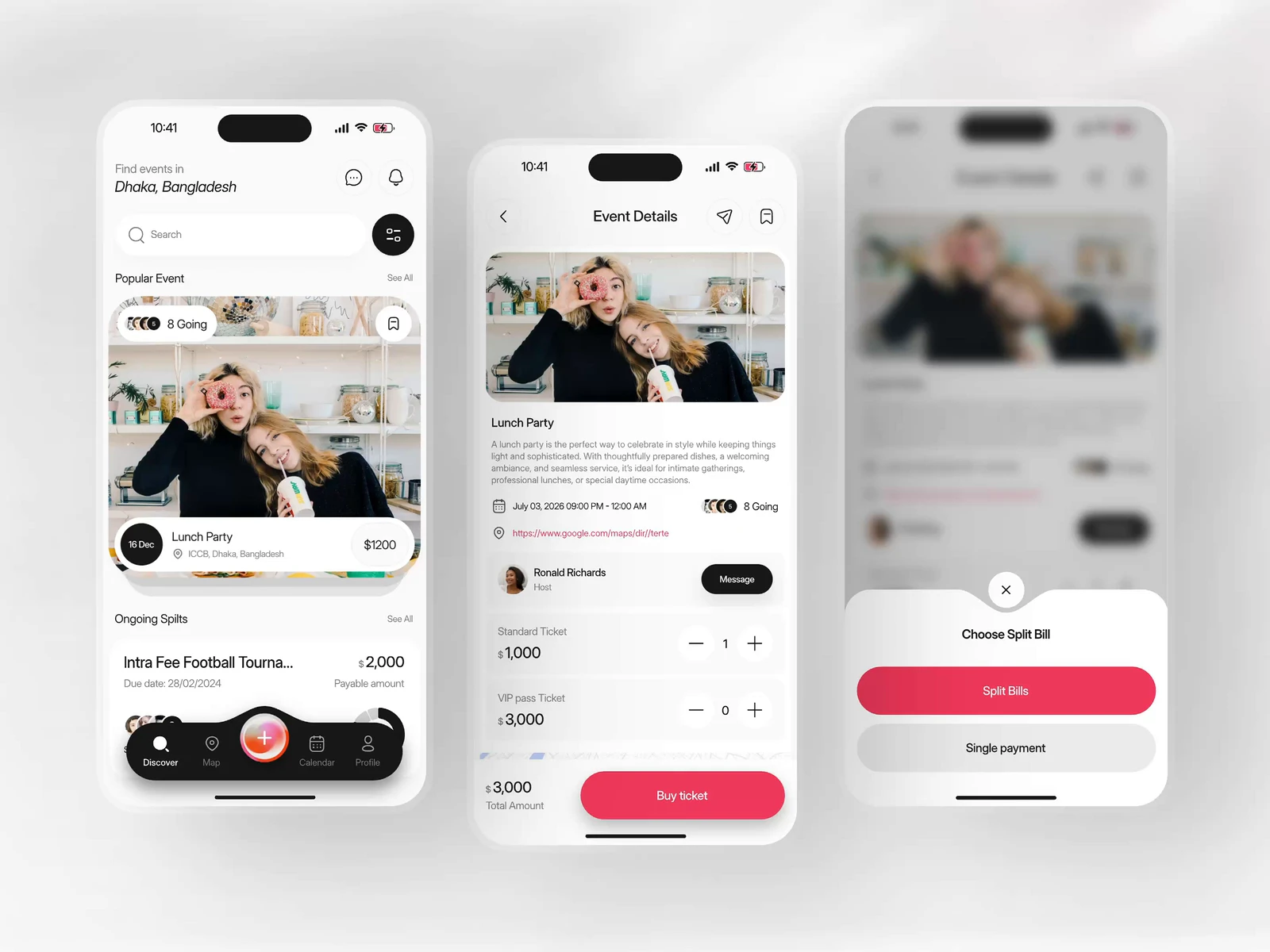
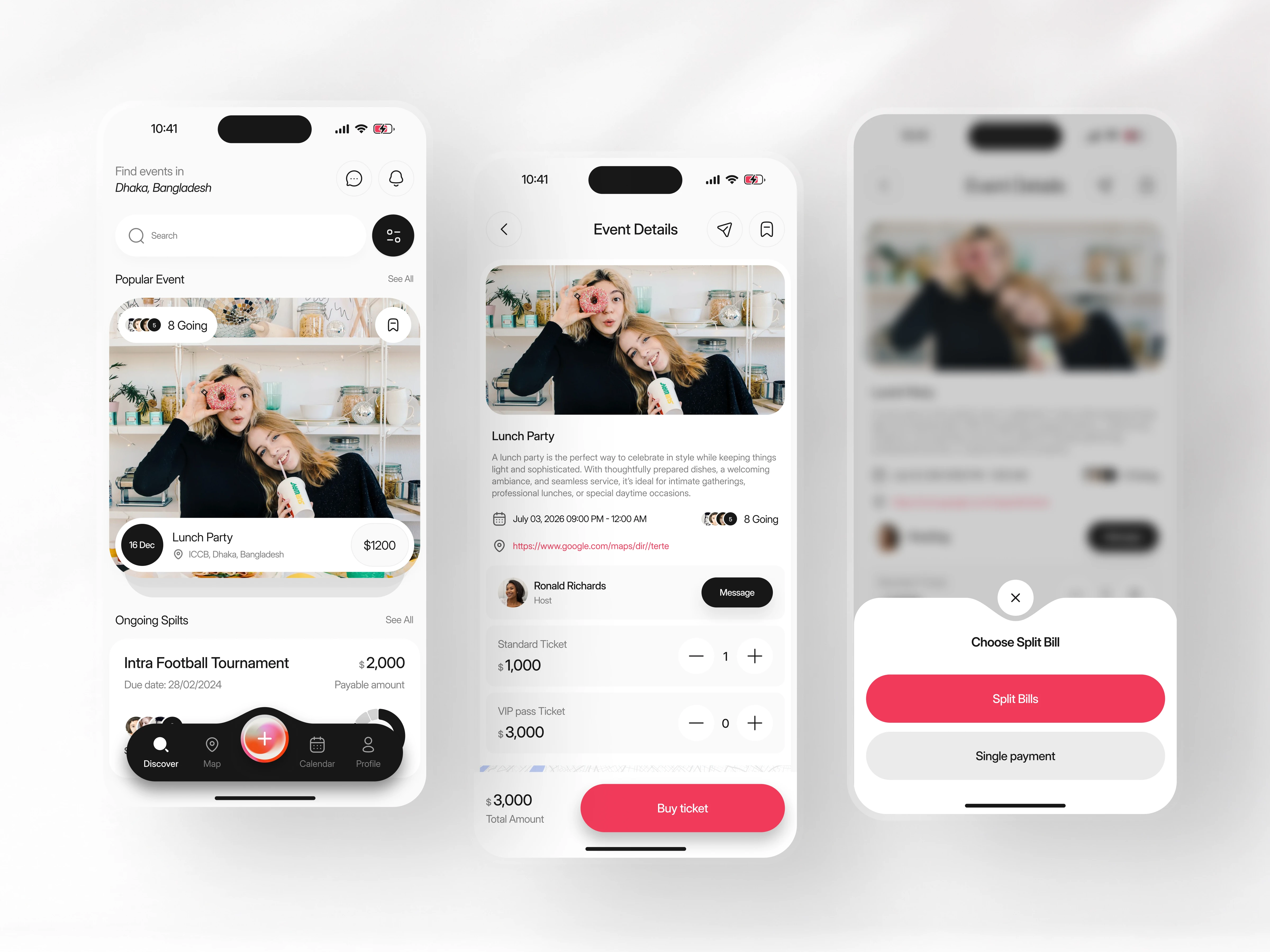
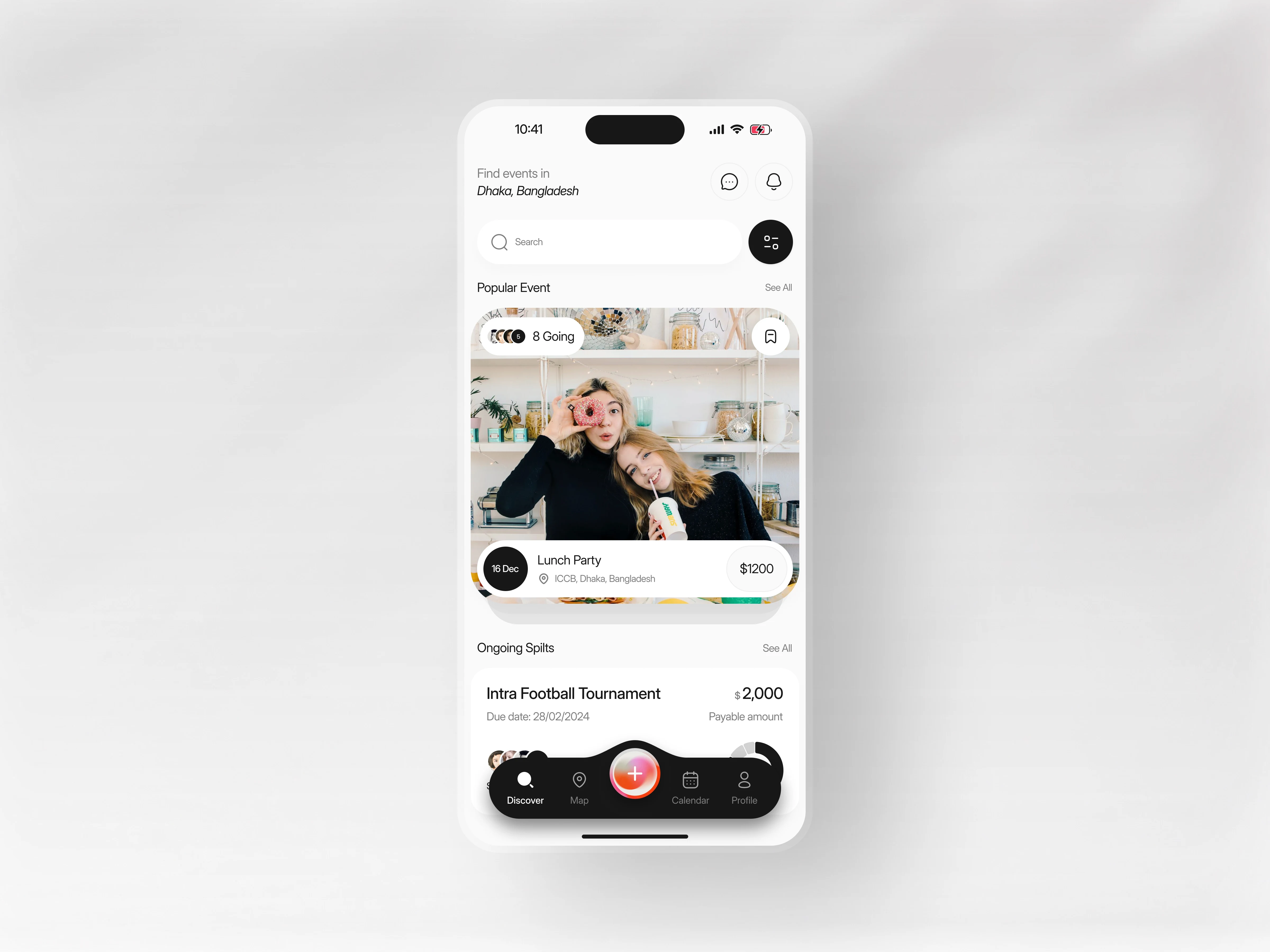
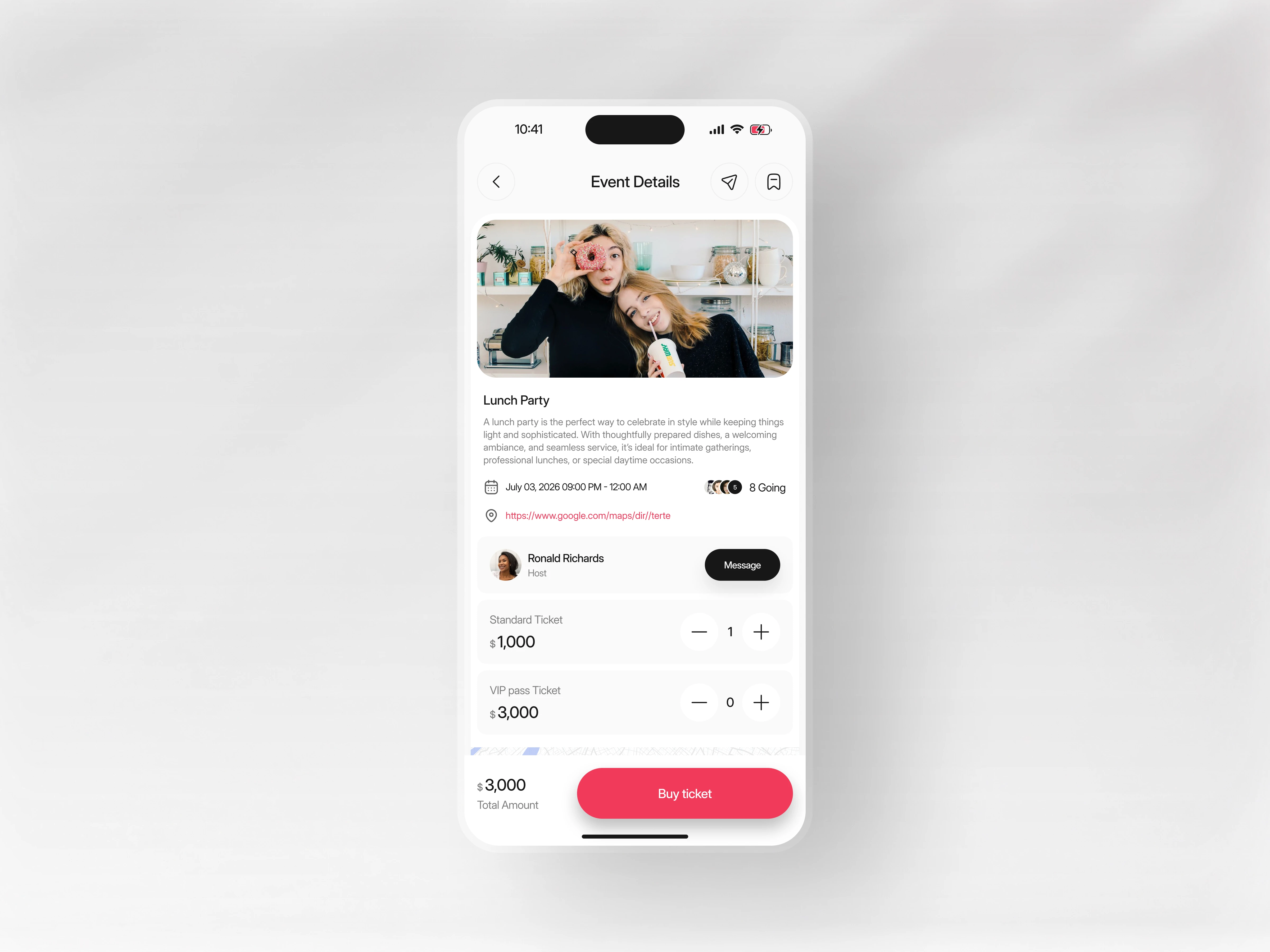
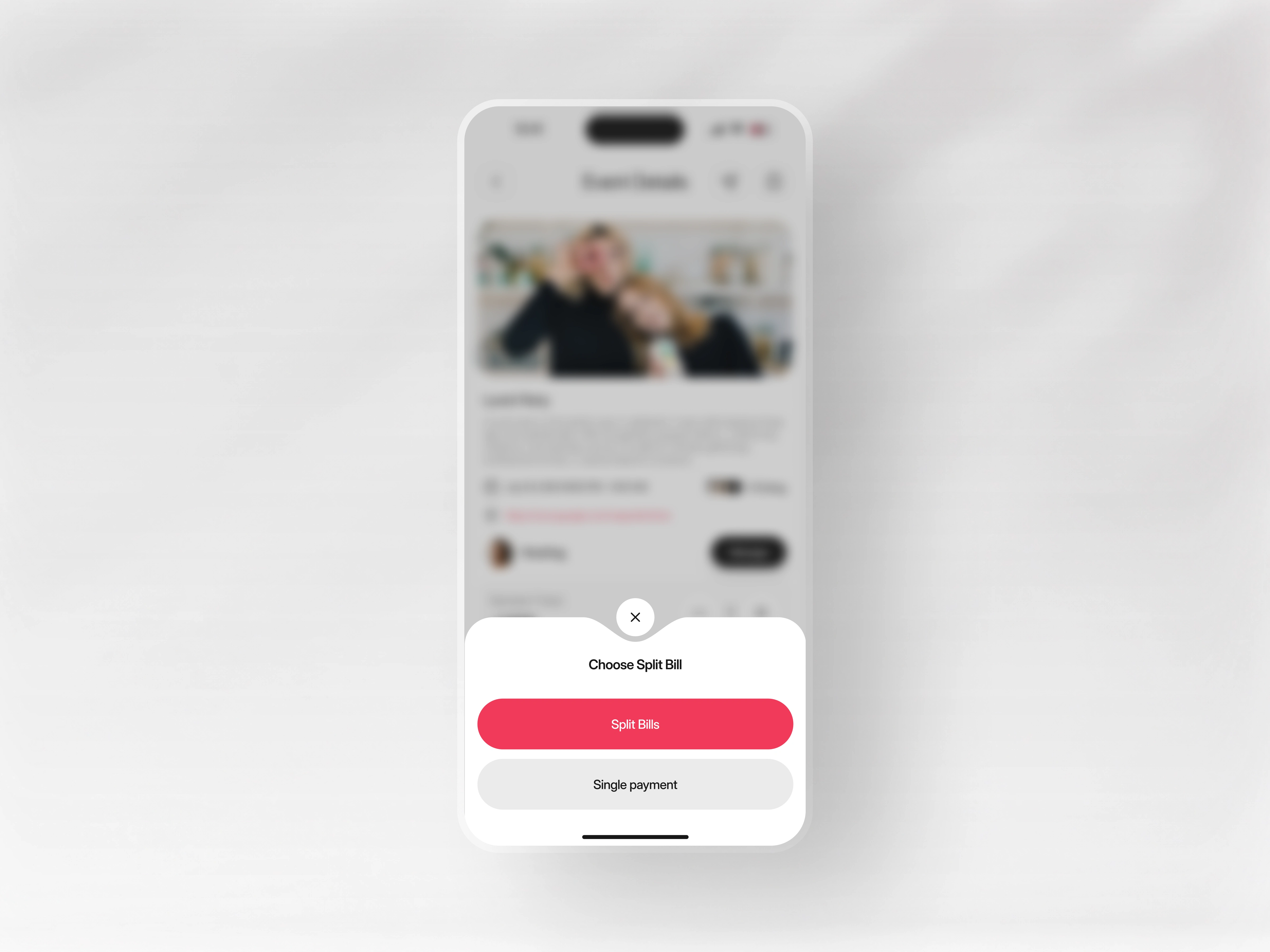
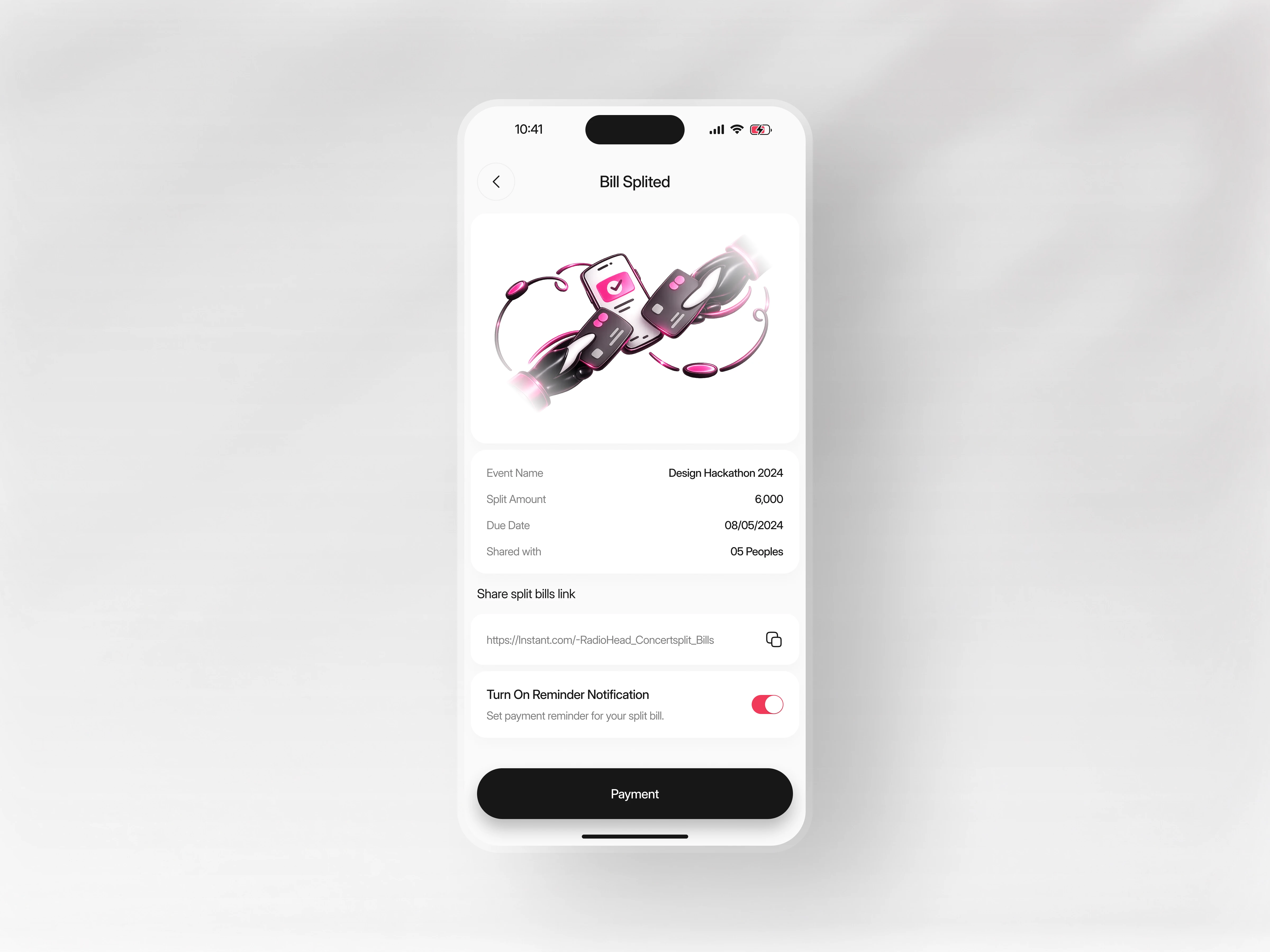
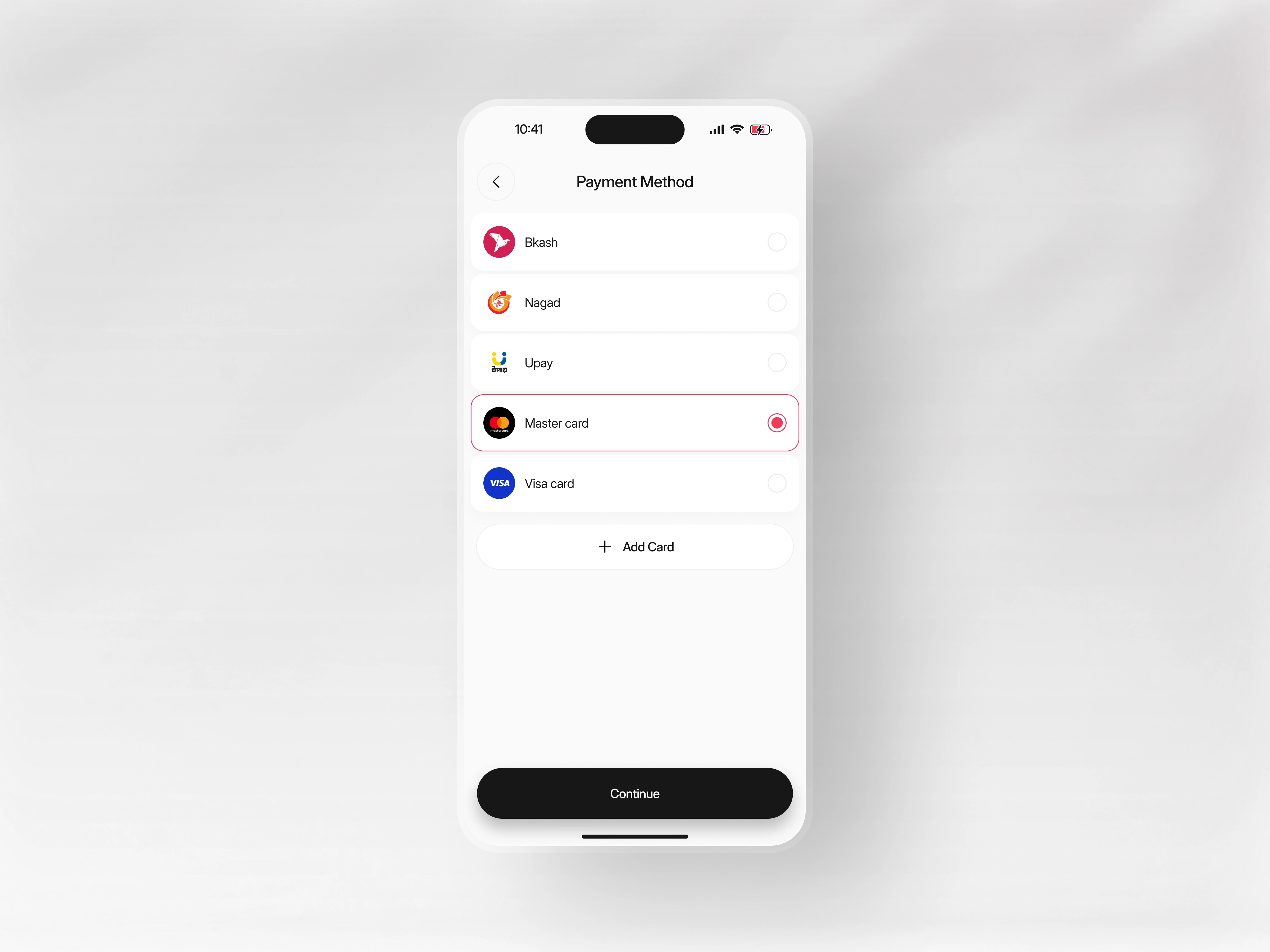
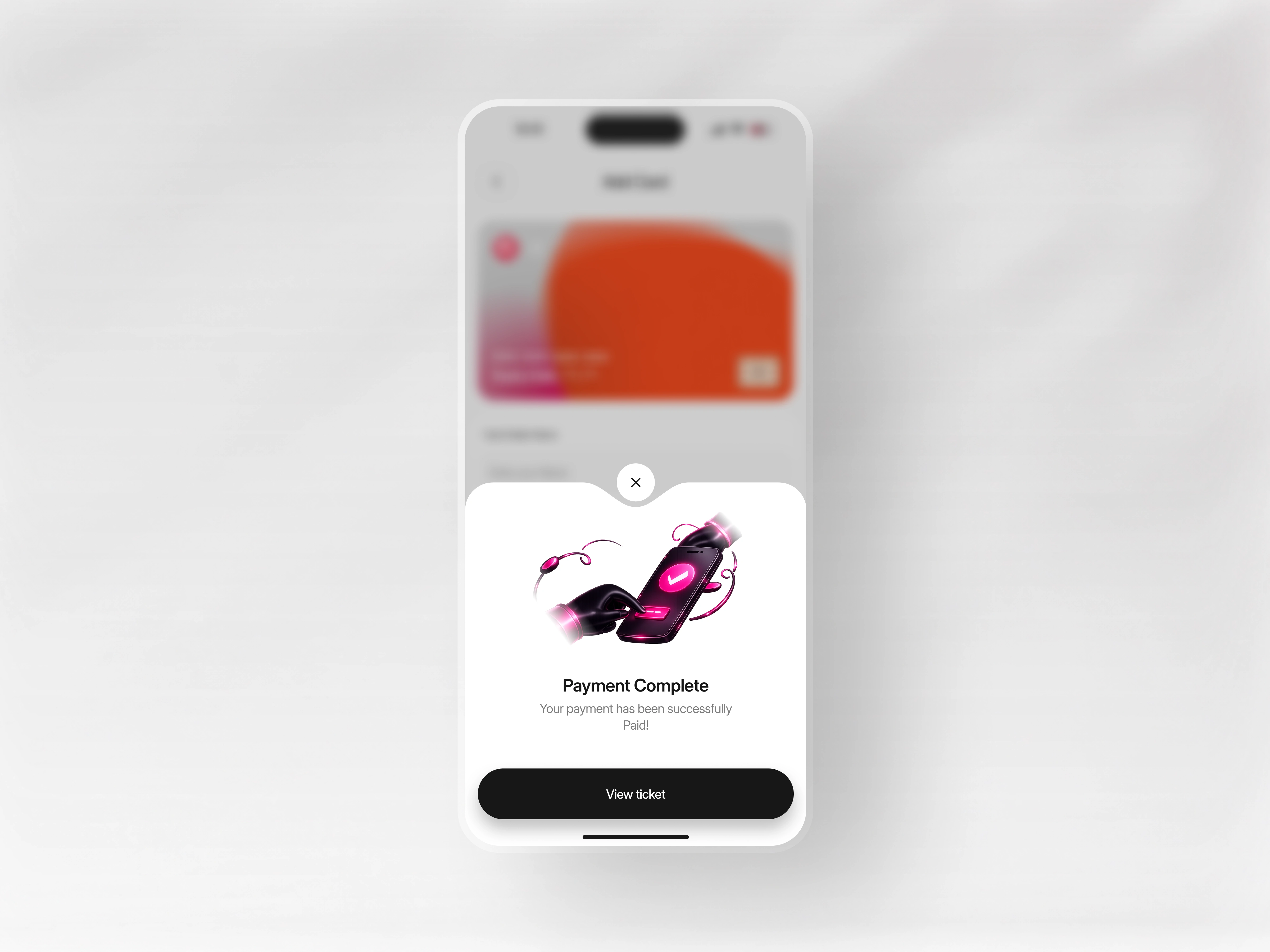
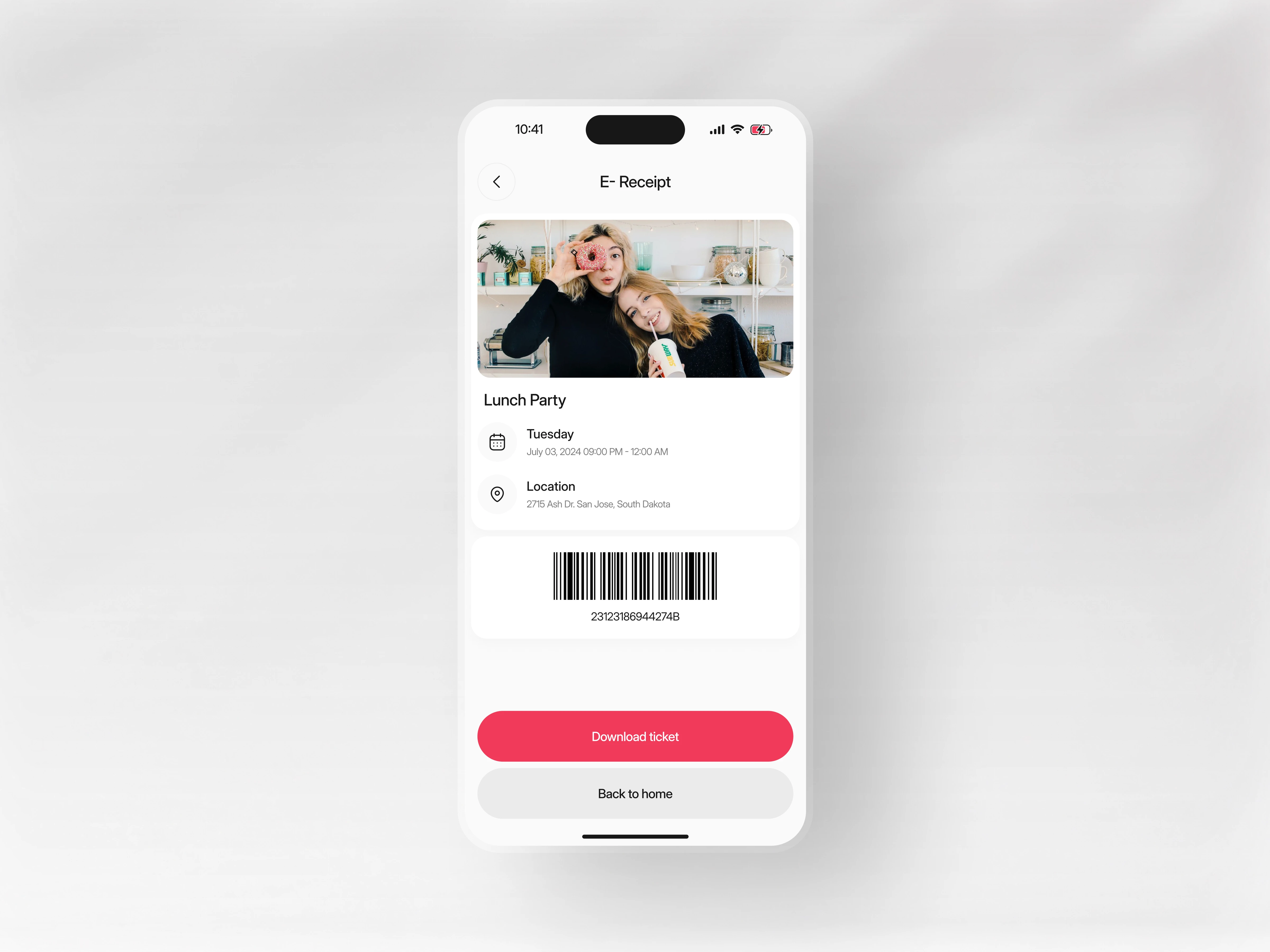
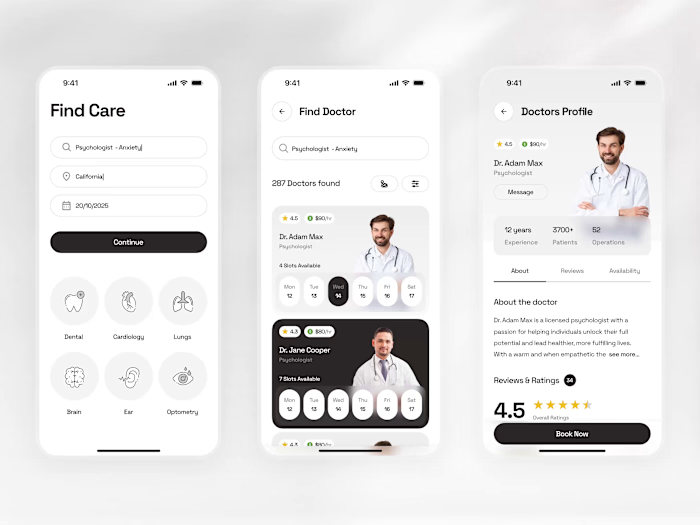
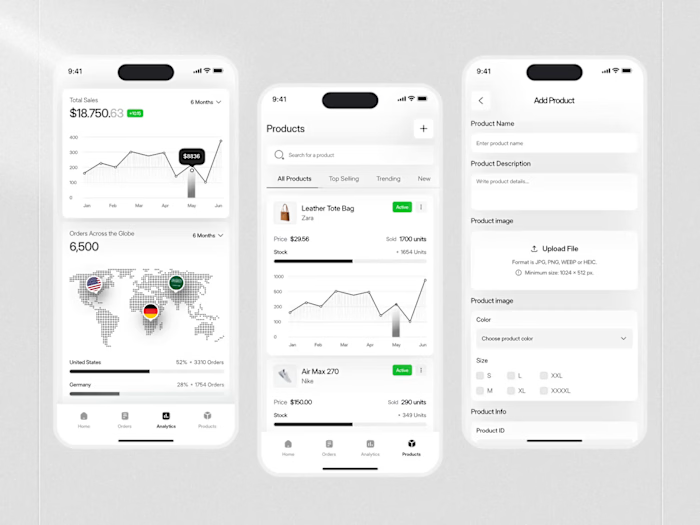
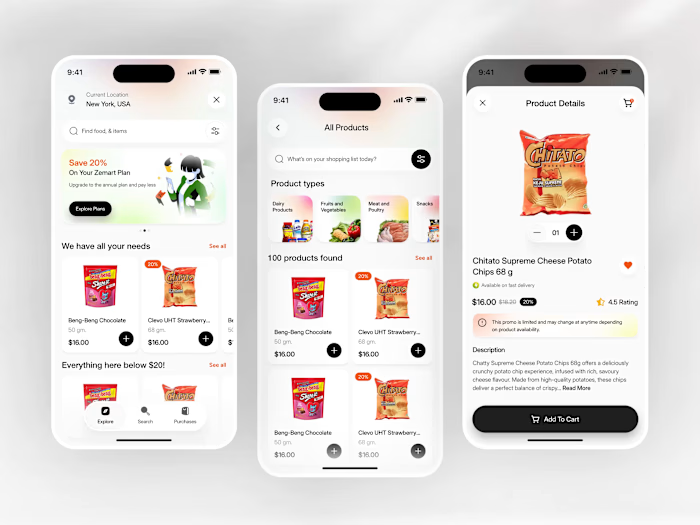
The home screen opens with location context , a search bar, and a Popular Events feed showing cards with event photos, names, locations, prices, date chips, and attendee count. An Ongoing Splits section below tracks shared payment activity. The Event Details screen lays out a full-bleed photo, event description, date/time, a tappable map link, a host profile with a Message button, and a ticket tier selector, Standard ($1,000) and VIP ($3,000), with +/− quantity controls and a live total. The checkout experience ends with a bottom sheet modal: "Choose Split Bill" with two clean options. Split Bills (coral button) and Single Payment (outlined). Navigation runs across a bottom bar: Discover, Map, Calendar, and Profile.

Design Focus
- Location-aware home feed header showing city and country for immediate relevance
- Event cards with embedded date chip, attendee avatar count, bookmark icon, and ticket price
- Ticket tier selector with individual +/− quantity controls and a real-time total amount display
- Host profile row with direct Message CTA built into the Event Details screen
- Split Bill bottom modal with a two-button choice coral primary and outlined secondary
Concept
The goal was to collapse the gap between "I want to go to this" and "I've paid and I'm going" while solving the group payment problem that most ticketing apps ignore entirely. Every screen earns its place in that journey.
Continue the Creative Journey on Our Other Dribbble Profiles:
Like this project

Posted Oct 10, 2026

This is a three-screen mobile app built around one question: How do you get someone from discovering an event to buying a ticket with a friend in the fewest steps possible? The home screen opens with location context , a search bar, and a Popular Events feed showing cards with event photos, names, locations, prices, date chips, and attendee count. An Ongoing Splits section below tracks shared payment activity. The Event Details screen lays out a full-bleed photo, event description, date/time, a tappable map link, a host profile with a Message button, and a ticket tier selector, Standard ($1,000) and VIP ($3,000), with +/− quantity controls and a live total. The checkout experience ends with a bottom sheet modal: "Choose Split Bill" with two clean options. Split Bills (coral button) and Single Payment (outlined). Navigation runs across a bottom bar: Discover, Map, Calendar, and Profile.