ClickUp Command Center for CEOs

Elvia Miralda


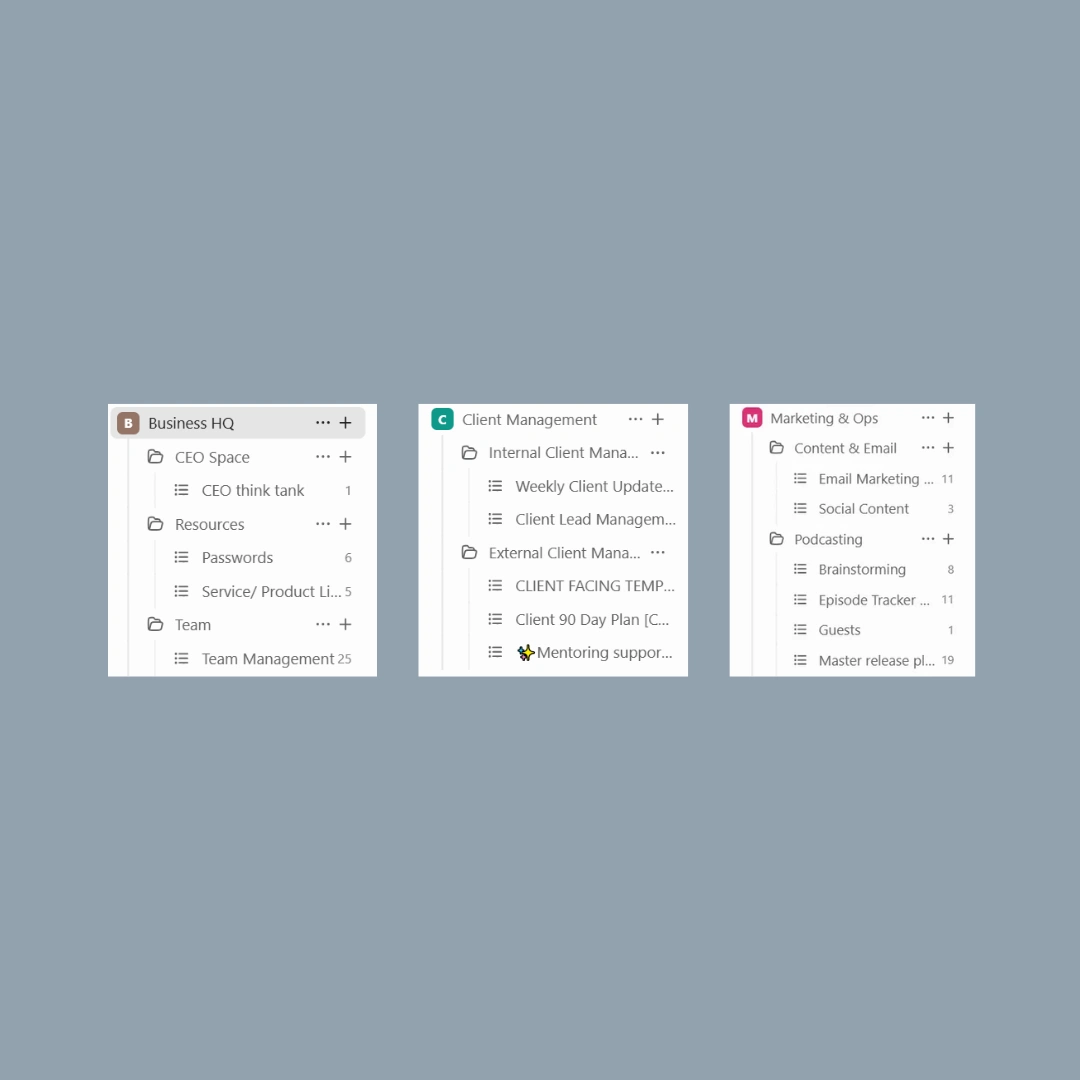
ClickUp Commander Center
Goal:
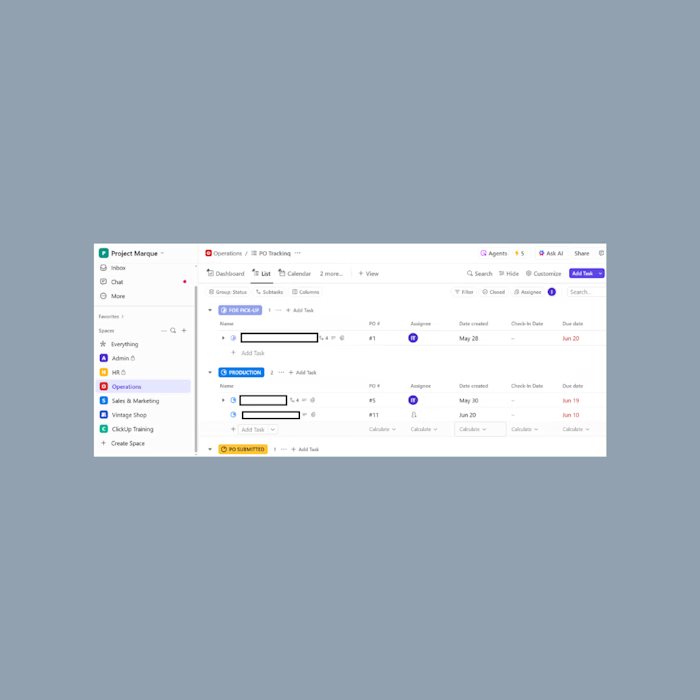
Create an all-in-one ClickUp Command Center to centralize business management for CEOs, streamlining operations, team coordination, client management, and marketing in one cohesive system.
Before:
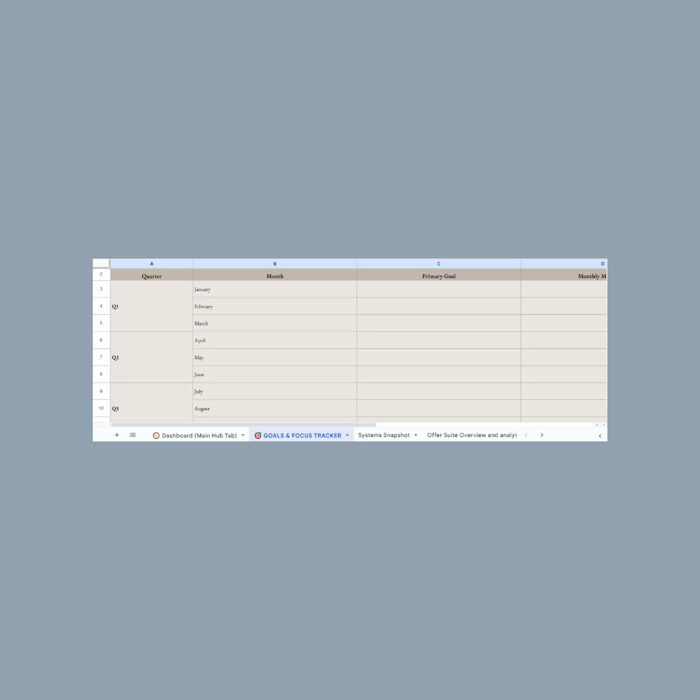
The CEO was using scattered tools (spreadsheets, email chains, and notes) to manage tasks, clients, and content planning. This led to inefficiencies, missed updates, and a lack of clarity across projects. They needed a central command center to track their business operations while maintaining simple, organized workflows.
My Role: Online Business Manager – ClickUp Systems Architect
My Strategy:
Mapped Real CEO Needs: Identified core areas of overwhelm (goal-setting, systems, finances, project visibility)
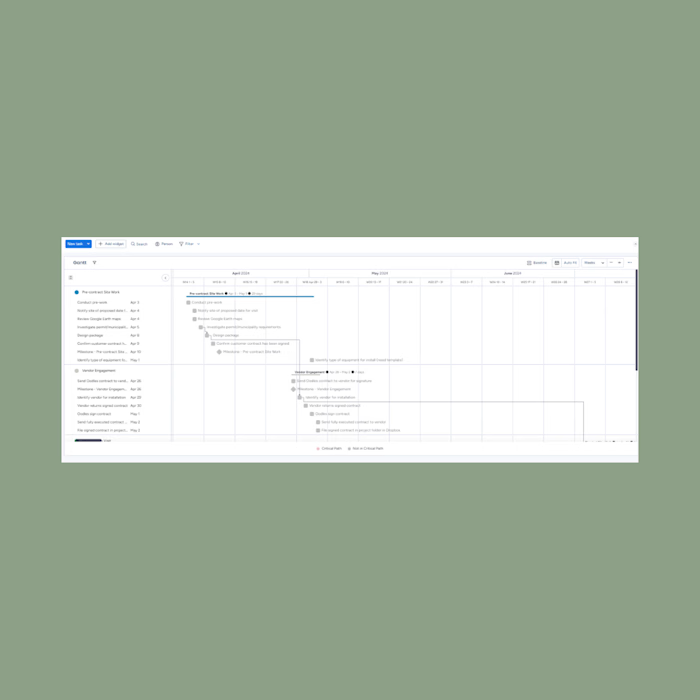
Built a Flowchart Workflow: Created a visual, easy-to-follow structure within Canva for fast onboarding and ease of use
Built Three Core Spaces in ClickUp:
Business HQ Space: Designed as the CEO’s central leadership hub, this space includes:
CEO Think Tank: Idea bank for capturing random tasks, project ideas, and quick brain-dumps.
Resources & Passwords: A dedicated list for storing links, passwords, and login information.
Service/Product Links: Easy access to offers, pricing, and sales links for both CEO and team.
Team Management: Tracks meetings, invoicing, holidays, and team information for smooth HR oversight.
Client Management Space: The go-to hub for client onboarding, updates, and sales pipeline tracking, structured into:
Internal Client Management Folder:
Lead Management: Tracks leads, automates responses, and moves prospects through the sales funnel.
Weekly Client Updates: Provides structured updates to ensure consistent client communication.
External Client Management Folder:
Client-Facing Onboarding Template: A clear checklist for onboarding new clients.
90-Day Plan: Guides clients through structured deliverables for the first three months.
Mentoring/Coaching Support Templates: For ongoing client programs.
Marketing & Ops Space: Designed to simplify marketing content planning and operations, featuring:
Content & Email Folder:
Email Marketing List: Tracks campaigns, content creation, and results.
Social Content List: Plans and schedules posts, content pillars, and campaigns.
Podcast Folder: Manages all podcast workflows, from brainstorming topics to guest management and publishing schedules.
Lead Management: Tracks leads, automates responses, and moves prospects through the sales funnel.
Weekly Client Updates: Provides structured updates to ensure consistent client communication.
Customization Approach:
Purpose Review: Walked through each folder and list with the CEO to align workflows with their specific business processes.
Automation Ready: Designed spaces to integrate easily with automation tools like Zapier for email and onboarding processes.
Visibility Setup: Configured permissions to give team members access to the right folders while keeping CEO-only lists private.
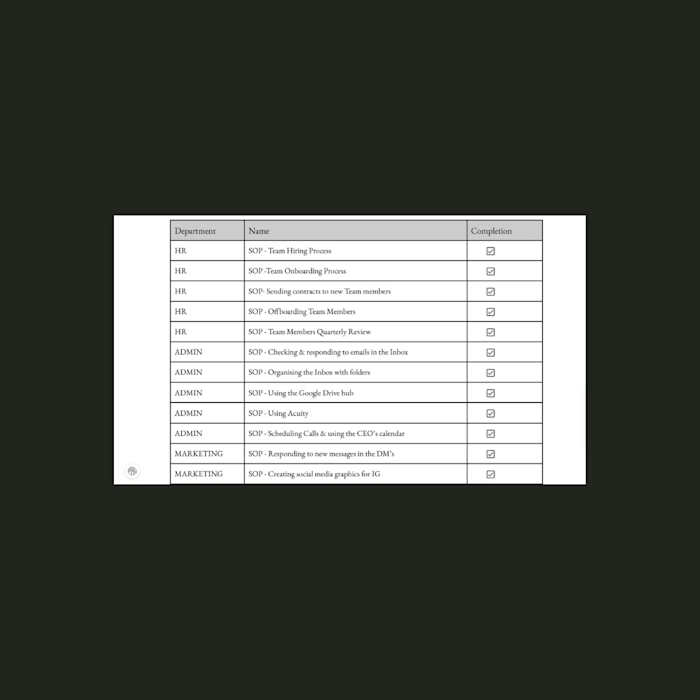
Training & Coaching Add-On: Paired the tool with SOP documentation of each space, and recordings of live-training sessions.
Tools Used:
ClickUp: Primary project management hub
Google Drive: Linked for shared files and resources
Zapier: Optional automation for onboarding workflows
Outcome:
Built 3 core Spaces (Business HQ, Client Management, Marketing & Ops) with tailored folders and lists for every operational need.
Provided clear templates for CEO planning, client communication, and content strategy.
Reduced time spent switching between platforms (password storage, project tracking, onboarding, and marketing plans) by consolidating workflows in ClickUp.
Delivered a fully customizable structure ready to scale with the business.
Like this project
Posted Oct 27, 2025
As Online Business Manager & ClickUp Systems Architect, I built a 3-Space ClickUp Command Center to centralize all operations & client workflows.