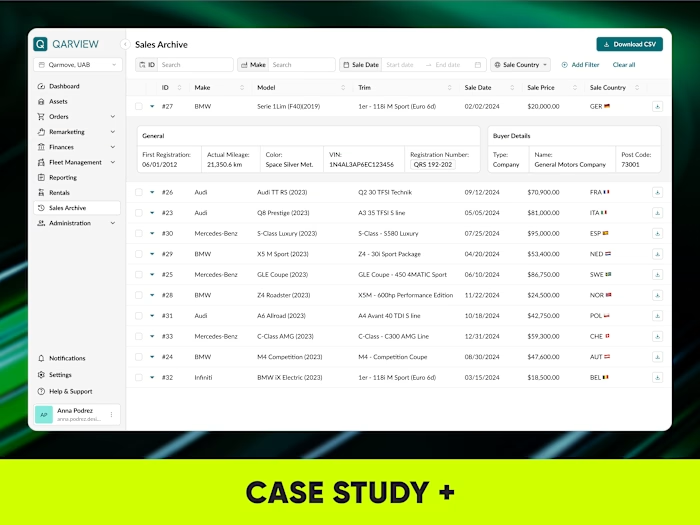
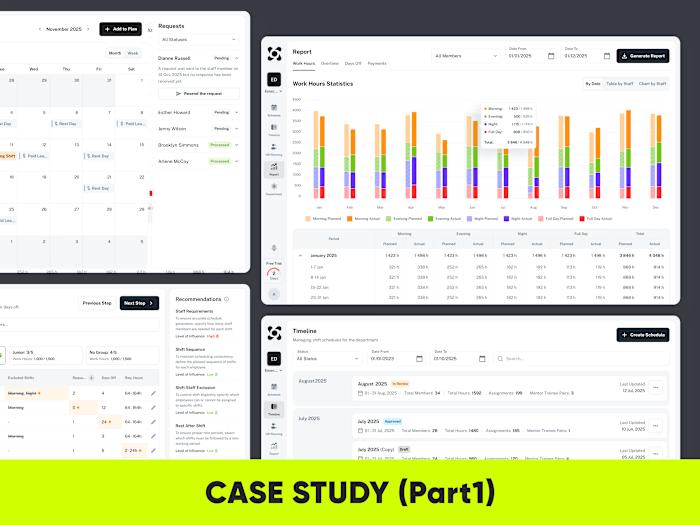
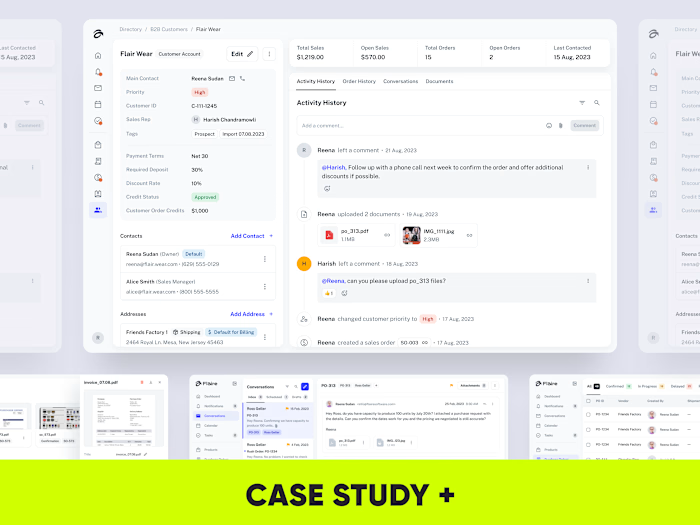
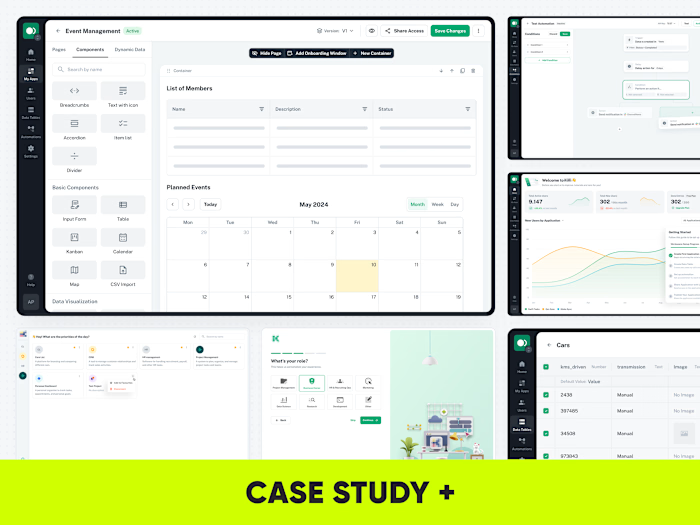
Functional prototype in Claude based on static screens in Figma

Anna Podrez


Functional prototype in Claude.ai based on static screens in Figma
I want to share a real piece of a client project that I am working on right now.
I used Claude to turn static Figma screens into a functional prototype with real inputs, validation states, keyboard interaction, component behavior, and flow logic.
The input was:
• exported Figma screens
• numbered flow order
• business context
• user role
• key actions and edge cases
Then I iterated directly with prompts:
fixing visual mismatches, adjusting component behavior, adding validation, and correcting the flow logic.
I presented it to the client on a call, made several updates directly in Claude, and then reflected the approved changes back in Figma.
Some product behavior is almost impossible to demonstrate properly in a standard Figma prototype.
Validation states, real keyboard input, form behavior, and complex interaction logic quickly become slow and difficult to maintain.
To build a similar prototype in Figma, I would have needed around 8 hours just to connect all screens, states, and interactions manually. In Claude, I built a functional version in approximately 2 hours.
As I mentioned before, AI doesn’t replace designers.
In skilled hands, it makes product design work more efficient.
Clients can experience the product behavior before investing in development.
The prototype feels much closer to a real product than a standard clickable Figma prototype.
I save around 6 hours compared to building the same level of interaction manually in Figma.
Developers get a working code base instead of static screens. They can use the Claude-generated code as a starting point, adjust it for production, and save implementation time.
User testing becomes more realistic because people interact with functional behavior, not just linked screens.
UX issues become visible earlier, before the product reaches development.
AI doesn’t remove the need for design thinking.
It removes some of the slow, mechanical work around showing how the product should behave.
Below are two more examples from my recent project where I assembled a functional prototype based on a design system without using a figma, which saved a significant amount of time on the front end for the client
👉 Have a project in mind?
Send me a quick message and I’ll provide a free consultation with an estimated timeline and budget. 📩
Thank you for reading🙏
Like this project
Posted Sep 28, 2026
Created functional prototype in Claude from Figma screens.
Likes
1
Views
17