Freelance Google Adss in LagosFreelance Google Adss in Lagos
Multidisciplinary designer - Brand, Web, Apps
$50k+
Earned
10x
Hired
5.0
Rating
534
Followers
Multidisciplinary designer - Brand, Web, Apps
Facebook(Meta) & Google Ads Expert | AI Automation
5.0
Rating
14
Followers
Facebook(Meta) & Google Ads Expert | AI Automation
Cover image for I'll change the way you
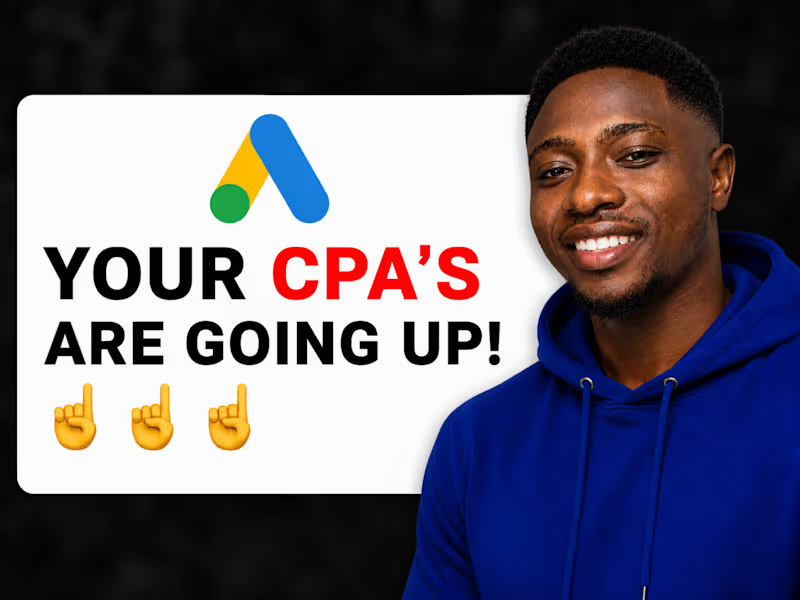
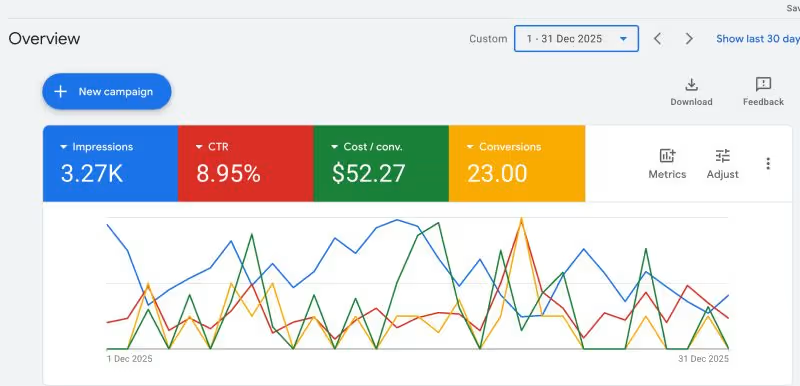
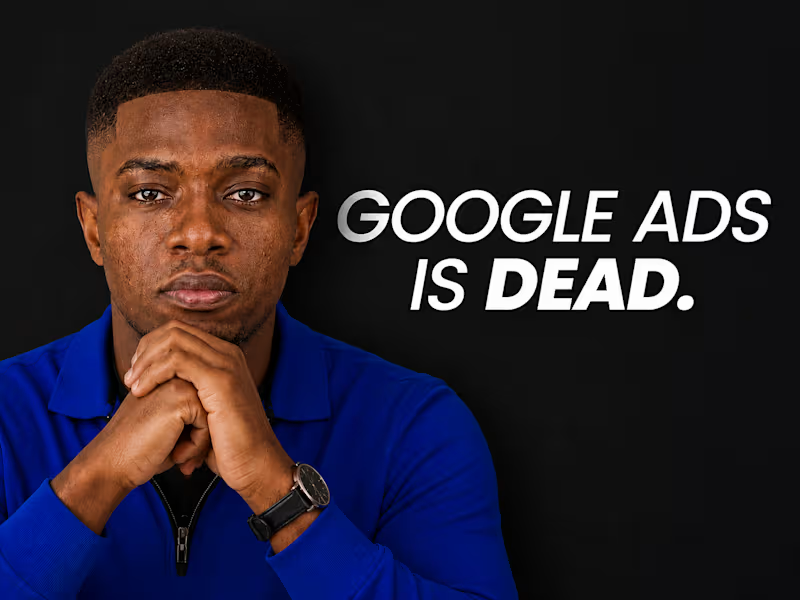
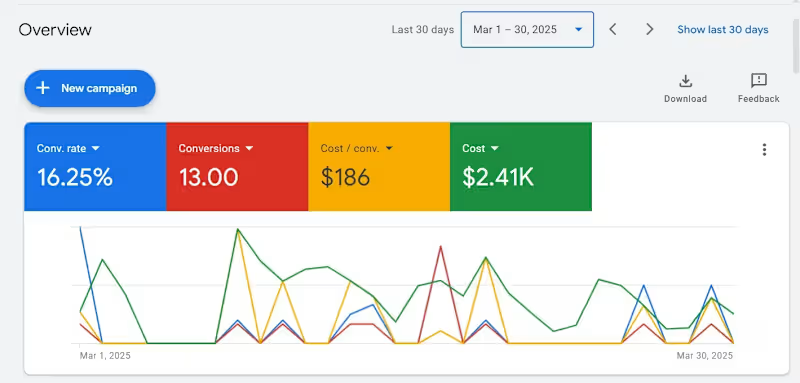
I'll change the way you think about Google Ads... Don't be GOLD FISH, read it through!!! A friend called me recently in a total panic. He'd just spent $3,000 on Google Ads and got absolutely nothing back. Zero leads. Zero sales. Just gone. And of course, his conclusion was "Google Ads is dead." I hear this a lot. And honestly, I get why people believe it. But let's actually talk about what's true here, because there's a real difference between "Google Ads doesn't work" and "MY Google Ads didn't work", and almost everyone mixes those two up. Here's the honest part first: Google Ads has genuinely gotten harder. More competition, higher costs per click, way more automation, less manual control than it used to have. If you're running it the same way you did 5 years ago, you will lose money. That part is real, not made up. But here's what actually happened when I looked into his account, and it's the same pattern I see over and over: → No conversion tracking set up at all. Google was spending completely blind, no idea what was actually working. → Broad match keywords on a tiny budget, so ads were showing to people with barely any relevant intent. → Generic ad copy, the kind that could describe literally any business in any industry. → Zero negative keywords, zero ad extensions. → The campaign ran for 6 weeks and nobody had looked at the search terms report once. None of that is Google's fault. That's a setup problem, and setup problems are fixable. Here's the thing that really gets me: most people who say "Google Ads doesn't work" tested one bad setup, once, for a few weeks, and quit. That's like going to the gym twice, not seeing abs, and telling everyone fitness is a scam. Nobody thinks that way about fitness, everyone accepts it takes skill and consistency. Google Ads is exactly the same. It's a skill. It can be learned. It just LOOKS deceptively simple from the outside, and that's exactly what traps people. And honestly, some of what Google's automated over the years is genuinely good, smart bidding can process signals no human could ever track manually. The automation isn't the problem. The problem is people hand control over to the algorithm before giving it anything useful to actually learn from. Like hiring a great chef and handing them an empty fridge. Here's what we actually did to fix my friend's account, none of it cost extra: ✓ Set up proper conversion tracking for the first time ✓ Went through the search terms report and built a real negative keyword list ✓ Rewrote the ad copy to speak to an actual specific problem, not generic fluff ✓ Tightened match types ✓ Added sitelinks, callouts, a location extension Same budget. Same platform. Within 6 weeks, more leads than the previous 6 months combined. The platform didn't change. The approach did. Here's the real takeaway: if you tried Google Ads once and it flopped, don't write off the platform, write off the version of yourself that ran it that first time. You know more now. Most competitors are still stuck obsessing over match types and bid tweaks while ignoring whether their offer or landing page is even any good. If you're willing to actually understand this at a strategic level instead of just clicking buttons, you're already ahead of most people running ads right now. Follow along, more real breakdowns like this coming. 👀
1
184
Cover image for The BEST Way To Scale
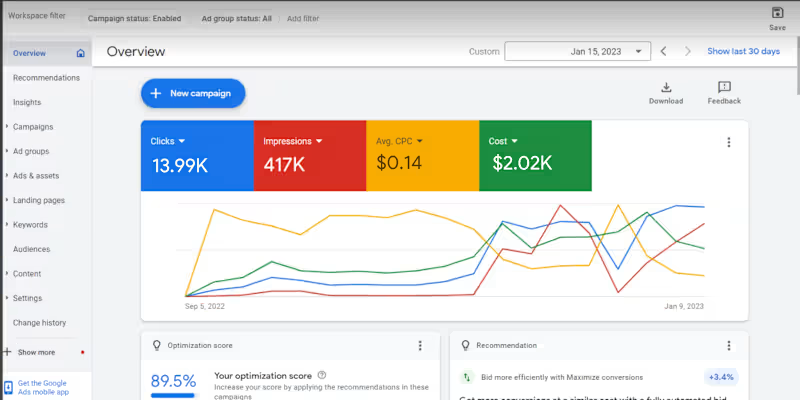
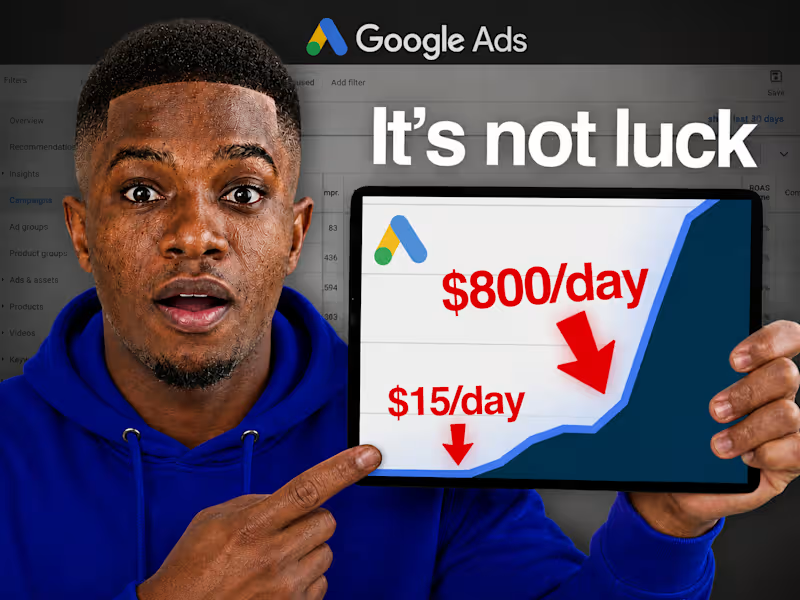
The BEST Way To Scale Google Ads in 2026 Okay, this is one of my favorite Google Ads strategies because it's basically hands-off scaling, you set it up once, and your budget grows automatically as long as your results actually stay good. Let me walk you through it. Inside your Google Ads account, at the campaign level, there's an option to create an Automated Rule. Here's the setup for scaling UP: First, name your rule (something simple like "Budget Increase 3%"). Select which campaign(s) it applies to. Then set your condition, this is the important part. Pick a metric that reflects actual performance: cost per conversion if you run leads, return on ad spend if you're eCommerce. Let's say you know from your numbers that anything under £30 cost per lead is genuinely profitable for your business. You set the rule: "if cost per conversion is less than £30, increase budget." For the actual increase, go with a percentage, not a fixed amount. Why? Because a flat £2-3/day bump becomes meaningless once your budget scales up, a percentage keeps increasing proportionally as you grow. 3% is a solid, conservative default. You can go more aggressive if you're trying to capitalize on something time-sensitive, like a seasonal sale or a promo that's crushing it right now. One setting people get wrong constantly: the data timeframe Google uses to evaluate your condition. Don't leave it on "all time." If your campaign performed great for two months and then conditions changed recently (seasonality, fatigue, competition), an "all time" average will mask that and keep scaling even when current performance has actually dropped. Set it to the last 7 days instead, so the rule reacts to what's happening NOW, not historical performance. If you're getting tons of conversions daily, you can shorten this window even further. If you're only getting one conversion a day, you might need it slightly longer for the data to mean anything. Also worth doing: set an upper spending cap so you don't wake up in a few months having scaled way past your actual budget comfort zone. Now here's the part that makes this strategy really powerful, the reverse rule. Create a second automated rule that DECREASES your budget when performance drops. Same logic, opposite direction: if cost per conversion goes above, say, £40, decrease budget by 3%. This way you're automatically spending more when things are working and pulling back when they're not, without having to babysit the account daily. Leave a buffer zone in the middle (like £30-40 in this example) where nothing changes. That gives your account some breathing room instead of constantly adjusting on every small fluctuation. The real value here: your budget starts responding to actual, current performance automatically. You're not manually checking in every few days trying to decide whether to scale, the system does it for you, based on rules built around your actual numbers. And you're never locked in, you can always override manually. Big news event nobody's paying attention to your ads because of? Pull the budget down yourself. Seasonal sale about to pop off? Bump that increment up temporarily. This is genuinely one of the lowest-effort, highest-leverage setups you can put in a Google Ads account. Follow along, more scaling strategies like this coming. 👀
1
176
Cover image for Okay, if you're running Google
Okay, if you're running Google Ads with a Target CPA or Target ROAS goal AND your campaign is limited by budget, you need to read this before August 17th. This one actually matters. Here's the deal: right now, if your campaign has a budget cap and a performance goal, Google's bidding algorithm quietly goes after the CHEAPEST conversions it can find within your budget. So if your Target CPA is set to $10, you might actually be getting $5 conversions. Feels great, right? Free upside. Starting August 17th, that's going away. Google is changing this so your campaign will actually trend TOWARD your set target, not undercut it. So if you're sitting at a $10 target but actually getting $5 CPA right now, expect that number to start creeping up toward $10 after the change. Same logic applies to ROAS, if your target is 200% but you're actually hitting 350%, expect that to drift back down toward 200% if you don't do anything. Why is this happening? Google says it's about stability, apparently a lot of advertisers get spooked when they raise budgets and performance suddenly fluctuates. Might be true. It's also probably going to make Google more money, because more advertisers will end up bidding closer to what they said they were willing to pay, instead of quietly getting a discount. Both things can be true at once. Here's the part that actually matters for you: this only affects campaigns that are BOTH limited by budget AND currently over-performing their goal. If your campaign isn't capped by budget, this change doesn't touch you. So what do you actually do about it? If you're happy with your current performance (the good CPA/ROAS you're getting right now): → Increase your budget. That locks in more volume at the rate you're already happy with, instead of watching that rate quietly disappear. If you're fine either way: → Adjust your target closer to what you're actually currently achieving. If your target's $50 but you're really getting $30, move the target down to $30 gradually — don't jump all at once, step it down over a week or two. If you do nothing: → Your CPA/ROAS will likely drift toward your original target, meaning fewer conversions for the same spend. Quiet performance loss, no warning bells. One more thing worth knowing, this could create a mild ripple effect across competitive auctions. If everyone bidding on the same keywords adjusts down to their real performance, things stay stable. But if even one competitor decides to keep their higher target and increase budget instead, they get more competitive in the auction, which can nudge costs up for everyone else too. Basically: how your competitors react matters just as much as how you react. The businesses most likely to get blindsided by this are the ones NOT paying attention to their account regularly. If that's not you (and clearly it's not, you're reading this), you've got time to adjust before it happens. Bottom line: go check your account today. Anything limited by budget with a goal that's over-performing, decide now: raise the budget, or adjust the target. Don't wait until August 17th to find out the hard way. Follow along, more of these timely breakdowns coming. 👀
1
165
Cover image for Okay so let's talk about
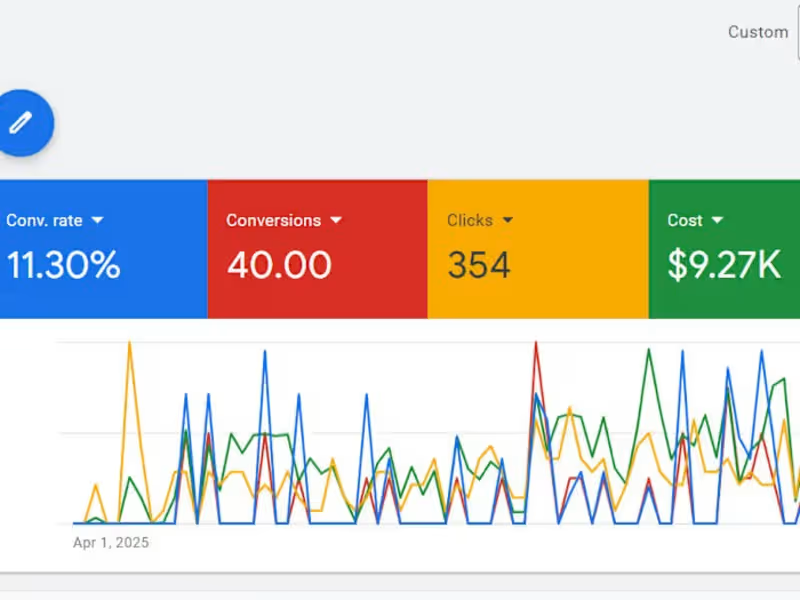
Okay so let's talk about something painfully simple that a lot of Google Ads accounts get wrong, nobody's clicking your ads. Doesn't matter how good your product is, how great your deal is, how well-optimized your campaign structure is. If people aren't clicking, none of it matters. So let's break down why this happens and how to actually fix it. 1. Your ad copy might be the problem Most beginners write ad copy ABOUT their business instead of about what the customer actually wants. If your headline reads like a company brochure, nobody's stopping to click. Lead with the benefit, not the feature, "save 2 hours a day" beats "advanced scheduling software" every time. And try to mirror the actual language people are typing into Google. If your headline echoes their exact search, it instantly feels more relevant. 2. You might be targeting the wrong keywords Showing up for more searches isn't automatically good, if those searches aren't actually relevant to your offer, you're just burning impressions with zero clicks. A bakery running ads that show up for "cake recipes" is wasting money on people who were never going to buy a cake, they wanted a recipe. This is where negative keywords come in. Adding even 10 well-chosen ones can dramatically clean up who actually sees your ad, which directly improves CTR. 3. Your offer might just not be compelling enough Sometimes the copy's fine, the keywords are right, but the offer itself doesn't give anyone a reason to choose you over the next ad. Go Google your own product category right now and screenshot the top 3 competitor ads. What are they offering that you're not? A free trial, a guarantee, faster delivery, no contract, even small differentiators can tip a click in your favor. Fix this before touching your budget or your bids. 4. You're probably not using ad extensions (and you should be) This one's honestly a bit of a cheat code. Sitelinks, callouts, structured snippets, call and location extensions, they're free, and they make your ad physically bigger and more informative. Google actually rewards ads using extensions with better ad rank, even with an identical bid to an ad without them. More space = more visibility = more clicks. Set it up once and it just works in the background. 5. Wrong place, wrong time Even a great ad won't get clicked if it's shown at 3am to someone who was never going to buy right then. Look at what days/hours actually convert and shift spend accordingly. Check your location targeting, too broad wastes budget, too narrow limits reach. And don't forget device performance, mobile and desktop CTR can look completely different, so check both. Quick benchmark for you: average CTR across Google Ads in 2024 was 6.42%, probably higher than you'd guess. Arts & entertainment topped out around 13%, while legal services sat closer to 5.3%. Worth knowing where your industry typically lands before you panic over your own numbers. None of these fixes cost extra ad spend. They just require you to actually look at what's happening and adjust. Small, unglamorous changes, but they compound fast. Follow along, more of these breakdowns coming your way. 👀
0
189
Website Design Expert for NGO's
12
Followers
Website Design Expert for NGO's
Gohighlevel Expert| Fb Ads | Email Marketing |Ai Automation
New to Contra
Gohighlevel Expert| Fb Ads | Email Marketing |Ai Automation
Cover image for Get Facebook Ads Campaign Setup
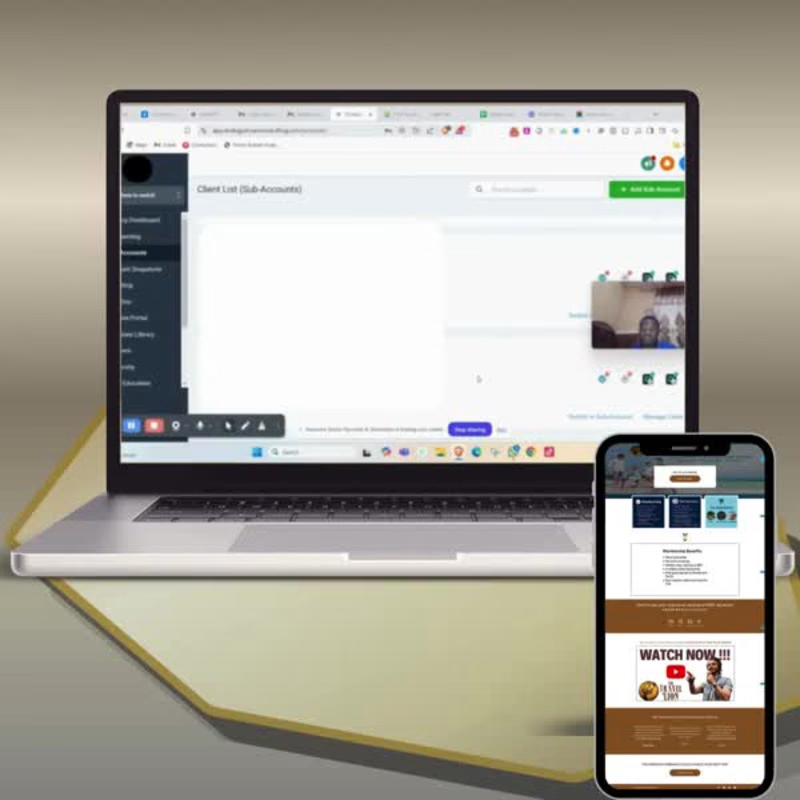
Get Facebook Ads Campaign Setup & Management | Meta Ads, FB Ads, Instagram Ads Done!!! Running Facebook ads without the right setup is like throwing money at Meta and hoping something sticks. I make sure that doesn't happen. I specialize in Facebook Ads, Meta Ads, and Instagram Ads building campaigns that are set up right from the first click, tracked properly, and optimized toward real results, not vanity metrics. What you get: I start with proper Facebook advertising foundations a clean Meta Ads Manager account, correct Facebook Pixel setup, and Conversions API tracking so every result you see is actually accurate. A lot of accounts I take over have this part broken, which quietly wastes ad spend for months without anyone noticing. From there, I build your facebook ad campaign around real audience data, custom audiences, lookalike audiences, and interest-based targeting depending on what fits your business. If you're running paid ads for lead generation, I structure the campaign so leads land somewhere you can actually follow up on them. If you're running ecommerce ads, I set up retargeting ads so people who almost bought come back and finish. Every campaign includes: Full facebook ads manager and meta ads manager setup Facebook pixel setup and conversion tracking configured correctly Audience research and targeting strategy tailored to your niche Ad copywriting and creative direction based on what converts for your specific market A/B testing structure so you know exactly which ad, audience, or angle is working Ongoing ad campaign management and optimization as data comes in Retargeting ads setup to recover warm leads and abandoned interest Why this works better than a generic setup: Anyone can turn on a campaign. What actually moves the needle is knowing which audience targeting to use, which conversion event to optimize for, and when to shift budget instead of just leaving it on autopilot. That's the part I focus on, not just launching ads, but managing them like they're spending my own money. Whether you need a single campaign built from scratch or a full paid social funnel across Facebook and Instagram, I'll tell you honestly what your business actually needs before we start, not just sell you the biggest package
0
82
Cover image for AI Social Content & Post
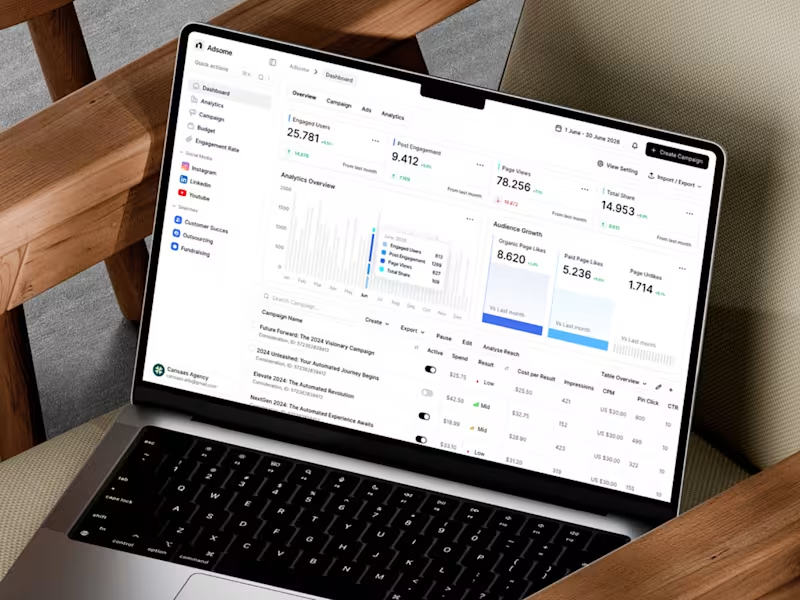
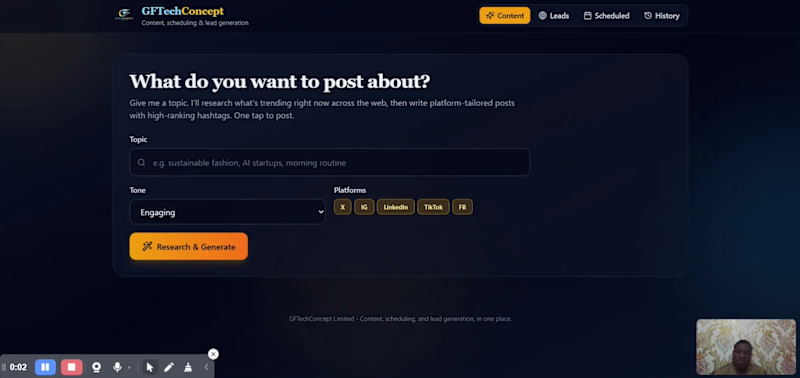
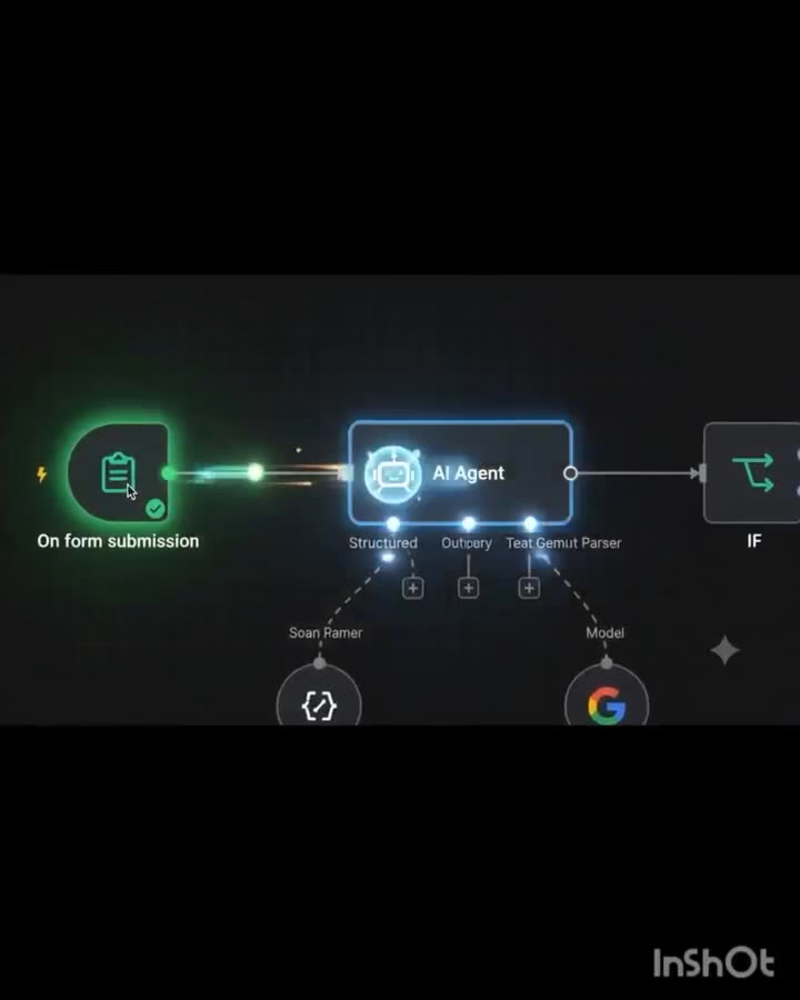
AI Social Content & Post Scheduler, The Tool That Also Generates Leads Searching for an AI social media scheduler that does more than queue up posts? You're in the right place. Most tools stop at automation. The best ones go further they study what your audience is actually searching for and needing, then shape your content to meet that demand, turning everyday posts into a steady stream of qualified leads. If you're still using a scheduler that only tells you when to post, you're missing the bigger opportunity: knowing what to post so it ranks, resonates, and converts. From Publishing Tool to Growth Engine Traditional schedulers answered one question: when should this post go live? AI-driven platforms now answer a bigger one: how does this post turn a stranger into a customer? Here's what changed. Modern tools combine three things that used to live in separate systems content creation, publishing automation, and audience intelligence. When AI sits across all three, it stops being a passive queue and starts actively working the funnel. Ranking Your Content by What People Actually Need Here's the piece most schedulers skip entirely: matching content to real search intent and audience demand, not just posting on a schedule. An AI social content and post scheduler that generates leads has to solve this first, because content that ranks is content that gets found and content that gets found is content that can convert. This works in a few concrete ways: Demand detection. The AI scans what people are already asking, searching, and commenting about in your niche trending questions, recurring pain points, common objections and surfaces those as content ideas before you even open a blank draft. Intent-matched drafting. Instead of one generic post, the AI tailors the angle to the intent behind the need: informational ("how does this work"), comparison ("X vs Y"), or ready-to-buy ("where can I get this"). Each intent type gets written and formatted differently because each one ranks and converts differently. Keyword and topic alignment. Captions, hashtags, and even video hooks get checked against what's actually being searched, so a post isn't just creative it's discoverable. Feedback loop from performance. Every post's ranking and engagement data feeds back into the model, so the next batch of content gets sharper at anticipating what people need instead of guessing. The result: your content shows up when someone is already looking for an answer which is exactly the moment a lead is easiest to capture. How AI Schedulers Actually Generate Leads Smart content generation tuned for conversion Instead of generic captions, AI models analyze what has driven engagement, clicks, and replies in your niche, then draft posts designed to prompt action a comment, a DM, a link click not just a like. Small wording shifts (a question instead of a statement, a clear CTA instead of a vague sign-off) measurably change how many people respond Optimal timing based on real audience behavior Rather than posting on a fixed schedule, AI tracks when your specific followers are actually active and adjusts posting windows automatically. More eyeballs at the right moment means more chances for someone to raise their hand. Automated comment and DM triage This is where the real lead-gen magic happens. AI can scan incoming comments and messages, flag high-intent language ("how much," "do you ship to," "is this available"), and either respond instantly or route the conversation to a human. A comment on a Tuesday post can become a qualified lead in your CRM by Wednesday morning without anyone manually monitoring the feed. Built-in lead capture flows Many platforms now let you attach lightweight forms, quiz-style DMs, or link-in-bio funnels directly to scheduled posts. The post itself becomes the top of a mini funnel rather than a dead end. Performance data that sharpens targeting over time Every post produces data: who engaged, what they clicked, whether they converted. AI feeds this back into future content decisions, so your lead quality improves with every cycle instead of staying flat. Why This Matters for Small Teams and Solo Marketers Lead generation used to require a stack of separate tools a scheduler, a chatbot, a CRM, an analytics dashboard all stitched together manually. AI-powered schedulers are collapsing that stack. A single tool can now: Draft and schedule content Post at the ideal time for each platform Detect buying signals in real time Capture and hand off leads automatically Report on what's actually working That's a meaningful shift, especially for small businesses and solo marketers who don't have a full growth team to manage every touchpoint. What to Look for If You're Choosing a Tool Not every scheduler with "AI" in the name does this well. When evaluating options, look for: Intent detection, not just sentiment analysis the tool should be able to tell "interested buyer" apart from "casual fan" Native integrations with your CRM or email tool, so leads don't sit stranded in a social inbox Transparent analytics showing the path from post to lead, not just vanity metrics like reach Human handoff options so hot leads reach a real person quickly The Bottom Line Scheduling was always the entry point, not the destination. The tools built for it have simply grown up, using AI to turn everyday content into a steady, low-effort source of qualified leads. If your current scheduler is only saving you time on publishing, it's worth asking what else it could be doing for your pipeline.
0
61