Exonad: Expense Management SaaS Concept Design

Kazi Mohammed Erfan

Exonad: concept design for an expense management dashboard
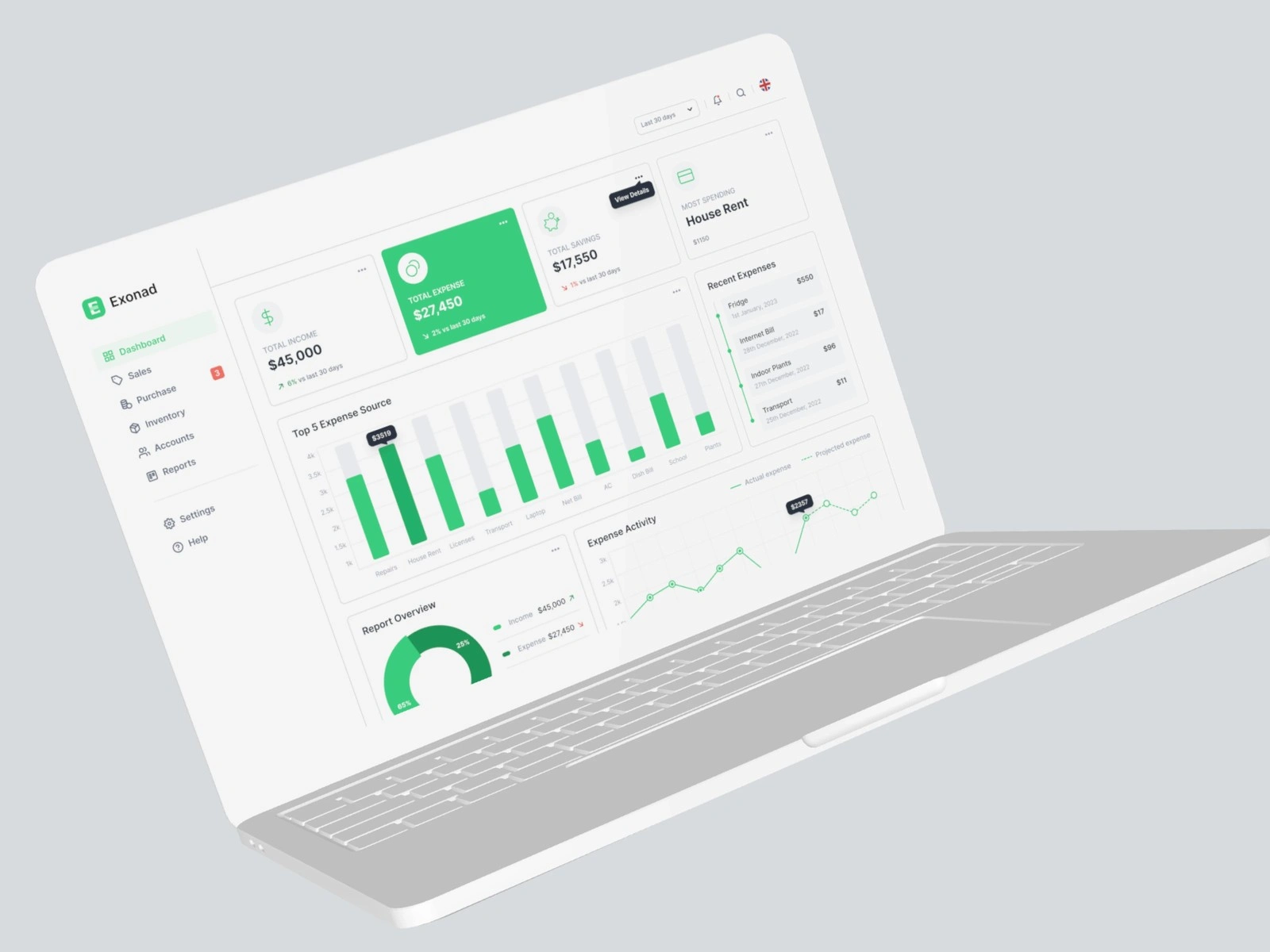
Exonad is a concept design, not client work. It is an admin portal where finance teams see income, expenses and reports in one place, and we designed it in Figma for desktop and phone.
Type: Concept design · Industry: SaaS, finance · What we did: Product and UI/UX design · Platform: Figma · Published: Behance, January 2023
About the concept
There is no client behind Exonad. It is a self-initiated concept that asks how an expense dashboard should look for a finance team. Nothing was built or sold.
The challenge
Finance teams need to see where money goes without digging through spreadsheets.
Where the money goes. Teams need total income, total expense and the biggest costs at a glance.
Change over time. Spending has to be compared month by month, as well as added up.
Many modules. Sales, purchases, inventory, accounts and reports all live in one product.
What we did
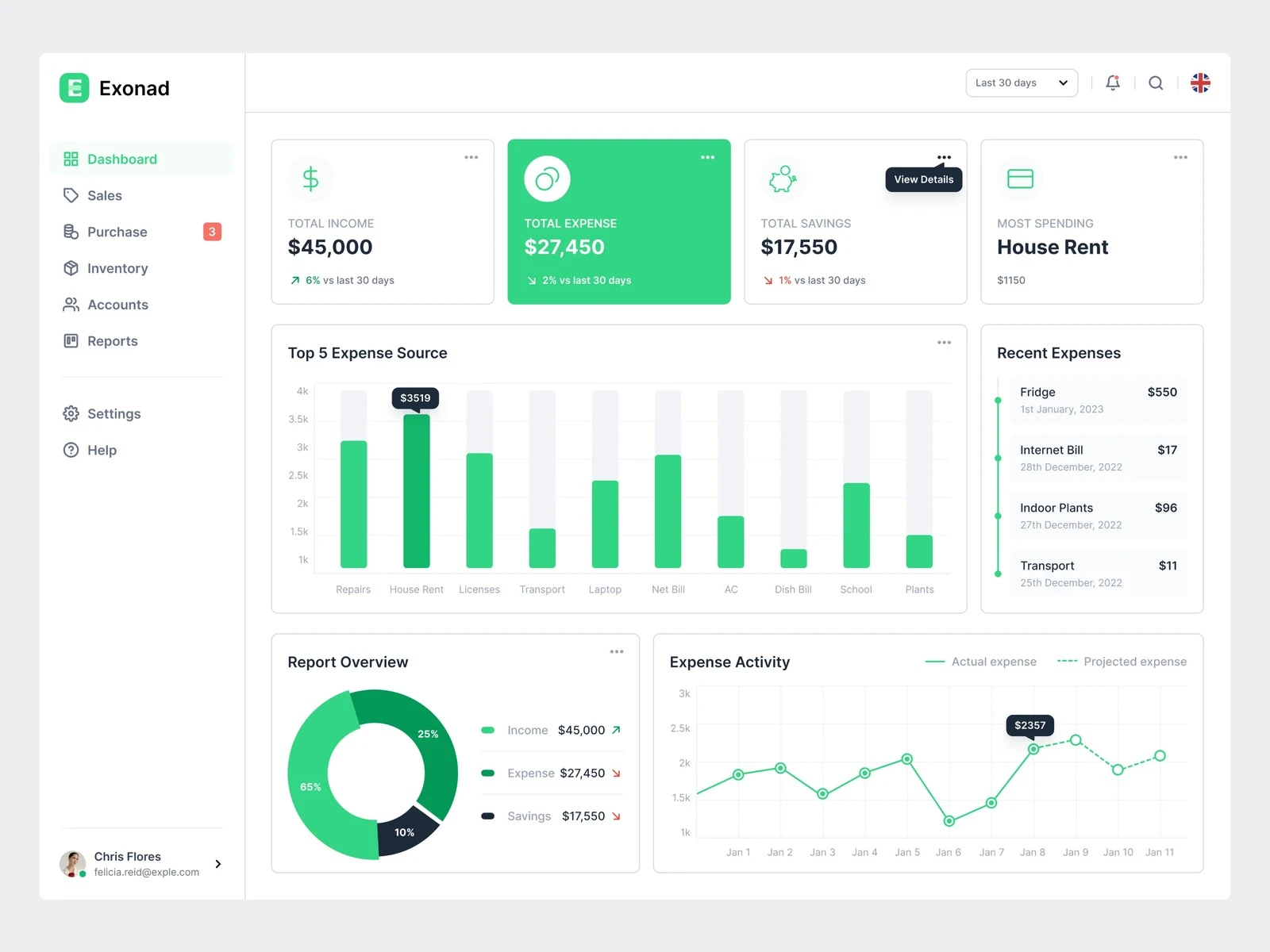
An overview in four cards
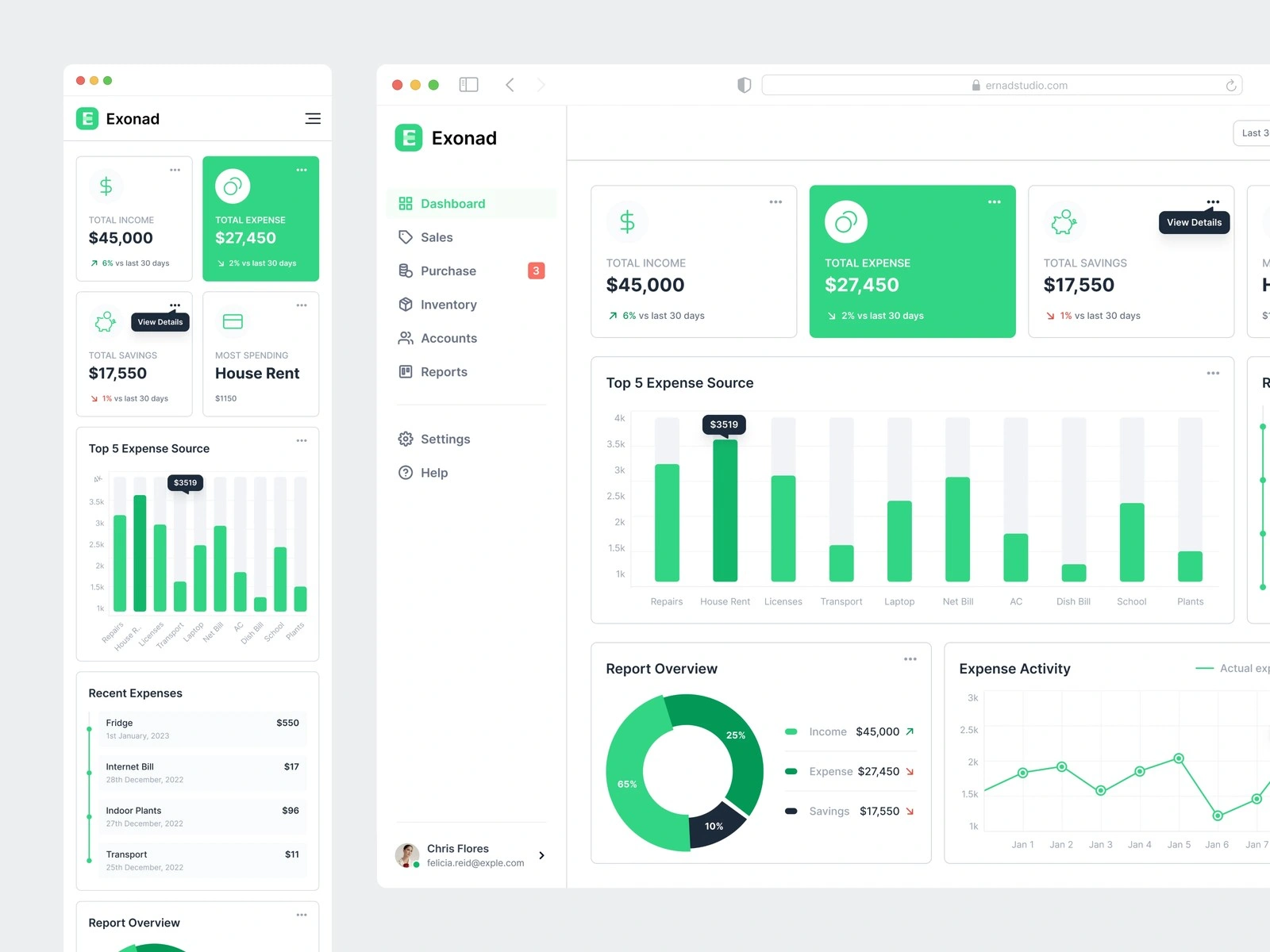
Put total income, total expense and the biggest costs in four cards across the top.
Filled the total expense card with solid green, so the number that matters most stands out.
Charts that each answer one question
A Top 5 Expense Source bar chart, so the largest costs stand out.
A Recent Expenses list and a Report Overview donut chart.
An Expense Activity line chart to compare spending over time.
Every module one click away
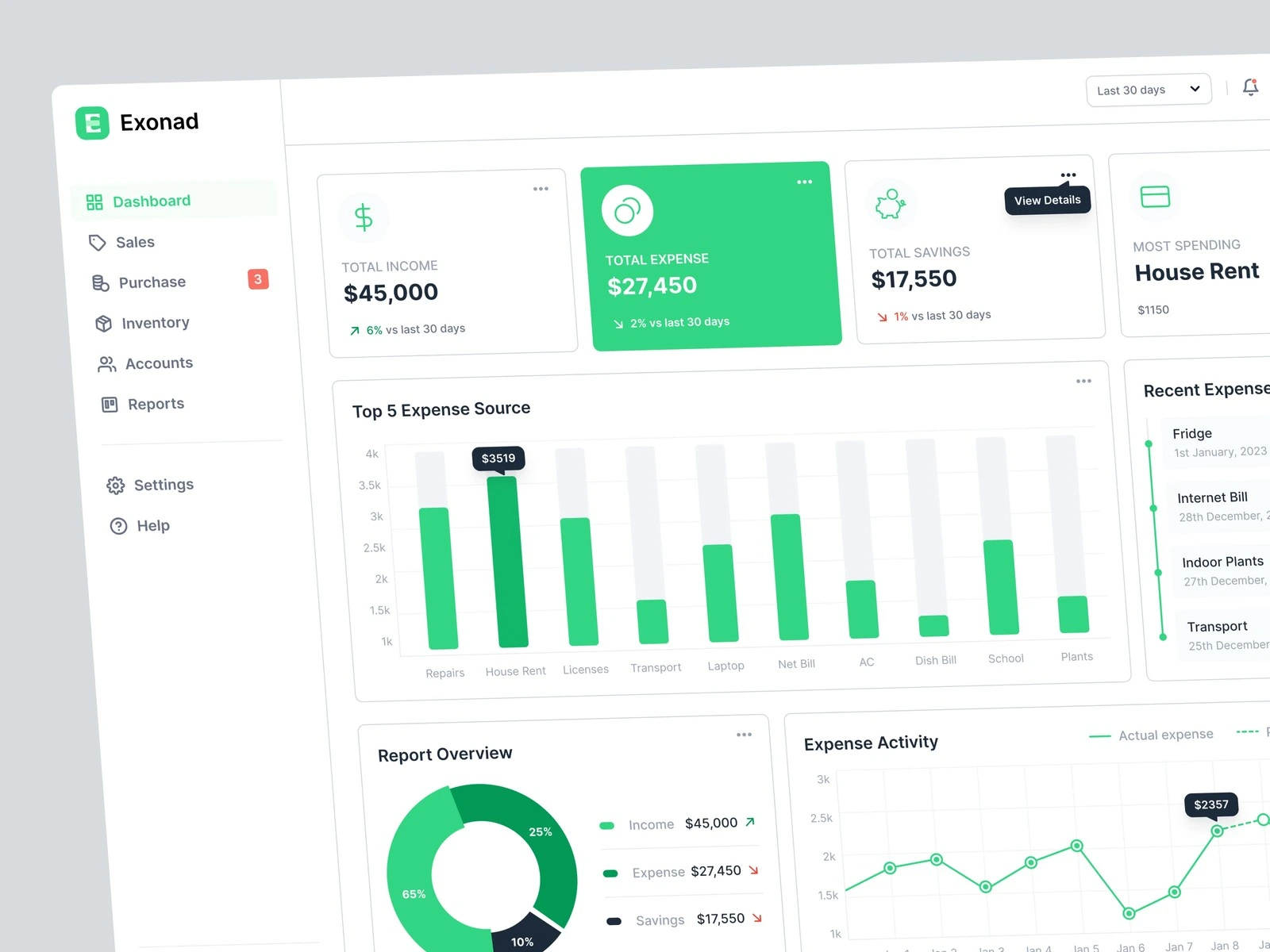
Grouped every module in one sidebar: dashboard, sales, purchases, inventory, accounts and reports, with settings and help below.
Put a date range filter and notifications in the top bar, so the same overview can show any period.
The same dashboard on phones
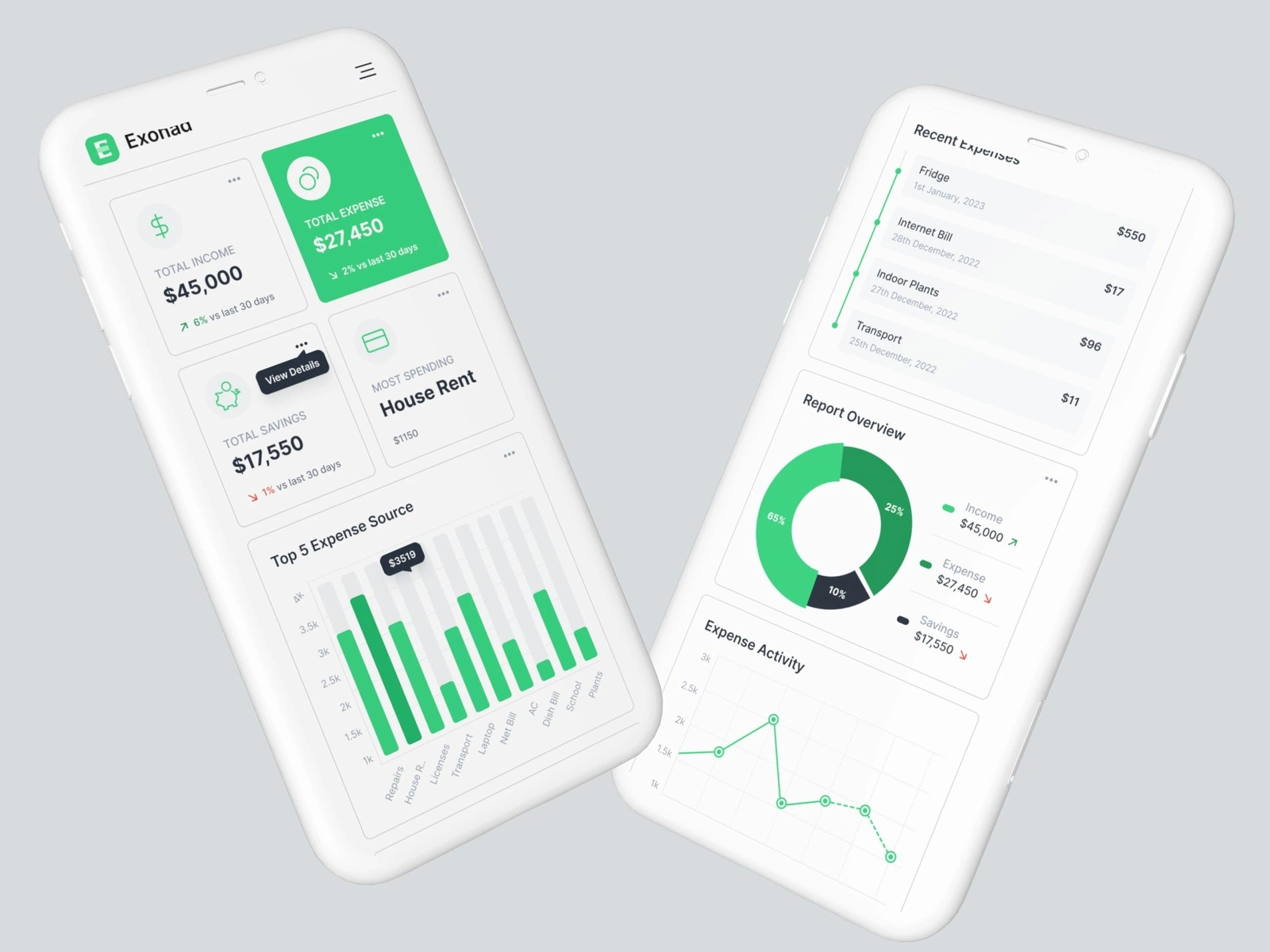
Stacked the cards and charts in one column for phone screens.
Kept the green highlight on the key number, so the most important figure leads on a small screen too.
Scope
Included:
Concept screens in Figma: the main dashboard.
Desktop and phone versions of the dashboard.
Not included:
A client. This was a self-initiated concept.
Development. No working product or code was built.
The other modules. Sales, purchases, inventory and accounts appear in the menu, but only the dashboard was designed in detail.
Results
A dashboard concept for desktop and phone.
Published on Behance in January 2023.
There are no usage numbers, because this is a concept, not a live product.
What we’d improve next
Add an expense entry flow. A quick form with receipt upload would show how data gets into the dashboard, not only how it comes out.
Add budget alerts. Flag a category when it passes its monthly budget, right on the overview.
Add an approvals screen. A manager could approve or reject staff expenses from one list, on desktop or phone.
Working on something similar?
I design websites in Figma and build them in Framer or Webflow, so your team can edit every page without a developer. Message me here on Contra with your site or Figma file, and I’ll reply with a plan and a fixed price.
Like this project
Posted Aug 2, 2024
A concept design for an expense management dashboard, for desktop and phone. Concept only, no client.
Likes
1
Views
49