

Tutorly
Redesigning an AI-powered lesson platform for tutors
Tutorly is a concept website for an AI-powered lesson planning platform built to help tutors create engaging educational content faster.
The platform leverages artificial intelligence to generate lesson plans, quizzes, worksheets, and classroom resources, allowing educators to focus more on teaching and less on preparation.
This project explores how strategic UX, compelling storytelling, and a premium visual language can effectively communicate the product’s value while creating a seamless and conversion-focused user experience.
CLIENT Tutorly
SERVICES Brand Identity
Website Design
Web Development
TOOLS Figma
Framer
INDUSTRY Education
TIMELINE 1 Week
Parts
Brand identity : Designing for trust & care
Website : A seamless digital experience
Brand identity : Designing for trust & care
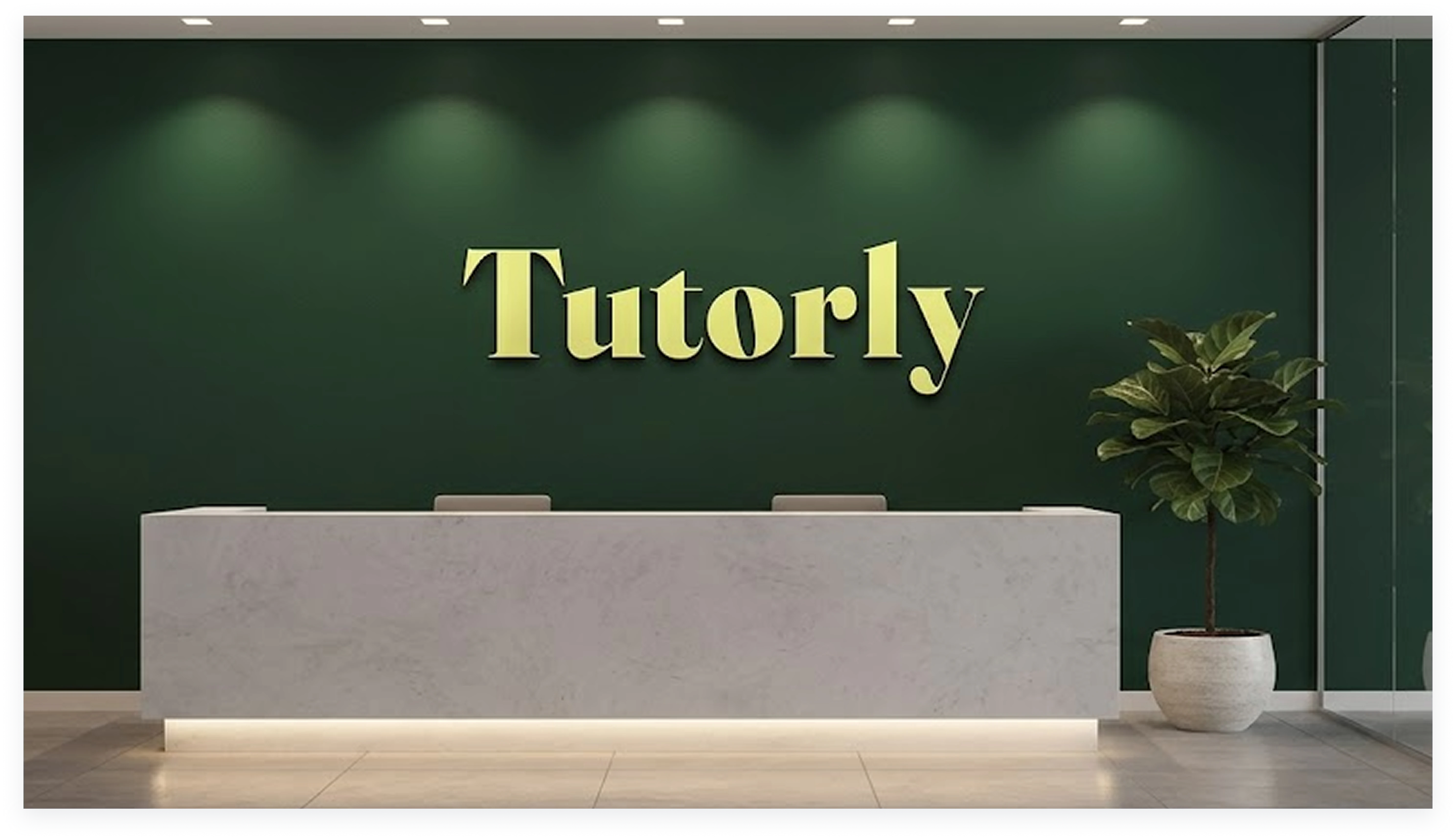
Logo design
The branding for Tutorly was designed to reflect a modern, intelligent, and approachable educational platform. A fresh color palette, refined typography, and clean visual elements work together to create a trustworthy identity that feels both professional and inspiring. Every design decision was made to reinforce the product’s AI-driven innovation while maintaining a warm and welcoming experience for educators.
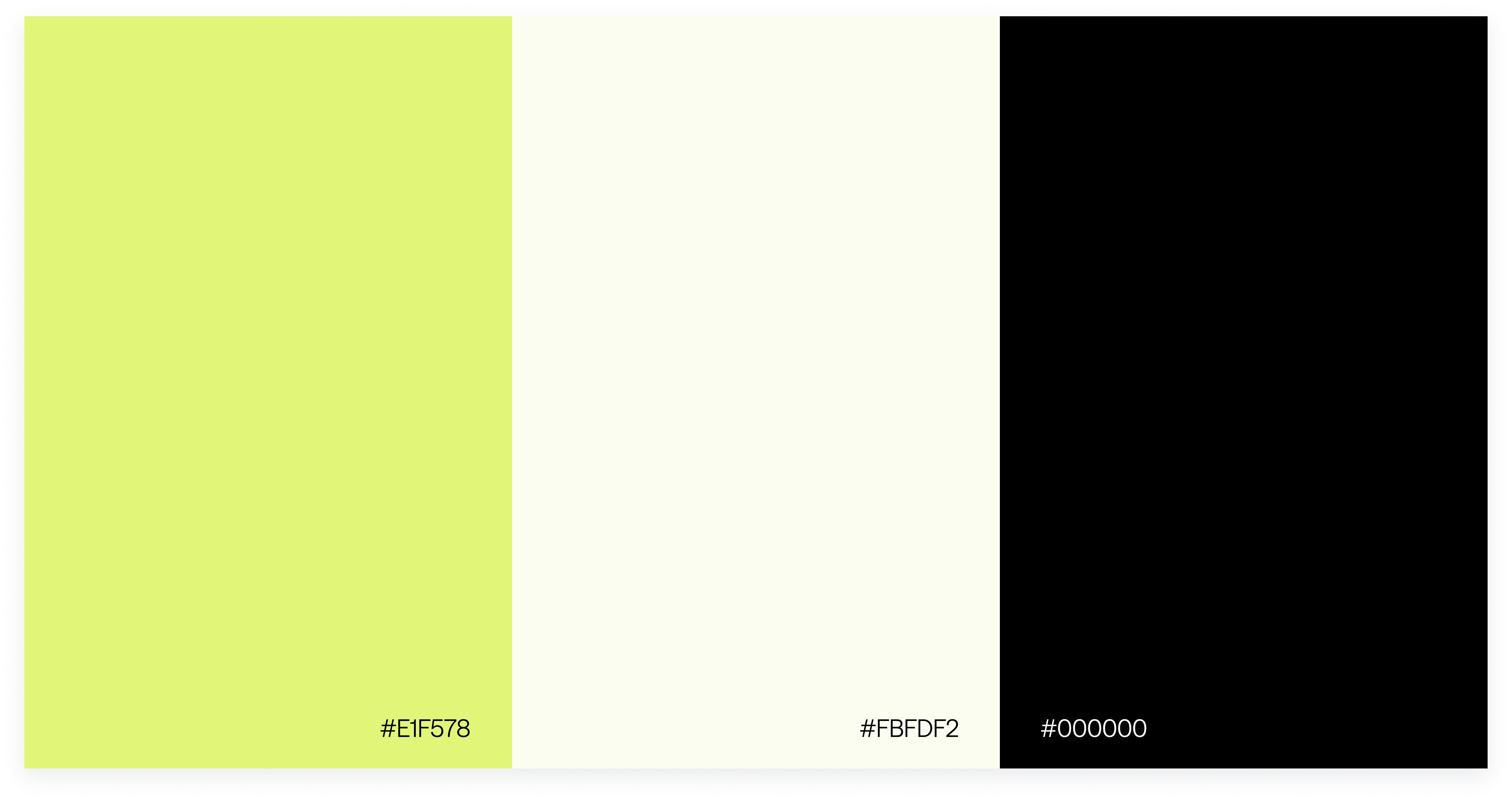
Color Palette
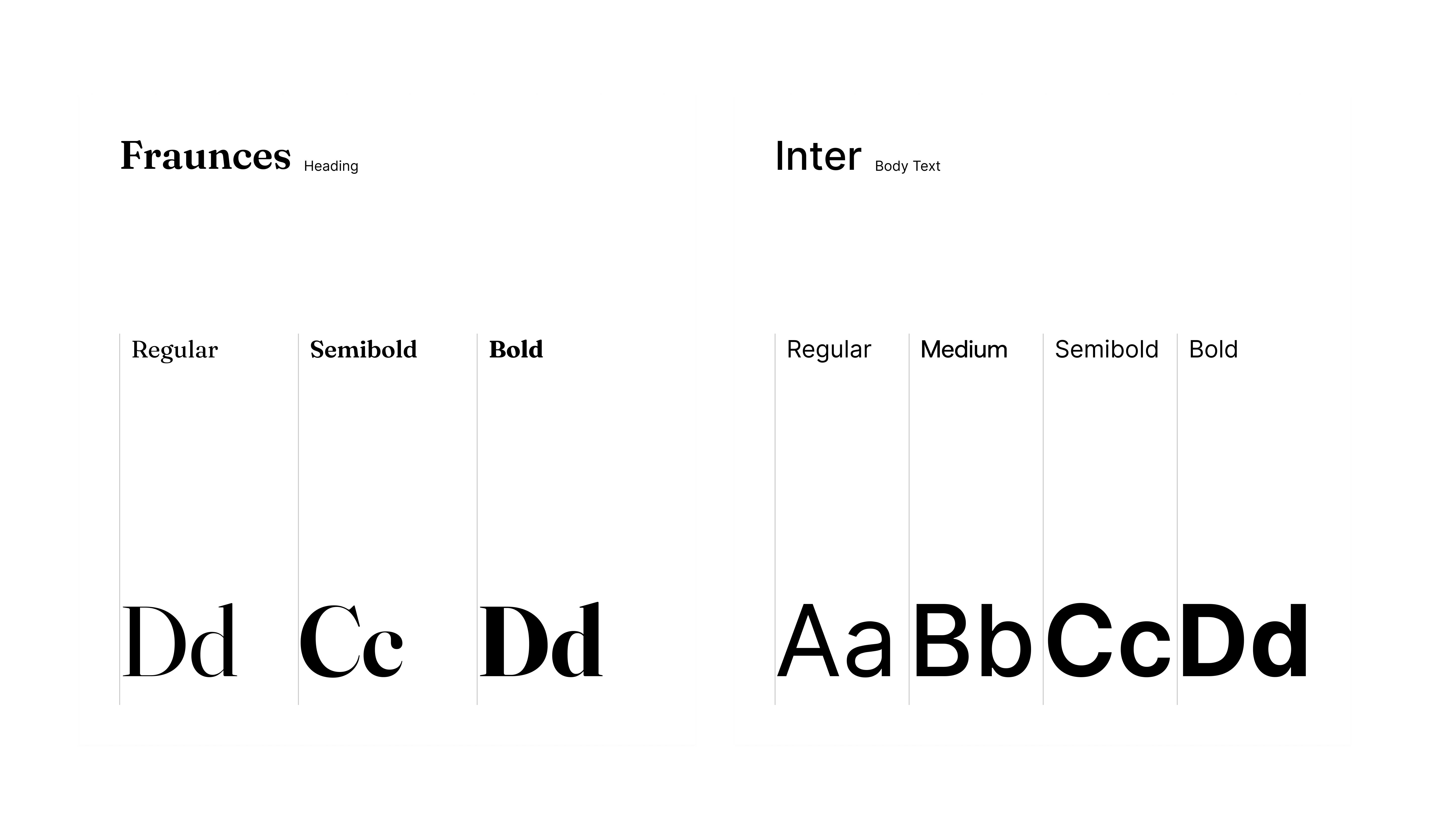
Font Exploration
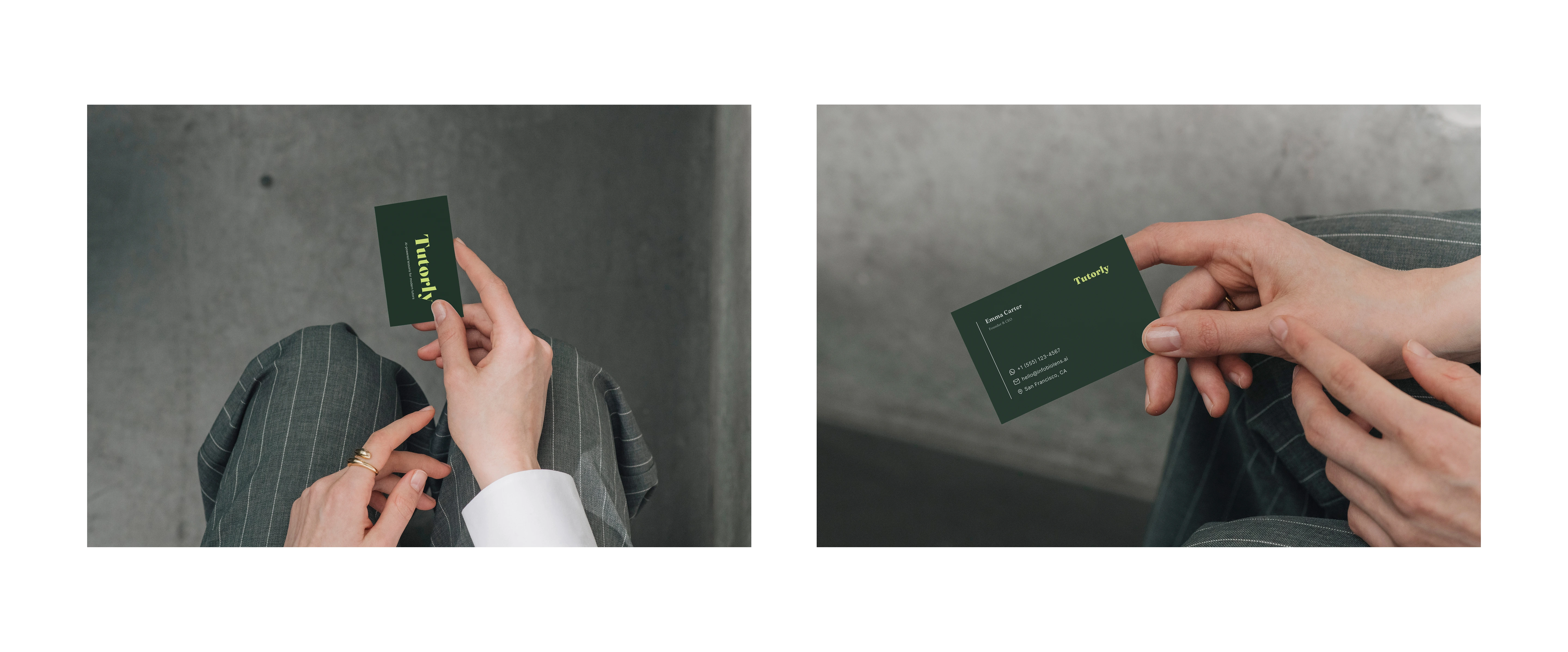
Business Card
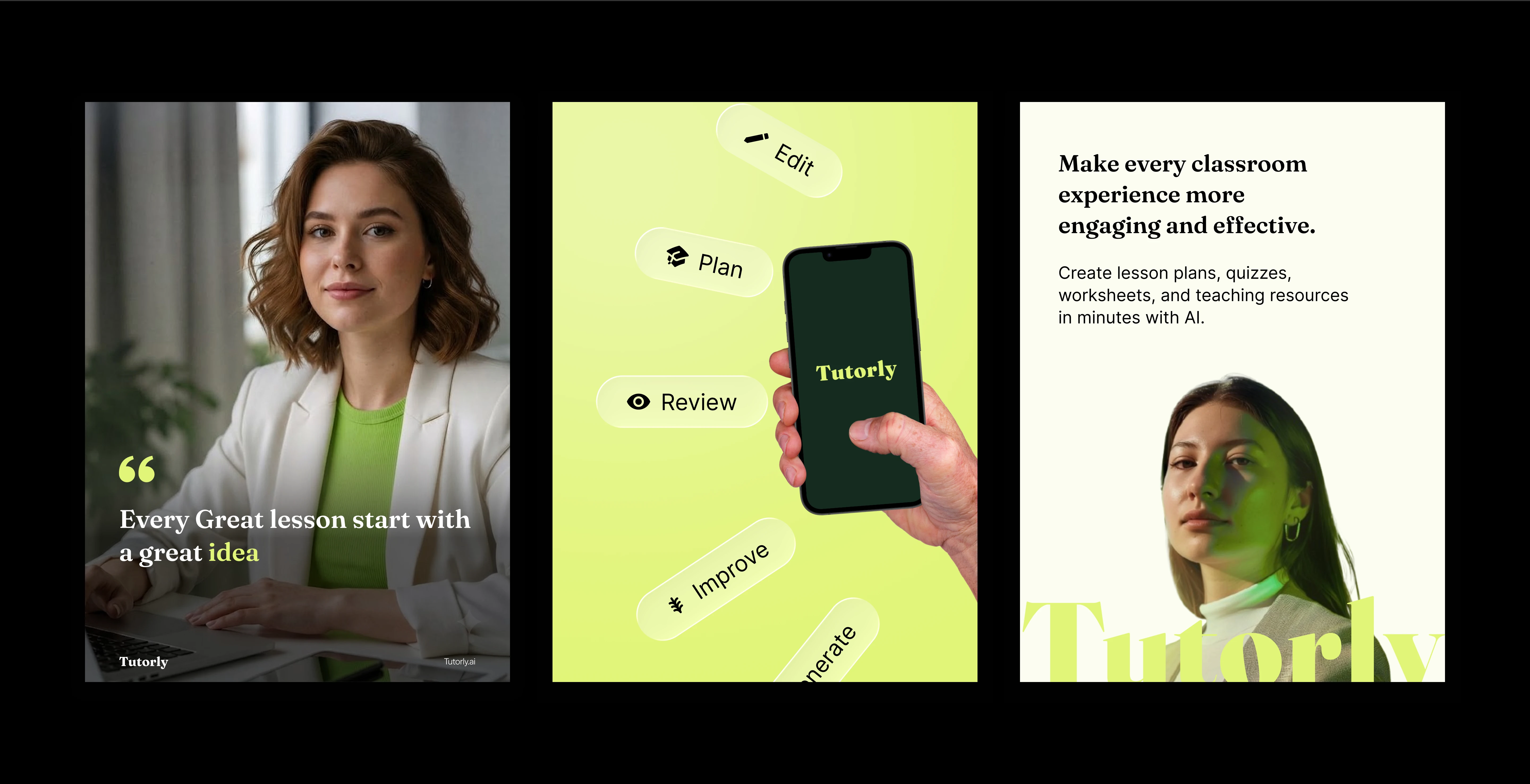
social Media Assets
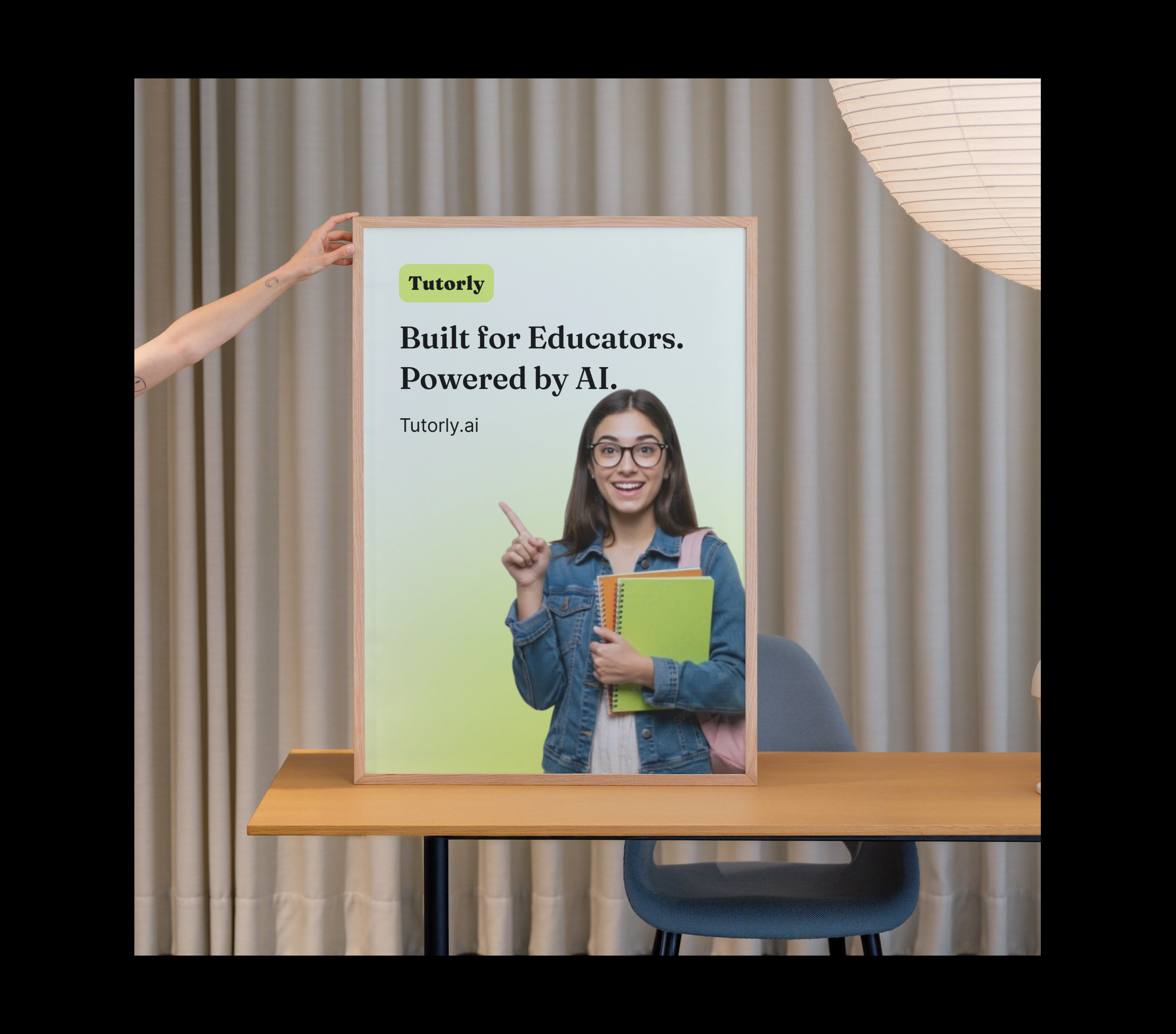
Poster Mockup
Website : A Seamless Digital Experience
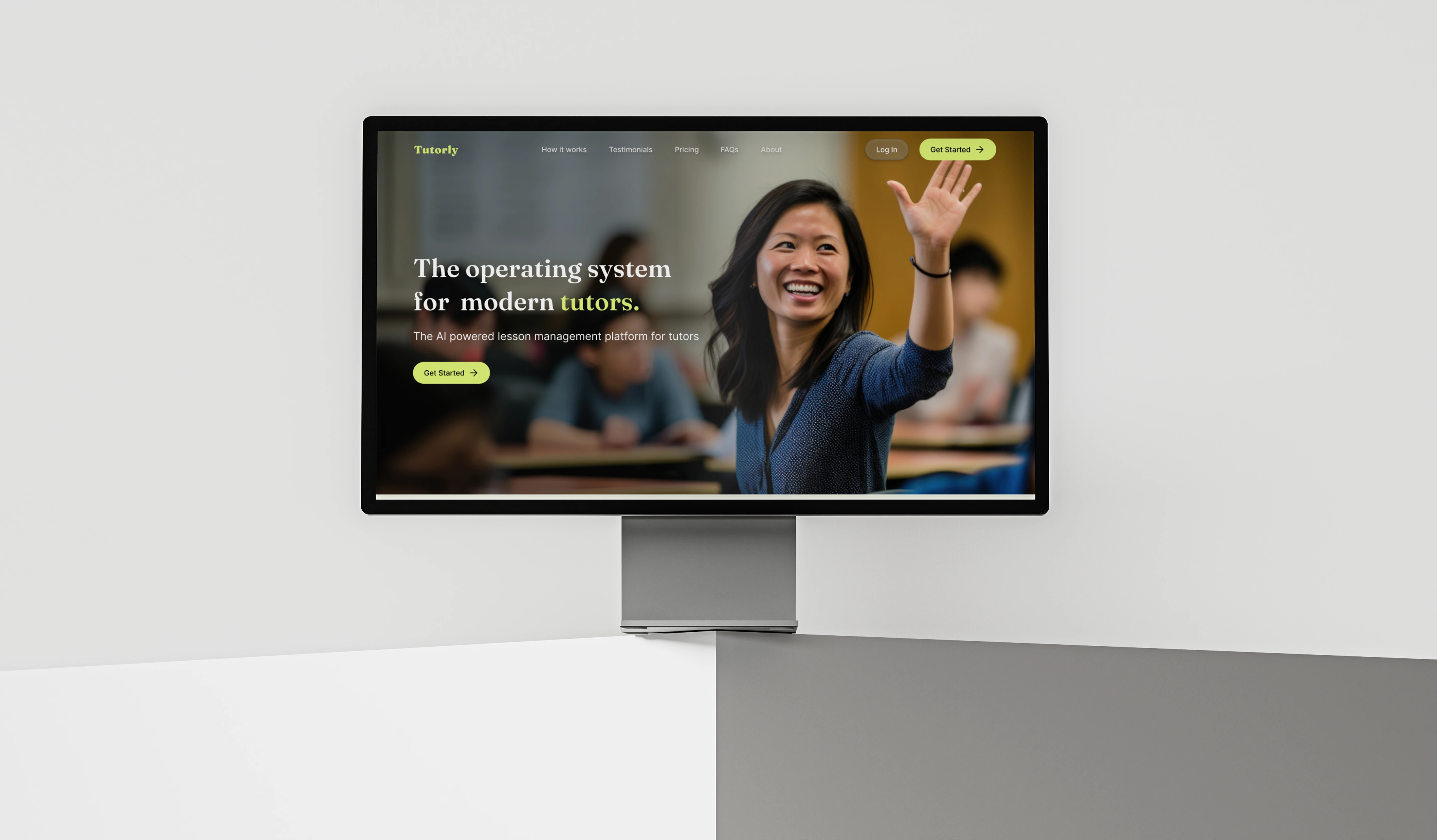
Hero Mockup
Primary Target Users
Private Tutors
Freelance Teachers
Academic Coaches
Test Preparation Tutors
Homeschool Educators
User Goals
Create lesson plans faster
Generate engaging teaching materials
Personalize content for different learners
Save time on repetitive tasks
Improve student engagement
Stay organized with teaching resources
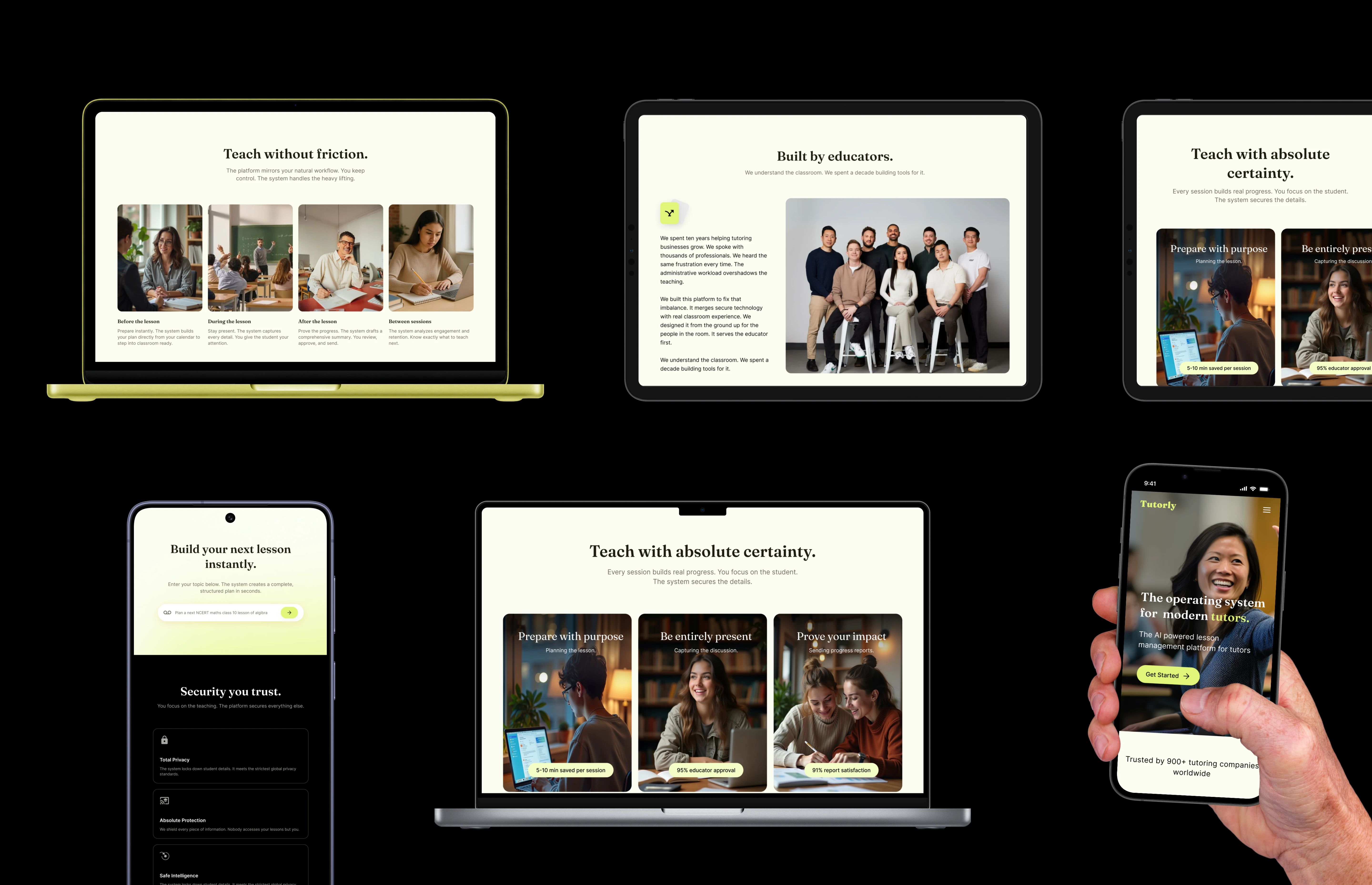
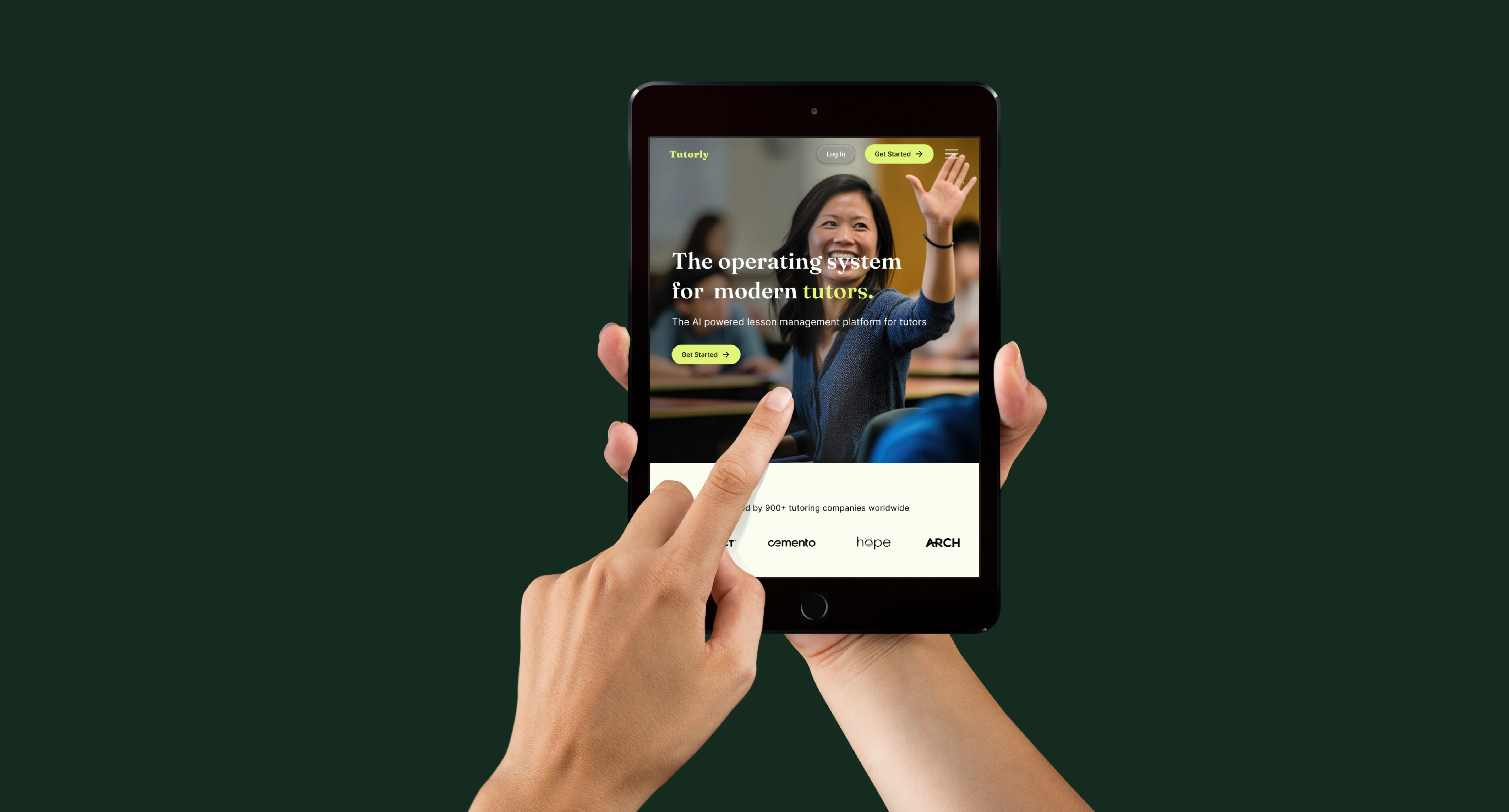
Various Device mockups
Design Objectives
Communicate the product value clearly.
Create a modern and premium experience.
Highlight AI-powered features effectively.
Build trust through thoughtful design.
Improve content readability and hierarchy.
Maintain visual consistency throughout.
Ensure responsive performance across devices.
Encourage sign-ups with clear CTAs.
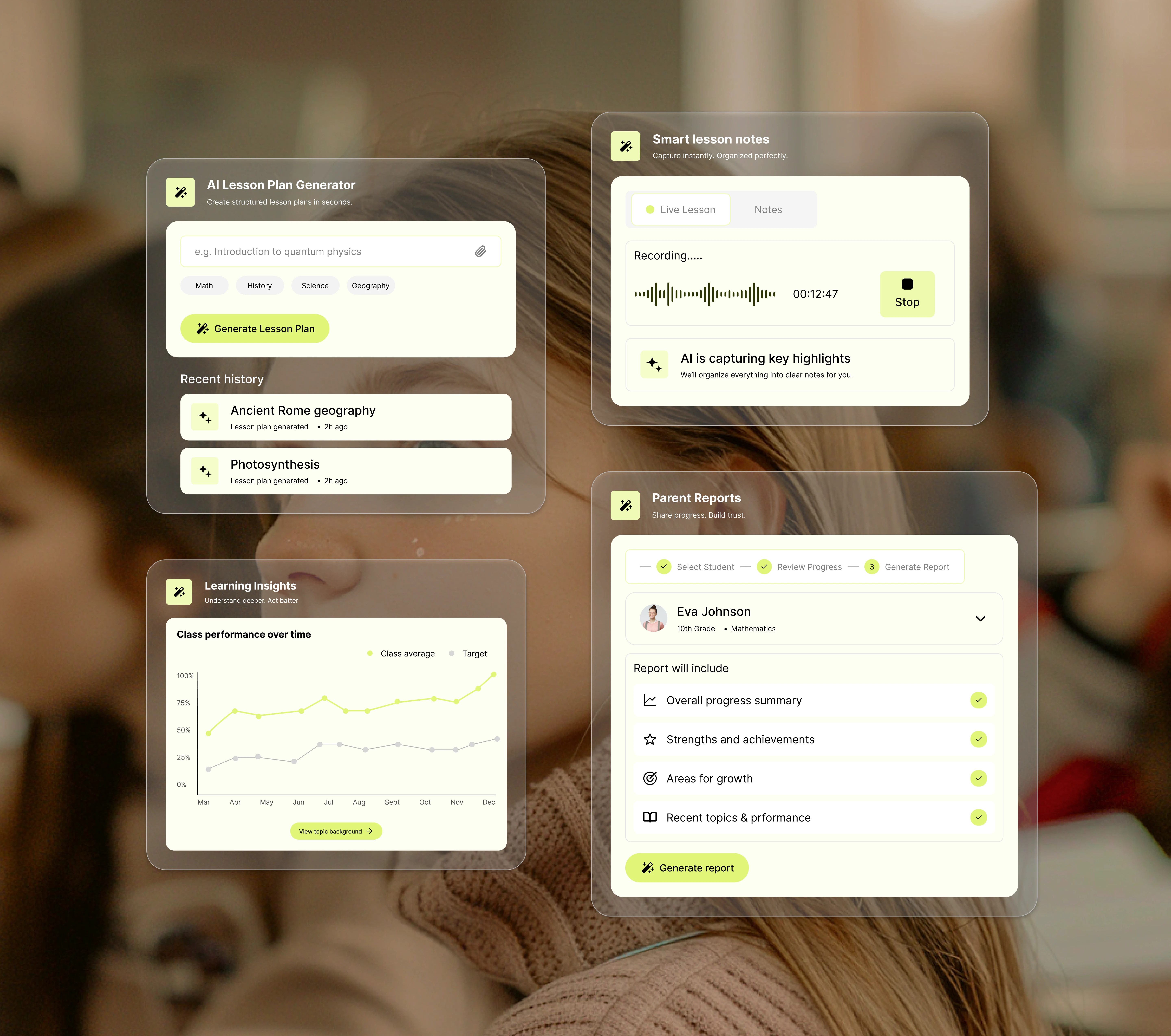
Feature cards
Visual Design Principles
Clear Visual Hierarchy – Used bold typography, spacing, and contrast to guide users through the content effortlessly.
Minimalist Interface – Eliminated unnecessary elements to create a clean, distraction-free experience.
Balanced Color Palette – Combined neutral tones with vibrant lime accents to create a modern and approachable identity.
Scannable Layouts – Structured content into clear sections and cards for quick comprehension.
Conversion-Focused Design – Positioned CTAs strategically to naturally guide users toward key actions.
Responsive by Design – Ensured the interface remains visually consistent across desktop, tablet, and mobile devices.
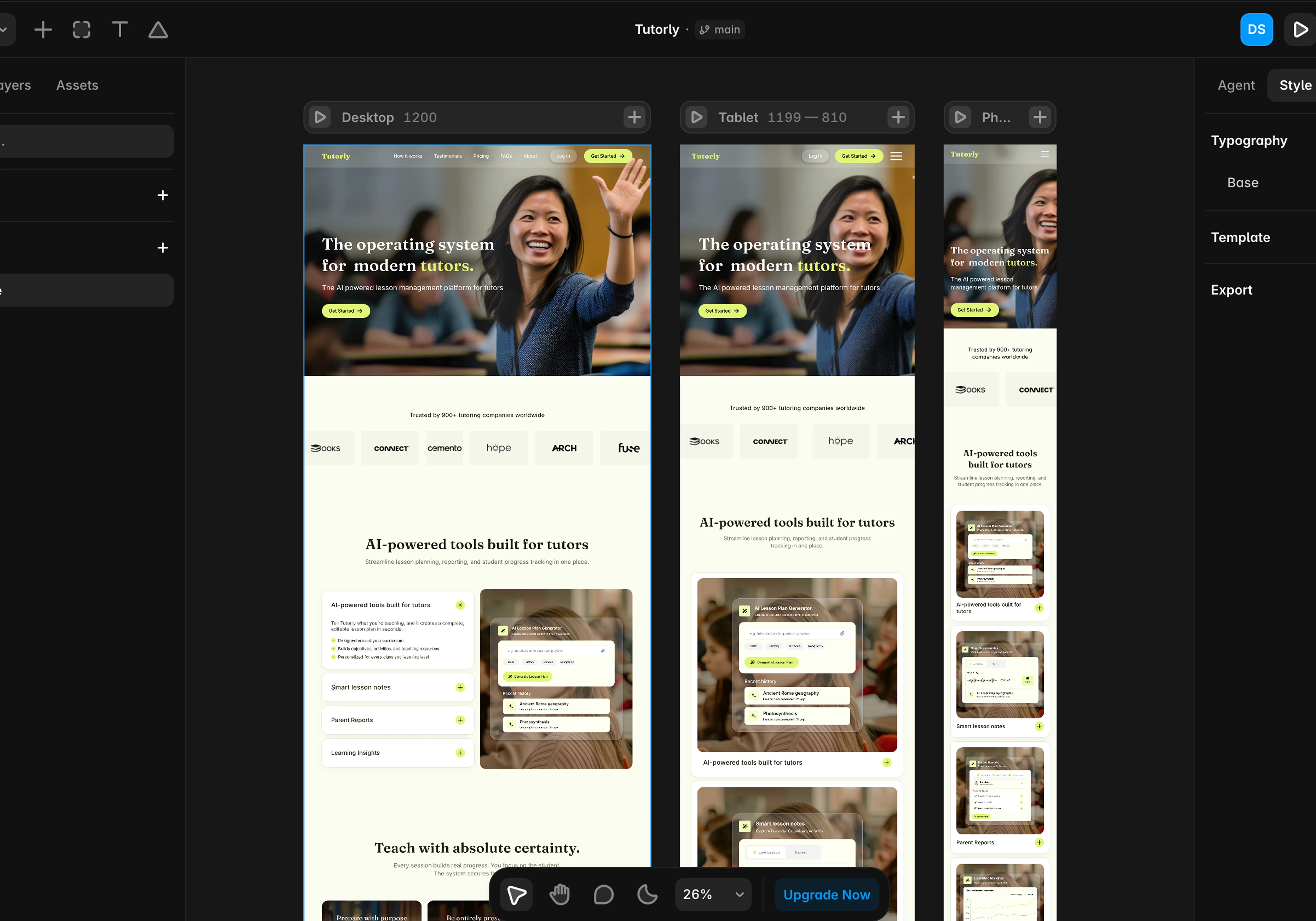
Responsive Design in Framer
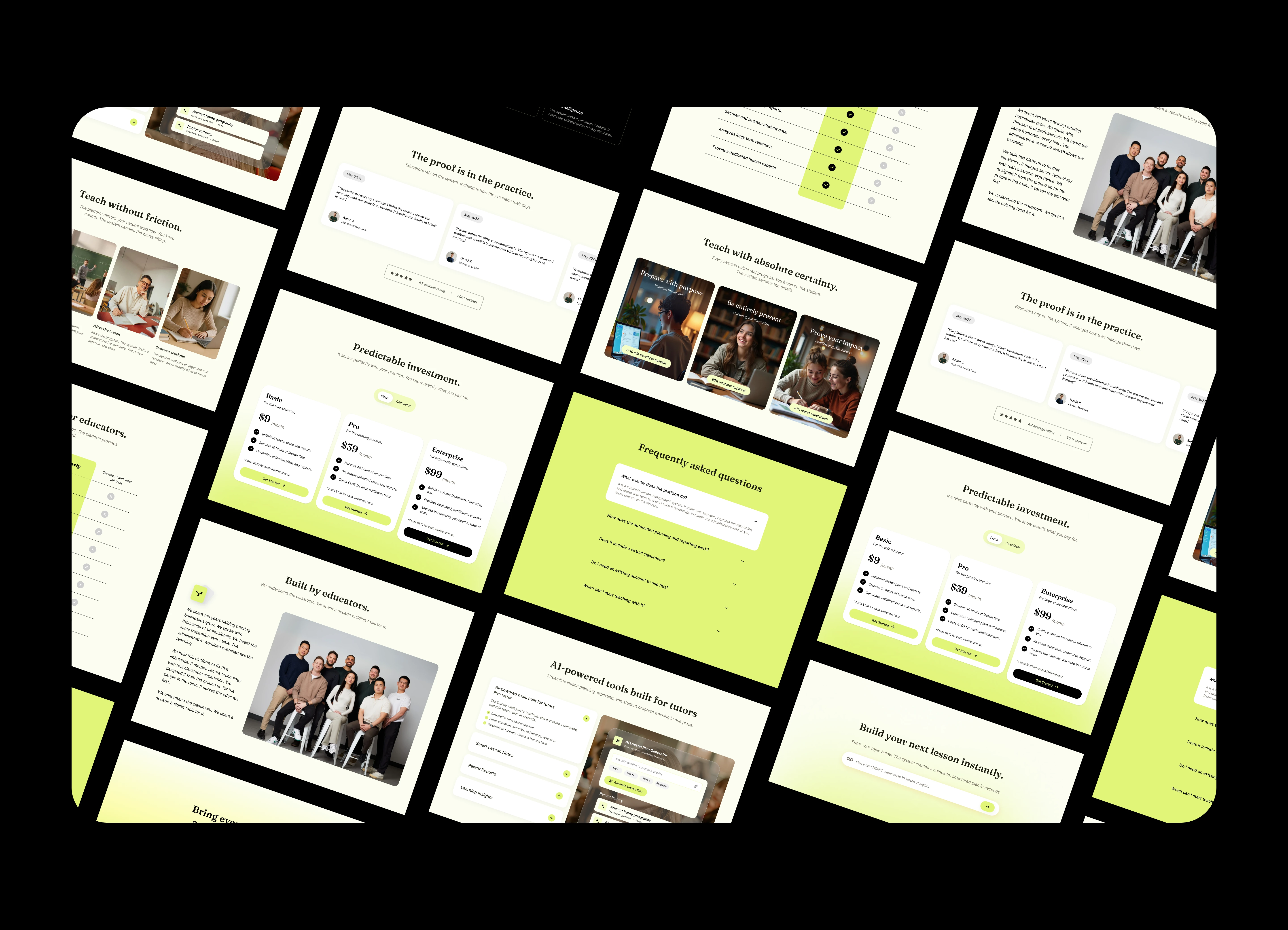
Section Design
What I learned
This project was an opportunity to strengthen both my visual design and UX thinking while designing a modern SaaS website. It reinforced the importance of creating an experience that is not only visually appealing but also purposeful and easy to navigate.
Thank You
1 like · 12 views · Jul 1, 2026
Designed a modern website for Tutorly, an AI-powered lesson planning platform that helps educators create engaging learning resources.


