
CASE STUDY: Automated Car Commercial Generation Workflow
Client Brief & Challenge
The Client Request
A automotive marketing agency approached me with a specific need: they wanted to generate professional car commercials quickly and cost-effectively. Their requirements were:
Client Needs:
Simple Input System - Only 2 inputs: car model + city location
Multiple Camera Angles - 7 different cinematic shots per commercial
Driving Footage - Car must be shown in motion, not static
Beautiful Environments - Cinematic city settings with proper lighting
Professional Quality - Broadcast-ready output
Easy Variation - Ability to change car/city instantly for new videos
Mini-Movie Feel - Complete narrative arc, not just random clips
The Problem:
Traditional car commercial production costs $50,000-$150,000 and takes weeks. They needed:
Cost: Under $10 per commercial
Speed: 10-15 minutes per video
Scale: Ability to produce hundreds of variations
Consistency: Professional quality every time
My Analysis & Strategic Approach
Why Traditional Solutions Failed
Option 1: Stock Footage
❌ Limited variety
❌ Generic, not brand-specific
❌ Can't customize car models or cities
❌ Licensing costs add up
Option 2: Manual AI Generation
❌ Requires 7 separate prompts
❌ Inconsistent style between shots
❌ Time-consuming prompt engineering
❌ No automation
Option 3: Traditional Video Editing
❌ Still requires source footage
❌ Labor-intensive
❌ Not scalable
My Solution Strategy
I identified that the client needed automated orchestration of AI video generation with:
Intelligent prompt generation - AI creates cinematography descriptions
Systematic shot variety - Predefined camera angle archetypes
Workflow automation - No manual intervention between inputs and output
Style consistency - Unified aesthetic across all 7 shots
Modular architecture - Easy to modify parameters
The Weavy Workflow Solution
Architecture Overview
I designed a node-based pipeline that transforms 2 text inputs into a complete commercial:
Detailed Workflow Breakdown
Layer 1: Input Collection (Nodes 1-2)
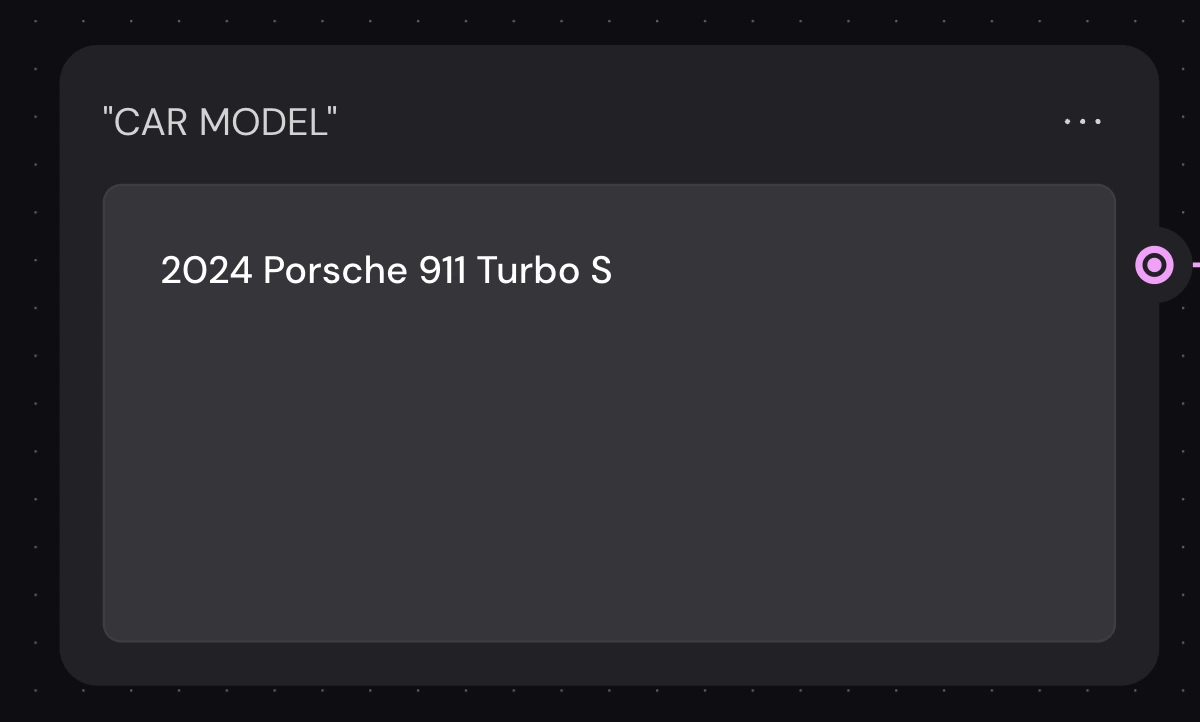
Node 1: Car Model Text Input
Purpose: Capture specific vehicle
Example: "2024 Porsche 911 Turbo S"
Why separate node: Enables instant car swapping
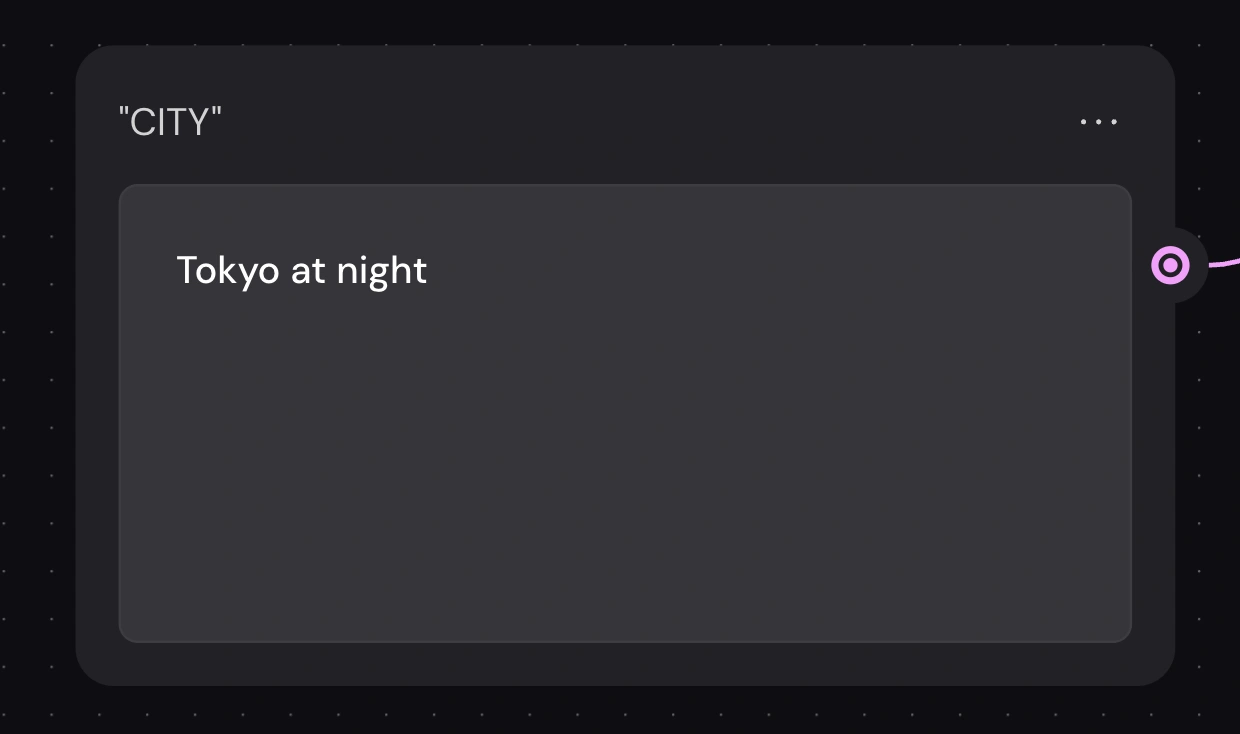
Node 2: City Location Text Input
Purpose: Define environment and lighting
Example: "Tokyo at night"
Why separate node: Enables instant location changes
Design Rationale: By separating these as independent nodes rather than a single combined input, I enabled maximum reusability. The client can generate 100 different combinations from just 10 cars × 10 cities without rebuilding the workflow.
Layer 2: Intelligent Prompt Generation (Nodes 3-4)
Node 3: Prompt Concatenator
Function: Combines user inputs with master cinematography template
Contents:
User inputs (car + city)
Cinematography instruction set
Shot type definitions
Technical requirements
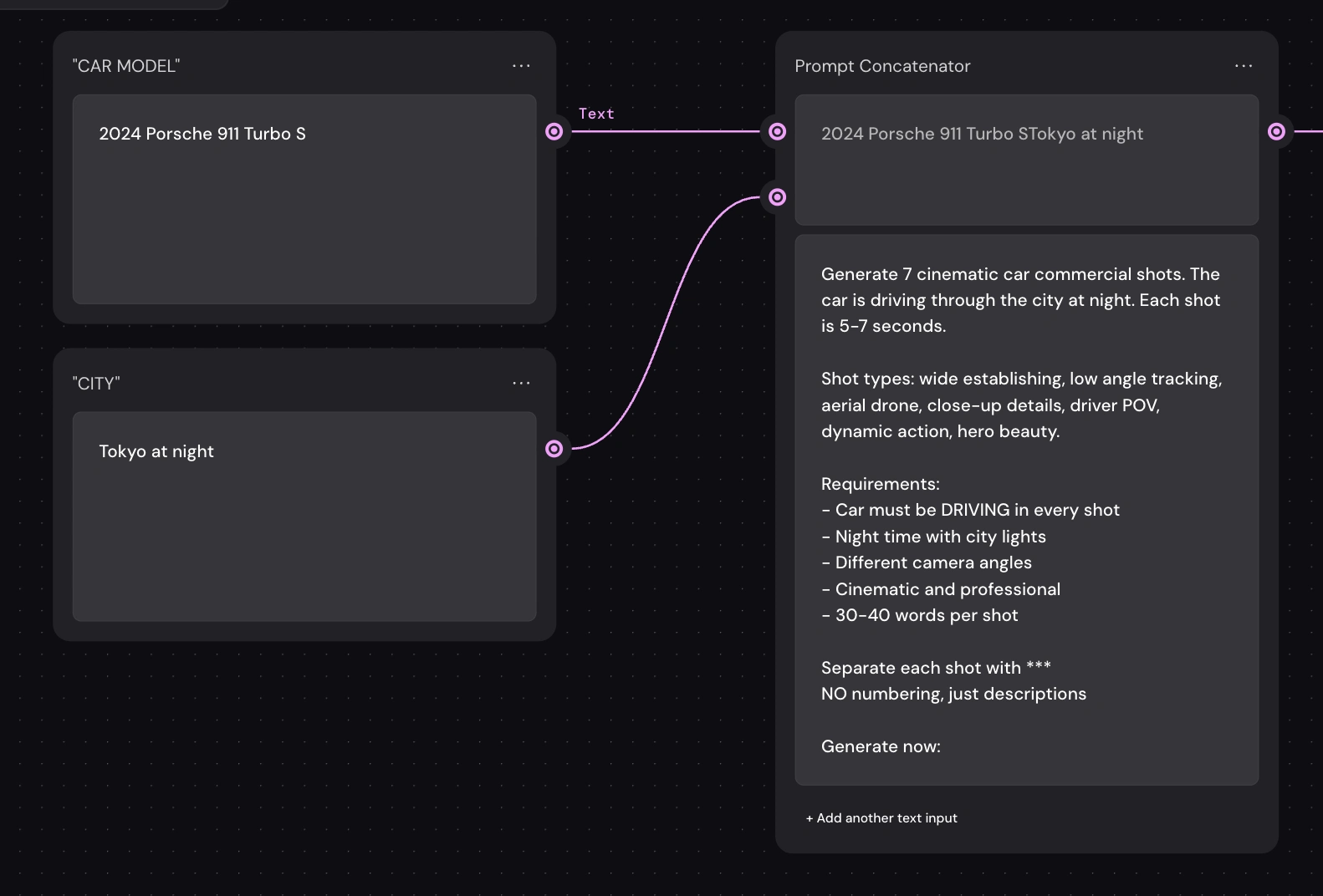
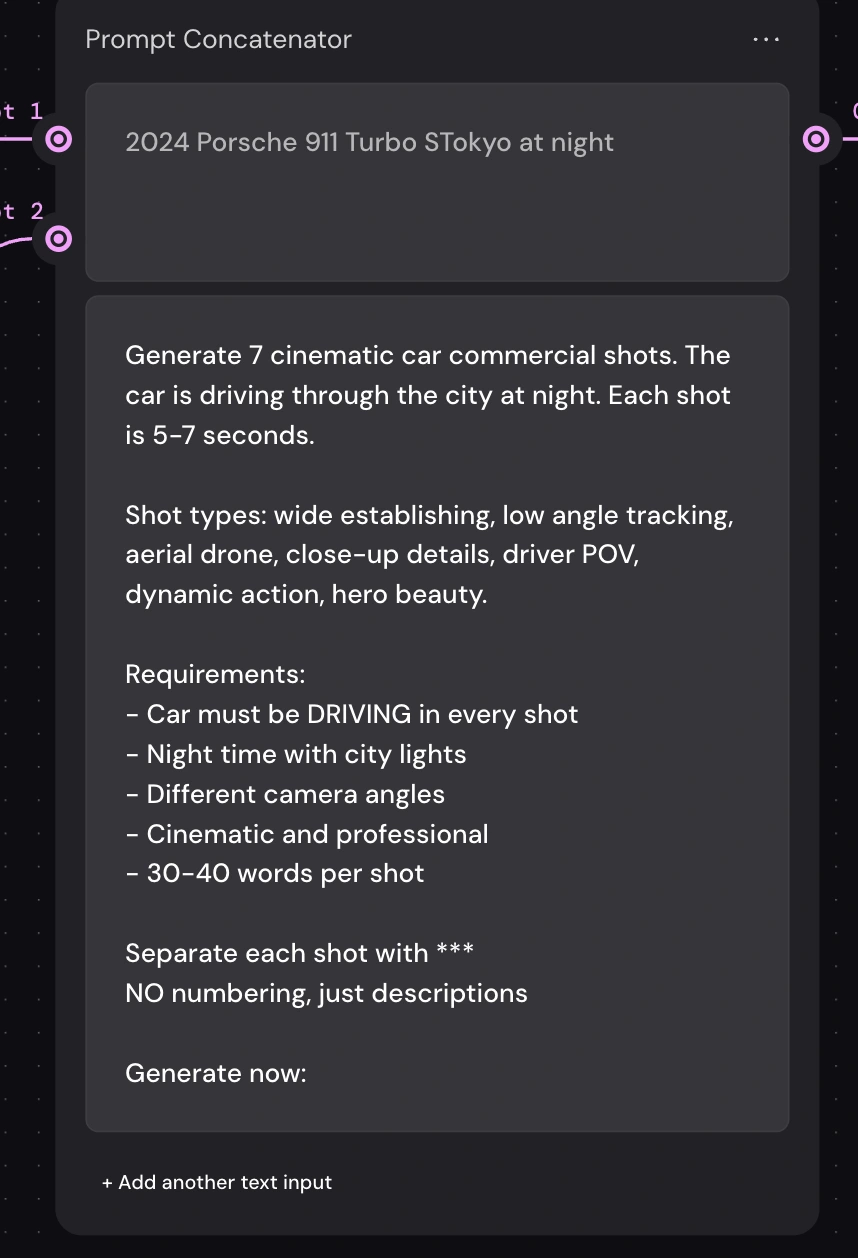
Master Prompt Template Structure:
Design Rationale:
This template was refined through 15+ iterations to achieve:
Specificity: Detailed enough for quality output
Flexibility: Works with any car/city combination
Consistency: Enforces unified aesthetic
Technical precision: Uses professional cinematography language
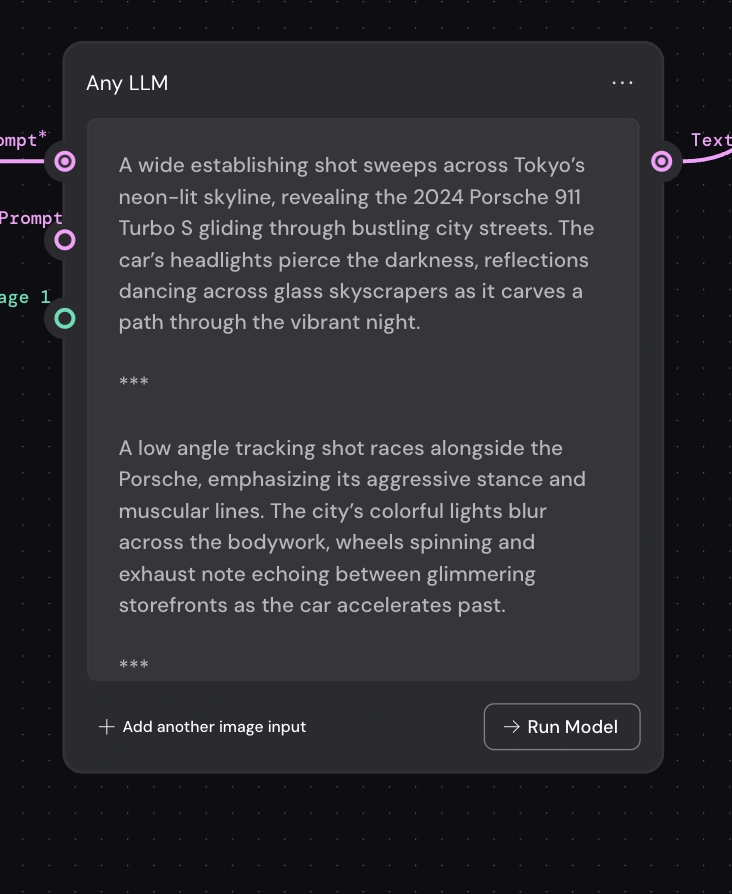
Node 4: GPT-4 LLM
Model Choice: GPT-4 (not 3.5) for superior creative writing
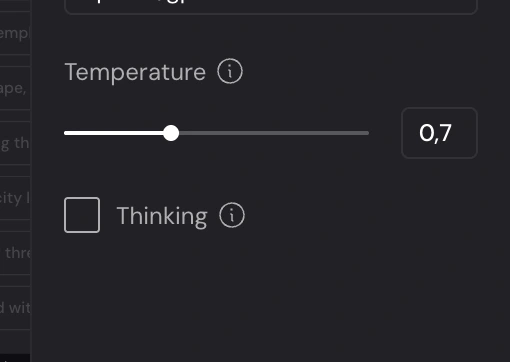
Temperature: 0.7 (balanced creativity + consistency)
Function: Generates 7 unique, professional shot descriptions
Why GPT-4:
Better understanding of cinematography terminology
More creative variation within constraints
Consistent quality across generations
Follows complex multi-part instructions reliably
Layer 3: Distribution System (Nodes 5-6)
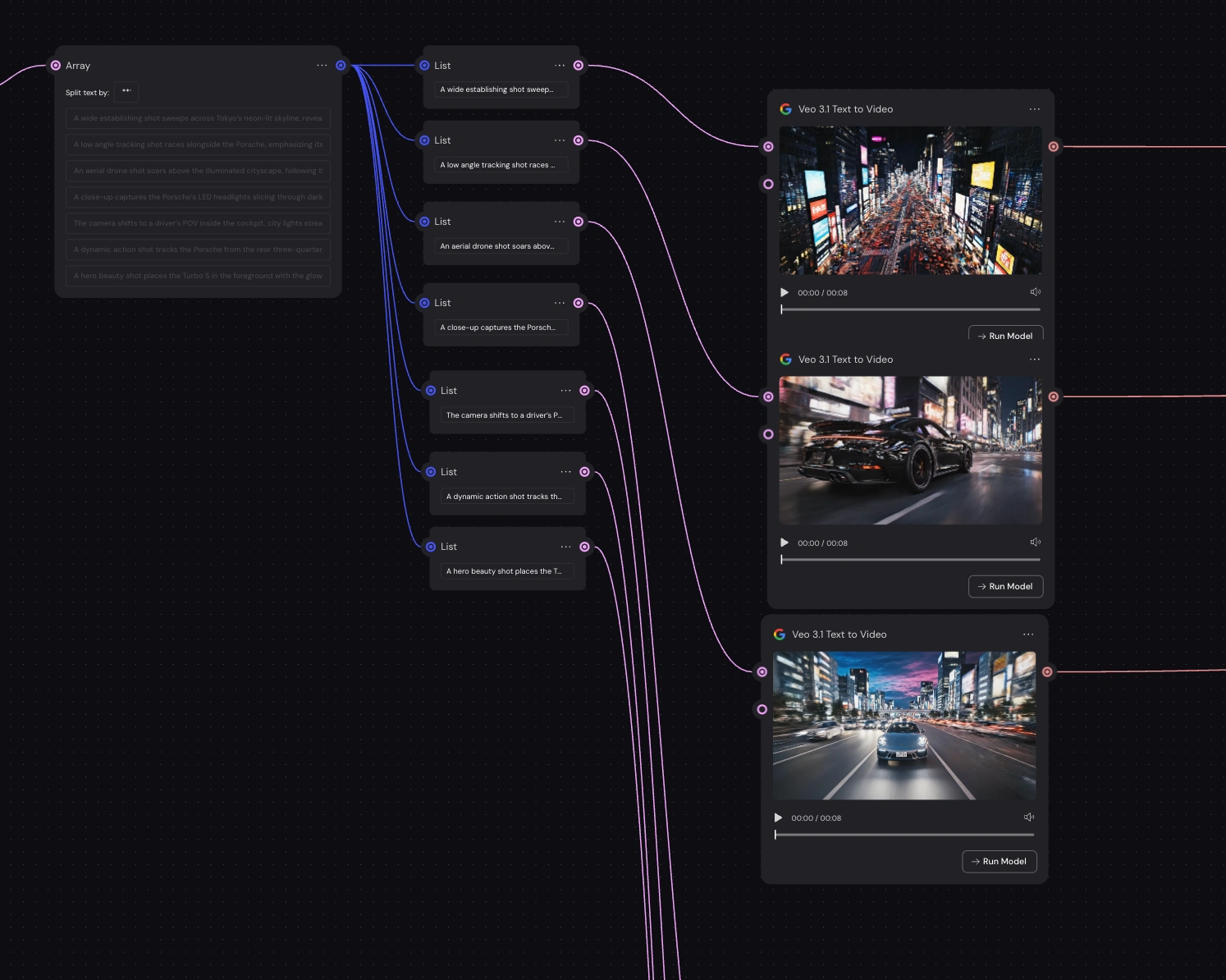
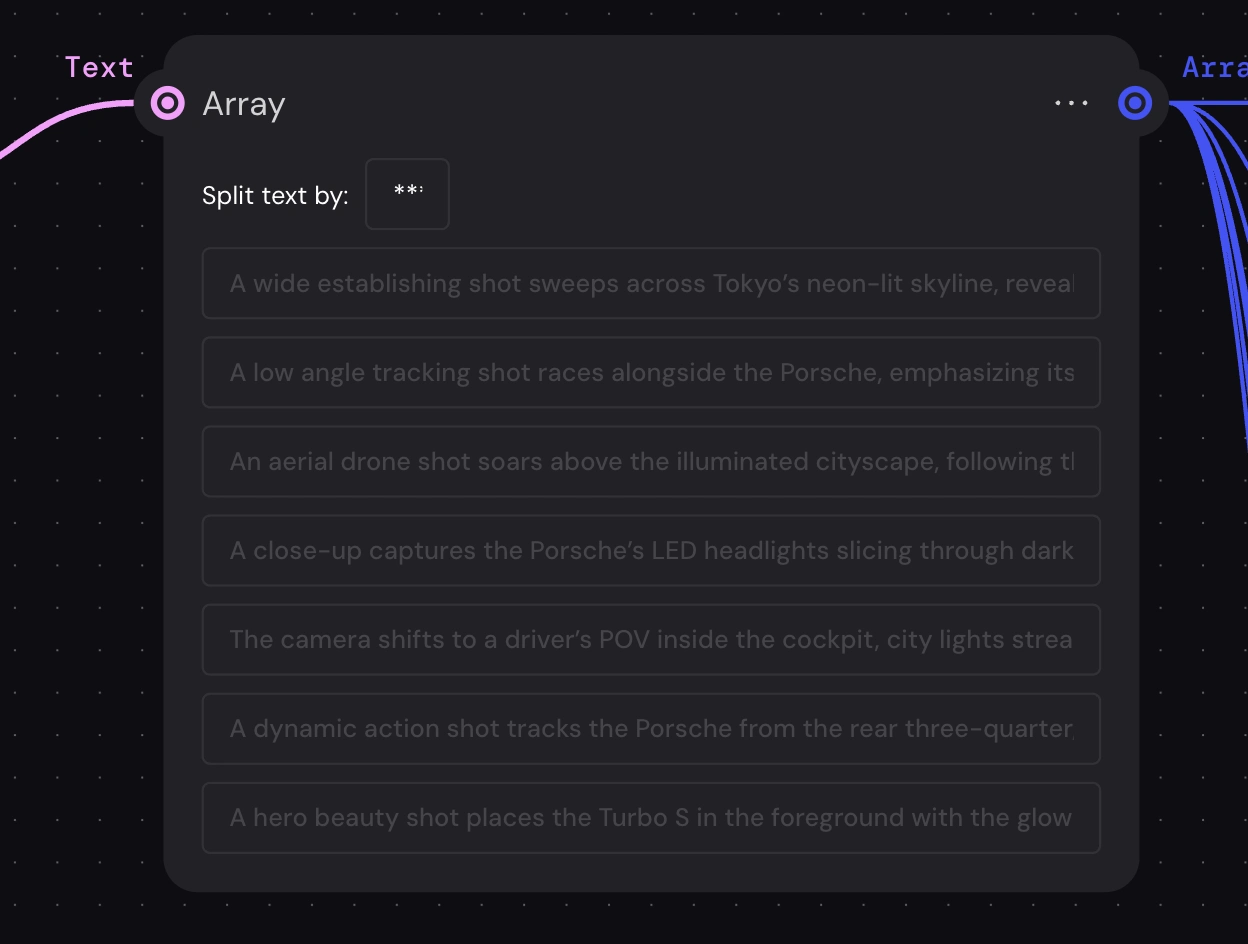
Node 5: Array Splitter
Function: Converts single text block into 7 separate items
Split Character: *** (three asterisks)
Output: Array of 7 independent descriptions
Why This Is Critical: Without the Array node, all 7 descriptions would go to EVERY video generator, creating duplicate content. The Array creates clean separation.
Technical Detail:The *** separator was chosen because:
✅ LLMs reliably output it
✅ Unlikely to appear in natural text
✅ Easy to parse programmatically
✅ No whitespace sensitivity issues
Node 6: Text Iterator
Function: Distributes array items sequentially to connected nodes
Mechanism: Round-robin distribution
Result: Shot 1 → Veo #1, Shot 2 → Veo #2, etc.
Design Rationale:
The Text Iterator is the "traffic controller" of the workflow. It ensures each video generator receives EXACTLY ONE unique shot description. This creates:
✅ Shot diversity (7 different angles)
✅ No duplicates
✅ Predictable ordering
✅ Scalability (could expand to 10, 15, 20 shots)
0 likes · 47 views · Feb 15, 2026
A automotive marketing agency approached me with a specific need: they wanted to generate professional car commercials quickly and cost-effectively.
