Built with Rive

From Static to Alive — Animating CodeGuide’s Landing Page Hero on Rive
📍How It Started
Saw Mark Vassilevskiy’s tweet
“Did I cook here?”
And he did. The layout? Super clean. Copy? Sharp. Visual hierarchy? Nailed.
But to me, the landing page looked a bit static. So I decided to remix it a little and make the hero section move using Rive.
📍My Goal
Just one🤩
Make the hero section fun and alive without losing the clarity of the original design.
🛠 My Process
Part 1: Rebuild
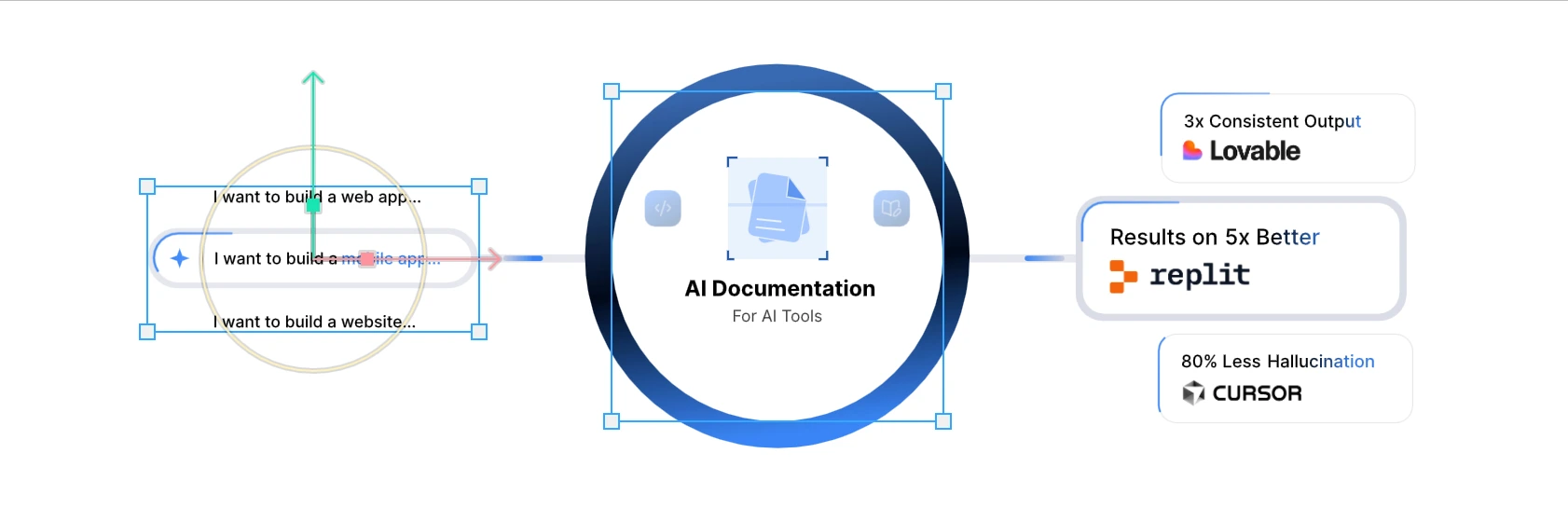
I started by isolating the hero section from the screenshot
Recreated the key layout in Figma
Focused on the elements around the “AI Documentation” wheel that was the star
Part 2: Motion Plan
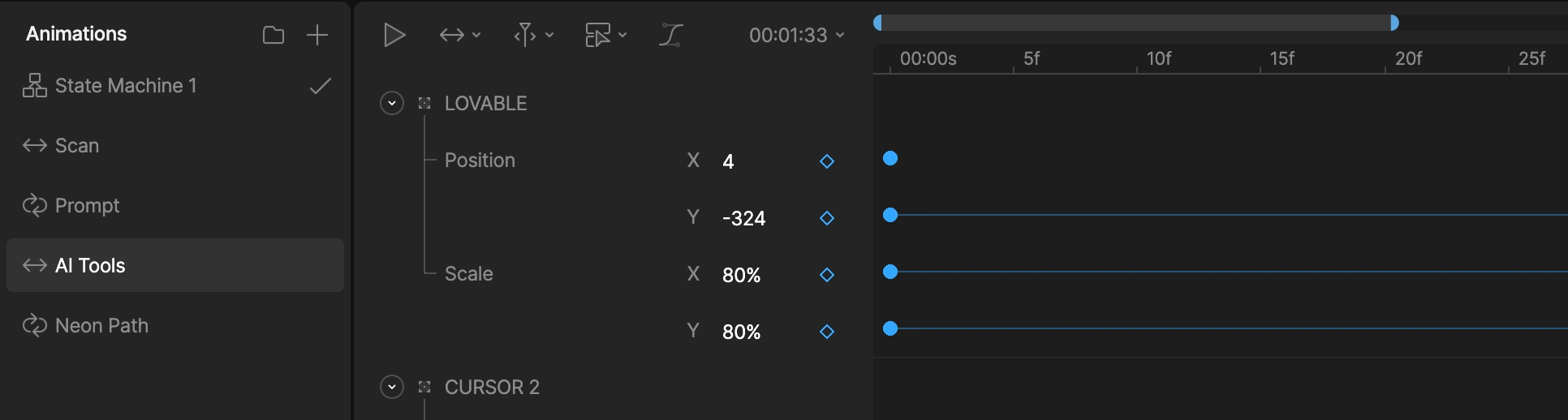
In Rive, I began prototyping motion around the central spinner
I imagined it like a living engine — turning project ideas into smart docs
Part 3: Micro Interactions
Animated the project selector: “I want to build a mobile app”
Gave the connecting lines a smart flow
Icons like Replit, Claude, etc., got soft float states like they’re part of a bigger system working together
🎥 Final Output
All of this came together in Rive:
A looping, responsive, AI-inspired hero section that feels way more alive than the static concept.
For Partnership And Collaboration
Whether you’re building a new product or refining an existing product, Let's lcollaborate and ship your idea to life
📧Email: davecsko@gmail.com
4 likes · 50 views · Jun 21, 2025
I created an interactive hero section designed to captivate users from the moment they land on the page with smooth animations and layered visuals.

