Values Identifier

Harshit Bisht

Values Identifier
Role
Sole Product Designer
Timeline
2 Years
Live Link
From a 144+ question assessment to a complete platform for understanding and applying personal values.
From values discovery to meaningful growth
Helping people understand what matters most.
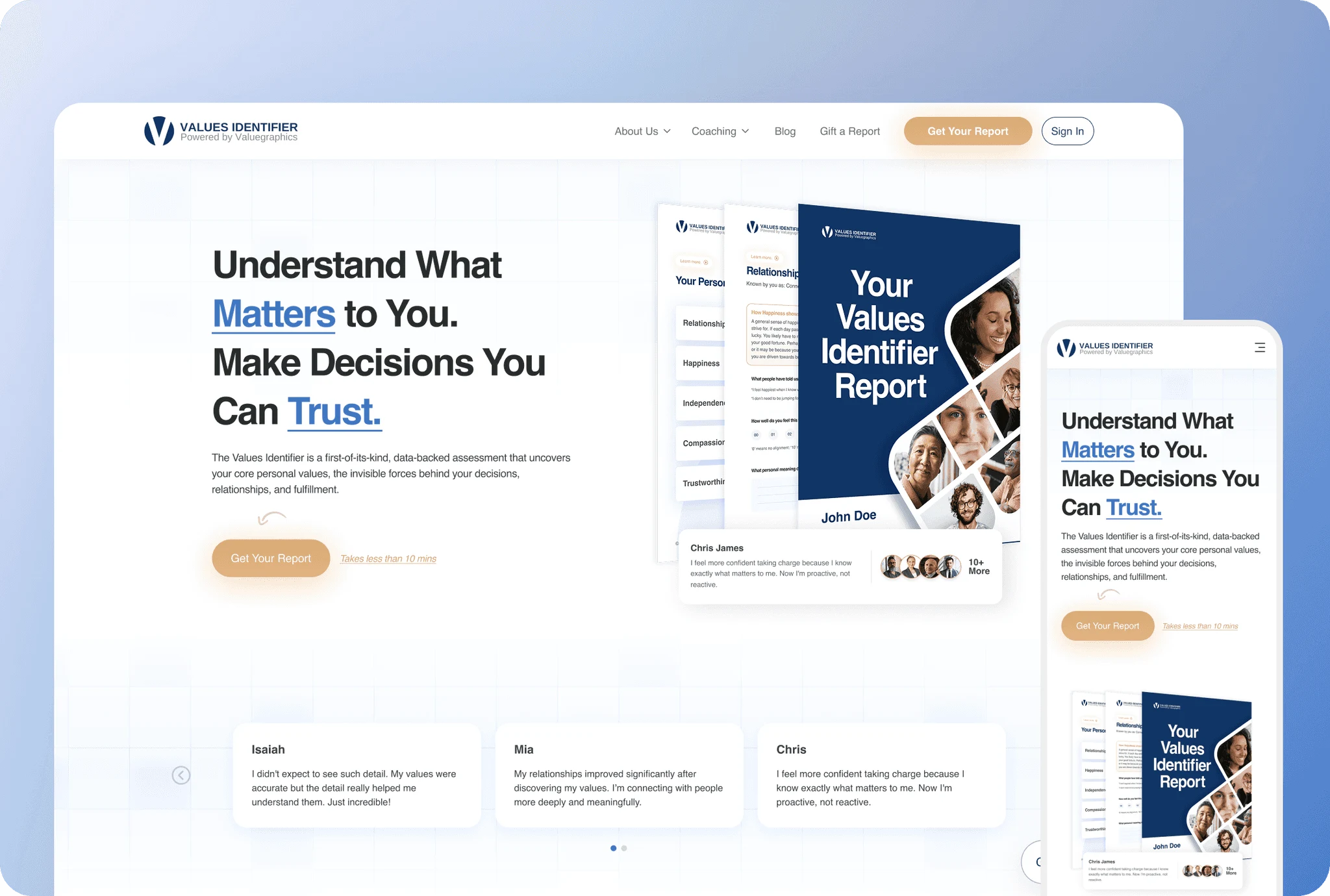
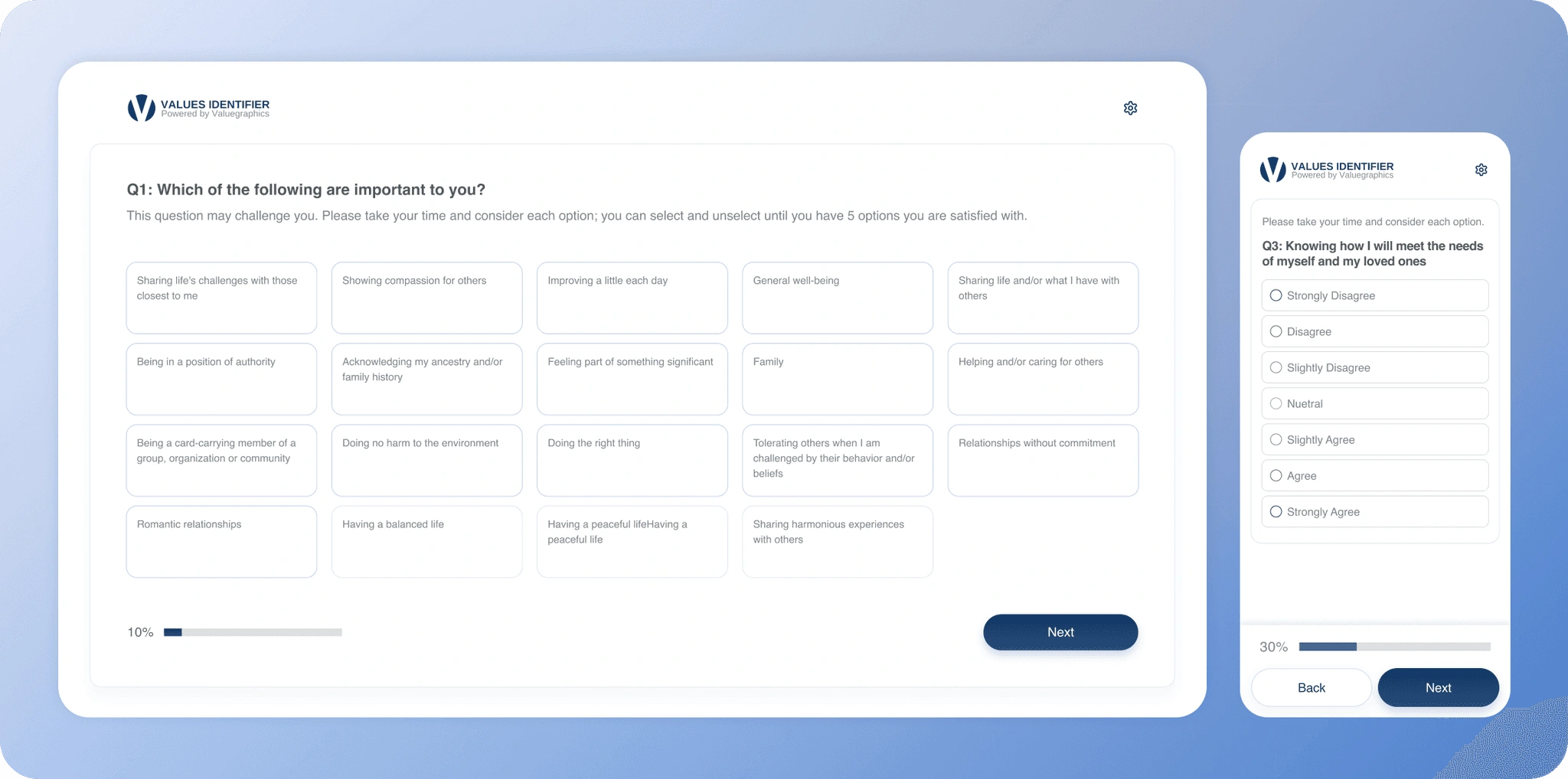
Values Identifier is a platform built around a 144+ question assessment that helps people identify and better understand their personal values.
The assessment generates detailed insights around a user's top 10 values, including what they mean, how they may show up in everyday life, potential blind spots, and ways to live in better alignment.
The opportunity
Turning an idea into a complete digital product.
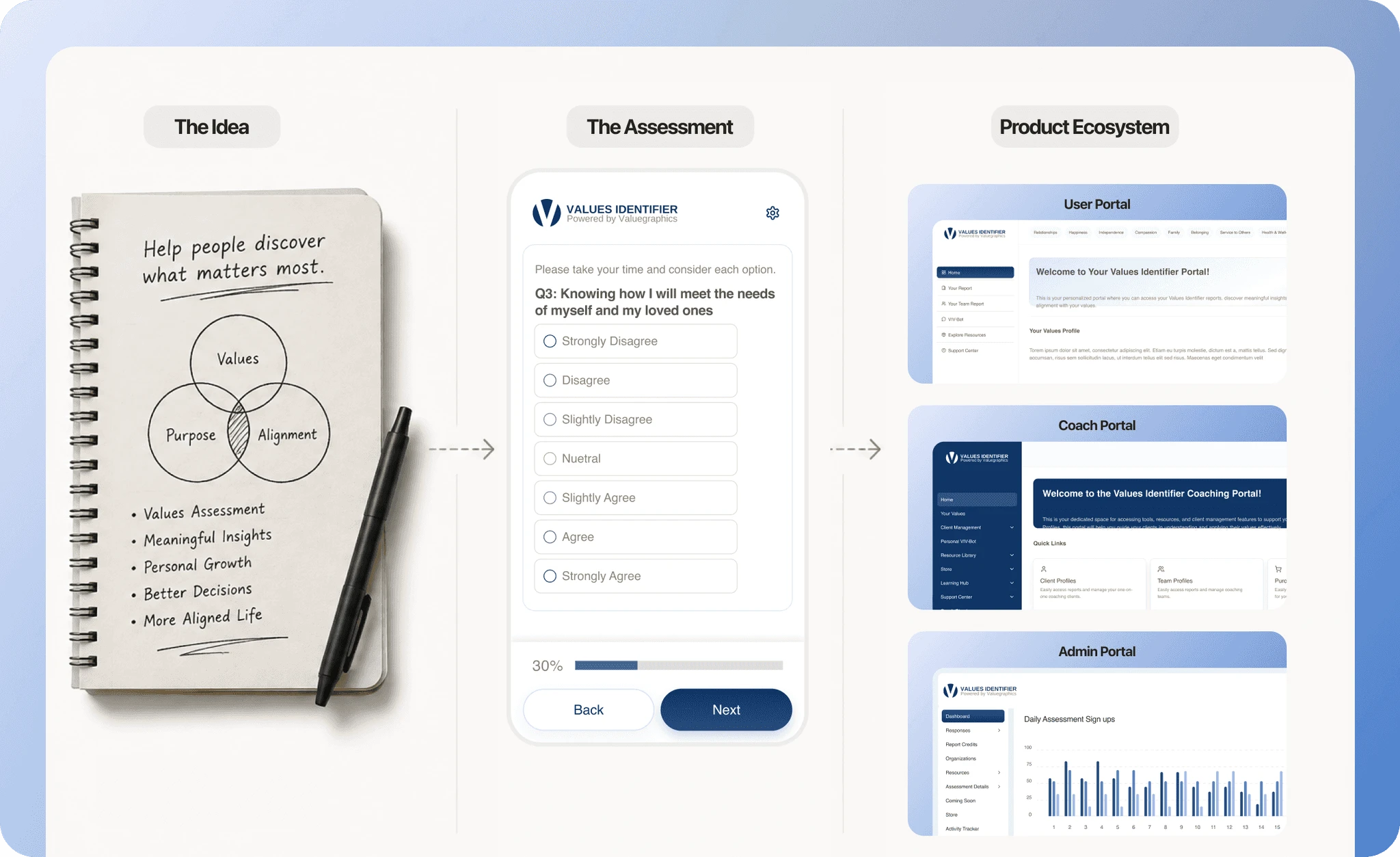
Values Identifier started with an idea for a values assessment. The opportunity went far beyond designing the quiz. The product needed to support the entire journey, from purchase and completion to results, coaching, teams, and platform management. Over time, that idea grew into a complete product ecosystem.
Then the product got bigger
What the product needed to do
As the product grew, so did the people who needed to use it.Different users needed different ways to interact with the platform.
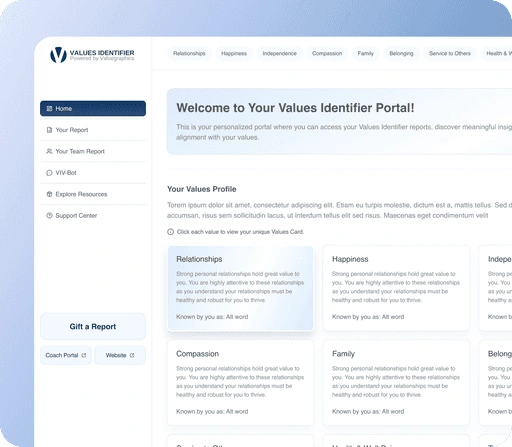
User Portal
Take the assessment. Explore values. Access reports.
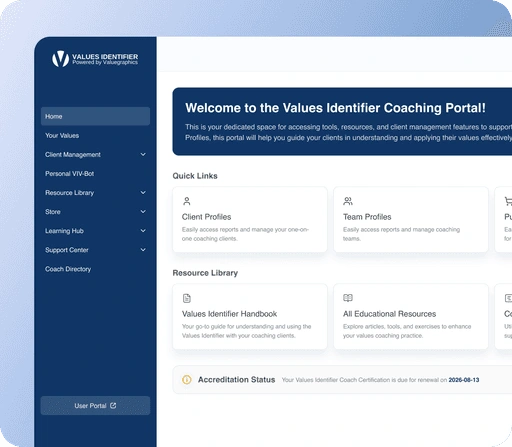
Coach Portal
Manage clients. View shared reports. Access resources.
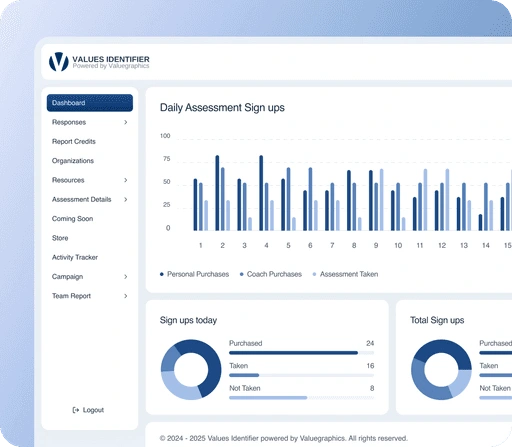
Admin Portal
Monitor activity. Manage users. Control the platform.
Building the product
It started with one question
How do you turn a 144+ question assessment into an experience people will actually complete?
The challenge wasn't simply presenting the questions. The experience needed to make the assessment feel approachable, keep people oriented as they progressed and make it easy to pick up where they left off without losing the depth of the exercise.
The solution was to break the assessment into a focused, step-by-step experience, with clear progress, simple interactions and enough context to keep the user moving without overwhelming them.
Keep the focus on one question
With 144+ questions to complete, the experience needed to feel simple rather than overwhelming.
Each question was presented as a focused interaction, keeping the user's attention on the decision in front of them instead of turning the assessment into one long form.
Make progress visible
A long assessment can quickly leave users wondering how much is left.
The progress indicator gave users a constant sense of where they were in the assessment and how far they still had to go, making the overall commitment easier to understand.
Save progress automatically
Completing the assessment could take time, so progress couldn't depend on users manually saving their work.
Responses were automatically saved as users moved through the assessment, allowing their progress to persist without adding another action to the experience.
Turn processing time into part of the experience
Finishing the last question wasn't the end of the journey. The assessment results needed to be processed before they could be shown.
Rather than leaving users with a static loading screen, a video played during this transition, making the wait feel intentional while their results were being prepared.
Spotlight: Teams
Teams section
Teams introduced a different layer of complexity to Values Identifier. Instead of one person moving through an assessment, a team could include multiple members, manage assessment credits, track progress and access reports.
The experience had to make these relationships clear while giving team owners enough control without making the workflow feel like an admin tool.
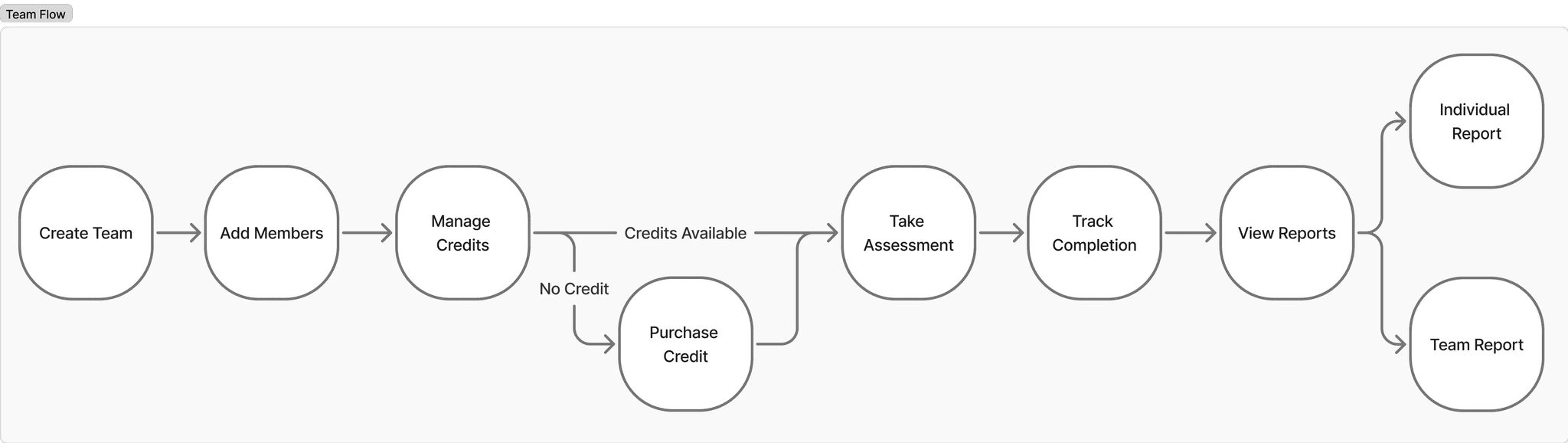
The complexity went beyond the happy path. The experience also needed to handle incomplete assessments, unavailable credits, and additional VI-Bot access.
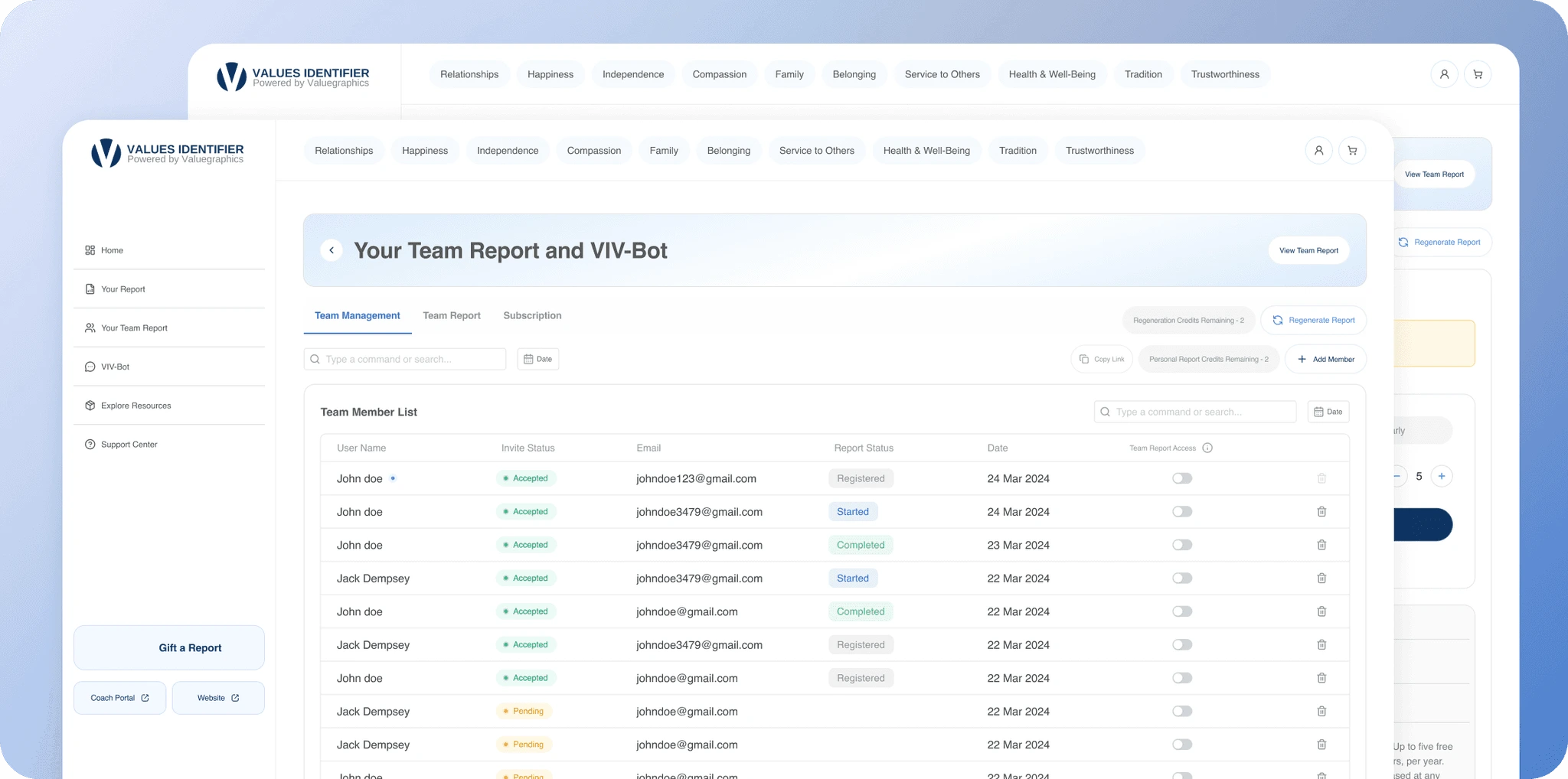
Make team progress easy to understand
A team could have multiple members at different stages of the assessment. The experience needed to make that status clear at a glance from invited and in progress to completed.
Rather than checking individual profiles one by one, team owners could understand the state of the whole team from a single view.
Connect credits to the assessment workflow
Credits were required to add members to a team. Each member required one credit, with one credit corresponding to the purchase of one individual report.
The interface prompted team owners to buy more credits when needed. Adding a member with available credits created a pending invitation until they joined the team..
Turn individual results into team insights
Once generated, the team report remained available even if some assessments were incomplete. Leaders were warned and could generate it using the available results, such as 5 of 8 members completed.
The report showed the team's top shared values, common patterns, and areas of alignment or difference, while still allowing team owners to explore individual results.
Supporting the coaching journey
The assessment gave people a better understanding of their values, but coaches needed more ways to work with those insights.
The Coach Portal brought client management, assessments, reports and coaching tools into one place. It also included a course dashboard where coaches could access learning material and work through the certification program.
Client management
Report sharing and permissions
Educational resources
Coaching tools
Course dashboard
Team creation and management
A course experience built into the dashboard
The certification program was designed as a fully functional course experience inside the Coach Dashboard. Coaches could access the learning material, move through the course and track their progress as they worked towards certification.
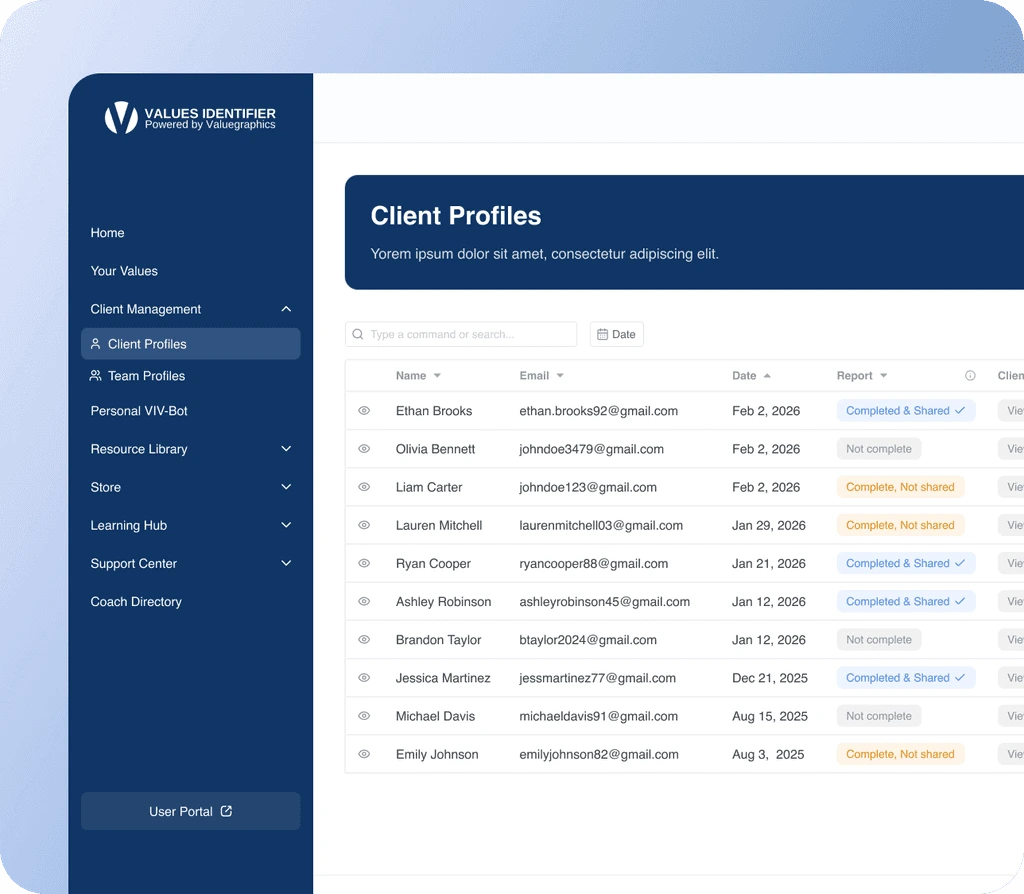
Client management
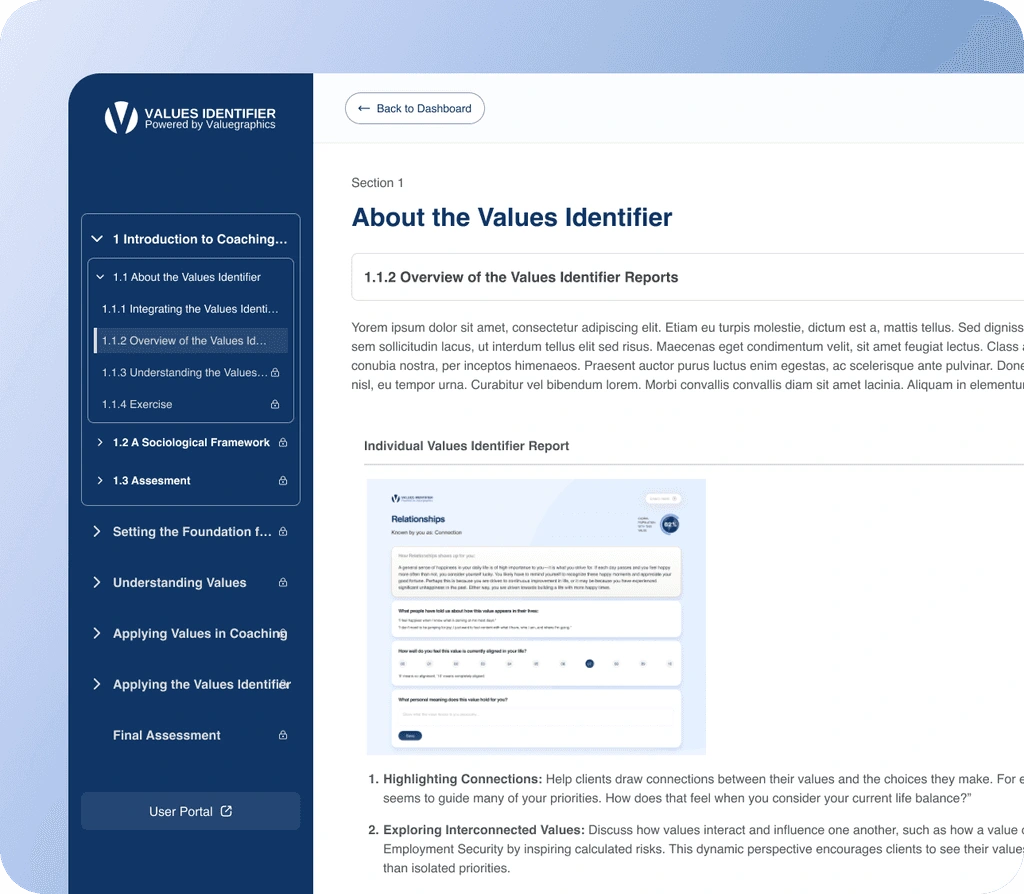
Course Dashboard
A curveball: Wix migration
Migrating a custom website to Wix.
Later in the project, the client wanted more control over the marketing website and the ability to make smaller updates independently.
Since the original website was not designed around Wix, several sections needed to be rethought and adapted to work within the platform's constraints.
The migration included:
Redesigning sections where needed
Adapting layouts for Wix
Maintaining responsiveness across desktop, tablet, and mobile
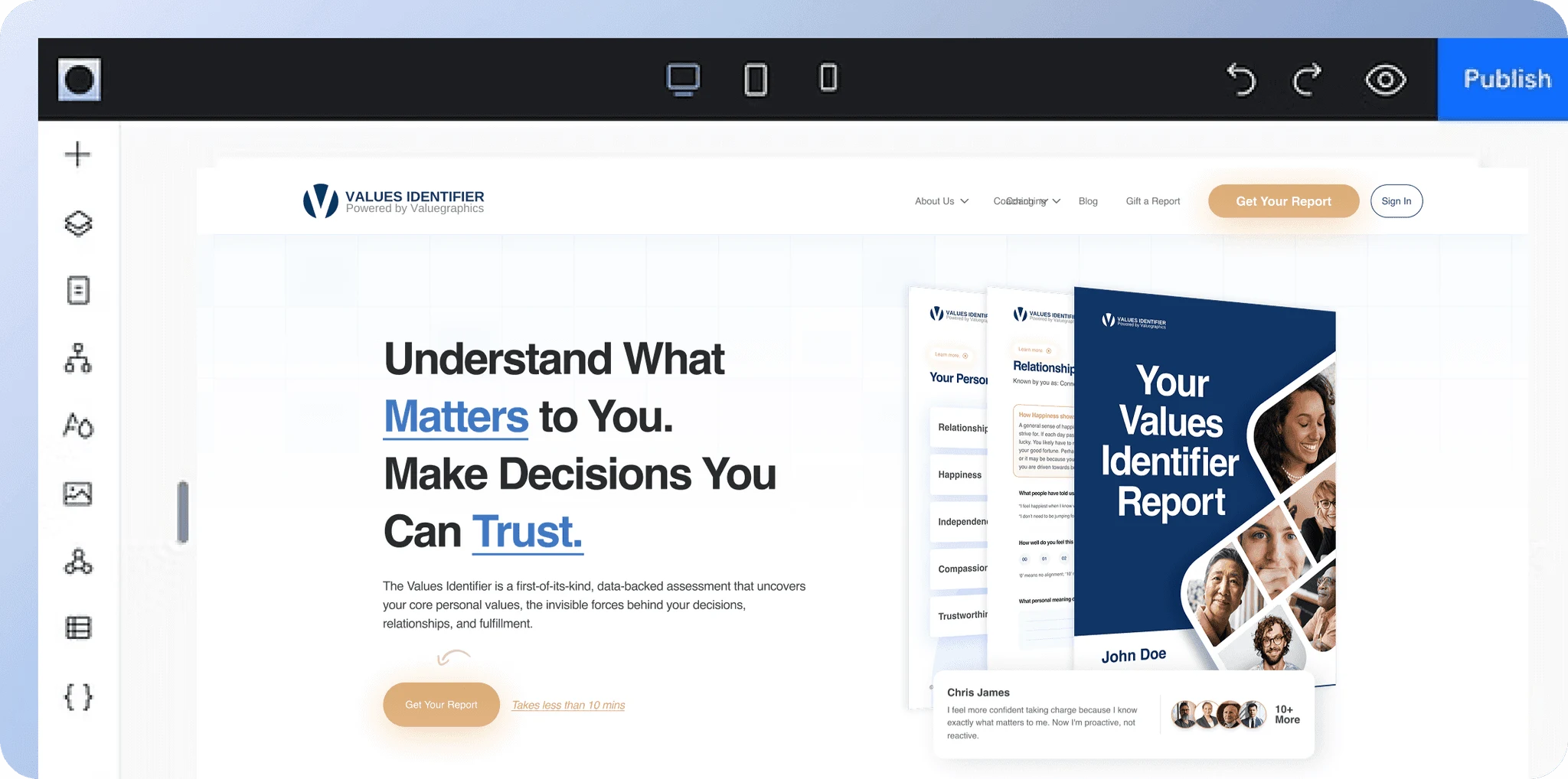
A look across the product.
Major screens
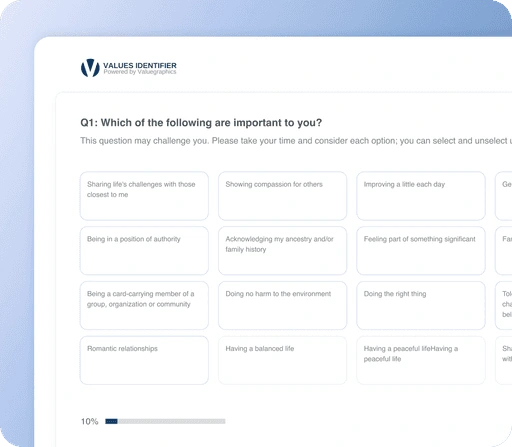
Assessment
User Dashboard
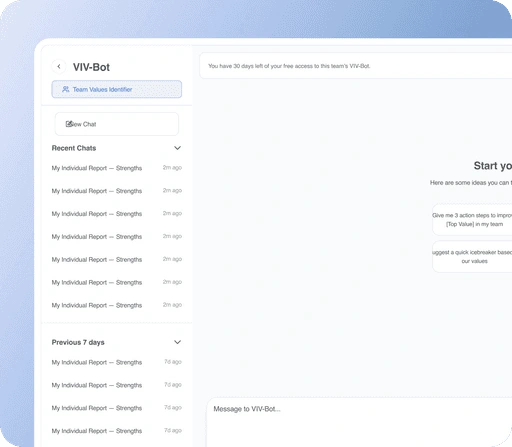
VI-Bot
Coach Portal
Admin Portal
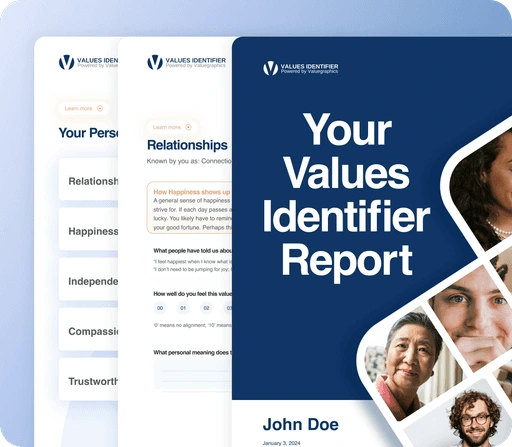
Reports
From an idea to a live product.
Outcome
Over nearly two years, Values Identifier grew into a complete platform used across individuals, coaches, teams, and organizations.
Marketing website
From the first landing page to a full website, later migrated to Wix.
144+ Question Assessment
A guided, responsive assessment designed to feel manageable.
Multi-Portal Ecosystem
User, Coach, Teams, and Admin experiences.
Reports & Insights
10+ dynamically generated individual and team reports.
Store & Commerce
Assessment purchases, additional reports, merchandise, and integrations.
Teams Experience
Team creation, member management, credits, and collective reports.
AI Chatbot & Subscriptions
VI-Bot, seat management, pricing, and subscription flows.
Learning & Certification
Educational resources, coaching tools, and a complete certification course.
Responsive Product Experience
The entire ecosystem designed across desktop, tablet, and mobile.
A look behind the product
Over two years, Values Identifier grew from a single values assessment into a complete product ecosystem. The work covered the marketing website, individual user experience, Coach and Admin portals, team management, reporting, a custom course dashboard for coach certification, responsive product design and mobile experiences. Each part had its own workflows and requirements, but they all had to work together as one connected product.
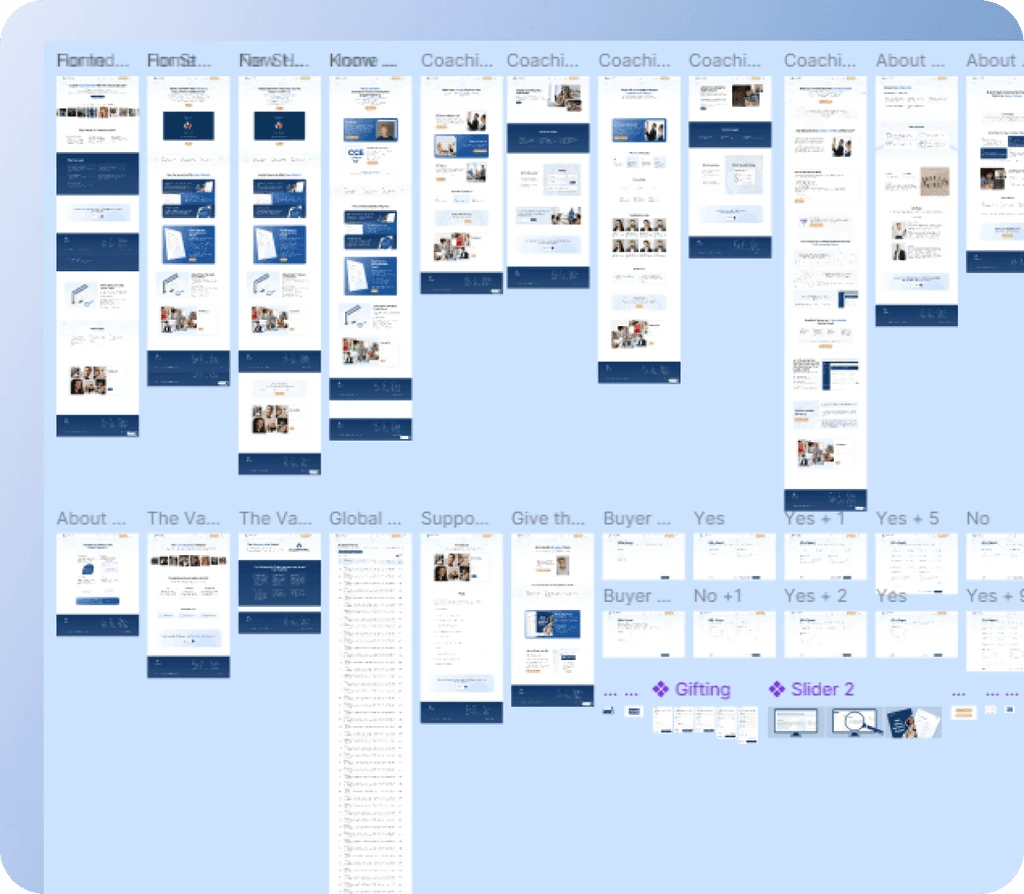
Website
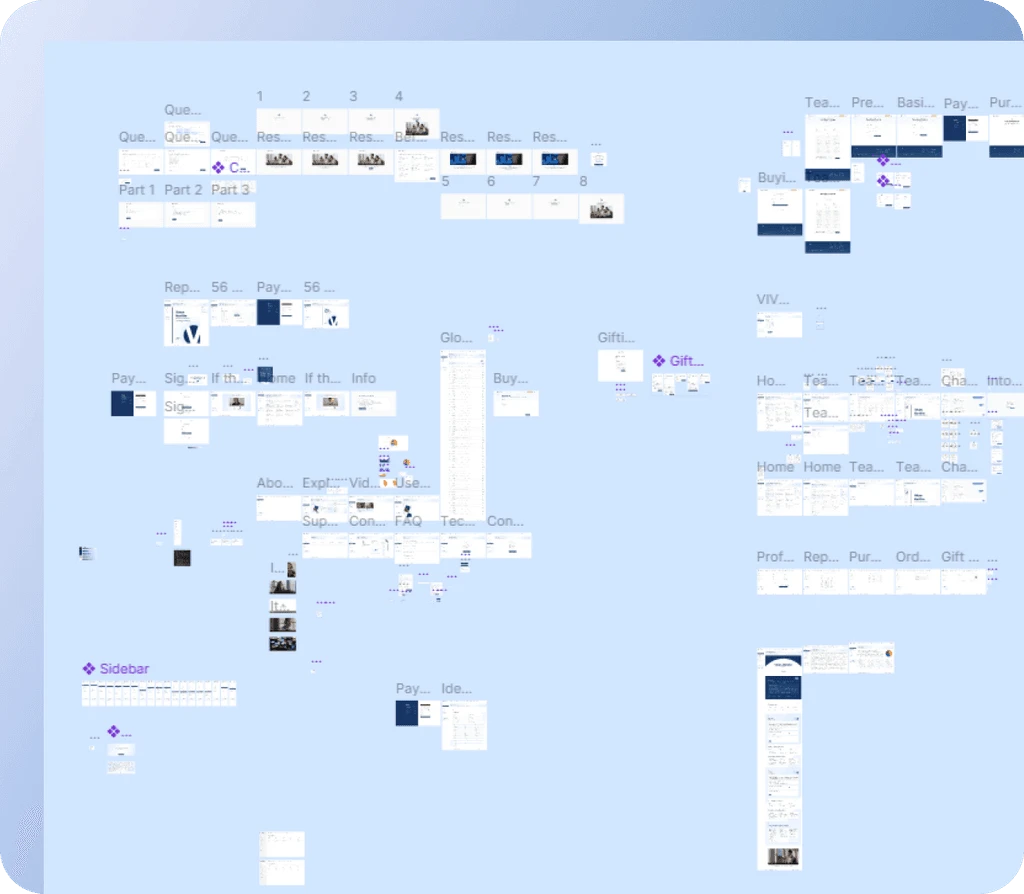
User Portal
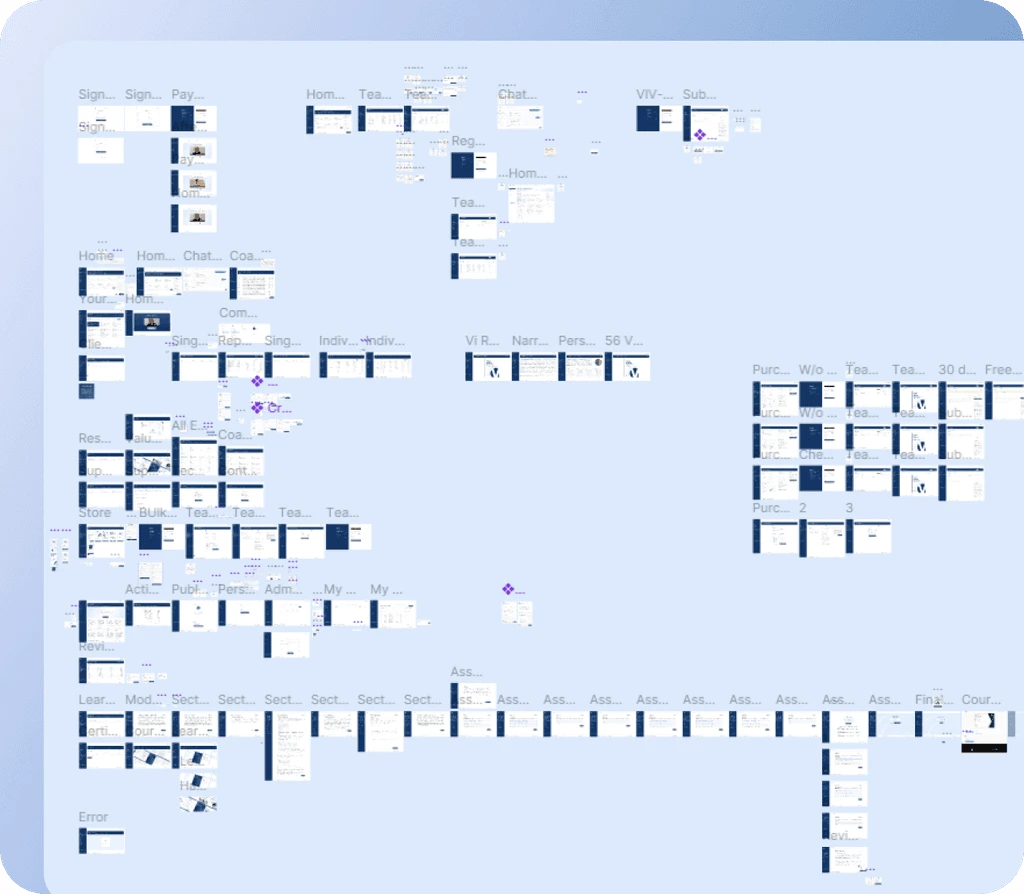
Coach Portal
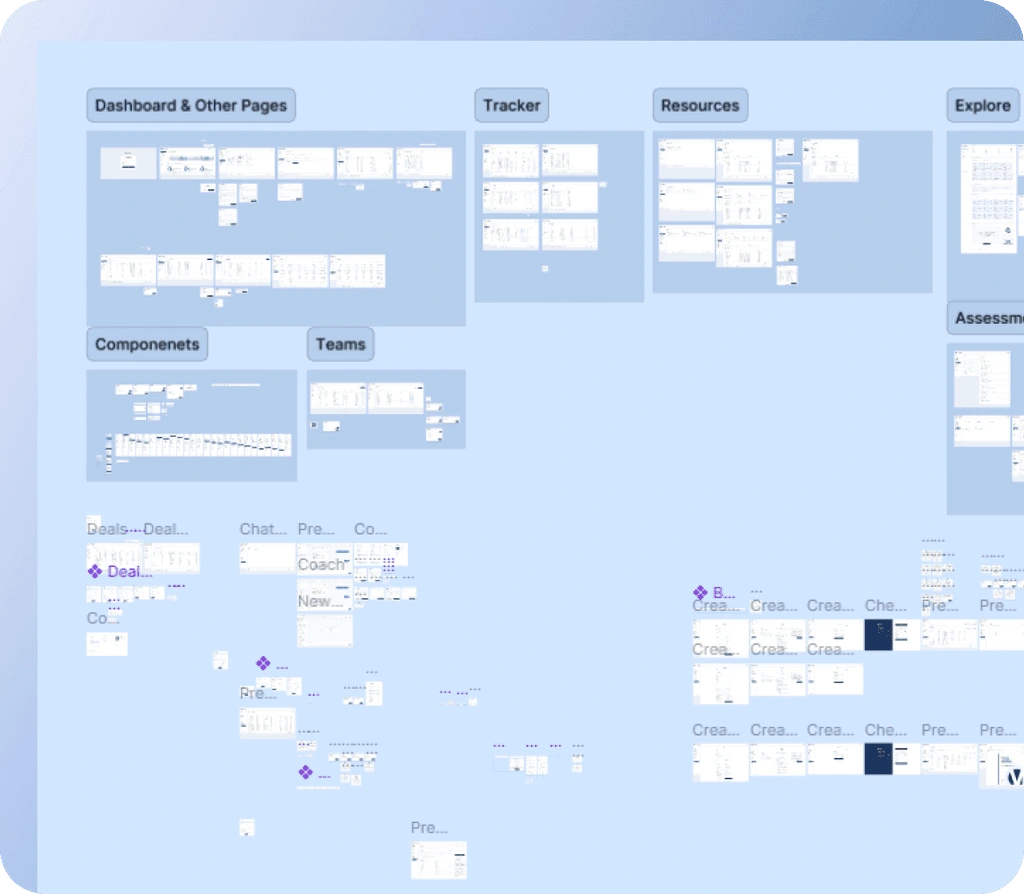
Admin Portal
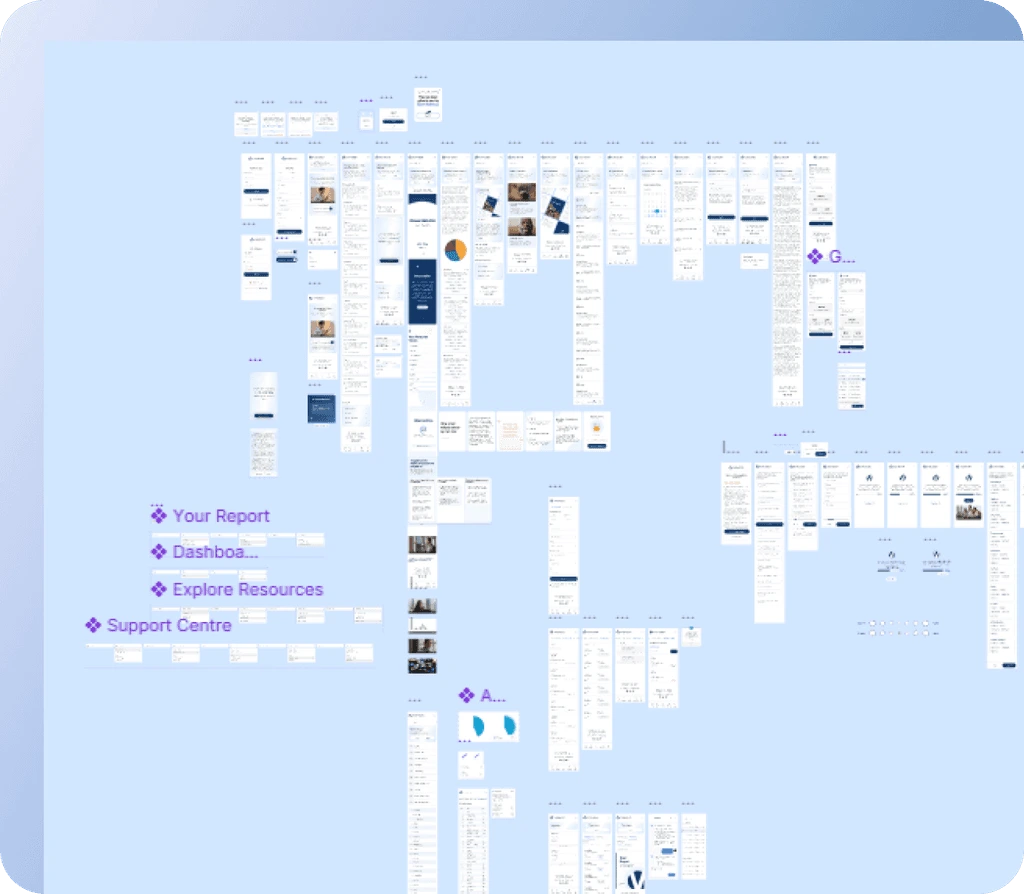
User Portal Mobile
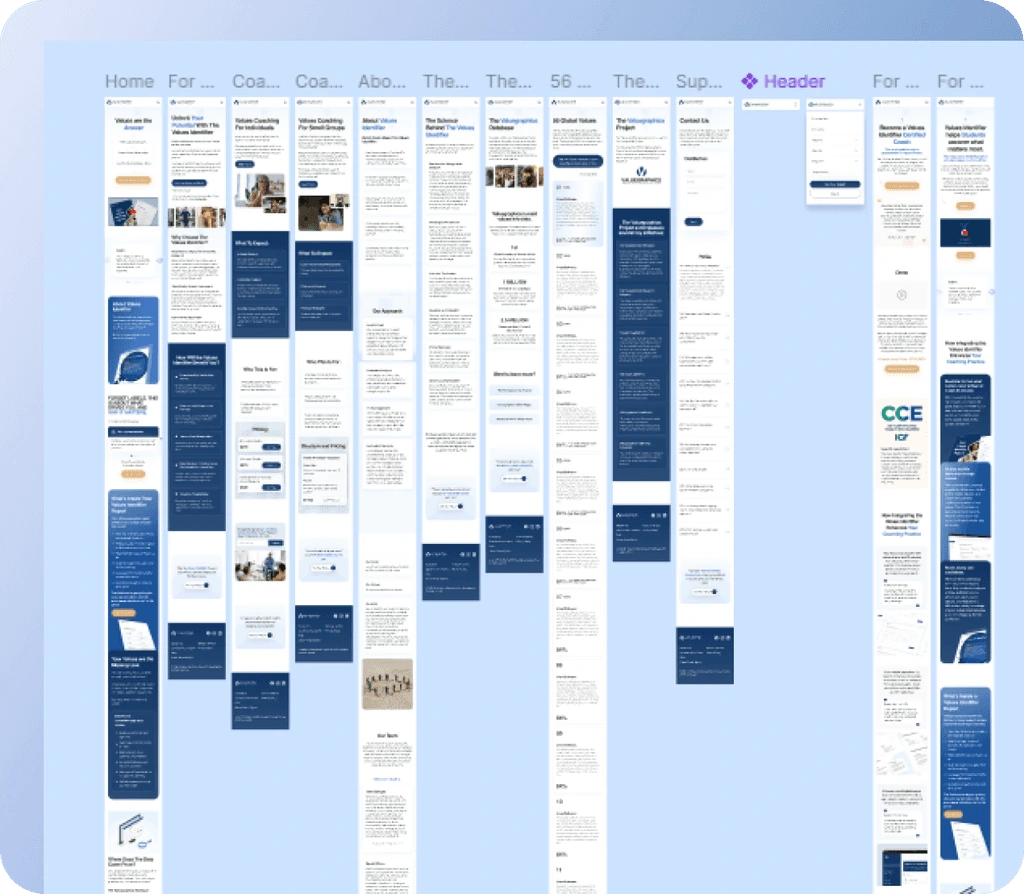
Website Mobile
Values Identifier
Like this project
Posted Sep 8, 2026
Platform built around a 144+ question assessment, providing individual, coach, team, and admin portals with reports, commerce, and a migrated Wix marketing site.
Likes
0
Views
3