The Accounting Toolkit UI Redesign Project

Codey Albers


Project Overview
Client: The Accounting Toolkit, a SaaS accounting platform catering to small and medium-sized businesses.
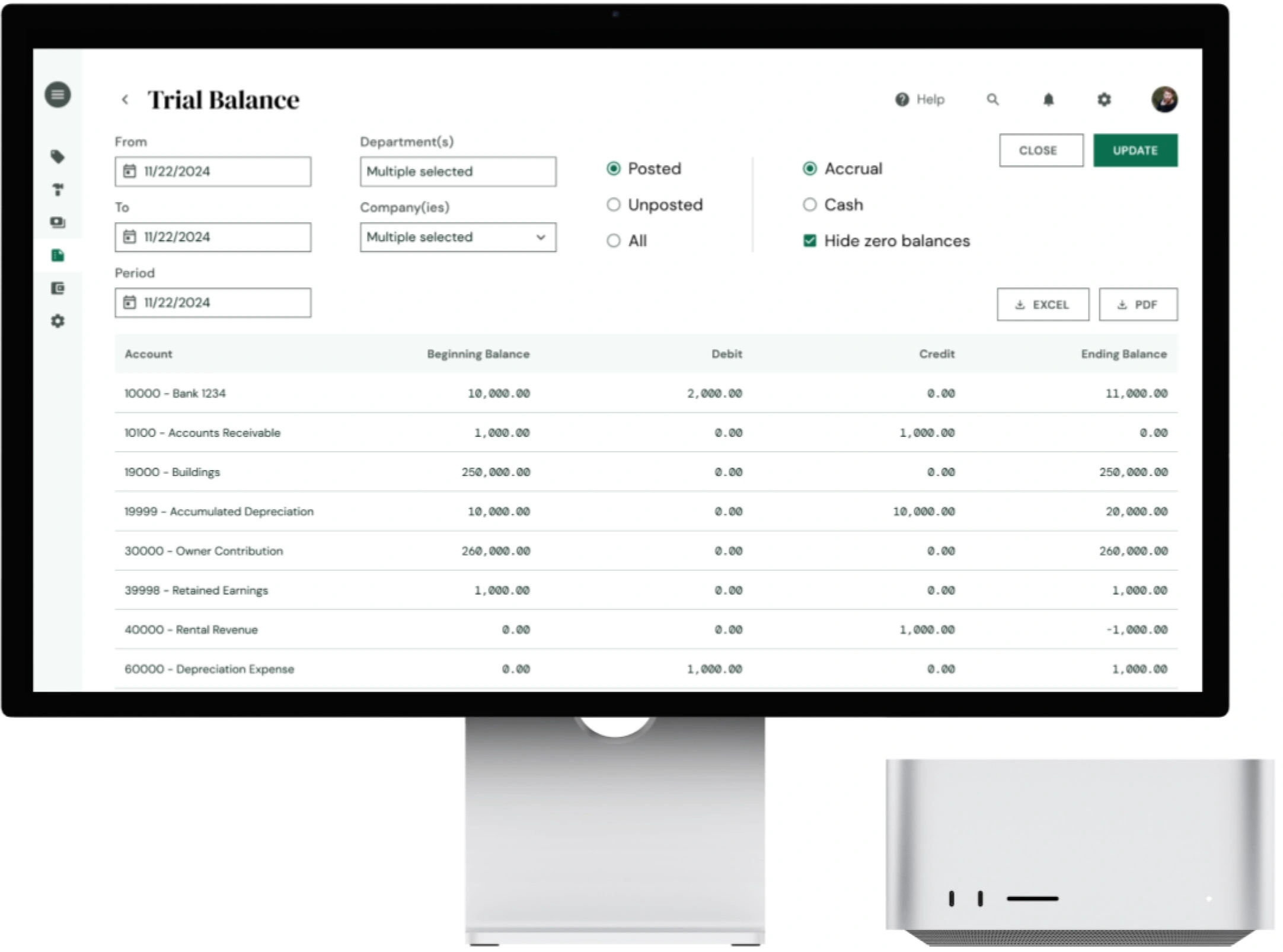
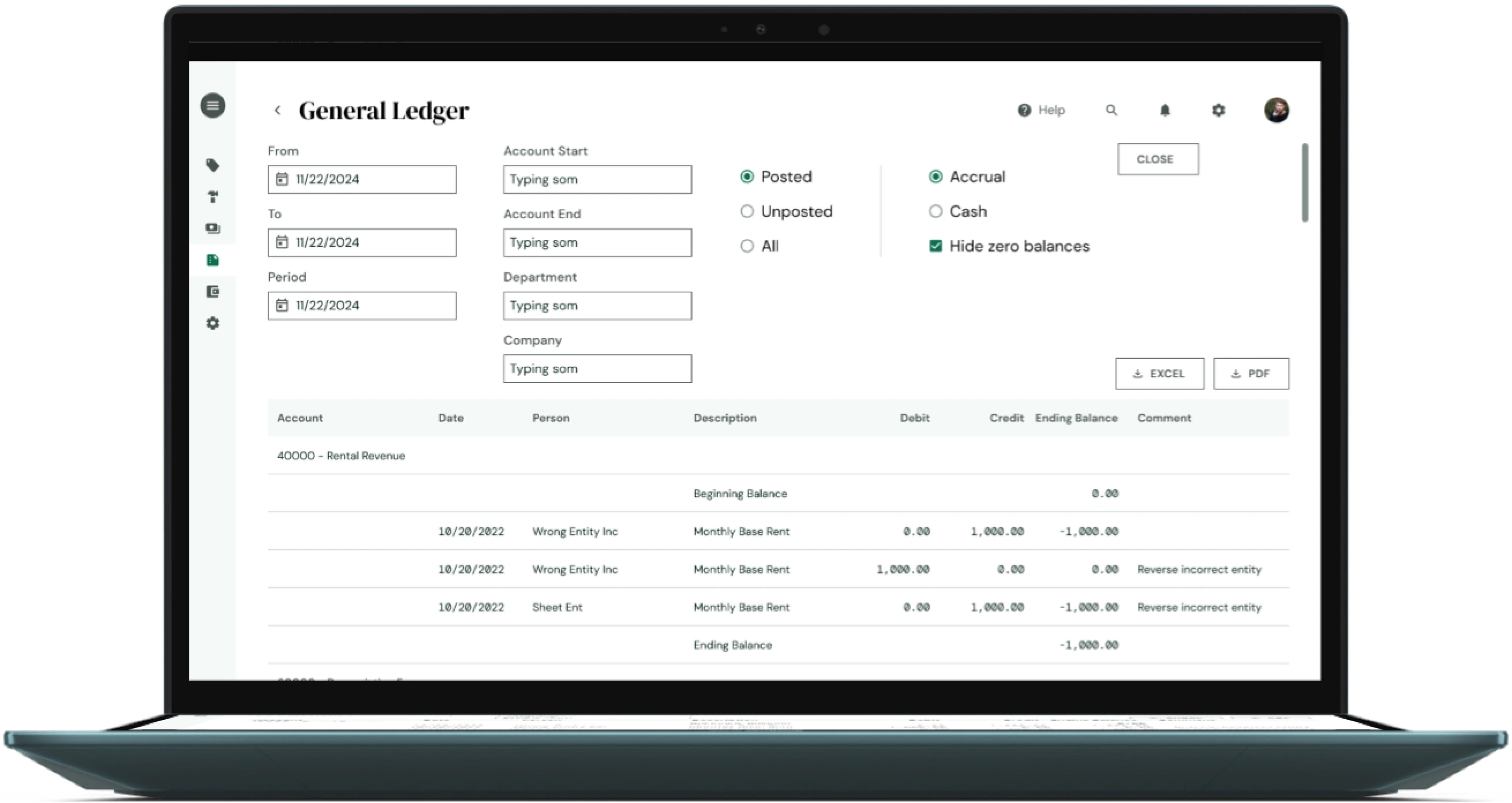
Objective: Redesign the user interface and improve core user flows to make accounting tasks faster and more intuitive for non-accountants. The redesign aimed to address user feedback highlighting difficulty in navigating financial reports, setting up recurring invoices, and understanding tax calculations.
Goals and Challenges
Goals:
Simplify complex accounting workflows for users with limited financial expertise.
Improve navigation for core features like invoicing, reporting, and tax filing.
Reduce the time needed to complete essential accounting tasks by 25%.
Challenges:
Balancing ease of use for novice users while retaining advanced tools for accountants.
Integrating new tax compliance features without overwhelming the interface.
Limited timeline: The redesign had to be completed within 3 months to align with the upcoming fiscal year.
Research Process
User Interviews: Conducted interviews with 25 existing customers, focusing on two groups:
Small business owners with minimal accounting knowledge.
Accountants using the platform to manage multiple client accounts.
Key insights:
Small business owners found financial reports confusing and were hesitant to explore advanced features.
Accountants wanted faster ways to toggle between client accounts and manage recurring invoices.
Competitor Analysis: Reviewed five leading accounting platforms to identify common strengths and weaknesses. This analysis revealed an opportunity to simplify the dashboard by surfacing personalized recommendations.
Journey Mapping: Mapped out the user journey for invoicing, tax filing, and report generation, identifying pain points where users spent excessive time or encountered errors.
Design Process
Step 1: Ideation and Sketching
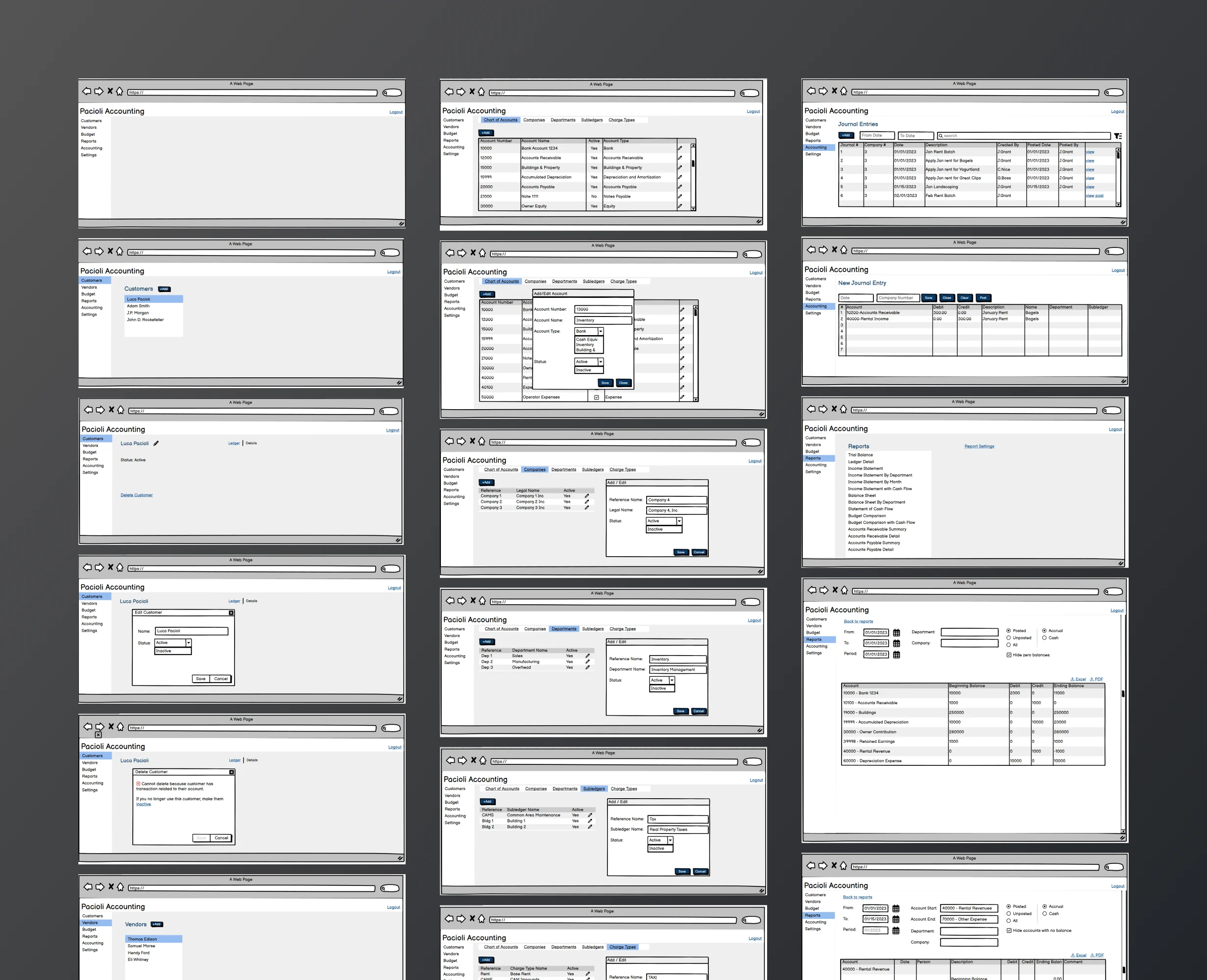
Created low-fidelity wireframes for a streamlined dashboard.
Introduced "Quick Actions" for tasks like creating invoices and uploading receipts.
Step 2: Prototyping
Developed an interactive prototype using Figma.
Added tooltips for complex features like tax deductions and customizable reporting templates.
Step 3: User Testing
Conducted usability testing with 15 users, divided between small business owners and accountants.
Feedback:
Small business owners appreciated the visualizations for cash flow and profit/loss.
Accountants requested bulk actions for tasks like invoice approvals.
Like this project
Posted Jan 27, 2026
Redesigned the UI for The Accounting Toolkit enhancing user flows and accessibility for non-accountants.
Likes
0
Views
8