Video Chat Design Exercise

André Azevedo


Challenge
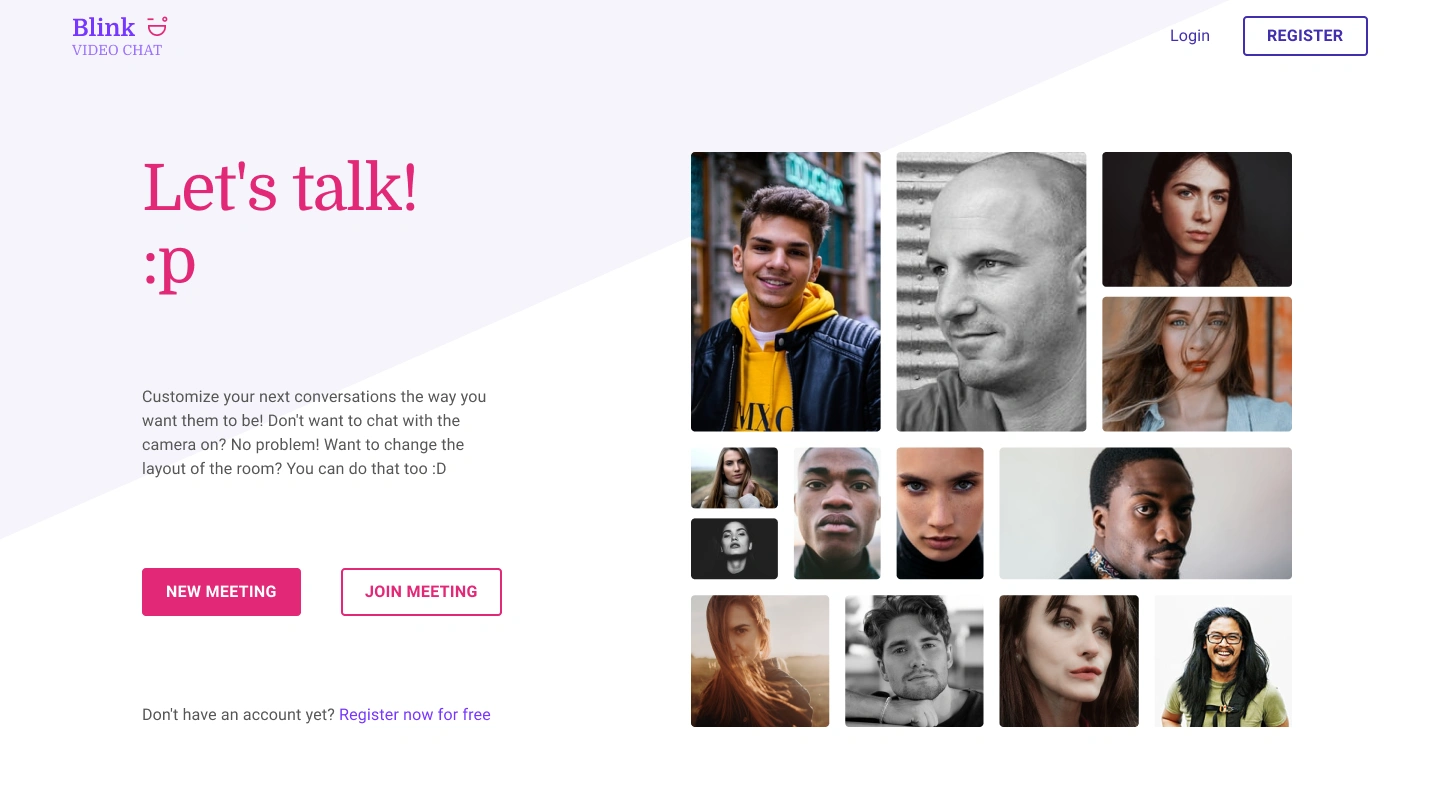
How would you design a video conferencing experience concept?
Scenario overview
For many of us, working from home during COVID-19 has meant we are spending a lot of time on video meeting applications like Zoom or Google Meet. The effects of this have taken us by surprise:
We miss out on a lot of non-verbal communication. On a video chat, we need to work harder to process nonverbal cues. Paying more attention to these consumes a lot of energy.
We feel anxious about our remote workspace. That might make us look bad to our colleagues.
Looking at our own face is stressful. The heightened emphasis on facial cues and the ability to see oneself can also act as a stressor.
Awkward silence. Silence in real-life conversation is important and creates a natural rhythm. But in a video call, silence makes you anxious about the technology. Even a 1.2 second delay in responding online made people perceive the person talking as less friendly or focused.
In addition, frustration with people turning their microphones on and off, lagging connections, and background noise mean the meeting rarely flows as smoothly.
But millions of us would be rather lost by now without our video conferencing tools, which allow us to stay close to each other, while also peering into the fascinating lives of our colleagues.
Once a clunky technology without enough payoff, video conferencing so quickly became an essential part of the way we live and work that it’s unlikely to go anywhere anytime soon.
Design Process: Double Diamond
Adapting the Double Diamond and Human-Centered Design approach, where one of the most important aspects is always involved people in the Design Process.
Phases
Problem Space [Discovery and Define] > Research Phase
Solution Space [Develop and Delivery] > Design Phase
Principles
Put people at the center using the Human-Centered Design approach
Collaborative and Iterative
Holistic, User-friendly, Accessible, and Inclusive as possible.
Research [Problem space]
Desk Research
Collecting data from the internet to get knowledge around the scenario, and how people are feeling about it.
The Zoom Fatigue
Reference Material
Common problems
More focus
We miss out on a lot of non-verbal communication
It's needed more focus in order to absorb the information shared.
Is very easy to lose attention, checking messages in slack or e-mail for example.
Psychological effects
Looking at our own faces is stressful
We feel anxious about our remote workspace
External interruptions like family, pets, and background noise.
Awkward silence makes you anxious about the technology
Structural Problems
Computer problems
Bad internet connection
Power outage
What experts are saying about people
"We are experiencing the same disruption of the familiar context during the pandemic.”
"Imagine if you go to a bar, and in the same bar you talk with your professors, meet your parents or date someone, isn’t it weird? That’s what we’re doing now – Gianpiero Petriglieri"
"We are confined in our own space, in the context of a very anxiety-provoking crisis, and our only space for interaction is a computer window.”
“In general, for most setups, if it’s a one-on-one conversation when you’re with coworkers or even strangers on video, you’re seeing their face at a size which simulates a personal space that you normally experience when you’re with somebody intimately,” say Bailenson.
Avoid multitasking.
Limiting video calls to those that are necessary
Turning on the camera should be optional
Having your screen off to the side.
During long stretches of meetings, give yourself an “audio only” break.
Users should use the “hide self-view” button
it’s worth considering if video chats are really the most efficient option.
Shared files with clear notes can be a better option that avoids information overload
Build-in breaks
Reduce onscreen stimuli
Competitive Analysis
Analyze and Map out two of the most common Video Conference softwares today - Zoom and Google Meet - to understand how they are presenting their solutions.
Main findings
People are using video conference solutions to get close to people, and not only used to work purposes.
People are tired of too many video calls.
All the different social interactions are happening at the same place - A computer window.
The biggest focus on the face of participants causes stress and anxiety.
The proximity caused by the size of the faces on the screen is uncomfortable.
Having control of the camera, audio, and layout of other participants it's very important.
Opportunity Statement
How to transform the way people interact with each other using video conferences?
Design [Solution space]
Management
Based on all the learnings from the Research, it's time to take some action and start breaking them down into small (possible) solutions, transforming the abstract findings into something more tangible, allowing a share of understanding.
Hypotheses
Focus less on the communication based on the people's faces and audio, and provide better ways for people to communicate, to explore other types of interactions like the chat.
Give more options for people to control and personalize the call, at your own pace and needs.
User Profiles
It was mapped two user profiles for the scenarios of this problem, the Host and the Participants:
Host
The host is the user that creates a meeting and invites participants to join.
Participant
The participant is the user that accepts an invitation to participate at a meeting that a Host creates.
Pain Points and Users Stories
Besides the basic needs for Video Conference software, was explored the needs based on the pain points from findings collected with the research, and translated into User Stories.
Pain Point: Control my Camera behavior in a meeting.
As a Participant in a meeting,
I want to have control of when I will see, or not, myself at the camera.
So that I can understand that my camera is on without the need to see myself all the time.
Like this project
Posted Jul 3, 2025
Designed a video conferencing experience using Double Diamond approach.