Framer Implementation of Synovia AI

Kornel Turek


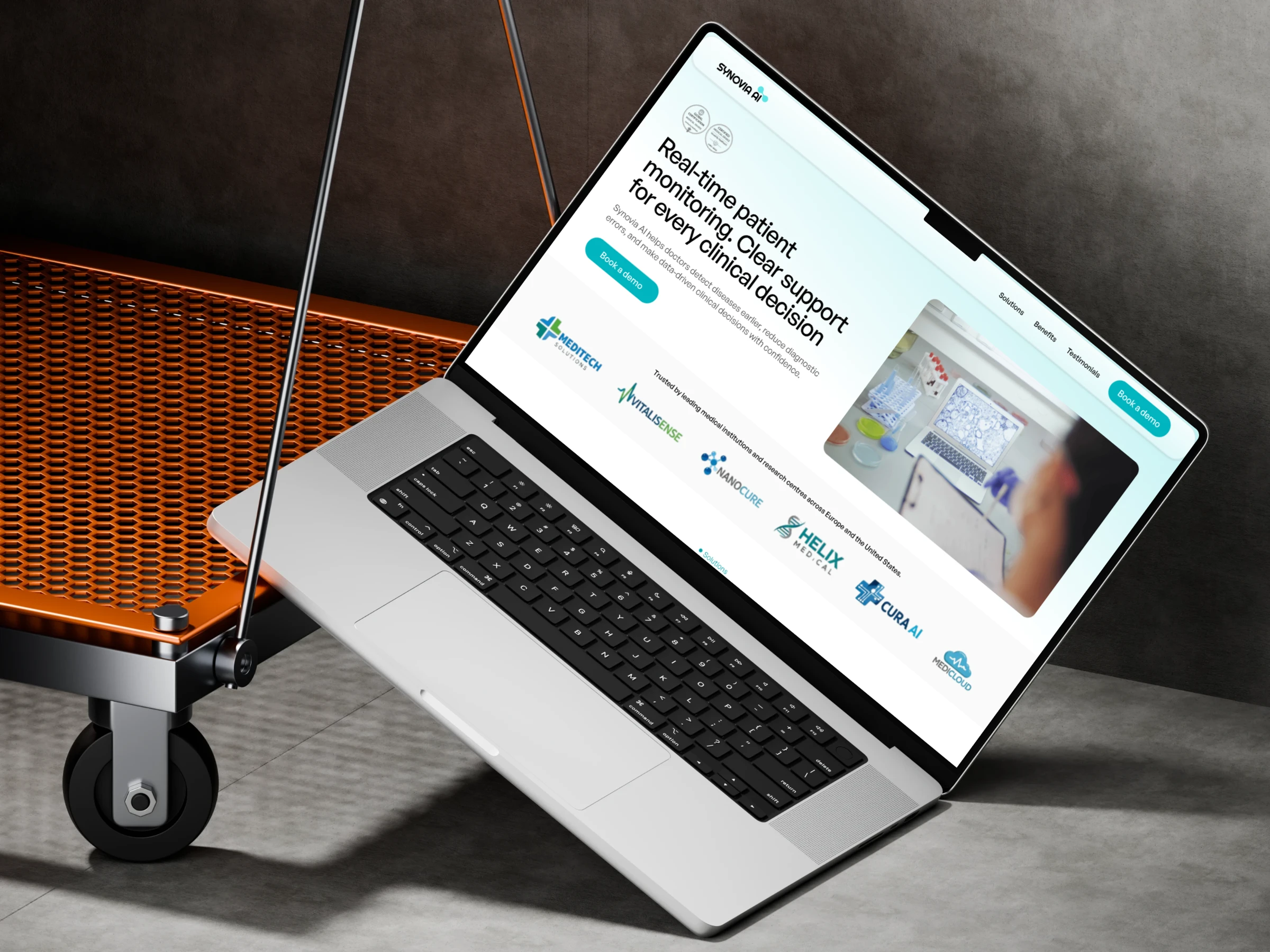
Synovia AI built in Framer
After completing the design phase in Figma, the next step was to bring the project into Framer and build a fully functional live version.
The goal was not just to replicate the UI, but to create an interactive experience that reflects how the product actually works.
Why Framer?
Moving from Figma to Framer means going from a static design to working product.
Link : Synovia AI
Key differences:
Figma
Used for UI design, layout, structure, and component systems
Interactions are only simulated
Framer
A live environment where the design becomes a real website
Interactions, animations, and responsiveness behave like in production
This allows:
Faster validation of design decisions
Real testing of layout behavior
Clearer communication with clients or developers
Process
The process was more focused since the UX phase was already completed.
Design Import
The project was imported from Figma using a plugin, keeping the Auto Layout structure.
Layout Adaptation
Each section was reviewed and adjusted across breakpoints (desktop, tablet, mobile).
Desktop flow:
Video showing the flow website in Desktop resolution.
Framer handles differently:
Constraints
Spacing
Component behavior
Because of that, small adjustments were needed in:
Section structure
Hierarchy
Responsiveness
Components and structure elements were rebuilt to match Framer logic:
Reusable components
Variants
Simplified structure for runtime
Animations and interactions added:
Subtle transitions between sections
Hover states
Scroll-based entrance animations
Mobile flow:
Video showing the flow website in Mobile resolution.
This improved flow and overall feel of the experience.
Key Adjustments
During implementation, several changes were made due to differences between tools:
Simplified some layouts for better responsivenes
Adjusted spacing and proportions
Improved readability on smaller screens
Optimized elements for performance
Outcome
The result is a fully functional website that:
Reflects the original UX and UI from Figma
Works across all devices
Allows real interaction with the product
Can serve as a production-ready or demo version
Building the project in Framer reduced the gap between design and a working product.
Like this project
Posted Apr 20, 2026
After completing the design phase in Figma, the next step was to bring the project into Framer and build a fully functional live version.
Likes
0
Views
39