Web Designer & Developer — Next.js Sites for Startups

Web Designer & Developer — Next.js Sites for Startups


The New Book of Beasts
A Medieval Bestiary of Modern Human Nature
What if medieval bestiaries described the habits of modern people instead of mythical creatures?
For the Recraft × Contra Styles Challenge, I created Illuminated Bestiary, a custom Recraft Style inspired by public-domain illustrations from 13th–15th-century manuscripts.
I used historical references from the Public Domain Image Archive to explore medieval animal anatomy, ornamental details, ink drawings, and muted natural pigments.
Then I applied the style to eight imaginary beasts, each representing a familiar modern behavior: overthinking, people-pleasing, doomscrolling, procrastination, ghosting, perfectionism, attention-seeking, and impostor syndrome.
The result is a collection of creatures that look like they belong in a centuries-old manuscript, even though their habits are very much our own.
Recraft project (https://www.recraft.ai/project/d06723de-c5da-43bb-99c5-75e5272d81e4)
Custom Style (https://www.recraft.ai/styles/322e5547-e4ac-4689-baed-db70dc04d9a3)
Historical Sources (https://<https://pdimagearchive.org/>)
Social Post (https://www.linkedin.com/feed/update/urn:li:activity:7519324821240045569/)
19
70
5.2K


AI Full-Stack Developer & Motion Designer · 3D Web & Rive

🎁 SPECIAL DELIVERY — the holiday ad where your product is the gift
To: every small brand that wrapped its own orders this December
From: the last stop on Santa's route
You know the feeling. The big brands get snow, music and a film people wait for all year. Everyone else gets a card in the feed and hopes someone stops scrolling.
This one is for everyone else.
It's the night before Christmas. Snow falls on a sleeping town. A sleigh crosses the moon. Santa checks the Nice List twice and finds your customer's name on it. One box drops down one chimney and lands by the fire. The lid lifts, the room fills with light, and inside is the thing you make: your product, your logo, your words.
That's the moment every Christmas ad is chasing. The second before a gift is opened. Now your brand gets it too.
In the video, the same box opens four times: a bottle of perfume, a pair of running shoes, a tin of hot cocoa, an instant camera. Four very different brands. One night they all share.
📦 What's in the box
• A 24-second film in ten shots, from the moonlit town to the living room
• EDIT ME layers for everything you'd change: product-image, logo, headline, CTA, sign-off
• Live text on the gift tag, the Nice List and the end card, so it can speak to your own customer
• One accent colour, picked once
• Four ways for your product to arrive: rise, spin, bounce or turn
🔧 Making it yours takes minutes: swap two images, retype a few lines, choose a reveal. No keyframes to touch, no camera to rebuild.
🛠️ Staged in Blender and animated in SVGator with the MCP
Somebody out there is waiting to unwrap what you make. 👇
SPECIAL DELIVERY (https://app.svgator.com/editor#/40f72c101e2e49c190a96231924001c7)
Have to say @SVGator is easy to use as well as a good tool for us.
10
13
1.8K
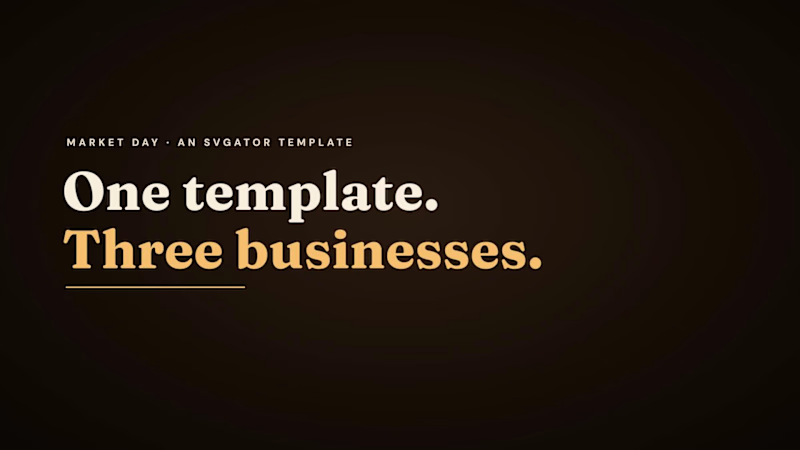
Market Day — the 15-second ad every seller deserves
Small sellers pour everything into what they make, and then get two seconds of someone's scroll to show it.
Market Day is for that moment. A seller ties off a parcel, the stall lights flicker on, and they hold out a wooden tray toward you. Your product lands on it, a little kraft label hops up to say what it is, and your headline settles onto a frosted-glass card.
I built it as one SVGator template and dropped in three businesses to prove it bends without breaking:
🍕 Forno Lucia, a wood-fired pizza café
🕯️ Ember & Oak, a candle maker
☕ Clay & Co, a ceramics studio
Same animation every time. To make it yours, swap 5 lines of text, 2 images and 1 colour. Every layer is named, the motion lives on wrapper groups, and no keyframe needs touching. About five minutes.
All artwork was made for this template, the brands are fictional and the fonts are open source, so it's free to give away.
If you sell by hand, this one's for you. Which stall should I set up next? 👇
Template: https://app.svgator.com/editor/#/0c516a7c8d234b37bb98c8df7f0b4a29
(https://app.svgator.com/editor/#/0c516a7c8d234b37bb98c8df7f0b4a29)@SVGator
12
11
1.9K
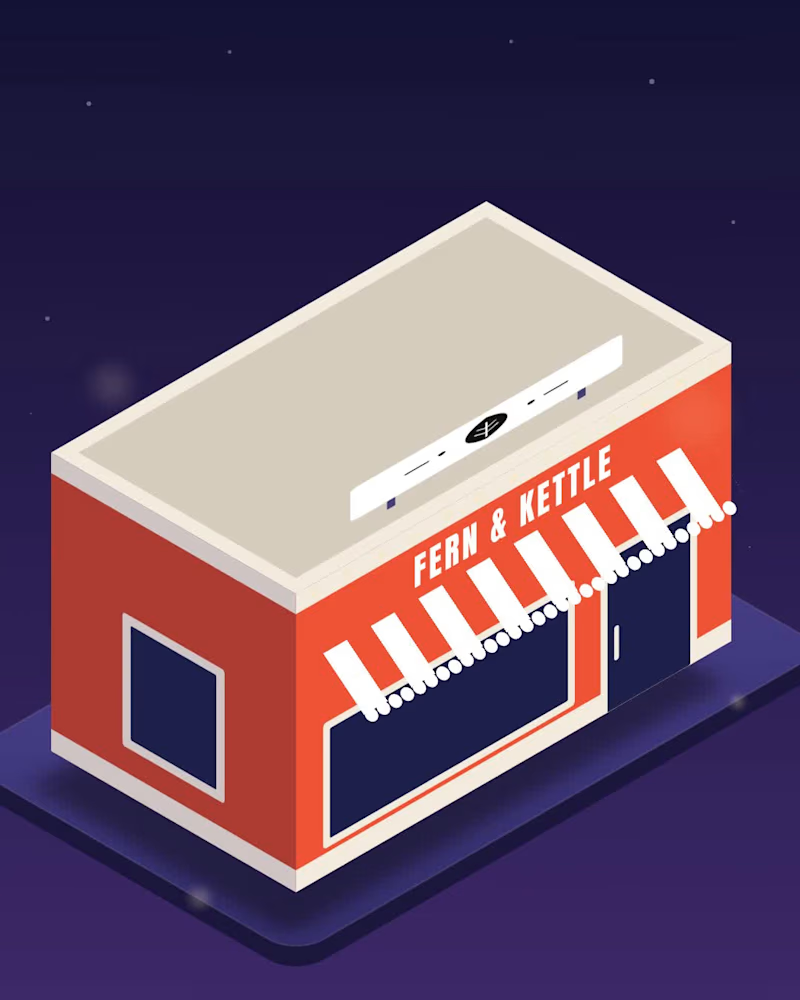
Open Shop: a 3D storefront ad that opens itself.🏪
I read through SVGator's template gallery and found plenty of cards, carousels and logo reveals, but nothing a local shop, café or online store could use to say "we're open" or "new drop". So I built it.
In 10 seconds an empty lot gets a location pin, a shop in your brand colour rises from the ground, the awning unrolls, your logo sign goes up, the lights come on, your products appear in the window, and your headline lands with fireworks and a delivery van pulling up.
To make it yours you change 1 colour, 3 images and 6 lines of text. Every label is live text and every layer is named (logo, headline, product-image-1 and so on). The video shows it as a café, then as a record shop: same animation, no keyframes touched.
Built with the SVGator MCP from Claude. All artwork is original.
24
37
3.2K

Full Stack AI, Software, Web, & Motion Engineer.

Framer + Motion Dev for AI/SaaS: $5K Pages

Framer + Motion Dev for AI/SaaS: $5K Pages



Full Stack AI Engineer for SaaS, MCP, RAG & Agentic Products
- $1k+
- Earned
- 1x
- Hired
- 5.0
- Rating
- 63
- Followers
Full Stack AI Engineer for SaaS, MCP, RAG & Agentic Products
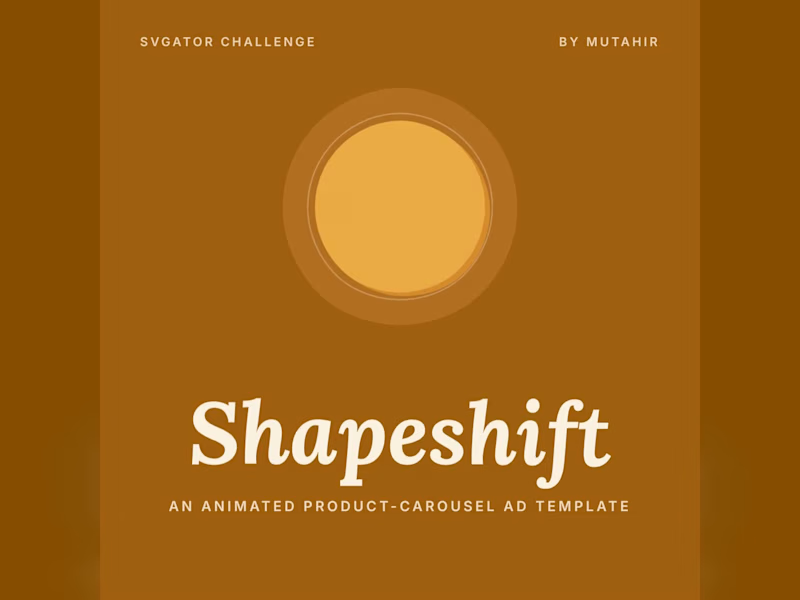
Shapeshift is a looping product-carousel ad I designed as a reusable template for any brand with four products to show (flavours, colourways, a menu), made for Instagram and paid social. Every piece is a named layer: retype the text, drop your photos into the four product slots and recolour, and the motion stays the same. Swap in a different shape set (soft, Mughal or geometric) and the same timing takes on a new personality.
I built it with the SVGator MCP. I came up with the concept and art-directed the motion, colours and every rebrand, while an AI assistant made the layer edits through the MCP. Every version in the video (vivid, light, the Bunsmith burger rebrand and the Mughal shapes) comes from that same file.
8
18
2.4K
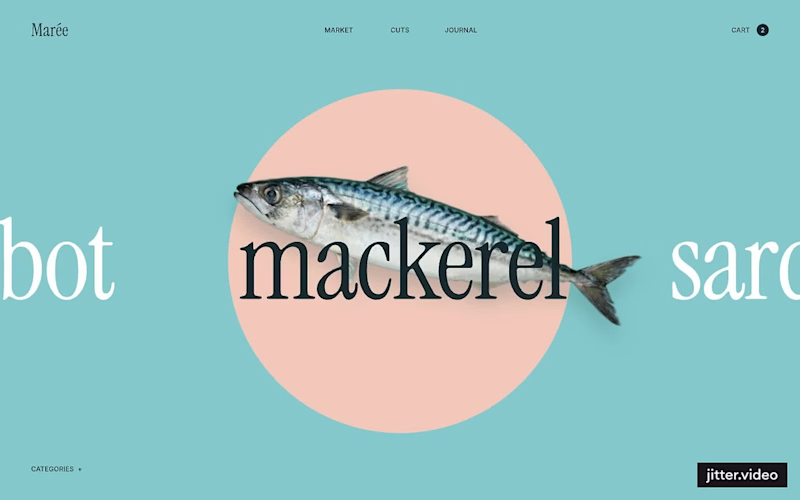
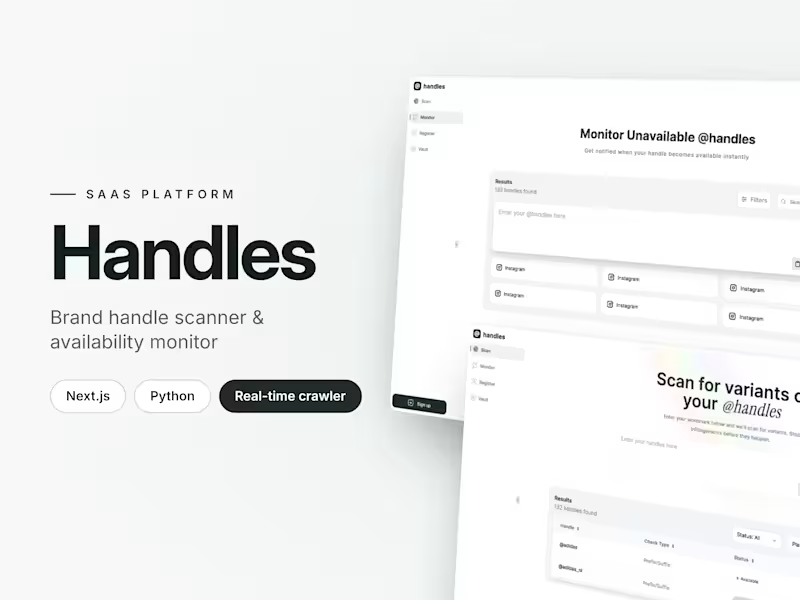
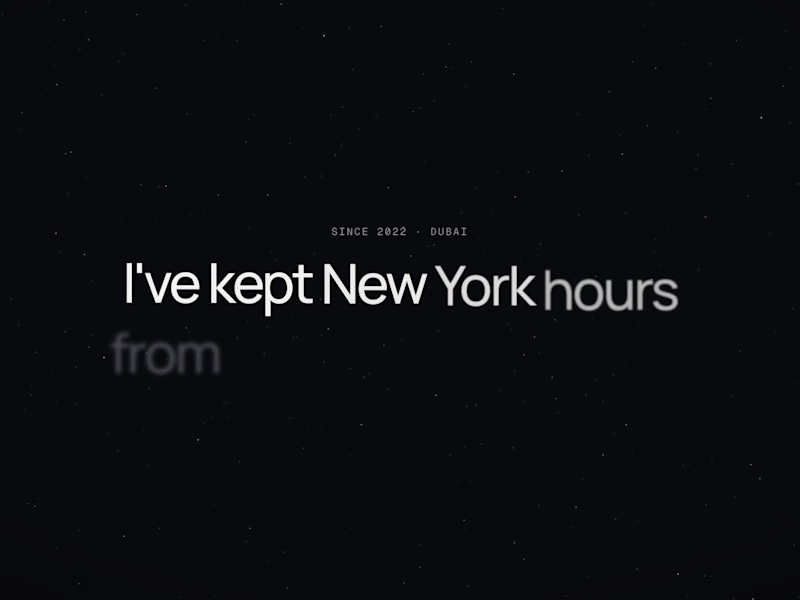
It's 1 AM in Dubai. My team in New York is mid-afternoon, and everyone around me is asleep. I've worked like this for four years, so I built the place I wanted to work from.
Night Shift is a coworking space for night owls 🦉
• See who's up: a live Earth with real day and night lighting shows every builder on shift. Hover a country, join their room.
• Work together: rooms by the hour with video, screen share and chat. Your status follows the room you're in.
• Find your people: buddies matched on overlapping hours. Waves pop up live on their screen.
• Close the laptop: when your shift ends, AI drafts a handoff note from your night and emails it at 9:00 AM in your team's city, laptop open or not.
• See your night: hours, rooms and notes on your own dashboard. Hosts run it all from an admin panel.
Automations: a backend function closes ended shifts, drafts and sends handoff notes, clocks out anyone quiet for 2 hours, and sends a Friday recap.
How I built it: every screen designed on a canvas first, then built in Base44: 14 entities, 2 backend functions, realtime updates and peer-to-peer video, all on the free plan.
1
1
488

UI/UX Designer • No-code Builder • AI Architect

UI/UX Designer • No-code Builder • AI Architect

NOMA: Product Launch Template
A bold, loopable launch animation for any product, built entirely in SVGator.
An orange spark bursts into a blue stage, ingredients scatter outward, and the product drops in with real weight before the headline, benefits and call-to-action land beat by beat. Every layer is named, every line of text is editable, and the product image swaps in seconds. Change the copy, colours and photo, and the choreography stays exactly the same.
Built with the SVGator MCP: the full scene, layer structure and keyframed motion were created through MCP calls, then polished in the editor.
@SVGator
16
16
1.6K
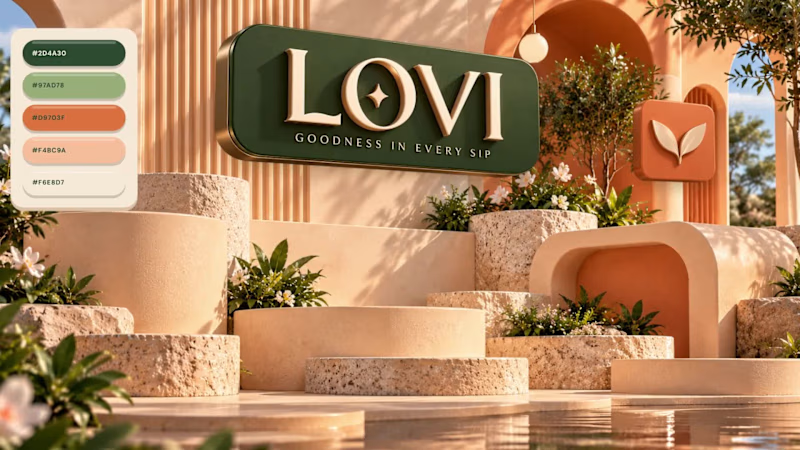
Brand Identity Kit: an animated brand showcase template 🌿
I built a 3D-style brand scene that anyone can make their own. The sign, products and palette are all separate named layers, so swapping the images, retyping the text and changing five color fills turns it into a different brand with the same animation.
Best for brand launches, identity presentations and product reveals, whether you’re pitching a client, showing a rebrand or opening a new store.
How I built it: I designed the brand and products as separate layers, then used the @SVGator MCP with an AI assistant to structure the project and animate it, and finished it by hand in the editor.
16
22
2.2K



B2B Lead Generation | Video Editing | AI Video & Motion
- 5.0
- Rating
- 76
- Followers
B2B Lead Generation | Video Editing | AI Video & Motion
From Client Brief to Qualified Leads 🎯
Every successful lead generation project starts with a clear understanding of the client's ideal customer.
In this video, I showcase my B2B research workflow, from defining targeting criteria and researching companies to identifying decision-makers, checking business email status, and organizing prospects into a structured spreadsheet.
My focus is on relevance, reliable data, and organized research that helps businesses approach the right prospects.
Need targeted B2B leads or decision-maker research? Let's connect and discuss your requirements.
2
0
326


I built an investor research database for an international technology company that needed qualified, evidence-based investor profiles in AI, robotics, SaaS and IoT.
What I delivered:
25 investor profiles across 5 world regions
18 data fields per profile: investor type, current title, LinkedIn, website, investment evidence, two independent sources, email status, validation notes and a fit score
A scoring breakdown with High / Medium / Low follow-up priority
A clear split between firm-level investments and personally attributable ones
An honest email status (Verified / Unverified) with source or contact form
Process:
The client reviewed the work in several rounds. I fixed titles and missing profiles, replaced duplicated sources, corrected mismatched comments and re-checked every email status.
Result:
The client accepted the final file as a research base and described it as “considerably more rigorous and professional.”
Tools: Excel, CSV, LinkedIn, Crunchbase, public company sources
0
107
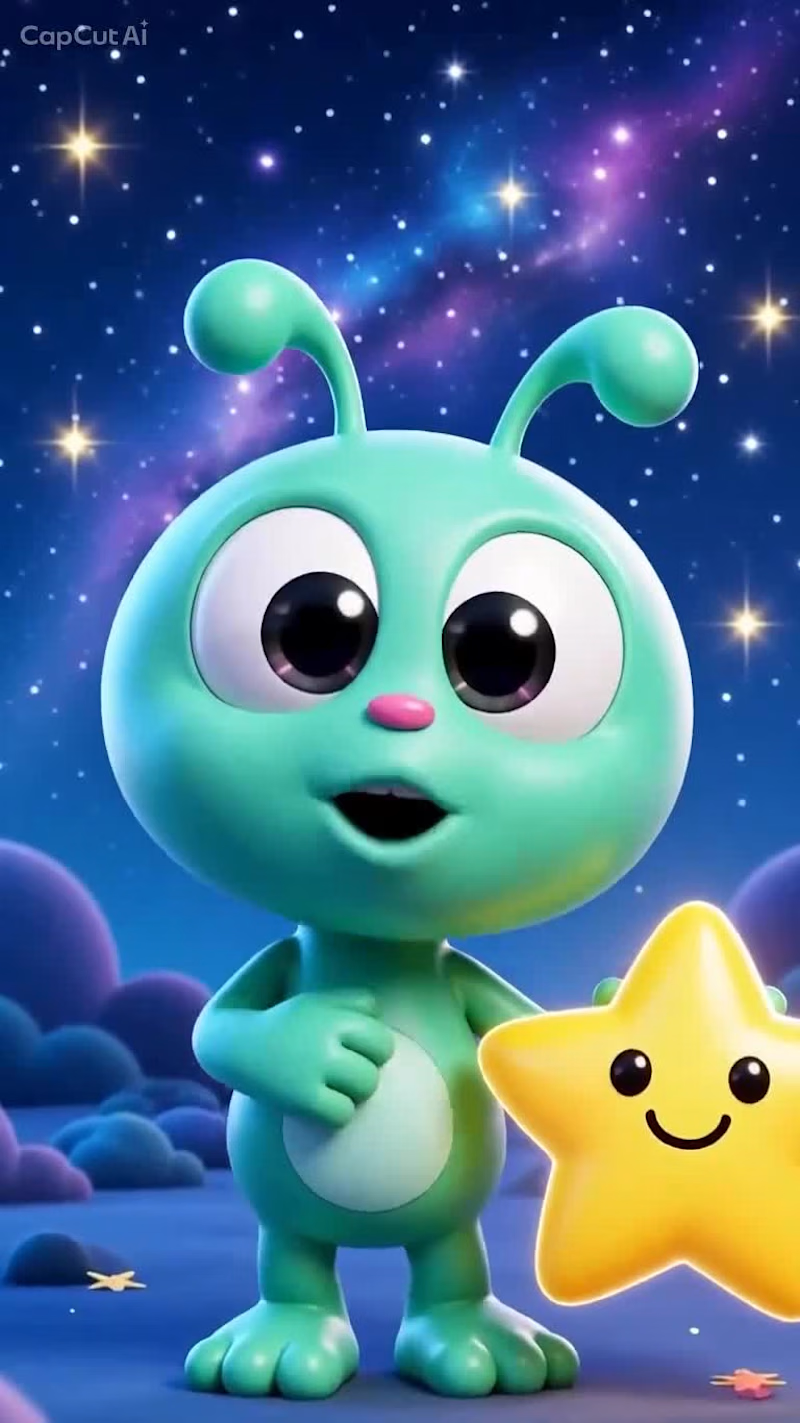
🚀 Starting a New Creative Journey!
A new creative project is taking shape: Bablu's Tiny Universe 🌟
A colorful world of fun characters, imaginative stories, and engaging 3D animation designed for young audiences.
This project is an opportunity to explore character animation, storytelling, visual creativity, and bringing ideas to life through animation.
Here's a small glimpse of the journey. More creative experiments and animations coming soon!
🎬 Explore the project:
https://www.youtube.com/@BablusTinyUniverse
#3DAnimation #KidsAnimation #CharacterAnimation #CreativeProjects #AnimationJourney #MotionGraphics #VisualStorytelling
1
195

Senior UX/UI Designer for SaaS & Web Apps

Senior UX/UI Designer for SaaS & Web Apps
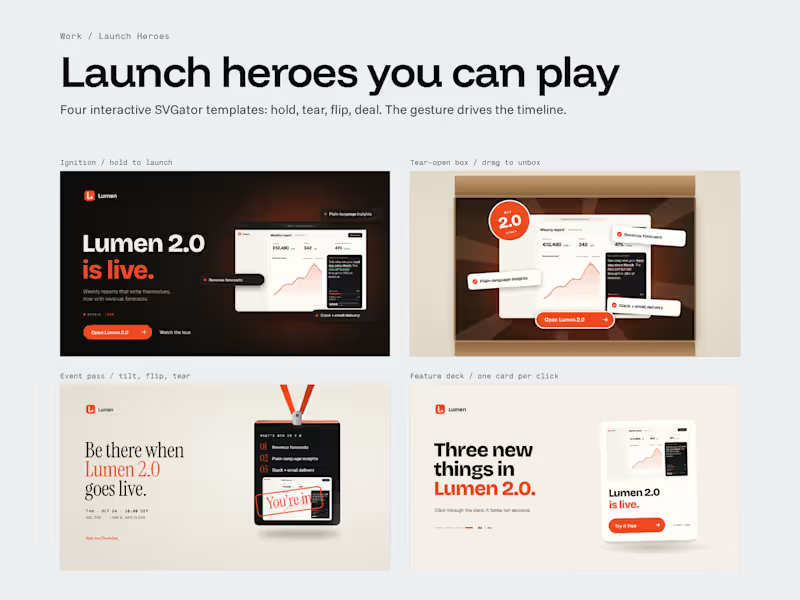
Launch Heroes: four interactive SVGator launch templates
Four interactive launch announcements built in SVGator: hold a button, tear a box open, flip an event pass, deal a deck of cards. Each hero is one SVGator timeline split into named segments, and a small script maps the gesture to it through the SVGator Player API: holding plays the charge and letting go winds it back, dragging scrubs the tear, the pointer picks the tilt of the pass, each click throws a card.
Each one is a template: every text, image and brand colour is a named layer. The second brand (Harbor) of each hero was made by editing 31 to 37 layers by name through the SVGator MCP, in under three minutes per hero.
Play them: https://valeriodonfrancesco.pro/work/launch-heroes.html
0
94
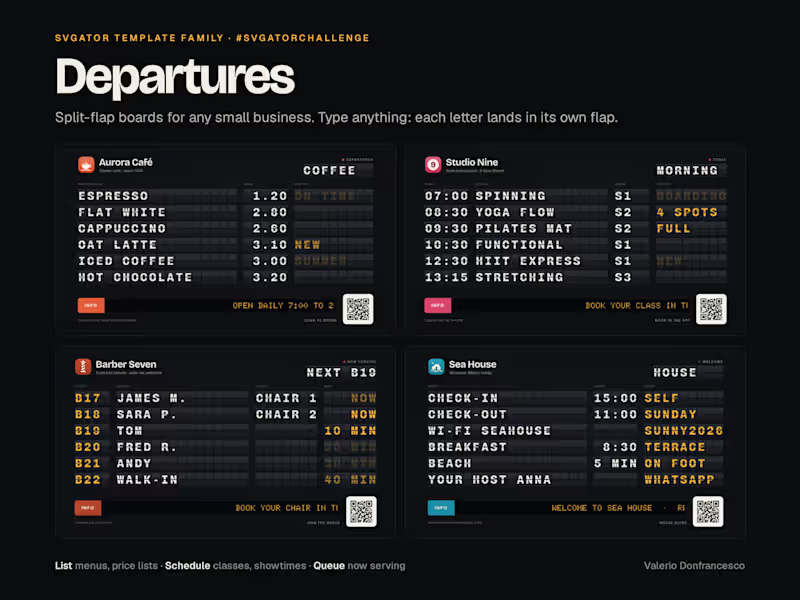
Departures: split-flap boards for any small business
Departures is a family of split-flap boards for the screen of any small business: price lists for bars, cafés and shops, schedules for gyms and cinemas, queue boards for barbers and pharmacies, and a welcome board for holiday rentals. Every row is live text in a monospaced font whose letter spacing matches the flap grid, so whatever you type, each letter lands in its own flap, and two pages flip into each other every 12 seconds. Best for menu boards, class and showtime screens, now-serving displays and guest TVs, edited in SVGator or by chat through the SVGator MCP.
Departures turns the TV behind the counter into an Italian station board. Rows of flaps turn through the letters, an amber dot-matrix ticker scrolls the news of the day, a live dot breathes next to the board title, and every 12 seconds the board flips to its second page.
Three templates, one mechanic:
- List board (name · price · status): bar menu, cocktail list, greengrocer price list, holiday-rental welcome screen.
- Schedule board (time · class or film · room · status): gym classes, cinema showtimes, event agendas.
- Queue board (ticket · client or service · desk · wait): barbers, pharmacies, delis. Here the flip is the queue moving on.
Why it is a template and not a one-off: each row is one live text layer per column, set in Chivo Mono (open source) with a letter spacing equal to the flap pitch. Type CAPPUCCINO, PILATES REFORM or A043 and every character falls into its own flap; right-aligned columns keep 1.20 and 10.00 lined up. The flap strips are locked layers, so people only touch what they need: the texts on page-a and page-b, the column labels, the board title, the ticker message (one text layer, up to 140 characters, it scrolls by itself), logo, qr-code and two brand-color layers (info-tab, live-dot). A "how to make it yours" note sits next to the canvas in the editor, outside the artboard, so it never shows up in exports.
The motion: when the board updates, a wave of flaps runs column by column and row by row (105 ms between rows). The flaps are half tiles that rotate on their hinge twice, and the text changes in the instant they cover it, so you see half letters mid-flip like on a real board. Then the statuses blink three times and the board settles.
Sound: SVGator exports carry no audio, so I built a small TV player for the boards. It listens to the board through the SVGator Player API and plays an alert each time it flips: a soft bell, a ding-dong, a chime, your own sound file or nothing, with a volume control and a choice between every update and the first one only. The same panel lets a shop owner retype the ticker message and point the QR code to their own link: the player swaps both on the board, no editor needed. Try it on any screen: https://valeriodon.github.io/departures-player/
Proof: the video opens on eight businesses flipping at once, then walks through a bar, a greengrocer, a gym, a cinema, a barber, a pharmacy and a holiday rental. Five of those eight boards were made from the three templates by a script that edits layers by name through the SVGator MCP (52 to 65 edits each, three to five minutes per board). The last scene is a chat message to the holiday-rental board, "New guests tomorrow: the Müller family. Check-out is Sunday at 11:00.", applied in 3 edits and visible at the next flip.
Best use of MCP: the templates were generated through the SVGator MCP (about 130 layers and 800 keyframes each, kept light so the editor stays fast), and because every text is a named layer, an assistant can keep a board up to date for someone who will never open an animation tool: sold-out items, today's prices, tonight's showtimes, the next guest's name, the line on the ticker.
All artwork is mine: the eight businesses, their logos and the QR placeholders are fictional and made for this template.
SVGator project (public, view only): https://app.svgator.com/editor#/2298b9724f0645a0a9cdab5ba6322226
TV player with alert sound, ticker and QR fields: https://valeriodon.github.io/departures-player/
5
4
455