
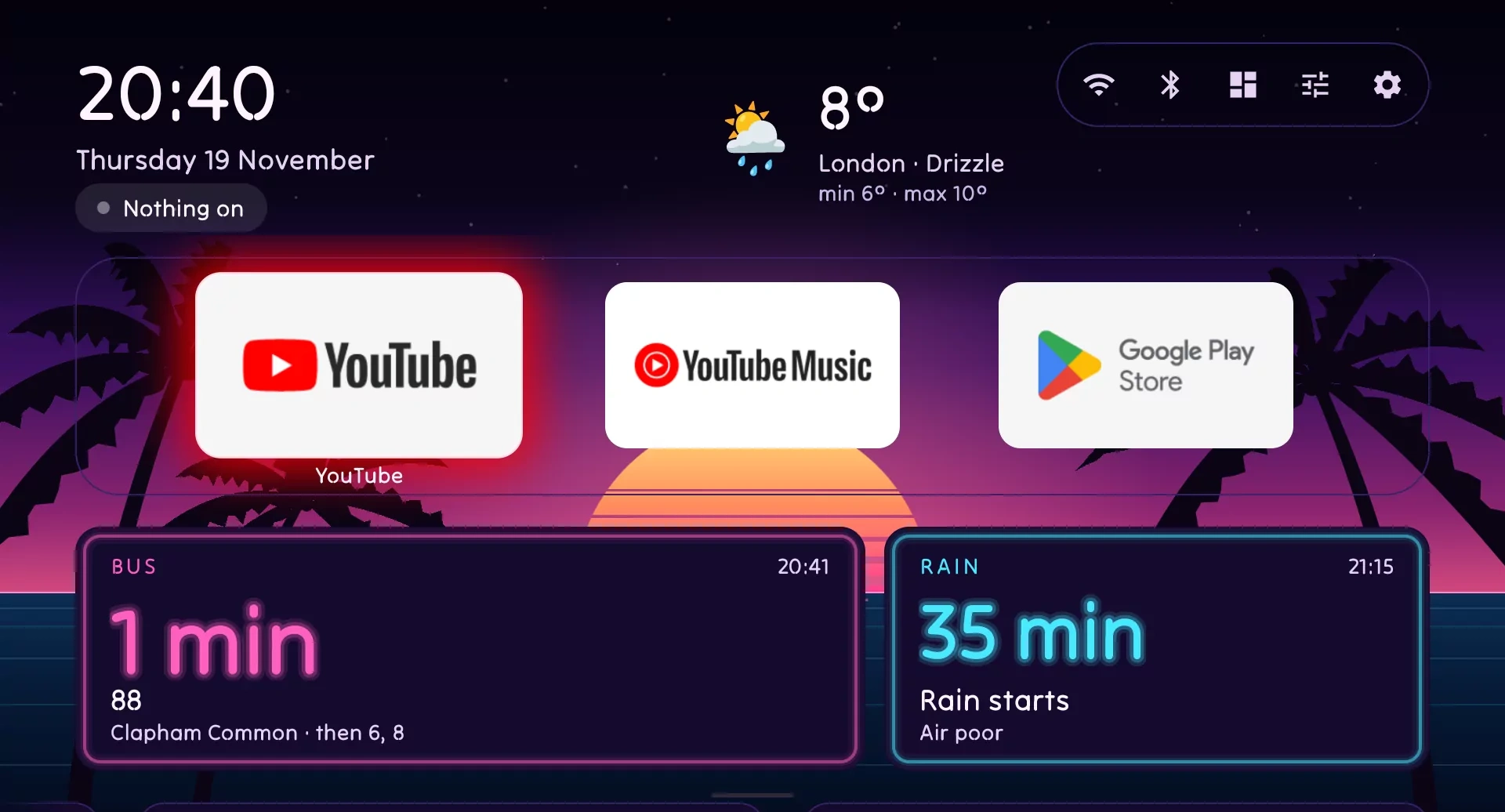
My own home screen for Google TV, Android TV and Fire TV, designed and built end to end: free, with no ads, no account and no analytics.
The problem
The stock home screen of most TVs is built to sell: a large sponsored banner, rows chosen by the platform, and little say over where your apps go. Alternative launchers take the ads away, but you restyle them piece by piece, and the TV still looks like every other TV.
Looks, not wallpapers
One setting restyles the whole home screen, type, colour and layout included. There are six looks: Neon Coast, Teletext (like page 100 of Ceefax), Classic, The Day, Departures and Poster. The first three are free.
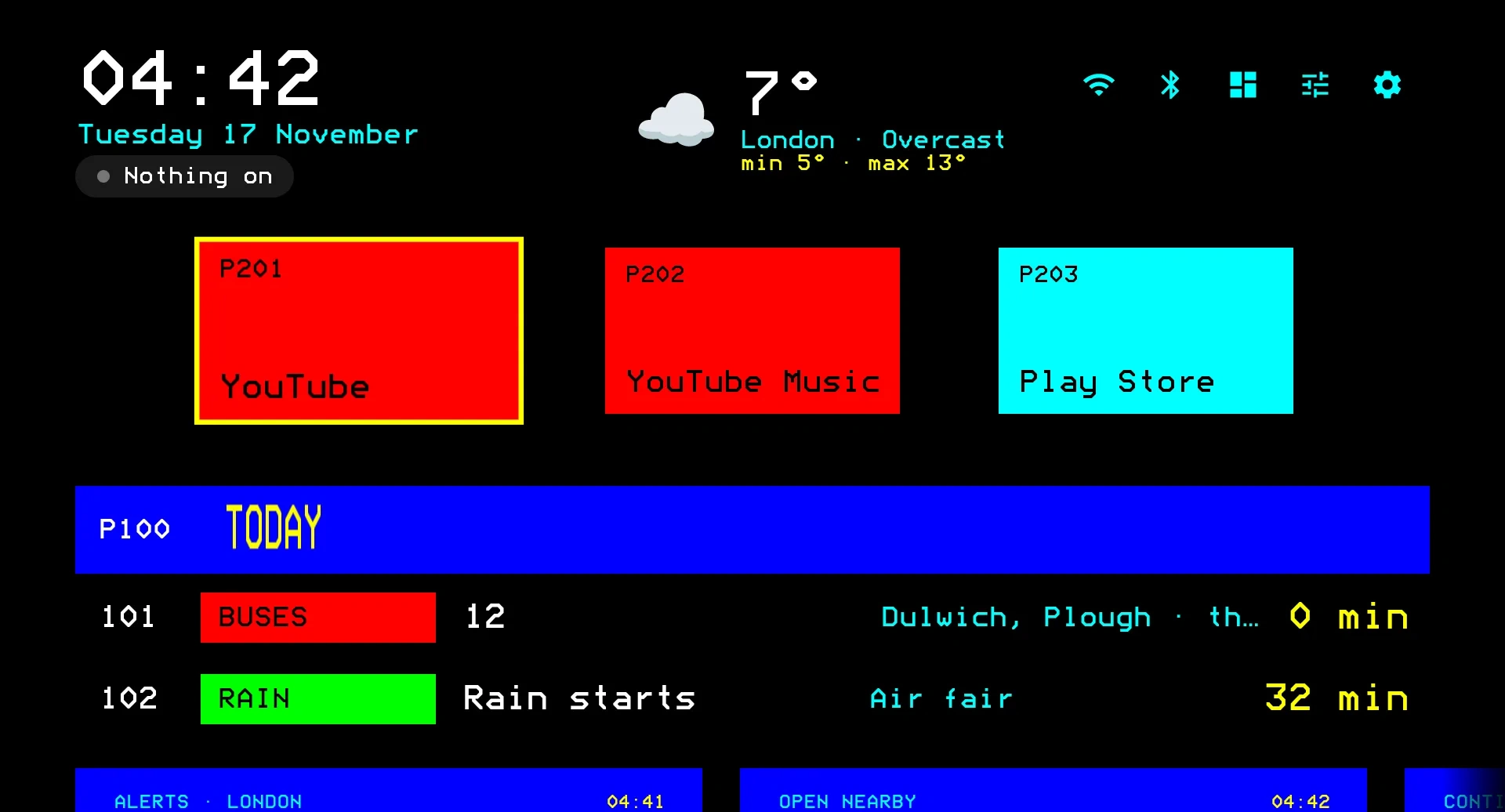
The Teletext look: the home screen as a teletext page, with numbered pages and the eight teletext colours
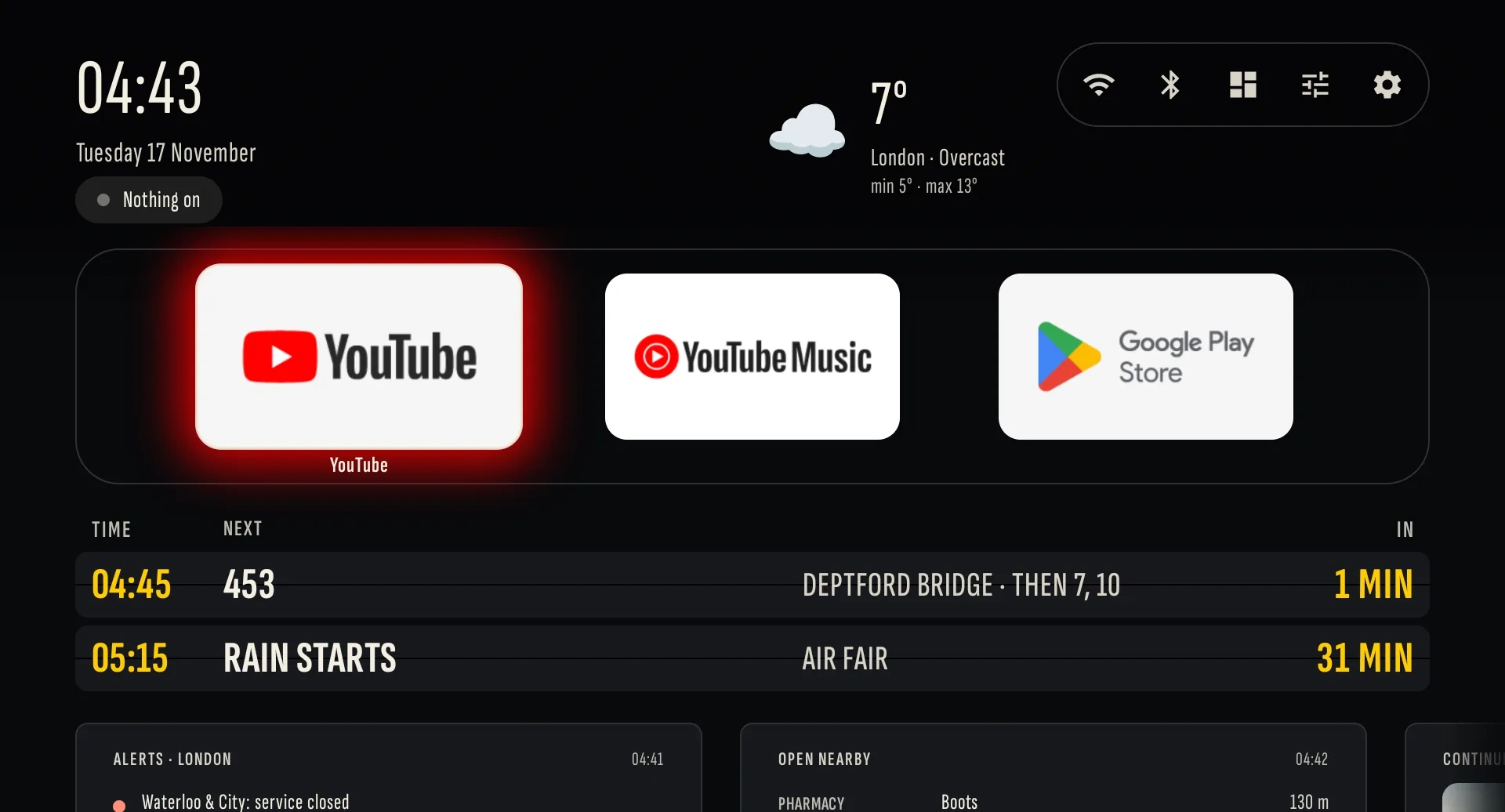
The Departures look: apps and widgets on a split-flap departures board
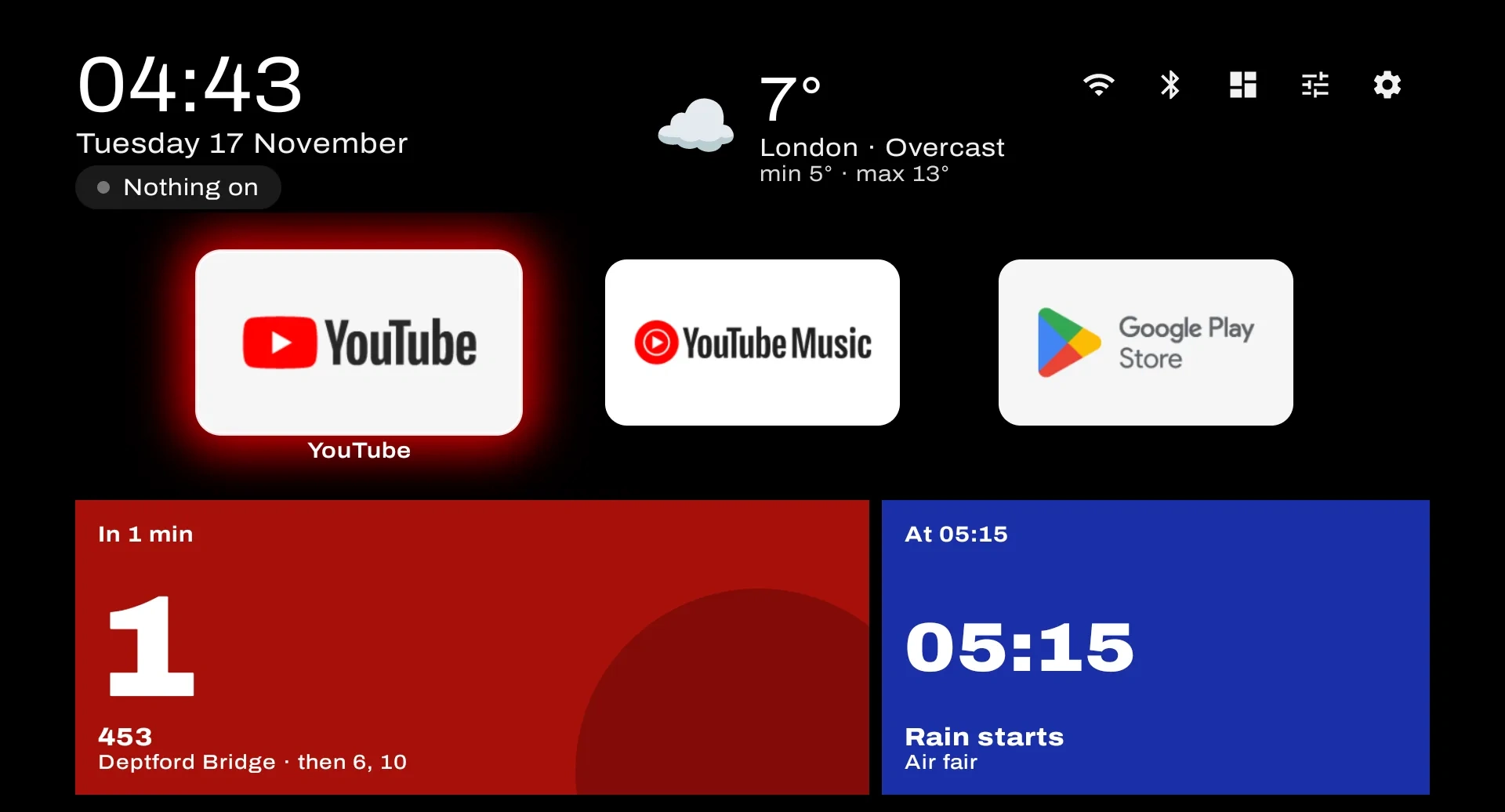
The Poster look: bold colour posters for the apps and the day
Widgets for the day
The things you check before going out, readable from the sofa: the weather, today's calendar, Continue watching from the apps that share it and what's playing. With Premium, a one-time purchase: live buses in six cities, rain in the next two hours and the places open nearby.
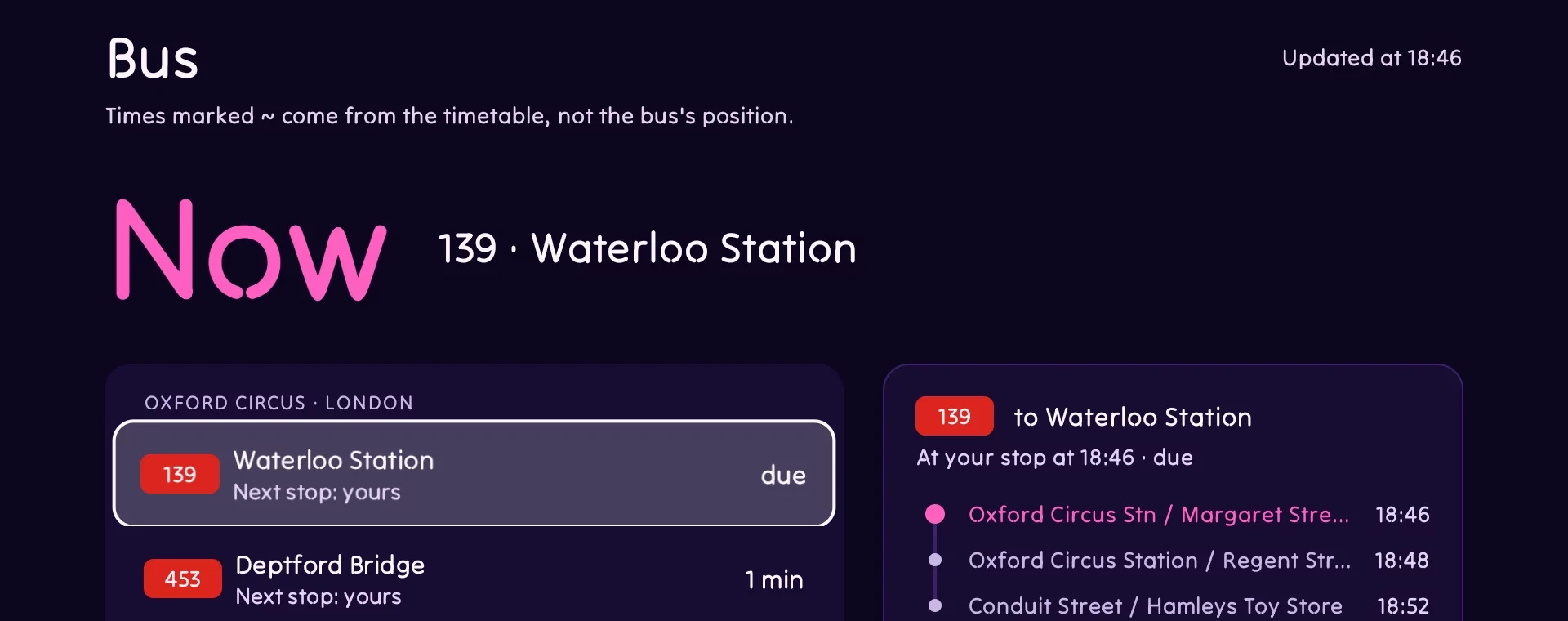
The bus widget in the Neon Coast look: the next buses at your stop, live
Leave the remote alone and Dashboard mode turns the home into a full-screen dashboard with the time, the weather, your calendar and your widgets in turn.
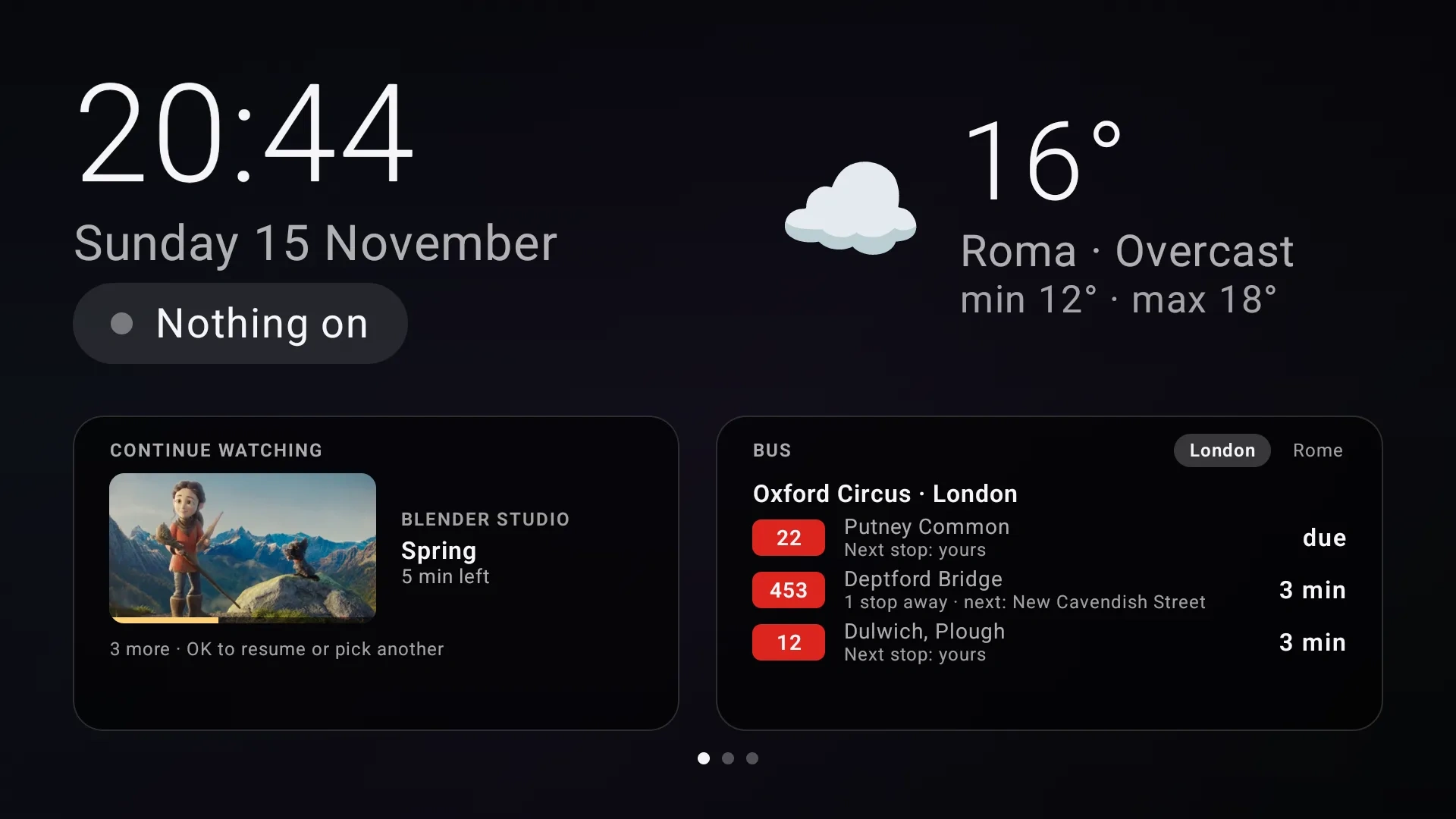
Dashboard mode: time, weather and calendar on the full screen
Designing for a remote
Everything works with the arrows and OK, so focus is the real design system: every element has a focused state that reads from across the room, settings never ask you to type on the TV, and a QR code opens a setup page on your phone.
1.2: make it yours
Icon packs, including the wide TV banners made for Projectivy, a new icon for any app, the channels of your apps as rows on the home screen, and wallpaper plugins, all free.
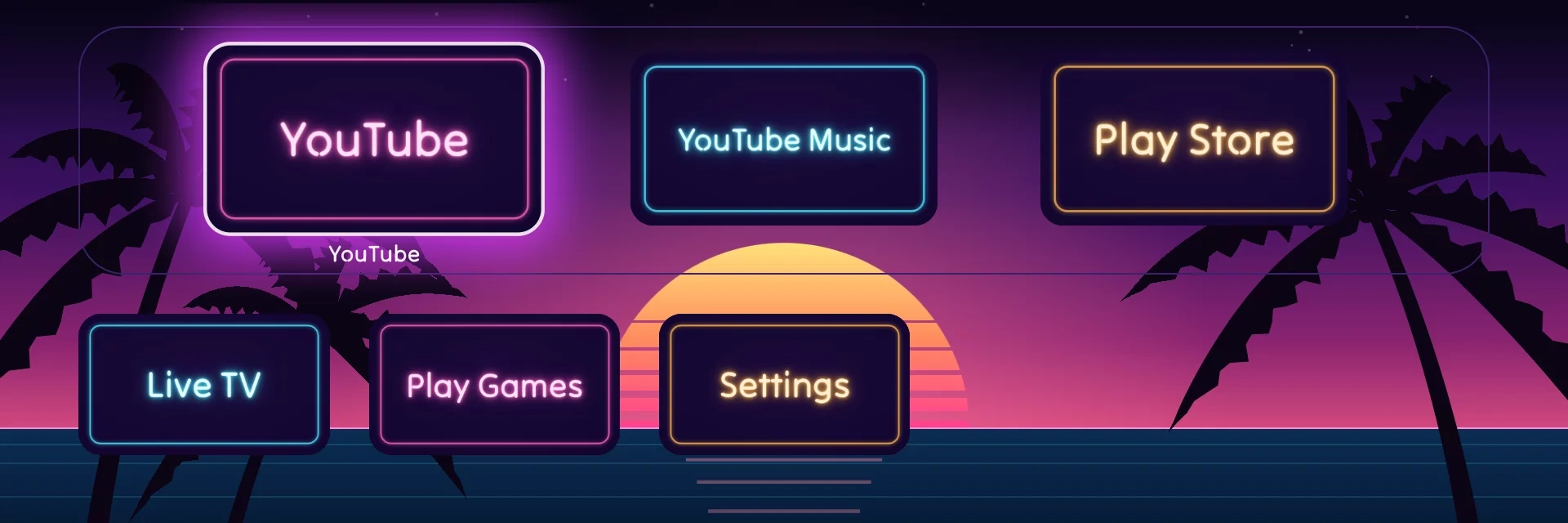
Icon packs and a new icon for any app
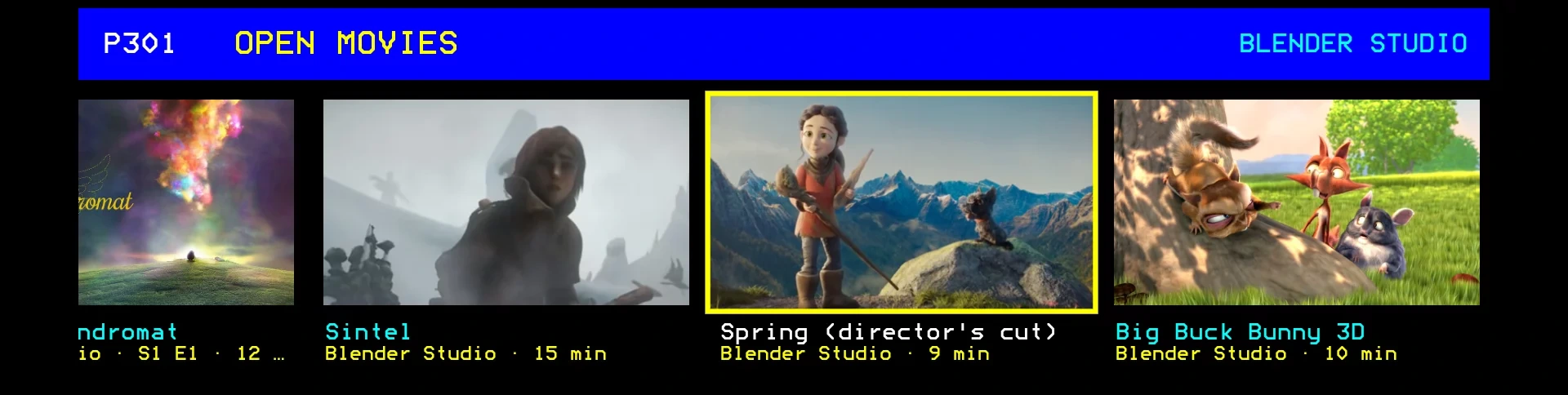
The channels of your apps as rows on the home screen
Built with
Kotlin and Jetpack Compose, built and tested on a Google TV Streamer and on emulators. On Google Play since 11 November 2026; on Fire TV it installs from the site with the Downloader code 1304225. Six languages since 1.2.
Screenshots from the Google TV emulator; the entries in Continue watching are demo content.
0 likes · 0 views · Nov 23, 2026
My own home screen for Google TV, Android TV and Fire TV: six looks that restyle the whole screen, widgets for the day, no ads and no account. Built in Kotlin and Jetpack Compose.

