I animate interactive, gamified worlds 🚀


I animate interactive, gamified worlds 🚀
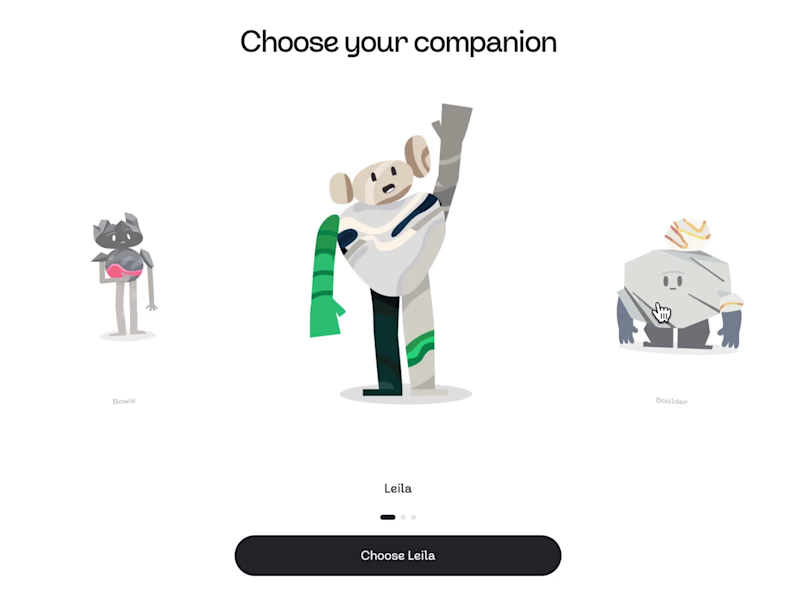

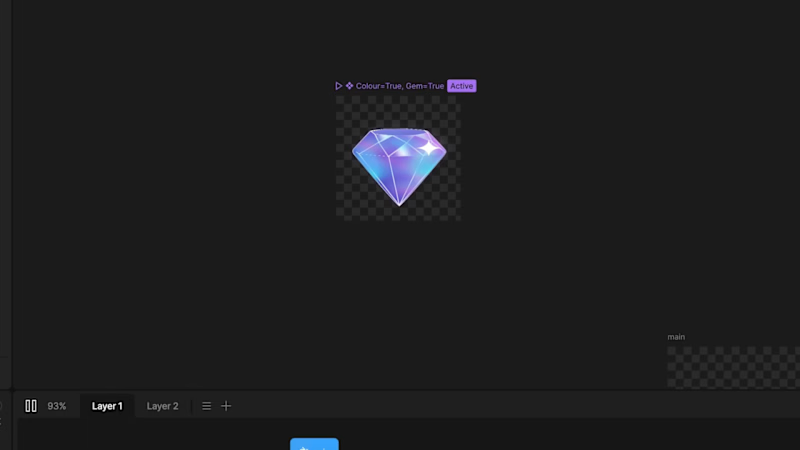
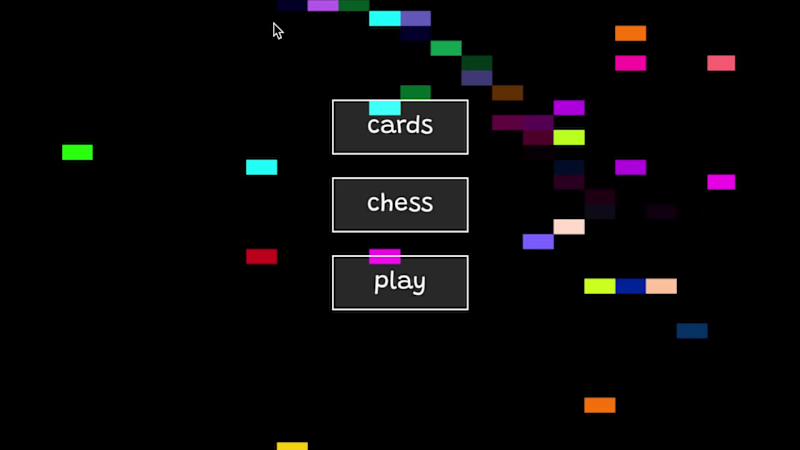
I’ve always loved the idea of having my own little games company.
For the @Rive challenge, I decided to create my imaginary game studio - and then gamify it
On the site, I showcase a custom deck of playing cards I designed last year. Pick a suit, choose a card, and see what’s inside the box 👀✨
Gamification has become a big niche for me this year. Maintain streaks and play with the digital cards earns you rewards
Data-binding images, inputs, strings, and lists… lots of lists...
✌️
13
26
2.8K


Senior Motion Designer & Animator



2D Motion Designer & Illustrator


Moving, zappy motion and video 💥


I help brands make better video.



Web and Mobile App UX/UI Designer 🇬🇧
Web and Mobile App UX/UI Designer 🇬🇧
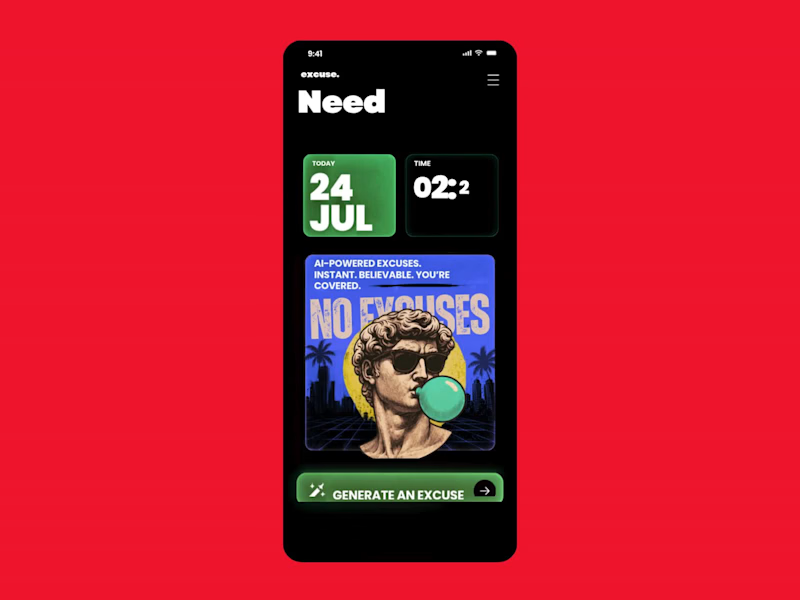
Monday Survival Kit: AI Excuse Generator
We've all had that Monday morning where getting out of bed feels like the hardest task of the week.
This is a fun UI concept for an AI-powered Excuse Generator that creates believable, dramatic, or completely ridiculous excuses in seconds. It's designed as a parody app that doesn't take itself too seriously, while exploring bold typography, playful illustrations, and a retro-inspired visual style.
Sometimes the best product ideas aren't built to solve a huge business problem. They're built to make people laugh, start conversations, and remind us that great UX can also entertain.
A few favourites:
"My motivation is currently buffering."
"My alarm resigned this morning."
"I'm attending an emergency meeting with my pillow."
"My coffee requested a delayed start."
Would you download it for Monday mornings?
1
244
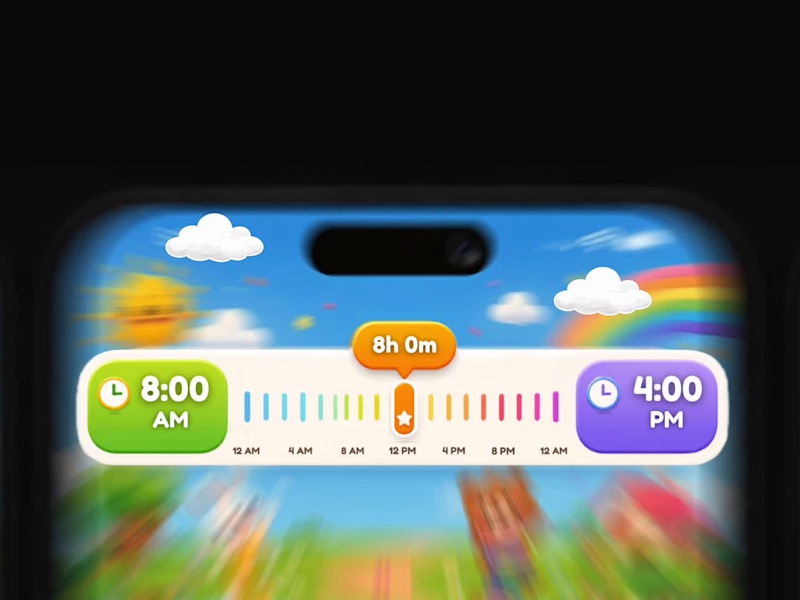
Turning a Boring Time Picker into a Playful Learning Experience for Kids
Most time picker widgets are designed for adults. They’re functional, but they don’t encourage exploration or make learning enjoyable.
For this concept, I redesigned a standard time selection component into a child-friendly experience using playful illustrations, bright colours, and soft rounded shapes while keeping the interaction clear and intuitive. Every visual element has a purpose, from the colour-coded timeline to the oversized time cards and friendly characters that make scheduling feel less intimidating.
The interaction is fully grounded in real-world logic. The timeline accurately represents the selected duration, the labels remain consistent, and the visual hierarchy ensures children can understand the relationship between start time, end time, and total duration at a glance.
The accompanying animation focuses on subtle motion rather than decoration. Characters gently bounce, the slider glides smoothly across the timeline, colours transition naturally, and micro-interactions provide feedback without overwhelming young users.
This concept demonstrates that educational interfaces don’t have to sacrifice usability for personality. A well-designed UI can be both delightful and functionally accurate.
Tools
Figma
After Effects
UI Animation
Motion Design
4
282
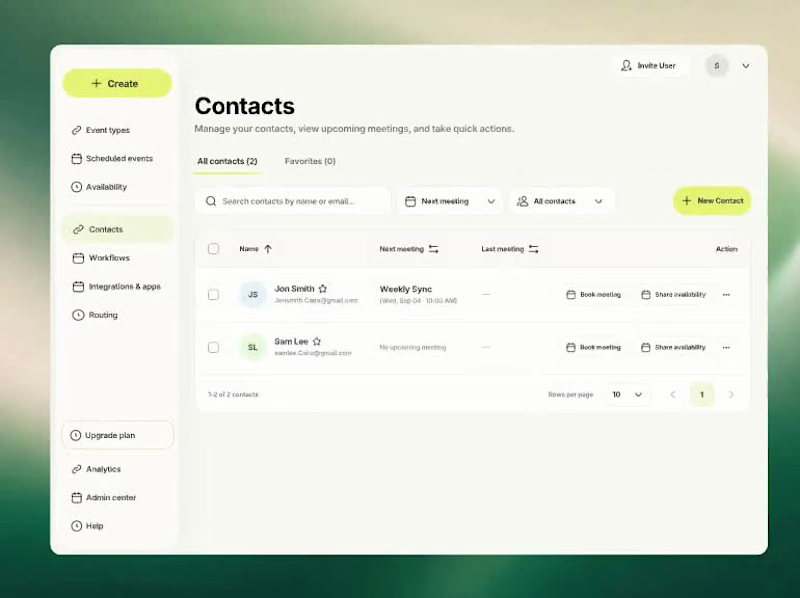
Behind the design: a SaaS meeting scheduling and contact management flow.
In this UX/UI design walkthrough, I explain the journey from selecting a contact to booking a meeting, choosing an event type and picking a calendar date. I point out the interface details that keep meeting history, duration, host information and preparation notes visible throughout the booking process.
My focus was interaction design, clear navigation and a booking experience that feels easy to follow. A closer look at my thinking behind dashboard UI design and meeting scheduling UX.
0
65
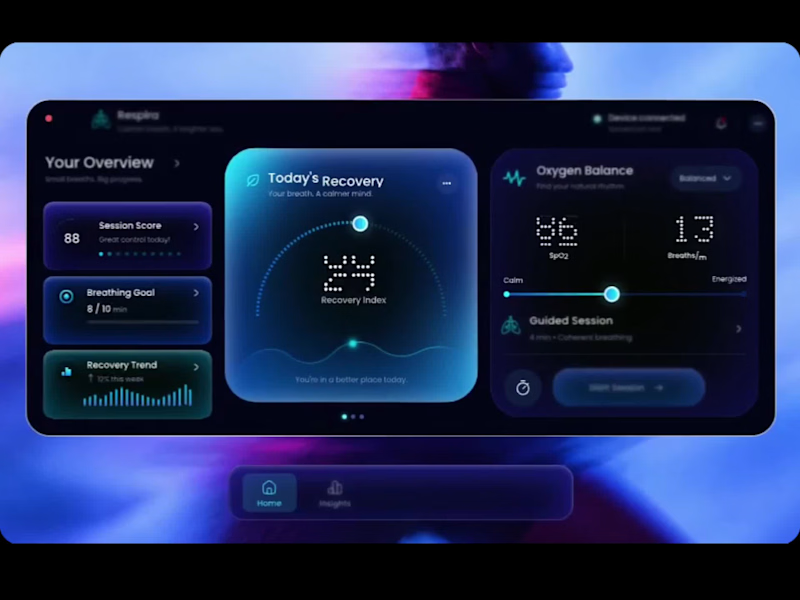
I’ve been working on a concept called Respira, focused on making breathing and recovery data feel easier to understand and less clinical.
The main challenge was not the visuals. It was deciding what the user should understand first. So I structured the experience around three things: current recovery, supporting health signals, and the next action. Recovery stays central, secondary metrics remain easy to scan, and the guided breathing session is always close enough to act on.
The interface and motion were created in Figma, with a lot of attention on hierarchy, data visualisation, component behaviour and micro-interactions. The goal was to make the product feel calm, responsive and useful, not just visually polished.
I’m sharing a short video of the interaction here. Would be interested to know which part of the experience stands out to you most.
#UXDesign #UIDesign #ProductDesign #Figma #InteractionDesign #HealthTech #DashboardDesign #UXUI
1
2
134

Award-winning creative technologist
-- INFO
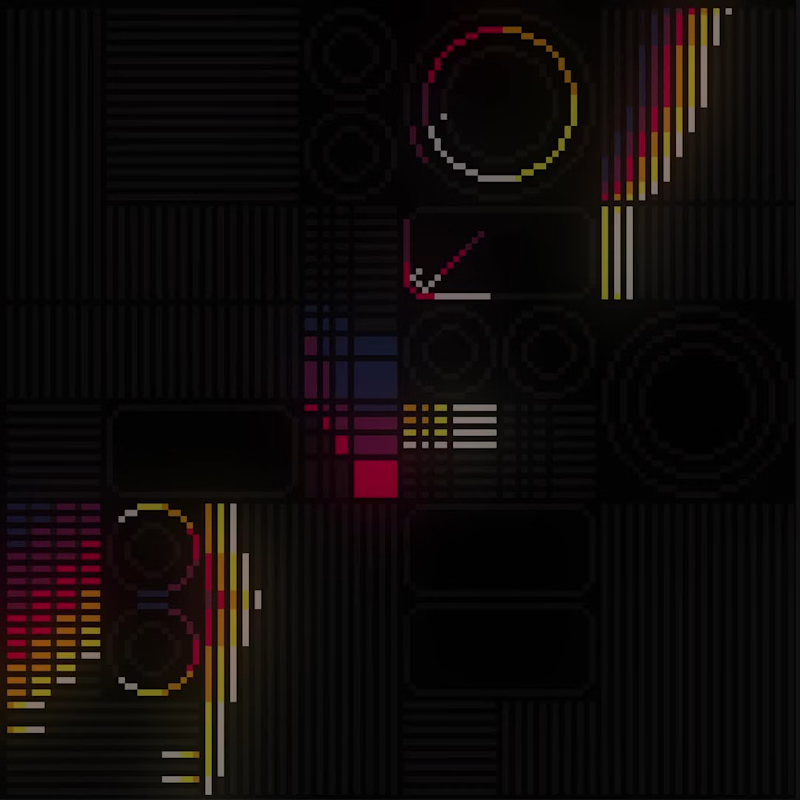
"Phantasm_Console_001"
Ultra Low-Rez Ambience.
Six colours, 128x128 pixels.
Animated by hand.
-- TAGS
( #PICO8 (https://bsky.app/hashtag/PICO8) | #Animation (https://bsky.app/hashtag/Animation) | #PixelArt (https://bsky.app/hashtag/PixelArt) | #Aseprite (https://bsky.app/hashtag/Aseprite) | #MotionGraphics (https://bsky.app/hashtag/MotionGraphics) )
-- AUDIO Tigram Hamasyan | He Saw Her Reflection In The Water
35
257