
Make.com Level 5 & Zapier Expert: AI and Ops Automation
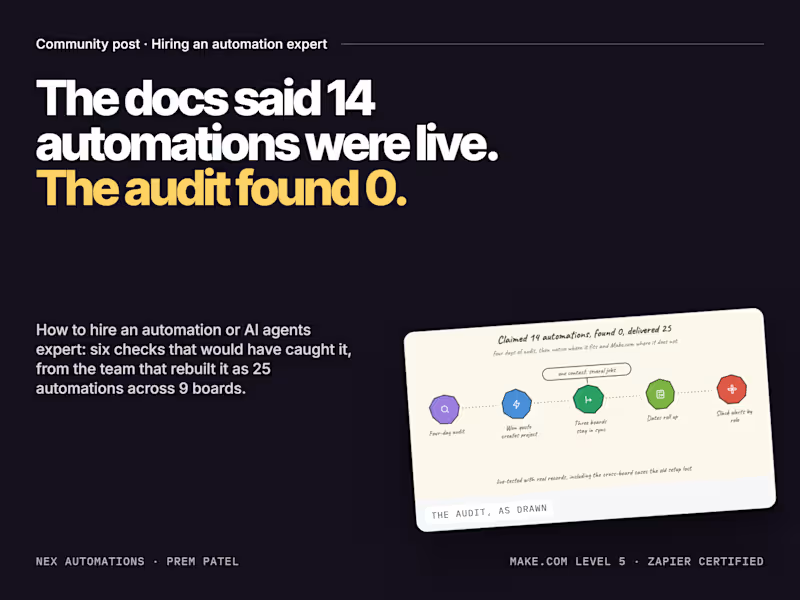
How do you hire an automation or AI agents expert without getting burned? Ask to see one live system, not screenshots, and put a small paid audit in front of any big build.
Here is why I say that. A US manufacturer hired us after a migration was declared done. Their documentation said 14 automations were live on monday.com. A four-day audit found zero. Not one. The screenshots looked great, the document read well, and nothing behind them existed. We rebuilt it as 25 automations across 9 boards, live-tested on real records. The client did nothing wrong except trust paper.
The checklist I would use to hire anyone in this field, including me:
1. Verify the credential at the source, not on the resume. Make.com and Zapier both publish partner directories. If someone claims a tier or a certification, it should be findable on the platform's own site in 30 seconds. If it is not, stop.
2. Ask to open one live system on a screen share. Not a portfolio PDF. A real scenario or workflow, running, with its execution history visible. Two minutes of history tells you more than any case study.
3. Ask one question: "what happens when this fails at 2 AM?" The answer should contain error routes, retries, alerts and who gets woken up. If the answer is "it does not fail", you are hiring the person who wrote that 14-automations document.
4. Ask who owns the accounts. Everything should be built in YOUR workspace, on YOUR subscriptions, with YOUR API keys. If the work lives in the freelancer's account, you are renting your own business process.
5. Start with a paid audit, not a build. A few days, fixed fee, output is a written map: what exists, what does not, what is worth building and what it should cost. Credit it against the build. Anyone who refuses to be paid for thinking wants to be paid for volume.
6. For AI agents, ask where the human sits. Every agent that touches customers or money needs a review step or a takeover switch. An agent nobody can interrupt is a liability with good grammar.
The pattern behind all six: proof over polish. The best people in this field will happily show you running systems and error logs, because that is the part they are proud of.
What is the worst automation handover you have inherited? I collect these stories.
Prem Patel, Nex Automations. Make.com Level 5 certified, official Make partner, Zapier Certified Expert, both verifiable in the partner directories.
1
2
336
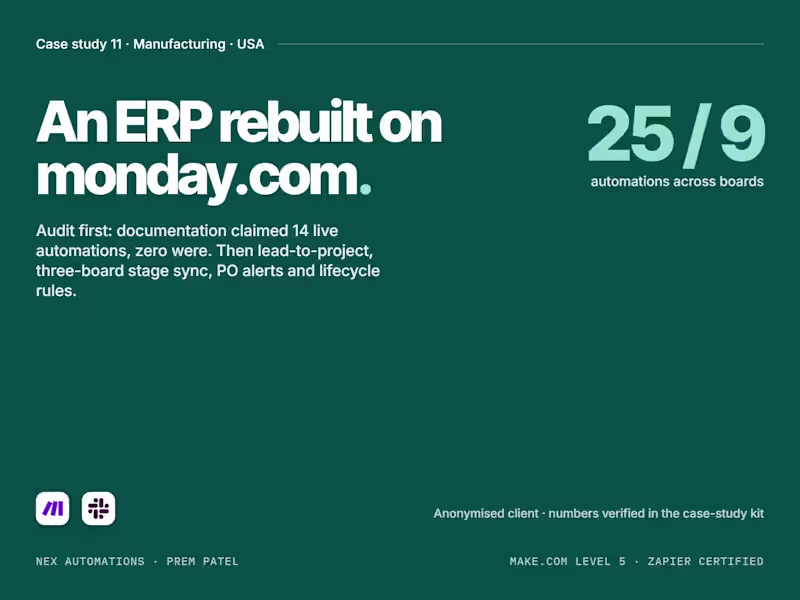
How do you audit an automation setup before touching it, when the documentation says 14 automations are live and nobody is sure? Four days, one checklist, and the finding that shapes the rebuild.
An elevator manufacturer running its ERP on monday.com handed over documentation listing 14 live automations. The audit found none of them running. Not broken, not there. Every process the team believed was automated was being done by hand by someone who had stopped mentioning it.
The audit, four days:
1. Inventory what exists, not what is documented. Every board, every column, every native automation, every integration and every external tool with a key. Dead and live both go on the list.
2. Trace each process end to end. Where does a work order start, who touches it, where does it stall. The stalls are where the automations should have been.
3. Test what claims to run. Fire the trigger, watch the log. A recipe that is switched on and never fires counts as absent.
4. Rank by hours lost. The cross-board hand-offs cost the most, so they go first.
5. Write the spec before the build. One line per automation: trigger, condition, action, owner, failure route.
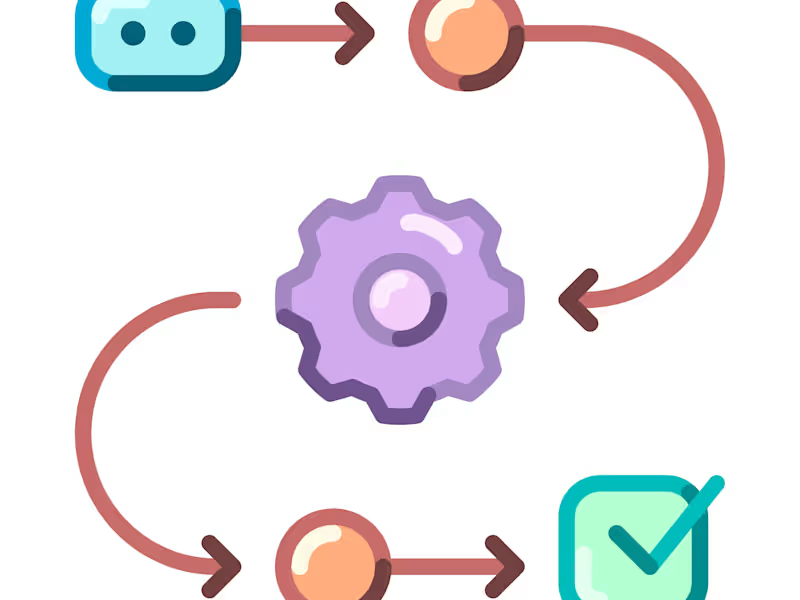
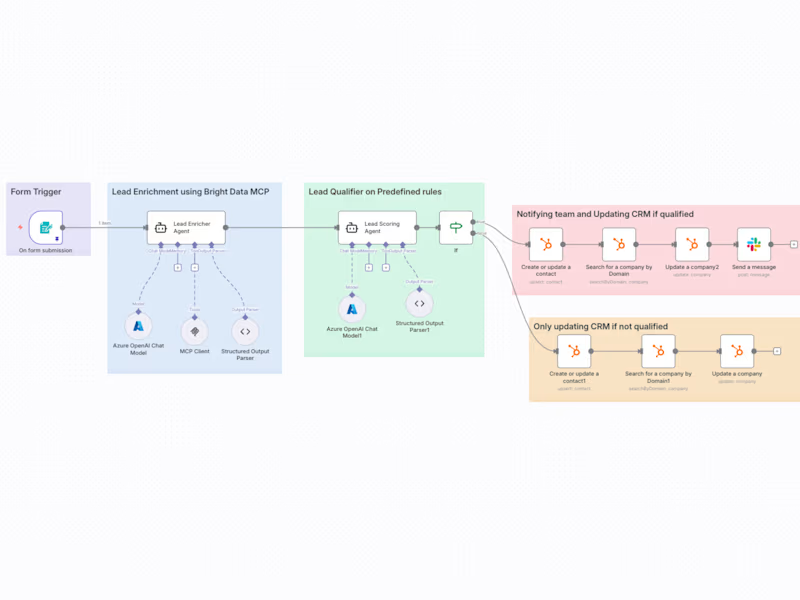
The rebuild that followed: 25 automations across 9 boards on monday.com and Make.com, each live-tested including the cross-board cases, with Slack alerts when something does not complete. The diagram shows the audit and rebuild path.
The lesson that travels: the gap between what a team believes is automated and what actually runs is the first number to find. It is usually bigger than anyone in the room expects, and it is the whole business case.
Full case study on my profile. The 5-day audit on my services page is this checklist applied to Make.com, Zapier or monday.com.
Prem Patel, Nex Automations. Make.com Level 5 certified, official Make partner, Zapier Certified Expert.
1
311
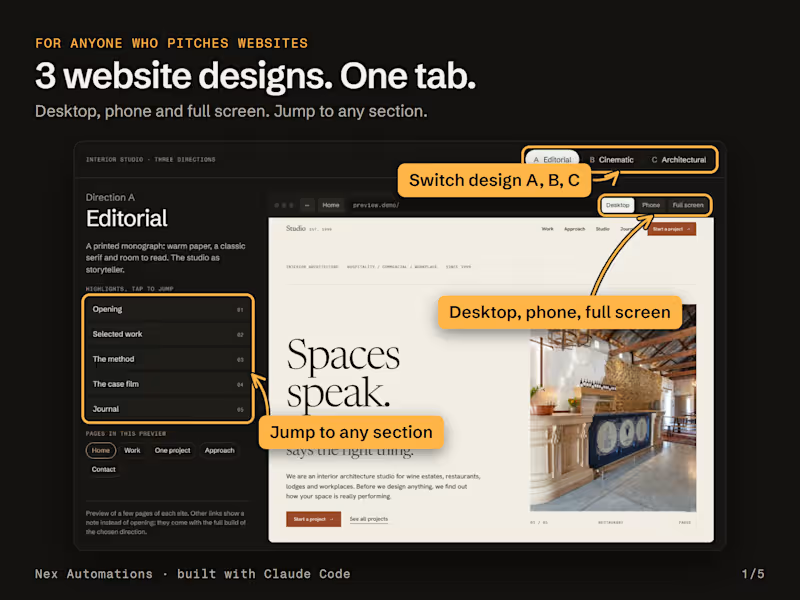
How do you show a client three website directions on one call without drowning in tabs?
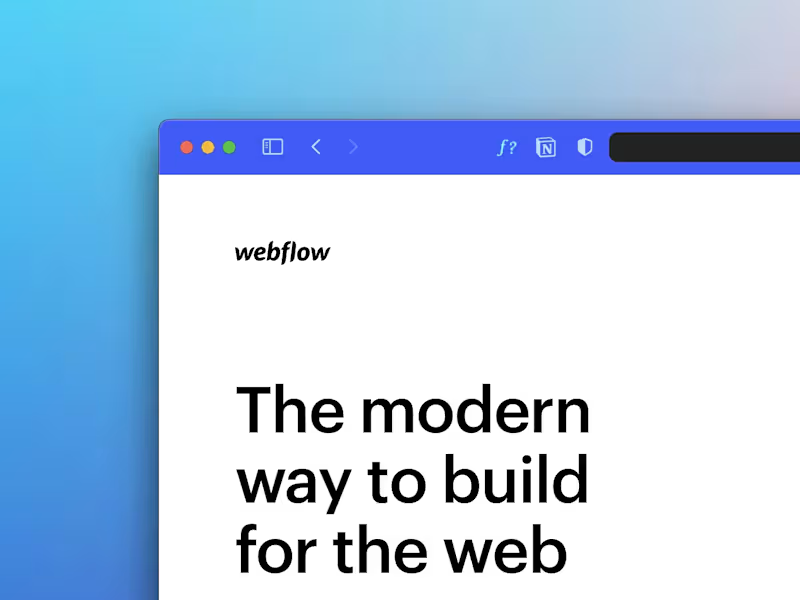
This week we stopped juggling. We built a presenter page with Claude Code and ran the whole call from one tab.
The problem it solves: on a design call you open a tab per concept, resize the window to "show mobile", scroll hunting for the section you meant, and the client loses track of which version is which. The work was fine. The way we showed it wasn't.
What it does, all in one tab:
Direction tabs across the top. The real site runs inside a browser frame, so scrolling, hover states, animations and video all work live.
Desktop or Phone. Phone is a true 390 px view. Desktop renders the real 1440 px layout scaled to fit, so you see the actual design, not a squeezed one.
Full screen in one click, made for screen sharing.
Highlight buttons that jump the site straight to the section you are talking about: the opening, the work grid, the film.
A short page list (home, one project and contact), so the walkthrough has a beginning, middle and end.
The guardrail designers will appreciate: only 4 or 5 pages of each site open. The landing page, one full project and the key pages. Every other link shows "This page comes with the full build" instead of opening. You pitch the real thing without handing over the build before there is an agreement.
It travels too. Packed as a zip, it runs from a double-click with no server and no install, so our partner can run the same demo on his own calls.
Why not just send a staging link? It opens every page, and on a call the client wanders off on their own. This keeps everyone on the same screen.
What I would tell any designer pitching websites: show the site moving. Scroll, hover and motion are exactly what a PDF can't show.
How do you present website concepts today: a PDF, a Figma prototype or a live link?
1
1
136


Video Editor / Motion graphics Designer



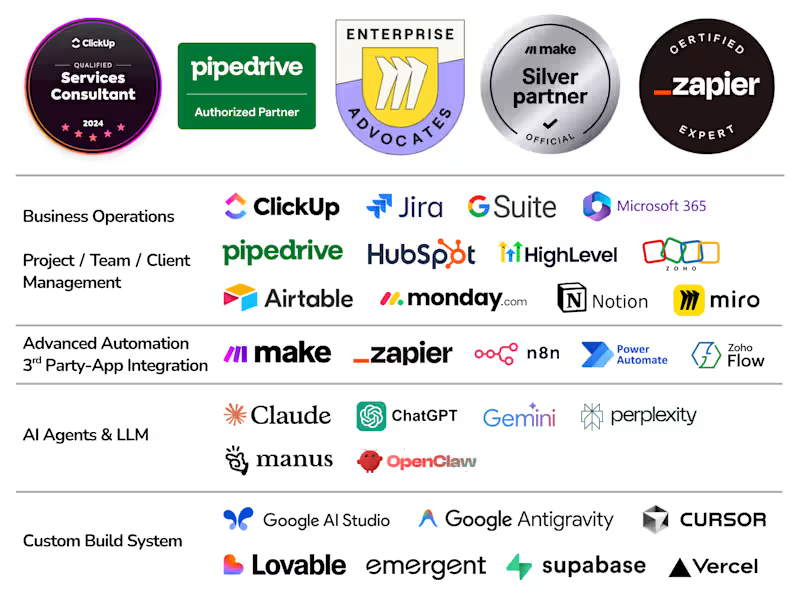
Let's systemize and automate your business.

Let's systemize and automate your business.


No-Code Developer, Automation Specialist



Helping B2B startups unlock growth with AI & GTM
- $•••••
- Earned
- 5x
- Hired
- 5.0
- Rating
- 23
- Followers
Helping B2B startups unlock growth with AI & GTM

Your Brand's Strategic Partner 🌟
Your Brand's Strategic Partner 🌟

View more →

AI Project Manager for Business Growth 🚀
AI Project Manager for Business Growth 🚀



Versatile Social Media and Business Analyst Expert
Versatile Social Media and Business Analyst Expert


View more →