The network for creativity
Join 1.25M professional creatives like you
Connect with clients, get discovered, and run your business 100% commission-free
Creatives on Contra have earned over $150M and we are just getting started
Back to feedPost

🤔When applying to jobs, I often see requirements like “advanced Figma skills” or “using best practices, Auto Layout, components, variables, etc.”
Come on, this is the basics.🤷🏻♀️
As a designer with 10+ years of experience building SaaS web applications, I see these things as a foundation, not something that should even need to be asked about.
But since clients often want proof of these skills, I decided to write an article showing exactly how I organize a large SaaS web application in Figma.
I think it can be useful not only for clients, but also for experienced designers and teams.
And I’d be glad to hear about any practices you use that I didn’t mention.🙌
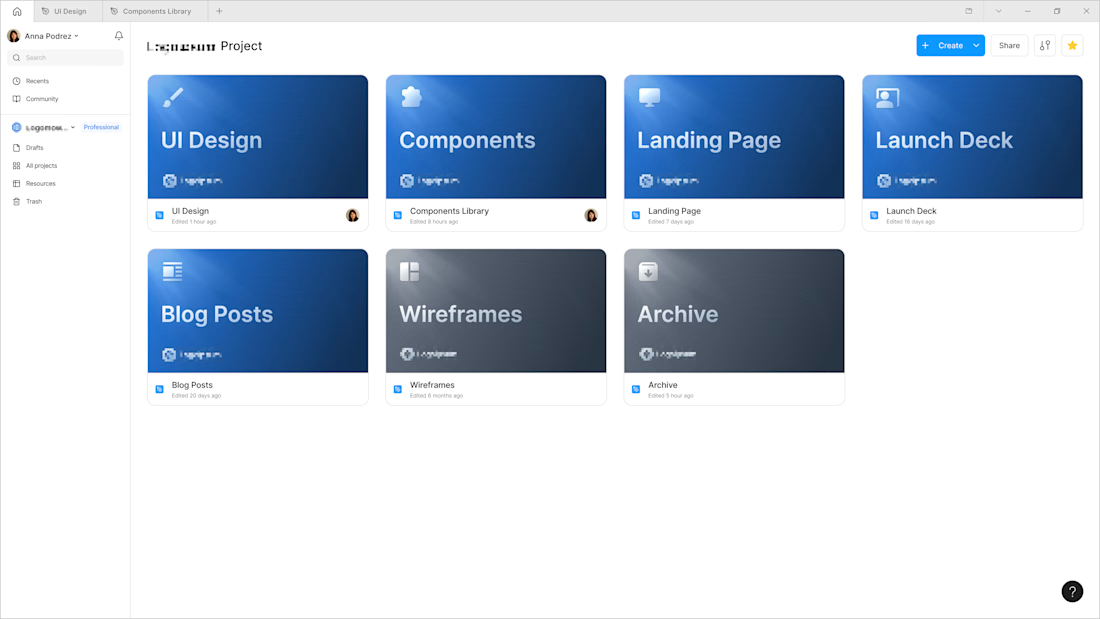
1️⃣ Project & file setup
Every engagement starts with a clean project structure. I create the project in your Figma workspace, so ownership and admin rights always stay on your side.
Inside the project, work is split into separate files so nothing gets mixed up: product design,...
2️⃣ Component library
The component library lives in its own file, separate from the screens. This is deliberate. It keeps design files light and fast, makes the library reusable across projects, and, most importantly, enables sync. Every design file is connected to the same...
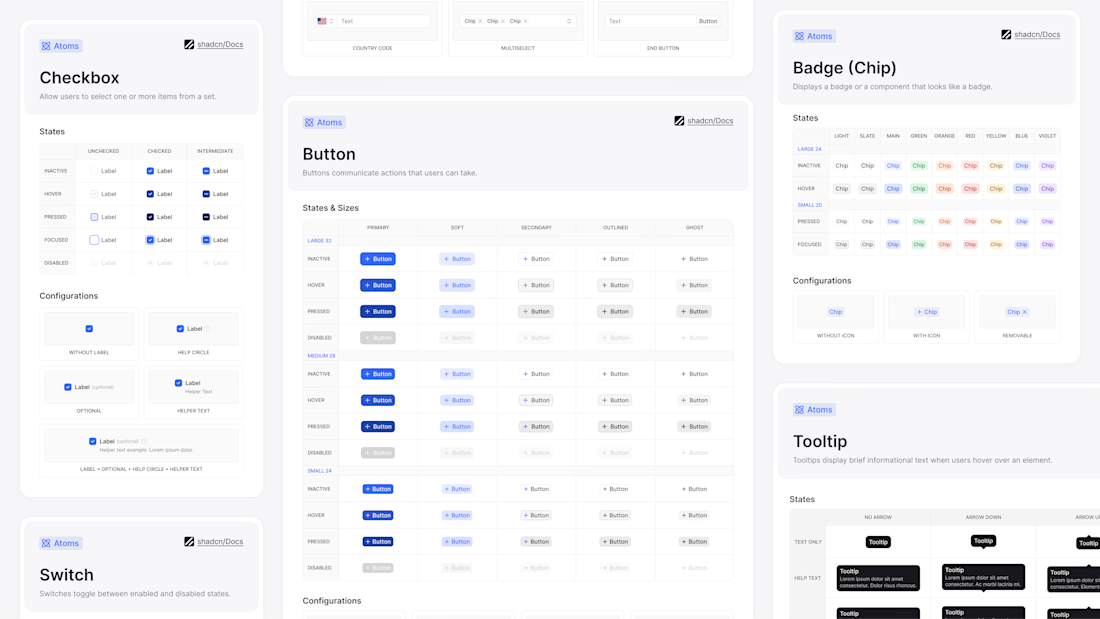
What the library is built from
• Variables: colors, spacing and corner radius values live as tokens (including light/dark themes), paired with a full type scale applied consistently on every screen.
• Text styles: a full type scale (headings, body, captions) applied consistently...
That table is the single source of truth for the whole product, and variable names match the code's design tokens 1:1, giving design and development a shared language. Because every screen pulls from the same place, values can't drift apart from screen to screen: change a token once and everything using it updates.
Reusable components
Every recurring element (buttons, inputs, cards, navigation) lives in the library as a component. A component is defined once, with variants for every state and size, and used across screens as instances that stay connected to the source. When a component...
Auto layout & responsive design
Every component and screen is built with auto layout, Figma's equivalent of how developers actually build UI. When text gets longer or an element is added, the card resizes itself: nothing overlaps and nothing needs manual realignment.
Auto layout also speeds up work on mobile versions. With properly configured auto layout, a row of cards reflows onto the next line by itself and spacing holds at any frame width.
3️⃣ Organizing work in a file
In any project I work on, the page list reads like a table of contents. Three conventions make that work:
Page names. Each major part of the product gets its own page, usually mirroring the product’s sidebar or navigation.
Flow organization. Each flow...
4️⃣ Prototyping
I test flows before they’re built. Screens are wired into clickable prototypes right in the design file, so stakeholders click through a flow instead of imagining it, and usability issues surface before a line of code is written.
For complex logic
5️⃣ Developer handoff
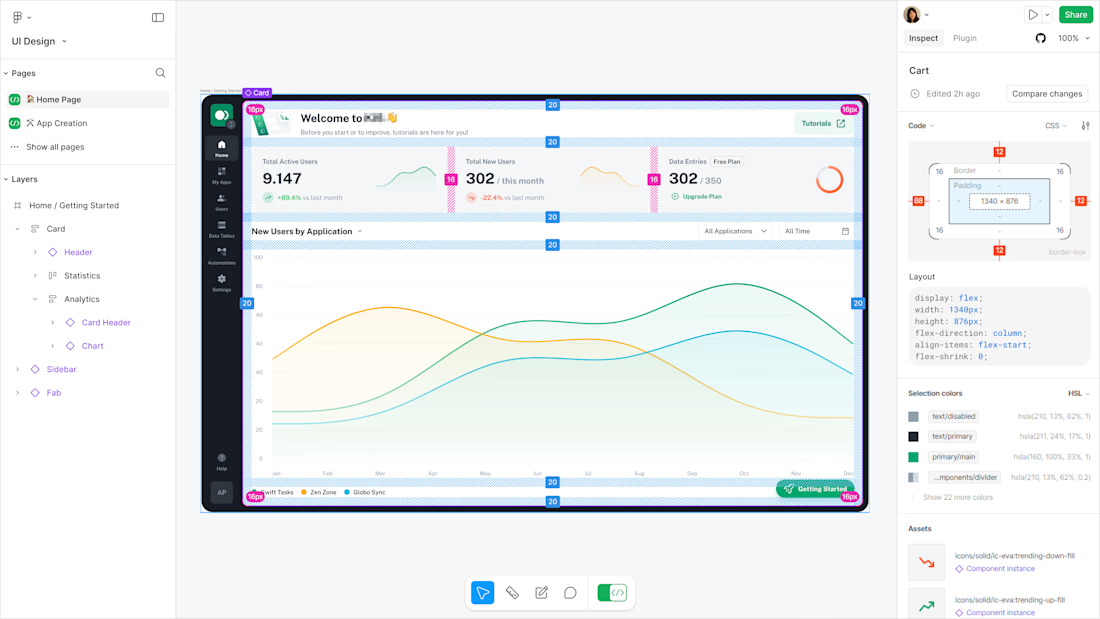
A handed-off file should answer questions, not create them. Before anything is marked ready:
• Layers get clean, semantic names. No “Frame 427”.
• All sizes, padding and gaps come from the spacing scale, so the Inspect panel shows real, systematic values.
• ...
🏁 Summary
You own the files and always see the real project state. One component library keeps every screen consistent and speeds up new ones. Statuses make progress visible without meetings, flows are tested as prototypes before development, and developers receive clean, annotated, token-based files.
The network for creativity
Join 1.25M professional creatives like you
Connect with clients, get discovered, and run your business 100% commission-free
Creatives on Contra have earned over $150M and we are just getting started













Related posts


Insanely smooth and elegant dashboard concept! Love the color palette and typography. Outstanding work!


EarthHub – A Platform for Nature Expeditions ⛰️
Stumbled upon this project in my hard drive, had to publish!

Top to bottom nice work

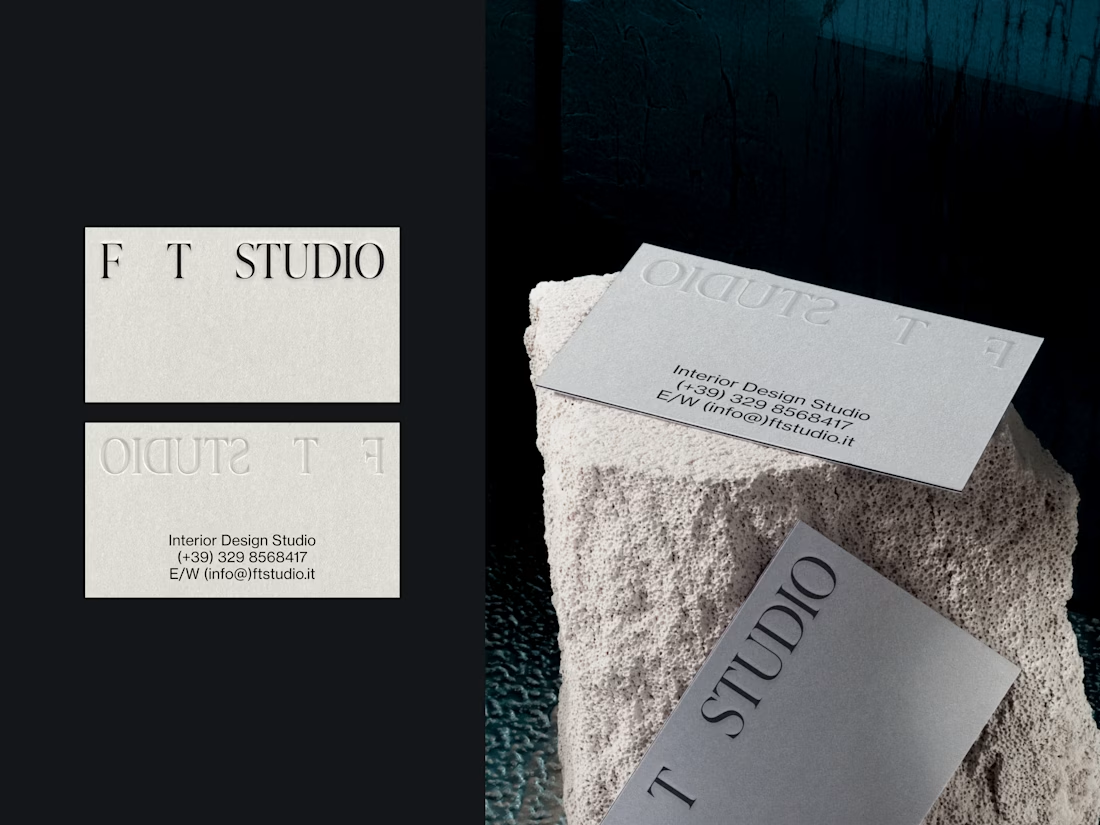
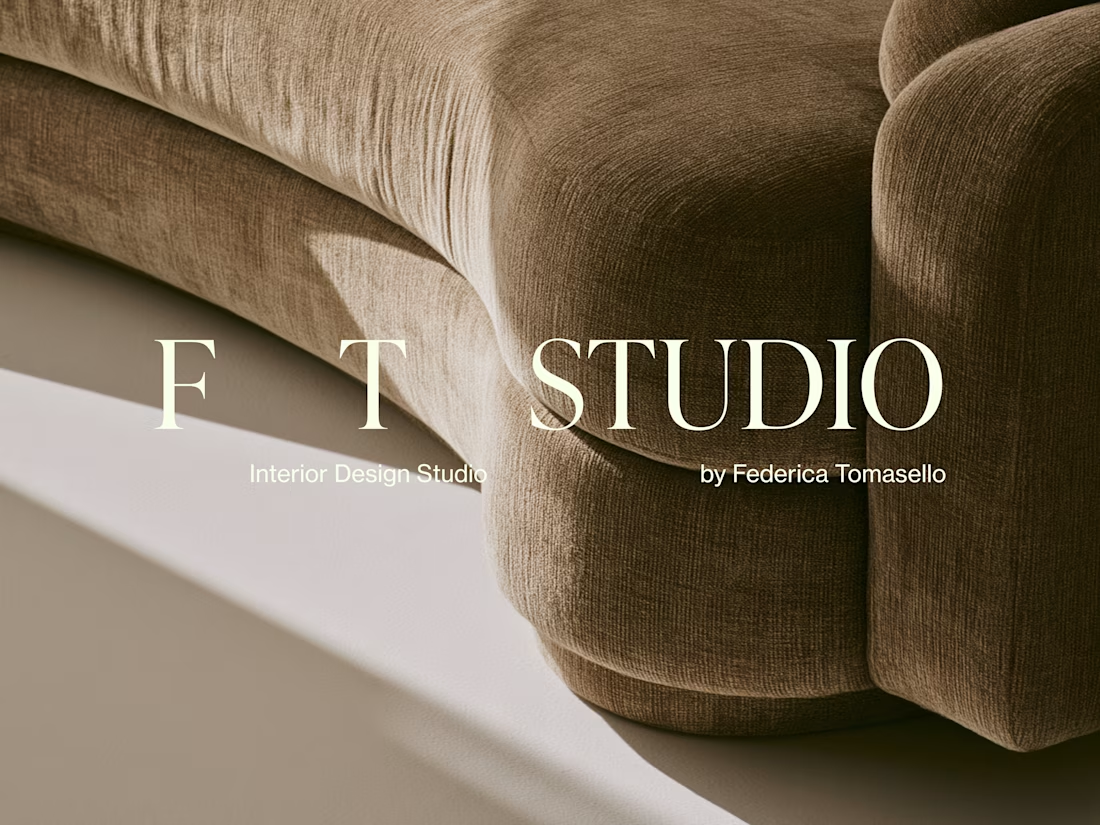
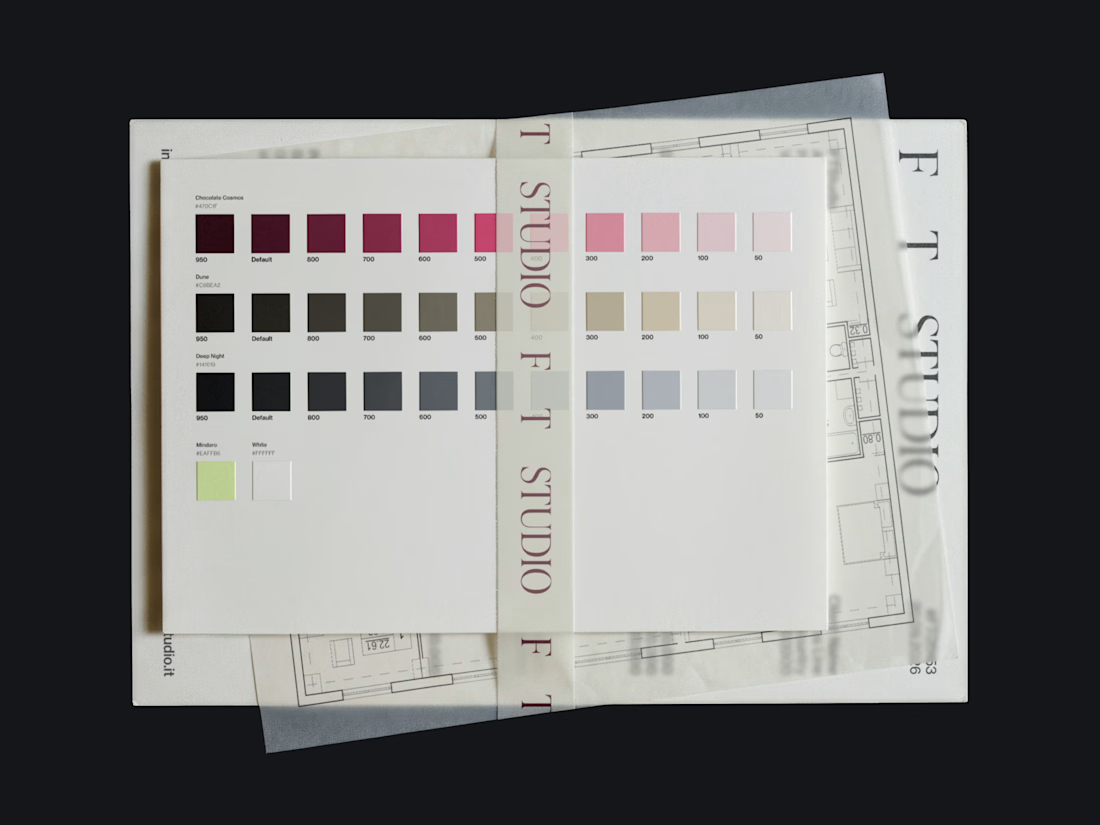
FT Studio is an Interior Design Studio, led by Federica Tomasello.
Through careful listening and a psychological approach to design, she studies each client’s personality and translates it into details that make the space unmistakably theirs.
The brand identity is built around the one thing she works with every day: space.
Hope you enjoy it!🤍 Check it out




Nice