The network for creativity
Join 1.25M professional creatives like you
Connect with clients, get discovered, and run your business 100% commission-free
Creatives on Contra have earned over $150M and we are just getting started
Back to feedPost

Event Highlight Video — Multi-Camera Team Compilation
Project type: Event video editing & post-production
Deliverable: Single cohesive highlight video
Source material: 5 separate video clips from 5 team members
Key tasks: Multi-source sync · Captions · Sound design · Transitions · Color & pacing
The Challenge
The client came with raw footage from 5 different team members — each filmed on a different device, at different times, with different lighting, different audio quality, and different framing. Individually, each clip told a fragment of the story. The job was to turn those fragments into one seamless, professional video that felt like it was always meant to be a single piece.
That's a harder edit than most people realize. When you're working with one camera, one shoot, one environment — you're just cutting. When you're working with 5 sources, you're solving continuity, audio consistency, visual tone, and pacing all at once.
What I Did
1. Multi-Source Assembly & Continuity Edit
The first task was reviewing all 5 clips and building a logical story arc — what moment comes first, what builds in the middle, what closes strong. I structured the sequence around the event's natural energy flow rather than just chronological order, which gave the final video a much stronger sense of narrative momentum.
Clips with mismatched color temperatures and exposure levels were brought into a consistent visual tone so the viewer doesn't notice the jump between sources — they just experience the event.
2. Caption Design & Placement
Animated captions were added throughout — not auto-generated, but designed and timed manually to match the speech rhythm and visual pacing of each scene. Caption style was kept clean and readable at small sizes, since most viewers watch on mobile. Placement was adjusted per clip to avoid covering key subjects or action in the frame.
3. Sound Matching & Audio Cleanup
Five clips. Five different audio environments. This is where most amateur edits fall apart — jarring volume jumps, background noise shifting between cuts, music that doesn't breathe with the visuals.
I cleaned each audio track individually, leveled the mix across all clips, and laid a music bed underneath that tied the energy of the entire video together. SFX transitions were used at key cut points to give the edit physical texture — the kind of detail that viewers feel without knowing why the video feels more professional.
4. Transitions & Visual Flow
Transitions were selected and timed to match the event's tone — energetic where the moment called for it, clean and simple where the content needed to speak. No template-dump transitions. Each one was chosen because it served the cut, not because it was available.
The result is a video that moves — you don't sit waiting for the next thing to happen. The pacing keeps the viewer in the moment from first frame to last.
5. Final Polish
Color grade applied for consistent warmth and brand-appropriate tone across all 5 sources
Music fades and audio ducking under speech segments
Opening and closing frames designed to work as standalone still thumbnails
Exported in platform-ready format, optimized for social sharing and event replay


The network for creativity
Join 1.25M professional creatives like you
Connect with clients, get discovered, and run your business 100% commission-free
Creatives on Contra have earned over $150M and we are just getting started
Trending
retrofuturism
Share your favorite designs from the past exploring the distant future. Or your own take on the aesthetic 🚀
halftone
Dots. Texture. Grain. Let's see your designs using the halftone technique.

Midjourney
Creatives are showing off what they're making with Midjourney.
colorgrade
Video editors sound off: How do you enhance the mood of your video in color grading?





Related posts

I’ve been doing a lot of video work for my own clients lately too, especially creating AI videos and bringing the final pieces together in the edit. Love seeing different approaches to the process.


How I color grade iPhone footage in CapCut
(BEGINNER FRIENDLY)
Let me know if you'd like to see more of my process creating and editing content for my clients.


Made a paid ad video for Orchid, the AI executive assistant that lives in iMessage (YC-backed). It texts you your day, drafts replies, books meetings, you approve and it handles the rest.


Did you make it with after effects? Great job Lounes!

PlanetF1 Rebrand 🏁
PlanetF1 is one of the world’s leading independent Formula One media platforms, established in 1999 and part of the Planet Sport Group. Known for its global audience and trusted race coverage, it delivers breaking news, analysis and live weekend reporting to millions of F1 fans worldwide.
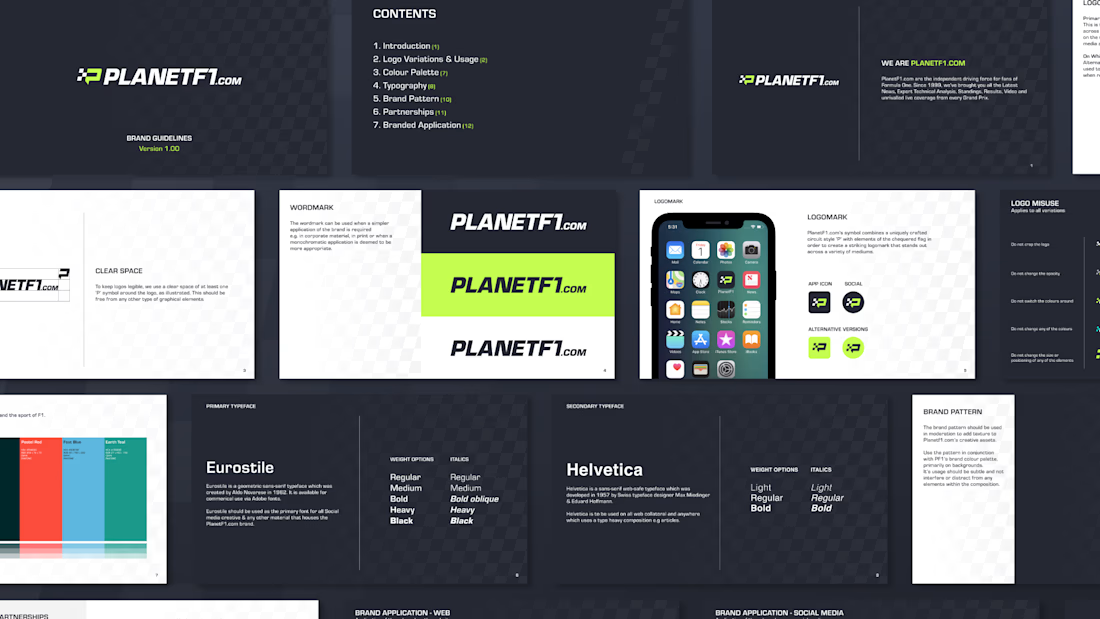
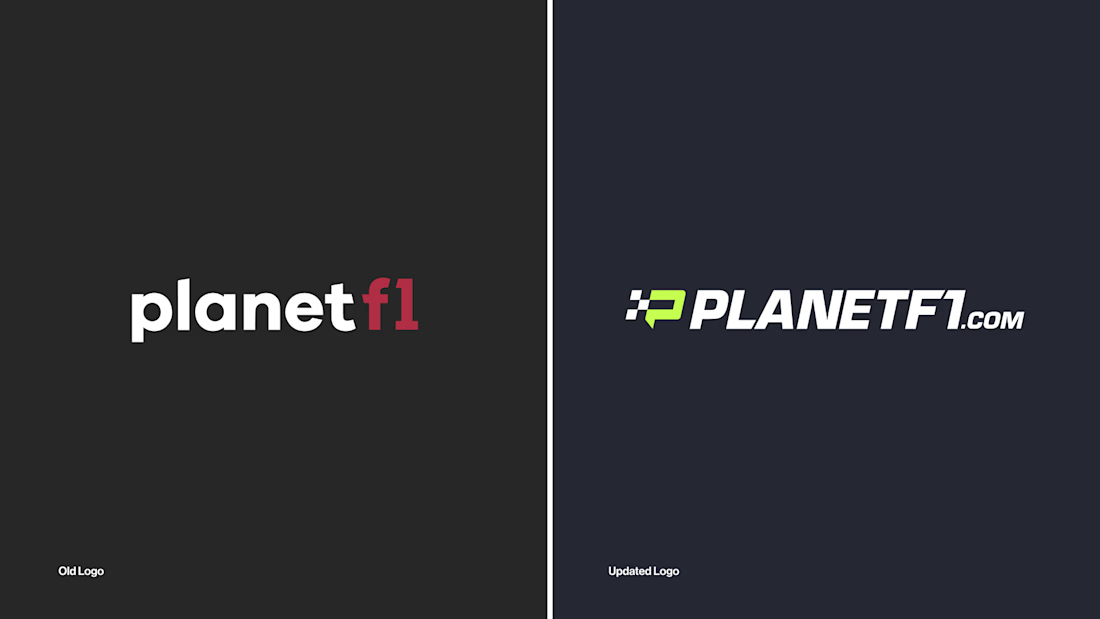
I led the rebrand and wider visual overhaul of the platform. Working closely with key stakeholders, I drove the research and discovery phase before designing and presenting a refreshed identity system built to position PlanetF1 as a modern, digital-first brand for Formula One audiences.
The identity needed to feel fast, precise and unmistakably connected to the sport, while elevating the platform’s presence within an increasingly competitive sports media landscape. It also needed to support high-frequency publishing across news, live coverage and social content.
The final identity introduces a new icon inspired by the Formula One “mini-map”, acting as a directional system to reflect speed, positioning and race tracking. Supported by updated brand guidelines and enhanced motion capabilities, the system creates a more dynamic and consistent visual language across digital and social platforms, strengthening PlanetF1’s presence as the sport moves “On the Grid”.