
Slava Burian
Framer Websites. Design & Migration.
- $10k+
- Earned
- 9x
- Hired
- 5.0
- Rating
- 59
- Followers


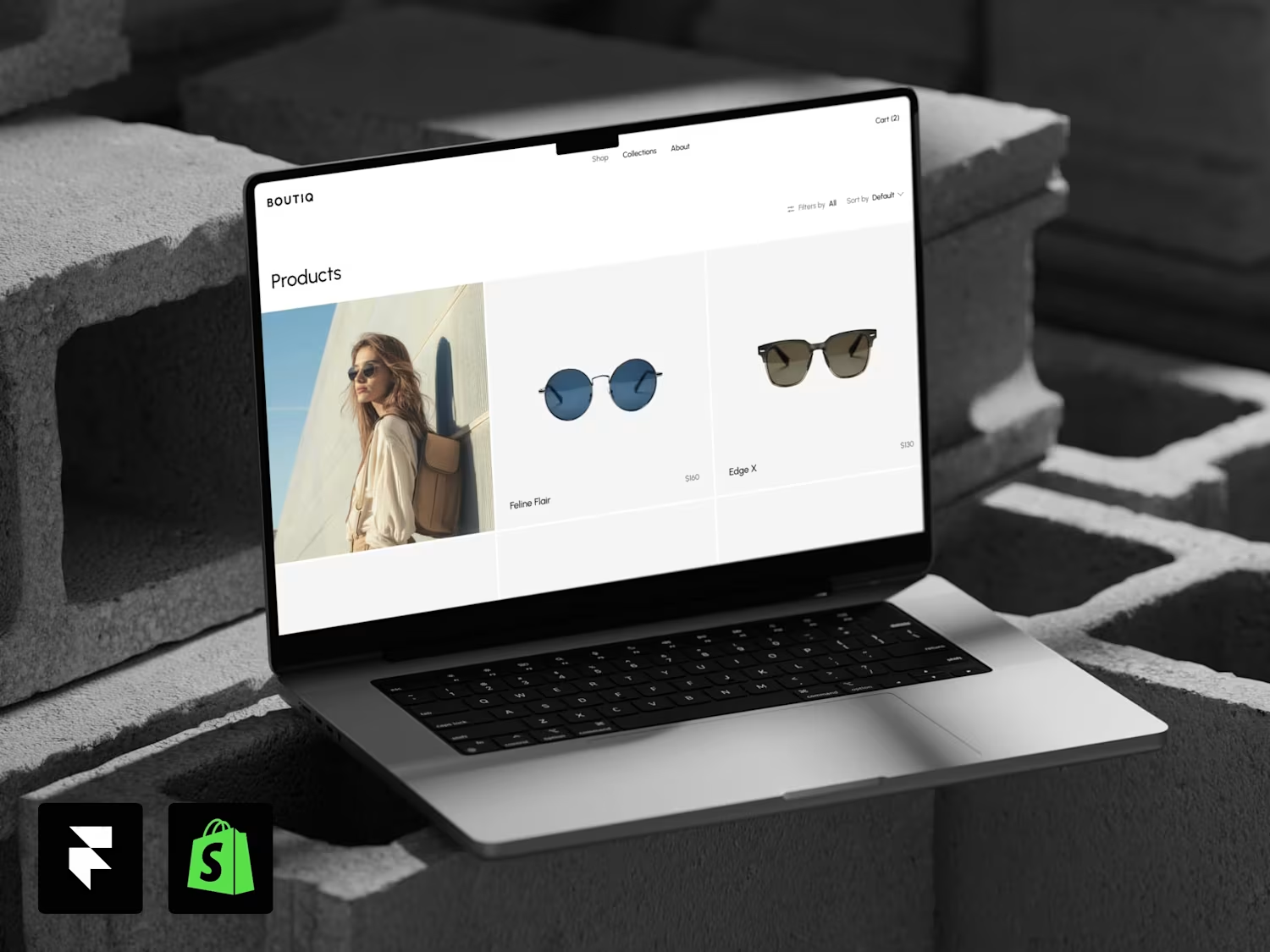

Templita started as my own marketplace for my own Framer templates, including an All Access bundle. Then the @framer Marketplace was updated, and people started complaining that it's hard to find a quality template among thousands of low-quality ones.
So I changed the concept...
If your website runs on PHP and this week's news made you nervous: I migrate sites to Framer or Astro. Message me. slavaburian.com


slavaburian.com
Slava Burian — UX/UI & Web Design, Web & App Development
UX/UI and web design, plus websites and mobile apps built from idea to launch. Product designer and developer with 10+ years of experience. Let’s build yours.
You can also view detailed information about any project by simply clicking the Info button. This opens a smooth, animated side modal containing everything you need to know about the project, including its title, description, and other relevant details. You'll also find a...
When you open a project, you can easily switch between projects by hovering over the next project thumbnail — with a smooth, elegant animation that brings the preview to life.
Once you move to the next project, the video starts playing automatically. You can use the video...
You can watch videos right inside the project, and you’re not limited to just playing or pausing them, you can also scrub through the timeline manually to jump to any moment.
The player features a custom-designed interface with a clean, modern look and a subtle blur effect. The...