
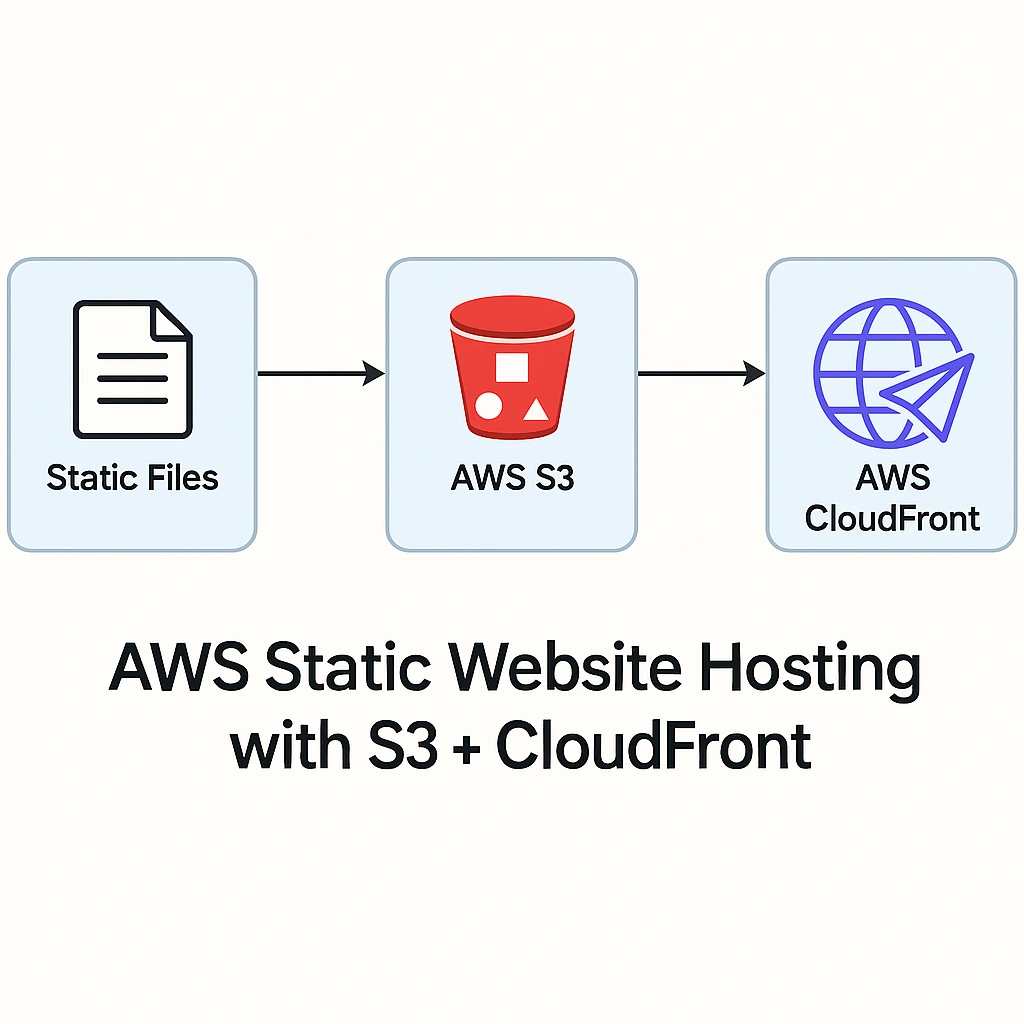
AWS Static Website Hosting with S3 + CloudFront
Host a secure, scalable, and fast static website using AWS S3 and CloudFront
Overview
This project demonstrates how to host a static frontend website using Amazon S3 for storage and CloudFront as the global content delivery network (CDN). The website includes HTTPS support, versioned deployments, and optional custom domain configuration.
Tech Stack
AWS S3 – Object storage to host static website files
AWS CloudFront – CDN to cache and serve content globally with HTTPS
AWS Route 53 (optional) – For custom domain + SSL
Terraform (optional) – For infrastructure automation
GitHub – Version control
Architecture Diagram
Project Structure
Setup Instructions
Option 1: Manual Deployment (AWS Console)
Create S3 Bucket
Name:
your-site-nameUncheck “Block All Public Access”
Enable Static Website Hosting
Note the endpoint URL
Upload Files
Go to “Objects” → “Upload” your
index.html, CSS, JS filesSet Bucket Policy
Create CloudFront Distribution
Origin Domain: S3 static site endpoint (e.g.,
your-site-name.s3-website-us-east-1.amazonaws.com)Set default root object:
index.htmlOptional: Add custom domain + SSL (from ACM)
Option 2: Deploy Using Terraform (Optional)
Automate everything using Infrastructure as Code
Custom Domain with HTTPS (Optional)
Buy/manage domain in Route 53
Issue SSL Certificate via ACM (in
us-east-1)Link domain + SSL to CloudFront
Add DNS A/AAAA records in Route 53
Screenshots
#The S3 Bucket
Useful AWS CLI Commands
Author
Kaustav Dey
GitHub: @KaustavDey357
LinkedIn: linkedin.com/in/KaustavDey357
Portfolio: KaustavDey357.github.io
0 likes · 14 views · May 18, 2025
Hosted a static website using AWS S3 and CloudFront with HTTPS support.


