CI/CD Pipeline: Dockerized App Deployment to AWS EC2

Kaustav Dey


CI/CD Pipeline: Dockerized App Deployment to AWS EC2 using GitHub Actions
This project demonstrates a full CI/CD pipeline setup using GitHub Actions, Docker, and AWS EC2. Every time you push code to GitHub, the pipeline automatically builds the app, transfers it to an EC2 instance, and deploys it using Docker.
Architecture Overview
Stack Used
Docker – Containerize the application
GitHub Actions – Automate CI/CD
EC2 (Ubuntu) – Host the application
SSH – Secure connection to EC2
Nginx/PM2 – Serve the app (optional)
Features
Dockerfile to containerize the app
GitHub Actions workflow to:
Build and test
Copy files to EC2
SSH and deploy using Docker
Uses GitHub Secrets for secure keys and variables
Getting Started
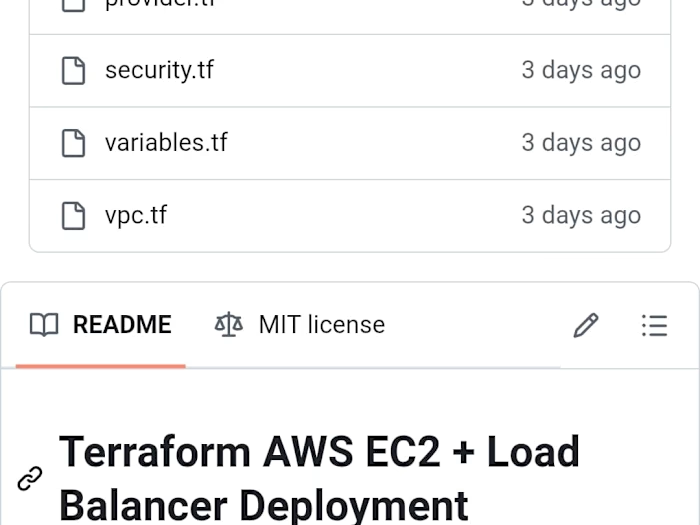
1. Initializing The Ec2 Instance using Terraform
Set enable_elb = true to deploy with an ELB.
2. Clone the Repo
3. Fill in Secrets (GitHub Settings → Secrets)
Key Description
EC2_HOST EC2 public IP or DNS EC2_USER Usually ubuntu EC2_SSH_KEY Your private key (PEM), base64-encoded EC2_PATH Path to deploy files (e.g., /home/ubuntu/app) DOCKERHUB_USERNAME Your Docker Hub username DOCKERHUB_TOKEN Your Docker Hub access token (stored as a secret)4. Deploy Pipeline
Each push to
main branch triggers:Which does:
Checkout the code
Build Docker image
Copy files to EC2 using
scpSSH into EC2 and run:
docker stop old_containerdocker rm old_containerdocker run -d ...Project Structure
Access the App
After deployment:
Make sure the port is open in your EC2 Security Group.
Local Development
Author
Kaustav Dey
GitHub: @KaustavDey357
LinkedIn: linkedin.com/in/KaustavDey357
Portfolio: KaustavDey357.github.io
Like this project
Posted May 18, 2025
Set up CI/CD pipeline for Dockerized app deployment to AWS EC2 using GitHub Actions.