OpsFlow AI — Human-in-the-Loop Automation Dashboard

Adrian Vale


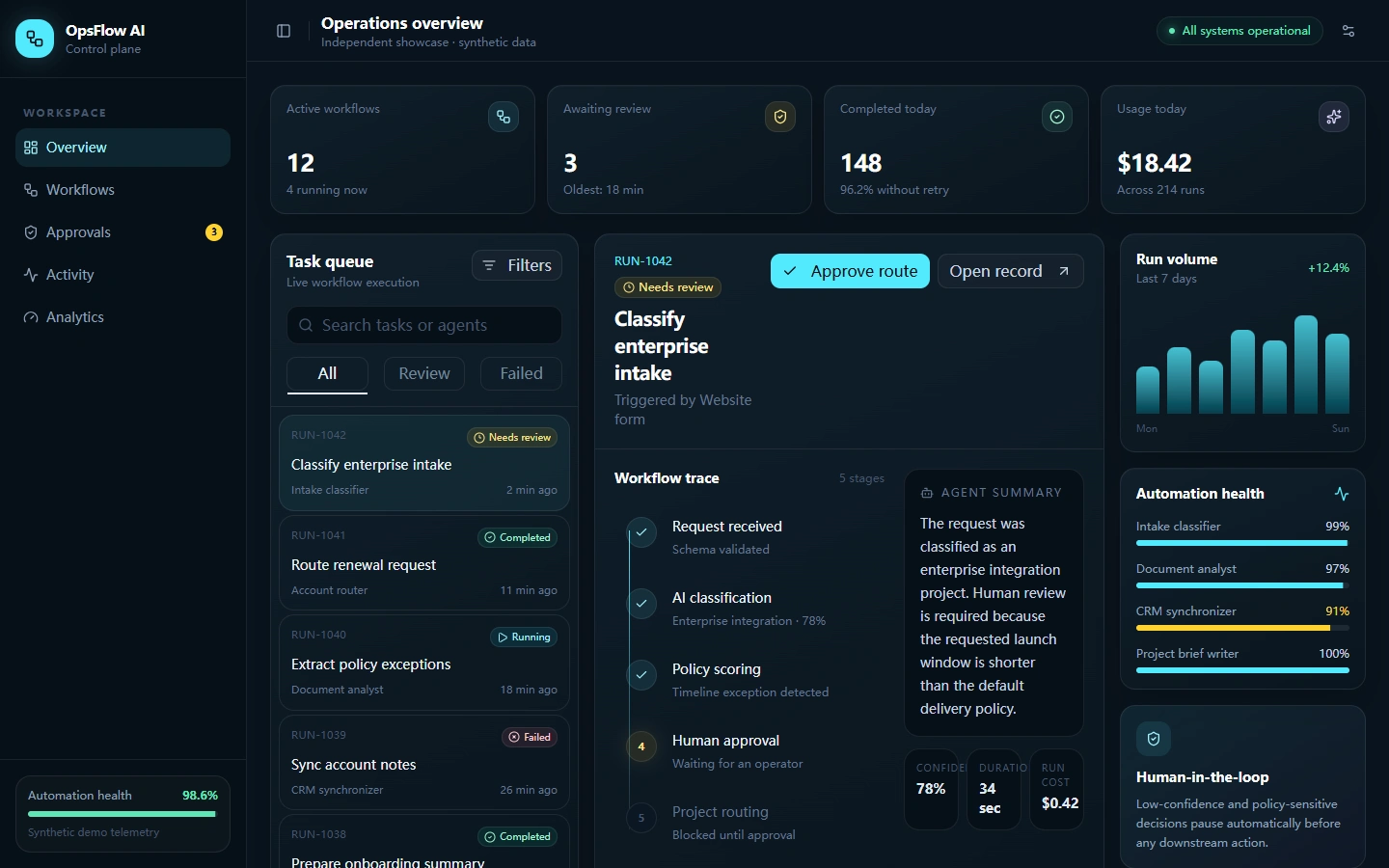
Project overview
Overview
OpsFlow AI is an Independent Project built as a realistic operations dashboard for teams running AI-assisted workflows. It turns queues, exceptions, approvals, and system health into one clear interface using synthetic demonstration data.
Problem
Automation becomes difficult to trust when operators cannot see what is running, why a task failed, or which actions still require human judgment. A useful internal tool needs more than a success metric: it needs traceable state, recovery controls, and safe intervention points.
My Role
I designed and implemented the showcase end to end: product framing, interface, task model, API actions, responsive behavior, failure and approval states, screenshots, and automated acceptance checks.
Solution
I created a focused operations cockpit with a searchable task queue, status filters, workflow details, performance metrics, health signals, and contextual actions. Failed tasks can be reviewed and retried, while sensitive work can be explicitly approved before routing continues.
Technical Approach
The application uses Next.js, React, TypeScript, Tailwind CSS, and reusable interface components. A local API route validates task actions and maintains demonstration state. Structured browser tools expose a read-only task query and a reviewed state-changing action. Playwright drives the core acceptance flow at desktop and mobile sizes.
Key Features
Searchable and filterable workflow queue
Failure detail with actionable retry behavior
Human approval checkpoint for sensitive routing
Operations metrics, activity timeline, and service health
Responsive desktop and mobile layouts
Synthetic data clearly separated from real customer information
Challenges
The main design challenge was presenting dense operational information without turning the page into a generic analytics dashboard. The interface had to keep the selected task, its history, its current risk, and its available action understandable at the same time.
Outcome
The finished local showcase passes production build and automated browser checks for navigation, failure recovery, approval, empty state, responsive layout, and horizontal overflow. It is ready to demonstrate a commercially relevant automation workflow without exposing client or private data.
Completion, QA, and Handoff Readiness
I treated completion as verified behavior, not just visual polish. The acceptance flow covers task selection and navigation, failed-task retry, approval feedback, empty-state behavior, desktop and mobile rendering, horizontal overflow, and browser console warnings or errors. API actions validate state changes before the interface confirms success.
This creates a reproducible completion checklist that can support stabilization and handoff of an existing application. The workflow, known states, recovery path, and acceptance criteria are documented clearly enough for another developer or stakeholder to review.
What This Proves
I can inspect an operational workflow, define safe state transitions, implement failure and recovery paths, and verify the finished behavior through repeatable browser QA.
Technology
Next.js, React, TypeScript, Tailwind CSS, REST-style API route, structured browser tools, Playwright, responsive UI.
Feature Screens
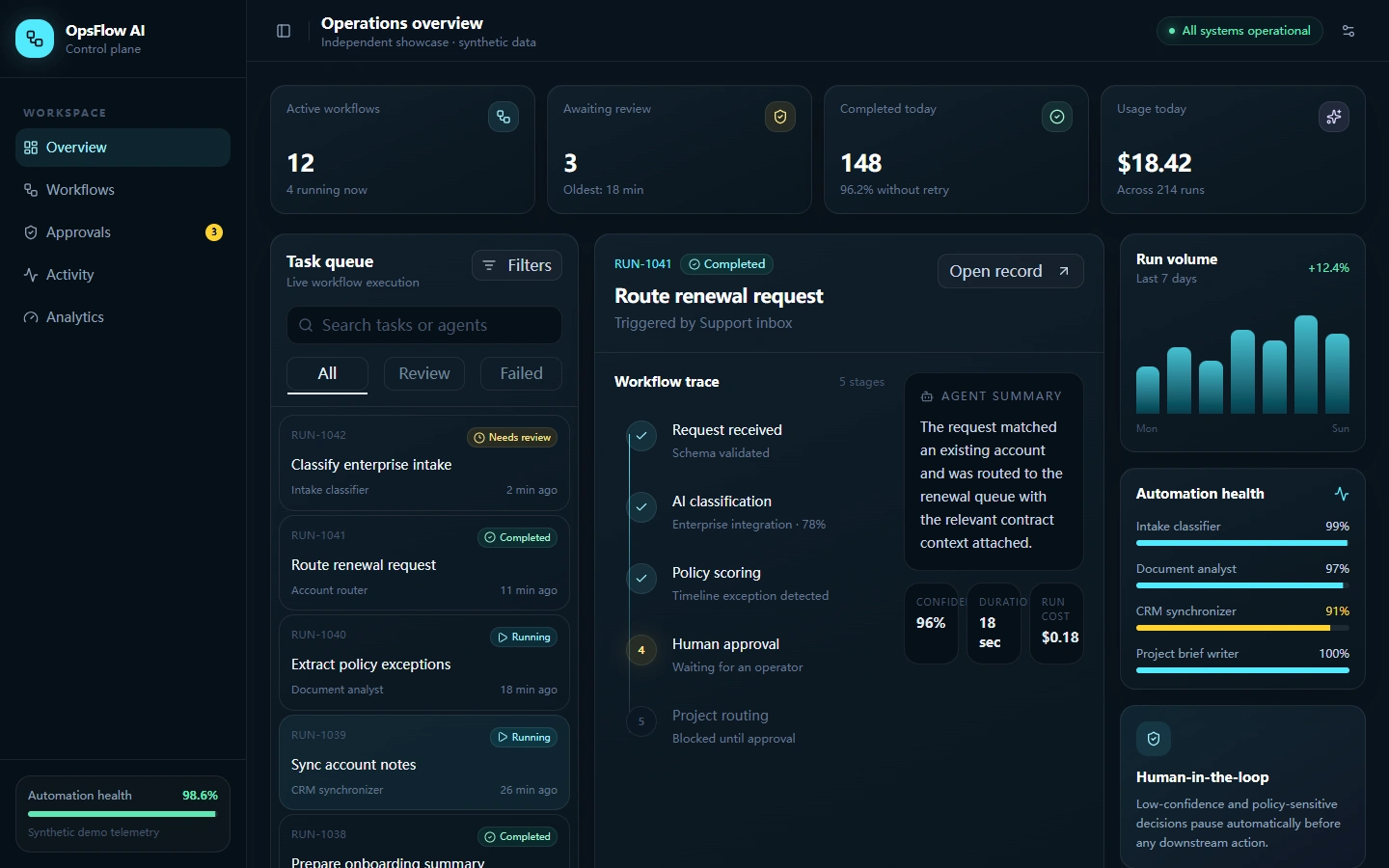
Completed workflow detail
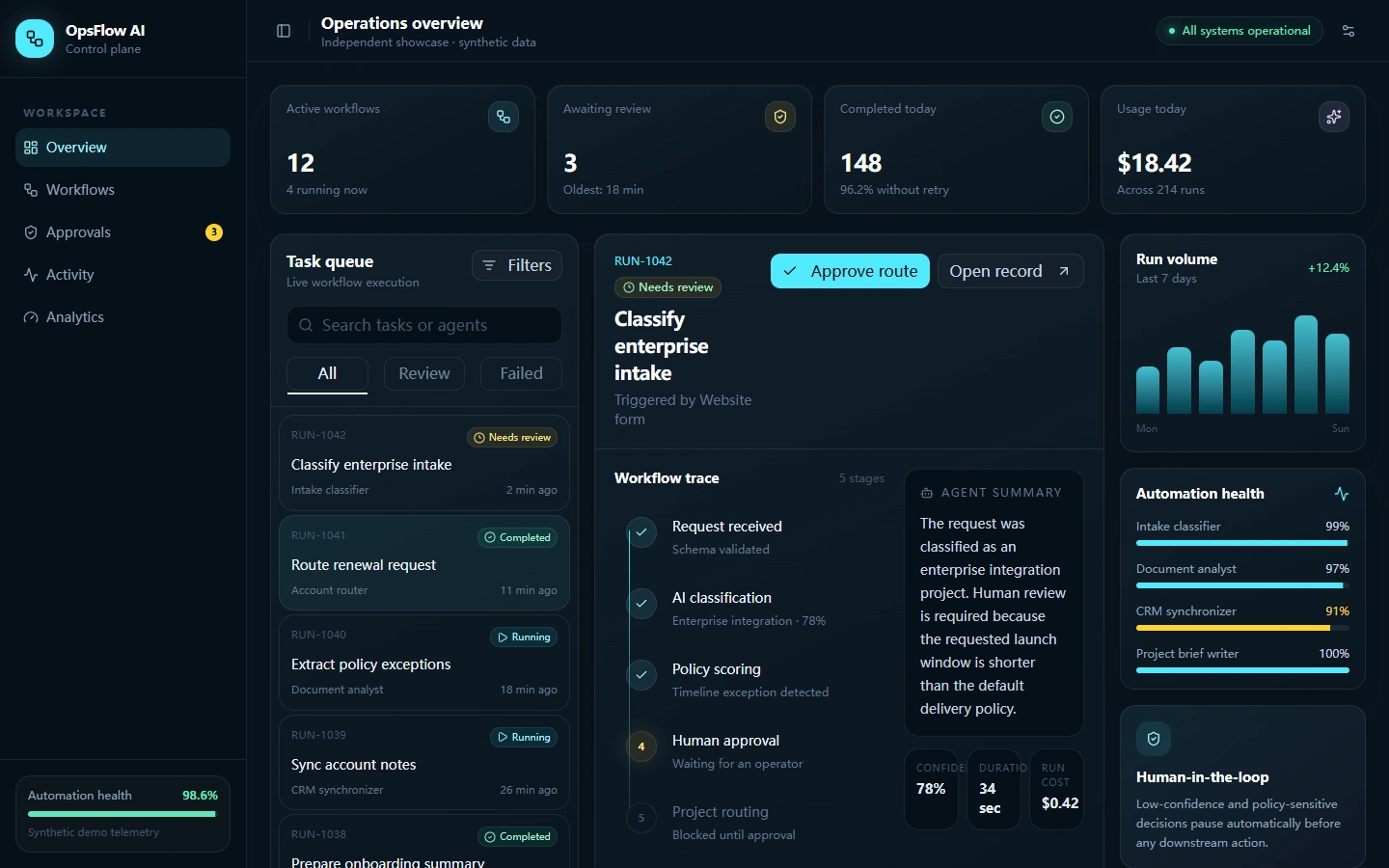
Human approval control
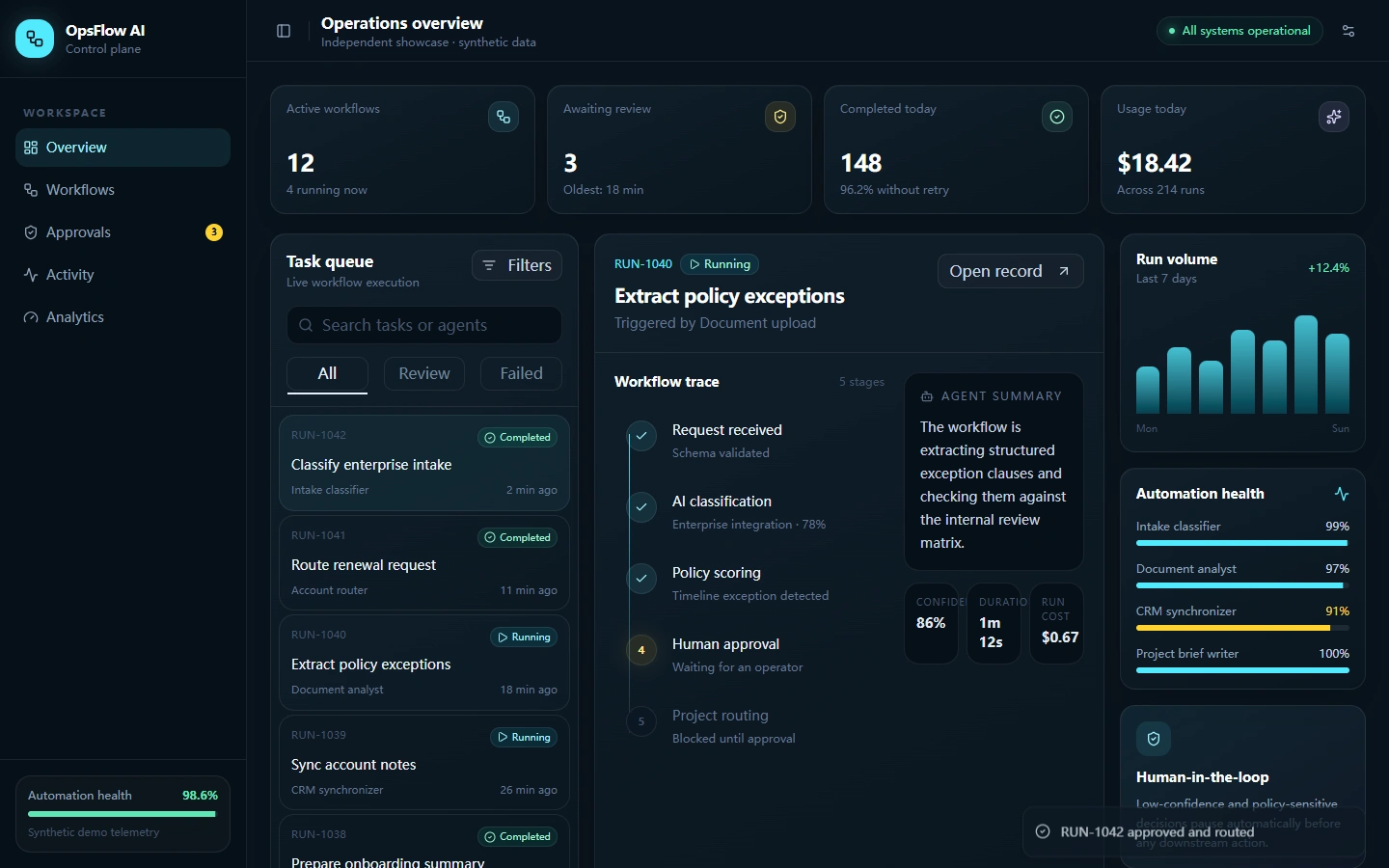
Automation health detail
Like this project
Posted Sep 15, 2026
Independent showcase: a full-stack AI operations dashboard with validated API actions, failure recovery, human approval, responsive UI, and repeatable Playwright QA.