SchoolStatus

Siarhei Karpuk

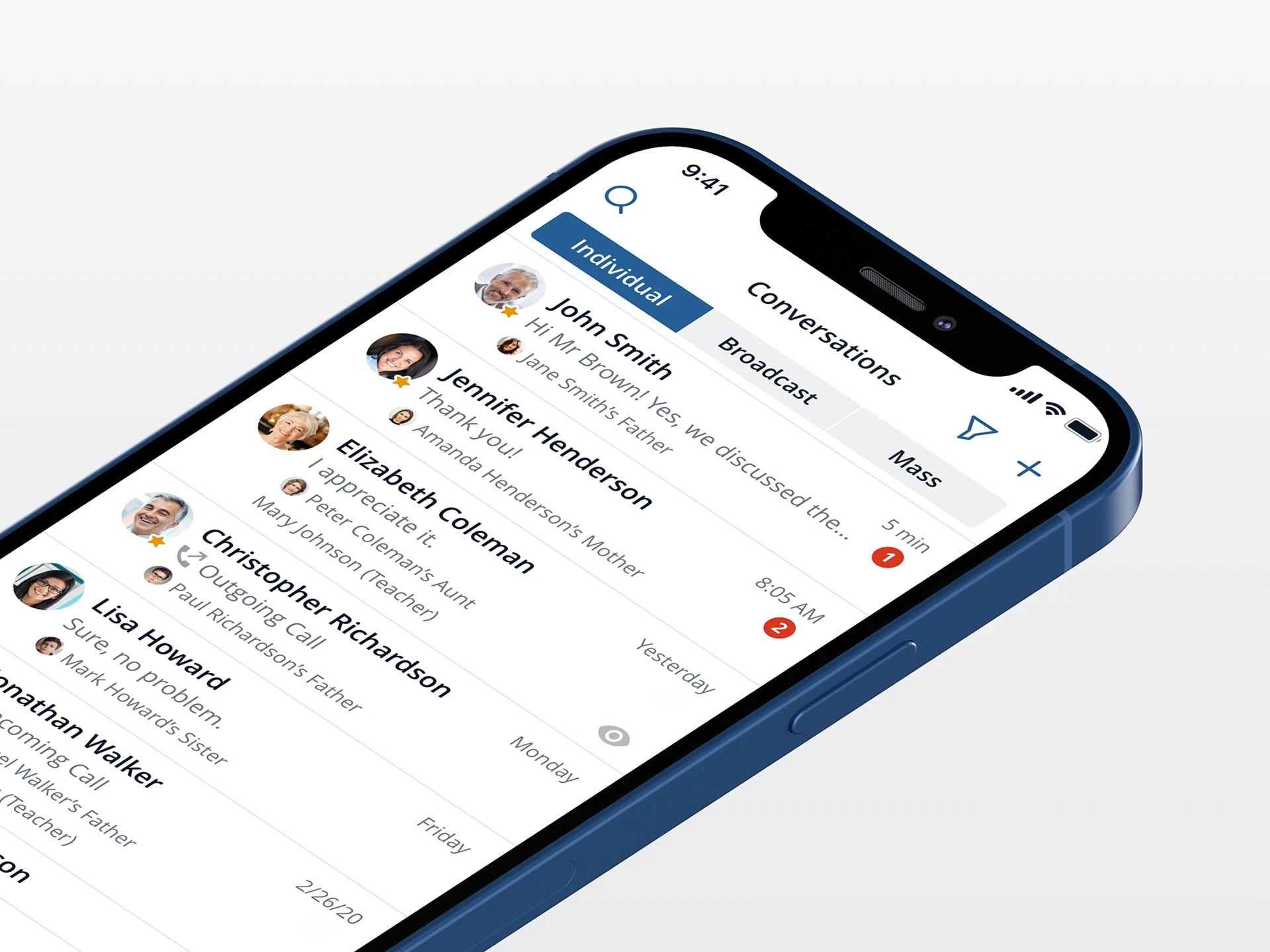
Project goal
Redesign the existing mobile app to improve usability, reduce friction in communication workflows, and modernize the visual style — ultimately increasing overall user satisfaction.
UX analysis
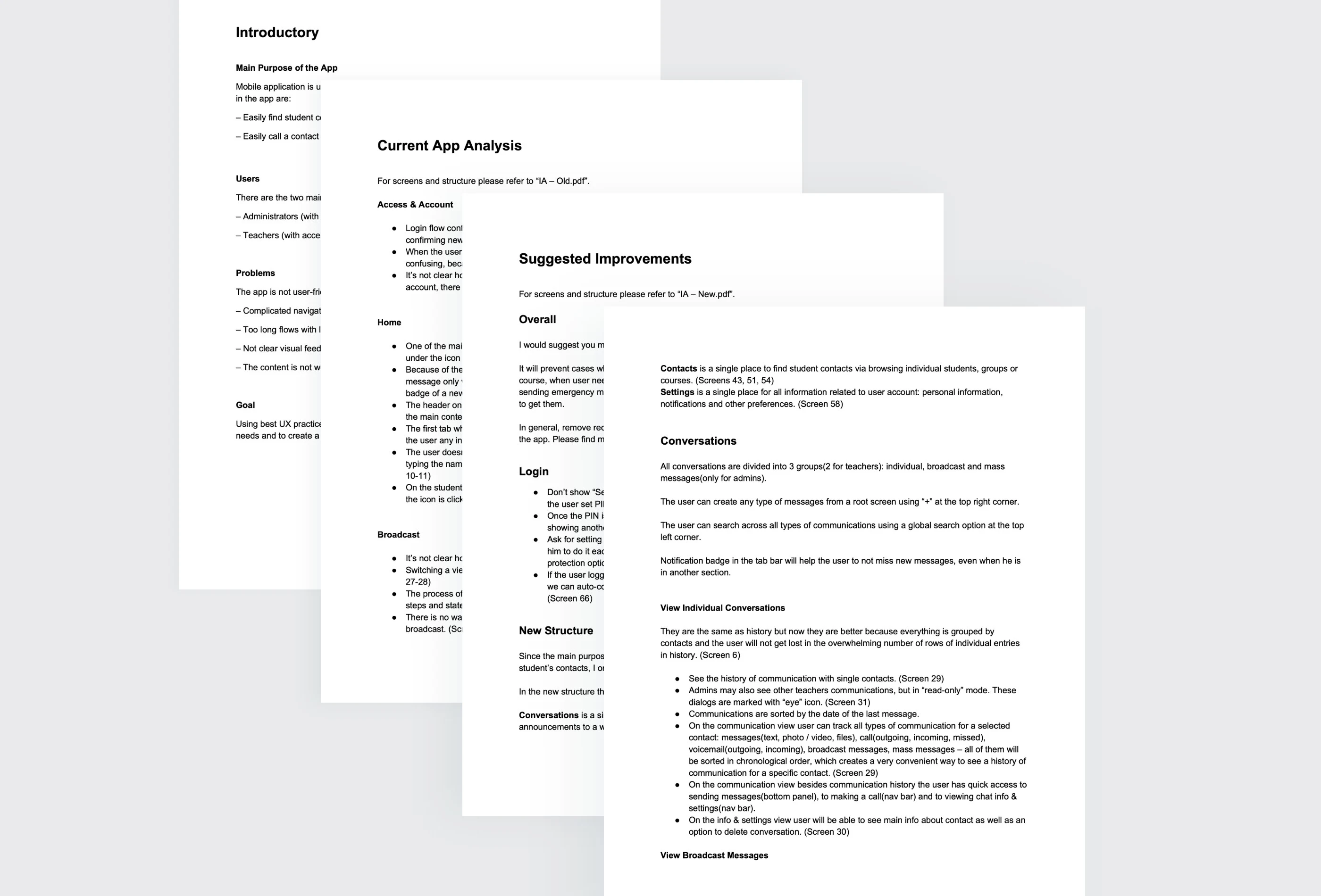
I began with an in-depth analysis of the existing app to understand its structure, core use cases, and key pain points. This included reviewing user roles and journeys, evaluating current flows, and analyzing real customer feedback.
Based on these insights, I produced a UX audit outlining major usability issues and clear recommendations for improving navigation, communication workflows, and information architecture.
UX analysis
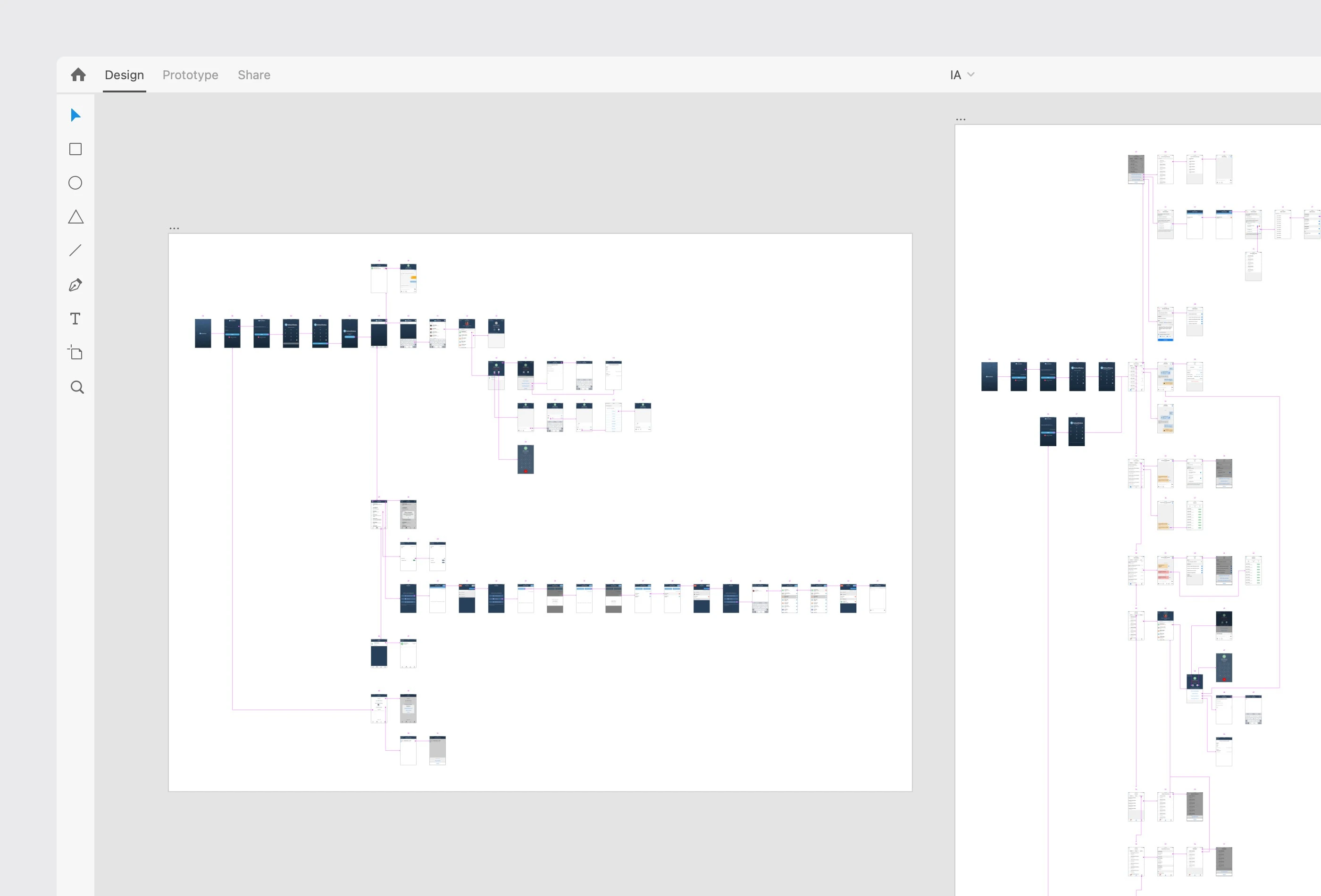
To clearly communicate the proposed changes, I created IA diagrams for both the existing app and the redesigned structure, demonstrating how the new approach better supports the app’s primary purpose: ongoing communication with student contacts.
IA diagrams
Visual direction
Next, I worked on defining a new visual direction for the app by exploring a new color palette, typography, and icon styles.
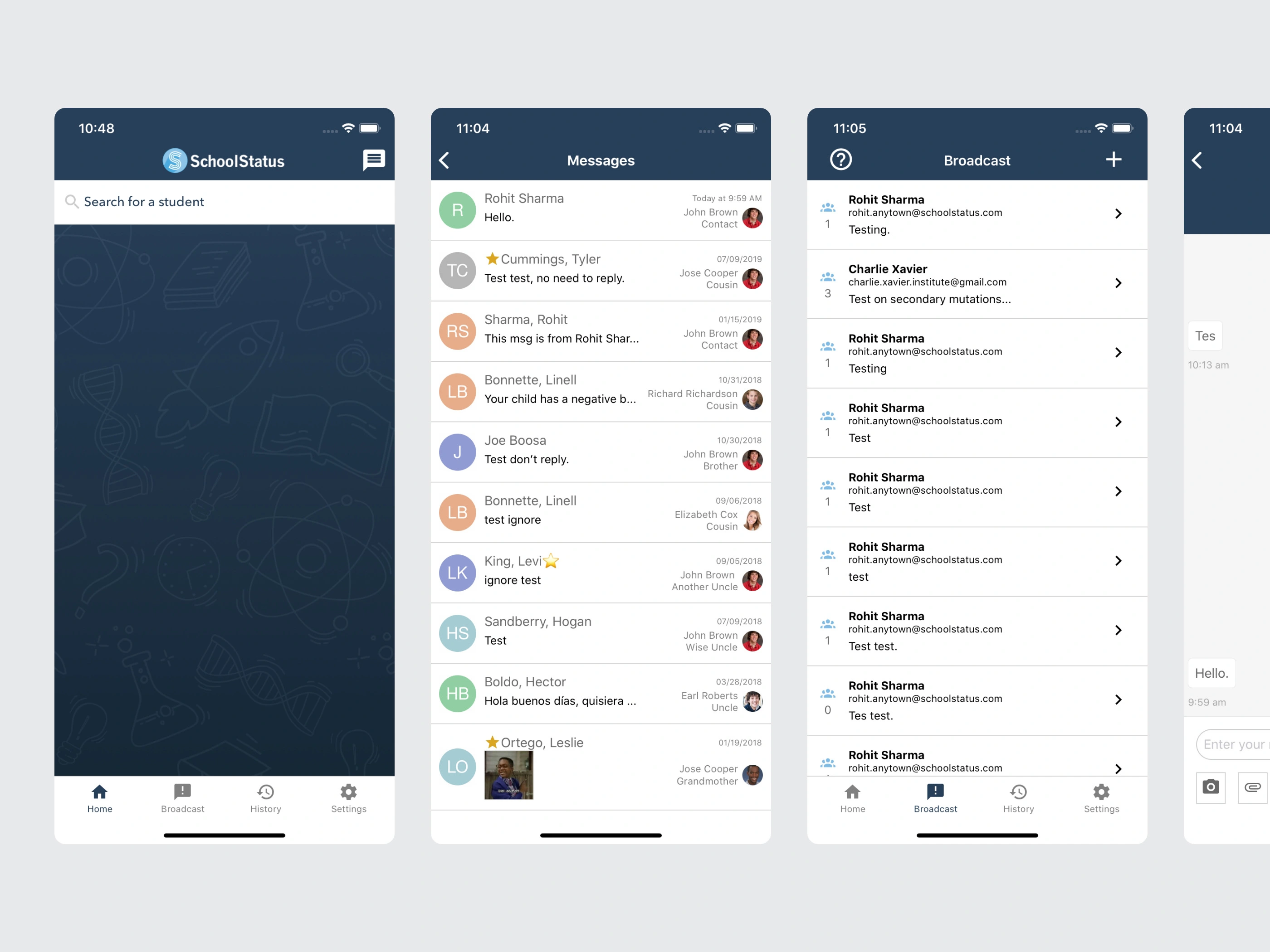
Here is how the app looked before:
Old UI
I developed two distinct design directions and applied them to key screens, allowing the client to compare approaches and select the option that best aligned with their brand and product goals.
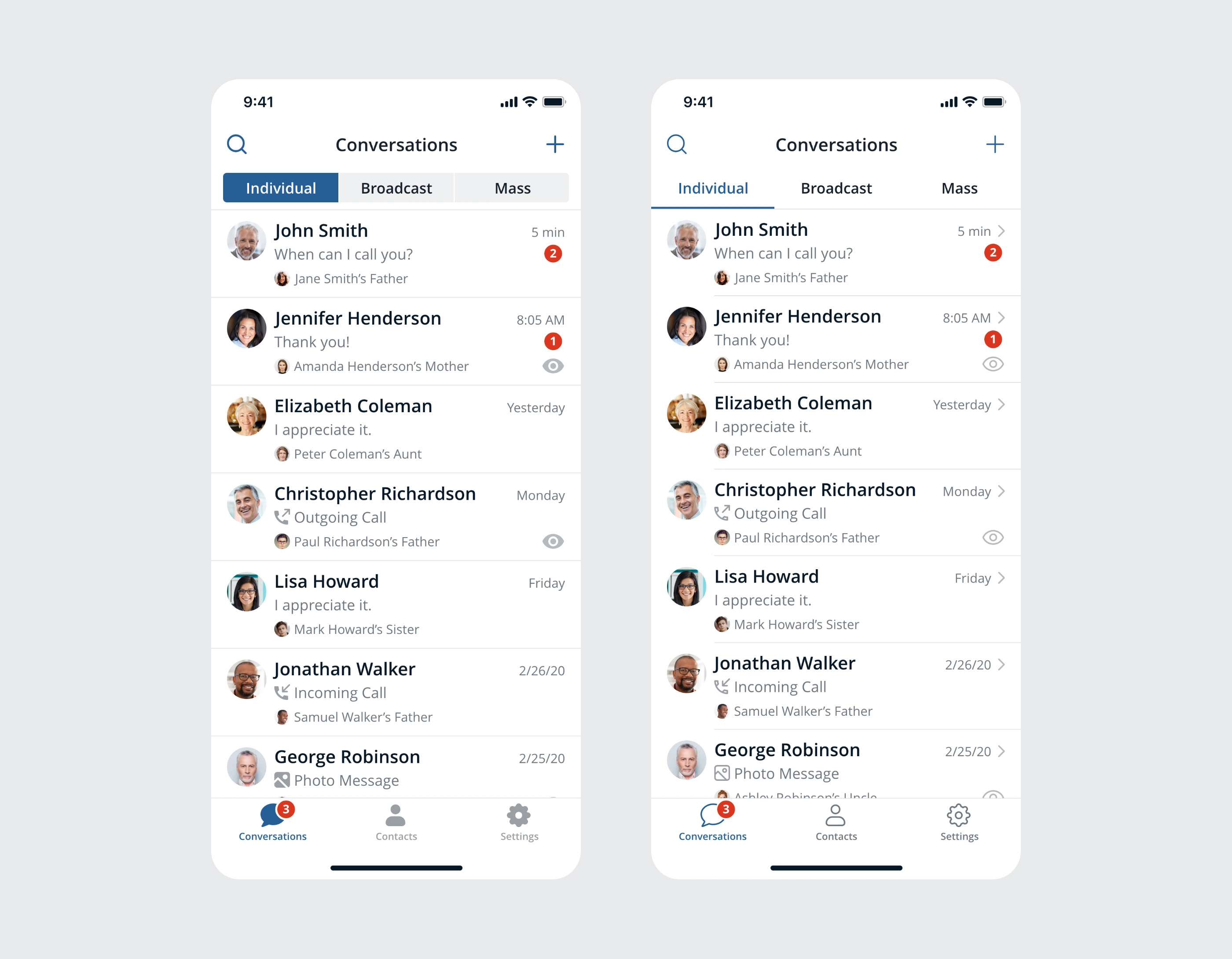
Testing visual direction
Full UI redesign
After the visual direction was approved, I redesigned all application screens using the selected style and implemented all UX improvements identified during the analysis phase.
Key improvements:
Reorganized the app around core communication use cases
Simplified navigation and flows by removing redundant steps
Unified conversations, broadcasts, and history into a single experience
Streamlined broadcast and emergency messaging for speed and clarity
Improved notification visibility and system feedback
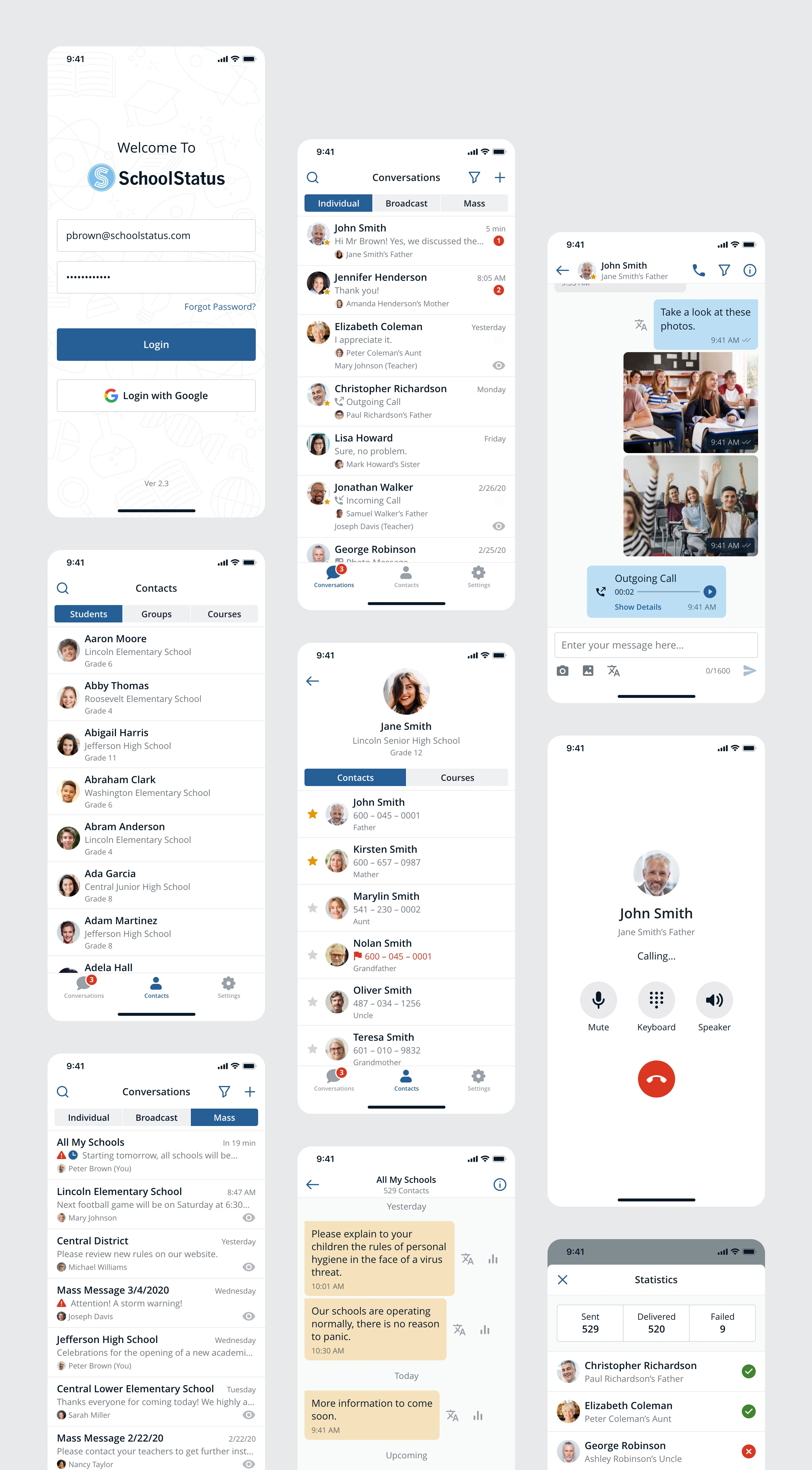
New app design
Interactive prototype
To demonstrate the final experience, I built a fully interactive prototype, allowing the client to explore key flows and interactions as they would function in a real app.
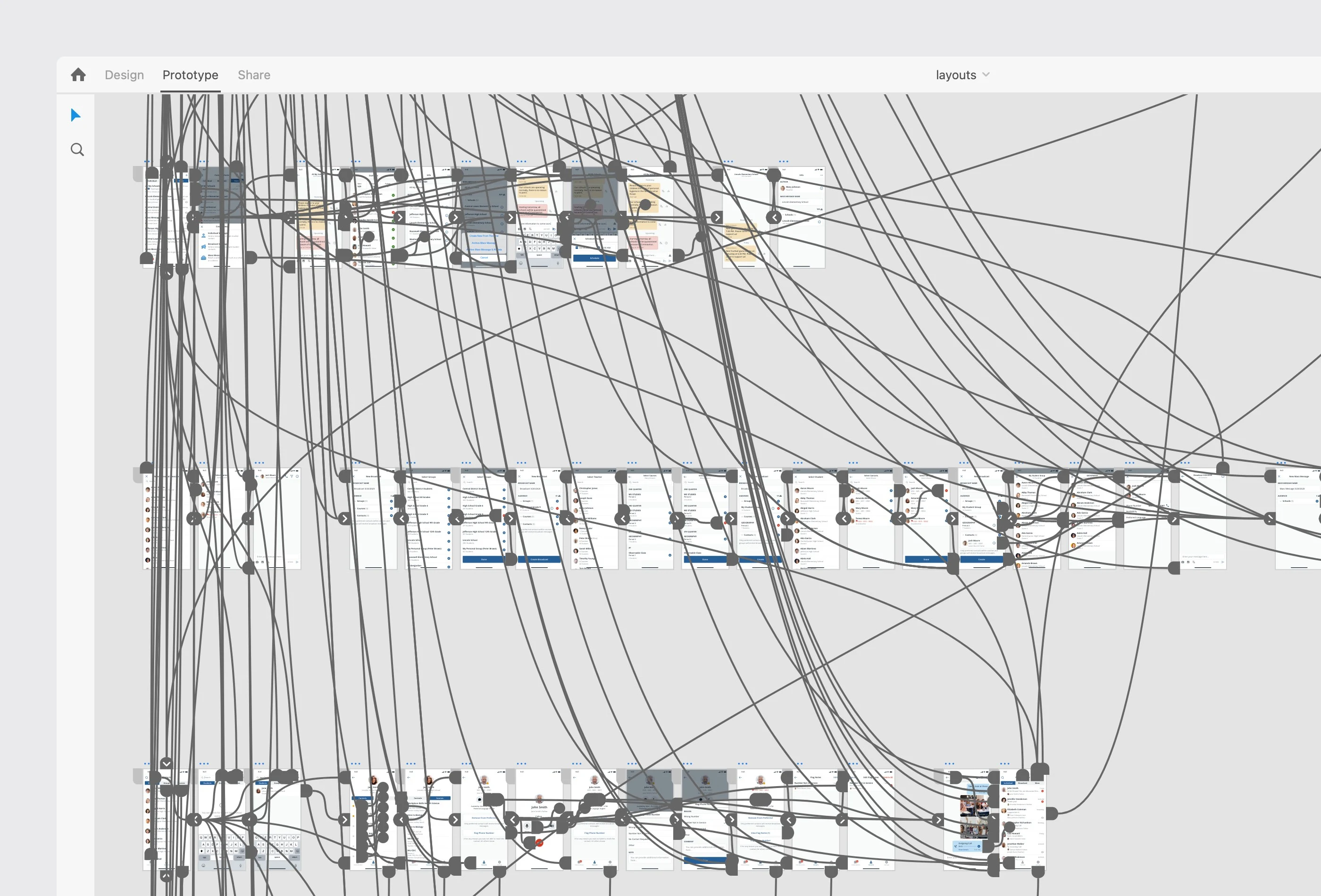
Fully functional design prototype
Final delivery
The final delivery included a comprehensive UX audit, updated IA diagrams, a complete UI redesign, and a functional prototype. The client received all design source files, interaction videos, and necessary assets to support development.
App walkthrough
Like this project
Posted Dec 2, 2025
A mobile app that facilitates clear, secure communication between school staff and students’ families.
Likes
1
Views
9