Attendance Management Dashboard for DigiStrike

Handaru

Monitoring Sales Team with Attendance Management System
Role
UI/UX Designer, UX Research
Industry
Fintech
Timeline
1 month, 2022
Prompt
"One of DigiStrike’s client asked if we can access employee’s attendance information in dashboard."
Frustration
One of sales’ main KPI is on their attendance record, and senior level management do not have real time, updated information regarding their own manpower attendance.
By having control over manpower attendance, senior level management will be able to know at what time sales do check in and check out to assigned outlets and finish their task.
Objective
Senior level management can see list of employee attendance data based on schedule/calendar
Senior level management is able to see location and check-in/check-out time
Senior level management is able to see basic attendance information based on presented data
Senior level management can also review manpower activity further on detail
Senior level management can also filter based on area and or date
Design Feature
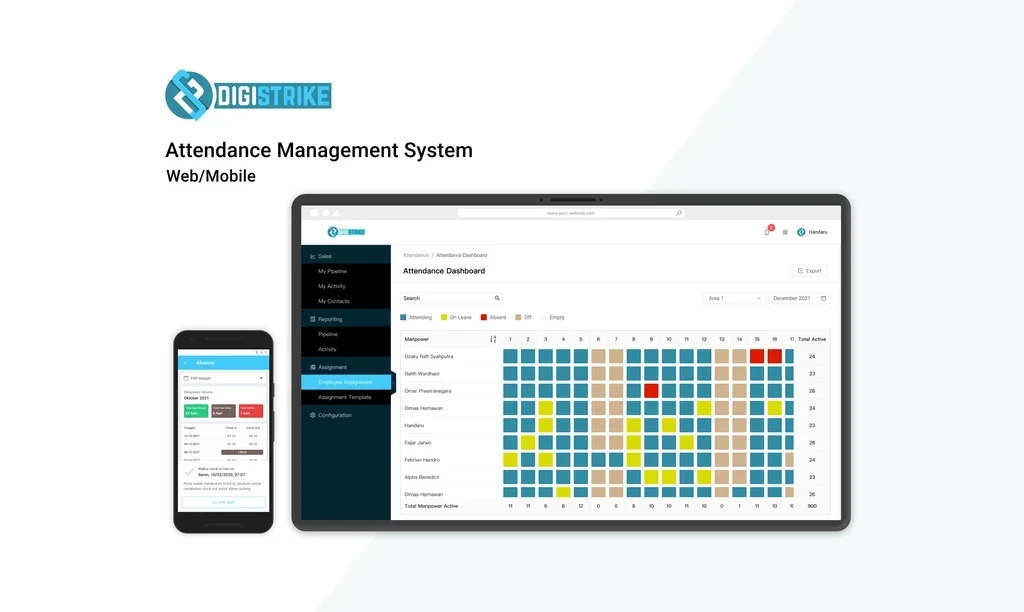
Table consist of manpower information, monthly dates, total manpower and summary of active attendance
Scrollable table
Popup to see detail information of attendance (location, time check-in/check-out)
Filter based on area, and calendar filter
Legend/indicator explaining data inside table
Call-to-action for senior level management to check on detail activity regarding of manpower attendance
Final Design
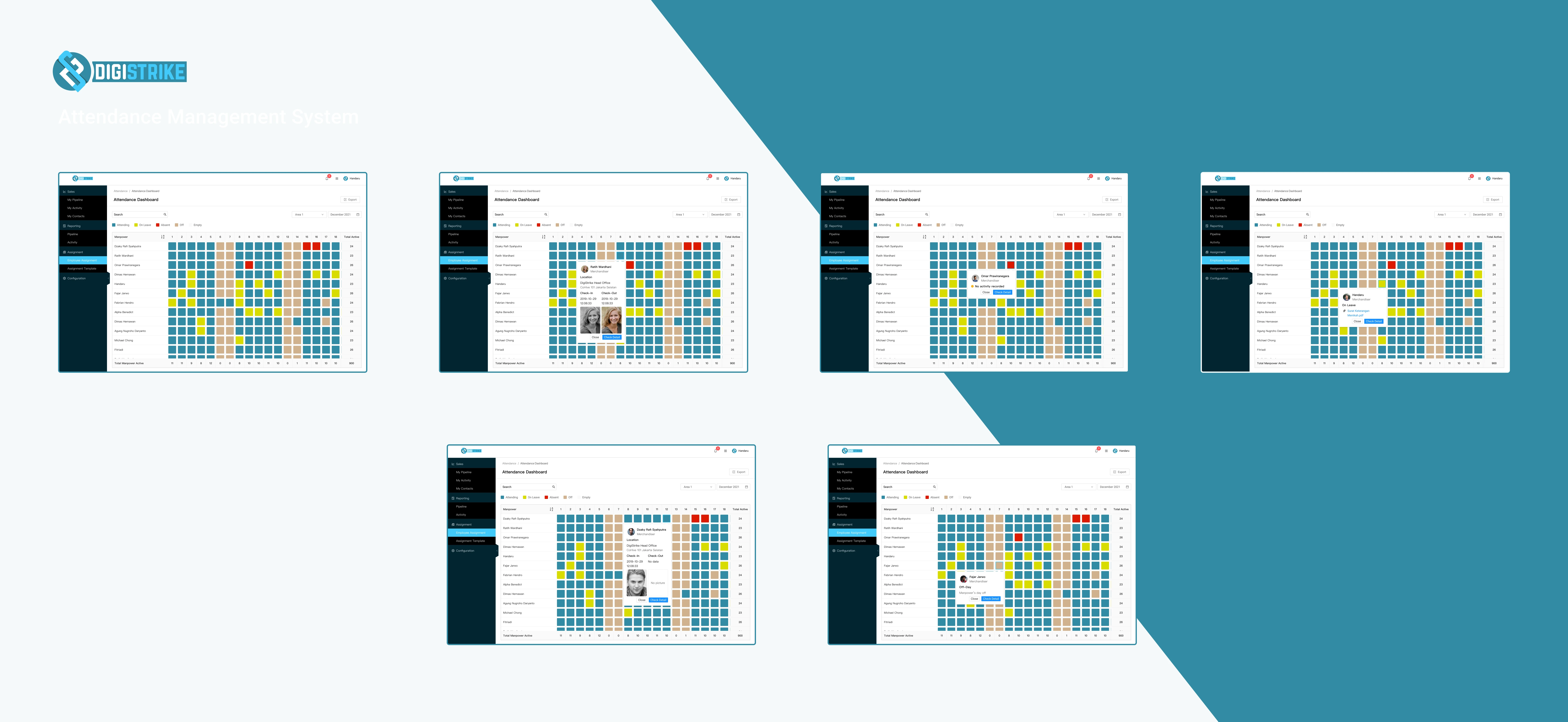
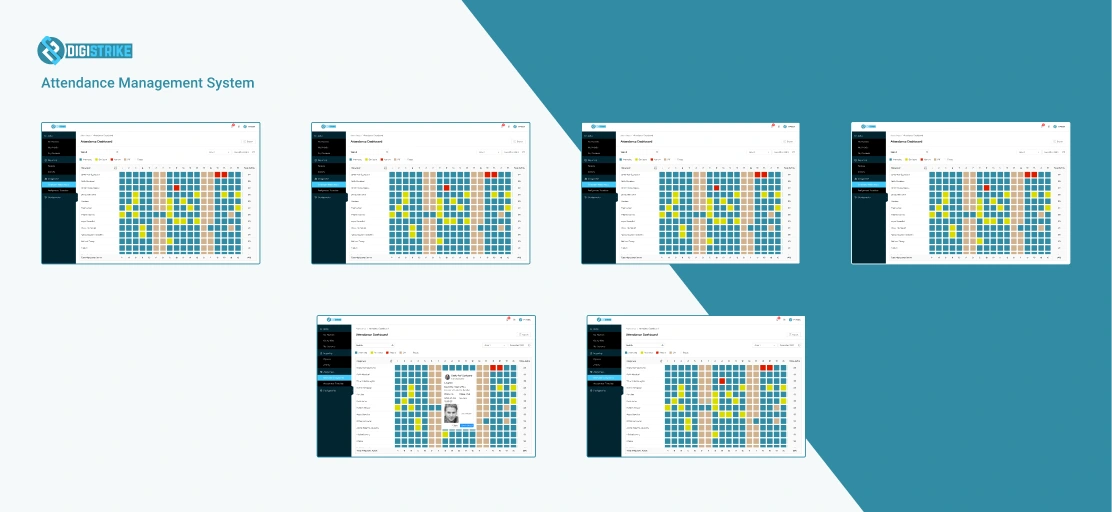
User will see table consist of manpower data and calendar dates with attendance information inside the cell. User can also see total of attending manpower based on dates and based on total active in a month.
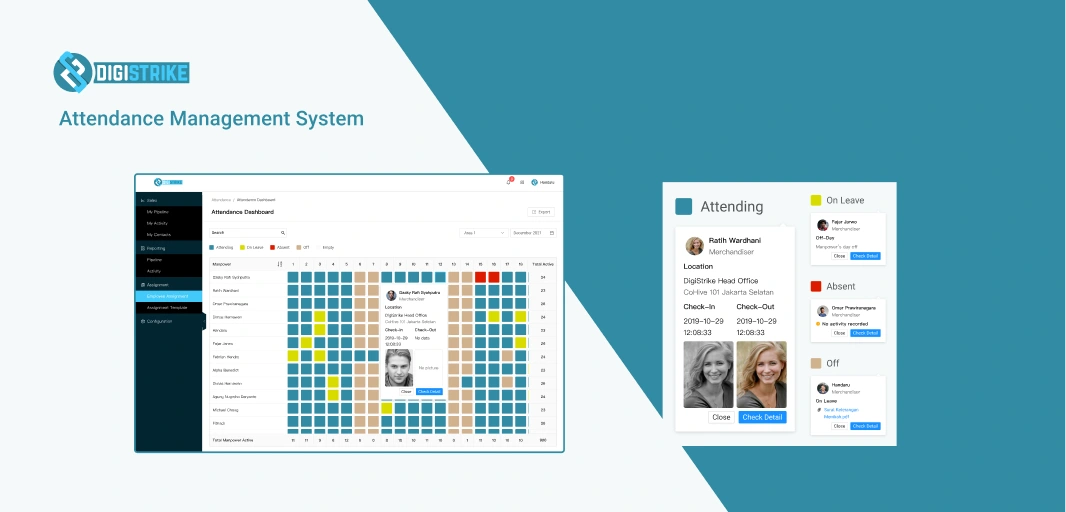
User can see information on selected date by clicking on cells, a popup with Location, Check-in and Check-out information will appear.
Information is shown based on type of attendance inside the cell, which are Attending, On-Leave, Off, Absent, and Empty, respectively with indicator shown on top of the table.
User is able to see more information about manpower by clicking on ‘Check Detail’.
Like this project
Posted Jan 21, 2026
Designed an attendance dashboard for senior management at DigiStrike.
Likes
0
Views
6
Timeline
Dec 1, 2022 - Dec 31, 2022
Clients
DigiStrike