Help Center Article: Downloading a Monthly Report

Oscar Guardado

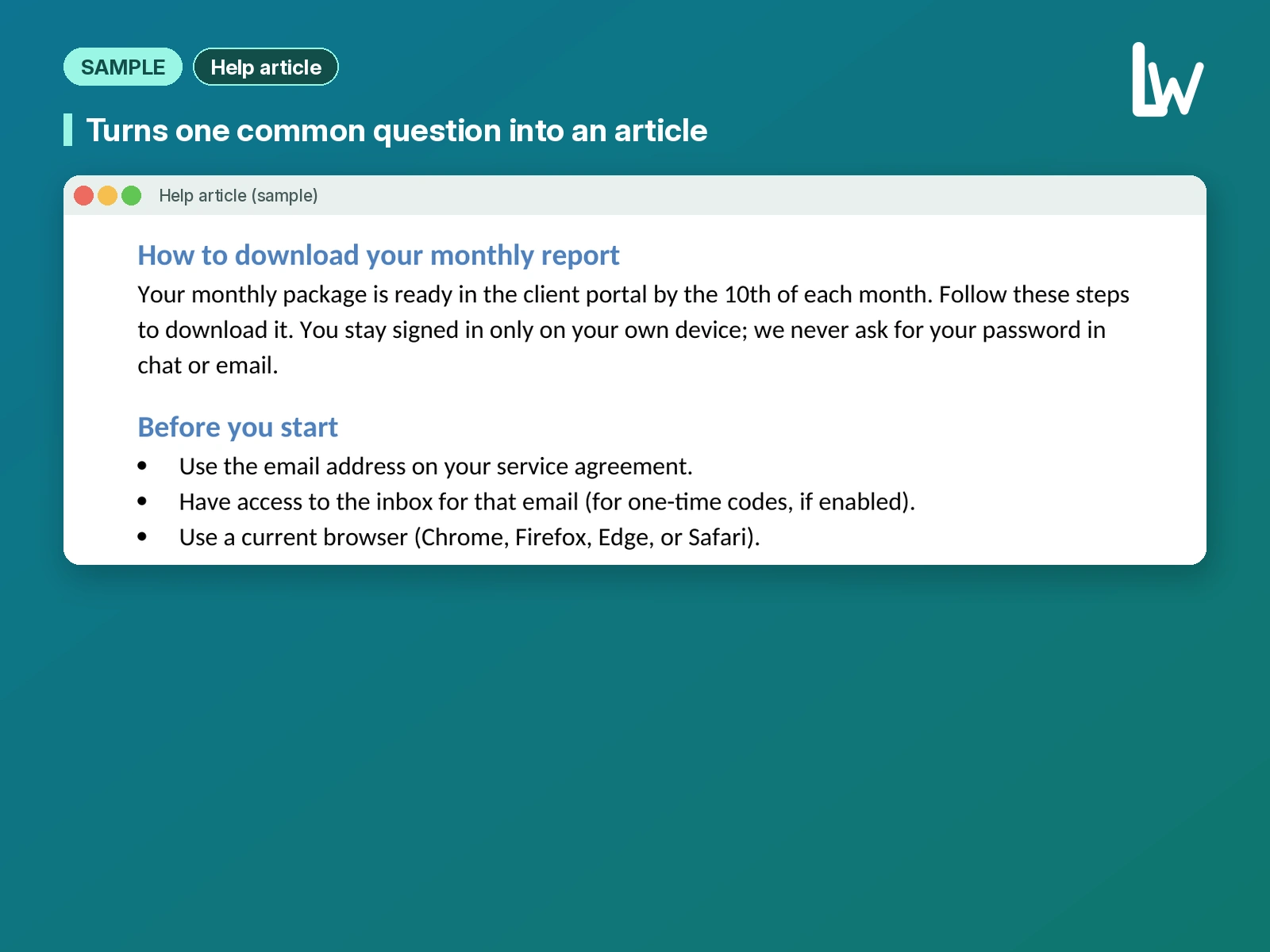
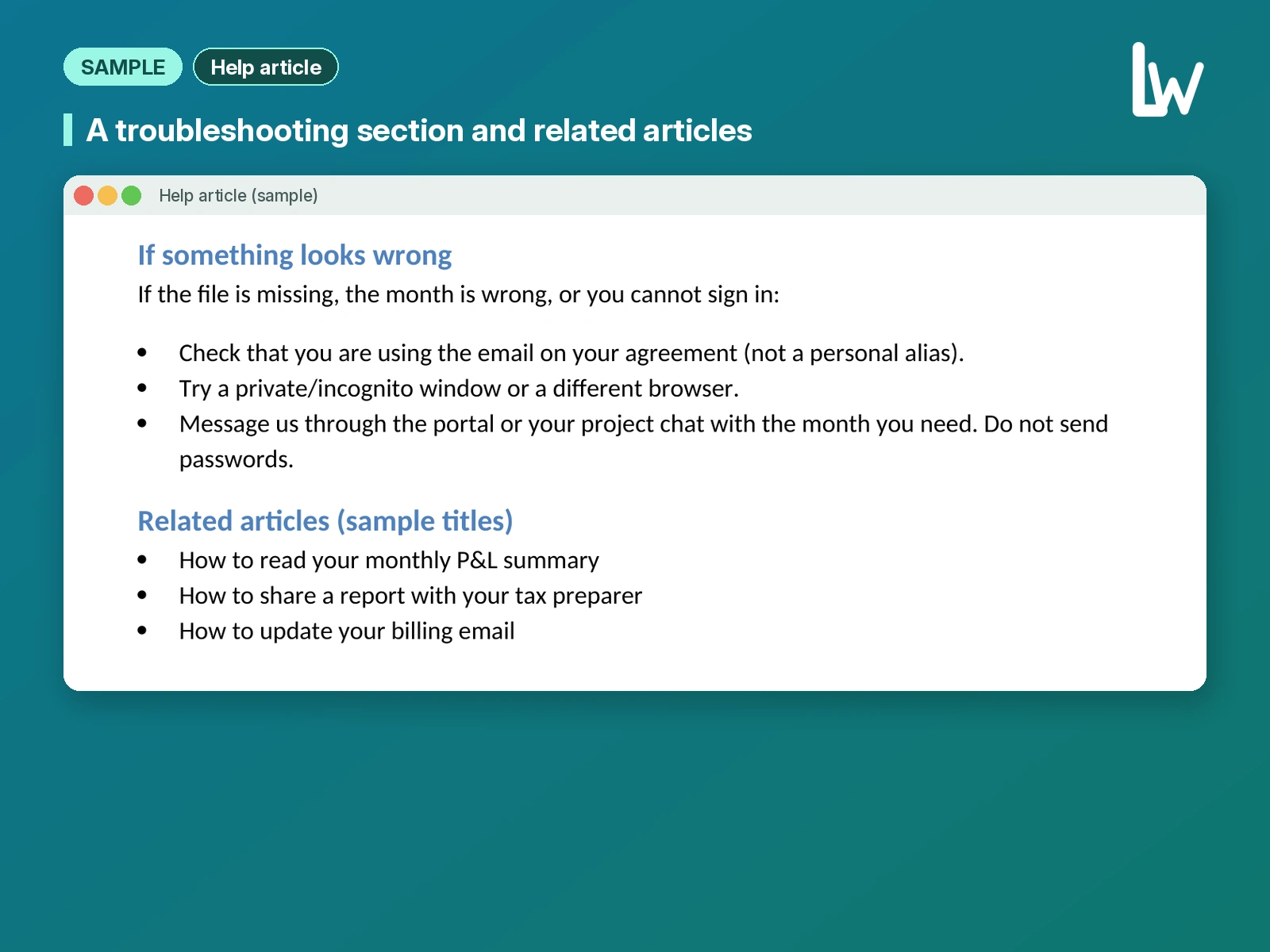
Concept piece for a fictional bookkeeping firm. A customer-facing help center article for a bookkeeping firm's client portal. It shows how we turn one common question into clear steps, with a pre-check, a troubleshooting section and related articles.
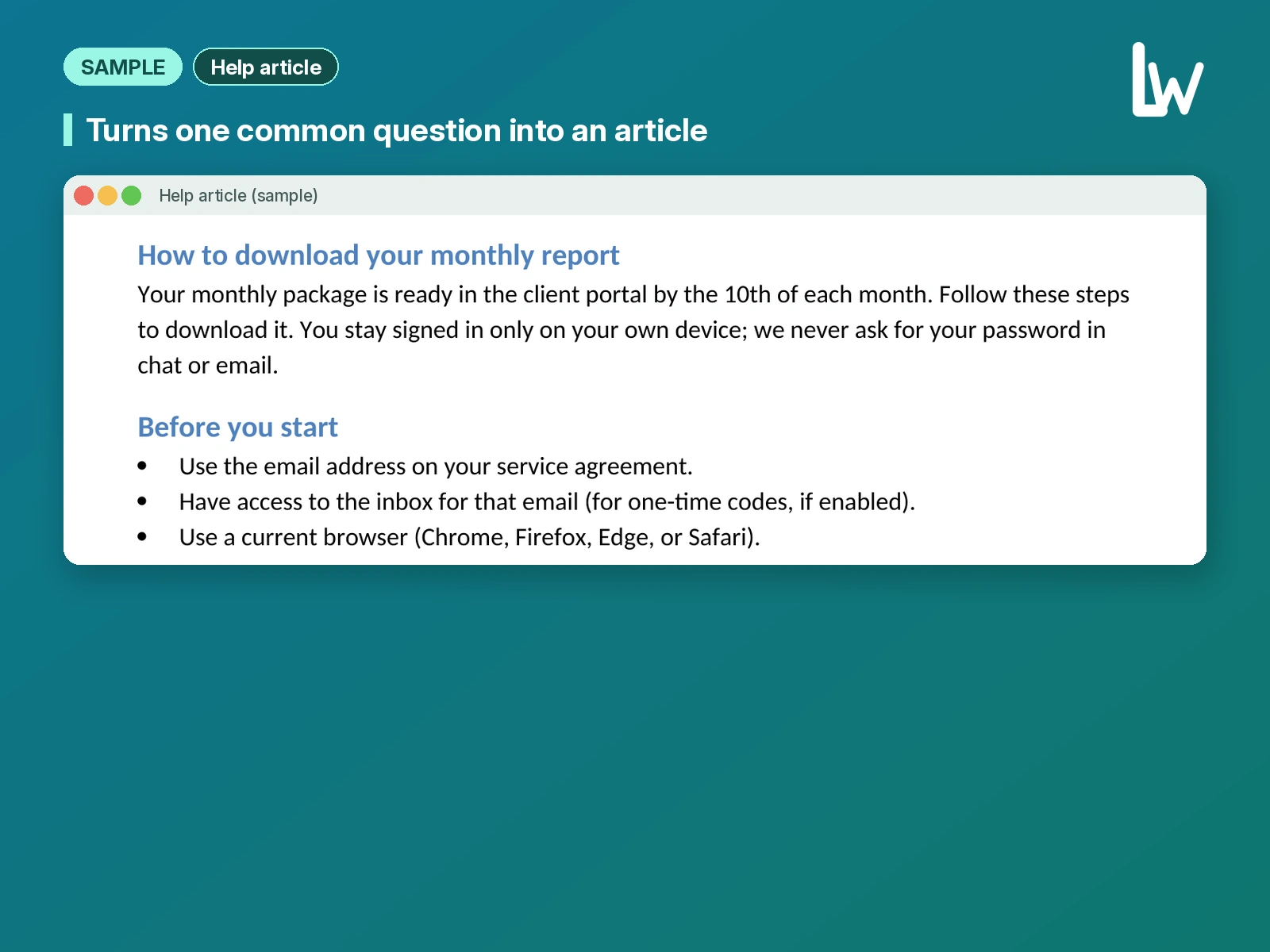
How to download your monthly report
Your monthly package is ready in the client portal by the 10th of each month. Follow these steps to download it. You stay signed in only on your own device; we never ask for your password in chat or email.
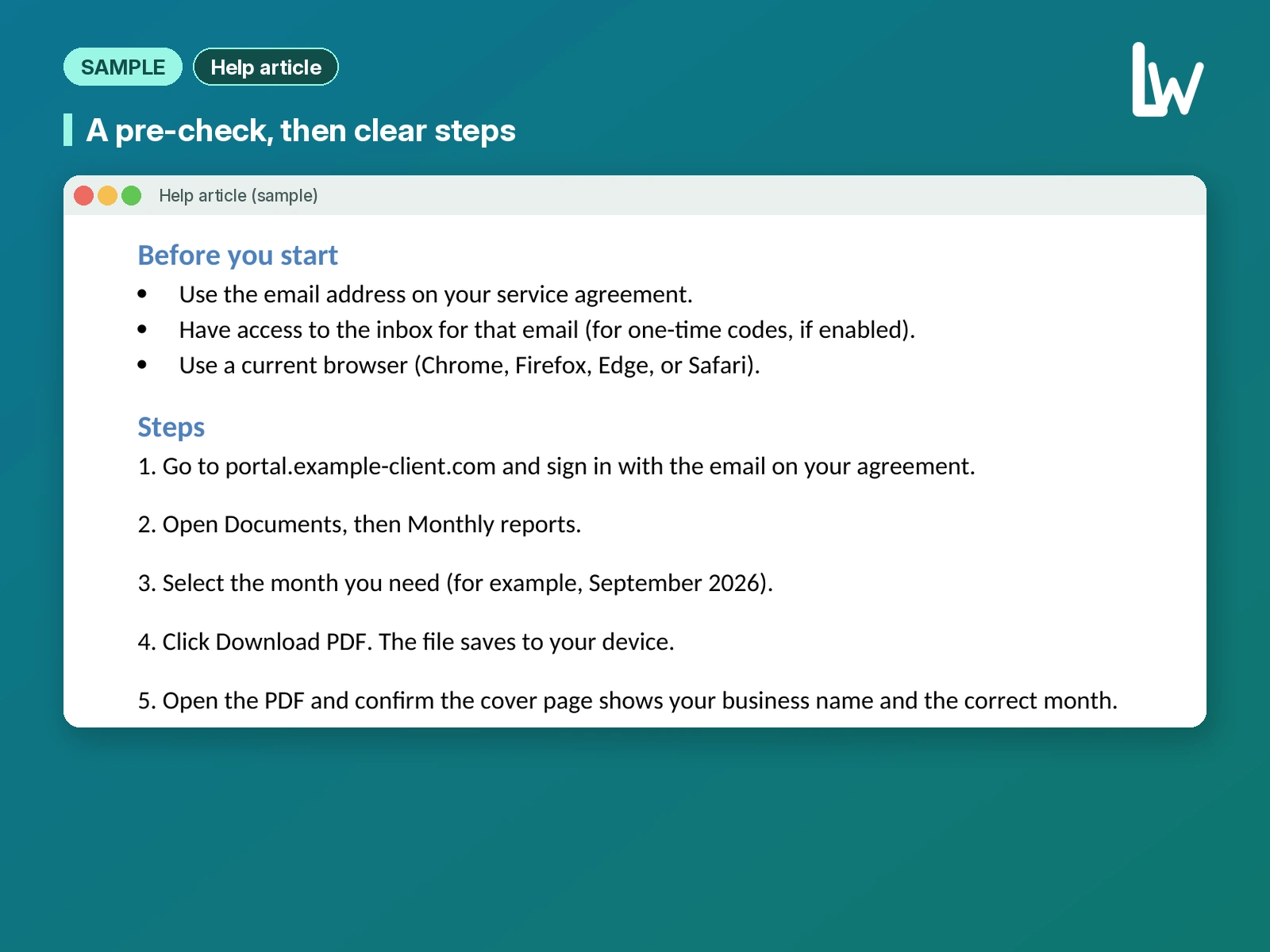
Steps
1. Go to portal.fennimarsh-books.com (fictional) and sign in with the email on your agreement.
2. Open Documents, then Monthly reports.
3. Select the month you need (for example, September 2026).
4. Click Download PDF. The file saves to your device.
5. Open the PDF and confirm the cover page shows your business name and the correct month.
Like this project
Posted Oct 16, 2026
Concept piece for a fictional bookkeeping firm. A customer-facing help center article for a client portal.