TaskFlow Onboarding Email Campaign

Yusuf Olanrewaju


Target Audience: Project managers and team leads who just signed up for trial
Goal: Get users to create their first project within 24 hours
Framework: AIDA (Attention, Interest, Desire, Action)
Email Copy
Subject Line Options:
You're 5 minutes away from your first organized project ✓
[First Name], let's get your first win today
Your team's chaotic project? Here's how to fix it in 5 minutes
Preview Text:
Most new users make this mistake. Here's what to do instead...
Email Body:
Hey [First Name],
Welcome to TaskFlow!
Quick question: What made you sign up today?
If you're like most project managers we work with, you're probably drowning in:
Scattered tasks across Slack, email, and sticky notes
Team members asking "What should I work on next?"
That nagging feeling you're forgetting something important
Sound familiar?
Here's the good news: You're 5 minutes away from fixing all of that.
Most new users make one critical mistake: they try to migrate EVERYTHING at once. Then they get overwhelmed and give up.
Don't do that.
Instead, here's what our most successful users do first:
Your 5-Minute Quick Win
Step 1: Create ONE project (not all of them - just one)
Pick your most chaotic project right now. The one keeping you up at night.
[Create Your First Project →]
Step 2: Add 5 tasks (that's it - just 5)
Brain dump the top 5 things that need to happen this week. Don't overthink it.
Step 3: Assign them to your team
Tag the person responsible. They'll get a notification and know exactly what to do.
That's it.
In 5 minutes, you'll have: ✓ One organized project (instead of chaos)
✓ Clear accountability (no more "I didn't know I was supposed to do that")
✓ Your first "aha!" moment with TaskFlow
Why This Works
When you create that first project, something clicks. You'll see how TaskFlow turns scattered work into clear action. That's when most people say: "Oh, I get it now."
And once you experience that? You'll want to move everything else over.
But let's start with just one project today.
Ready?
[Create Your First Project in 2 Minutes →]
Stuck? I'm Here
Hit reply to this email if you get stuck. I read every response and usually reply within an hour.
Or check out this 90-second video showing exactly how to set up your first project:
[Watch Quick Setup Video →]
Let's get your first win today.
Sarah Chen
Head of Customer Success, TaskFlow
P.S. - Pro tip from our power users: Name your first project something specific like "Q4 Product Launch" instead of generic like "Marketing Projects." Specificity = clarity = team alignment. You're welcome. 😉
Footer:
You're receiving this because you started a trial with TaskFlow. Want to adjust your email preferences? [Click here]
Like this project
Posted Oct 26, 2025
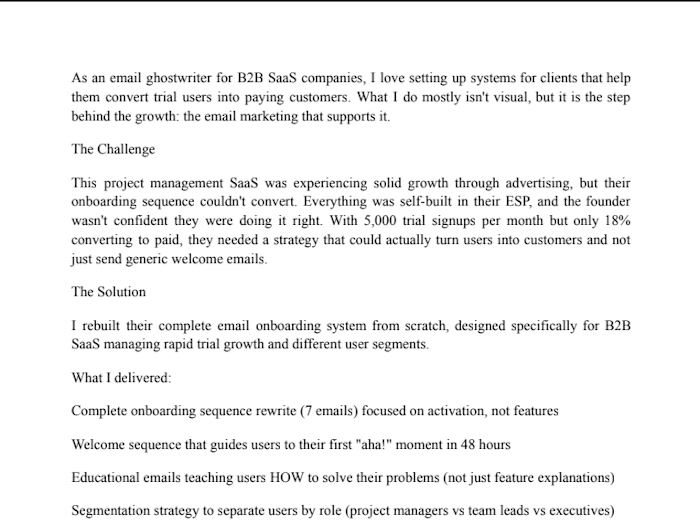
Crafted an AIDA framework email to guide new users in creating their first project.
Likes
1
Views
6
Clients
TaskFlow